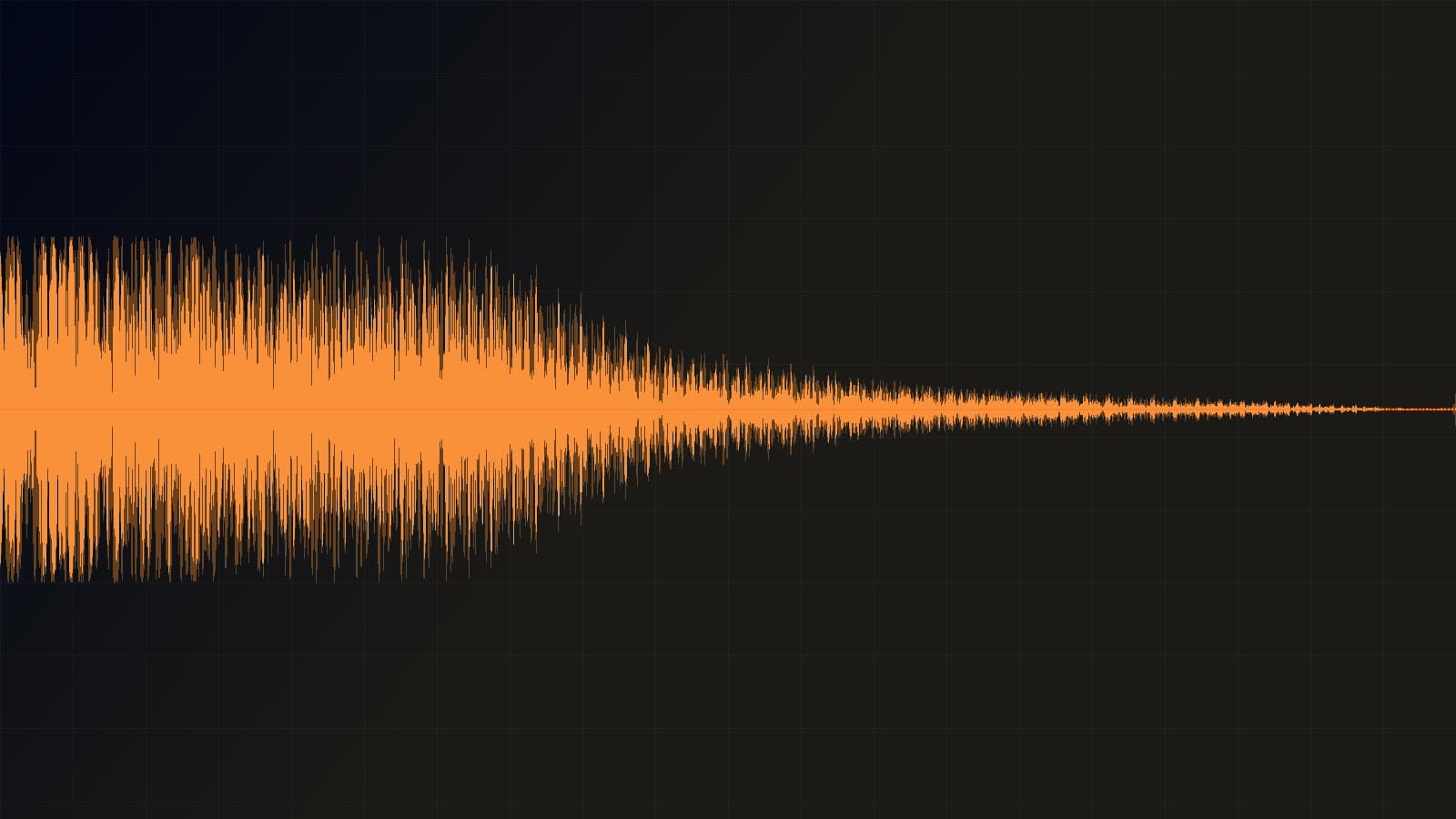
A 2-second cinematic braam is the quickest way to make a trailer title land. ElevenLabs Sound Effects v2 is live on HiAPI at $0.0029 per second — open the model page and generate, and new accounts get 200 credits, good for 34.5 seconds of audio.
1. Cinematic low-end impact (2 s)
Trailer opens, chapter cards, a logo hitting the frame: anything that needs a hit with real weight underneath it.
Spacious cinematic braam with a deep sub-bass impact, metallic shimmer and a short reverb tail, suitable for a high-impact movie trailer moment.
Listen: 2 s · prompt_influence 0.3 · loop off
The link only fills in the prompt. On the model page, set duration_seconds to 2 and leave loop off.
Why it works: one sentence carries three layers — the body (deep sub-bass impact), the material (metallic shimmer) and the tail (short reverb tail). spacious opens the space up front, and high-impact movie trailer moment tells the model where the sound will be used, so it lands as a hit rather than a fade.
2. Rain on a tin roof, seamless loop (5 s)
Bed noise for podcasts, game scenes and long-form shots — a layer under the voice with no seam when it repeats.
Steady rain on a tin roof with soft distant thunder, no birds, no music, even immersive ambience, seamless loop, steady level from start to end.
Listen: 5 s · prompt_influence 0.4 · loop on
The link only fills in the prompt. On the model page, set duration_seconds to 5 and switch loop on.
Why it works: state the surface and the material first (rain on a tin roof), add one distant element (soft distant thunder), then lock level and seam with the last two clauses. Ambience is easy to spoil with stray birdsong or a chord, so no birds, no music goes in the prompt, not into editing later.
3. UI confirmation tone (1 s)
Payment cleared, upload finished, job done: a short, clean tone that confirms success without hanging around.
Crisp UI confirmation tone: two quick glassy notes rising, clean digital sound, short and dry, no reverb tail, no music, for an app success state.
Listen: 1 s · prompt_influence 0.5 · loop off
The link only fills in the prompt. On the model page, set duration_seconds to 1 and leave loop off.
Why it works: there is no room for mood in one second, so describe the notes and the ending instead — two quick glassy notes rising sets the pitch movement, clean digital sound and short and dry set the timbre, no reverb tail keeps it from smearing into the next UI sound. The closing for an app success state pins the use case.
4. Creature footstep impact (3 s)
A boss entering the arena, or a giant creature planting a foot: one hit with weight, spray and a tail.
Massive creature footstep impact on wet stone: heavy low thud, splashing water, loose debris rattle, short dark reverb, no music, no voices.
Listen: 3 s · prompt_influence 0.6 · loop off
The link only fills in the prompt. On the model page, set duration_seconds to 3 and leave loop off.
Why it works: build it in three layers — impact body → debris → the space it happens in. heavy low thud is the body, splashing water and loose debris rattle are the spray, and short dark reverb sets the size of the room. on wet stone gives surface and moisture in four words, saving characters for the rest.
5. Short-form transition whoosh (2 s)
When a talking-head cut jumps to B-roll, a whoosh under the edit hides the splice and keeps the pace.
Fast whoosh transition for a short-form video cut: air rushing past the mic from left to right, a soft low-end swell underneath and a clean tail, no music, no voices.
Listen: 2 s · prompt_influence 0.5 · loop off
The link only fills in the prompt. On the model page, set duration_seconds to 2 and leave loop off.
Why it works: a transition needs both direction and an ending. air rushing past the mic from left to right gives the movement, soft low-end swell underneath adds weight, and clean tail closes it inside two seconds. Leading with Fast ... for a short-form video cut signals a tight edit, so the onset arrives early.
Writing your own
- Order the 450 characters as body → material → motion → space → mood. Early words weigh more, and fragments beat full sentences.
- Name what you don't want:
no music,no voices. That does more than adjectives like "clean". - Test at 0.5–1 s, then extend
duration_seconds; for loops, listen to the seam before you use it.
Copy the braam prompt above and generate your first sound effect on the model page →. Two fields, duration_seconds and loop, cover most of what you need.