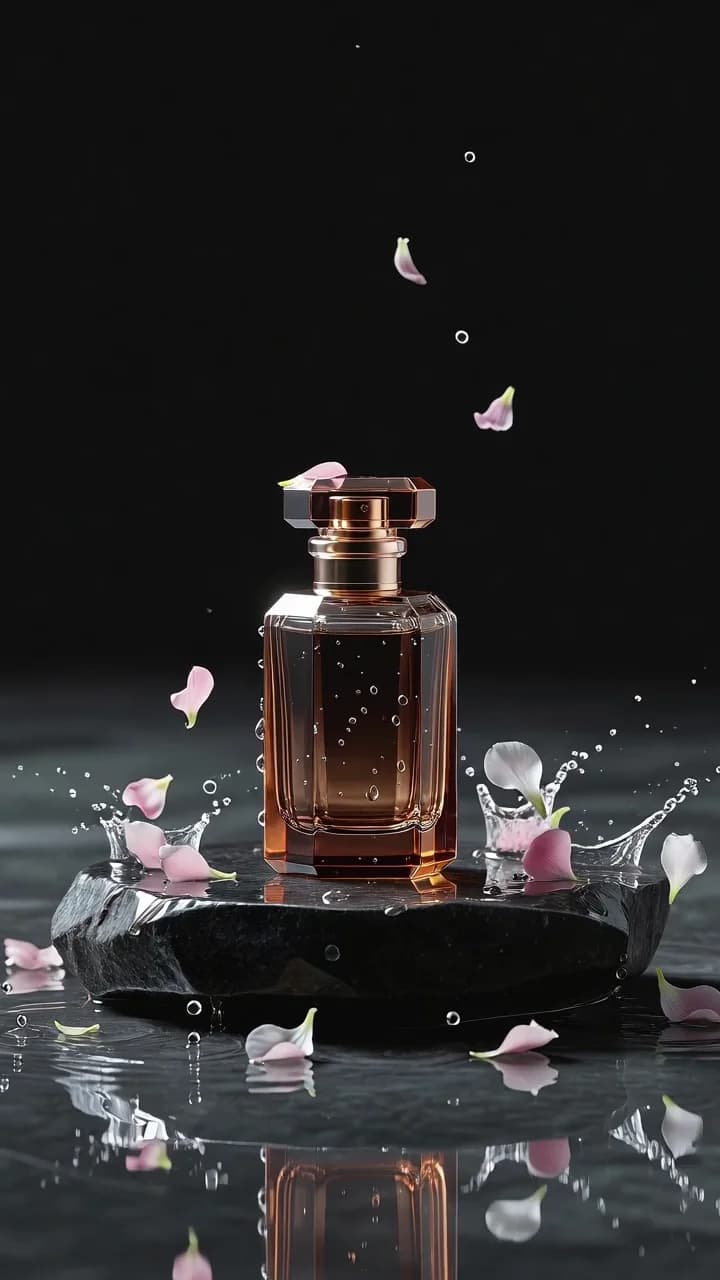
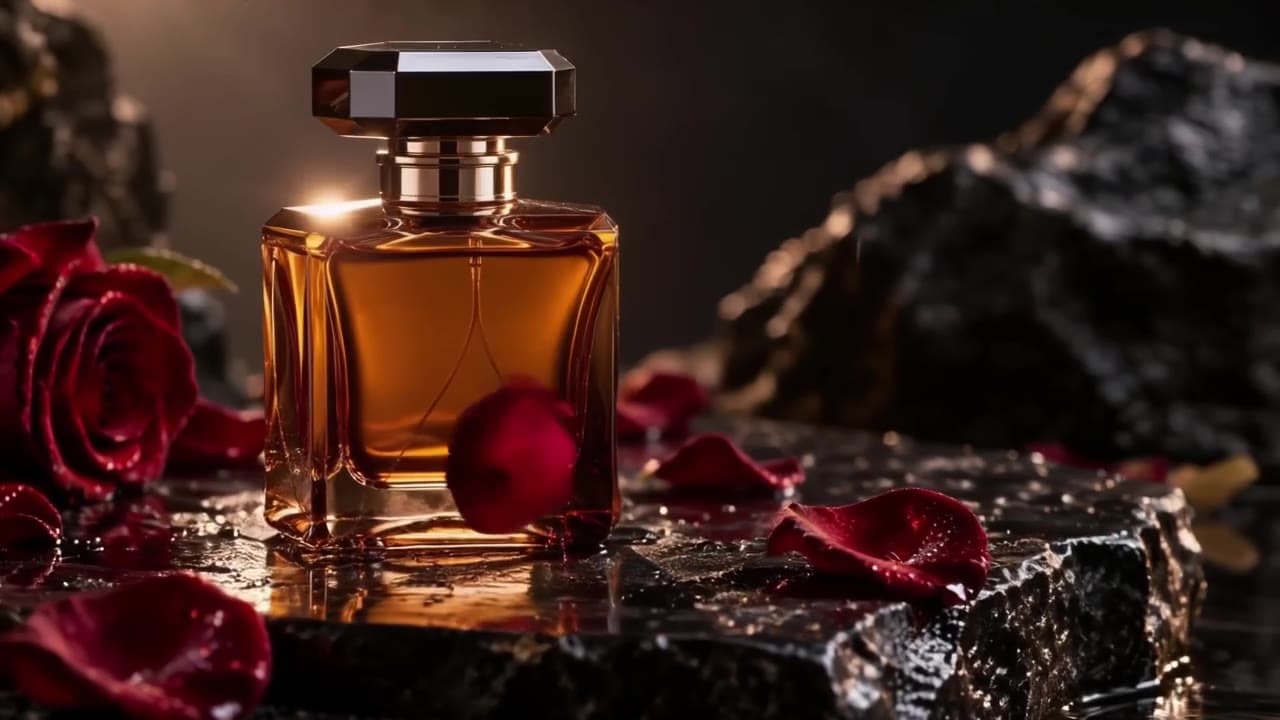
Hailuo 2.3 (hailuo-2.3/image-to-video) is MiniMax's standard image-to-video tier, and its calling card is motion physics: cloth, hair, water, and full-body movement that behaves the way your eye expects. This post is a working cookbook of hailuo image to video prompts for the standard tier — three copy-paste recipes that stress exactly the things it's good at: continuous human motion, violent water physics, and animating a stylized illustration.
Every clip below is a real, first-take output from the exact prompt shown next to it — no cherry-picking across runs — and every price was verified against the live pricing page before publishing. Standard-tier billing is per clip: $0.40 for 6 seconds, $0.80 for 10 seconds.
The 30-second schema recap
Hailuo i2v runs on hiapi's async task endpoint (POST /v1/tasks) with a deliberately tiny, strict input schema:
| Field | Required | Notes |
|---|---|---|
prompt | yes | The motion, not the scene — the image already is the scene |
image_url | yes | One publicly fetchable URL (singular — not image_urls); becomes the first frame |
duration | no | String "6" or "10" — an integer 6 is rejected with a 400 |
prompt_optimizer | no | Boolean; lets the platform expand your prompt before generation |
Anything else — resolution, aspect_ratio, motion_strength — is rejected with 400 INVALID_REQUEST: additional properties not allowed. There are no motion knobs: the prompt is the only steering wheel, which is exactly why prompt recipes matter for this model. The output clip inherits your input frame's aspect ratio (our 16:9 frames rendered at 1364×768). For the full request/poll/download walkthrough, see the hailuo-2.3 image-to-video API guide.
The prompt formula that held up across all three recipes:
subject motion in written order (hailuo executes stacked actions roughly in sequence) + one camera instruction (push-in / locked / drift) + consistency clause (smooth natural motion, consistent lighting across frames)
Spend zero words re-describing what's already in the picture. The frame carries the styling; every prompt token should buy movement.
Recipe 1 — Continuous full-body motion (tai chi flow)
The hardest i2v job is sustained, coordinated human motion — most models manage one gesture and then drift into soup. This recipe asks hailuo-2.3 for a continuous martial-arts form with trailing fabric, starting from a static standing pose:
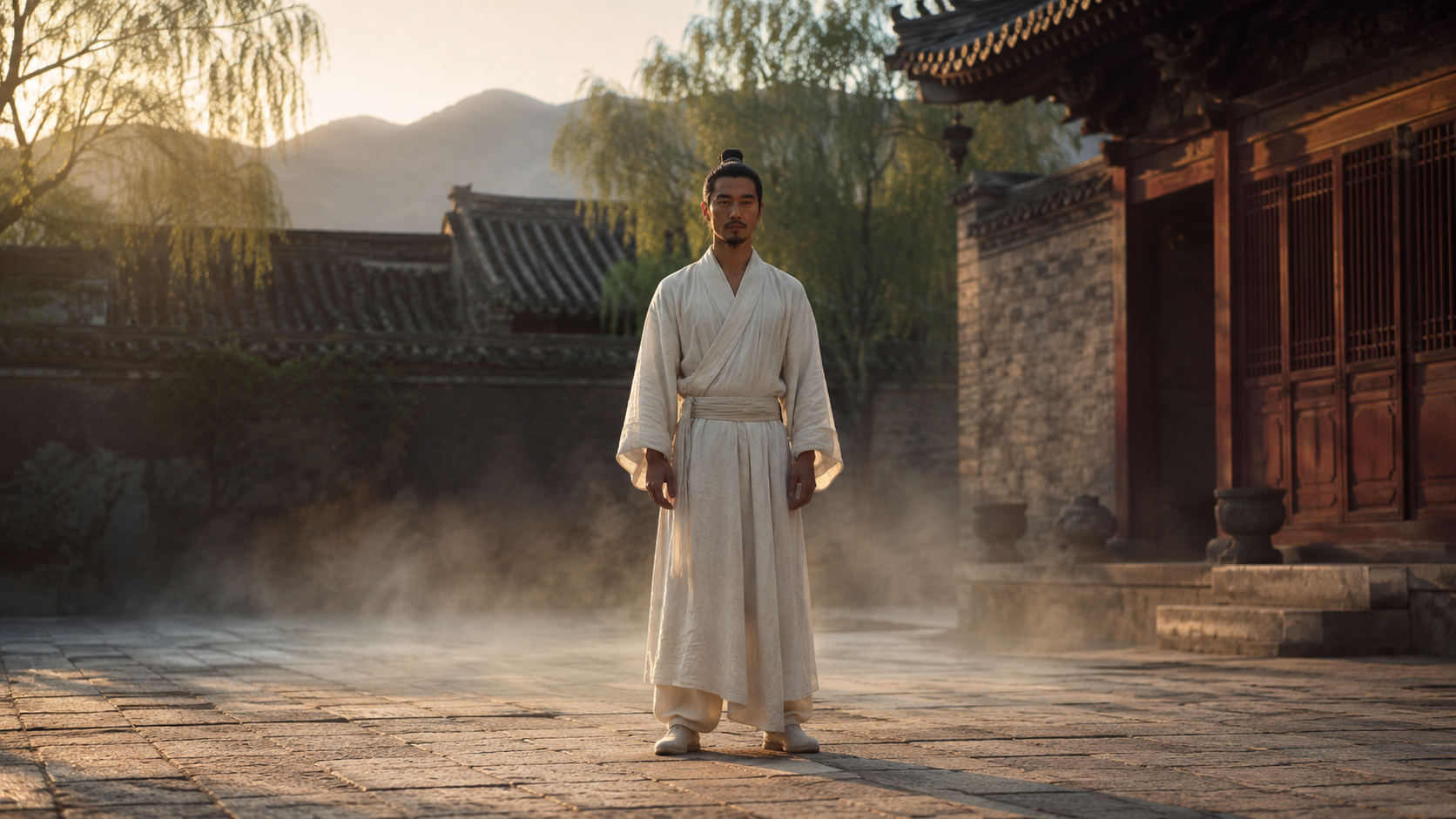
Motion prompt:
he flows into a slow tai chi opening form, arms rising and sweeping in one
continuous circular motion, sleeves and sash trailing behind each movement,
ground mist swirling around his steps, slow cinematic push-in, smooth
natural motion, consistent warm dawn lighting across frames
First-take output ($0.40, 6s):
What to notice: the arms travel through a full circular sweep without breaking anatomy, and the sleeves lag behind the arms the way real linen would — that secondary cloth motion is the standard tier's signature. The phrase "in one continuous circular motion" matters: without an explicit continuity cue, i2v models tend to produce a gesture, a pause, and a second unrelated gesture. Naming the fabric ("sleeves and sash trailing") is what activates the cloth simulation; if you don't mention it, loose clothing often stays rigid.
Recipe 2 — Water and fur physics (the dog shake)
A wet dog shaking is a brutal physics test: high-frequency body rotation, fur clumping, and dozens of droplets that each need plausible ballistic arcs. It's also a genuinely useful pattern — pet brands and stock-footage teams animate stills like this constantly:
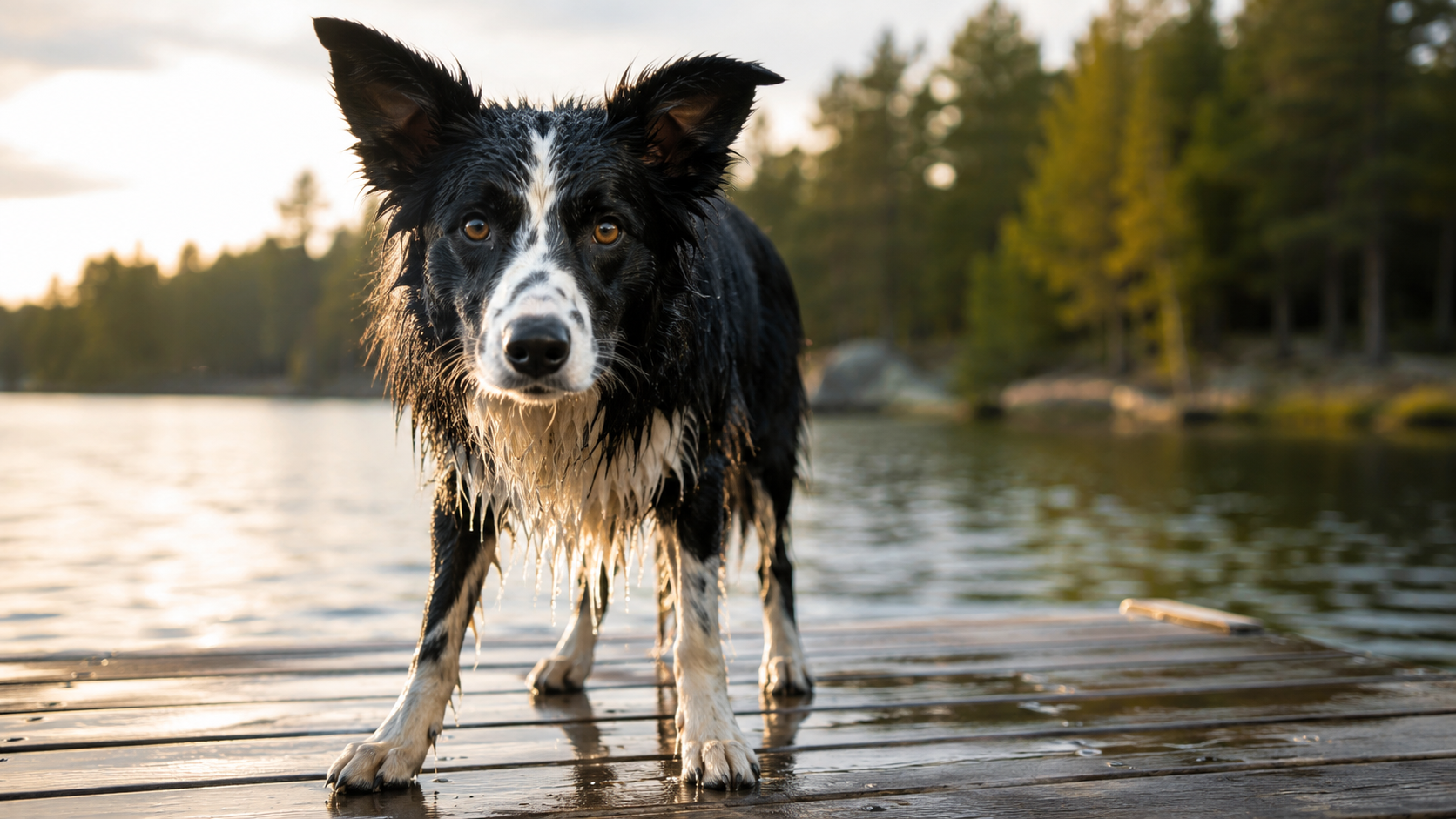
Motion prompt:
the dog shakes water off its whole body, droplets spraying outward in
glittering arcs against the backlight, ears flapping, then it stops and
tilts its head at the camera, locked low-angle camera, smooth natural
motion, consistent golden-hour lighting
First-take output ($0.40, 6s):
What to notice: the spray reads as individual backlit droplets with real trajectories, not a blur filter — and the clip follows the scripted sequence (shake → stop → head tilt) in order. Two reusable tricks here. First, "against the backlight" tells the model how the water should look, not just that it exists; lighting-aware motion descriptions consistently render better particles. Second, ending on a small, calm action ("tilts its head at the camera") gives the clip a natural resting beat instead of cutting mid-shake — useful when the clip will loop on a product page.
Recipe 3 — Animating a stylized illustration (ink-wash dragon)
Hailuo i2v isn't photo-only. Feed it a stylized still — here an ink-wash illustration of a koi-dragon among clouds — and it animates in the style of the frame, treating brush strokes as a medium rather than trying to make them photoreal:
Motion prompt:
The ink wash koi dragon slowly swims forward through the clouds, brush
strokes flowing like water, camera drifts right
Output ($0.40, 6s):
What to notice: the clouds smear and reform like wet ink instead of behaving like photographic fog — "brush strokes flowing like water" is doing that work by naming the medium's physics rather than the scene's. For illustrated inputs, keep prompts short and let the frame's style dominate; long photographic vocabulary ("cinematic", "bokeh") can fight the illustration and cause style drift. This is the pattern to reach for with brand mascots, book art, or game splash frames.
Standard vs. fast tier: when the $0.40 is worth it
hiapi also serves hailuo-2.3-fast/image-to-video at $0.27/6s with the same three-field schema, so prompts port between tiers unchanged. A workflow that's held up well:
- Prototype on fast ($0.27/clip) while you iterate on motion wording — the schema and behavior match, so learnings transfer.
- Re-run keepers on standard ($0.40/clip) when the shot depends on physics fidelity: multi-step human motion, cloth, particle-heavy scenes like Recipe 2.
- Billing is per clip, not per second on both tiers — a failed experiment costs the same as a keeper, which is another reason to prototype cheap.
Run it yourself
Any of the recipes above is one request. Create the task:
curl -X POST https://api.hiapi.ai/v1/tasks \
  -H "Authorization: Bearer sk-<your-key>" \
  -H "Content-Type: application/json" \
  -d '{
    "model": "hailuo-2.3/image-to-video",
    "input": {
      "prompt": "the dog shakes water off its whole body, droplets spraying outward in glittering arcs against the backlight, ears flapping, then it stops and tilts its head at the camera, locked low-angle camera, smooth natural motion, consistent golden-hour lighting",
      "image_url": "https://your-cdn.example.com/first-frame.jpg",
      "duration": "6"
    }
  }'
Then poll GET /v1/tasks/<taskId> until data.status is "success" and download data.output[0].url immediately — output URLs are signed and expire, so store the bytes on your own storage. Full polling and error-handling code lives in the API walkthrough and the docs.
FAQ
Why is my duration rejected? It must be the string "6" or "10". An integer, or any other value like "8", returns a 400.
Can I control resolution or aspect ratio? No — the schema has no such fields. The clip inherits the input frame's aspect ratio, so crop your still to the frame you want before generating.
Does the input image need to be public? Yes. The API fetches image_url server-side, so localhost paths and expired signed URLs fail. Any R2/S3/CDN public link works.
Do these prompts work on the fast tier? Yes, unchanged — same schema. Expect slightly less refined physics on heavy-particle shots; that's the trade for the lower price.
How long does a clip take? Minutes, not seconds — our 6-second clips each finished within a few minutes of polling. Build for async (poll or callback), not a blocking HTTP wait.
All three clips above came from single attempts at $0.40 each — the entire cookbook cost $1.20 in generation. If you have a still that needs to move, grab your key and start from the hailuo-2.3/image-to-video model page: swap your image URL into the request above, describe the motion (not the scene), and you'll have your first clip before your coffee cools.