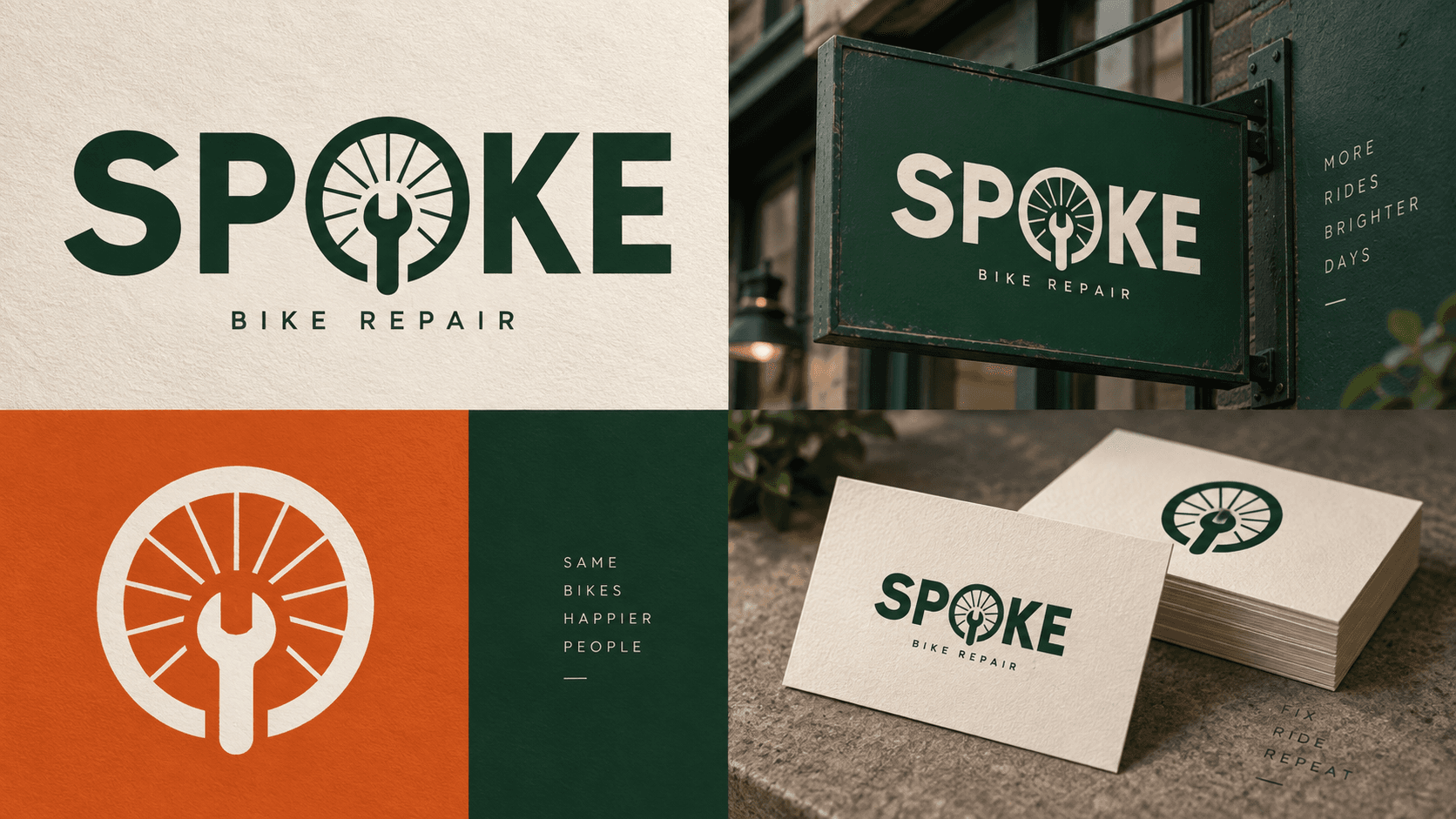
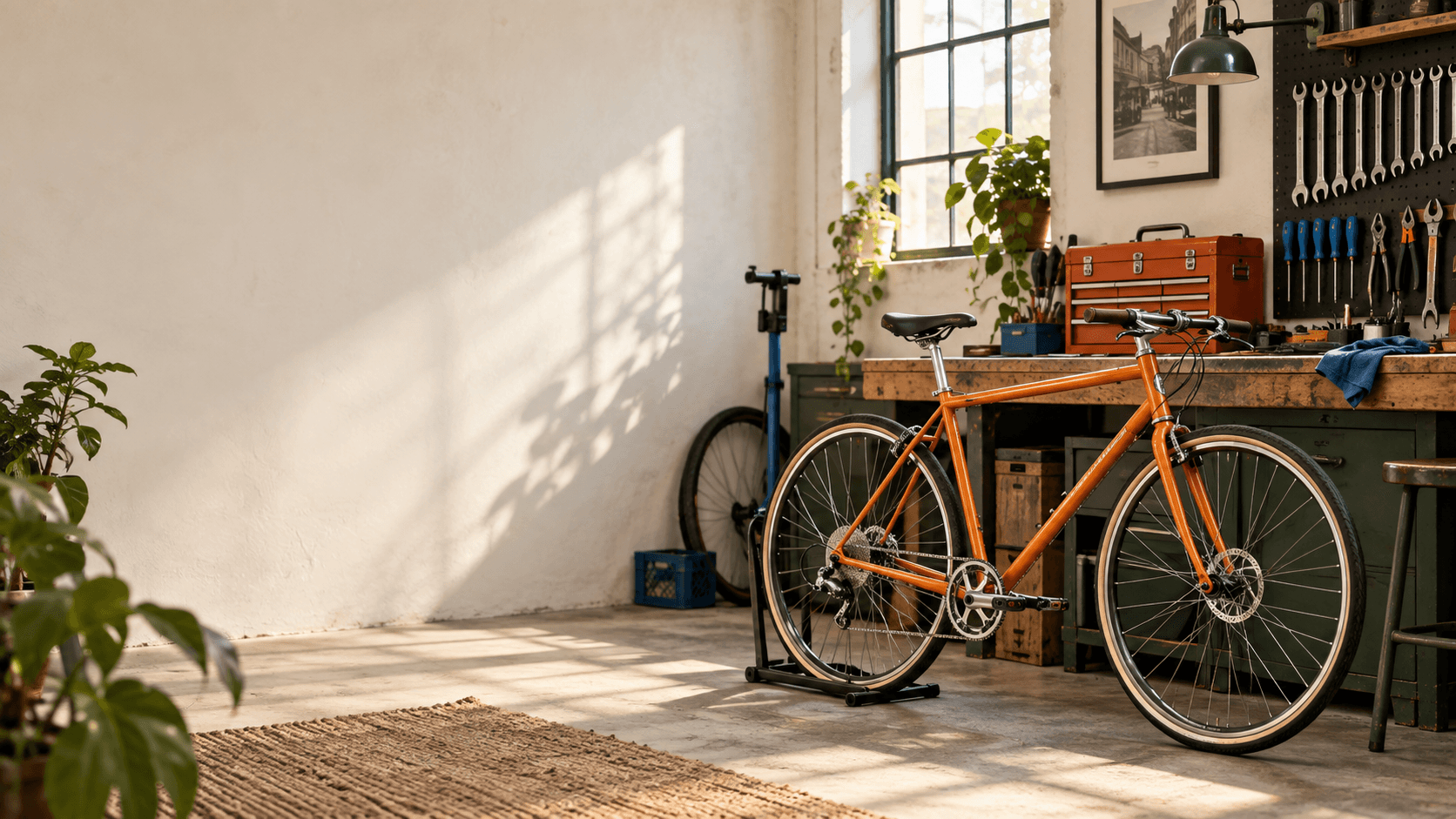
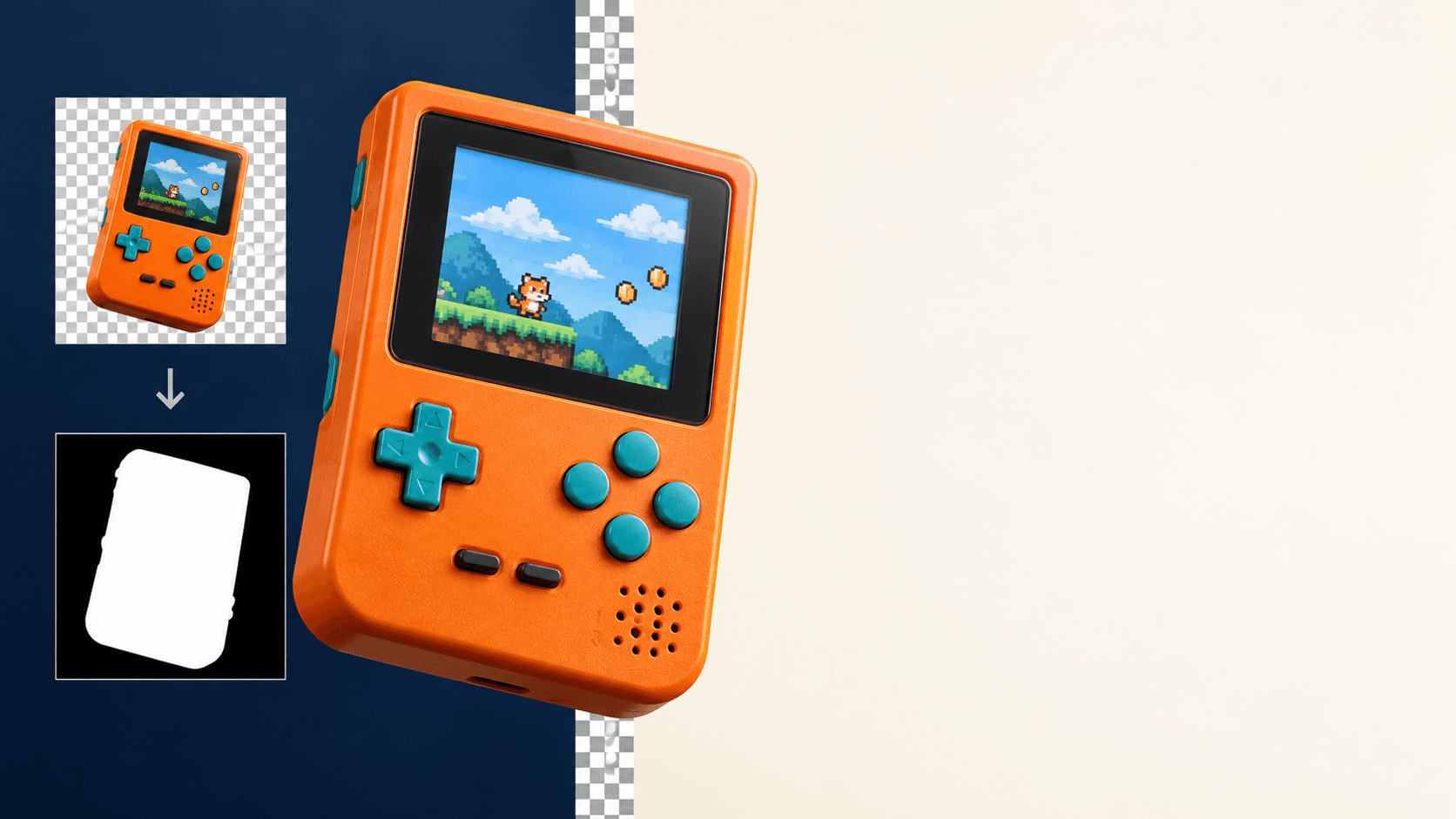
Not every product image starts with a photo. Before a sample exists, before a photographer is booked, or when a seasonal sale needs a banner by tomorrow morning, you need images generated from a description alone — a clean product mockup, a lifestyle scene, a promo graphic with real, legible headline text.
seedream-4.5/text-to-image is built for that zero-shot case. Give it a plain-language description and it returns a photorealistic image with no reference photo required — including accurate in-image text, which is the part most text-to-image models still get wrong. On hiapi it runs through the same async /v1/tasks endpoint as every other model, at $0.045 per image, in 2K or 4K resolution.
Both examples below are real API calls, shown with their exact prompts and the resulting images — no post-editing.
Zero-shot generation vs. editing a real photo
seedream-4.5 ships as two models with different jobs:
seedream-4.5/text-to-image(this article) generates an image from a description with no input photo. Use it when the product doesn't have a clean reference shot yet, when you need a scene or concept that doesn't exist in your catalog, or when the deliverable is marketing art rather than a photo of a specific physical item.seedream-4.5/image-to-imageedits a real product photo you already have, preserving its exact shape and branding while changing the background or context — see the image-to-image e-commerce guide for that workflow.
If you need pixel-consistency with a physical SKU, use the editing model. If you're generating something new — a concept render, a seasonal banner, a scene that doesn't exist yet — text-to-image is the right tool, and it's the one this article covers.
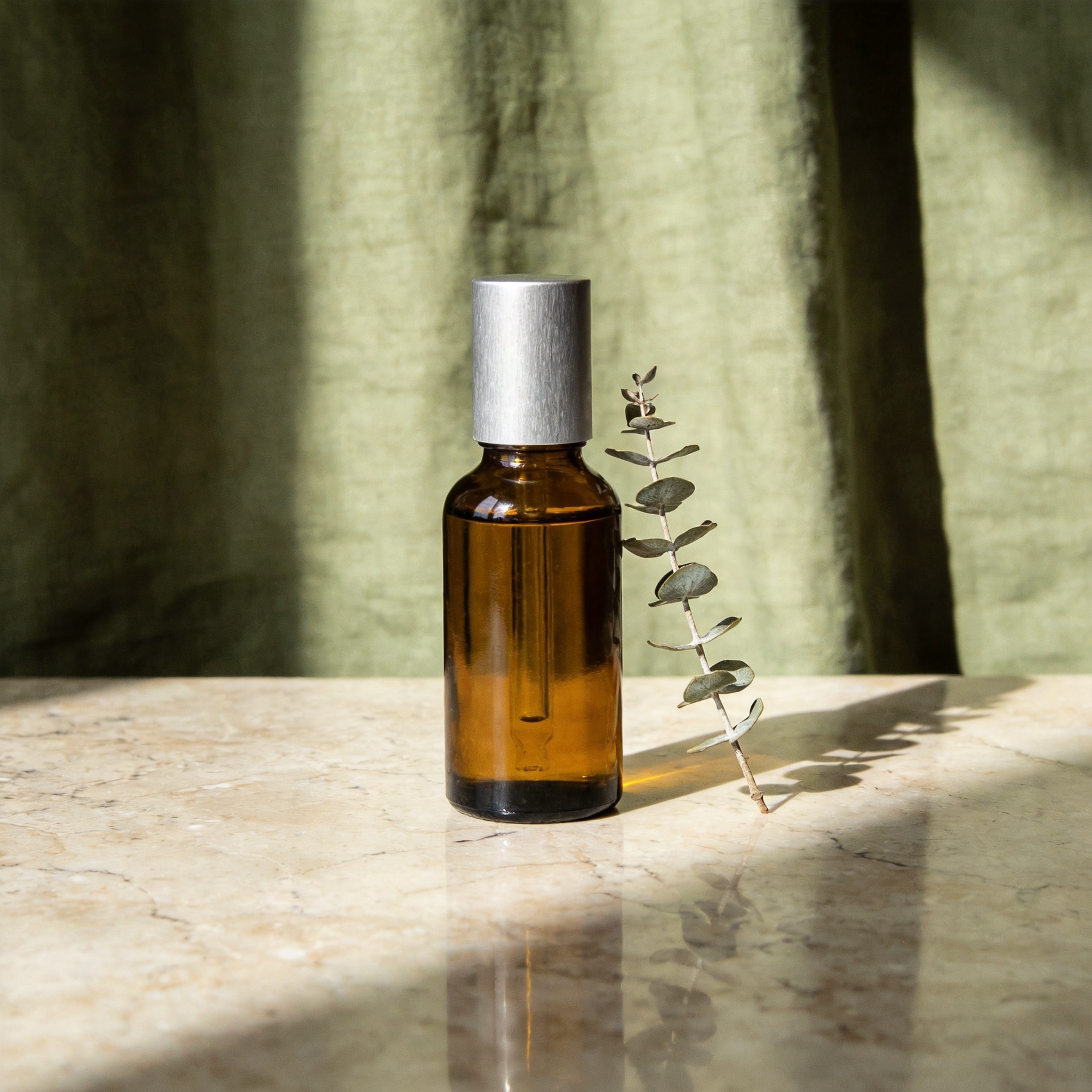
Example 1: a studio product shot generated from text
Prompt sent to the model:
a minimalist amber glass skincare serum bottle with a brushed silver cap
standing on a polished travertine surface, soft diffused window light
casting a gentle gradient shadow, sage green linen backdrop, one small
dried eucalyptus sprig beside the bottle, e-commerce product photography,
sharp focus, clean composition, no text, no logo, subtle reflection on
the stone surface
Request: aspect_ratio: "1:1", resolution: "2K".
There was no bottle, no studio, and no photographer — the shadow falloff, the stone reflection, and the soft window light all came from the description. This is the case for text-to-image over editing: a listing mockup or moodboard for a product that's still in development, generated in about a minute instead of scheduled as a shoot.
Example 2: promotional graphics with real, legible headline text
Text rendering is the harder half of this model's job — most image generators produce garbled or misspelled type. Two prompts, run with no retries:
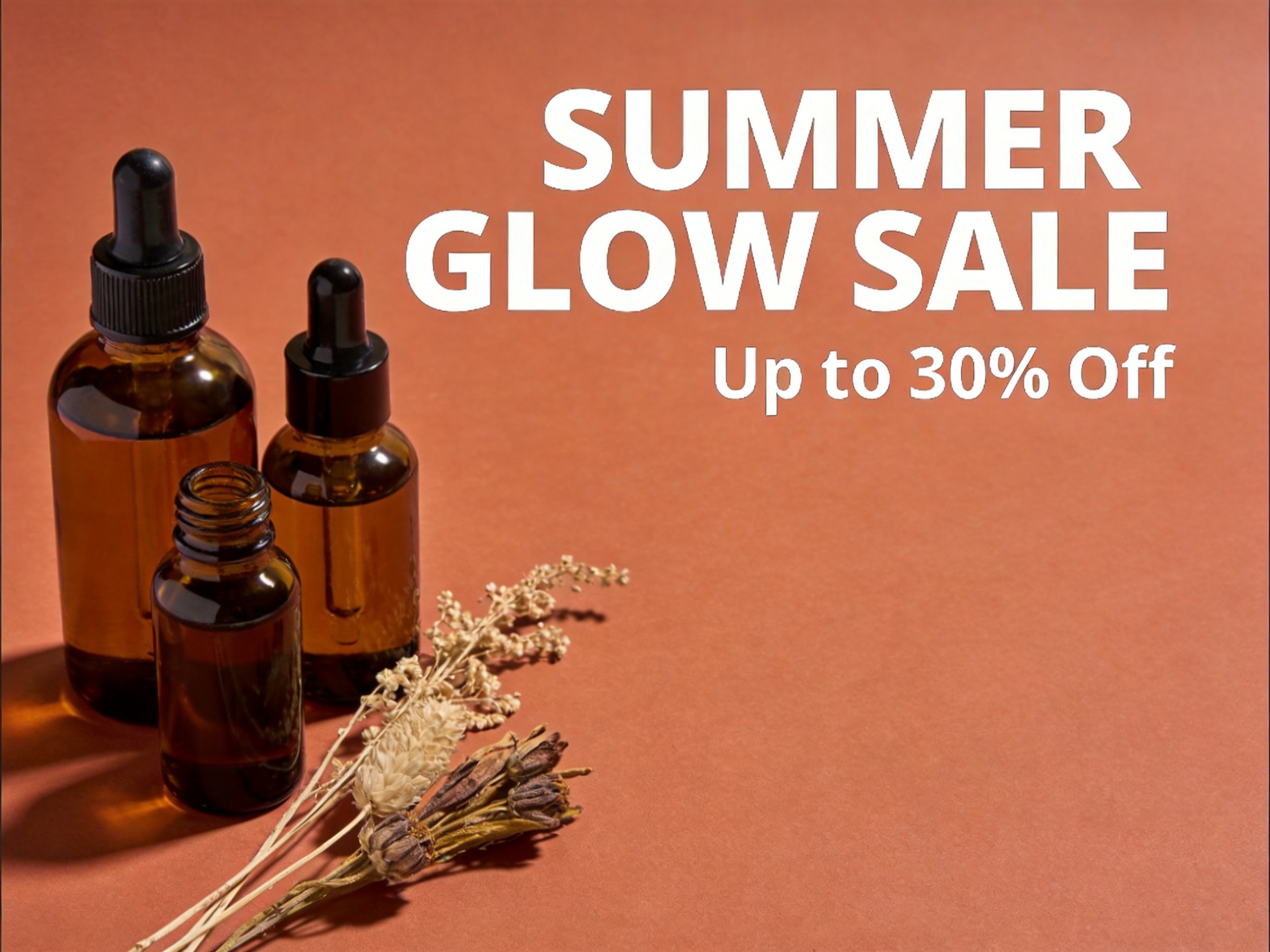
Flat-lay sale banner:
a flat-lay e-commerce marketing banner for a summer skincare sale, an
arrangement of amber glass bottles and dried botanicals on a warm
terracotta background, bold sans-serif headline text 'SUMMER GLOW SALE'
near the top in cream white lettering, smaller text 'Up to 30% Off'
beneath it in matching cream, clean modern layout with generous negative
space on the right third, professional marketing design, crisp legible
typography, warm cinematic lighting
Request: aspect_ratio: "4:3", resolution: "2K".
Vertical story graphic:
a vertical social media story graphic for a candle brand product launch,
a single black matte ceramic candle jar centered on a deep charcoal
gradient background, bold white headline text 'NEW ARRIVAL' near the
top, smaller subtext 'Shop the Collection' below the product, minimalist
premium aesthetic, soft rim lighting on the candle jar, generous margin
for mobile screen safe zones
Request: aspect_ratio: "9:16", resolution: "2K".
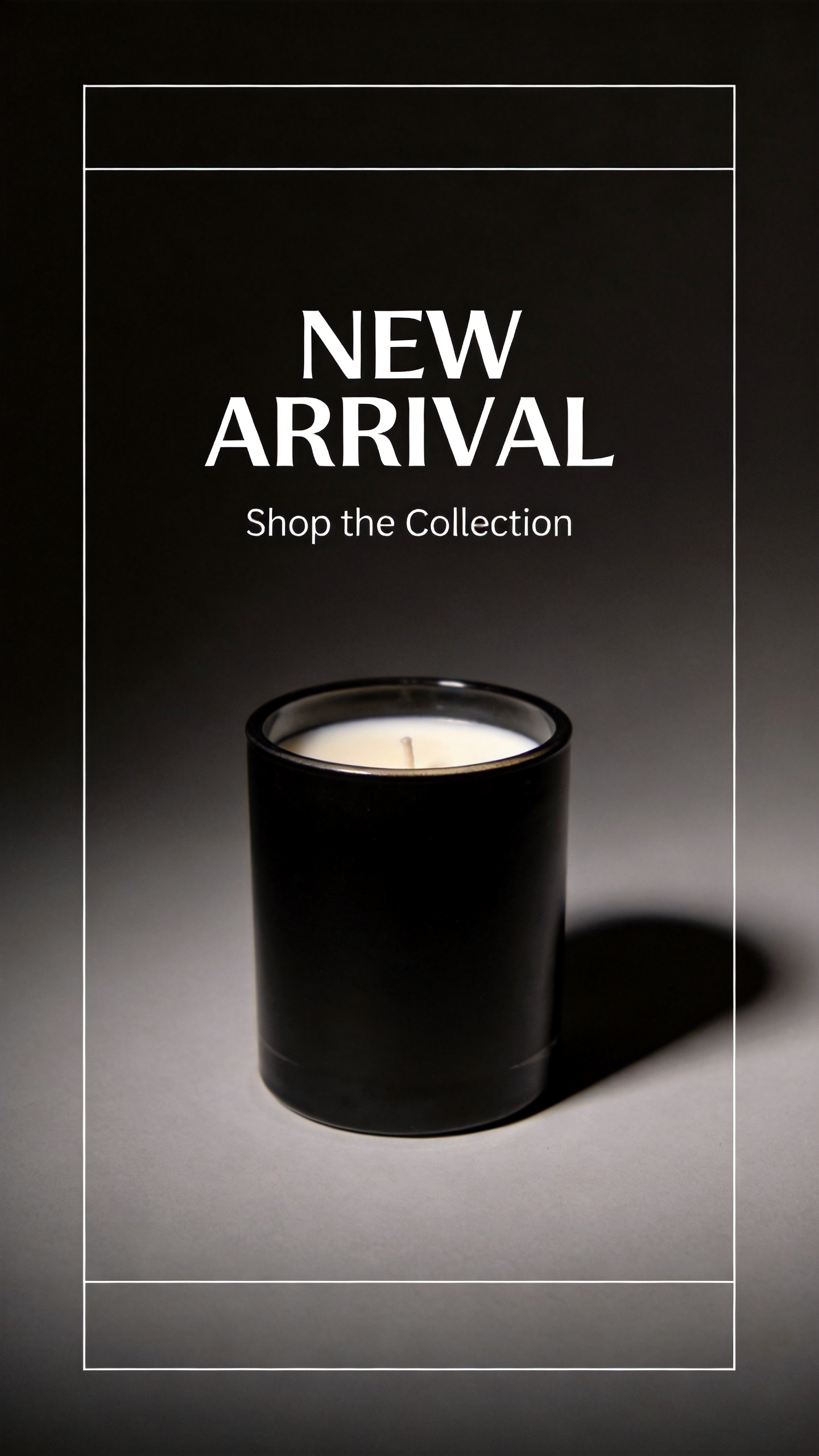
Both headlines and both subheads came out spelled correctly, kerned evenly, and placed exactly where the prompt asked — on the first generation, no retries. That reliability is what makes text-to-image usable for promo assets on a deadline: a sale banner or story graphic that would otherwise need a designer can be drafted in one API call.
Calling the API directly
seedream-4.5/text-to-image runs through hiapi's async task endpoint: submit the task, poll until it completes, then download the result.
curl:
curl -s -X POST https://api.hiapi.ai/v1/tasks \
  -H "Authorization: Bearer $HIAPI_API_KEY" \
  -H "Content-Type: application/json" \
  -d '{
    "model": "seedream-4.5/text-to-image",
    "input": {
      "prompt": "a minimalist amber glass skincare serum bottle on a travertine surface, soft window light, sage linen backdrop, e-commerce product photography, no text",
      "aspect_ratio": "1:1",
      "resolution": "2K"
    }
  }'
The response returns a task_id. Poll GET /v1/tasks/{task_id} until status is succeeded, then read the image from output[0].url. That URL is time-limited — download it immediately.
Python (task submit + poll + download):
import os
import time
import requests

API_BASE = "https://api.hiapi.ai/v1"
HEADERS = {"Authorization": f"Bearer {os.environ['HIAPI_API_KEY']}"}


def generate_product_image(prompt: str, aspect_ratio: str = "1:1",
                            resolution: str = "2K") -> bytes:
    resp = requests.post(
        f"{API_BASE}/tasks",
        headers=HEADERS,
        json={
            "model": "seedream-4.5/text-to-image",
            "input": {
                "prompt": prompt,
                "aspect_ratio": aspect_ratio,
                "resolution": resolution,
            },
        },
        timeout=30,
    )
    resp.raise_for_status()
    task_id = resp.json()["task_id"]

    while True:
        poll = requests.get(f"{API_BASE}/tasks/{task_id}", headers=HEADERS, timeout=30)
        poll.raise_for_status()
        data = poll.json()
        if data["status"] == "succeeded":
            image_url = data["output"][0]["url"]
            return requests.get(image_url, timeout=30).content
        if data["status"] == "failed":
            raise RuntimeError(f"task {task_id} failed: {data.get('error')}")
        time.sleep(3)
Batch-generating a product line
The same call generalizes to a full line: a list of (name, prompt, aspect_ratio) tuples, one task per entry, written out keyed by name.
JOBS = [
    {
        "name": "serum-hero",
        "prompt": "a minimalist amber glass skincare serum bottle on a travertine "
                   "surface, soft window light, sage linen backdrop, e-commerce "
                   "product photography, no text",
        "aspect_ratio": "1:1",
    },
    {
        "name": "sale-banner",
        "prompt": "a flat-lay e-commerce marketing banner for a summer skincare "
                   "sale, amber glass bottles on a terracotta background, bold "
                   "headline text 'SUMMER GLOW SALE', smaller text 'Up to 30% Off'",
        "aspect_ratio": "4:3",
    },
    {
        "name": "story-launch",
        "prompt": "a vertical social story graphic, a black matte ceramic candle "
                   "jar on a charcoal gradient background, bold white headline "
                   "'NEW ARRIVAL', subtext 'Shop the Collection'",
        "aspect_ratio": "9:16",
    },
]

for job in JOBS:
    image_bytes = generate_product_image(
        prompt=job["prompt"],
        aspect_ratio=job["aspect_ratio"],
        resolution="2K",
    )
    with open(f"{job['name']}.jpg", "wb") as f:
        f.write(image_bytes)
    print(f"{job['name']}: done")
At $0.045 per image, a 20-asset seasonal drop — hero shots, banners, and story graphics together — costs about $0.90. Because every task is independent, submitting several /v1/tasks calls concurrently and polling them in parallel (respecting your account's rate limits) is faster than running the list sequentially.
How this compares to seedream-5.0-pro
hiapi also runs seedream-5.0-pro as a separate, newer tier for e-commerce text-to-image work. The two are not the same model: pricing, resolution options, and output character differ between them, and seedream-5.0-pro's workflow is covered in its own guide. seedream-4.5/text-to-image is the model to reach for specifically when the deliverable needs reliable in-image text — sale banners, story graphics, promo cards — at a flat $0.045 per image with no resolution-tiered pricing to plan around.
FAQ
Does seedream-4.5/text-to-image accept a reference photo?
No — text-to-image only takes a prompt, aspect_ratio, and resolution. To edit an existing product photo instead of generating a new image, use seedream-4.5/image-to-image.
What resolutions and aspect ratios does it support?
resolution accepts 2K or 4K only — there is no 1K tier. aspect_ratio accepts 1:1, 4:3, 3:4, 16:9, 9:16, 2:3, 3:2, and 21:9.
Can it reliably render headline text inside the image? Yes — both promotional examples above rendered multi-word headlines and subheads correctly on the first generation, with no misspellings or garbled letterforms.
How much does batch-generating a product line cost? $0.045 per image regardless of resolution tier. A 20-image seasonal set costs about $0.90; a 100-image set costs about $4.50.
Can I run generations in parallel to speed up a batch job?
Yes — each task is independent, so submitting many /v1/tasks calls concurrently and polling them in parallel is the fastest way to produce a large batch.
Try it yourself
Full parameter reference and live pricing are on the model page and pricing page. For more prompt patterns with this exact model, see the seedream-4.5 text-to-image prompt recipes. If your workflow starts from a real product photo instead of a blank page, the seedream-4.5 image-to-image e-commerce guide covers editing it directly.
Grab an API key and generate your first product image or promo banner — the code above is copy-paste runnable against the hiapi API today.