Luma AI earned its reputation the hard way: Dream Machine's camera moves and Ray-3.2's keyframe control are genuinely good, and the Agents API behind them is clean, well-documented, and easy to integrate for Python/TypeScript/Go developers. If you only need Luma's models, Luma's own API is a perfectly reasonable choice.
But most teams building AI features don't stay on one model for long. You add a cheaper image model for drafts, a different video model for a specific look, maybe a music or voice model down the line — and that means juggling multiple API keys, billing dashboards, and SDKs, with Luma's catalog covering only its own three models (uni-1, uni-1-max, ray-3.2). This guide compares HiAPI and three other credible alternatives, including Luma's own Agents API as a baseline, so you can see where each one actually fits.
The best alternatives
1. HiAPI — best for breadth and one-key simplicity
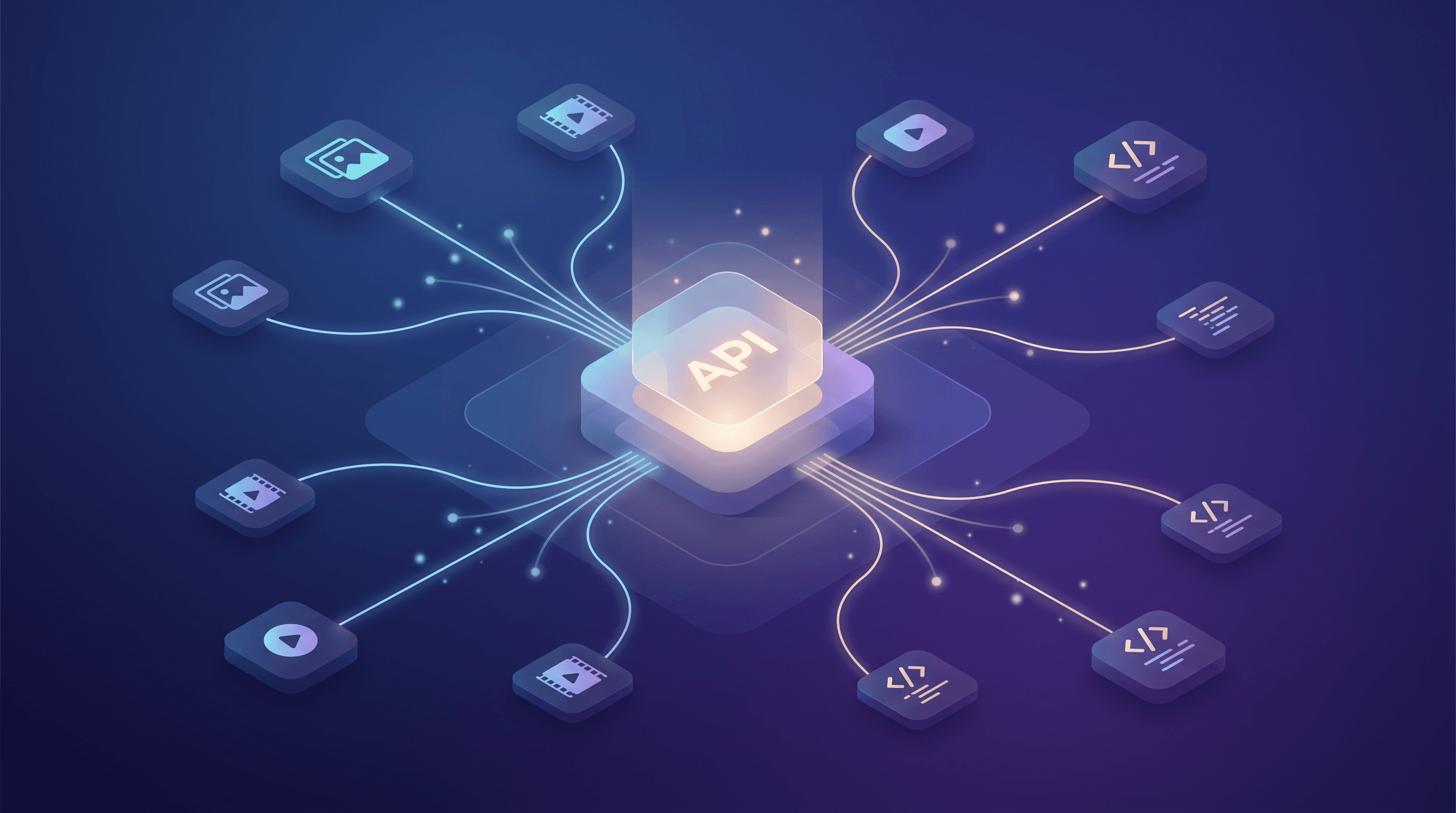
HiAPI gives you one API key for 60+ models across image, video, audio, and LLM in a single account. For teams that started on Luma for Ray-3.2's camera control but now also want a cheaper image model for bulk drafts, a different video model for a specific aesthetic, or a music-generation endpoint for the same project, that consolidation is the main draw — one bill, one auth header, one task-polling pattern instead of four.

Image and video generation on HiAPI both go through a unified asynchronous POST /v1/tasks pattern (submit, then poll or use a callback), which is structurally similar to how Luma's Agents API works, so the mental model transfers if you're coming from Luma. Where it differs: HiAPI also exposes an OpenAI-compatible Chat Completions endpoint and a native remote MCP server (mcp.hiapi.ai/mcp) for agent and IDE tooling, pay-as-you-go pricing with no minimum spend, 200 free credits on signup, and failed generations aren't billed.
To be fair to Luma: HiAPI doesn't currently offer anything equivalent to Ray-3.2's dedicated video_reframe or video_edit endpoints, and if your workflow depends specifically on those camera-control primitives, Luma's own API is still the more direct route to them. Neither platform offers custom model fine-tuning or training.
2. Luma Agents API — the strongest choice if you only need Luma's own models
Luma's developer-facing Agents API (distinct from the consumer Dream Machine app) is worth using on its own merits, not just as a thing to replace. Ray-3.2 supports single-keyframe extend, a dedicated video reframe endpoint, and a video-edit endpoint — camera and motion controls that are more specialized than most general-purpose video APIs offer. uni-1 and uni-1-max handle text-to-image, image editing, multi-reference style transfer, and in-image text rendering, with official SDKs for Python, TypeScript, Go, and a CLI.
The tradeoff is scope: the Agents API only serves Luma's own three models, there's no webhook support (you poll), no job-cancel endpoint, and no OpenAI-compatible endpoint or MCP server. If your roadmap is Luma-only, this is a clean, well-built option. If you expect to need other models too, you'll be adding a second API eventually anyway.
3. fal.ai — best for raw inference speed
fal.ai's main selling point is speed — it's built around low-latency, optimized inference and has broad enterprise adoption as a result. If your use case is latency-sensitive (near-real-time generation in a product surface, for example), fal.ai is worth evaluating on that axis specifically. It also runs a wide model catalog across image and video.
4. Replicate — best for model discovery and open-source breadth
Replicate's strength is discovery: an enormous, searchable catalog of open-source and community-published models, many runnable with minimal setup. If part of your work is experimenting with niche or newly published open models rather than a fixed set of production models, Replicate's catalog depth is hard to match.
5. Runware — best for lowest per-image cost at scale
Runware runs on its own hardware and is typically the cheapest option for straightforward high-volume image generation. If you're generating large volumes of simple images and cost-per-image is your primary constraint, it's worth benchmarking against.
Quick comparison
| Platform | Primary strength | Model scope | Async task API | OpenAI-compatible endpoint | Free tier |
|---|---|---|---|---|---|
| HiAPI | One key, 60+ models, 4 modalities | Image, video, audio, LLM | Yes (/v1/tasks) | Yes | 200 credits on signup |
| Luma Agents API | Camera/motion control (Ray-3.2), text-rendering (uni-1) | 3 models (uni-1, uni-1-max, ray-3.2) | Yes (/v1/generations) | No | Pay-as-you-go, no credits noted |
| fal.ai | Inference speed | Broad, multi-vendor | Varies by model | Not verified | Varies |
| Replicate | Model discovery / open-source | Very broad, community-driven | Varies by model | Not verified | Varies |
| Runware | Lowest per-image price | Image-focused | Varies by model | Not verified | Varies |
Fine-tuning and custom training aren't offered by HiAPI or Luma's Agents API; neither platform should be compared on that axis. For fal.ai, Replicate, and Runware, we weren't able to confirm OpenAI-compatibility or MCP support from public documentation at the time of writing, so check directly before assuming either way.
How to choose
- You only ever need Ray-3.2 or uni-1/uni-1-max, and you want the most direct, specialized access to their camera controls → Luma's own Agents API.
- You want one account across image, video, audio, and LLM models, including Luma-style video generation, without juggling multiple SDKs and bills → HiAPI.
- Your bottleneck is inference latency in a live product surface → benchmark fal.ai.
- You're exploring open-source or community models rather than running a fixed production set → Replicate.
- You're generating high volumes of simple images and cost-per-unit is the deciding factor → Runware.
FAQ
Is HiAPI a good alternative to Luma's Agents API? It's a strong option if you want more model variety under one key — image, video, audio, and LLM access instead of just Luma's three models. If your workflow is built specifically around Ray-3.2's keyframe-extend or reframe tooling, Luma's own API still offers the most direct path to those specific features.
Is Luma's Agents API the same as the Dream Machine app? No. Dream Machine is Luma's consumer app with its own subscription-credit plans (Plus, Pro, Ultra, Team, Enterprise) that bundles several third-party models for in-app creative use. The Agents API is a separate, developer-facing product with its own pay-as-you-go pricing, serving only Luma's own uni-1, uni-1-max, and ray-3.2 models.
Which is cheaper, Luma's Ray-3.2 or HiAPI's video models? It depends entirely on resolution, duration, and which model you pick on each side — Ray-3.2's pricing scales by resolution tier (360p through 1080p, with separate HDR rates), and HiAPI's video models are priced per second per model. Check HiAPI's pricing page and Luma's own pricing docs for your exact resolution and duration before deciding.
Does HiAPI support camera or motion controls like Luma's keyframe extend or video reframe? Not as dedicated named endpoints the way Ray-3.2 offers them. If those specific camera-control primitives are central to your workflow, Luma's Agents API is currently the more direct option for that particular capability.
Does HiAPI or Luma offer an OpenAI-compatible endpoint or MCP server? HiAPI offers both: an OpenAI-compatible Chat Completions endpoint and a native remote MCP server. Luma's Agents API currently offers neither — it ships official SDKs (Python, TypeScript, Go) and a CLI instead.
Bottom line
Luma's Agents API is a well-built, specialized tool if Ray-3.2 and uni-1/uni-1-max are genuinely all you need — its camera and motion controls are a real strength. But most teams end up wanting more than one model family over time, and that's where a single-key, multi-model platform like HiAPI saves the most integration overhead.
Get a free HiAPI key and try image or video generation against the same prompt you'd send to Luma — the model catalog and docs are open to browse before you sign up.