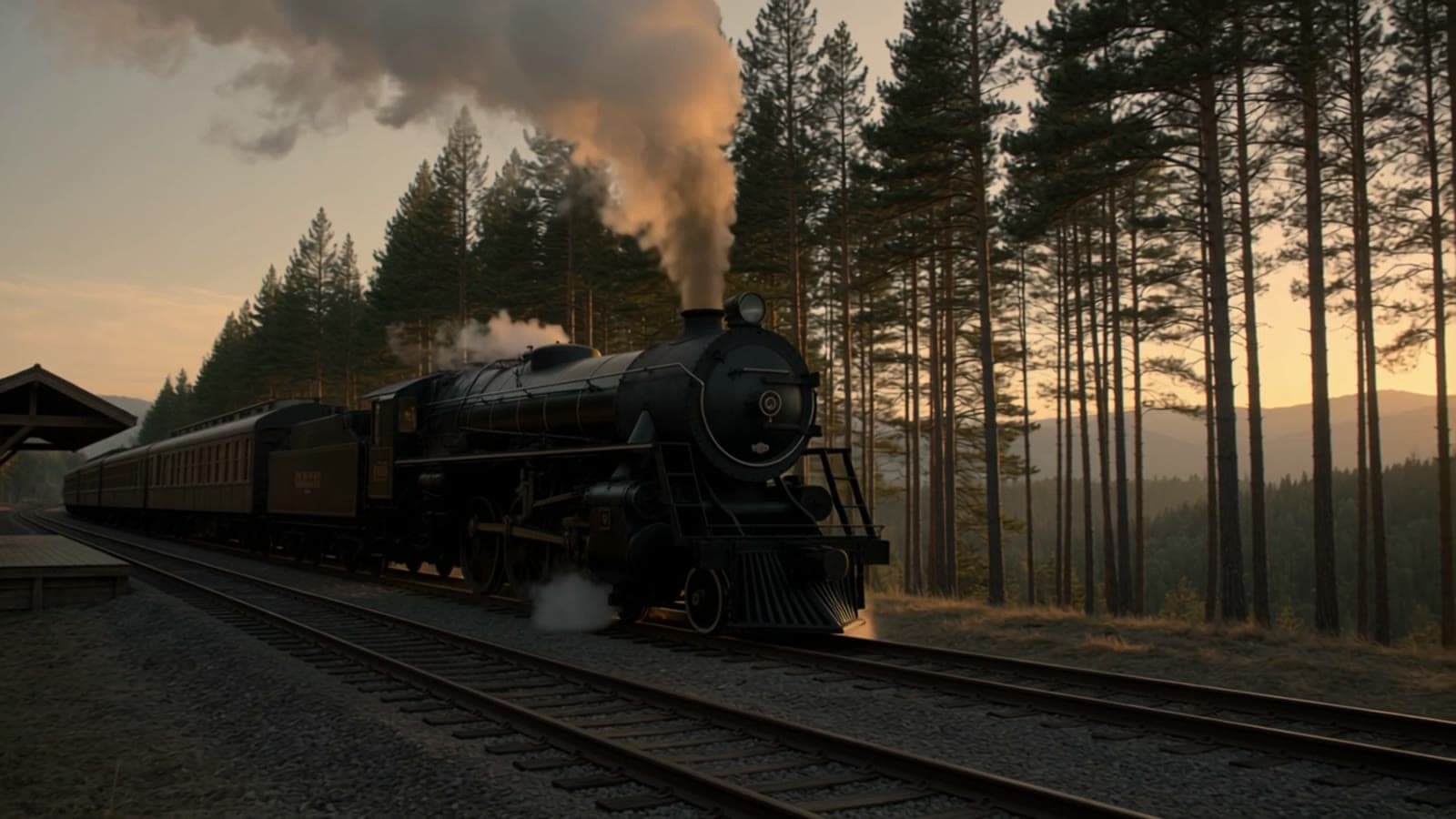
1. Interior scene: a golden-hour reading corner
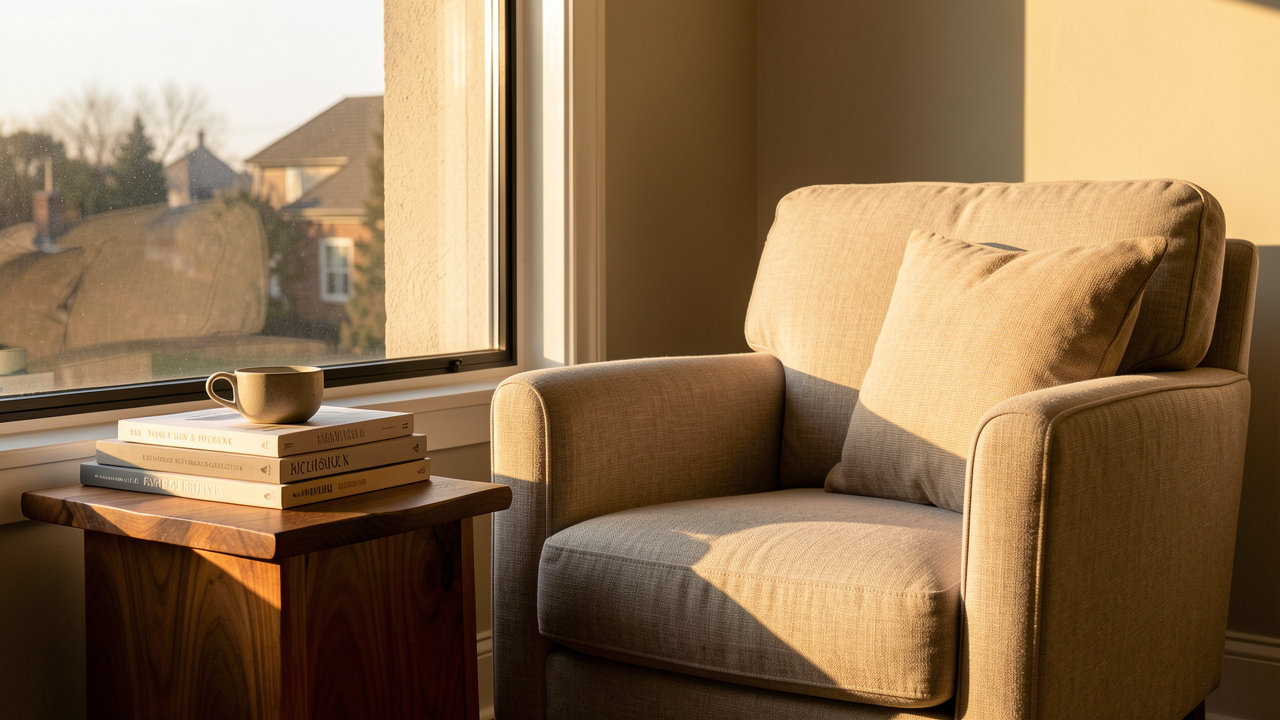
This is a real FLUX.1 Kontext Max output, and the prompt is printed in full below. The model is live on HiAPI: open the model page to generate, and new accounts get 200 free credits, about 1.4 images.
Settings: 16:9
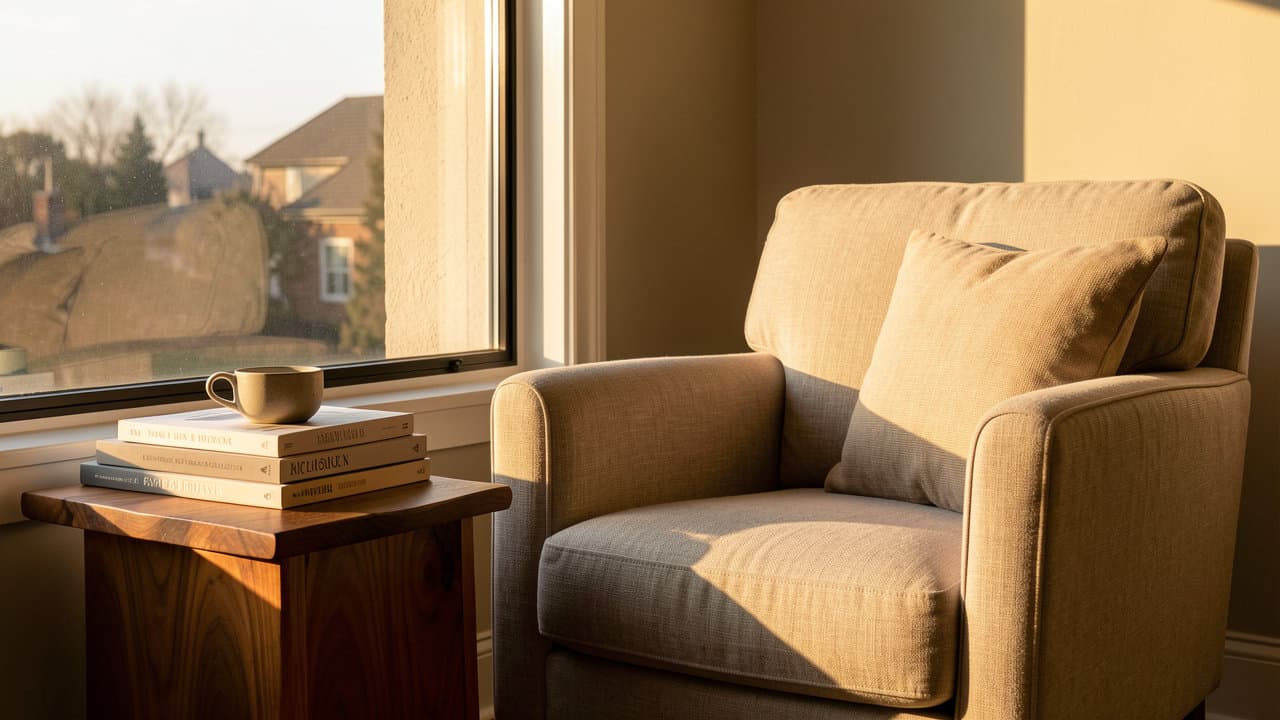
A quiet reading corner by a tall window at golden hour: a linen armchair, a stack of art books and a ceramic cup on a walnut side table, warm afternoon light, soft shadows, editorial interior photography.
Four decisions carry the frame: the space, the furniture and props, the light, the photographic style. golden hour and soft shadows set the color temperature and the depth, so keep both phrases when you swap in your own room.
2. Material swap: linen armchair to forest-green velvet
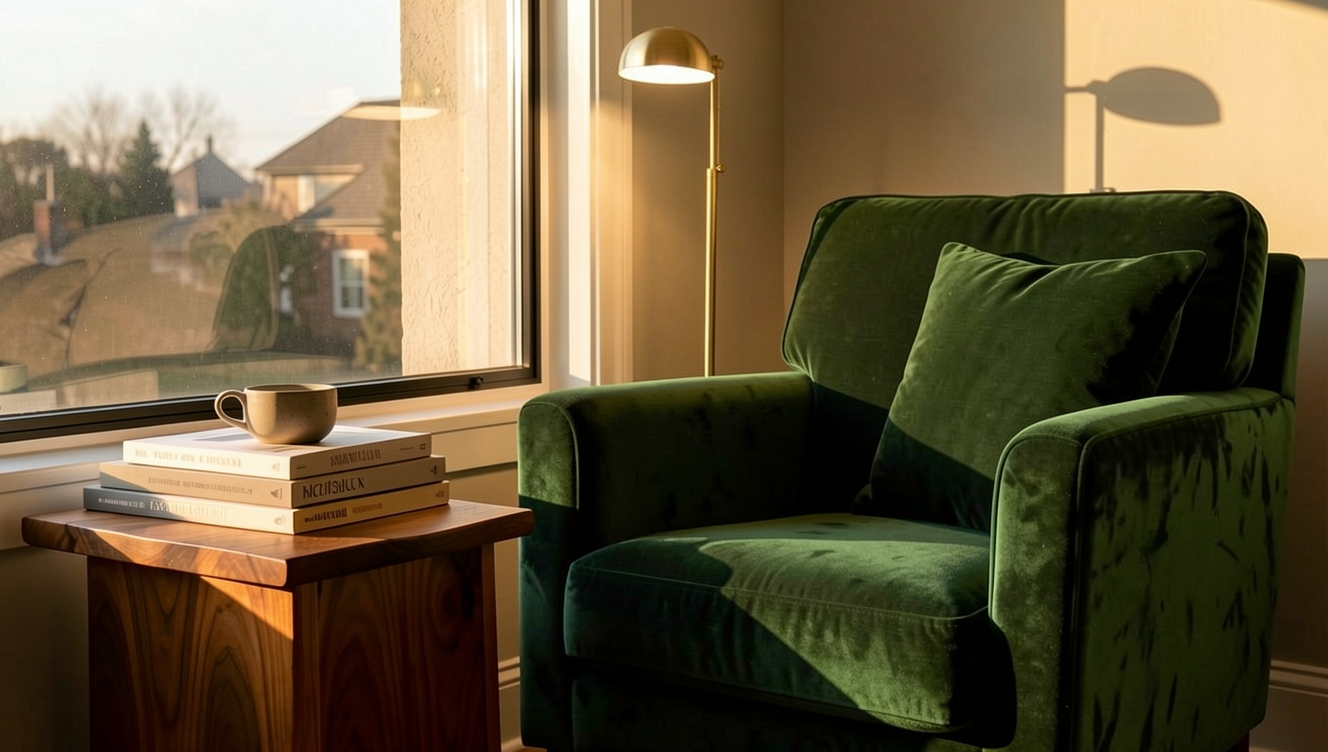
Upload the reading corner above as the source image first, then paste this prompt. The link fills the prompt only, so the photograph is yours to add (input_image in the API).
Source image: https://static.hiapi.ai/admin-assets/flux-1-kontext-max/2026/10/26/1793005013365-132a4d4eb55e0852-f-t2i-golden.jpg
Settings: leave the aspect ratio empty to keep the original framing
Change the linen armchair to a deep forest-green velvet armchair, add a slim brass floor lamp beside it, and keep the window, books, cup, table and afternoon light unchanged.
Split the instruction in two: Change ... names the new material, keep ... unchanged lists what must not move. The lamp rides along in the same sentence on and, and the window, books, cup, table and light stay where they were.
3. Product shot: a perfume bottle on wet slate
Settings: 1:1 or 4:3; the square frame lays out better
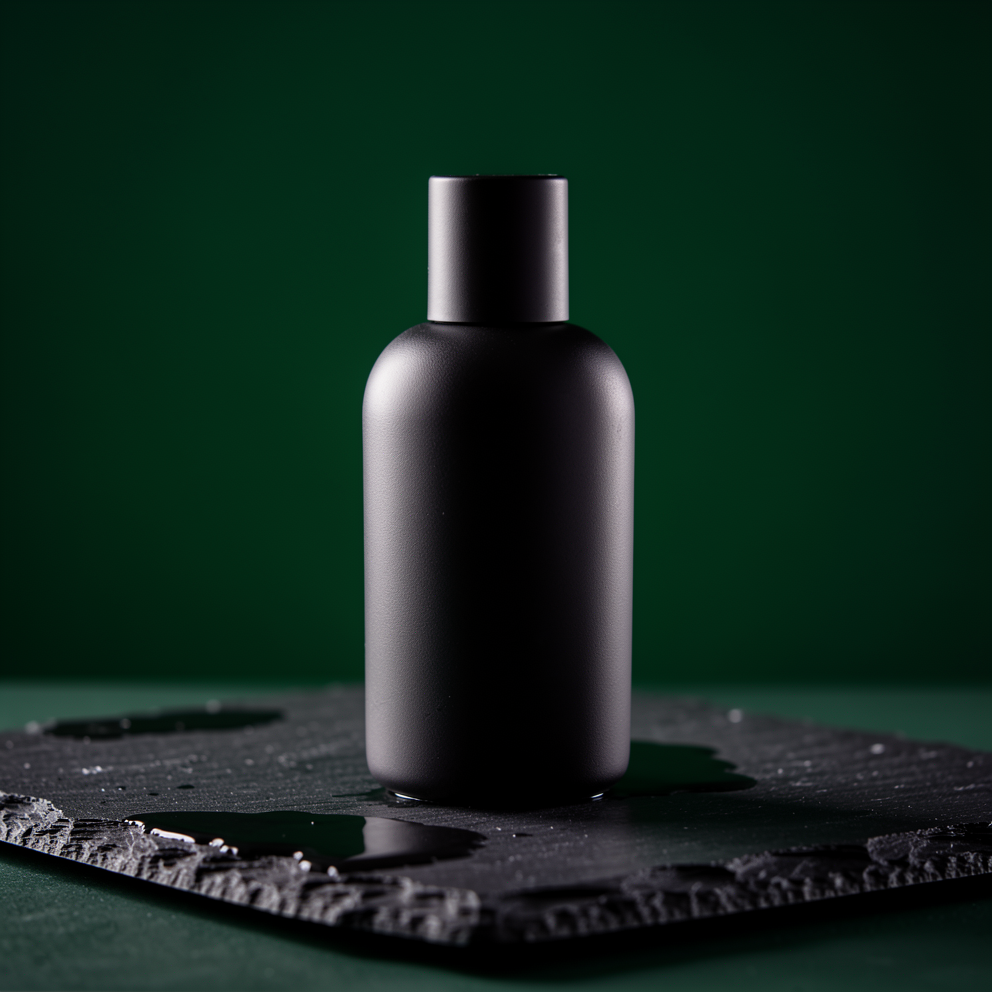
A matte black ceramic perfume bottle on wet slate, dramatic side light, deep green background, luxury product photography, high detail
Short prompts hold product shots together: one sentence for the bottle, one for the surface and background, one for the light, then high detail to close. A named surface like wet slate earns its keep — the reflection lands under the bottle on its own.
4. Travel poster: Lisbon
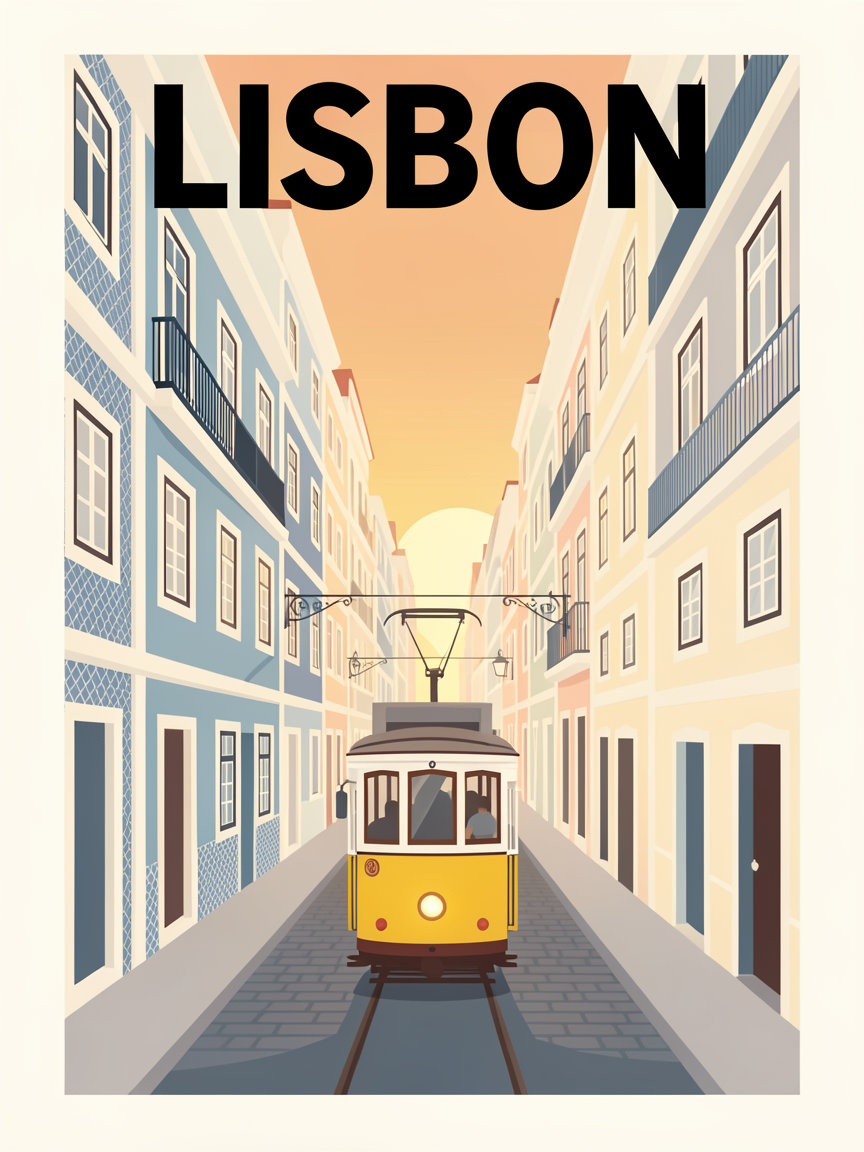
Settings: 3:4
A minimalist travel poster for Lisbon: the word LISBON set in bold condensed sans-serif at the top, yellow tram climbing a steep pastel street, tiled facades in blue and cream, warm evening light, flat vector style, generous margins.
The city name sits in a fixed slot: the word LISBON set in bold condensed sans-serif at the top. One subject, one action (a tram climbing), two colors, and flat vector style, generous margins locks the flat illustration and the white space.
5. Travel poster: a second city, same template
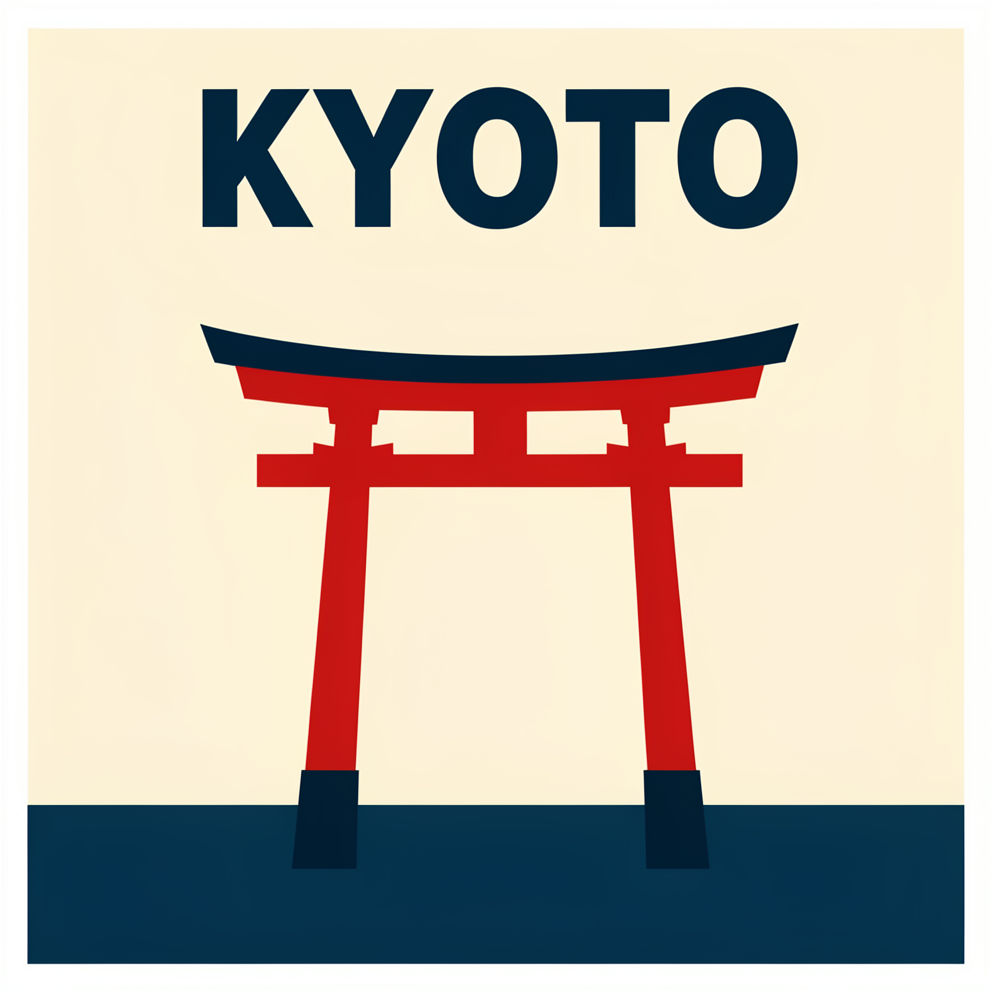
Settings: portrait, 3:4 or 9:16
A minimalist travel poster for KYOTO: the word KYOTO in bold condensed sans-serif at the top, a vermilion torii gate, cream and indigo palette, flat vector style, generous margins
Only three things changed from the Lisbon prompt: the city, the landmark and the palette. bold condensed sans-serif and generous margins are what make a stack of these read as one series.
6. Poster edit: KYOTO becomes OSAKA

Upload the Kyoto poster as the source image, then paste this prompt. The prefill covers the prompt only.
Source image: https://static.hiapi.ai/admin-assets/flux-1-kontext-max/2026/10/26/1793005032085-a13fc7d3aa7357b7-f-case-t2i-kyoto.png
Settings: leave the aspect ratio empty to keep the original framing
Change the word KYOTO to OSAKA and shift the palette from vermilion to deep teal; keep the layout, margins, torii illustration and typography style unchanged
Type inside an image needs both sides named in one line: the new word and the new palette, then layout, margins, torii illustration and typography style as the keep list. The words change, the layout holds, and one poster covers a second city.
How these prompts are built
- Subject, setting, light, style, in that order; quote poster text and give its position; close with what to exclude.
- For edits, split the prompt into
Change ...andkeep ... unchanged; whatever you leave out is the first thing to drift. - Prompts cap at 4,000 characters and take one source image. At $0.0715 per image, $10 covers about 139 runs — enough to tune one prompt to final.
FAQ
Does the link carry my source image too? No. It fills the prompt only; upload the original on the model page for the edit examples.
Can I write the prompt in another language? Yes. Non-English prompts are translated to English before generation, up to 4,000 characters.
Is an edit priced differently from a fresh image? No. Text-to-image and editing share the same per-image price, and failed tasks refund the hold.
Copy the reading corner prompt above and generate your first image →, with 16:9 selected.