Every clip below is a real Kandinsky 6.0 Pro output, and each one comes with the full prompt: copy it as-is, or hit "Generate with this prompt" to open the model page with the text already filled in. Kandinsky 6.0 Pro is live on HiAPI — open the model page and generate, and new accounts get 200 free credits.
1. Mood film: a night train on a stone viaduct
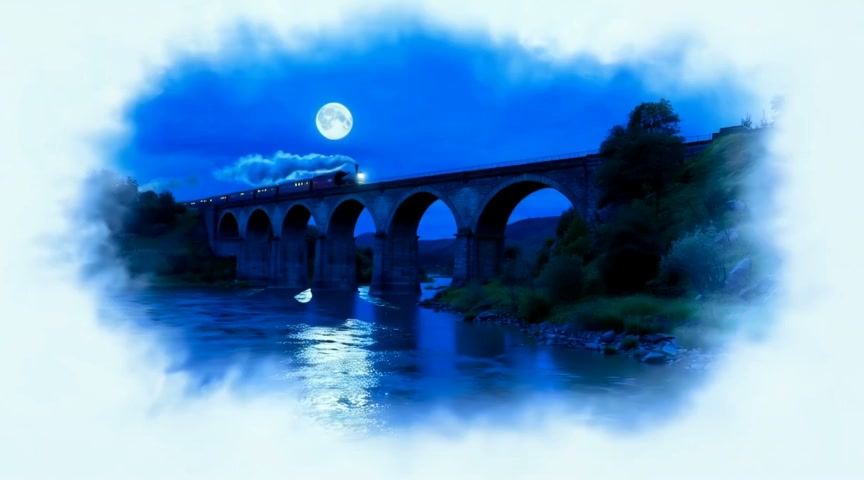
Settings: 16:9 · 5 seconds · 864×480 · 24 fps · audio always on · Watch the clip →
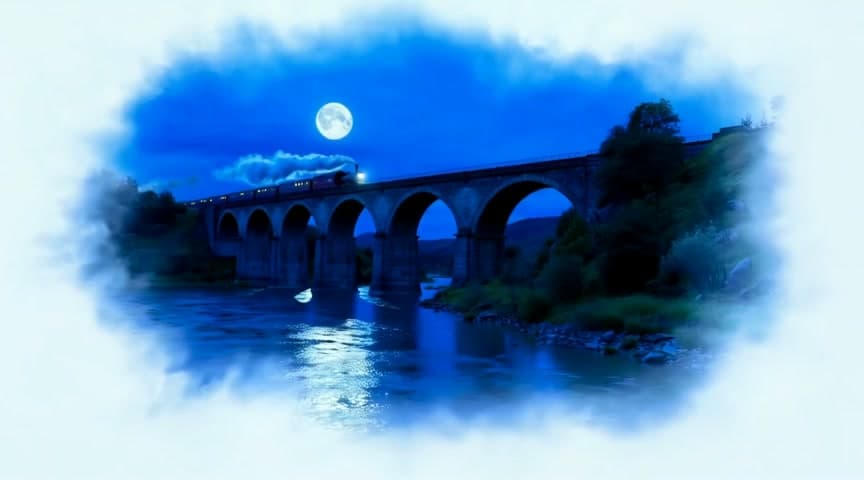
A night train crosses a tall stone viaduct under a full moon, a plume of steam trailing into the valley, the camera cranes up from the river below, rhythmic wheels on the rails and a distant whistle
Four clauses, four jobs: place and moonlight, the direction of the steam, the camera rising from the river, wheels plus a whistle. Five seconds holds four clauses; adding coach details would crowd them out.
2. Food and drink: a five-second pour-over close-up
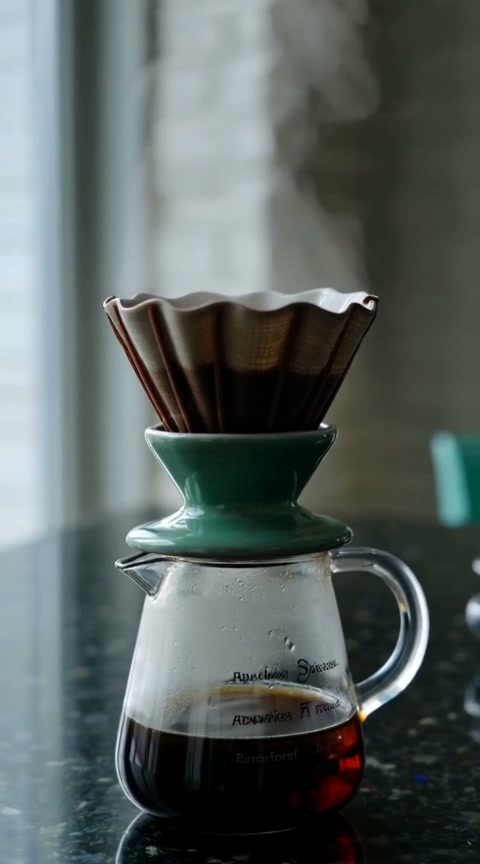
Settings: 9:16 · 5 seconds · 480×864 · 24 fps · audio always on · Watch the clip →
A ceramic pour-over coffee dripper on a dark counter, steam rising, slow push-in, soft cafe ambience
The vertical frame leaves the dripper as the sole subject, and the rising steam carries all the movement. soft cafe ambience keeps room tone underneath the product instead of over it.
3. City at night: neon in the rain
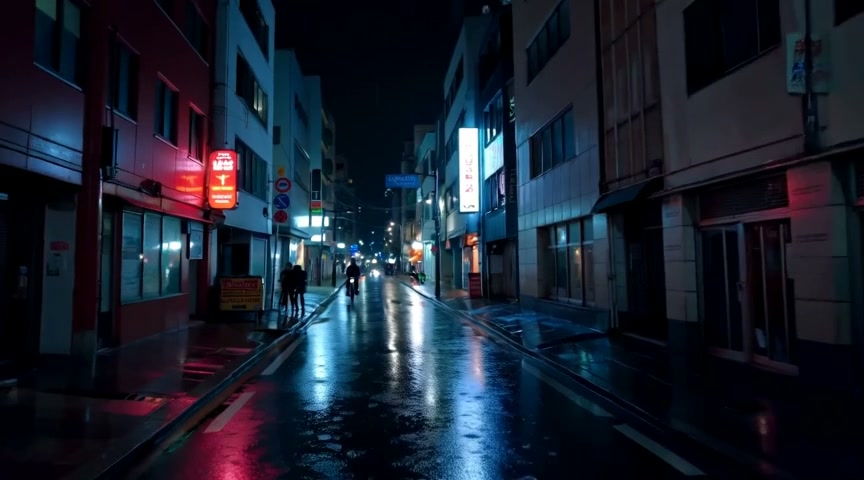
Settings: 16:9 · 5 seconds · 864×480 · 24 fps · audio always on · Watch the clip →
A narrow city street at night in heavy rain, neon signs reflect in the puddles, a cyclist passes, the camera tracks slowly forward, steady rain and distant traffic
Here the street does the acting — rain, reflections, a cyclist passing — while the camera only drifts forward. Writing steady rain and distant traffic into the text is what keeps the audio track from coming back empty.
4. Add motion to a photo: the phone booth
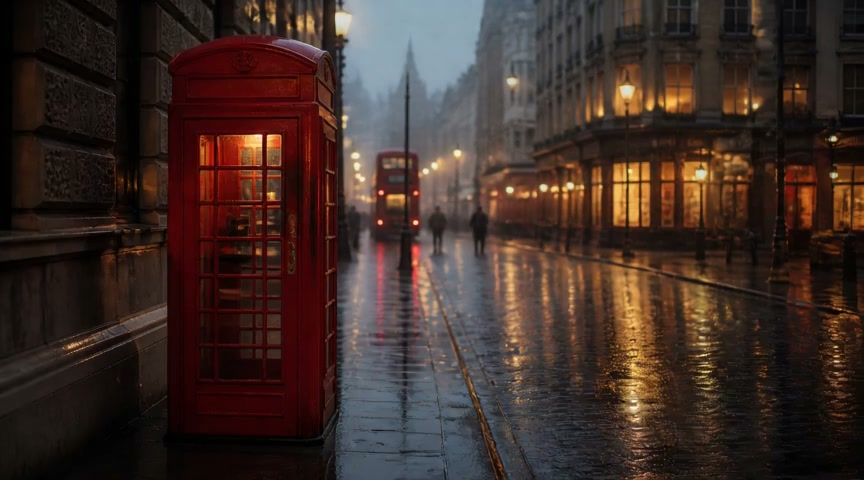
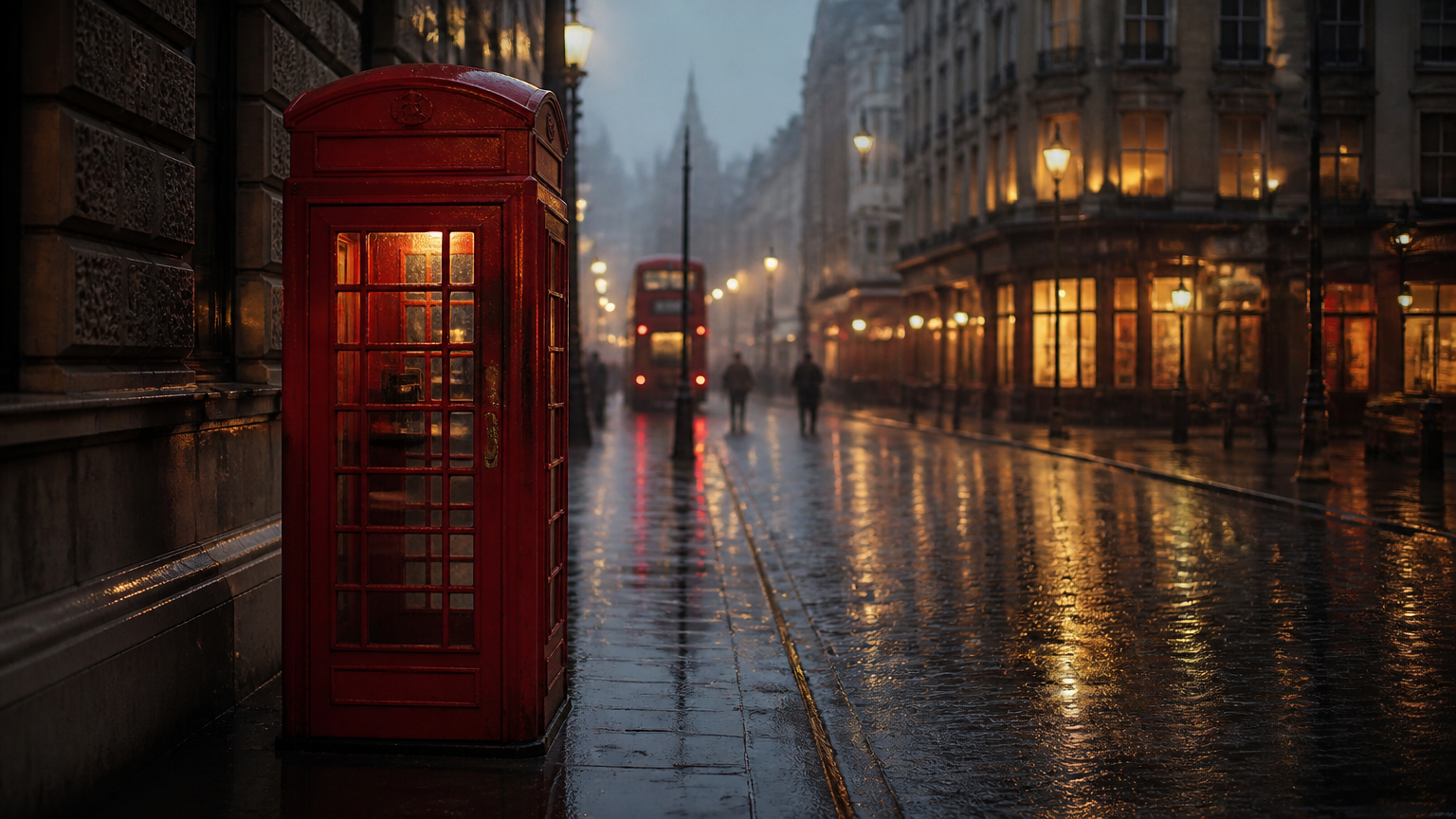
Settings: auto from a 16:9 first frame · 5 seconds · 864×480 · 24 fps · audio always on · Watch the clip → Input frame: first frame
Rain intensifies on the empty street, neon reflections ripple in the puddles, steam rises from a grate beside the booth, the camera slowly pushes in, steady rain and distant traffic
An image-to-video prompt describes only what happens after the first frame: harder rain, rippling reflections, steam off the grate. Framing, neon and the booth's position come from the image itself, and the camera makes one slow push.
Write your own: one clause per layer
- Scene: place, time, light, weather.
- Action and camera: what moves and how fast, then how the camera moves —
cranes up,pushes inandtracks forwardeach do one job. - Sound: name what you want to hear — rain, wheels, distant traffic.
Text-to-video is $1.9286 a clip and $10 covers five; image-to-video is $2.00 a clip. Output is fixed at 5 seconds, 480p and 24 fps with audio generated alongside the picture, in 16:9, 9:16, 1:1, 4:3 or 3:4. Pick a prompt and generate your first clip →
FAQ
Do I have to write the prompt in English? English and Russian are natively supported. If you're thinking in another language, translate to English first — the picture and the audio both land closer. The limit is 6,000 characters.
Can I turn the audio off?
No. Synchronized audio is always on. Put unwanted sounds in negative_prompt (up to 2,000 characters) and the sounds you want in the prompt itself.
Can I change the length or resolution? No. Every clip is 5 seconds at 480p and 24 fps. For a longer sequence, generate several clips and cut them together.
Which aspect ratio should I pick?
Text-to-video offers 16:9, 9:16, 1:1, 4:3 and 3:4. Image-to-video defaults to auto, which matches the closest ratio to your first frame and center-crops.
Copy the night-train prompt from case 1 and generate your first five-second clip →; pick 16:9 and the sound is already in the prompt.