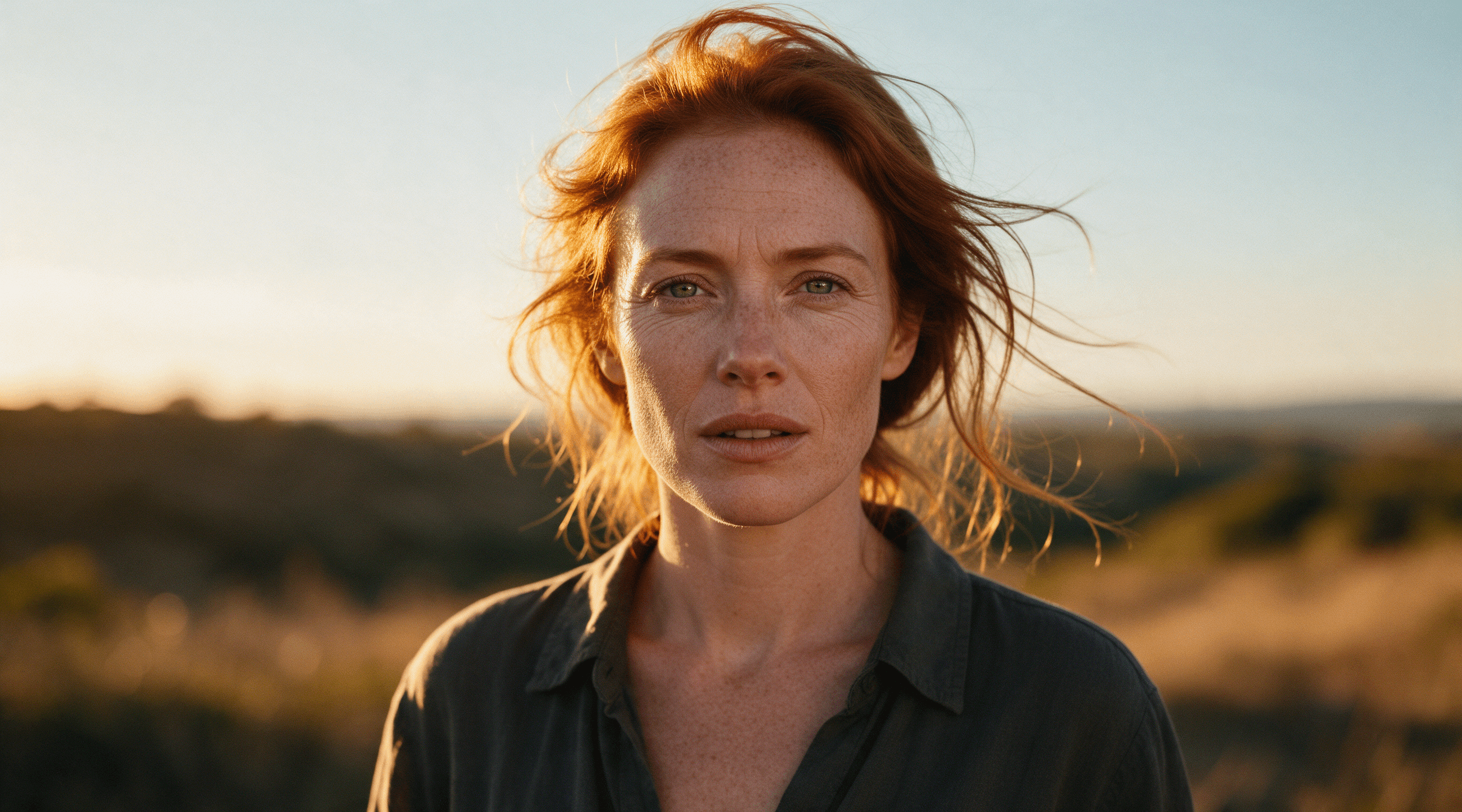
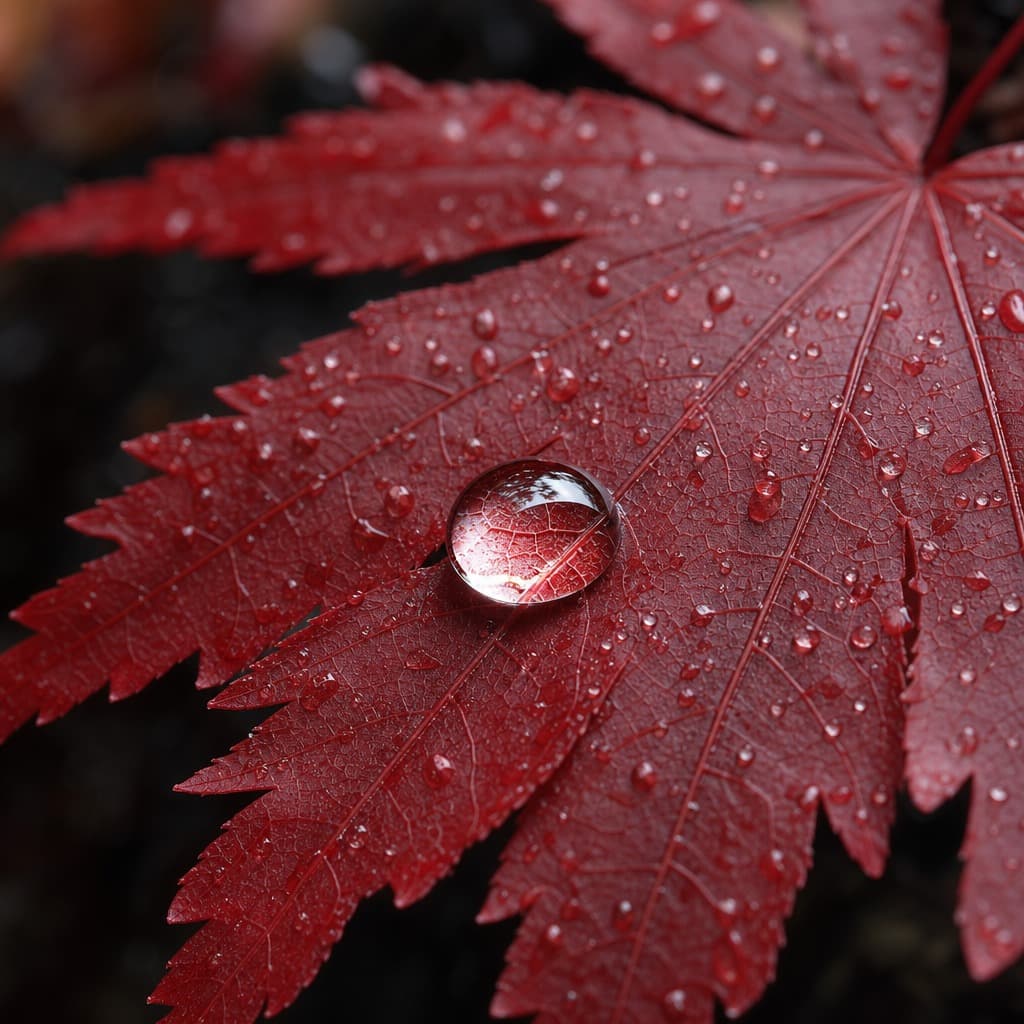
This review keeps three real side-by-side tests we ran on HiAPI in May 2026. We generated 1 image per prompt per model. So what follows describes what we saw in those samples. We don't stretch it into a long-term promise about the model.
Here is the bottom line. In all three tests, GPT Image 2 handled English text, spatial layout and realistic detail. Its images leaned realistic and dark. It also showed two weak spots. It did not reliably beat the previous model at exact counting, and the generation time we recorded was much longer. GPT Image 1.5 is now retired. This comparison is now useful for understanding how the model changed and for judging wait times. It no longer serves as a guide for choosing a model today.
Release background and the current model naming
OpenAI's API model page lists the gpt-image-2-2026-04-21 snapshot. The current canonical model ID is gpt-image-2. The official docs describe it as an image model that supports image generation and editing, flexible sizes and high-fidelity image inputs.
Keep the product UI and the API contract separate. HiAPI's /v1/tasks request has no thinking parameter. So you can't turn a product name or mode from a UI into a HiAPI request field. You also can't use a field that doesn't exist to explain the historical timings in this article.
On HiAPI, the current canonical text-to-image ID is gpt-image-2/text-to-image, and the image-to-image ID is gpt-image-2/image-to-image. The standard, beta and ext routes each have their own parameter and pricing rules. For current requests, follow the matching Docs.
May 2026 test conditions
The original CMS record kept the test date, the default settings and the output images. It did not keep task IDs or full request payloads. To avoid inventing evidence, this merged version only uses information we can verify from the original article and images.
| Item | What we recorded |
|---|---|
| Test date | 2026-05 |
| Platform | HiAPI test account |
| Models compared | GPT Image 2 and GPT Image 1.5 |
| Route | The default text-to-image route at the time, no beta or ext; under current naming this maps to standard text-to-image |
| Sample size | 1 image per model per prompt |
| Parameters | Default settings, no extra quality tier set |
| What we tested | Text rendering, spatial instructions, realistic detail, time per image |
The three prompts were an English coffee shop poster, a reading nook with explicit position and count constraints, and a macro shot of water drops on a red maple leaf. Below are the three comparison images from the original review.
Three real outputs
P1: English text rendering
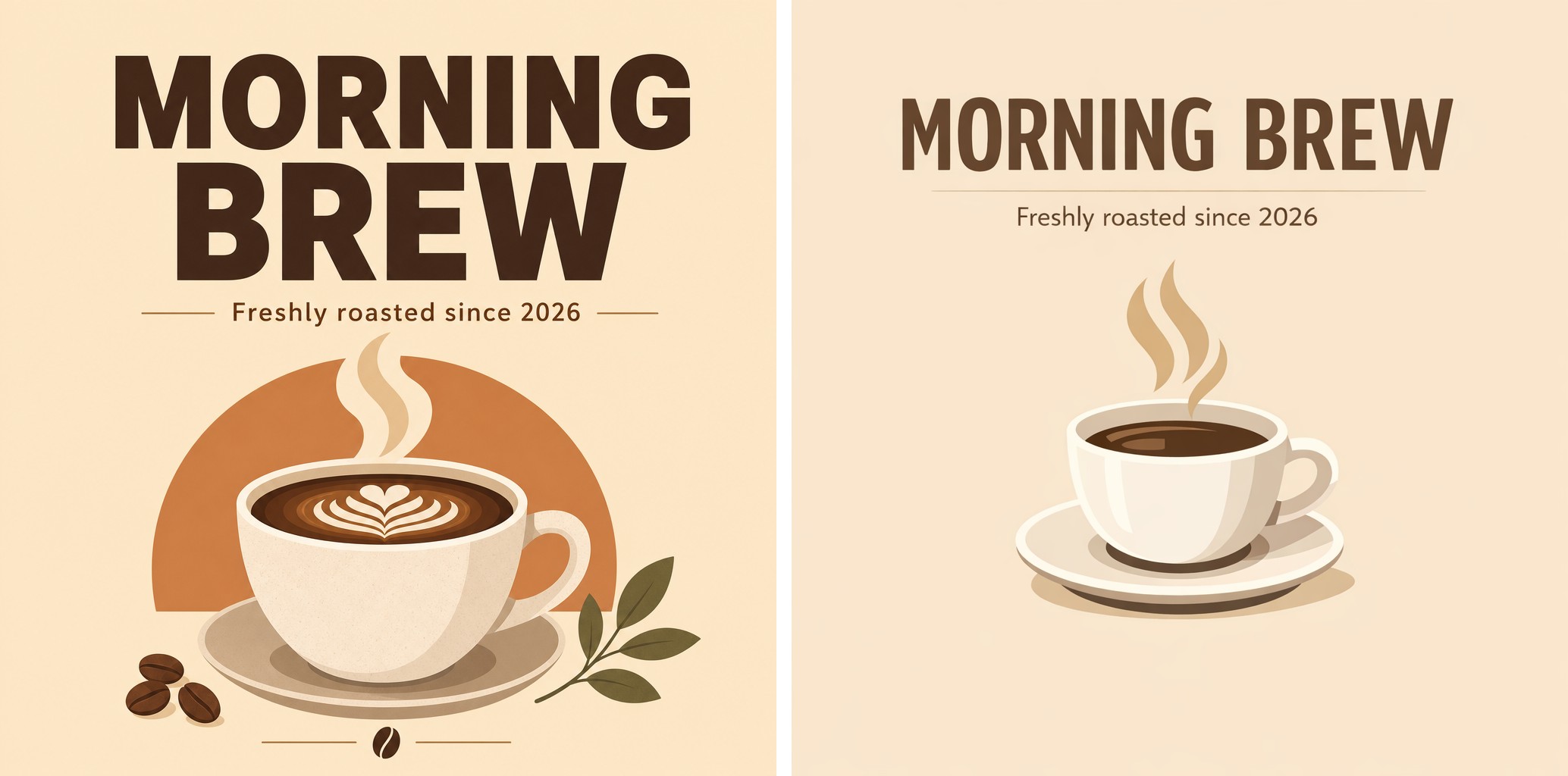
The prompt asked for a poster with the title "MORNING BREW" and the subtitle "Freshly roasted since 2026". In this test, both models rendered the title and subtitle correctly, and the text was clear and readable. This shows GPT Image 2 completed this short English copy task. But a single sample can't tell you its overall accuracy. It also doesn't show that it reliably beats the previous model on text.
If your work needs multilingual posters, packaging or infographics, test in batches with your real copy. Proofread every character before delivery.
P2: Spatial layout and exact counts

The prompt put a cat on the left windowsill, three books on the right and a potted plant on the floor. Both models kept all three spatial relationships. In this image, GPT Image 2 looked like realistic photography. GPT Image 1.5 leaned illustrated and warm.
On counts, the three books from GPT Image 1.5 were easier to count. GPT Image 2's book stack was ambiguous. This counterexample is worth keeping. You need to check complex instructions item by item. A model's overall look can't replace checks on counts, text and positions.
P3: Realistic detail and lighting
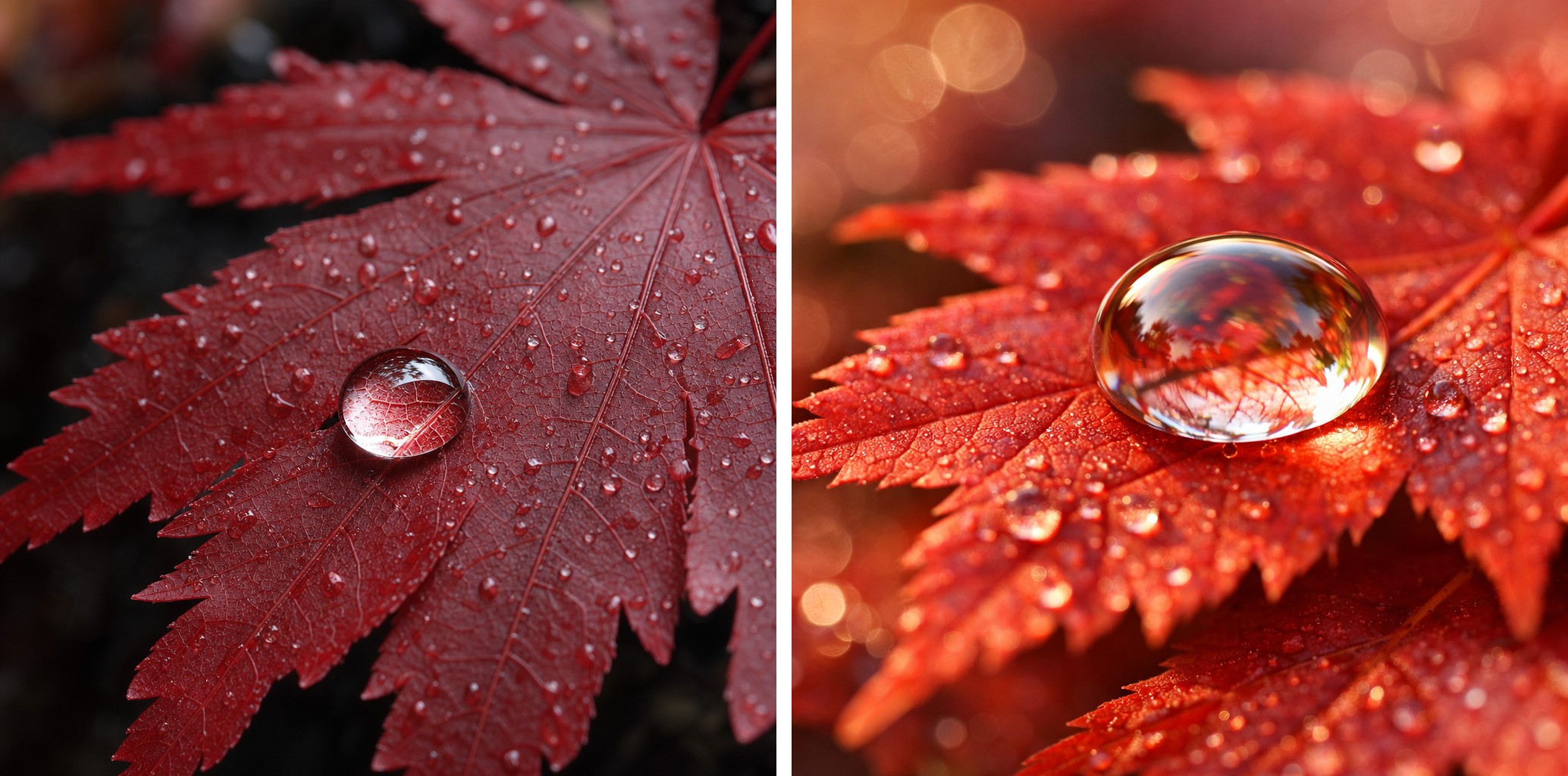
Both images showed refraction in the water drops and texture on the leaf. In this image, GPT Image 2 was darker with stronger contrast. GPT Image 1.5 was warmer and brighter. A single sample only shows that both models completed this macro task. It can't support claims like "crushes on image quality" or conclusions about a fixed style.
To evaluate GPT Image 2 today, retest with your own business prompts on the GPT Image 2 model page. Record subject consistency, exact text, counts, composition and wait time together.
How to read the historical speed data
The original review recorded these times per image.
| Model | Per-image record, 2026-05 |
|---|---|
| GPT Image 2 | About 107 seconds |
| GPT Image 1.5 | About 18–36 seconds |
This is the clearest historical difference in this article. It is also the easiest one to misuse. The sample size was 1 image per prompt. The original record had no task IDs, queue status or full request parameters. Platform routes and load also change over time. So 107 seconds is a good reminder to design for async waiting and status feedback in your product. It is not a current average time or an SLA.
HiAPI's task API is async by design. A production UI should show the task status. After success, read the output from data.output[] and download or re-host it before expireAt. For current implementation details, follow the text-to-image and image-to-image Docs.
Migration after the 1.5 retirement
GPT Image 1.5 was retired from HiAPI in June 2026. Advice from the old page such as "keep using 1.5 for live previews" no longer applies. In this article, it only serves as a historical comparison from May 2026. It no longer appears in current recommendations or CTAs.
The $0.05/image in the old article was a price snapshot from that time. It lacked route, resolution and quality details, so don't use it to calculate today's price gap. At our August 31, 2026 price check, HiAPI standard text-to-image and image-to-image cost $0.03, $0.04 and $0.06 for 1K, 2K and 4K. Beta text-to-image cost $0.02. Ext is priced by quality and resolution combination, and ext image-to-image also includes a dynamic charge for reference images. For budgeting, see current GPT Image 2 route prices and cost examples, and treat live Pricing as the final source.
New projects can pick a current route based on their needs. For text-to-image, start with GPT Image 2 text-to-image parameters and request examples. If you need to edit with reference images, see GPT Image 2 image-to-image fields and reference image rules. If old code still uses 1.5 or an early alias, first clean up model names using the model history and migration map in the English GPT Image API hub. Then run regression tests.
FAQ
Does GPT Image 2 still take about 107 seconds per image?
You can't assume that. The 107 seconds comes from a small historical sample in May 2026. We lack the evidence to reproduce the queue and parameters from that time. Measure P50, P95 and failed retries again on the current route with your business prompts.
Does GPT Image 2 on HiAPI support Thinking Mode?
HiAPI's current /v1/tasks schema has no thinking field. Images with thinking is a ChatGPT product feature. Don't write it as a HiAPI task parameter.
Does GPT Image 2 support image-to-image?
Yes. Standard image-to-image uses gpt-image-2/image-to-image and input_urls. Ext uses the same base model plus a top-level route: "ext", and its reference image field is image_urls. Both routes currently accept 1–6 reference images. See the image-to-image Docs for exact limits.
Can I ask for a transparent background directly?
The OpenAI Images API offers a background: "transparent" preview, and the output must be PNG or WebP. HiAPI's current GPT Image 2 task schema doesn't expose background, so you can't pass this field in a HiAPI request.
Conclusion
The three real image sets are still useful. In this test, GPT Image 2 completed the English text, spatial layout and macro detail tasks, and its images leaned more realistic and darker. Exact counting and the historical wait times remind us that delivery checks and the async experience still need their own design.
The integration decision is now clear. Re-validate your business samples on the current GPT Image 2 route, send requests per the matching Docs, and budget with live Pricing. GPT Image 1.5 stays only as a historical reference. It is no longer an option you can call.