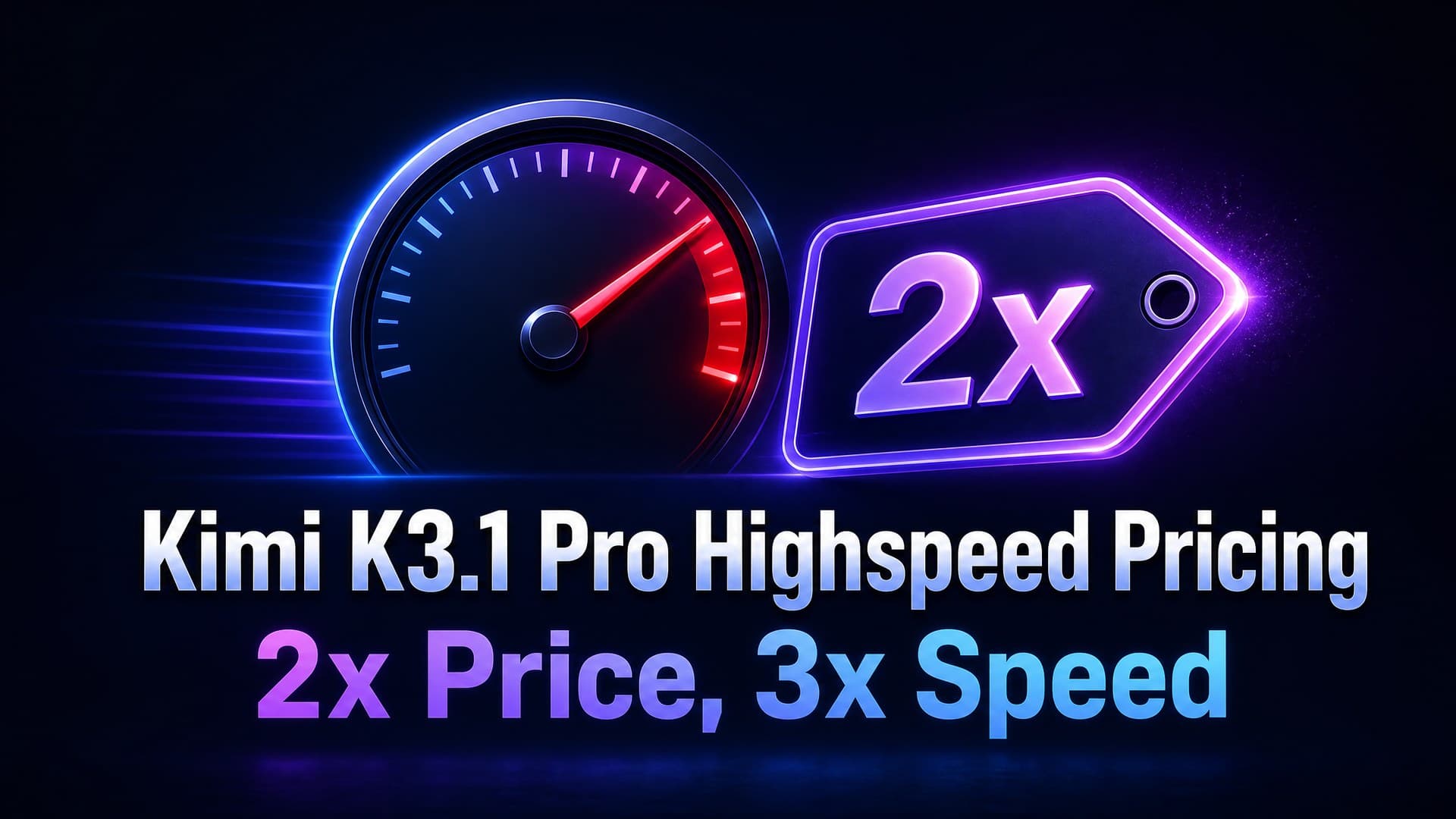
TL;DR: 5 real-time scenarios, all designed around Kimi K3.1 Pro Highspeed's low-latency advantage. These use cases share one thing in common: users are waiting, so time-to-first-token matters. Estimated cost per call: $0.03–0.09 (based on 1K–2K input + 1K–3K output). Each prompt includes a pre-filled link that loads it directly into the model page. Kimi K3.1 Pro Highspeed is available now on HiAPI. Open the model page to try it. New users get 200 free credits.
Outputs below are estimated references, not production HiAPI results. Actual output depends on your generation.
Scenario 1: Chatbot Customer Support
Live support is the most latency-sensitive use case. Lock in role and tone via system prompt; the user message carries only the current query. Keep the system prompt fixed at the front and repeated conversations hit the cache at $0.2156, eliminating the input charge on that portion.
You are a support assistant for a SaaS platform, named K. Rules:
- Be friendly and concise. Keep responses to 3 sentences max.
- If you can solve it, give steps. If not, say "I'll transfer you to a human." Do not make up answers.
- When users ask about pricing, features, or refunds, pull answers from the knowledge base below. If the answer is not there, say "I need to look into this."

Knowledge base:
- Pricing: Personal $19/month, Team $49/month (up to 5 seats), Enterprise $99/month.
- Features: Personal includes basic analytics and 1 workspace. Team adds collaboration, API access, and 10 workspaces. Enterprise adds SSO, audit logs, and unlimited workspaces.
- Refunds: Full refund within 7 days of purchase. No refunds after 7 days.

Current user message: My report export is not working. I click the download button and nothing happens. What should I do?
kimi-k3.1-pro-highspeed, reasoning_effort low, max_tokens 500. ~1.5K input + 0.3K output, est. $0.04.
Support prompt structure: system prompt sets role + knowledge base + rules; user carries only the current question. On repeated conversations the system prompt hits the cache, and subsequent turns only charge for the new user content.
Scenario 2: Real-Time Code Completion
IDE completions demand the lowest possible latency. Use FIM (Fill-in-the-Middle) style: provide the unfinished code, request completion only with no explanations. reasoning_effort low, max_tokens capped at 200.
You are a real-time code completion engine. Rules:
- Output only the code that should be inserted. No explanations, no comments, no markers.
- Output must be directly runnable. No decoration (no ``` or markdown).
- If the context is insufficient to determine intent, output nothing.

Current code:
```python
def calculate_portfolio_risk(positions: list[dict], market_data: pd.DataFrame) -> dict:
    """Calculate VaR and CVaR for a portfolio of positions."""
    weights = np.array([p["weight"] for p in positions])
    returns = market_data.pct_change().dropna()
kimi-k3.1-pro-highspeed, reasoning_effort low, max_tokens 200. ~1K input + 0.2K output, est. $0.03.
Code completion: set reasoning_effort low (pattern matching, not deep reasoning). Cap max_tokens at 200 (completions rarely exceed 5 lines). With both set correctly, per-call cost stays minimal.
Scenario 3: Support Ticket Triage
Before routing to a human agent, classify incoming messages automatically. Structured JSON output so the downstream routing system can consume it directly.
Classify the user message by category (technical / billing / account / other), urgency (urgent / normal / low), and recommended department (engineering / support / sales). Output strict JSON:

{"category": "...", "urgency": "...", "department": "...", "reason": "one-sentence rationale"}

User message: I am locked out of my account and the password reset email is not arriving. I have a project report due by midnight tonight and I cannot afford to wait.
kimi-k3.1-pro-highspeed, reasoning_effort low, response_format json_object, max_tokens 200. ~0.8K input + 0.15K output, est. $0.02.
Triage: input is short, output is a single JSON object. Minimal cost. Add response_format for guaranteed valid JSON your routing system can parse directly. reasoning_effort low is sufficient; classification does not require max reasoning.
Scenario 4: Instant Translation with Glossary
Product copy and UI strings need instant translation with terminology consistency. Include a glossary to prevent the model from rewriting proper nouns.
Translate the following Chinese into English. Strictly follow the glossary: use the exact translation for each term. Do not paraphrase glossary entries. Keep the translation natural and fluent, suitable for product UI and marketing copy.

Glossary:
- 工作空间 = workspace
- 数据看板 = dashboard
- 自动化规则 = automation rule
- 实时协作 = real-time collaboration
- 审计日志 = audit log

Chinese:
「升级到团队版即可解锁数据看板的实时协作功能,最多支持 10 个工作空间,所有操作记录在审计日志中可追溯。」
kimi-k3.1-pro-highspeed, reasoning_effort low, max_tokens 500. ~0.8K input + 0.2K output, est. $0.02.
Translation: the glossary is the key difference-maker. Without it, the model might translate workspace as work area or dashboard as data panel. With it, terminology consistency improves noticeably across repeated calls.
Scenario 5: Live Data Query (NL2SQL)
Users query business data in natural language and expect real-time SQL execution. Highspeed's 3x speed directly shortens the wait from question to answer.
Convert the following natural language question to a PostgreSQL query. Output only the SQL statement. No explanations.

Database schema:
- orders: id, user_id, amount, status, created_at
- users: id, name, plan (free|personal|team|enterprise), signed_up_at
- order_items: id, order_id, product_name, quantity, unit_price

Question: How many orders did users on each plan place last month? Sort by order count, highest first.
kimi-k3.1-pro-highspeed, reasoning_effort low, max_tokens 300. ~1K input + 0.2K output, est. $0.03.
NL2SQL: provide the full schema, request SQL-only output, and set reasoning_effort low (NL2SQL does not need max reasoning). Clean output your pipeline can execute directly.
How to Write Prompts for Highspeed
- Fix your system prompt at the front. In chat and support scenarios, lock role, knowledge base, and rules into the system prompt and keep it unchanged. Repeated requests hit the cache at $0.2156, eliminating the input charge on that portion.
- Default reasoning_effort to low. Highspeed's value is speed, not deep reasoning. Support, completion, classification, translation, and NL2SQL all work fine with low. Only use high/max when complex reasoning is genuinely needed.
- Pin the output format. For JSON, write the exact skeleton:
{"category": "...", ...}. For code, say "output only code, no explanations." The more specific, the less post-processing you need.
FAQ
Can I use these prompts directly? Yes. All 5 are original prompts designed for Highspeed's speed advantage. Click "Try this prompt" under each one and the model page auto-fills the prompt. Swap in your own business data and send. Outputs shown are estimated references; actual results depend on your generation.
How much faster is Highspeed than Pro? Official figure is 3x. The real feel depends on input and output length. Short-input, short-output scenarios (support, completion) show the most noticeable first-token latency difference.
When should I NOT use Highspeed? Long outputs where no user is waiting: batch translation, long-form summarization, offline data processing. In these cases the speed gain is diluted by output length and Pro halves your cost. See the pricing breakdown for details.
Can I run the same prompt repeatedly? Yes. Keep the system prompt fixed and swap only the user message each time. Set it up once and run with zero adjustments from there.
Further Reading
- Kimi K3.1 Pro Highspeed API Pricing -- 2x price for 3x speed, when to choose Highspeed vs Pro
- Kimi K3.1 Pro Highspeed API Guide -- Same as Pro, just change the model ID. curl and Python examples included
- Kimi K3.1 Pro API Guide -- Full Pro usage guide
- Kimi K3.1 Pro Highspeed Model Page -- Try it online, view parameters and live pricing