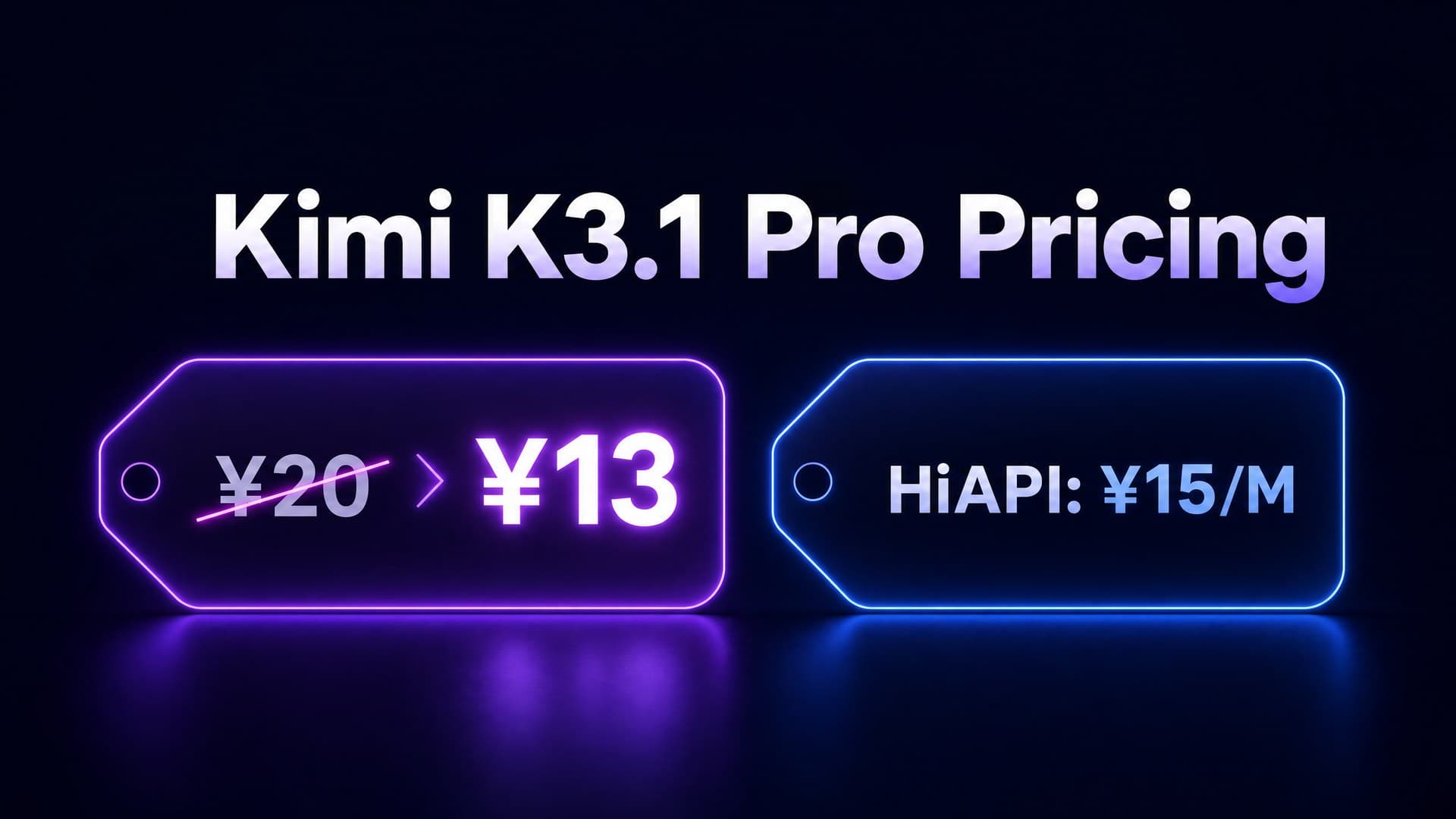
Kimi K3.1 Pro is live on HiAPI. New users get 200 free credits. Here are five ready-to-copy prompts for debugging, code review, architecture decisions, document analysis, and data reporting. Each prompt opens directly in the playground with one click.
1. System Debugging: Root-Cause Analysis from Error Logs
Drop in raw error logs and get a layer-by-layer diagnosis, root causes, and exact fix commands -- not vague suggestions like "check your network."
What you'll get (reference): The model traces the call chain (e.g., Nginx reverse proxy -> backend service -> database connection pool), provides verification commands at each layer, identifies the root cause (e.g., "PostgreSQL connection pool exhaustion causing request queue timeouts"), and delivers a two-step fix plan.
You are a backend debugging engineer. Analyze the production error log below step by step:

1. Parse key timestamps and error codes line by line
2. Trace the call chain (entry -> middleware -> service -> database) and analyze possible causes at each layer
3. Identify the most likely root cause (no more than 3 possibilities)
4. For each root cause, provide a verification command and the fix steps

Output format:
## Log Analysis
## Layer-by-Layer Diagnosis
## Root Cause
## Fix Steps

Log:
[Paste your error log here]
kimi-k3.1-pro, reasoning_effort: high. Estimated cost: ~$0.03 (~3K input + ~2K output tokens).
Tip: The prompt defines both the output structure and the diagnostic chain. The model won't skip steps or offer generic advice. Use reasoning_effort: high or max for debugging -- low sometimes jumps to conclusions without examining the middle layers.
2. Code Review with Structured JSON Output
Get a JSON code review you can pipe straight into CI. K3.1 Pro's json_schema mode enforces exact field names, types, and enum values so downstream tools never break on format changes.
What you'll get (reference): A JSON object with an issues array (each containing file, line, severity, category, description, suggestion), a summary object with severity counts, and an overall_score from 0 to 100. Severity is strictly one of critical, major, minor, or style.
Review the following code. Output your review strictly as JSON matching this schema. Do not output any text outside the JSON.

Review dimensions:
- Logic errors and edge cases
- Performance issues (N+1 queries, unnecessary loops)
- Security risks (SQL injection, XSS, unvalidated input)
- Code style and readability

Output JSON Schema:
{
  "issues": [
    {
      "file": "string",
      "line": "number",
      "severity": "critical | major | minor | style",
      "category": "logic | performance | security | style",
      "description": "string",
      "suggestion": "string"
    }
  ],
  "summary": {
    "critical": "number",
    "major": "number",
    "minor": "number",
    "style": "number"
  },
  "overall_score": "number (0-100)"
}

Code:
[Paste your code here]
Review code with this prompt ->
kimi-k3.1-pro, response_format: json_schema. Estimated cost: ~$0.04 (~4K input + ~2.5K output tokens).
Tip: Pass response_format: {"type": "json_schema", "json_schema": {...}} in the API call to lock the output format. Including the schema in the prompt itself is a safety net -- the model follows it even if the API-level constraint isn't applied. Use enum values for severity rather than free-text labels so your CI can branch on them directly.
3. Technical Comparison: Weighted Multi-Dimensional Scoring
When you're stuck between two tech choices, let the model score them across dimensions with explicit weights. The output is a table you can drop into a design doc.
What you'll get (reference): A comparison table with 5-6 dimensions (performance, maintainability, ecosystem maturity, learning curve, team fit, community activity), each scored 1-10 with a one-line rationale, a weighted total, and a recommendation in 3 sentences or fewer.
I need to choose between two technical approaches: Option A and Option B. Compare them across these 6 dimensions, score each (1-10) with a one-line rationale, calculate weighted totals, and give a recommendation.

Dimensions and weights:
- Performance (weight 25%)
- Maintainability (weight 20%)
- Ecosystem maturity (weight 20%)
- Learning curve (weight 15%)
- Team stack alignment (weight 15%)
- Community activity (weight 5%)

Output format:
| Dimension | Option A | Option B | Rationale |
|---|---|---|---|
| Performance | | | |
| ... | | | |
| **Weighted Total** | | | |

Final paragraph: recommendation (no more than 3 sentences).

Option A: [Describe option A -- tech stack, architecture, key dependencies]
Option B: [Describe option B -- tech stack, architecture, key dependencies]
Context: [Optional: team size, current stack, business domain]
Compare options with this prompt ->
kimi-k3.1-pro, reasoning_effort: high. Estimated cost: ~$0.04 (~3K input + ~3K output tokens).
Tip: Adjust weights to match your actual priorities. If your team already leans one way, bake that into the weights rather than leaving them equal. Don't just give the model option names -- describe each option's key technical choices, dependencies, and team context so the scores have real basis.
4. Long Document Analysis: Extract What Matters from Full Manuals
Feed in a complete technical manual, meeting transcript, or user feedback log. K3.1 Pro's 1M token context window handles entire documents in a single call.
What you'll get (reference): A document overview with structure summary, answers to your specific questions, a list of all constraints and assumptions, at least 3 easily-missed edge cases, and any contradictions or ambiguities found in the text.
Read the full document below and extract information in this structure:

1. Document topic and structure overview (one paragraph)
2. Answers to these specific questions:
   - [Question 1]
   - [Question 2]
   - [Question 3]
3. All constraints, limitations, and assumptions mentioned (list each)
4. Edge cases that are easy to miss (at least 3)
5. Any contradictions or unclear parts (if any)

Document:
[Paste full document here]
Analyze a document with this prompt ->
kimi-k3.1-pro, reasoning_effort: max, max_tokens: 8000. Estimated cost: ~$0.07 (~15K input + ~3K output tokens). Input tokens scale with actual document length; this estimate assumes ~10K words of English text.
Tip: Replace [Question 1] through [Question 3] with your actual questions. For long documents, use reasoning_effort: max -- low tends to miss details in high-context scenarios. When analyzing the same long document repeatedly, subsequent calls read from cache at $0.2156/M tokens (1/10th the input price).
5. Data Analysis: From Raw Data to Report-Ready Insights
Drop in CSV or JSON data and get statistics, trends, anomaly detection, and actionable recommendations -- formatted as a report you can paste directly into a weekly update.
What you'll get (reference): A Markdown report with data overview (row count, fields, time range, completeness), key statistics (mean/median/min/max/stddev for numeric fields, top 5 categories with percentages), trend analysis if time fields are present, anomaly detection at 2 standard deviations, and 2-3 actionable recommendations.
You are a data analyst. Analyze the raw data below and produce a report:

1. Data overview: row count, field list, time range, completeness (missing rate)
2. Key statistics, auto-selected by field type:
   - Numeric fields: mean, median, max, min, standard deviation
   - Categorical fields: top 5 categories with percentages
3. Trend analysis: if a time field exists, aggregate key metrics by week/month and describe trends
4. Anomaly detection: flag data points more than 2 standard deviations from the mean
5. Conclusions and recommendations: 2-3 actionable items

Output format: Markdown report with section headings. Bold key numbers.

Data:
[Paste your CSV or JSON data here]
Analyze data with this prompt ->
kimi-k3.1-pro, reasoning_effort: high. Estimated cost: ~$0.03 (~2K input + ~2K output tokens). Input tokens scale with dataset size.
Tip: Strip sensitive data (user IDs, phone numbers, keys) before pasting. For large datasets, the first 200 rows are usually enough -- K3.1 Pro doesn't need the full dataset to identify trends and anomalies.
Prompt Writing Tips for K3.1 Pro
K3.1 Pro is a reasoning model. Skip generic role-play prefixes like "You are an expert..." and focus on three things:
- Define structure, not process. Specify output format and required coverage areas. The model figures out how to fill them in -- micromanaging the steps often produces worse results.
- Ask specific questions. "Analyze this log file" is weak. "Find the earliest error in these 500 lines, its upstream caller, and exactly which config changes fix it" gets precise, actionable output.
- Match
reasoning_effortto the task. Debugging and long documents needhighormax. Simple Q&A and format conversion work fine withlow. The cost difference is several times over.
Open Kimi K3.1 Pro model page, pick a scenario, copy the prompt, and start generating.
Kimi K3.1 Pro Series