PixVerse V6 costs $0.0645 per second at 720p with sound off on HiAPI, or $0.3225 for a five-second clip. A $10 budget covers 31 whole clips at that setting; enabling audio makes each five-second clip $0.43. PixVerse V6 is live on HiAPI: open the text-to-video model page to choose your settings and generate.
The useful budgeting question is how many versions you need before choosing a final clip. Resolution, duration, and audio all affect that calculation. Text-to-video and image-to-video share the same PixVerse V6 rates, so starting from a photograph changes the workflow without changing the price table.
What Does Each Resolution Cost?
| Resolution | Per second, sound off | Per second, sound on | Five seconds, sound off | Five seconds, sound on |
|---|---|---|---|---|
| 360p | $0.036 | $0.05 | $0.18 | $0.25 |
| 540p | $0.05 | $0.0645 | $0.25 | $0.3225 |
| 720p | $0.0645 | $0.086 | $0.3225 | $0.43 |
| 1080p | $0.129 | $0.1645 | $0.645 | $0.8225 |
Calculate the clip price by multiplying the matching per-second rate by the requested duration. At 720p with sound off, ten seconds costs $0.645 and fifteen seconds costs $0.9675. With sound on, those durations cost $0.86 and $1.29.
HiAPI displays balances in credits: 2,000 credits equals $1. A five-second silent 720p clip therefore uses 645 credits. Keep the resolution and audio choice beside any unit price in a spreadsheet; otherwise, two rows marked “five-second video” can describe very different expenses.
How Far Does a $10 Test Budget Go?
| Five-second setting | Whole clips within $10 |
|---|---|
| 540p, sound off | 40 |
| 720p, sound off | 31 |
| 720p, sound on | 23 |
| 1080p, sound off | 15 |
| 1080p, sound on | 12 |
These counts are the number of successful generations the budget covers. Plan for creative variations as well as final selections: changing the camera movement, lighting, or composition creates another clip. A usable campaign asset may take several versions, even when every generation finishes successfully.
Start with one scene and keep its framing fixed while changing a single prompt detail. That makes it easier to decide whether the extra version solved the problem. Run your first 720p draft, then decide whether the selected shot needs more resolution or generated sound.
What Should You Budget Each Month?
The following totals use five-second clips throughout:
| Successful clips per month | 720p, sound off | 720p, sound on | 1080p, sound off | 1080p, sound on |
|---|---|---|---|---|
| 100 | $32.25 | $43 | $64.50 | $82.25 |
| 1,000 | $322.50 | $430 | $645 | $822.50 |
| 10,000 | $3,225 | $4,300 | $6,450 | $8,225 |
Use generation volume for this table. A publishing calendar that calls for 100 finished clips can involve more than 100 generations when the team tries different openings or camera moves. Keep draft volume and final-render volume on separate lines, each with its own settings, then add those subtotals.
For an automated workflow, store the returned taskId immediately. Resume polling that saved task after an interrupted connection; creating another task starts another generation. The PixVerse V6 API guide covers submission, polling, and downloading the result.
Which Settings Deserve the Budget?
- Use 540p for early composition checks. A five-second silent draft costs $0.25. Decide whether the subject placement and camera direction work before increasing resolution.
- Choose the intended shape first. Text-to-video exposes eight aspect ratios, including 9:16 and 21:9. Set the delivery shape before spending time refining the scene.
- Add audio when it serves the shot. Use
generate_audio: truewhen you want generated ambience in the result. Keep it off when the edit already has a soundtrack. - Match duration to the action. PixVerse accepts integer durations from one to fifteen seconds. A simple reveal and a sequence of character actions need different pacing.
- Prepare the first frame for image-to-video. Its framing follows
image_url. Crop the source image to the intended composition before submitting it.
How Does the Price Compare With Kling 3.0?
These are HiAPI prices for standard Kling 3.0 and PixVerse V6 text-to-video, using five-second clips:
| Setting | PixVerse V6 | Kling 3.0 |
|---|---|---|
| 720p, sound off | $0.3225 | $0.50 |
| 720p, sound on | $0.43 | $0.715 |
| 1080p, sound off | $0.645 | $0.645 |
| 1080p, sound on | $0.8225 | $0.965 |
PixVerse V6 is 35.5% lower at silent 720p. At silent 1080p, the prices match. Kling 3.0 also offers 4K at $2.395 for five seconds with sound off. Use the side-by-side PixVerse V6 and Kling 3.0 comparison to weigh output format and frame controls alongside price.
Try a Five-Second Coastal Shot
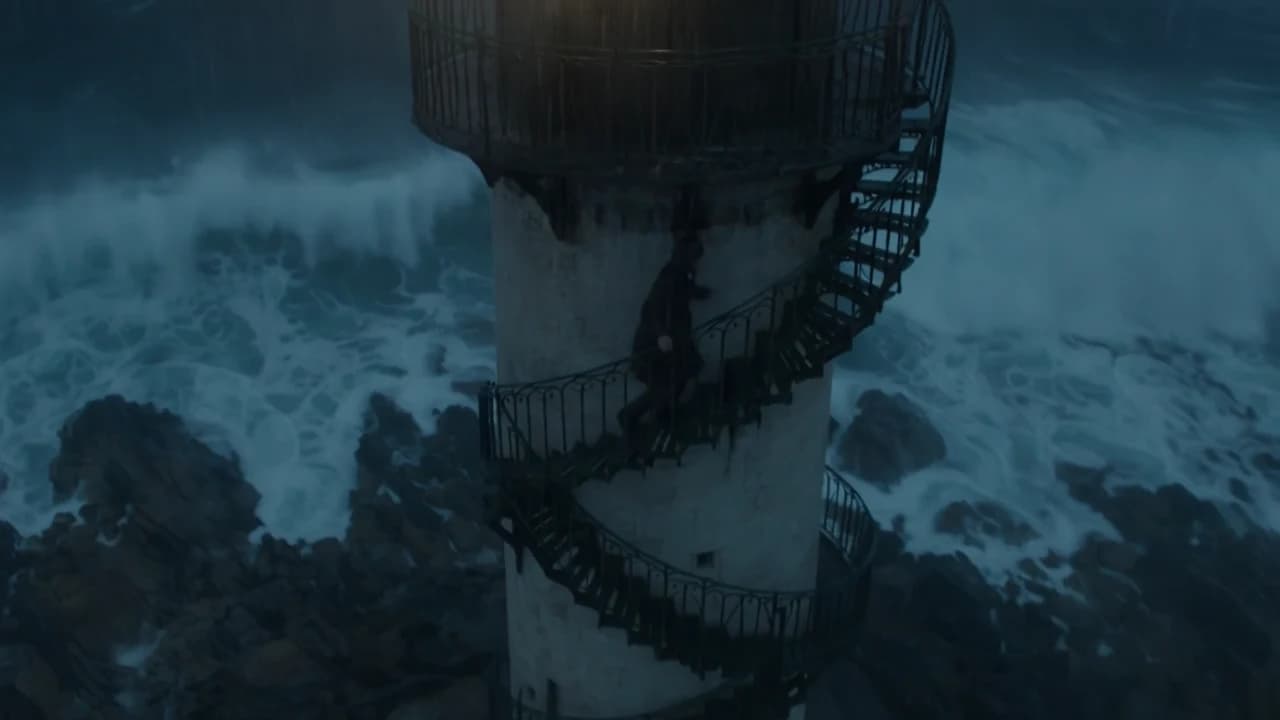
This existing PixVerse V6 example uses 16:9, five seconds, 720p, and audio enabled: a $0.43 setting.
Cinematic slow dolly push-in across a windswept coastal cliff at golden hour. Tall grass ripples in the sea breeze, waves crash against dark rocks far below, warm low sunlight rakes across the scene. The camera glides forward steadily toward the cliff edge, revealing a wide ocean horizon. Shallow depth of field, gentle lens flare, realistic film grain, soft natural ambience of wind and distant surf.
The link fills the prompt. Select 16:9, five seconds, 720p, and enable audio separately. For more starting points, use the PixVerse V6 prompt recipes with real clips.
FAQ
Can I try it with signup credits? Yes. New accounts receive 200 credits, worth $0.10. That covers a one-second silent clip at 360p, 540p, or 720p; add credits for the five-second examples above.
Does image-to-video have a different rate? No. It uses the same resolution and audio tiers. Open the image-to-video model page when you already have a first frame.
Is sound included in the default setting? No. generate_audio defaults to false. Enable it explicitly and use the sound-on rate when calculating the budget.