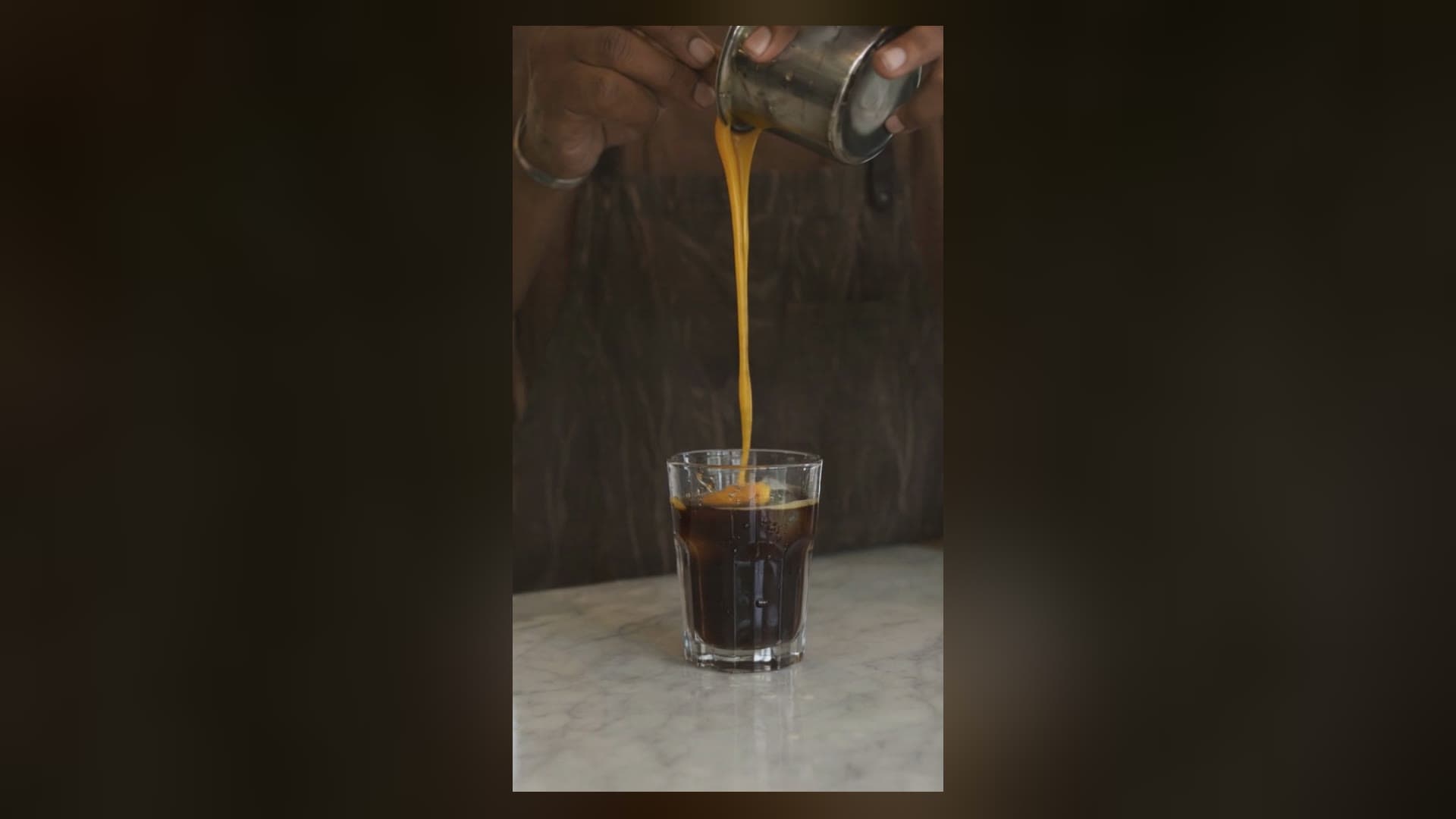
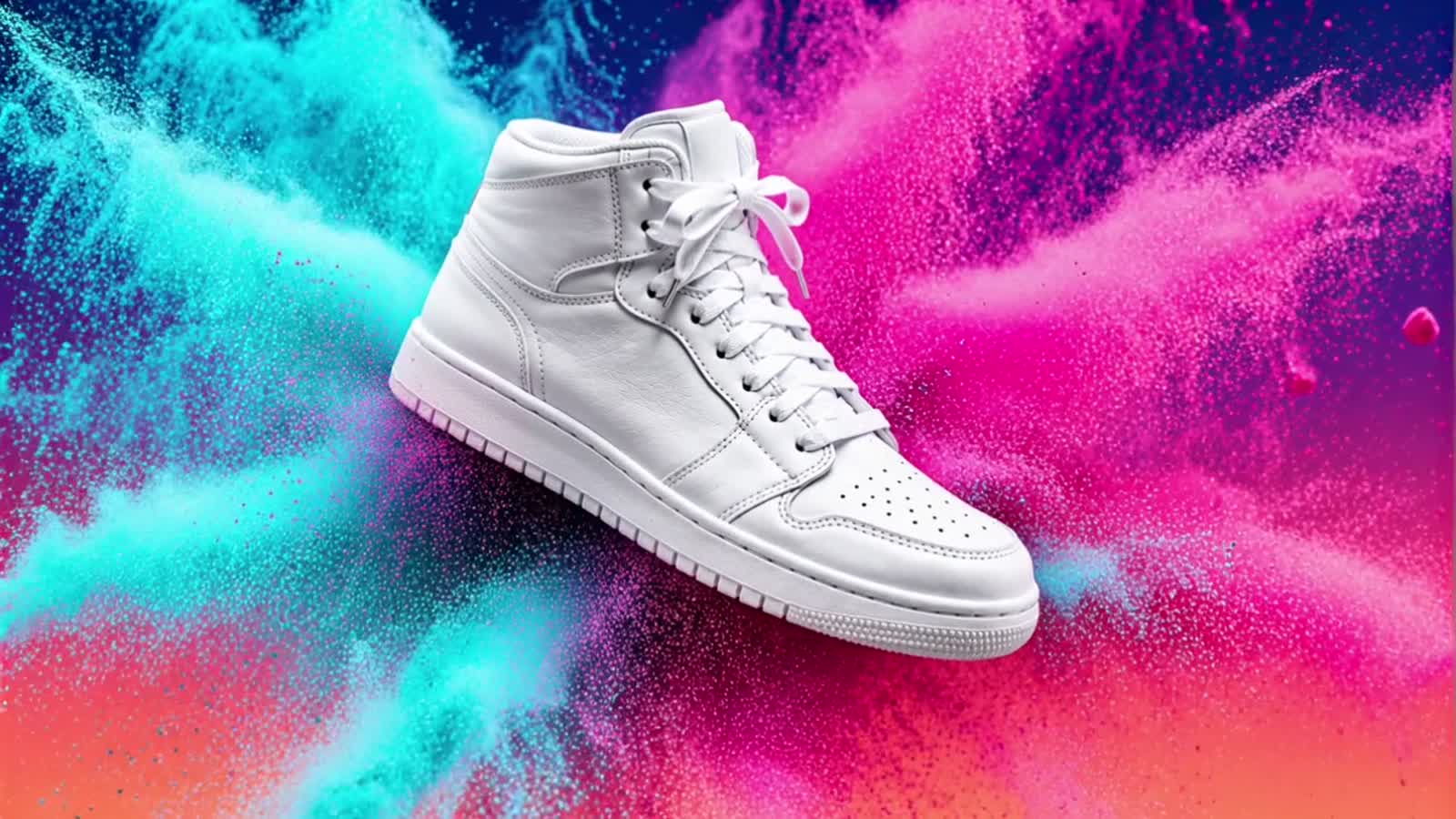
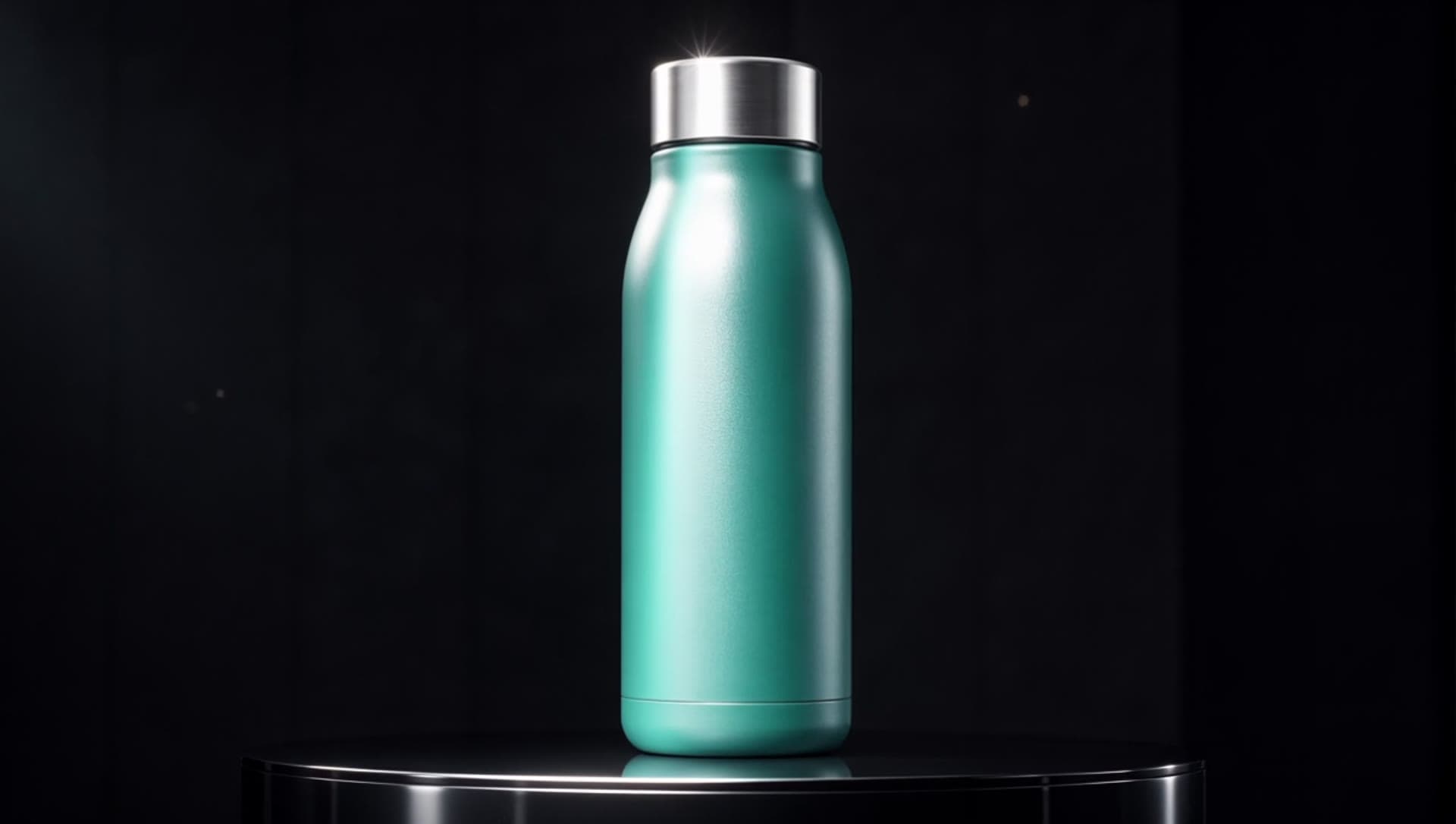
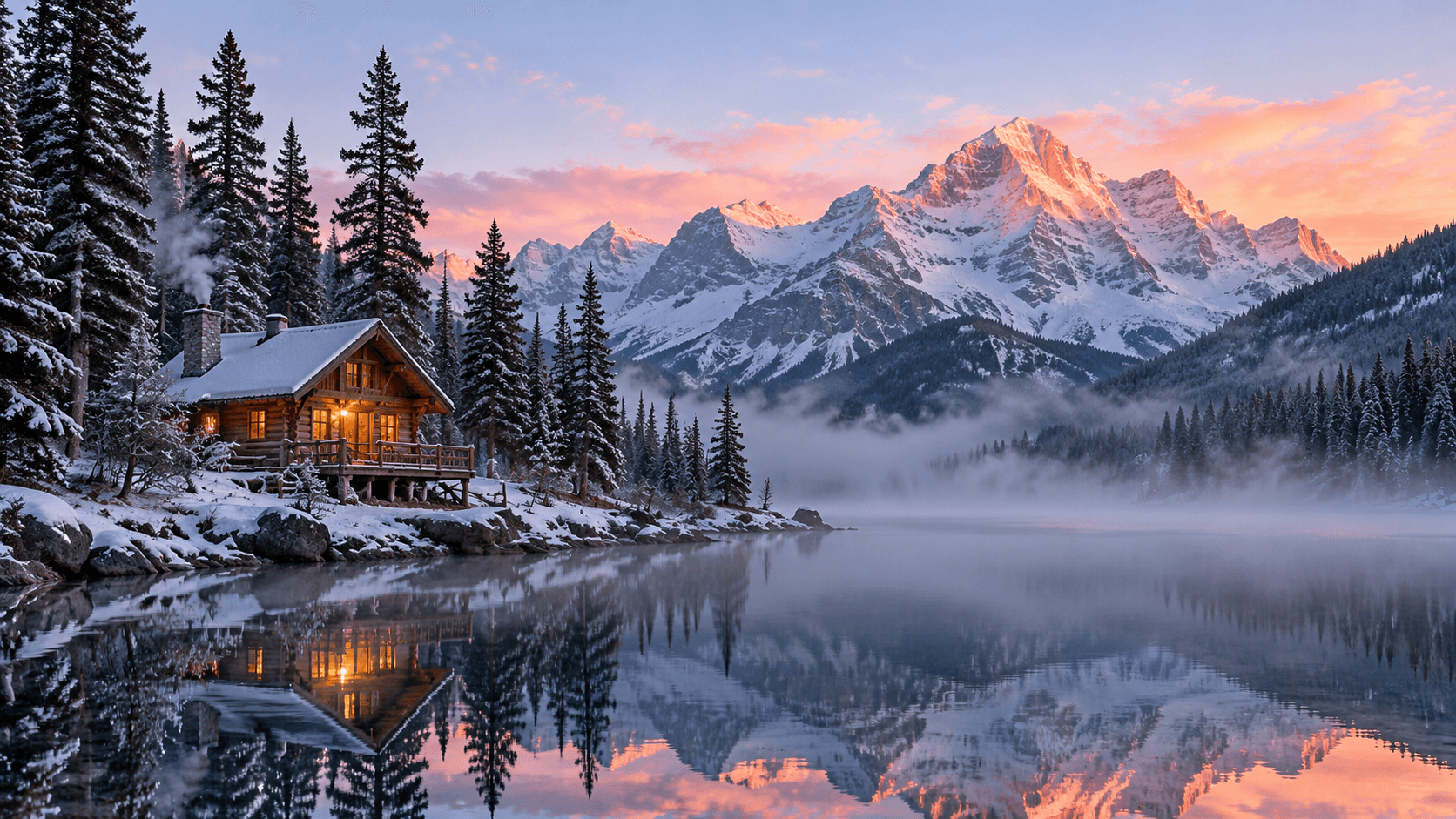
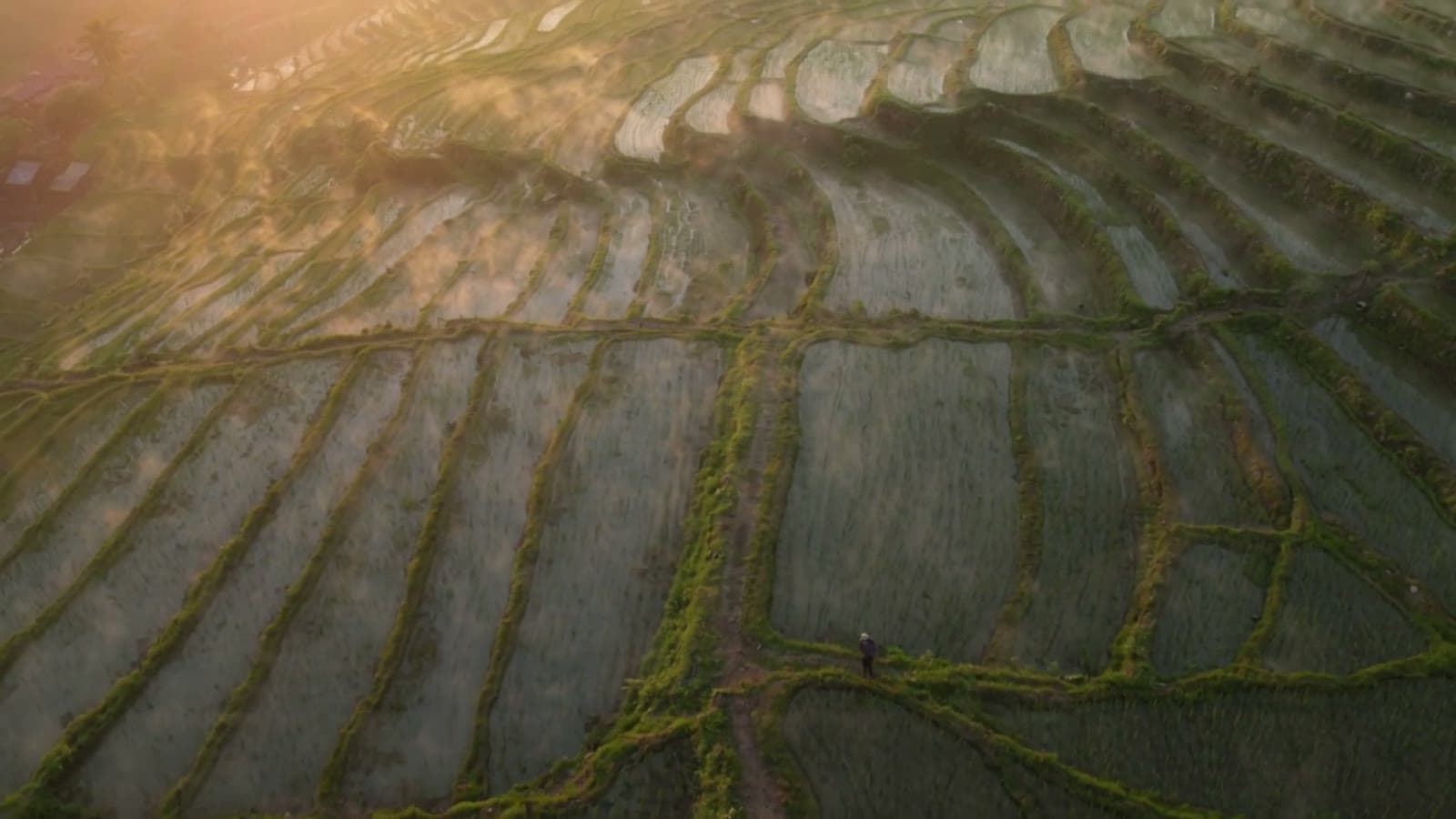
These are four pixverse-v6/text-to-video prompts you can copy, paste and run. Each one is paired with the exact request body and the real clip it generated on the live hiapi API — nothing here is stock footage or a mockup. The clips below play inline.
Text-to-video is a different craft from image-to-video. With image-to-video you hand the model a first frame and it animates from there; with text-to-video you have no input frame at all, so the prompt has to establish the subject, the scene, the lighting and the motion. These recipes are tuned for that.
The three fields that do the heavy lifting
Before the recipes, the mental model. pixverse-v6/text-to-video takes a prompt plus a small, fixed set of input fields (the schema is closed — unknown fields are rejected). Three of them change your output the most:
- The prompt itself. There is deliberately no
camera_movement,motion_modeorqualityfield. Every camera move and every bit of motion has to be written into the prompt text. That is the single most important thing to internalize about this model. style— an enum with five presets:anime,3d_animation,clay,comic,cyberpunk. Setting it reskins the whole render, not just the palette.generate_audio— a boolean (defaultfalse). Turn it on and the model renders synchronized ambient sound described in your prompt, in the same call.
The rest are format and control knobs: aspect_ratio (eight options including 16:9 and 9:16), duration (an integer, 1–15 seconds), resolution (360p → 1080p), plus optional negative_prompt and seed. Full field list and request/response shape are in the Create Task and Get Task Detail docs, and the model-specific page is the PixVerse V6 Text to Video API doc.
Recipe 1 — Cinematic camera move + synchronized audio
A realistic establishing shot where the camera itself moves, with ambient sound baked into the same call.
Prompt (copy-paste):
Cinematic slow dolly push-in across a windswept coastal cliff at golden hour. Tall grass ripples in the sea breeze, waves crash against dark rocks far below, warm low sunlight rakes across the scene. The camera glides forward steadily toward the cliff edge, revealing a wide ocean horizon. Shallow depth of field, gentle lens flare, realistic film grain, soft natural ambience of wind and distant surf.
Request body:
{
  "model": "pixverse-v6/text-to-video",
  "input": {
    "prompt": "<prompt above>",
    "aspect_ratio": "16:9",
    "duration": 5,
    "resolution": "720p",
    "generate_audio": true
  }
}
The real 5s clip it generated (16:9, 720p, sound on):
Why it works:
- There is no
camera_movementfield on pixverse-v6, so the move lives in the prompt: "slow dolly push-in" and "the camera glides forward steadily" are what produce the forward travel. generate_audio: trueis the whole reason this clip has wind and surf — it is a real boolean toggle that defaults tofalse. Describe the sound you want ("soft natural ambience of wind and distant surf") and it is rendered in sync.- Sensory, physical verbs ("grass ripples", "waves crash", "sunlight rakes") give the model motion to animate instead of a static postcard.
Recipe 2 — The style: anime preset
Turn an ordinary character beat into hand-drawn anime with a single field.
Prompt (copy-paste):
A teenage courier in a weathered red jacket stands on a rain-slicked rooftop at dusk, distant city lights blooming behind her. A gentle breeze lifts her hair and the hem of her jacket; neon signs flicker and reflect in shallow puddles. The camera slowly orbits from her side around to a three-quarter front view. Hand-drawn anime aesthetic, soft cel shading, warm-to-cool color grade.
Request body:
{
  "model": "pixverse-v6/text-to-video",
  "input": {
    "prompt": "<prompt above>",
    "aspect_ratio": "16:9",
    "duration": 5,
    "resolution": "720p",
    "style": "anime",
    "negative_prompt": "blurry, distorted hands, extra limbs, watermark, text artifacts"
  }
}
The real 5s clip it generated (16:9, 720p):
Why it works:
style: "anime"reskins the entire render — line work, cel shading, color grade — far more than adding the word "anime" to the prompt ever does.- The camera direction is still prose: "the camera slowly orbits from her side around to a three-quarter front view" gives a controlled reveal instead of a locked tripod.
- A short
negative_prompt("distorted hands, extra limbs") is cheap insurance on character shots, where hands and limbs are the usual failure points.
Recipe 3 — The style: 3d_animation preset
A warm, Pixar-adjacent 3D character beat for product mascots and explainer intros.
Prompt (copy-paste):
A chubby palm-sized desk robot with big round eyes wakes up on a wooden desk beside a steaming coffee mug. It stretches its little arms, blinks twice, then waves cheerfully at the camera. Morning light streams through a nearby window. Smooth stylized 3D animation, soft global illumination, playful squash-and-stretch motion, shallow depth of field.
Request body:
{
  "model": "pixverse-v6/text-to-video",
  "input": {
    "prompt": "<prompt above>",
    "aspect_ratio": "16:9",
    "duration": 5,
    "resolution": "720p",
    "style": "3d_animation"
  }
}
The real 5s clip it generated (16:9, 720p):
Why it works:
style: "3d_animation"lands the soft global-illumination, rounded-surface look you would otherwise spend a whole prompt chasing.- Beats, in order, keep the 5 seconds legible: "stretches its little arms, blinks twice, then waves" — sequence your actions and the model paces them across the clip.
- Animation cues the model understands ("squash-and-stretch motion") read as deliberate character animation rather than a drifting render.
Recipe 4 — Vertical, high-energy pacing (style: cyberpunk, 9:16)
A kinetic, scroll-stopping vertical clip for Reels / Shorts / TikTok.
Prompt (copy-paste):
Fast first-person sprint through a narrow neon alley in a rain-soaked future megacity at night. Holographic advertisements smear past, puddles throw back magenta and cyan light, steam vents hiss on both sides. Quick energetic forward motion with a slight handheld camera shake, dynamic reflections, high contrast. Dense, kinetic, cinematic.
Request body:
{
  "model": "pixverse-v6/text-to-video",
  "input": {
    "prompt": "<prompt above>",
    "aspect_ratio": "9:16",
    "duration": 5,
    "resolution": "720p",
    "style": "cyberpunk",
    "negative_prompt": "static, frozen, slow, dull colors, low detail, watermark, text"
  }
}
The real 5s clip it generated (9:16, 720p):
Why it works:
aspect_ratio: "9:16"frames it vertically up front — crop-to-vertical in post throws away half the resolution, so ask for the shape you need.- Pacing is a prompt choice: "fast first-person sprint", "quick energetic forward motion", and "slight handheld camera shake" push the model toward kinetic motion.
- The
negative_prompthere earns its place — "static, frozen, slow, dull colors" actively steers the model away from the lifeless output that flat prompts tend to produce.
Dialing it in
- Motion is prose, not a parameter. If a clip feels static, add an explicit camera instruction ("slow dolly in", "orbit left", "crane up") and physical motion for the subject. Vague prompts get locked-off shots.
- Pick
styleon purpose. The same scene reads completely differently asanimevs3d_animationvscyberpunk. Leavestyleoff for photoreal. - Audio is one boolean.
generate_audio: trueadds synchronized sound; it defaults tofalse, andsound/audioare not the field names (they are rejected). Pricing has a separate sound-on tier, so only switch it on when you need it. - Shape before scale. Set
aspect_ratio: 9:16for vertical rather than cropping a 16:9 render in post.durationis an integer —5works,"5"is rejected. negative_promptandseed. Usenegative_promptto push away common failure modes ("static, blurry, extra limbs, watermark"); set aseedonce you find a look you want to keep iterating on.
FAQ
How do I control the camera in pixverse-v6 text-to-video?
Entirely through the prompt. There is no camera parameter — write the move in words ("slow dolly push-in", "the camera orbits to a three-quarter view"), as in Recipe 1 and Recipe 2 above.
Can pixverse-v6 text-to-video generate sound?
Yes. Set generate_audio: true (it defaults to false) and describe the ambience in your prompt. Recipe 1's coastal clip has wind and surf rendered from the same request.
What video lengths and resolutions are supported?
duration is an integer from 1 to 15 seconds and resolution runs 360p, 540p, 720p, 1080p. Billing is per second with a sound on/off split — see the pricing page for the current per-second rate at each resolution (figures above are current as of October 2026).
How is this different from image-to-video?
Text-to-video has no input frame, so the prompt carries the whole scene. If you already have a first frame to animate, use pixverse-v6/image-to-video instead.
Do these prompts work on other video models?
The structure transfers, but the style presets and audio toggle are pixverse-v6 specifics. For other models, see our other recipe sets, e.g. Kling text-to-video prompts and Grok Imagine 1.5 prompts.
Run these yourself
Every clip above came from a single POST /v1/tasks call followed by a poll — copy a prompt, drop in the request body, and you will get the same kind of output. Start from the PixVerse V6 Text to Video model page for the live schema and your API key, keep the Create Task doc open for the request format, and check pricing before you batch a set.