TL;DR
- Ray 3.2 text-to-video has no input frame, so the prompt has to build the whole shot: subject, first-frame composition, camera move, pacing, lighting, and a short negative list. That is the one skill this page drills.
- Below are five copy-paste prompts we wrote and ran ourselves on
ray-3.2/text-to-video, each with the real clip it produced embedded inline. Every clip is a 5-second generation; four are 540p and one is 720p. - A reliable Ray 3.2 prompt follows the same order every time: camera move → subject → environment → light & color → negatives. Lead with the camera, not the subject.
- Verified live before publishing:
durationaccepts5or10,resolutionaccepts540p/720p/1080p, andaspect_ratioaccepts six values —16:9,9:16,1:1,4:3,3:4,21:9. - Pricing is per clip, not per second: a 5s/540p clip is $0.2145; 5s/720p is $0.429 (prices as of 2026-10 — check the pricing page for the current table).
Why text-to-video prompting is its own skill
If you have worked with image-to-video, muscle memory will mislead you here. In image-to-video the first frame is handed to the model, so your prompt only has to describe motion. Text-to-video starts from nothing — the model invents the first frame and the motion from your words alone. A prompt that just says "the camera slowly zooms in" has nothing to zoom in on.
So on ray-3.2/text-to-video the prompt carries a double load: it has to compose a believable opening frame and choreograph how that frame moves. The recipes below are built around a structure that keeps both jobs explicit. If you already have a still you want to animate, don't fight text-to-video — switch to the Ray 3.2 image-to-video endpoint instead, which anchors on your frame and only needs the motion half of the prompt.
The prompt skeleton that works on Ray 3.2
Across every test, the clips that held together followed the same clause order:
- Camera move first. "Slow cinematic dolly-in", "aerial shot drifting laterally", "handheld push". Ray 3.2 reads the opening clause as the dominant instruction, so put the motion there.
- Subject + its action. One clear subject doing one clear thing. Two competing subjects is where motion starts to smear.
- Environment. Enough scene to fill the frame, but don't over-stuff — dense scenes cost you motion stability.
- Light & color grade. This is where Ray 3.2 shines; it responds strongly to lighting language ("golden hour", "cyan-and-magenta neon", "backlit"). Name the grade explicitly.
- A short negative list. End with
Negative: ...to suppress the usual failure modes — text, logos, warping limbs, strobing, abrupt cuts.
Keep the whole thing to a few sentences. Longer is not better; the extra clauses dilute the camera instruction.
Recipe 1 — Lead with the camera: a slow dolly-in
Teaches: putting the camera move in the first clause, and using 21:9 for a widescreen, cinematic feel.
Slow cinematic dolly-in toward a lone lighthouse keeper standing on a weathered
iron balcony, salt spray drifting across the frame. Overcast dawn light, cool
blue-grey tones, soft diffused shadows. The camera glides forward at a steady,
patient pace, compressing the distance as gulls cross the background. Anamorphic
lens look, shallow depth of field, gentle film grain. Negative: no text, no
logos, no warping hands, no abrupt cuts.
Settings: duration 5, resolution 540p, aspect_ratio 21:9. The opening "slow cinematic dolly-in" is doing the heavy lifting — Ray 3.2 reads it as the primary directive and keeps the forward glide steady instead of drifting. "Patient pace" is a useful phrase for suppressing the over-eager fast motion that text-to-video models default to.
Recipe 2 — Establishing shots and pacing
Teaches: an aerial establishing move with a deliberate "reveal", plus how lighting language carries the whole mood.
Aerial establishing shot drifting slowly over a terraced rice valley at golden
hour, a low sun raking across flooded paddies that mirror an amber sky. Thin mist
pools in the lower terraces. The camera moves laterally with a slow, patient
pace, gradually revealing a single farmer walking a narrow dirt path. Warm
high-dynamic-range lighting, rich greens and golds, cinematic haze. Negative: no
text, no watermark, no flicker, no distorted geometry.
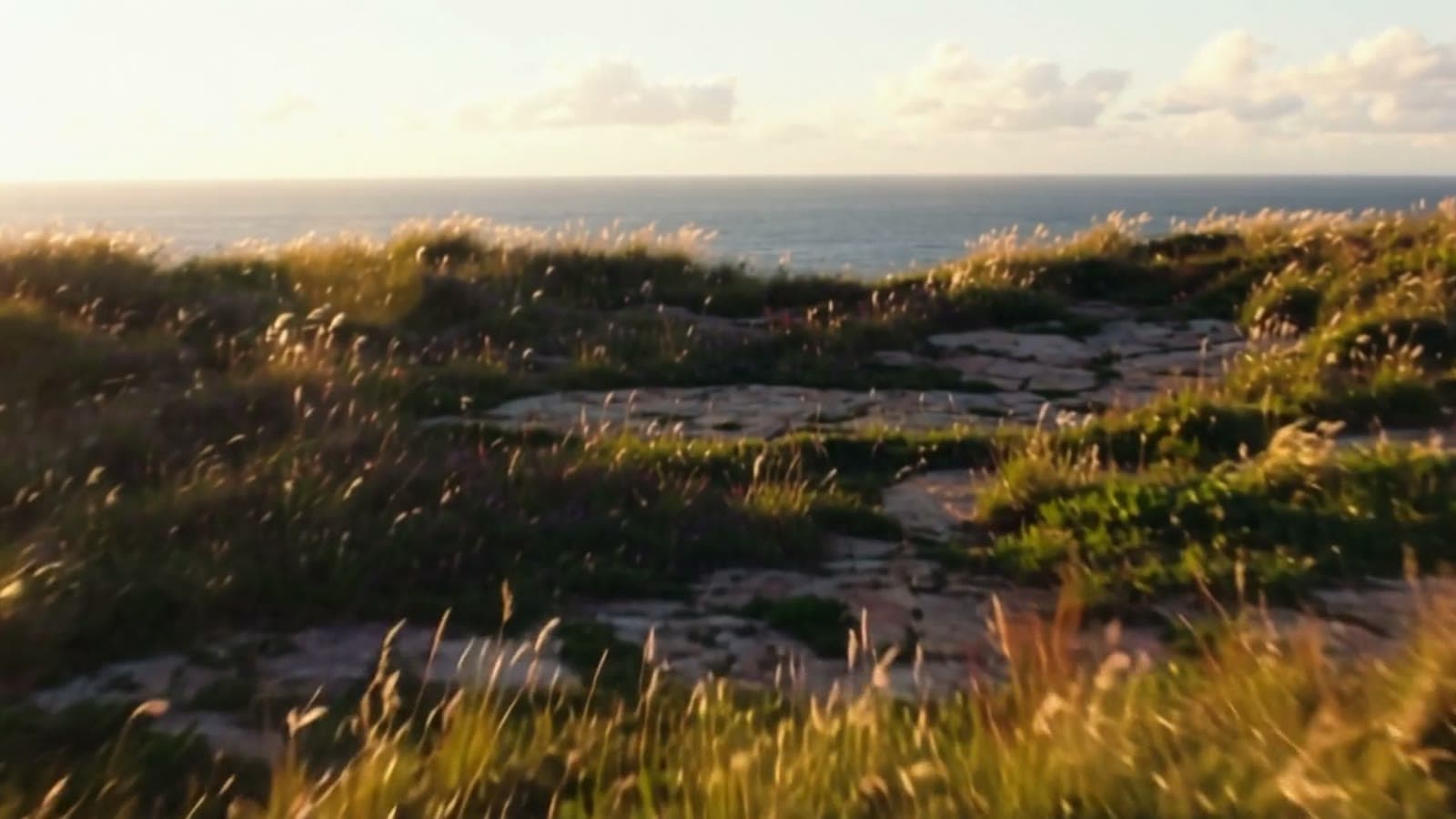
Settings: duration 5, resolution 720p, aspect_ratio 16:9. Two things make this one work. First, "gradually revealing a single farmer" gives the lateral move a purpose — the shot has somewhere to go. Second, the lighting block ("golden hour", "low sun raking", "warm high-dynamic-range") is where Ray 3.2's cinematic look comes from; strip it out and you get a flat drone shot. This is also the clip we pulled the cover frame from.
Recipe 3 — Lighting-driven mood with handheld motion
Teaches: using color-grade language to set atmosphere, and a "handheld push" for energy without chaos.
A rain-slicked alley at night, neon signage reflecting in puddles, steam rising
from a street-food stall. A handheld camera pushes gently down the alley, wet
reflections shimmering with every step. Moody cyan-and-magenta neon lighting,
deep shadows, volumetric haze, cinematic bokeh from the background signs.
Negative: no readable text, no logos, no morphing people, no strobing.
Settings: duration 5, resolution 540p, aspect_ratio 16:9. "Handheld camera pushes gently" buys you a little organic sway while "gently" keeps it from turning into shaky-cam. The no readable text negative is deliberate: neon scenes tempt the model into generating garbled signage, and asking for no readable text is more reliable than hoping it spells words correctly.
Recipe 4 — Tracking a moving subject
Teaches: a tracking shot that keeps one subject centered, and negatives aimed at anatomy failures.
A red fox bounding through fresh powder snow in a sunlit birch forest, snow
kicking up in slow backlit sprays. The camera tracks alongside the fox at a
steady pace, keeping it centered as the trees blur past. Crisp winter morning
light, cool whites with a warm sunlight rim, sparkling snow particles. Negative:
no extra limbs, no jitter, no text, no unnatural speed ramps.
Settings: duration 5, resolution 540p, aspect_ratio 16:9. "Keeping it centered as the trees blur past" is the key phrase — it tells Ray 3.2 that the subject is the anchor and the background is what moves, which is exactly how a real tracking shot reads. Animal motion is where limb artifacts show up most, so no extra limbs and no unnatural speed ramps earn their place in the negative list.
Recipe 5 — Vertical format and a macro tilt
Teaches: switching to 9:16 for social, and a slow tilt on a tight macro subject.
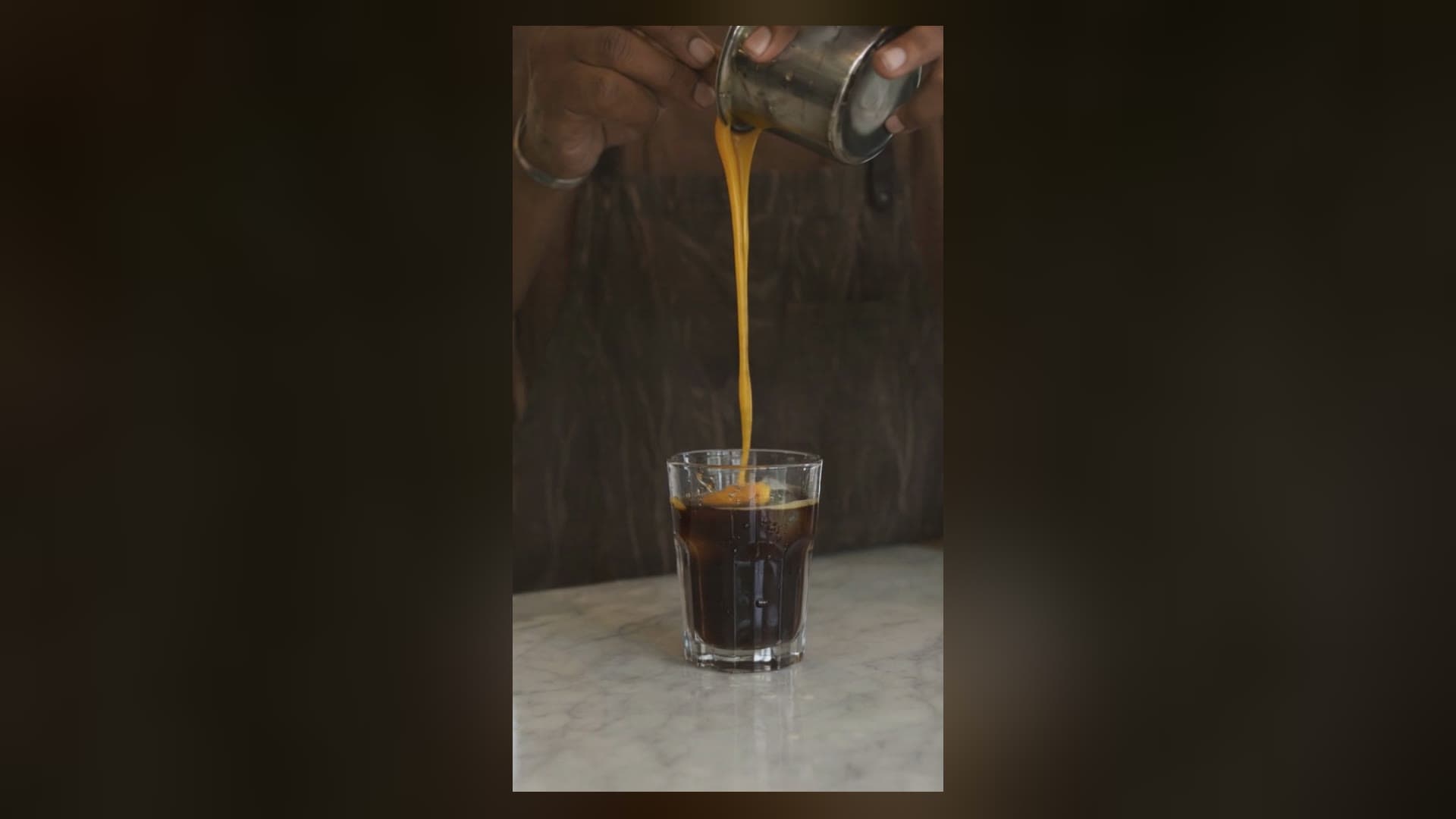
Vertical macro shot of a single espresso being pulled, dark crema swirling into a
warm glass cup on a marble counter in soft morning window light. The camera
slowly tilts up from the dripping portafilter to the finished cup. Shallow depth
of field, warm caramel tones, gentle rising steam, premium commercial finish.
Negative: no shaking hands, no spills, no text overlay, no colour banding.
Settings: duration 5, resolution 540p, aspect_ratio 9:16. Switching to 9:16 costs nothing extra — Ray 3.2 prices by duration and resolution, not aspect ratio, so you can author vertical social clips at the same price as widescreen. A slow tilt ("slowly tilts up from ... to ...") gives a tight macro subject a sense of motion without needing the whole scene to move.
Settings and cost cheat-sheet
| Parameter | Accepted values |
|---|---|
duration | 5, 10 (integer) |
resolution | 540p, 720p, 1080p |
aspect_ratio | 16:9, 9:16, 1:1, 4:3, 3:4, 21:9 |
Pricing is a fixed amount per clip (as of 2026-10):
| Clip | Price |
|---|---|
| 5s · 540p | $0.2145 |
| 5s · 720p | $0.429 |
| 5s · 1080p | $1.7145 |
| 10s · 540p | $0.643 |
| 10s · 720p | $1.286 |
| 10s · 1080p | $5.143 |
A sensible workflow is to iterate on prompts at 5s/540p (about 21 cents a try), then re-run the keeper at a higher resolution once the composition and motion look right. The full, current table lives on the HiAPI pricing page.
Common failure cues and how to word the fix
- Too-fast motion. Add "slow, patient pace" to the camera clause.
- Garbled signage or captions. Put
no readable text/no text overlayin the negatives rather than trying to spell words. - Smeared or doubled subjects. Cut to one subject and name it as the anchor ("keeping it centered").
- Flicker and strobing in neon or high-contrast scenes. Add
no flicker, no strobing. - Limb artifacts on people and animals. Add
no extra limbs, no warping hands.
FAQ
How long can a Ray 3.2 text-to-video clip be?
Two lengths: 5 or 10 seconds. The duration field only accepts the integers 5 and 10.
What resolutions and aspect ratios are supported?
Resolutions are 540p, 720p, and 1080p. Aspect ratios are 16:9, 9:16, 1:1, 4:3, 3:4, and 21:9 — six in total, which covers widescreen, vertical, square, and cinemascope.
Does it cost more to render vertical (9:16) clips? No. Price depends on duration and resolution only, so a vertical 9:16 clip costs the same as a 16:9 one at the same length and resolution.
Can I give Ray 3.2 a starting image instead of a text prompt? Yes, but that is a different endpoint — Ray 3.2 image-to-video takes a first frame (and an optional last frame). Text-to-video is for when you are starting from a description, not a picture.
Will these exact prompts reproduce these exact clips? Video models are not deterministic, so you'll get the same style and composition but not a pixel-identical clip. Treat the prompts as reliable starting points and tweak the camera and lighting clauses to taste.
Want to try these prompts?
Copy any recipe above and run it on the Ray 3.2 text-to-video model page — same /v1/tasks endpoint, one API key for every model. If you're comparing video models, the same copy-paste-with-real-clips treatment is on our Seedance 2.5 prompt recipes and Veo 3.1 Lite text-to-video prompts, so you can see how the same prompt structure behaves on a different engine before you commit.