TL;DR
- Runway Gen-4.5 is Runway's video model. HiAPI serves it as two endpoints, text-to-video and image-to-video. Open the model page to try it in the browser; new accounts get 200 free credits.
- Both endpoints cost $0.1715 per second: $0.8575 for 5 seconds, $1.372 for 8, $1.715 for 10.
- To call it,
POST /v1/tasks, poll with thetaskId, and downloadoutput[0].url.
What Runway Gen-4.5 gives you
- 5, 8 or 10 seconds. Eight seconds is just enough for one push-in, orbit or slow rise.
- Always 720p. Landscape is 1280×720 and vertical is 720×1280, with nothing to set.
- Five aspect ratios on image-to-video. 16:9, 9:16, 4:3, 3:4 and 1:1, so one image can cover several placements.
- No audio track. The model handles the picture; sound goes on in the edit.
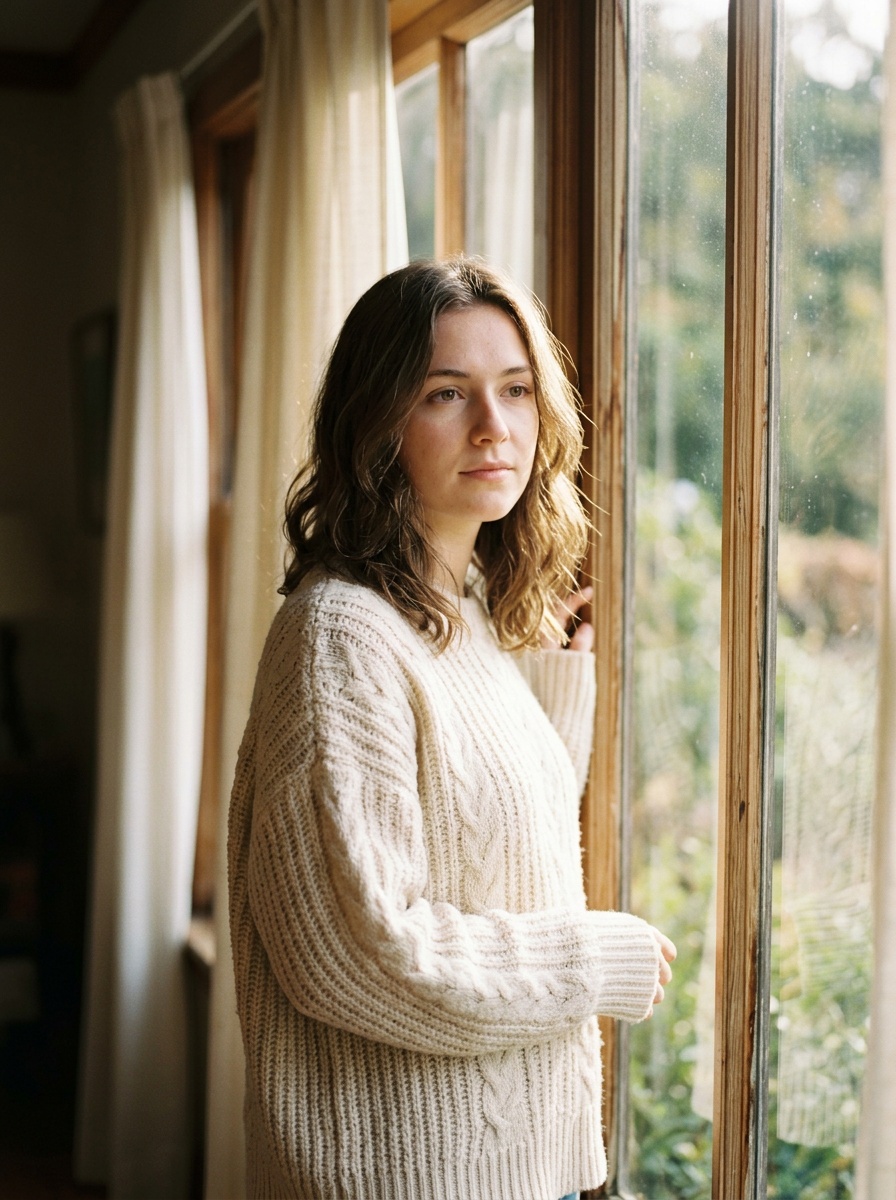
She turns her head toward the camera and smiles, hair moves in a light breeze, slow push-in
Generate with this prompt → (upload a portrait as the first frame, pick 5 s and 3:4)
runway-gen-4.5/image-to-video, 3:4, 832×1104, 5 s, $0.8575. First frame: the window portrait.
She turns from profile to face the camera and smiles, her hair moves, and the camera pushes all the way into a close-up. The prompt only covers motion and camera; her look and the window light come from the first frame.
Which endpoint to use
| Model ID | Input | Lengths | Aspect ratios | Use it when |
|---|---|---|---|---|
runway-gen-4.5/text-to-video | Prompt | 5 / 8 / 10 s (9:16: 5 / 10) | 16:9, 9:16 | You're starting from an idea, no assets |
runway-gen-4.5/image-to-video | One first frame + prompt | 5 / 8 / 10 s | 16:9, 9:16, 4:3, 3:4, 1:1 | The subject must match an image, or you need square, 4:3 or 3:4 |
Both cost $0.1715 per second.
Two ways to start
In the browser (3 steps)
- Open the text-to-video or image-to-video model page and sign in.
- Write a prompt. For image-to-video, upload a first frame.
- Pick 5 seconds and an aspect ratio, then run.
Through the API (3 steps)
- Create a key on the API Keys page and export it as
HIAPI_KEY. POST https://api.hiapi.ai/v1/tasks. The response carriesdata.taskId.GET /v1/tasks/{taskId}untilstatusissuccess, then downloadoutput[0].url.
curl: your first clip
curl -X POST https://api.hiapi.ai/v1/tasks \
  -H "Authorization: Bearer $HIAPI_KEY" \
  -H "Content-Type: application/json" \
  -d '{
    "model": "runway-gen-4.5/text-to-video",
    "input": {
      "prompt": "A lone stone lighthouse on a rugged sea cliff at dusk, heavy waves crashing against the rocks, the lamp beam sweeping across dark storm clouds, slow cinematic push-in, drifting sea mist, dramatic lighting",
      "duration": 5,
      "aspect_ratio": "16:9"
    }
  }'
That's 5 seconds at 16:9 for $0.8575. Here's what it returns:
A lone stone lighthouse on a rugged sea cliff at dusk, heavy waves crashing against the rocks, the lamp beam sweeping across dark storm clouds, slow cinematic push-in, drifting sea mist, dramatic lighting
Generate with this prompt → (pick 5 s and 16:9)
runway-gen-4.5/text-to-video, 16:9, 1280×720, 5 s, $0.8575.
Python: submit, poll, download
# pip install requests; export HIAPI_KEY=your key first
import os, time, uuid, requests

API = "https://api.hiapi.ai/v1/tasks"
H = {"Authorization": f"Bearer {os.environ['HIAPI_KEY']}"}

def generate(model, timeout_s=900, **inp):
    # Reuse the same Idempotency-Key when retrying a submit so you're never billed twice
    r = requests.post(API, json={"model": model, "input": inp},
                      headers={**H, "Idempotency-Key": str(uuid.uuid4())}, timeout=30)
    r.raise_for_status()
    task_id = r.json()["data"]["taskId"]
    deadline = time.time() + timeout_s
    while time.time() < deadline:
        d = requests.get(f"{API}/{task_id}", headers=H, timeout=30).json()["data"]
        if d["status"] == "success":
            return d["output"][0]["url"]
        if d["status"] == "fail":
            raise RuntimeError(d)
        time.sleep(10)
    raise TimeoutError(task_id)

# Image-to-video: a square cut from the same image, 8 s ($1.372)
url = generate(
    "runway-gen-4.5/image-to-video",
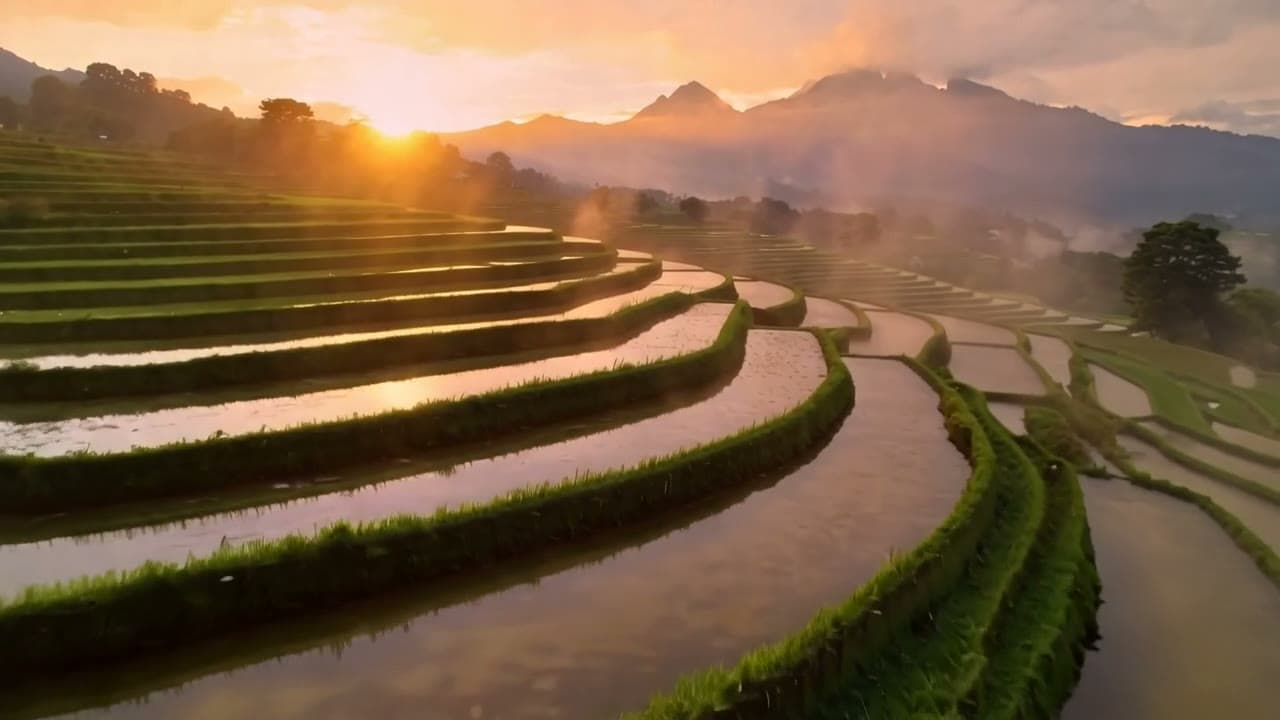
    prompt="The scene slowly comes alive: clouds drift, light shifts across the mountain lake, gentle forward camera move",
    image_urls=["https://your-cdn.example.com/lake.jpg"],
    duration=8, aspect_ratio="1:1",
)
with open("clip.mp4", "wb") as f:
    f.write(requests.get(url).content)
Parameters
| Field | Required | Values | Notes |
|---|---|---|---|
prompt | Yes | 1–1,000 characters | Subject, action and camera; for image-to-video, just action and camera |
duration | No | 5 (default) / 8 / 10 | Text-to-video at 9:16 accepts only 5 / 10 |
aspect_ratio | No | T2V: 16:9 (default), 9:16; I2V: 16:9 (default), 9:16, 4:3, 3:4, 1:1 | The first frame is center-cropped to the ratio |
image_urls | I2V only | Exactly 1 image, jpeg/png/webp, ≤10 MB | The first frame; text-to-video rejects this field |
There's no resolution, seed, negative_prompt or last frame.
Errors you'll hit
Bad parameters come back as a 400 at submit time. No task is created and nothing is charged.
duration: value must be one of 5, 10: you asked for 8 seconds on 9:16 text-to-video.duration: value must be one of 5, 8, 10: those are the only three lengths.image_urls: maxItems: got 2, want 1: image-to-video takes one first frame; there's no last frame.image_urls: missing required field "image_urls": image-to-video needs a first frame.prompt: maxLength: got 3,000, want 1,000: prompts top out at 1,000 characters.additional properties 'negative_prompt', 'cfg_scale' not allowed: neither field exists on Runway Gen-4.5.
Before you ship
- Use a callback instead of polling. Add
"callback": {"url": "https://your-domain/hiapi/callback"}at the top level, next toinput, and dedupe bytaskId. - Copy outputs right away.
output[0].urlexpires after about 7 days. - Always send
durationandaspect_ratio. Hard-code them so vertical text-to-video never asks for 8 seconds. - Retry with an idempotency key. The same
Idempotency-Keyheader creates the task only once.
FAQ
Can it output 1080p or 4K?
No, output is fixed at 720p. Kling 2.5 Turbo does 1080p; see Runway Gen-4.5 vs Kling 2.5 Turbo.
Do clips have sound?
No, the output is picture only. Add music, effects and voice-over in the edit.
Can image-to-video take a last frame?
No, image_urls accepts one image. To control the ending with a last frame, use Kling 2.5 Turbo image-to-video.
What if my first frame doesn't match the aspect ratio?
It's center-cropped to the ratio you pick, so keep the subject centered.
Full pricing is in Runway Gen-4.5 API pricing, and more scenes are in Runway Gen-4.5 prompts. To see it work, copy the lighthouse prompt above and generate your first clip on the model page.