TL;DR
- Six scenes, each with a real Runway Gen-4.5 output and the full prompt: aerial B-roll, vertical dance, website background, portrait, vehicle tracking shot, and landscape-to-vertical.
- Each clip is $0.8575 (5 s), $1.372 (8 s) or $1.715 (10 s). "Generate with this prompt" opens the model page with the prompt filled in; for image-to-video scenes, upload your own first frame.
- It's live on HiAPI: open the model page to try it. New accounts get 200 free credits.
Scene 1: Aerial and destination B-roll
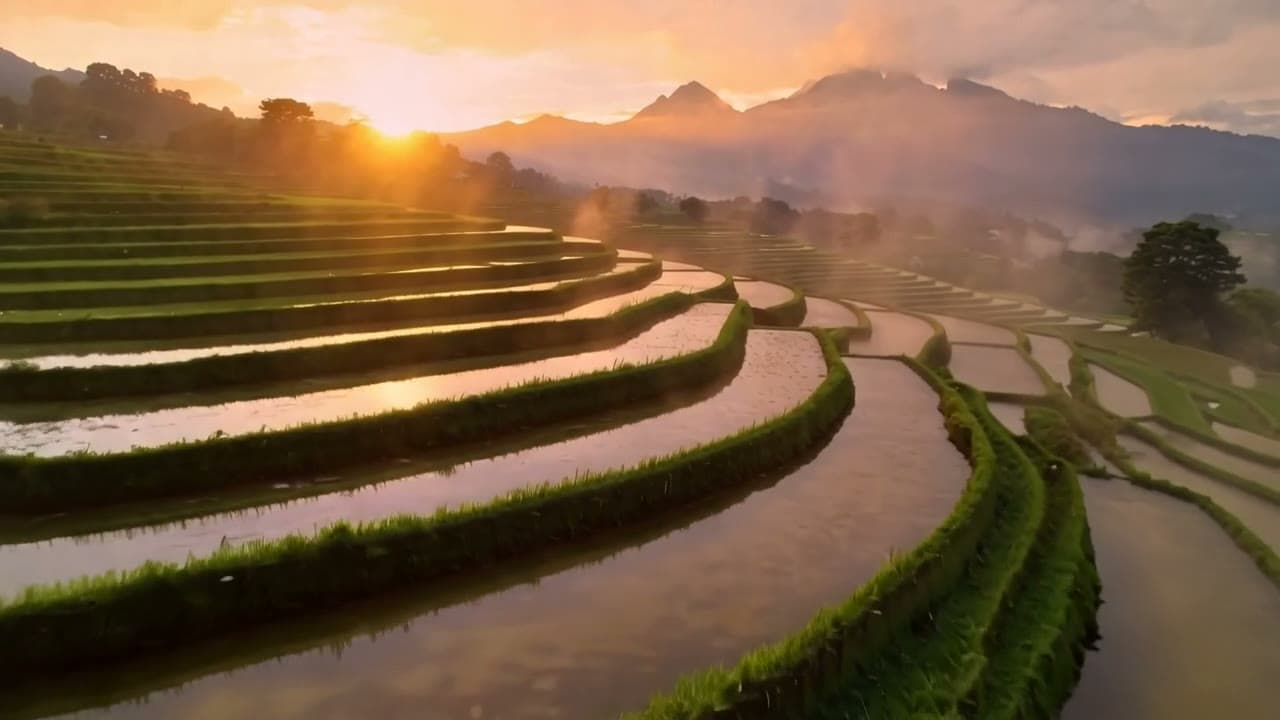
Aerial glide over a misty rice-terrace valley at sunrise, camera slowly rises to reveal distant mountains
Generate with this prompt → (pick 10 s and 16:9)
runway-gen-4.5/text-to-video, 16:9, 1280×720, 10 s, $1.715.
The camera starts over the terraces, moves forward and climbs until the mountains come out of the haze. Naming what the shot should reveal ("distant mountains") gives the move an ending; "aerial shot" alone leaves the camera with nowhere to land.
Scene 2: Vertical dance and street clips
A street dancer spins under a single streetlight at night, light rain, camera slowly circles, cinematic
Generate with this prompt → (pick 5 s and 9:16)
runway-gen-4.5/text-to-video, 9:16, 720×1280, 5 s, $0.8575.
The dancer comes up from a floor move and spins, rain catches the streetlight, and the wet street reflects it all. 9:16 keeps the whole body in frame. Draft fast action at 5 seconds and go to 10 once the pose and camera work; vertical text-to-video has no 8-second option.
Scene 3: Website hero and background video
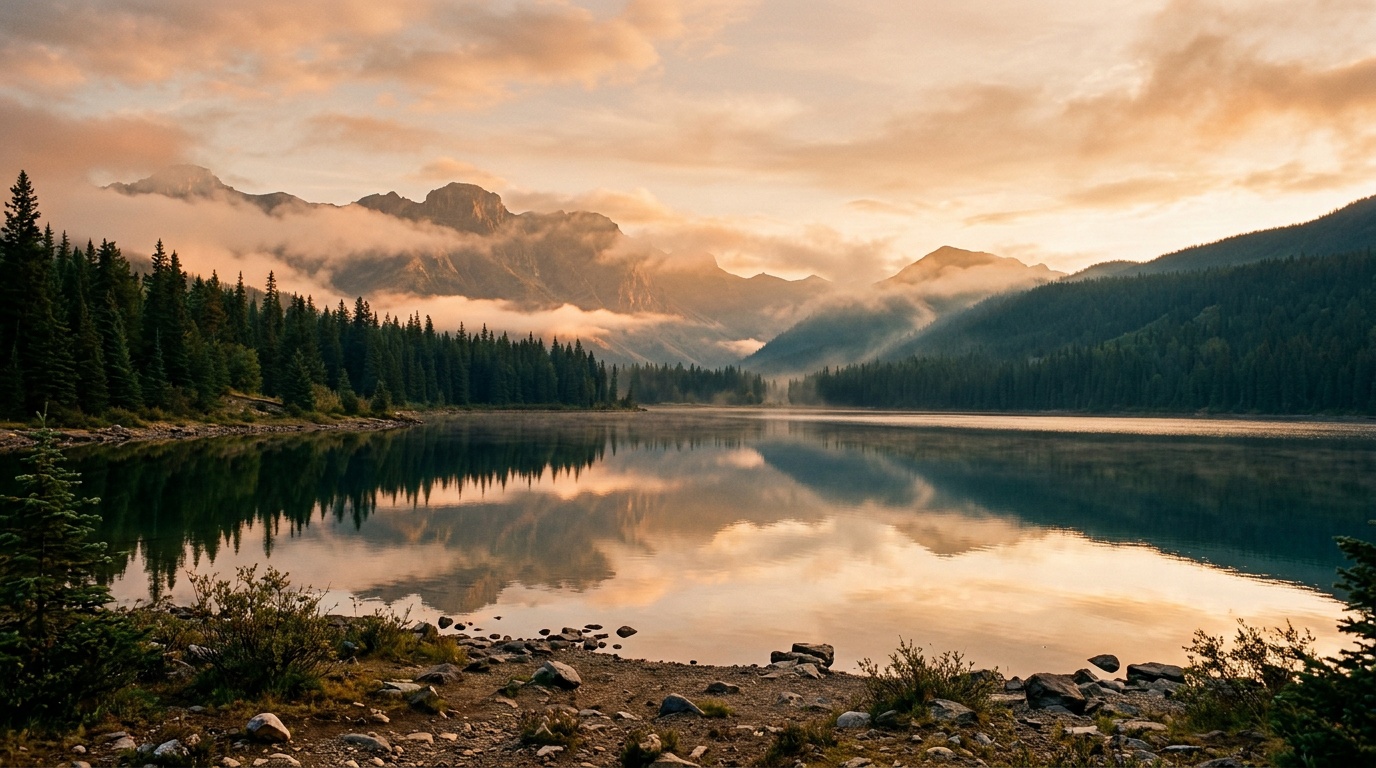
The scene slowly comes alive: clouds drift, light shifts across the mountain lake, gentle forward camera move
Generate with this prompt → (upload a landscape first frame, pick 10 s and 16:9)
runway-gen-4.5/image-to-video, 16:9, 1280×720, 10 s, $1.715. First frame: the dusk lake.
The prompt covers sky, light and camera, and doesn't re-describe the mountains or lake, so the original colors and composition hold. Slow 10-second shots like this loop well as backgrounds.
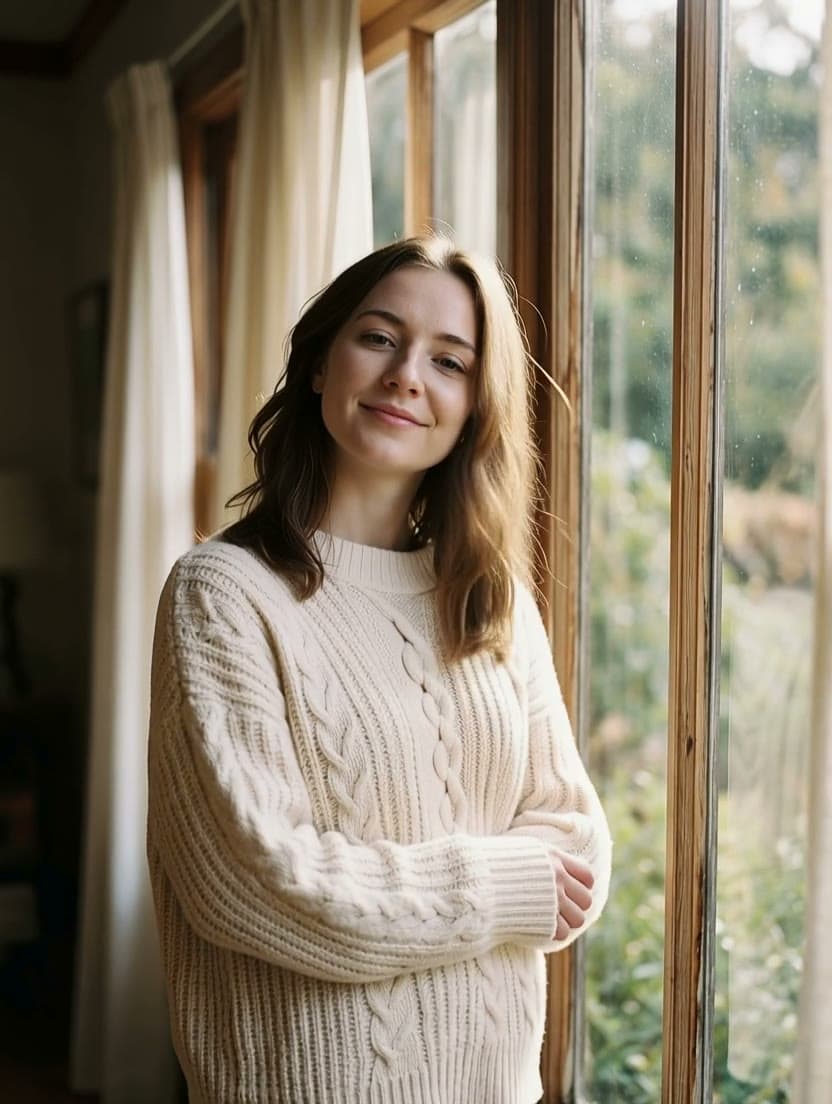
Scene 4: Portraits and fashion
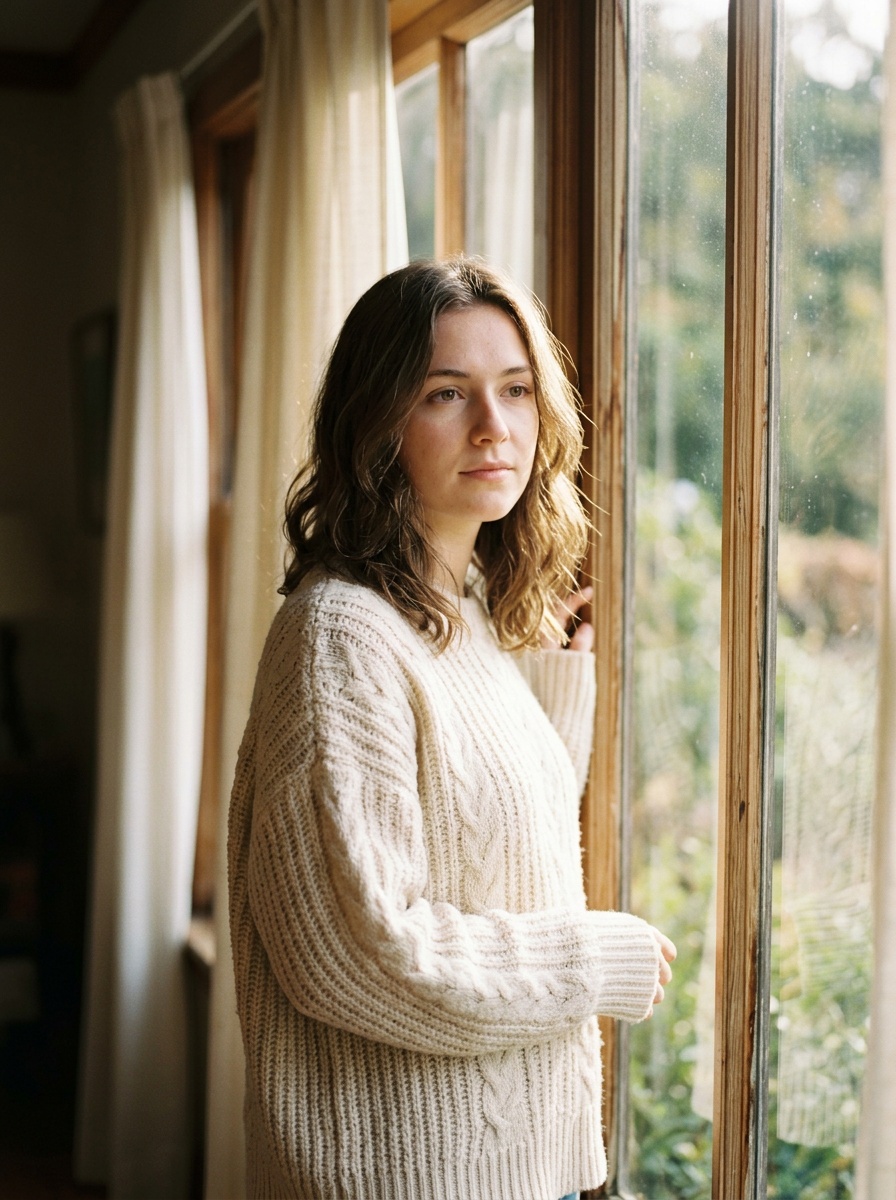
She turns her head toward the camera and smiles, hair moves in a light breeze, slow push-in
Generate with this prompt → (upload a portrait as the first frame, pick 5 s and 3:4)
runway-gen-4.5/image-to-video, 3:4, 832×1104, 5 s, $0.8575. First frame: the window portrait.
One or two actions for the person (turn, smile) and one camera move (push in). By the end of 5 seconds it's a tight face close-up; to keep the upper body, swap "slow push-in" for "static camera".
Scene 5: Vehicle tracking shot
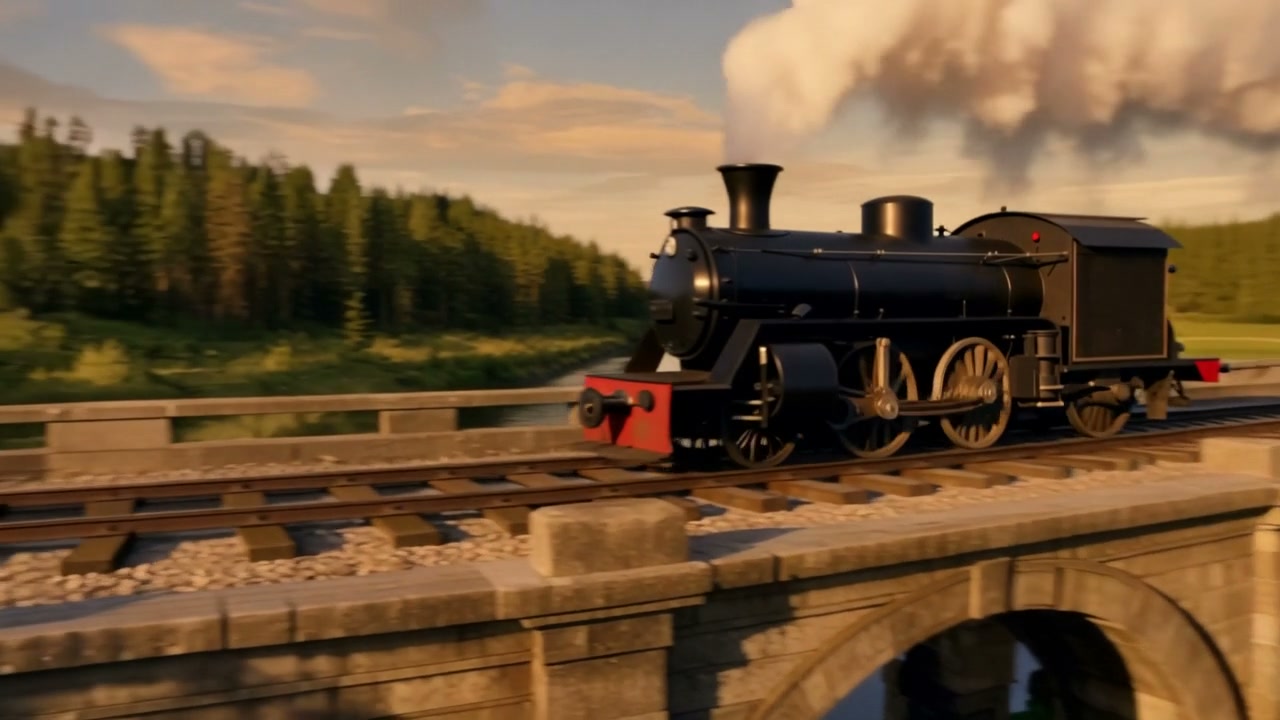
The steam locomotive thunders forward across the stone bridge, white steam streaming back from the chimney, wheels turning, the camera tracks smoothly alongside in warm golden hour light
Generate with this prompt → (upload a first frame, pick 5 s and 16:9)
runway-gen-4.5/image-to-video, 16:9, 1280×720, 5 s, $0.8575. First frame: the bridge and locomotive.
The locomotive heads off across the bridge into the distance, white steam trailing from the chimney. A clause each for wheels, steam and camera gives the motion a direction.
Scene 6: Landscape photo to vertical, at 8 seconds
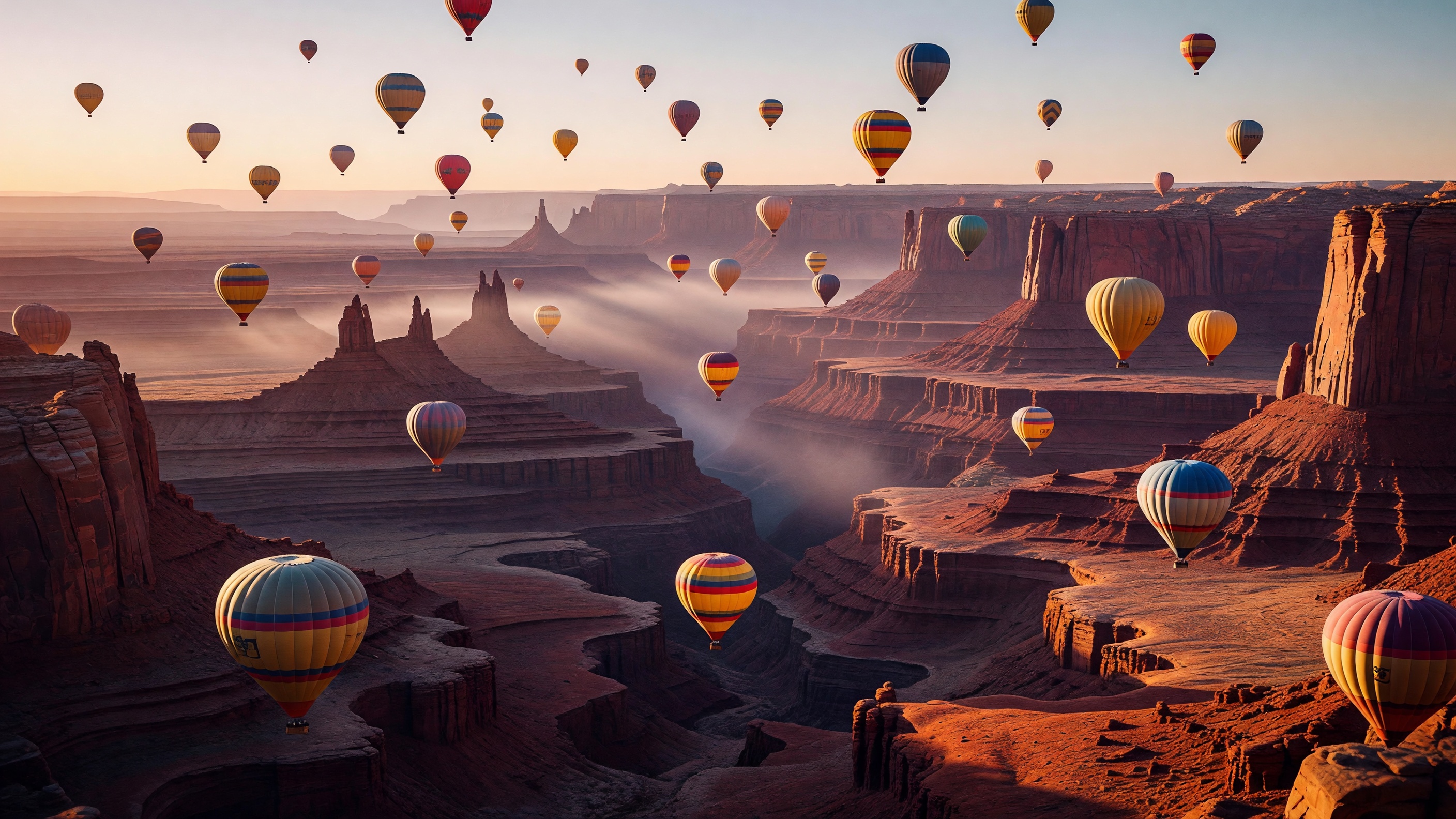
the balloons drift upward as the camera slowly pans
Generate with this prompt → (upload a landscape first frame, pick 8 s and 9:16)
runway-gen-4.5/image-to-video, 9:16, 720×1280, 8 s, $1.372. First frame: the 2816×1584 original.
A very short prompt works when the frame carries the scene: balloons go up, the camera pans. Image-to-video offers 8 seconds at every aspect ratio.
How to write Runway Gen-4.5 prompts
- Text-to-video: one or two sentences with subject, setting, one action and one camera move, then light and weather. Up to 1,000 characters.
- Image-to-video: write only what moves, where, and how the camera travels. Don't re-describe the frame.
- 5 seconds first: $0.8575 settles the action and framing; render 8 or 10 once it works.
FAQ
Can one prompt hold several actions?
It can, but turning, running and waving at once tend to fight each other. One main action per prompt is the safe bet.
Do clips have sound?
No, Runway Gen-4.5 outputs picture only. Add music and effects in the edit.
Can I control the ending with a last frame?
No, image-to-video takes a single first frame. For first and last frames, use Kling 2.5 Turbo; parameters are in the Kling 2.5 Turbo API guide.
Does the same prompt give the same clip?
No, and there's no seed to pin it. Keep the take you like.
Pricing is in Runway Gen-4.5 API pricing, and code is in the Runway Gen-4.5 API guide. Pick the scene closest to your job, copy the prompt, and generate your first clip on the model page.