TL;DR
- What this is: a repeatable batch workflow for turning lines of text into vertical, Reels/TikTok/Shorts-style clips with ray-3.2/text-to-video on the hiapi API — no input image, no asset prep.
- Who it's for: social and content teams who need volume — a handful of fresh 9:16 concepts to test every week, not one hero video a month.
- The one fact that shapes everything: ray-3.2 t2v is priced by duration × resolution only. Aspect ratio is free, so a 9:16 vertical costs exactly the same as a 16:9 landscape. Your only volume lever is the resolution tier.
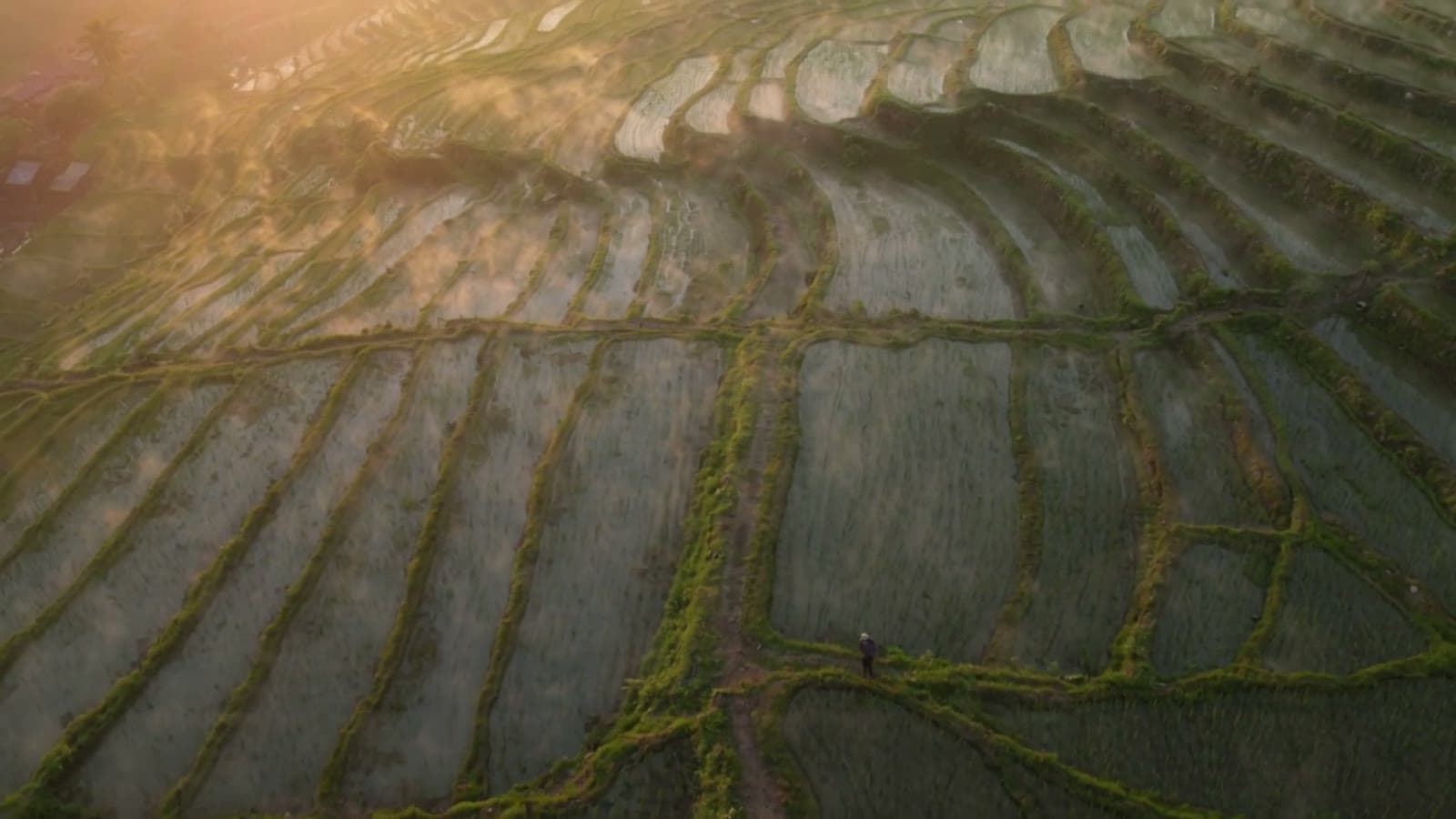
- Proof, not theory: every clip below was generated for this article in a single batch — four 5-second 540p 9:16 clips, $0.2145 each, $0.858 total, each rendered server-side in 37–87 seconds.
Ray 3.2 (Luma's text-to-video model, as hiapi lists it) is a fit for short-form because it does the thing short-form actually needs: it invents a brand-new 5-second shot from one sentence. There is no frame to supply, no product photo to animate, no reference to prepare. You write a hook, you get a clip. That makes it the right tool when you're generating ideas at batch, and it's why this workflow looks different from the image-to-video and reference-to-video short-form guides for other models.
Text-to-video or image-to-video — pick the right door first
Both live under the same async task API, but they solve different problems:
- Text-to-video (this page): start from nothing but a prompt. Best for net-new concepts, mood pieces, and B-roll where you don't have — or don't want to be tied to — a specific frame. The model is free to compose the whole shot, which is exactly what you want when you're spinning up a batch of options.
- Image-to-video: start from a first frame you already have. If you own a hero product shot and you want that object to move, use ray-3.2/image-to-video instead — it anchors the look to your frame and animates from there.
Rule of thumb: if the brief is "make me three fresh openers for this campaign," that's text-to-video. If it's "animate this exact packshot," that's image-to-video. The rest of this article is about the first case.
The pricing fact that decides your whole workflow
Here's the full, live price list for ray-3.2/text-to-video (verified against hiapi pricing at the time of writing — always re-check there, not here):
| Duration | Resolution | Price per clip |
|---|---|---|
| 5s | 540p | $0.2145 |
| 5s | 720p | $0.429 |
| 5s | 1080p | $1.7145 |
| 10s | 540p | $0.643 |
| 10s | 720p | $1.286 |
| 10s | 1080p | $5.143 |
Notice what's not in the table: aspect ratio. Ray 3.2 bills on duration and resolution alone, so 9:16 vertical costs the same as 16:9 landscape, 1:1, or 21:9. That single fact reshapes how you plan a short-form batch:
- 540p is your testing tier. At $0.2145 a clip you can generate 10–15 concepts for the price of one 1080p hero. Vertical social feeds are watched on phones at small sizes — 540p (which comes out at 540×960 for 9:16, more on that below) is perfectly legible for a first-round A/B test.
- 720p / 1080p is your finishing tier. Once a concept wins, regenerate just that prompt at 720p or 1080p for the version you actually post.
- Length is a step, not a slider. Duration is a fixed choice of 5 or 10 seconds — there's no 7-second option — and 10s is roughly 3× the cost of 5s. For hook-driven short-form, 5s is usually the unit you want and you stack several in the edit.
That "cheap to explore, pay up only for the winner" shape is the entire reason this workflow batches at 540p.
The request, in one block
Ray 3.2 t2v takes a small, closed set of input fields:
| Field | Required | Values |
|---|---|---|
prompt | yes | your scene description |
duration | yes | 5 or 10 (integer seconds) |
resolution | yes | 540p, 720p, or 1080p |
aspect_ratio | yes | 9:16, 16:9, 1:1, 4:3, 3:4, 21:9 |
A single vertical clip is one POST to the async task endpoint:
curl -s https://api.hiapi.ai/v1/tasks \
  -H "Authorization: Bearer $HIAPI_KEY" \
  -H "Content-Type: application/json" \
  -d '{
    "model": "ray-3.2/text-to-video",
    "input": {
      "prompt": "Vertical 9:16 first-person POV gliding down a neon night market alley...",
      "duration": 5,
      "resolution": "540p",
      "aspect_ratio": "9:16"
    }
  }'
The response hands back a data.taskId. You then poll GET /v1/tasks/{taskId} until data.status is "success" and download output[0].url. That's the mechanics in a nutshell — for the full request/response walkthrough, status lifecycle, Python version, and error handling, see the companion how-to: Ray 3.2 text-to-video API: curl & Python guide. New to the task API in general? Start with the quick start.
Writing prompts that actually read as vertical
5 seconds and no input frame is a tight brief. Four habits made the difference across this batch:
- Say "vertical 9:16" out loud in the prompt and compose for a tall frame — a single subject stacked in the center, not a wide landscape that the crop fights.
- Spend the hook in the first second. Short-form lives or dies on frame one, so describe what moves immediately ("the spiral catches the light in the first second").
- Name the camera move — push-in, crane-down, slow orbit. Ray 3.2 responds to explicit motion direction, and motion is what makes a clip feel like content, not a slideshow.
- One idea per clip. Five seconds can't tell a story; it can land one beat. Give it one.
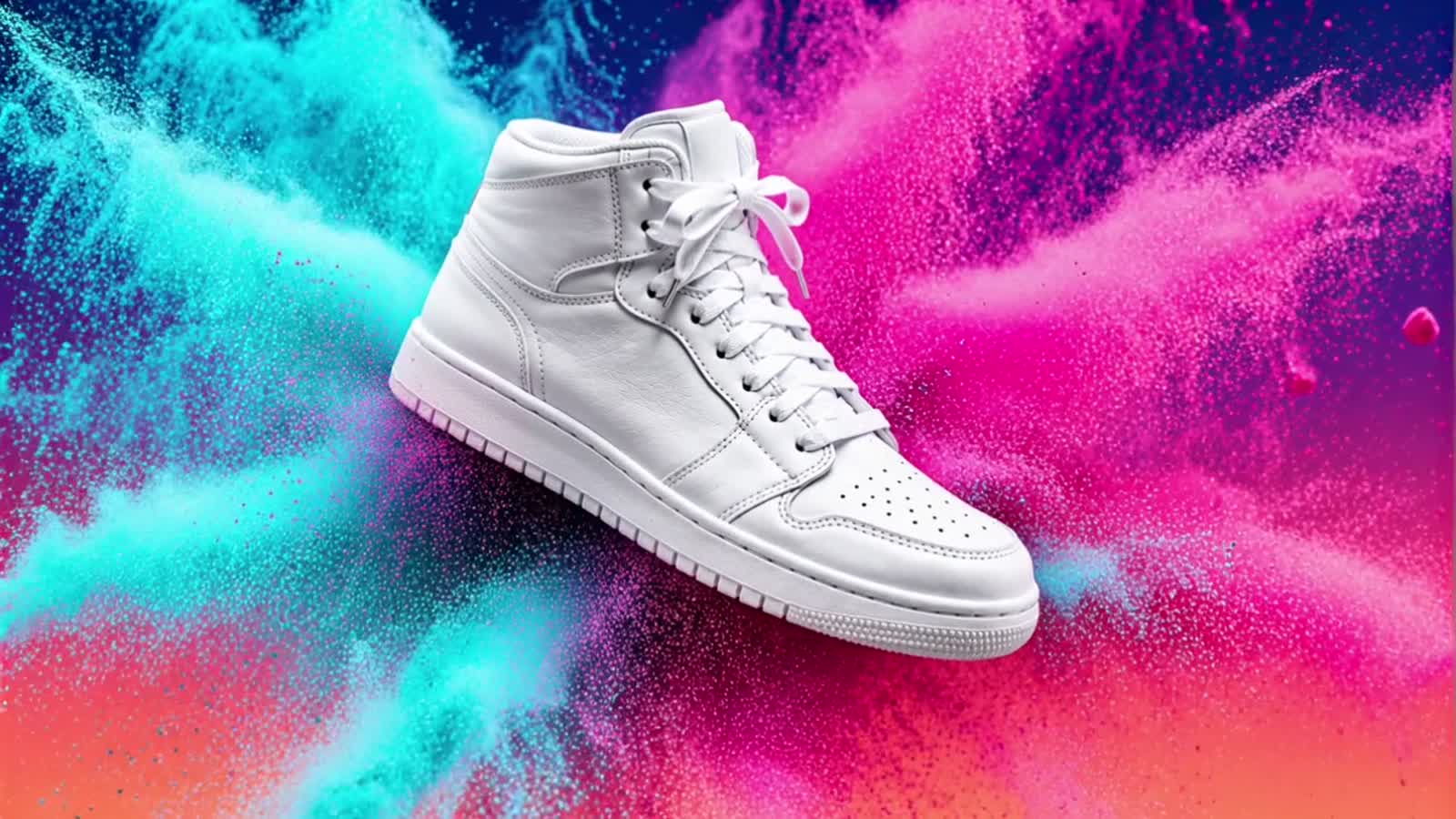
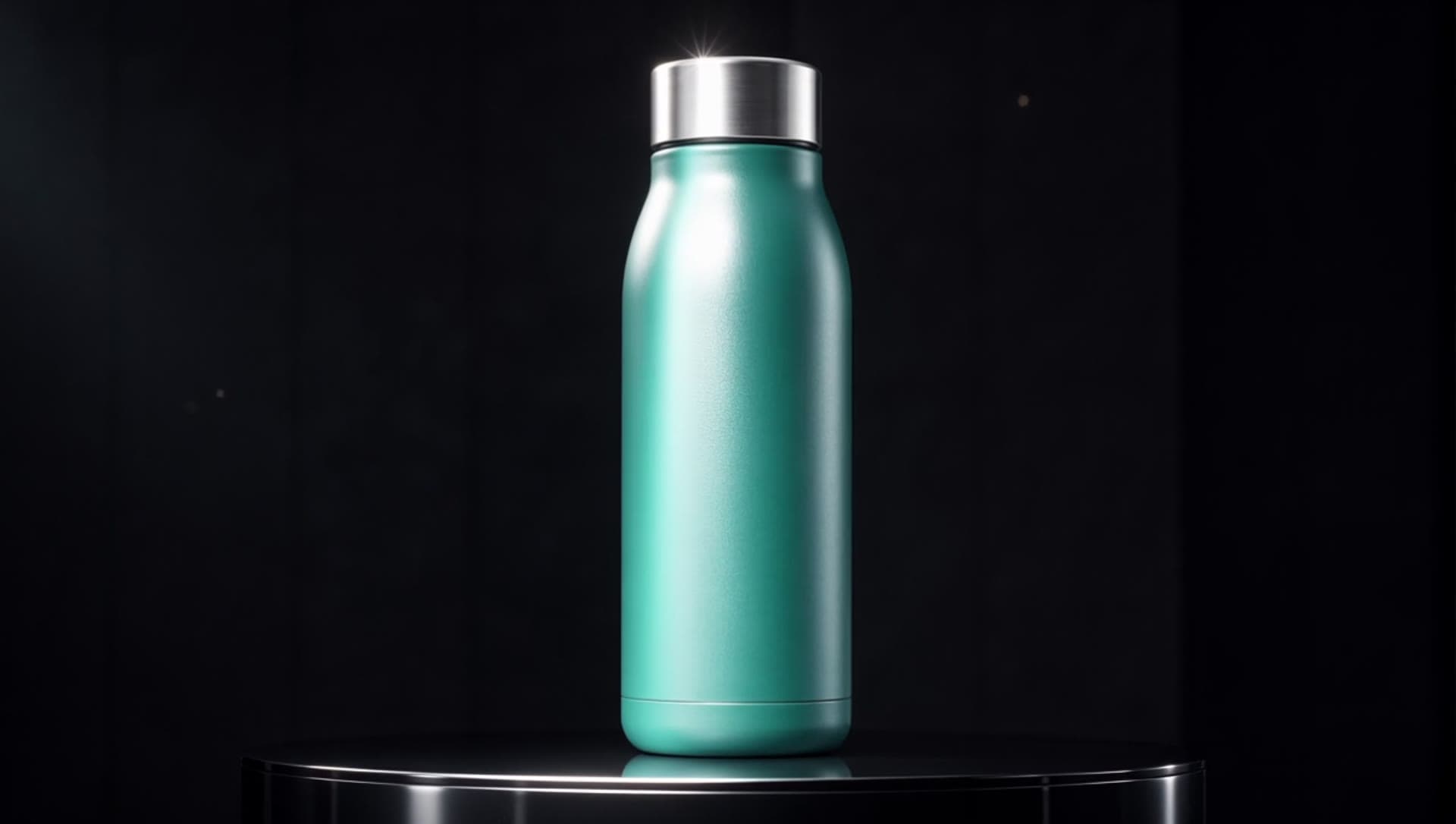
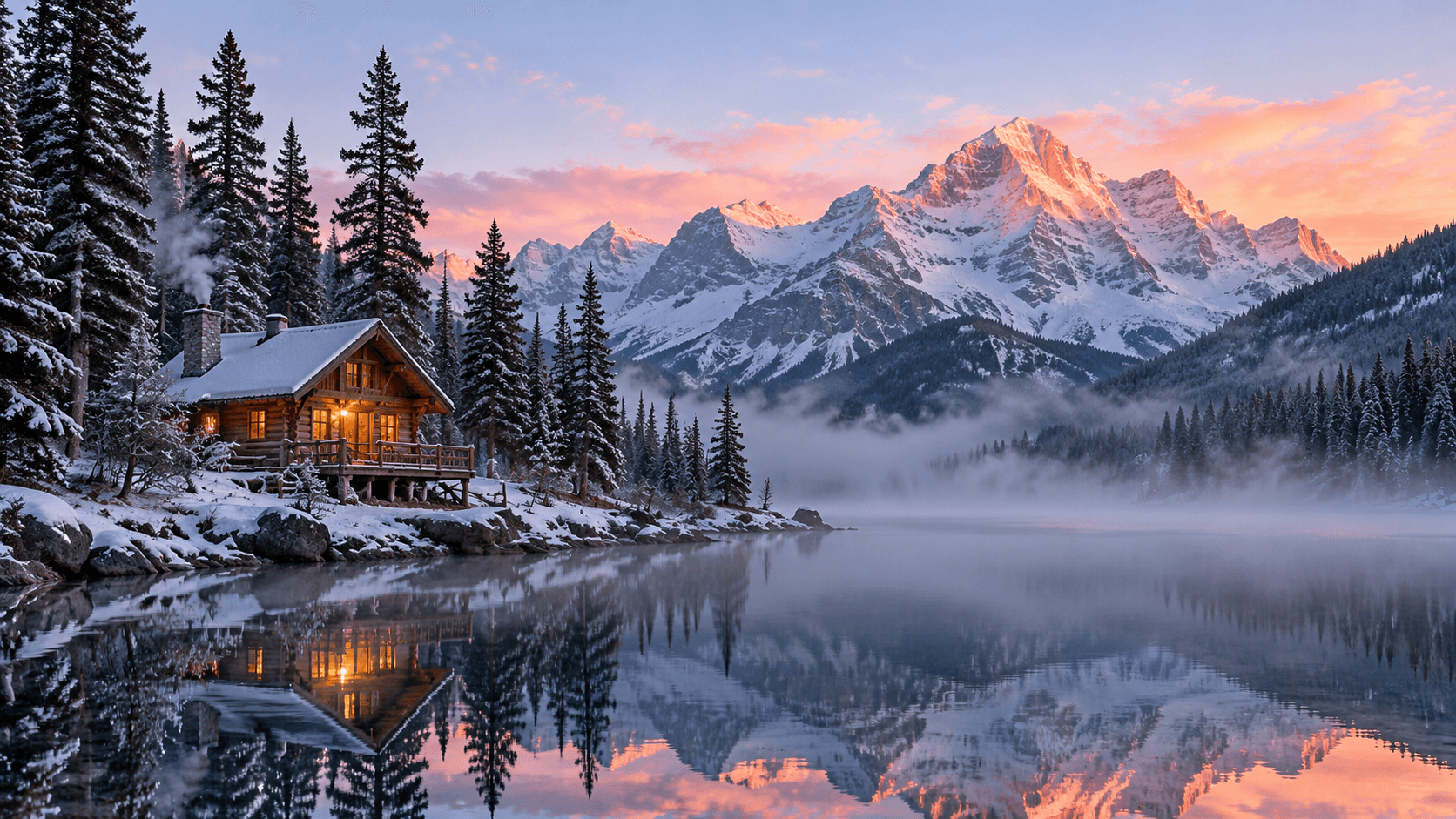
Here are the four prompts from this batch, each a different short-form vertical you'd actually brief — food/beverage, travel POV, e-commerce product, and outdoor brand mood. Every clip is the raw model output, untouched.
1 · Beverage / tabletop (see the cover clip above). Appetite-driven product-in-use content. The prompt leads with the pour and the light hit so the hook lands on frame one:
Vertical 9:16 close-up: a barista's hands pour a slow spiral of golden honey
over a glass of iced coffee, condensation beading on the cup, morning light
raking across a marble counter, shallow depth of field, the honey spiral
catches the light in the first second — crisp appetizing tabletop commercial look
2 · Travel POV. First-person energy with no person on screen — the fastest way to make a feed stop. The "handheld bounce" cue gives it that vlog feel:
Vertical 9:16 first-person POV gliding fast down a neon-lit night market alley,
steam rising from food stalls, string lights streaking into bokeh, the camera
pushes forward with a confident handheld bounce, vibrant saturated colors,
energetic short-form travel vlog feel
3 · Product hero (e-commerce). A clean rotating-pedestal shot with a "reveal" beat — the kind of opener that works for a drop or a feature callout:
Vertical 9:16 product hero: a single pair of white running shoes rotates slowly
on a seamless gradient pedestal, a ribbon of fine sand swirls around them in slow
motion, soft studio key light with a crisp rim, clean minimalist e-commerce
aesthetic, the sand reveal lands on the opening beat
4 · Outdoor / brand mood. A drone descent for lifestyle and travel brands — the "snap down in the first second, then ease into an orbit" direction gives it a deliberate two-phase motion:
Vertical 9:16 overhead drone shot snapping down toward a lone kayaker cutting a
clean V-wake across a glassy turquoise lake at sunrise, mist drifting off the
water, the camera descends fast in the first second then eases into a gentle
orbit, cinematic outdoor-brand mood
Four prompts, four verticals, one model, $0.858 total. That's the batch.
Running the batch without babysitting it
Because the task API is asynchronous, the efficient pattern is fan-out, then collect — don't generate one clip, wait, generate the next. Submit the whole batch first so every clip renders in parallel upstream, save each taskId the instant you get it, and only then start polling:
for each prompt:
    taskId = POST /v1/tasks  (model=ray-3.2/text-to-video, input=...)
    persist taskId to disk immediately   # it's billed at submit

for each saved taskId:
    poll GET /v1/tasks/{taskId} until status == "success"
    download output[0].url
Two things this run taught (or re-confirmed) that are worth building in:
- Poll the saved taskId; never resubmit. The id is billed the moment you POST, so if a poll hiccups on a transient network error, catch it and retry the same id — resubmitting double-charges you. Persisting ids to disk also means a crashed run resumes by polling, not re-creating.
- Expect ~40–90 seconds per 540p clip. Across this batch the four clips completed server-side in 37, 38, 70, and 87 seconds. Fanning them out meant the whole set was done in about the time of the slowest one, not the sum.
What you get back for a 540p 9:16 request is a 540×960, 24fps, ~5.04-second H.264 MP4 — so "540p" names the short edge, and the vertical frame comes out natively tall with no cropping on your side.
From raw clips to a posted short
Two honest limitations to plan around:
- The clips are silent. Ray 3.2 t2v outputs picture only — there's no audio track. That's fine for short-form: drop the clip into your editor and add the trending sound, a voiceover, or captions there. Plan for an editing pass; don't expect a post-ready file straight from the API.
- Five seconds is a beat, not a video. The repeatable move is to generate several 5s clips (as above), then stack three or four into a 15–20 second cut with hard cuts on the beat. Each clip is one hook; the edit is the story.
So the end-to-end loop is: batch-generate concepts at 540p → pick the winner → regenerate that one prompt at 720p/1080p → cut and score it in your editor → post. Cheap to explore, pay up once, finish by hand.
FAQ
Does ray-3.2 text-to-video generate sound? No — the output is a silent MP4. Add audio in your editor.
Do I need an input image? No. That's the whole point of text-to-video: prompt only. If you want to animate an existing frame, use ray-3.2/image-to-video.
What resolution should I use for social? 540p for high-volume concept testing (it's 540×960 for 9:16 — legible on a phone), then 720p or 1080p for the clip you actually publish.
Can I get true vertical without cropping? Yes. Pass aspect_ratio: "9:16" and the model renders a native tall frame (540×960 at 540p). Aspect ratio doesn't affect price.
How long can a clip be? 5 or 10 seconds — it's a fixed choice, not a continuous range. For hook-driven short-form, 5s per clip and stacking in the edit is usually the better spend.
How does this differ from the how-to guide? The how-to covers a single request end to end (curl, Python, errors). This page is the workflow on top of it: how to batch vertical concepts, which resolution tier to spend where, and how to prompt for 9:16.
Start generating
Ray 3.2 text-to-video is live on the async task API now. Grab a key, open the ray-3.2/text-to-video model page for the full parameter reference and current pricing, and batch your first set of vertical concepts at 540p — you can test a week of short-form ideas for under a dollar. Comparing models for the same job? The short-form workflow guides for seedance-2.0-fast and Kling 3.0 image-to-video walk the same loop with different trade-offs.