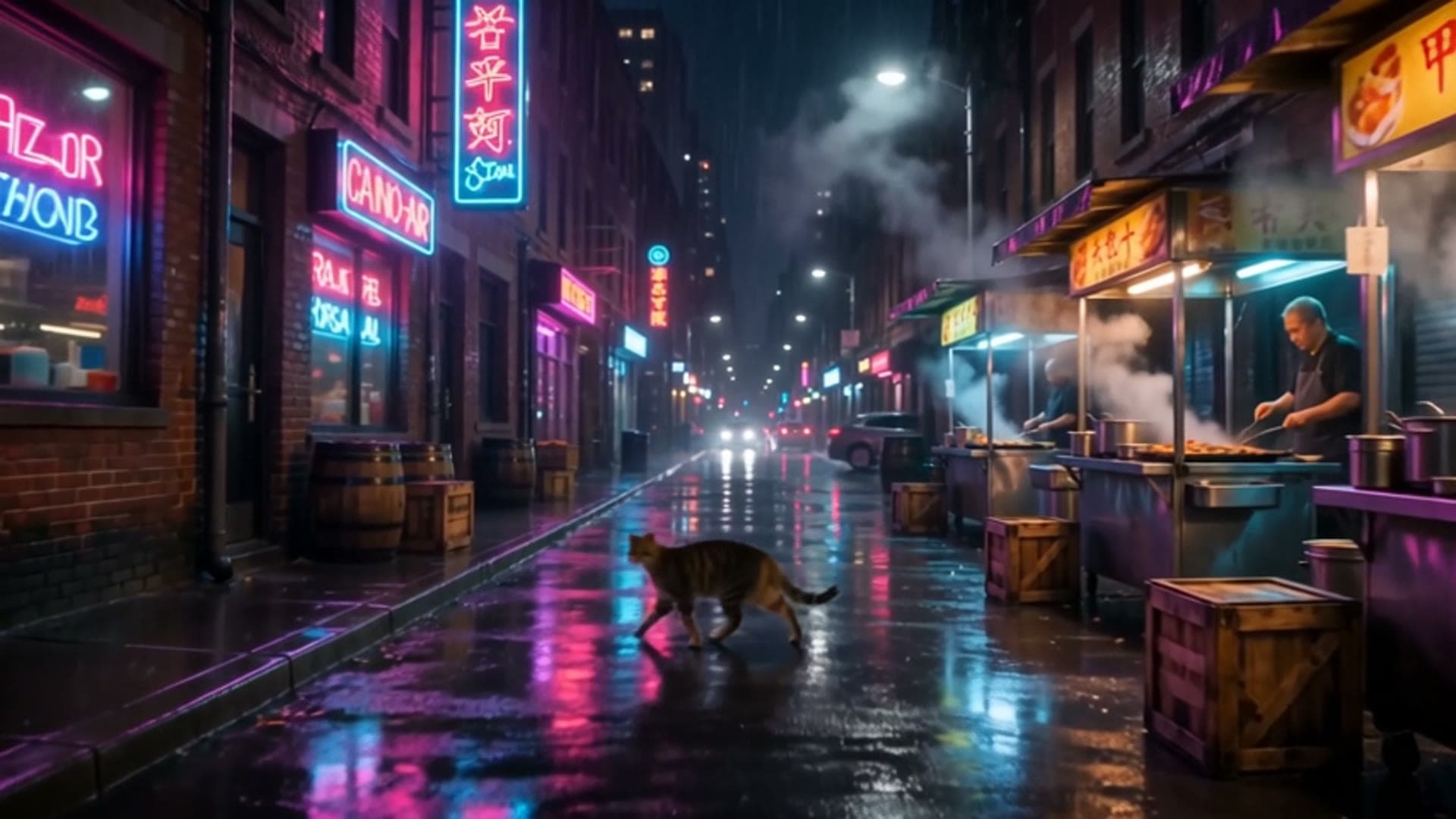
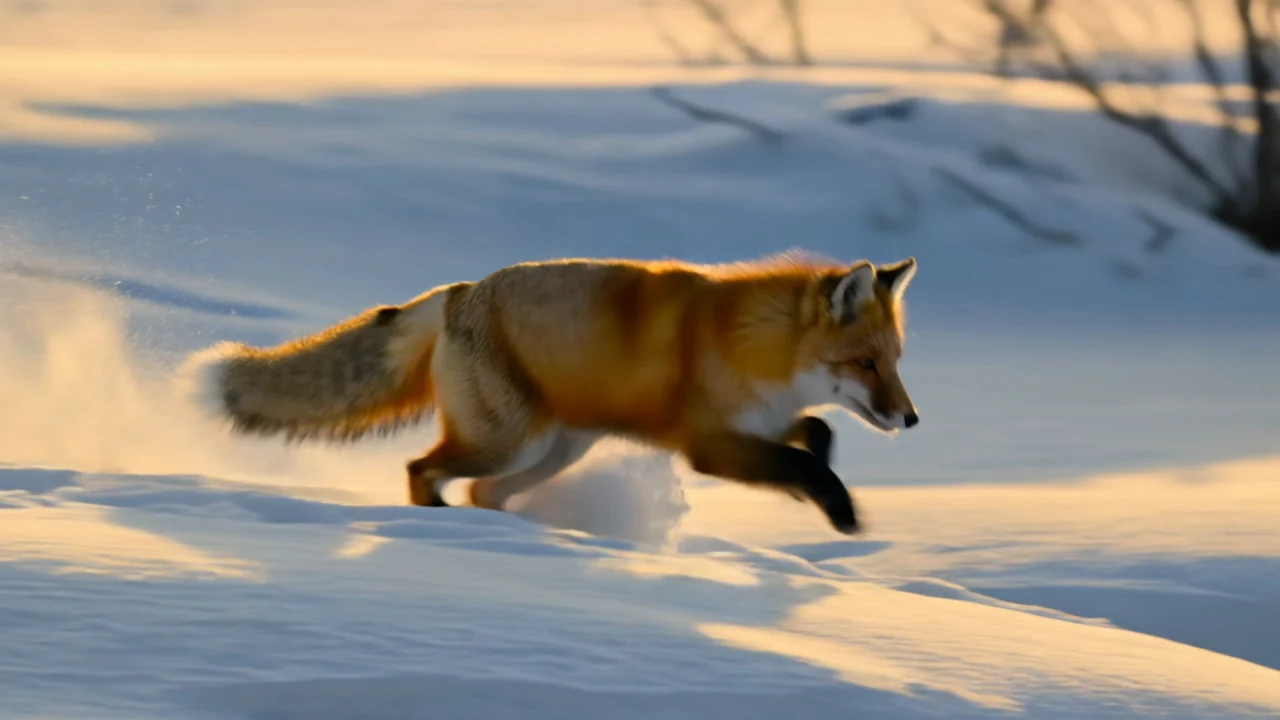
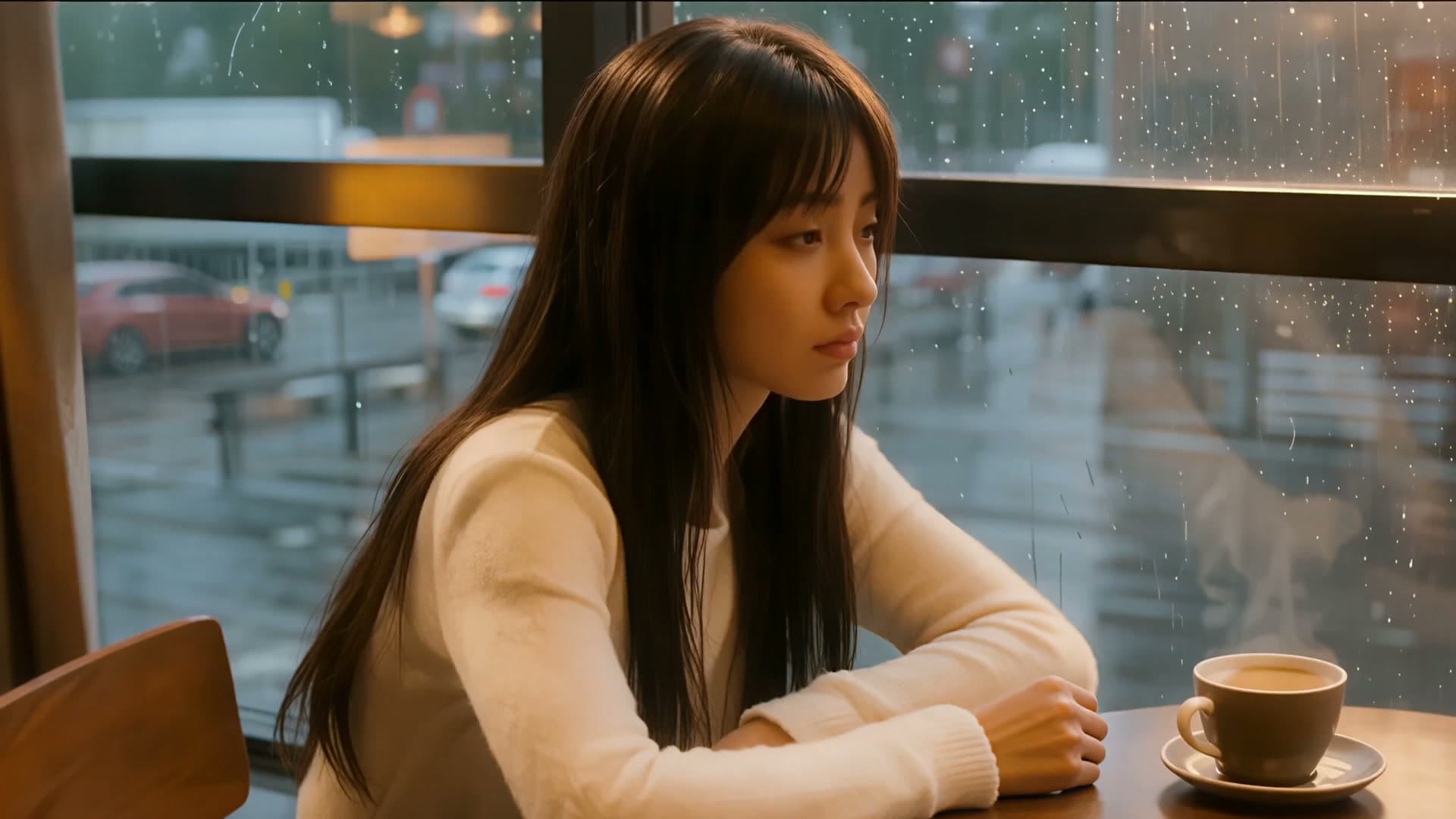
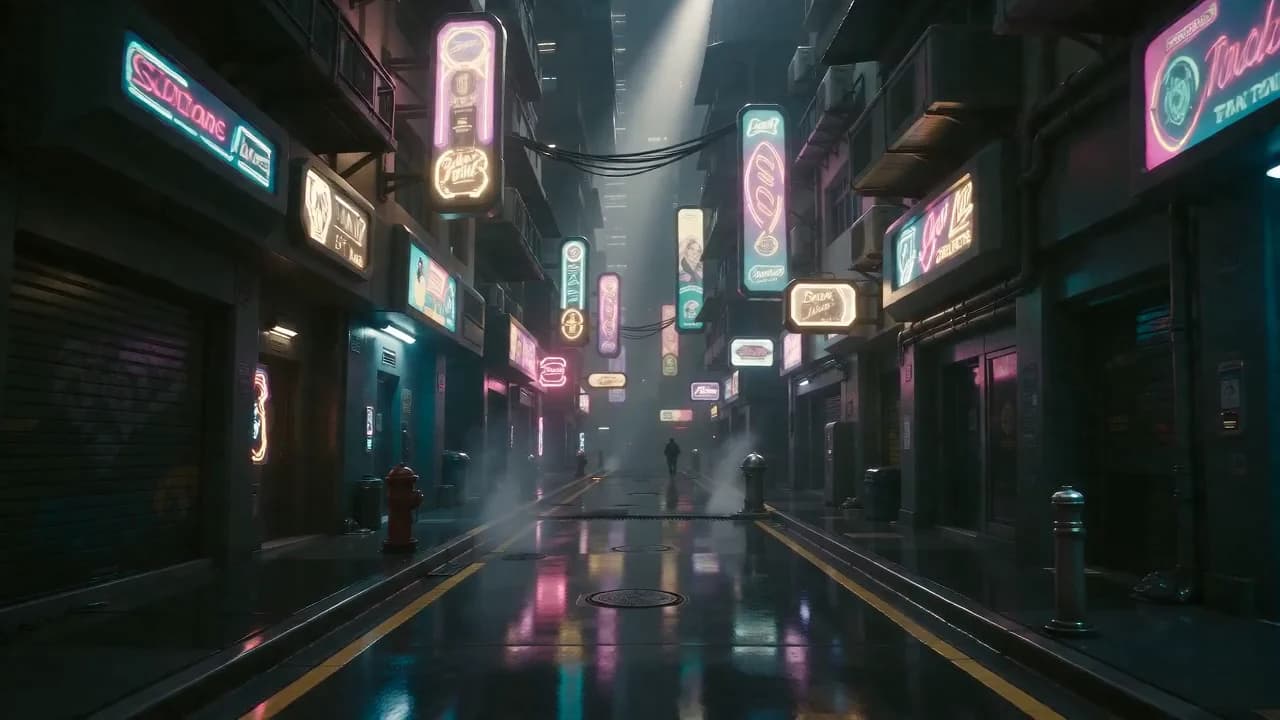
TL;DR
- Kling 3.0 Omni is Kuaishou's all-in-one video model. On HiAPI it has four endpoints: text-to-video, image-to-video, reference-to-video, and video transformation. Try any of them on the model page.
- Billed per second: from $0.10 at 720p, $0.129 at 1080p, and $0.479 at 4K. Sound and reference videos have their own rates.
- All four use the same
POST /v1/tasksendpoint; onlymodelandinputchange. The curl and Python below run as-is.
The four endpoints
| Model id | Input | Use it for |
|---|---|---|
kling-3.0-omni/text-to-video | A prompt | Creating a shot from scratch |
kling-3.0-omni/image-to-video | One first frame, or first + last frame | Animating a still |
kling-3.0-omni/reference-to-video | 1–7 reference images, plus an optional reference video | Locking a character or product, or copying a reference clip's camera |
kling-3.0-omni/transformation | One source video | Keeping the camera and motion while changing the setting or style |
All four take resolution as 720p (default), 1080p, or 4k. Text-to-video and reference-to-video also take duration (3–15 seconds), aspect_ratio (16:9, 9:16, 1:1), and audio. Image-to-video takes duration and audio, and follows the first frame's aspect ratio. Transformation takes only the prompt, the source video, and resolution; length and framing follow the source, with no sound. Text, image, and reference-to-video support automatic multi-shot (prefer_multi_shots), and all four accept reusable subjects through elements, referenced in the prompt as @name.
This 3-second 720p clip came from a single prompt:
A paper boat drifts down a rain-soaked city gutter at dusk, neon signs reflecting and rippling on the water; the camera glides low beside it as raindrops splash around. Cinematic, shallow depth of field, smooth tracking motion.
Generate with this prompt → (3 seconds, 720p)
kling-3.0-omni/text-to-video, 720p, 3 seconds, no sound, $0.30.
curl: text-to-video
curl -X POST https://api.hiapi.ai/v1/tasks \
  -H "Authorization: Bearer $HIAPI_KEY" \
  -H "Content-Type: application/json" \
  -d '{
    "model": "kling-3.0-omni/text-to-video",
    "input": {
      "prompt": "A paper boat drifts down a rain-soaked city gutter at dusk, neon signs reflecting on the water.",
      "duration": 5,
      "resolution": "720p",
      "audio": false,
      "aspect_ratio": "16:9"
    }
  }'
That's a 5-second 720p clip for $0.50. The response returns data.taskId; poll GET /v1/tasks/{taskId} until status is success, then download output[0].url.
Python: submit, poll, download
# pip install requests; export HIAPI_KEY=your-key
import os, time, uuid, requests

API = "https://api.hiapi.ai/v1/tasks"
H = {"Authorization": f"Bearer {os.environ['HIAPI_KEY']}"}

def generate(model, timeout_s=900, **inp):
    # Reuse the same Idempotency-Key if you retry this submission, so it is billed once
    r = requests.post(API, json={"model": model, "input": inp},
                      headers={**H, "Idempotency-Key": str(uuid.uuid4())}, timeout=30)
    r.raise_for_status()
    task_id = r.json()["data"]["taskId"]
    deadline = time.time() + timeout_s
    while time.time() < deadline:
        d = requests.get(f"{API}/{task_id}", headers=H, timeout=30).json()["data"]
        if d["status"] == "success":
            return d["output"][0]["url"]
        if d["status"] == "fail":
            raise RuntimeError(d)
        time.sleep(10)
    raise TimeoutError(task_id)

url = generate(
    "kling-3.0-omni/image-to-video",
    prompt="Morning fog slowly lifts over the harbor, camera slowly pushes in along the dock.",
    image_urls=["https://your-cdn.example.com/harbor.jpg"],
    duration=5, resolution="720p",
)
with open("clip.mp4", "wb") as f:
    f.write(requests.get(url).content)
The other three endpoints
Image-to-video: one URL in image_urls is the first frame; two are first and last frame. The output follows the first frame's aspect ratio. Images are JPG or PNG, up to 50 MB, at least 300 px on the short side.
Morning fog slowly lifts over the harbor as the fishing boats rock gently on the water; the low sun breaks through the haze and glints on the wet pier, camera slowly pushes in along the dock. Cinematic, calm, photorealistic.
Generate with this prompt → (upload your first frame, 3 seconds, 720p)
kling-3.0-omni/image-to-video, 720p, 3 seconds, first frame, $0.30.
Reference-to-video: image_urls is required (1–7 images). You can add one video_urls clip as a motion and camera reference (MP4 or MOV, 3–15.5 seconds, up to 200 MB). This clip used a frame of the paper boat as the subject reference and the rainy clip above as the camera reference, and moved the boat to a forest stream:
The same white paper boat from the reference drifts along a sunlit forest stream at golden hour, leaves floating beside it, camera tracks low alongside it with the same smooth motion as the reference video. Cinematic, shallow depth of field.
Generate with this prompt → (upload your reference image and video, 720p)
kling-3.0-omni/reference-to-video, 720p, 3 seconds, with a reference video, $0.429.
With a reference video, audio must be false, multi-shot can't be on, and you can send at most 4 reference images. Minimal request:
{
  "model": "kling-3.0-omni/reference-to-video",
  "input": {
    "prompt": "The same white paper boat from the reference drifts along a forest stream",
    "image_urls": ["https://static.hiapi.ai/admin-assets/2026/10/13/1791861888668-6554d6167af93003-kling-omni-boat-frame.jpg"],
    "video_urls": ["https://static.hiapi.ai/admin-assets/2026/10/13/1791861859228-2b40d774dd4b2262-kling-omni-t2v-golden.mp4"],
    "duration": 3,
    "resolution": "720p",
    "audio": false
  }
}
To lock several subjects, name each one in elements (2–4 images per subject, a name without spaces, and a short description) and write @name in the prompt. See the Kling 3.0 Omni prompt examples for a full two-subject request.
Transformation: send one source clip in video_urls (MP4 or MOV, 3–15.5 seconds, up to 200 MB) and describe what it should become. Length and framing follow the source, and no sound is generated.
{
  "model": "kling-3.0-omni/transformation",
  "input": {
    "prompt": "Transform the scene into a snowy winter night, keep the exact camera motion",
    "video_urls": ["https://static.hiapi.ai/admin-assets/2026/10/13/1791861859228-2b40d774dd4b2262-kling-omni-t2v-golden.mp4"],
    "resolution": "720p"
  }
}
The same rainy paper boat, turned into a glowing lantern boat on a snowy night:
Transform the scene into a snowy winter night: the gutter becomes a frozen stream with drifting snowflakes, the paper boat becomes a small glowing paper lantern boat, keep the exact camera motion and water movement from the original video. Cinematic, cold blue tones.
Generate with this prompt → (upload your source video, 720p)
kling-3.0-omni/transformation, 720p, follows the 3-second source, $0.429.
Pricing
| Endpoint | 720p | 1080p | 4K |
|---|---|---|---|
| Text / image, no sound | $0.10/s | $0.129/s | $0.479/s |
| Text / image, with sound | $0.129/s | $0.1645/s | $0.479/s |
| Reference, images only | same as above | same as above | same as above |
| Reference, with a reference video | $0.143/s | $0.193/s | $0.479/s |
| Transformation | $0.143/s | $0.193/s | $0.479/s |
A 5-second 720p text-to-video clip without sound is $0.50, and $10 covers 100 seconds. The shortest 3-second clip is $0.30. Failed tasks are refunded. Full breakdown: Kling 3.0 Omni API pricing.
Before you ship
- Use a callback instead of polling: add
"callback": {"url": "https://your-app.example.com/hiapi/callback"}at the top level; HiAPI notifies you on success or failure. Deduplicate bytaskId. - Outputs are kept for about 7 days: copy
output[0].urlto your own storage, or use HiAPI's persistent storage (billed by size). - Set the parameters each endpoint needs: pass
resolution,duration, andaudioexplicitly on text, image, and reference-to-video; transformation only needsresolution. - Element names have no spaces: name it
serum, then write@serumin the prompt.
FAQ
Do I need to enable the four endpoints separately?
No. The same API key works for all of them; just change model.
Can it make vertical video?
Yes. Set aspect_ratio to 9:16 on text or reference-to-video. Image-to-video follows the first frame, and transformation follows the source clip.
How do I add sound?
Set audio to true on text, image, or reference-to-video without a reference video. It generates ambience and sound effects synced to the picture, for $0.029 more per second at 720p and $0.0355 more at 1080p.
Can I write prompts in other languages?
Yes. Chinese prompts work too. Describe the camera move, the action, and the light in separate sentences for the most reliable results.
Copy the paper boat prompt above and generate your first clip. For when to choose Omni over standard Kling 3.0 or Turbo, see Kling 3.0 Omni vs Kling 3.0.