Cutting out product backgrounds by hand does not scale past a few dozen SKUs. Recraft's background removal model on hiapi turns that job into a single API call: send a product photo, get back a clean transparent-background PNG, and drop it onto whatever backdrop your marketplace or storefront needs. This walks through a real batch run against recraft/remove-background, including the actual request, the actual output, and a script you can point at a full catalog.
Why background removal is still a real bottleneck
Most product-image pipelines look the same: a photographer or a supplier sends over shots with whatever background was on hand — a studio sweep, a warehouse floor, a shipping pallet — and someone has to isolate the product before it can go on a white-background listing page, a lifestyle composite, or a marketplace template that requires a specific backdrop color per category.
Doing that in Photoshop does not scale once you are past a handful of images per week, and generic "AI background remover" web tools mean uploading product photos one at a time through a browser, which is slow and hard to automate. An API-based cutout model fixes both problems: it is fast per image and it is trivial to call from a script, so it fits directly into whatever catalog pipeline already moves your product photos around.
What recraft/remove-background actually does
The model takes one input: a product photo URL. It returns a PNG with the background removed and transparency in its place — no prompt, no mask, no extra parameters to tune. That is the whole request:
{
  "model": "recraft/remove-background",
  "input": {
    "image_url": "https://your-cdn.example.com/products/sneaker-001.jpg"
  }
}
The narrow input surface is a feature for a catalog job: there is no prompt engineering step, and the same call works the same way for every product photo you throw at it, which matters when you are running it across thousands of SKUs unattended.
A real run: before and after
Here is an actual product photo run through the live API, alongside the cutout it returned:
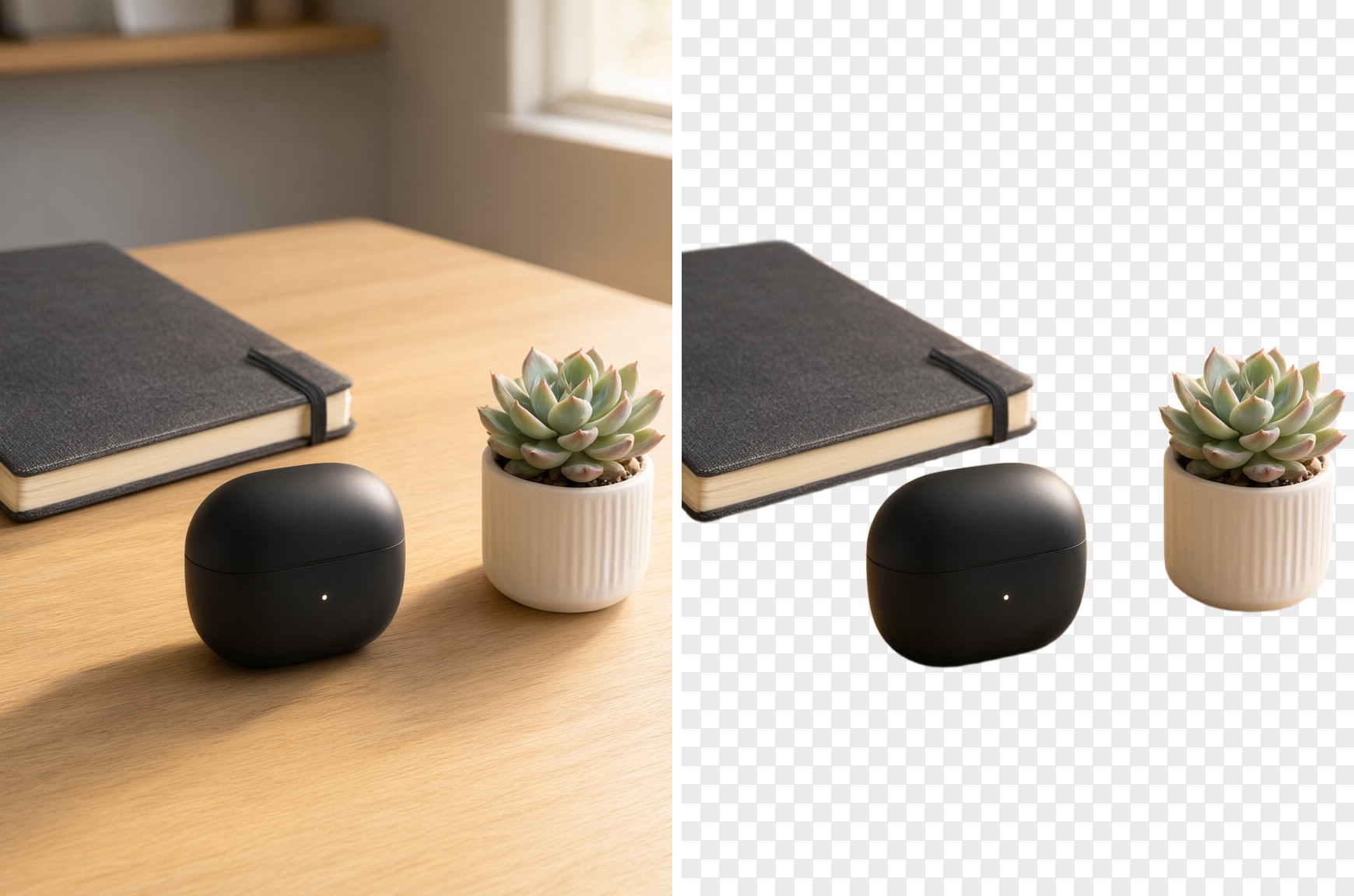
The checkerboard pattern on the right marks transparency, not a gray background — the PNG output drops the backdrop entirely so you can composite the product onto anything downstream: a pure white listing background, a branded color block, or a lifestyle scene.
The standalone cutout, saved as a transparent PNG, looks like this:
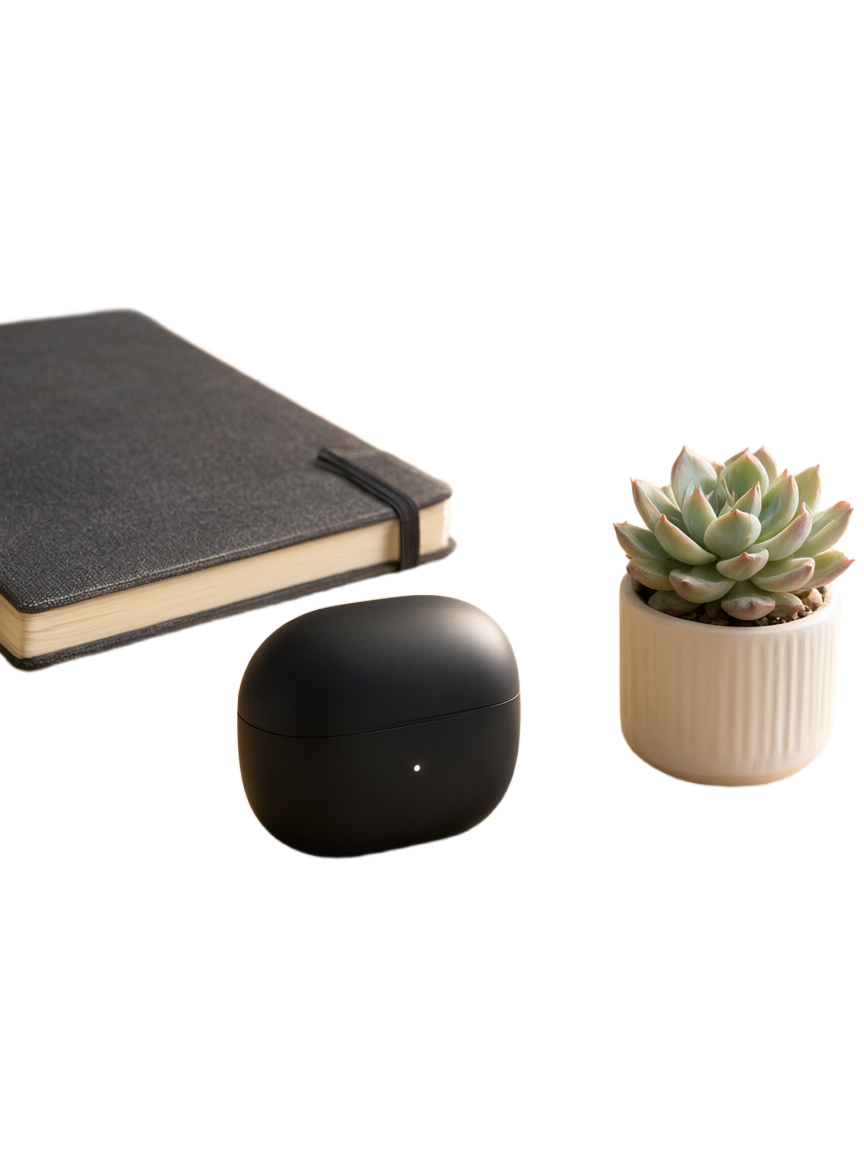
That file is ready to drop straight into a listing template, a marketplace-compliant white-background frame, or a design tool layer stack without any further masking work.
Calling it directly
The request goes to hiapi's standard async task endpoint. Submit the task, then poll until it resolves:
curl -X POST "https://api.hiapi.ai/v1/tasks" \
  -H "Authorization: Bearer YOUR_API_KEY" \
  -H "Content-Type: application/json" \
  -d '{
    "model": "recraft/remove-background",
    "input": {
      "image_url": "https://your-cdn.example.com/products/sneaker-001.jpg"
    }
  }'
That returns a taskId. Poll GET https://api.hiapi.ai/v1/tasks/{taskId} until status is success, then download the PNG from output[0].url right away — output URLs expire, so pull the bytes into your own storage before doing anything else with them.
Batching it across a catalog
A single cutout call is not the interesting part — running it across a whole product catalog is. Here is a real batch script that fans a list of image URLs out across a thread pool, waits for every task, and returns a mapping from source photo to cutout URL:
import concurrent.futures
import os
import time
import requests

API_KEY = os.environ["HIAPI_API_KEY"]
BASE_URL = "https://api.hiapi.ai/v1/tasks"


def remove_background(image_url: str) -> str:
    resp = requests.post(
        BASE_URL,
        headers={"Authorization": f"Bearer {API_KEY}"},
        json={"model": "recraft/remove-background", "input": {"image_url": image_url}},
        timeout=60,
    )
    resp.raise_for_status()
    task_id = resp.json()["data"]["taskId"]

    while True:
        poll = requests.get(
            f"{BASE_URL}/{task_id}",
            headers={"Authorization": f"Bearer {API_KEY}"},
            timeout=30,
        )
        task = poll.json()["data"]
        if task["status"] == "success":
            return task["output"][0]["url"]
        if task["status"] == "fail":
            raise RuntimeError(f"{image_url}: {task['error']}")
        time.sleep(3)


def batch_remove_background(image_urls, max_workers: int = 5):
    results = {}
    with concurrent.futures.ThreadPoolExecutor(max_workers=max_workers) as pool:
        futures = {pool.submit(remove_background, url): url for url in image_urls}
        for future in concurrent.futures.as_completed(futures):
            url = futures[future]
            try:
                results[url] = future.result()
            except Exception as exc:
                print(f"failed: {url} -> {exc}")
    return results
max_workers=5 is a reasonable starting concurrency for a catalog job — raise it if your account's rate limits allow more parallel tasks, and always keep the per-image try/except so one bad source photo does not stall the rest of the batch. Download each result URL to permanent storage immediately after it comes back; do not leave the loop assuming the output URL will still be valid later.
What it costs at catalog scale
As of 2026-09, recraft/remove-background is priced at $0.01 per image on hiapi. For a 500-SKU catalog with one hero shot each, that is $5 to cut out the entire run; for a catalog that needs three angles per SKU cut out, it is $15. Check the live pricing page before you plan a large batch, since rates can change.
FAQ
Does it require a prompt or mask?
No. The only input is image_url. There is nothing to tune per image, which is exactly what makes it practical to run unattended across a large catalog.
What does the output look like? A PNG with the background replaced by transparency, sized to match the input photo's subject framing. Composite it onto any backdrop your listing template needs.
Can I feed it lifestyle photos with cluttered backgrounds, not just studio shots? Yes — it works on any product photo URL, not just clean studio setups, though a clearly separated subject (as in most product photography) gives the cleanest edge.
How fast is one task? Individual tasks typically resolve in a few seconds to under a minute; the batch script above polls every 3 seconds per task and runs multiple tasks in parallel, so a few hundred images finish well within a single script run.
Does the price change with image resolution? Pricing is a flat per-task rate rather than a resolution tier for this model. Confirm the current rate on the pricing page before committing to a large run, since published rates are subject to change.
Where to go next
Try the model directly on the recraft/remove-background model page, or see a related generation-side workflow in using Qwen Image for e-commerce product images if you also need to generate new product scenes rather than just cut out existing photos. For everything else the task API supports, the quickstart docs cover authentication and the full task lifecycle.