Every clip below is a real FLUX 3 Max output from Black Forest Labs, with the full prompt and the settings it ran with: copy a prompt to rerun it, or hit “Generate with this prompt” to open the right model page with the text already filled in. FLUX 3 Max is live on HiAPI — text to video, image to video and keyframes to video all generate directly, and new accounts get 200 free credits.
1. Atmosphere shot: sunrise over the ocean
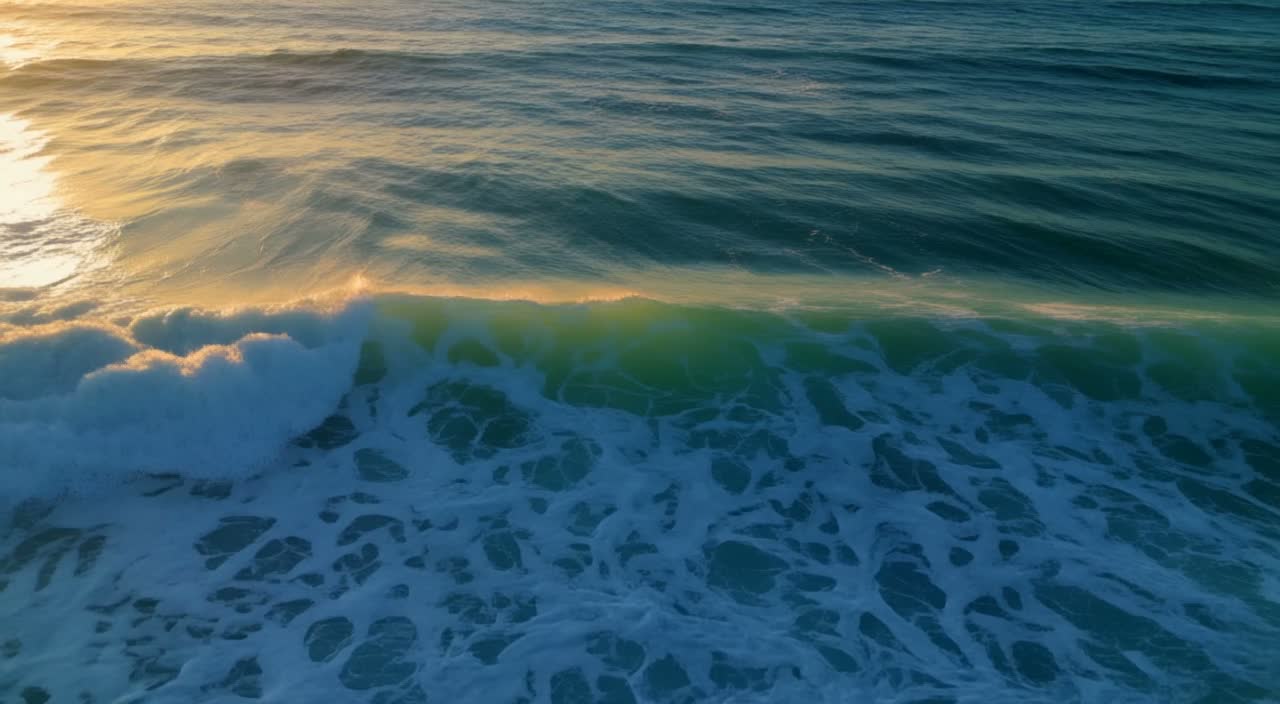
Settings: text to video · 5s · 720p · auto · audio on (default) · Watch the clip →
a slow aerial shot of ocean waves at sunrise, photorealistic
The frame has one job: let the swell roll toward the light while the camera drifts just above the water. One subject, one movement, and photorealistic sets the texture without adding clutter.
2. Craft close-up: a glassblower at work
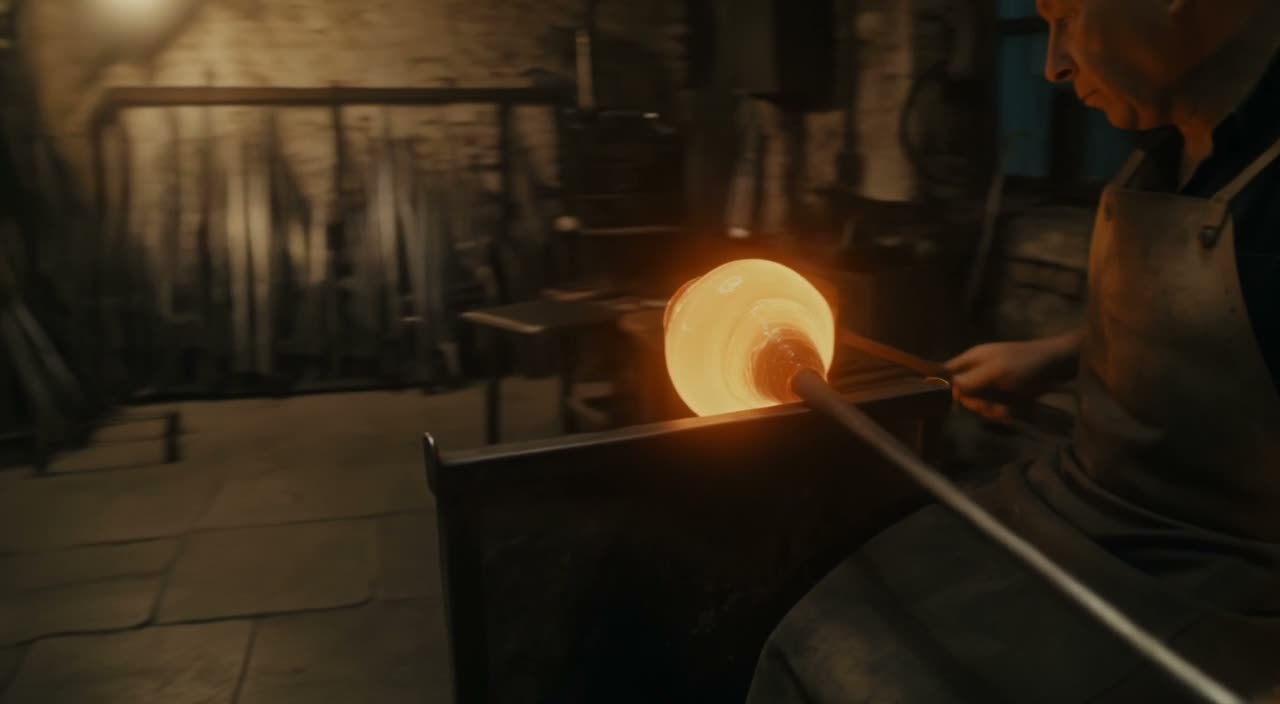
Settings: text to video · 5s · 720p · auto · audio on (default) · Watch the clip →
A glassblower shapes a molten vase in a dim workshop; sparks arc through the air, warm light catches the swirling glass; slow circular camera move, cinematic.
The prompt puts three things in one sentence: the action at the bench, the sparks and warm light around it, and a slow circular camera move. That move keeps the five seconds as one uninterrupted take.
3. Product close-up: a white sneaker
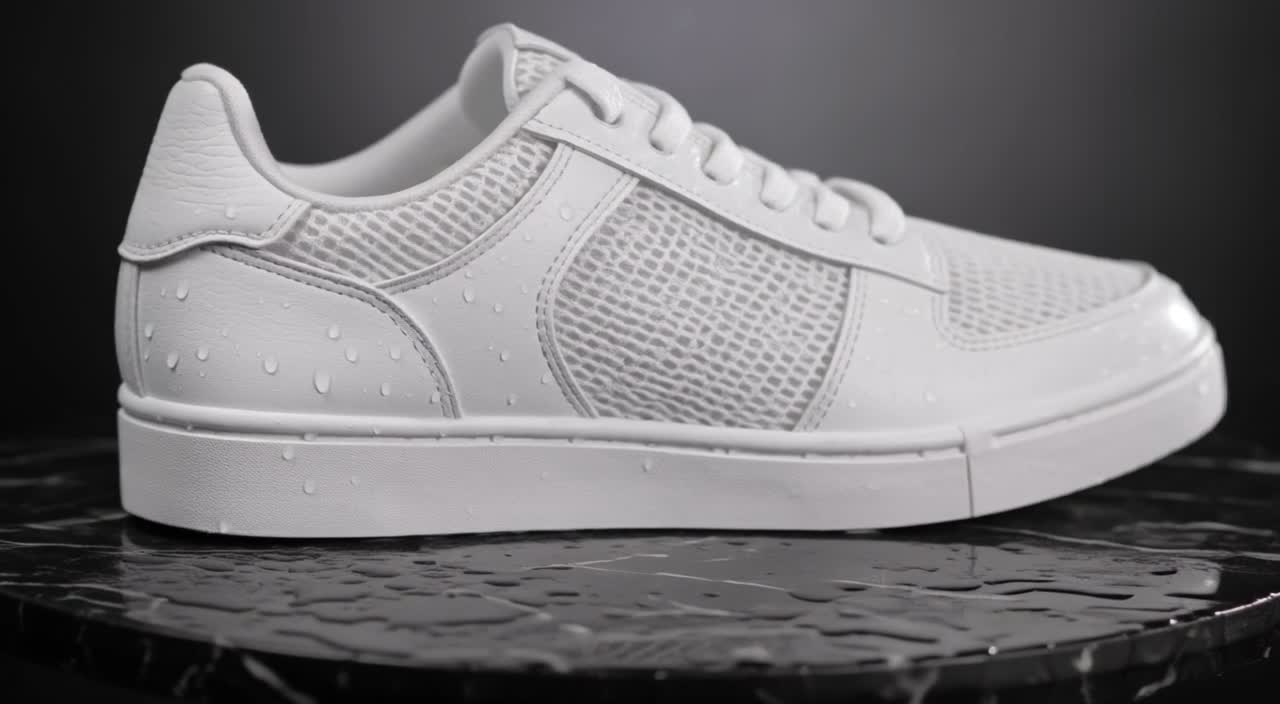
Settings: text to video · product macro · 5s · 720p · auto · audio on (default) · Watch the clip →
A single white sneaker rotates slowly on a wet black plinth, studio softbox lighting, water droplets on the surface, macro product shot, clean background.
Name what the light can touch: the wet black plinth, the softbox, the droplets on the upper, the clean background. Start with the rotation, then the lighting and material, so the product stays the subject.
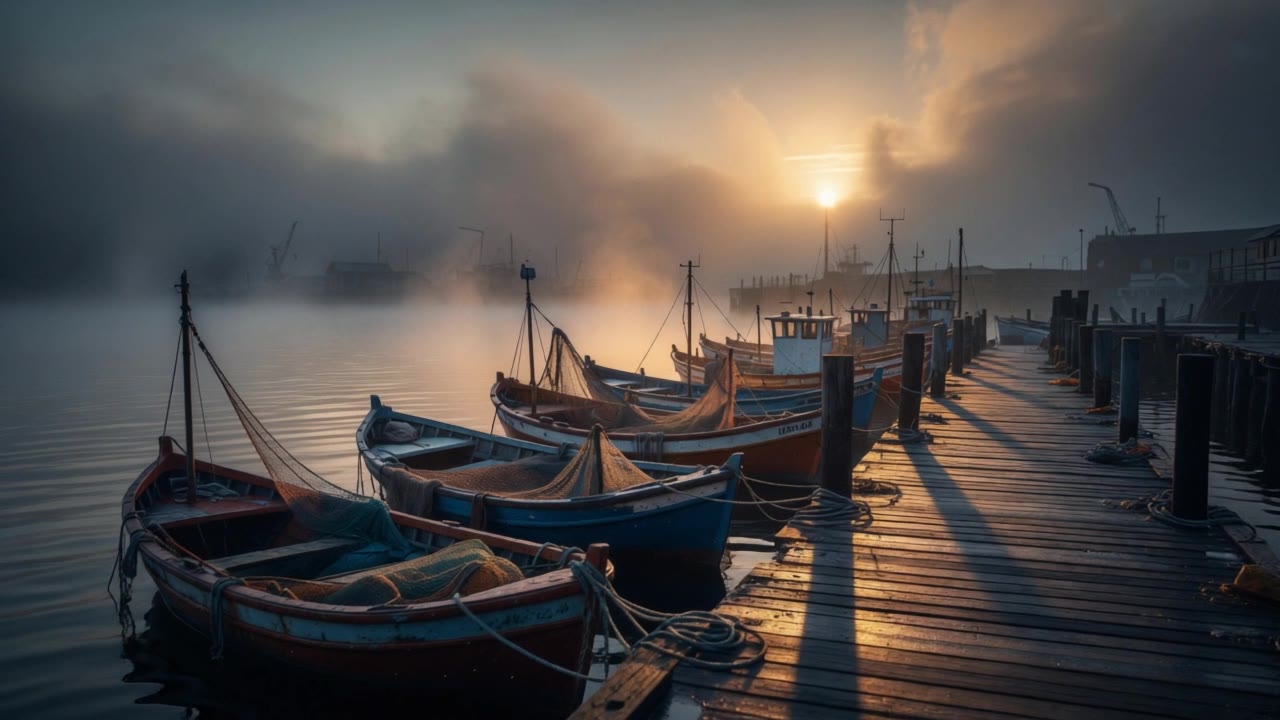
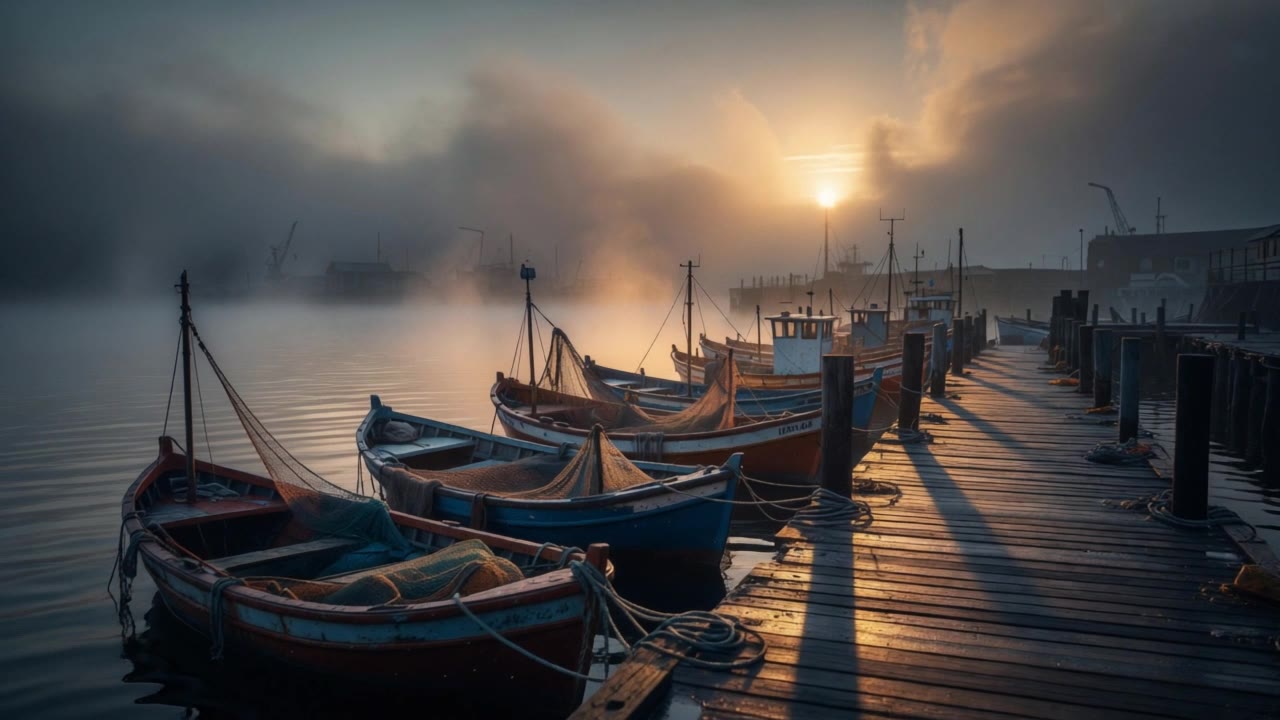
4. Bring a still to life: a misty harbor
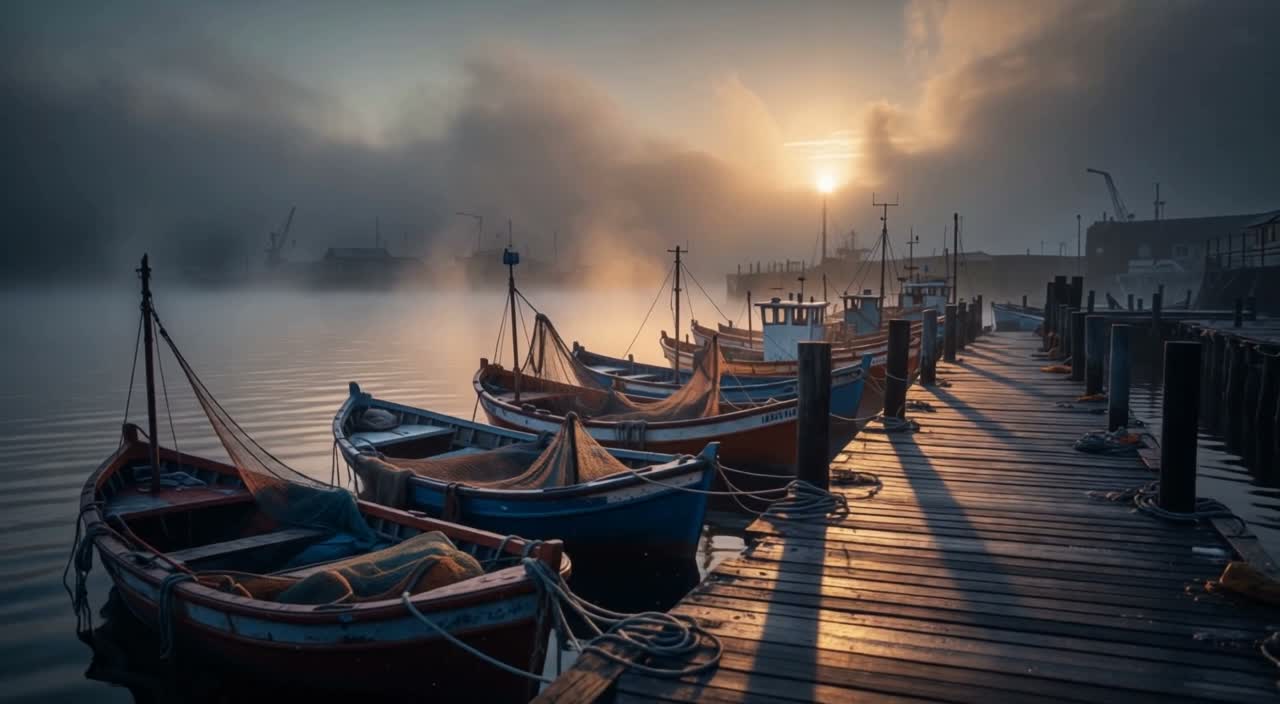
Settings: image to video · 1 first frame · 5s · 720p · auto · audio off · Watch the clip →
First frame: view the source image
Morning mist drifts slowly over the quiet fishing harbor as the wooden boats rock gently on the water; sunlight glints across the wet pier planks and the camera slowly pushes forward.
The still already owns the composition and light, so the prompt only describes what happens next: boats rock, mist drifts, the camera pushes toward the pier. Three moves in spatial order keep the timeline readable.
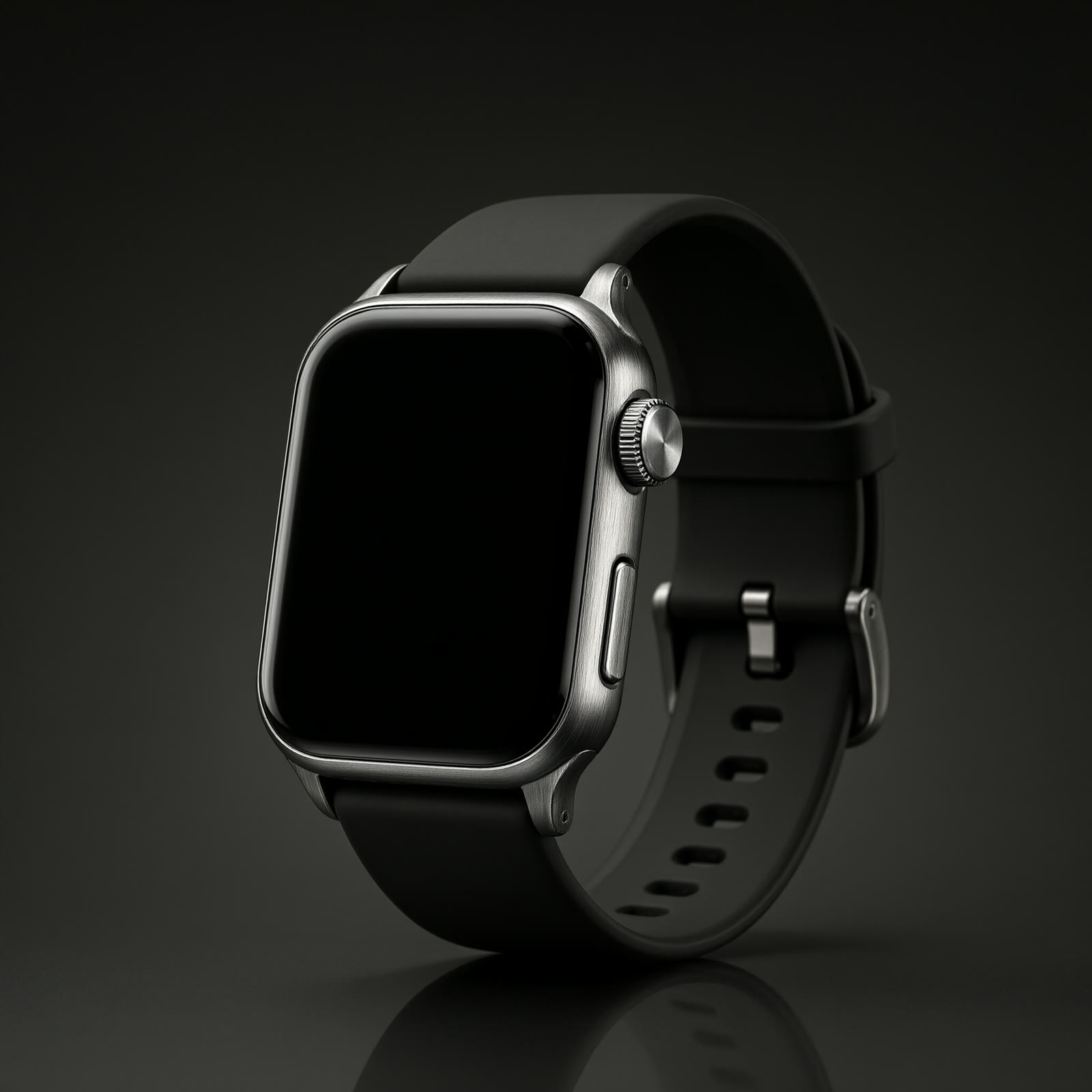
5. Bring a product still to life: a wristwatch
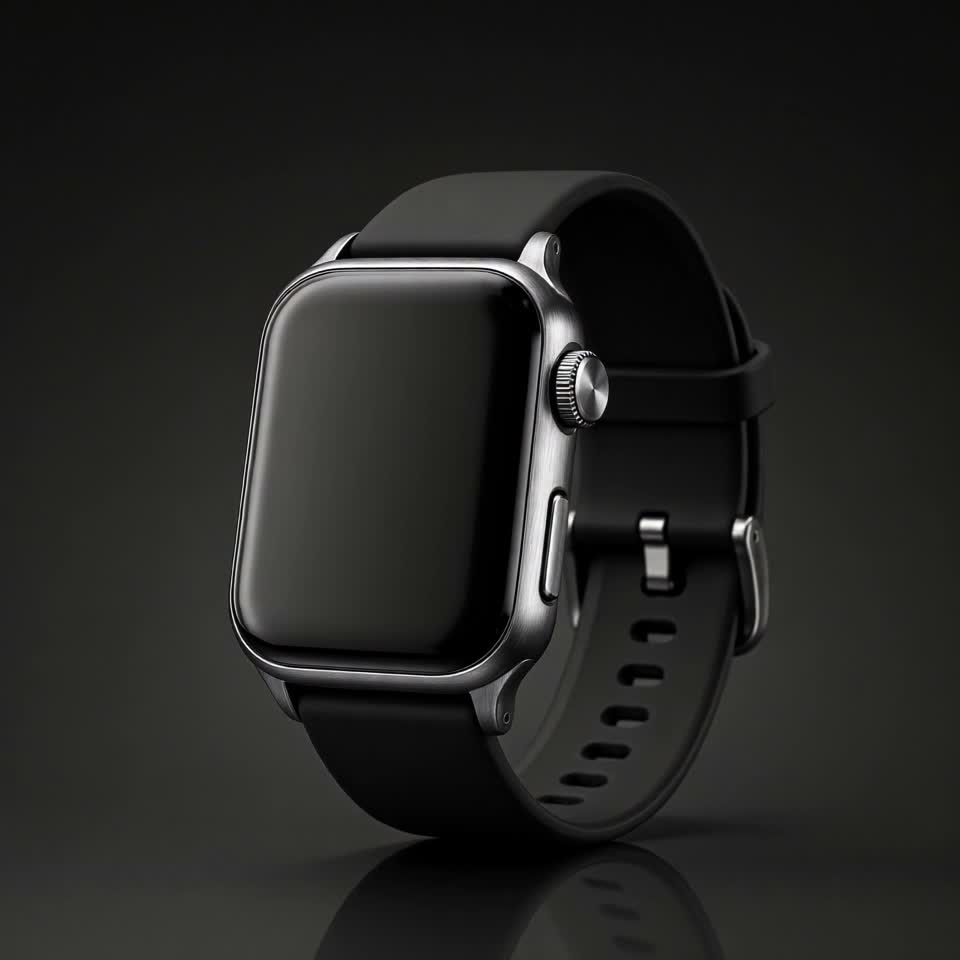
Settings: image to video · 1 first frame (1:1) · 5s · 720p · audio off · Watch the clip →
First frame: view the source image
The wristwatch turns slowly on its stand as studio light sweeps across the brushed metal and crystal, macro product shot, shallow depth of field.
The square source stays square. Let studio light sweep across brushed metal and crystal, add macro and shallow depth of field, and move only the watch while the camera holds.
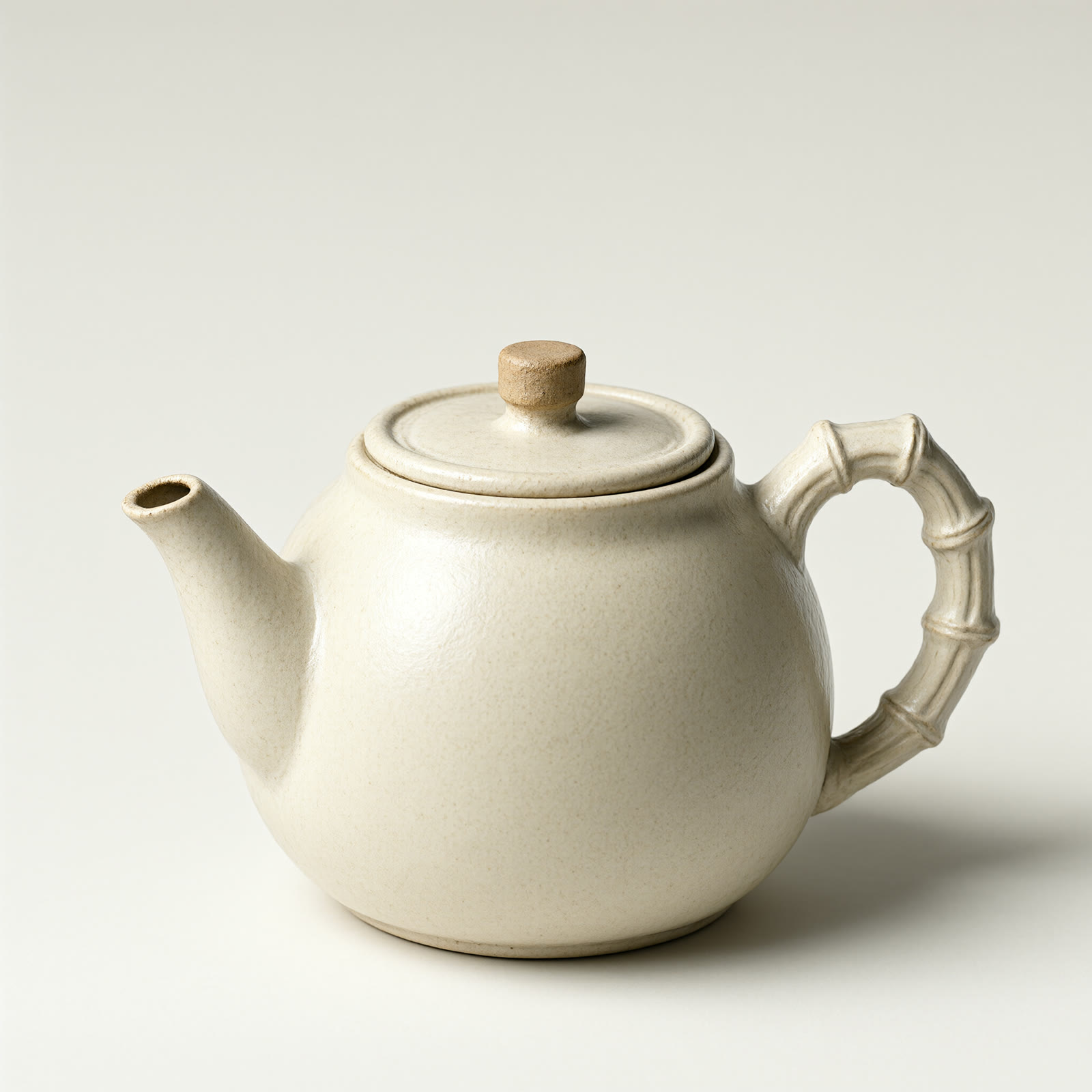
6. Still life in morning light: steam from a teapot
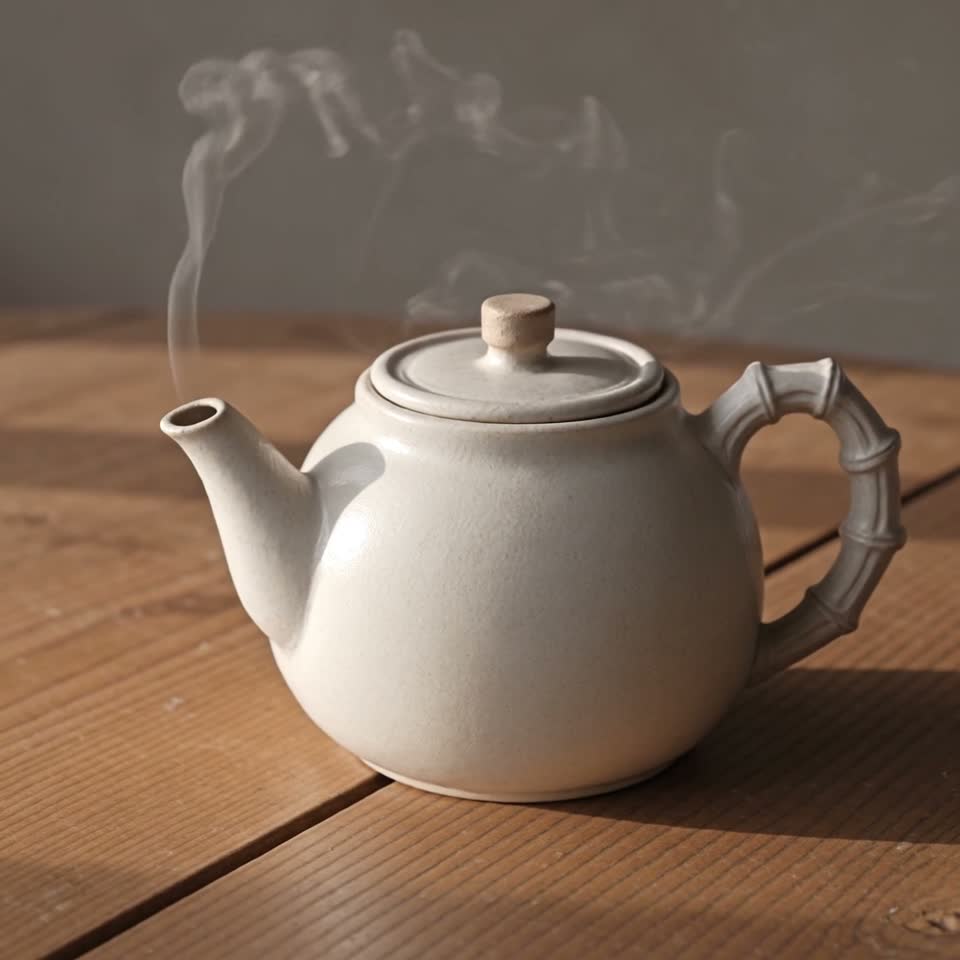
Settings: image to video · 1 first frame (1:1) · 5s · 720p · audio off · Watch the clip →
First frame: view the source image
Steam rises gently from the teapot as morning light shifts across the wooden table, slow push-in, calm atmosphere.
One action leads: steam rises. Then the morning light shifts across the table and the camera pushes in slowly. Nothing on the table moves, so the calm comes from light rather than added props.
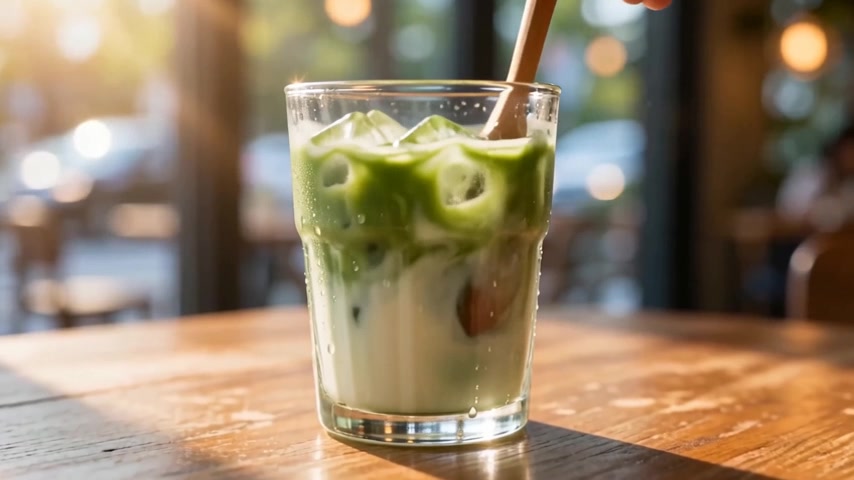
7. Transformation: a harbor dissolves into a matcha latte
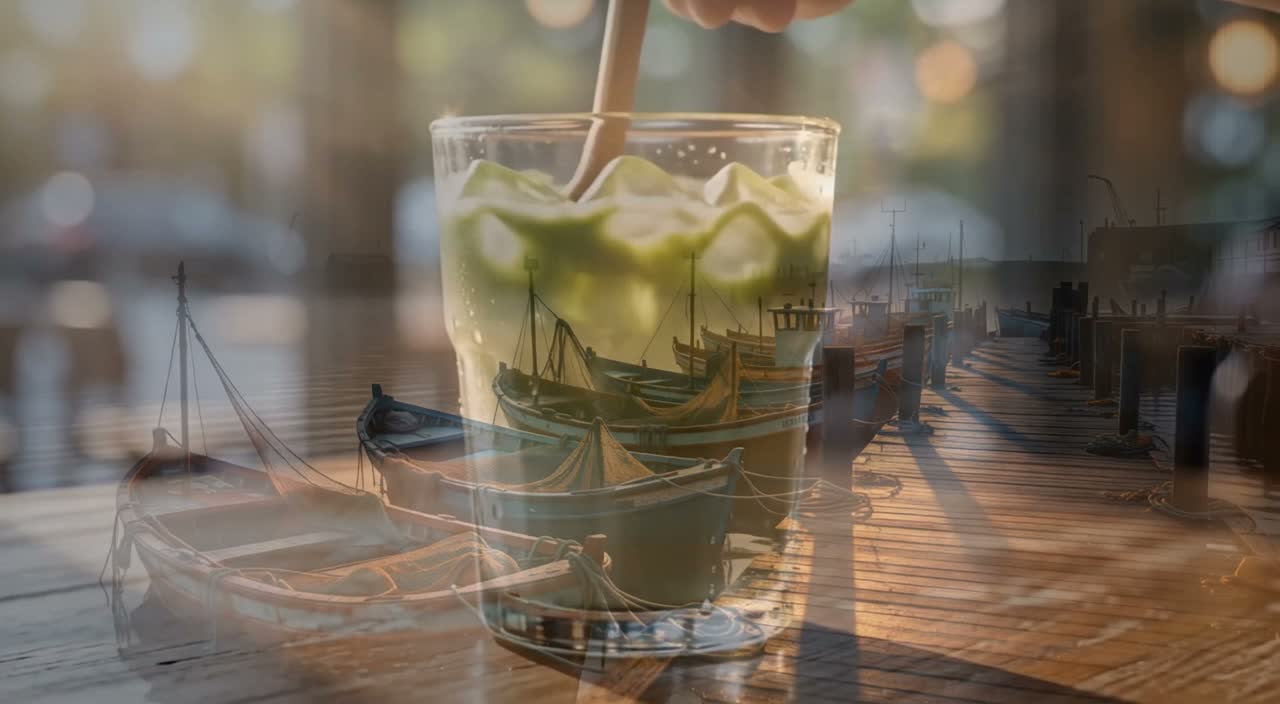
Settings: keyframes · 2 frames (0 / 120) · 5s · 720p · auto · audio off · Watch the clip →
Keyframes: frame 0, harbor · frame 120, iced matcha latte
A continuous cinematic morph: the misty fishing harbor at sunrise smoothly dissolves into a close-up of an iced matcha latte on a wooden table, ending on the drink.
Two keyframes sit at opposite ends of a 24fps timeline: 5 seconds is frame 0 to frame 120. continuous cinematic morph carries the shot from harbor to drink in one dissolve, with no cut.
8. Time passing: a peony opens
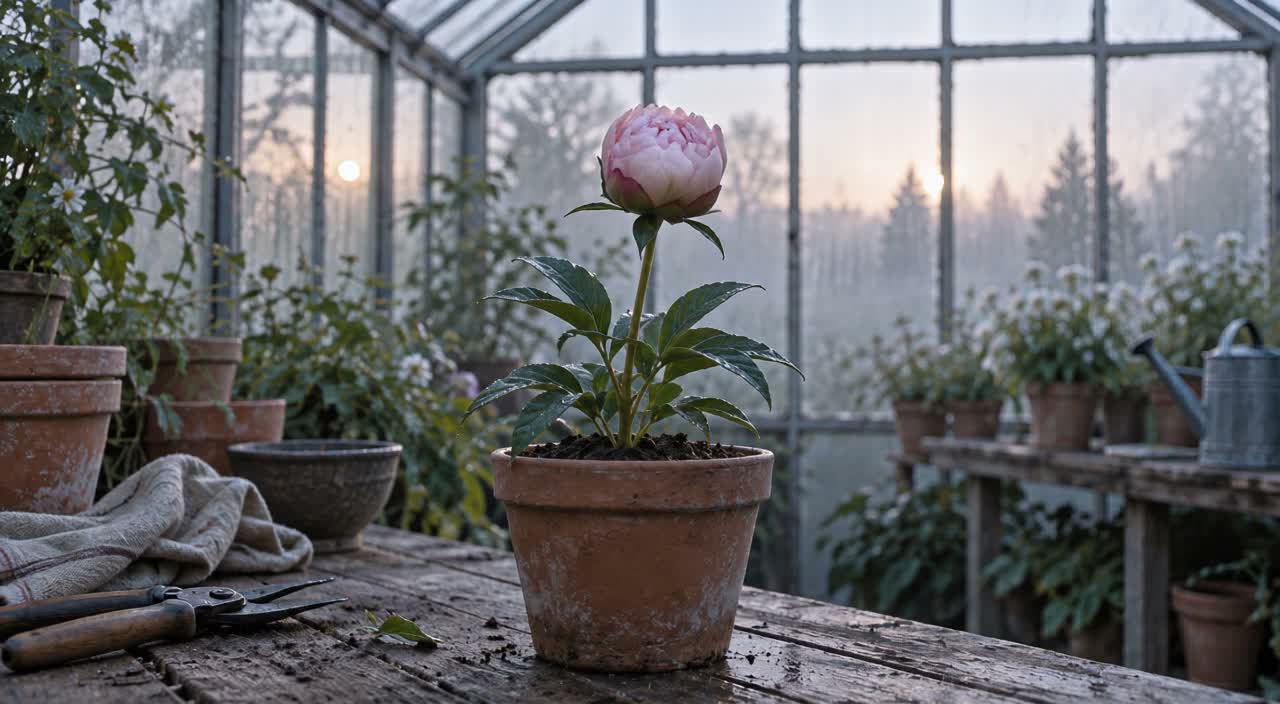
Settings: keyframes · 2 frames (0 / 120) · 5s · 720p · auto · audio off · Watch the clip →
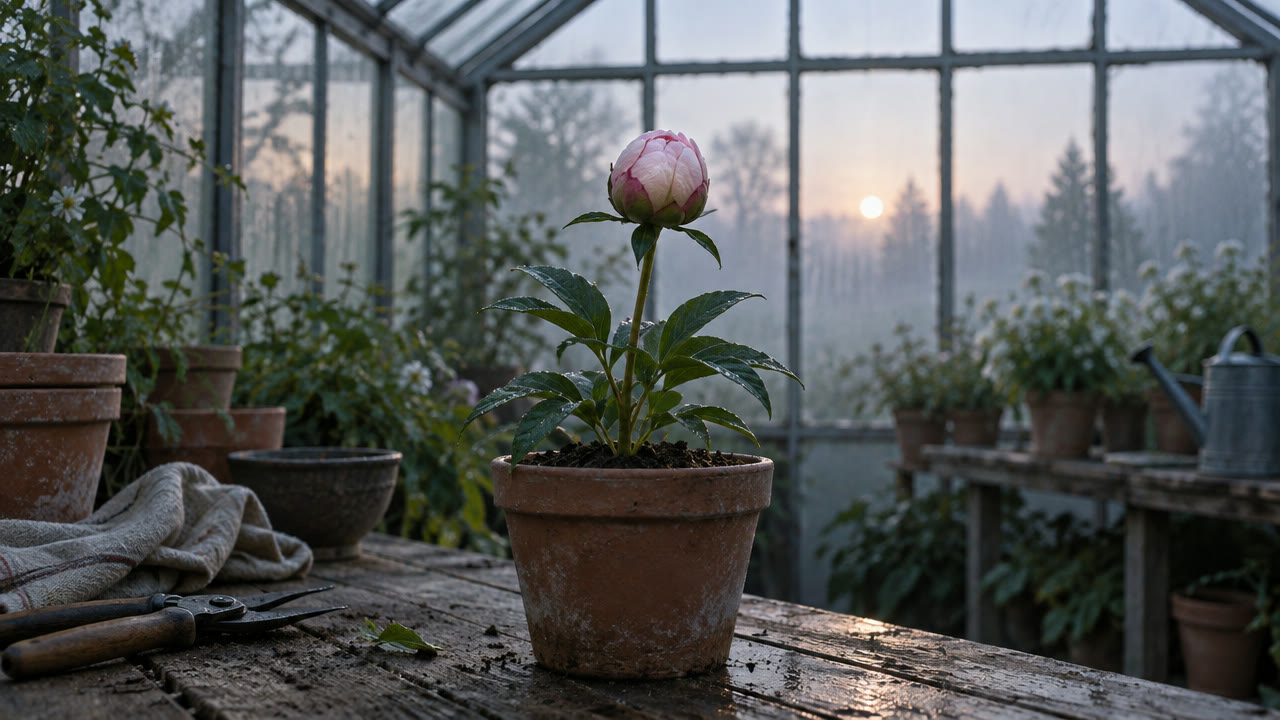
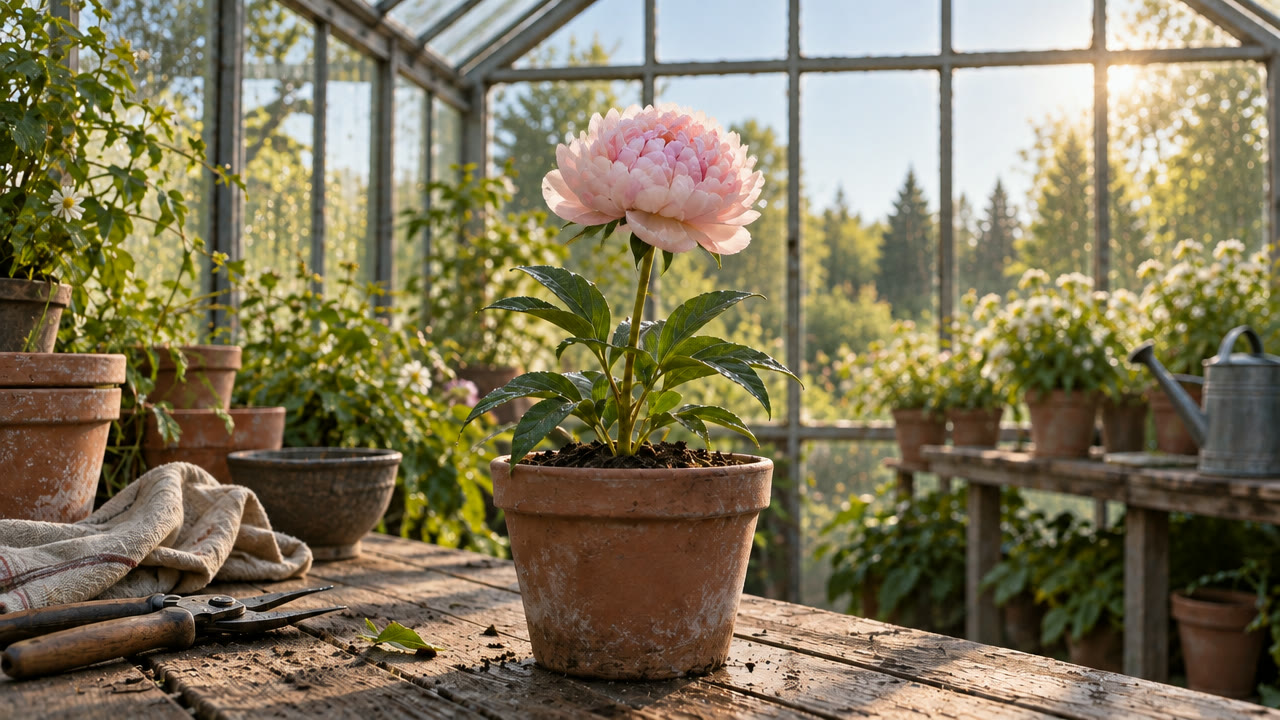
Keyframes: frame 0, bud · frame 120, full bloom
The peony bud opens into full bloom as morning light sweeps across the greenhouse; static camera, continuous time-lapse feel.
The first and last keyframes hold the bud and the full bloom; the model fills the middle. A static camera plus continuous time-lapse feel lets morning light cross the greenhouse as the petals open layer by layer.
9. Seamless loop: rolling ocean waves
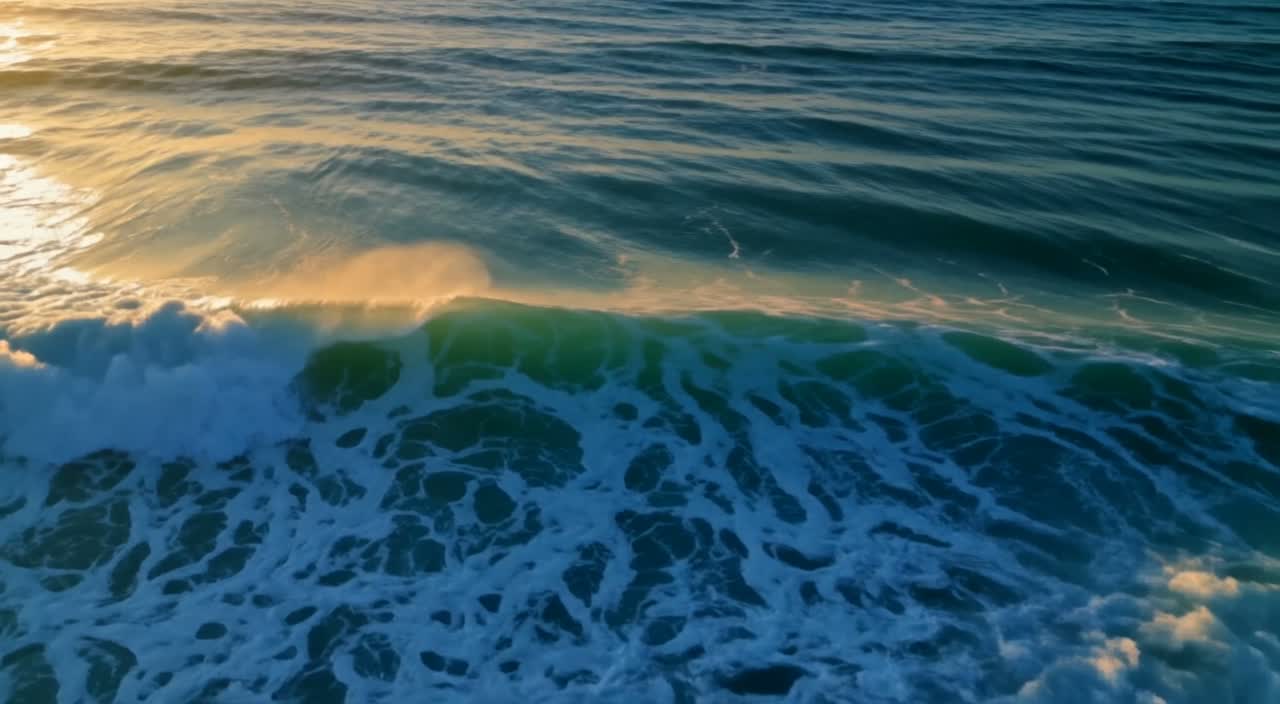
Settings: keyframes · 2 frames (0 / 120) · 5s · 720p · auto · audio off · Watch the clip →
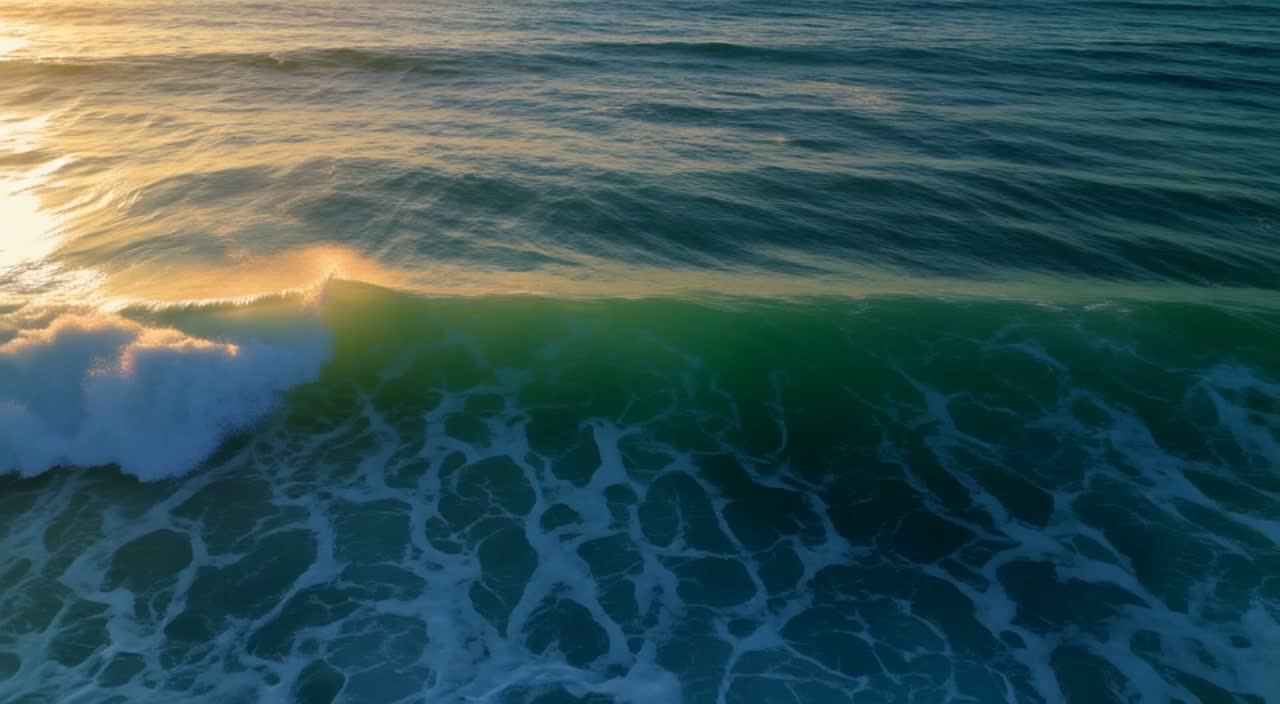
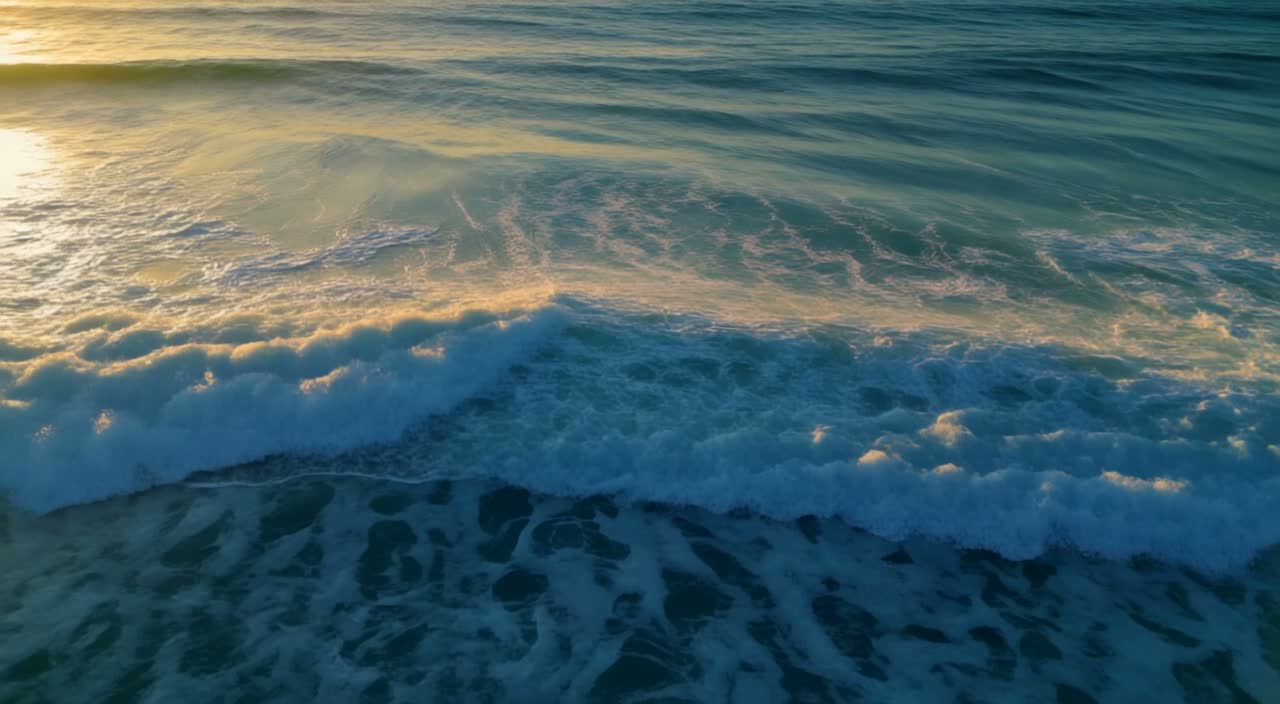
Keyframes: frame 0 · frame 120
The ocean waves roll continuously in a seamless loop; the camera holds steady, sunlight glints on the water, subtle slow motion.
A loop works when both keyframes share the same framing and the camera stays put. seamless loop and holds steady keep the swell rolling, so the last frame meets the first without a visible jump.
How these prompts are built
- Write the subject and its one main action first, then the camera move, then light, material and mood; keep one dominant motion per prompt.
- For image to video, describe only what happens after the first frame. For keyframes, convert duration to frame numbers first (24fps; 5 seconds = 0–120), then place each image.
- Keep
generate_audioon when you want sound; for a clean loop, lock the camera and match the framing of the first and last keyframes.
FAQ
Does “Generate with this prompt” fill in the prompt?
Yes. The model page opens with the text in place. Image to video still needs a first frame, and keyframes to video needs 1–10 images with a frame_index for each.
How long can a clip be, and which aspect ratios are supported? 5–20 seconds at 720p or 1080p, with auto, 21:9, 2:1, 16:9, 4:3, 1:1, 3:4 and 9:16. Every example above runs 5 seconds at 720p.
Is audio on by default?
Yes, generate_audio defaults to on. The image-to-video and keyframe examples above were generated with audio off; the text-to-video examples kept the default.
Copy the sunrise prompt above and generate your first 5-second clip on the text-to-video model page →.