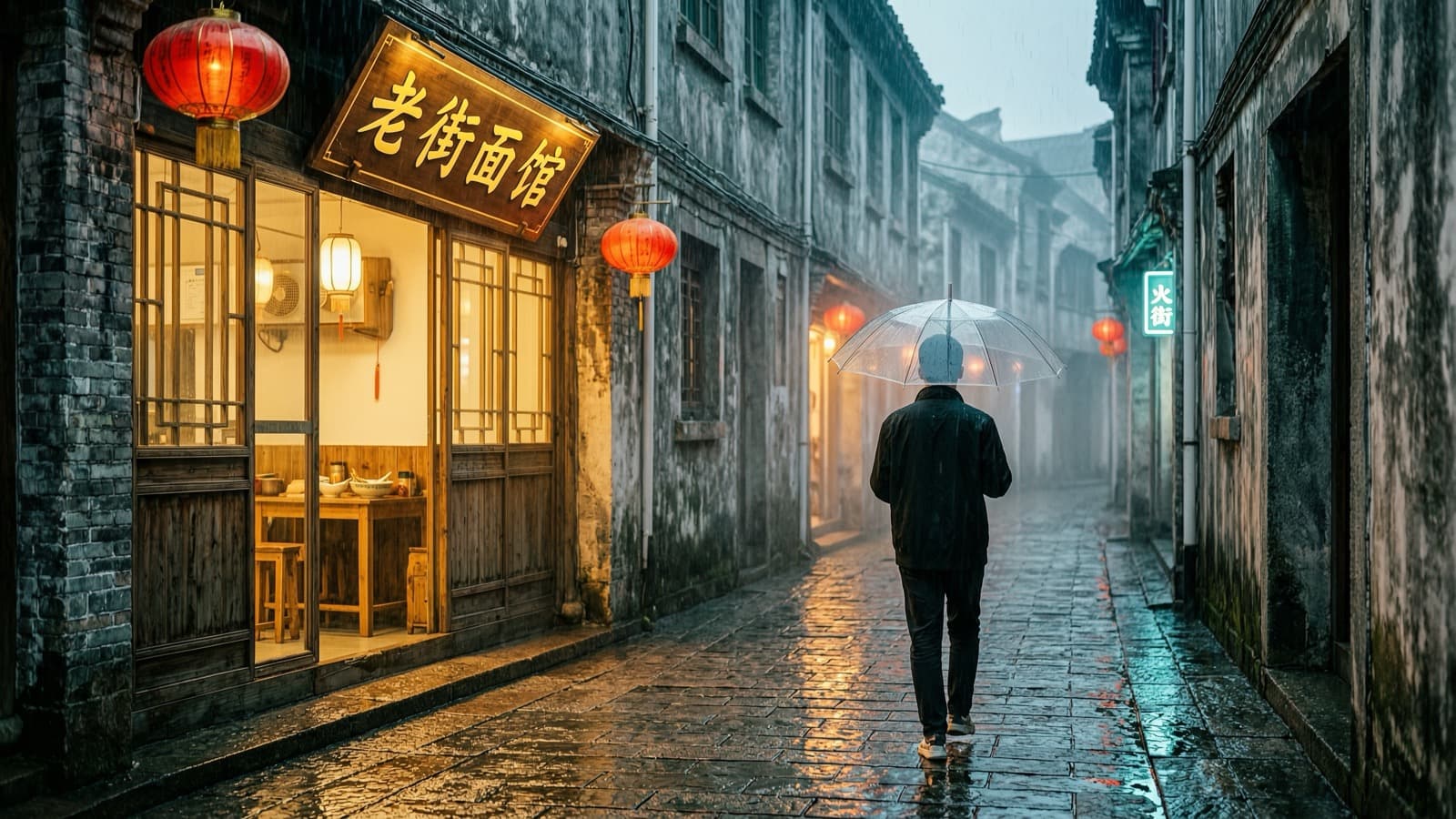
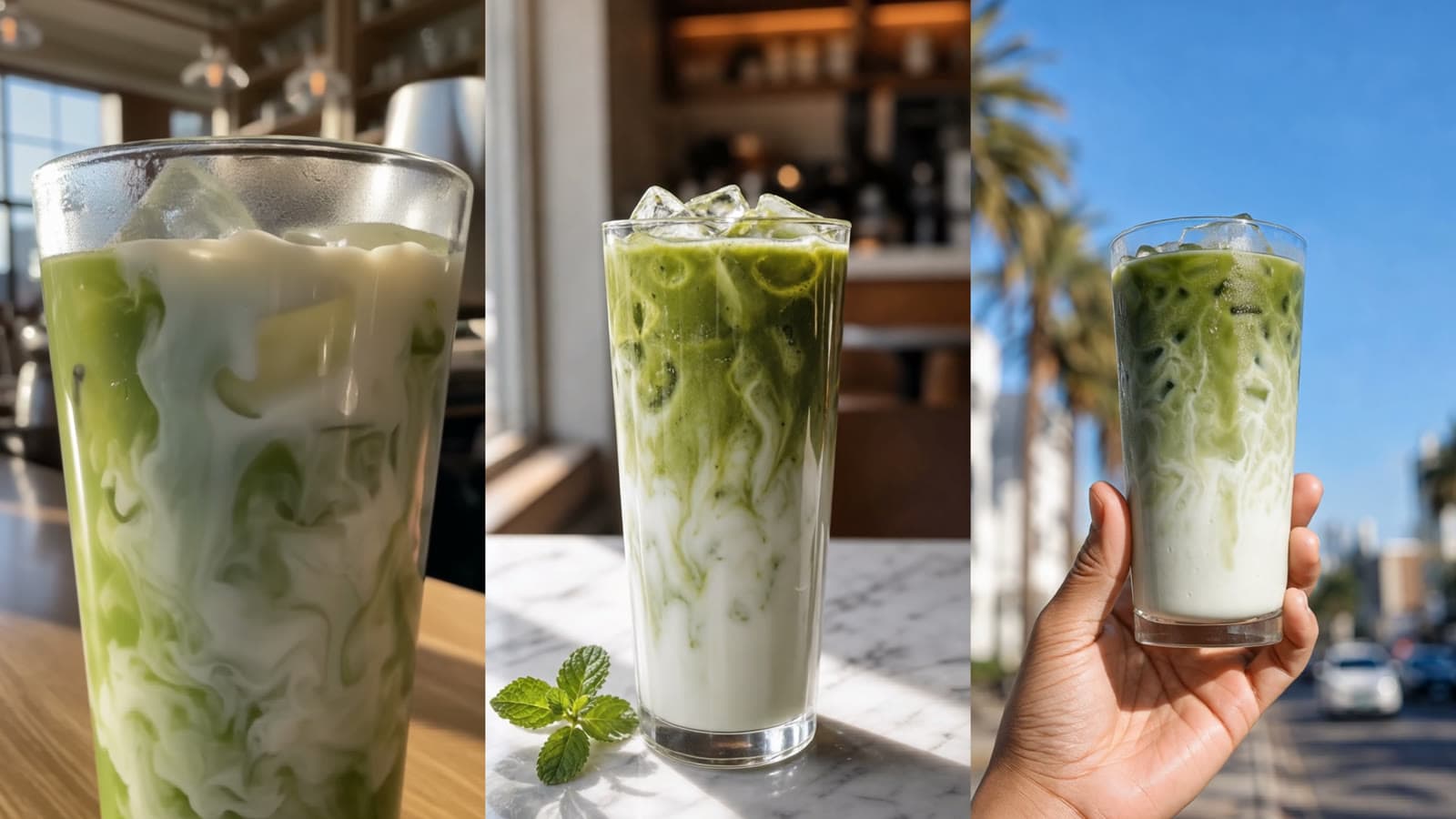
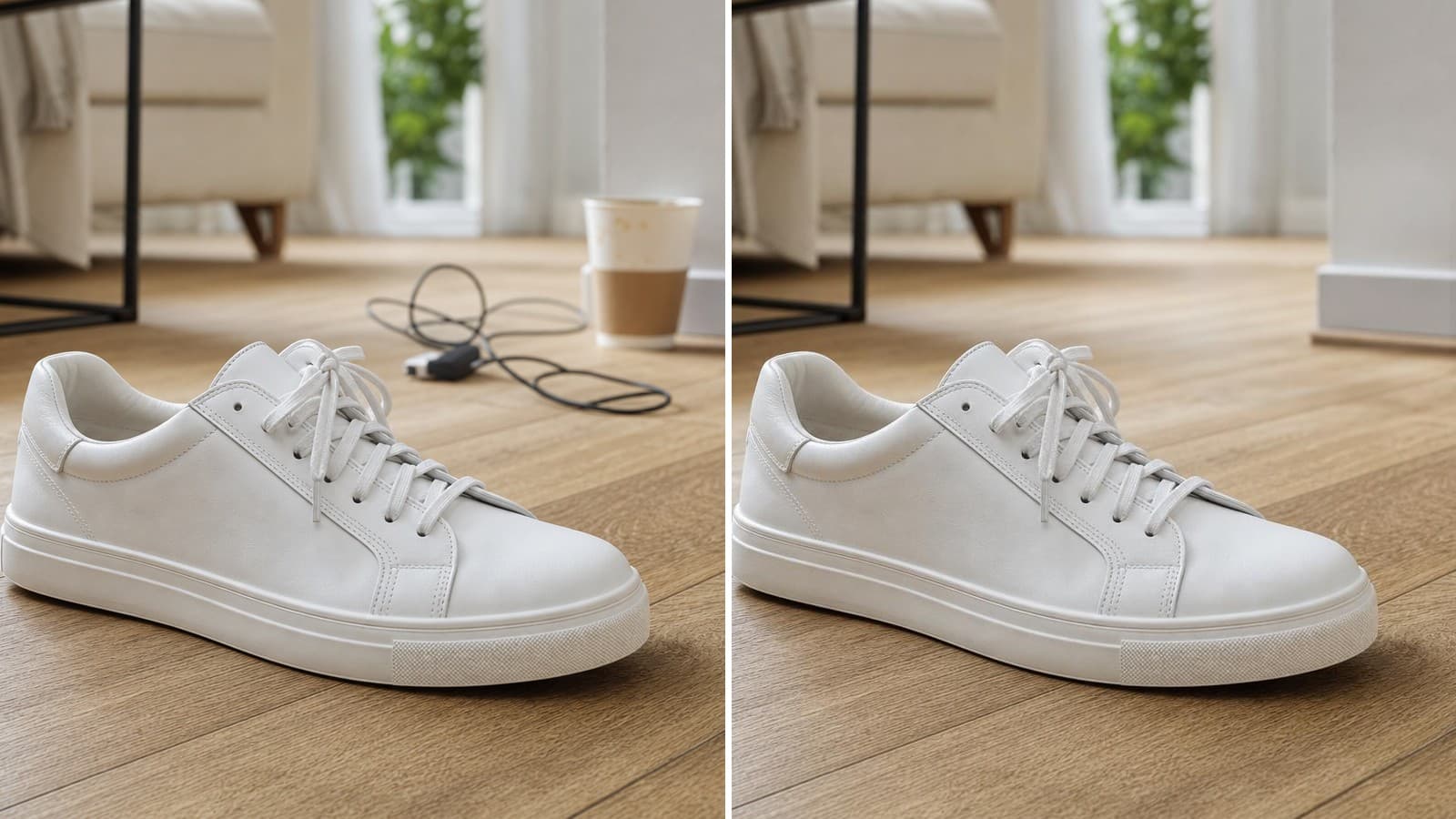
Removing a background is often a small task that interrupts a larger workflow. A product photo needs to go into a listing template. A portrait needs a new background. A blog cover needs one clean object instead of the original room, desk, or studio setup.
The free hiAPI background remover handles that first cutout online. Upload an image, wait for processing, and download the transparent result without signing up for an account or adding an API key.
The workflow is simple
Choose a source image with a clear main subject. Upload it to the tool, wait for the result, and inspect the edges before placing the cutout into a design. The useful part of the workflow is the last step: a result that looks fine on a checkerboard can still show a pale fringe when it is placed on a dark cover.
Keep the original file beside the output while you check it. Look at thin handles, straps, cables, gaps, hair, and soft shadows. Those details often tell you more about the quality of the cutout than the main silhouette does.
Where a free background remover helps
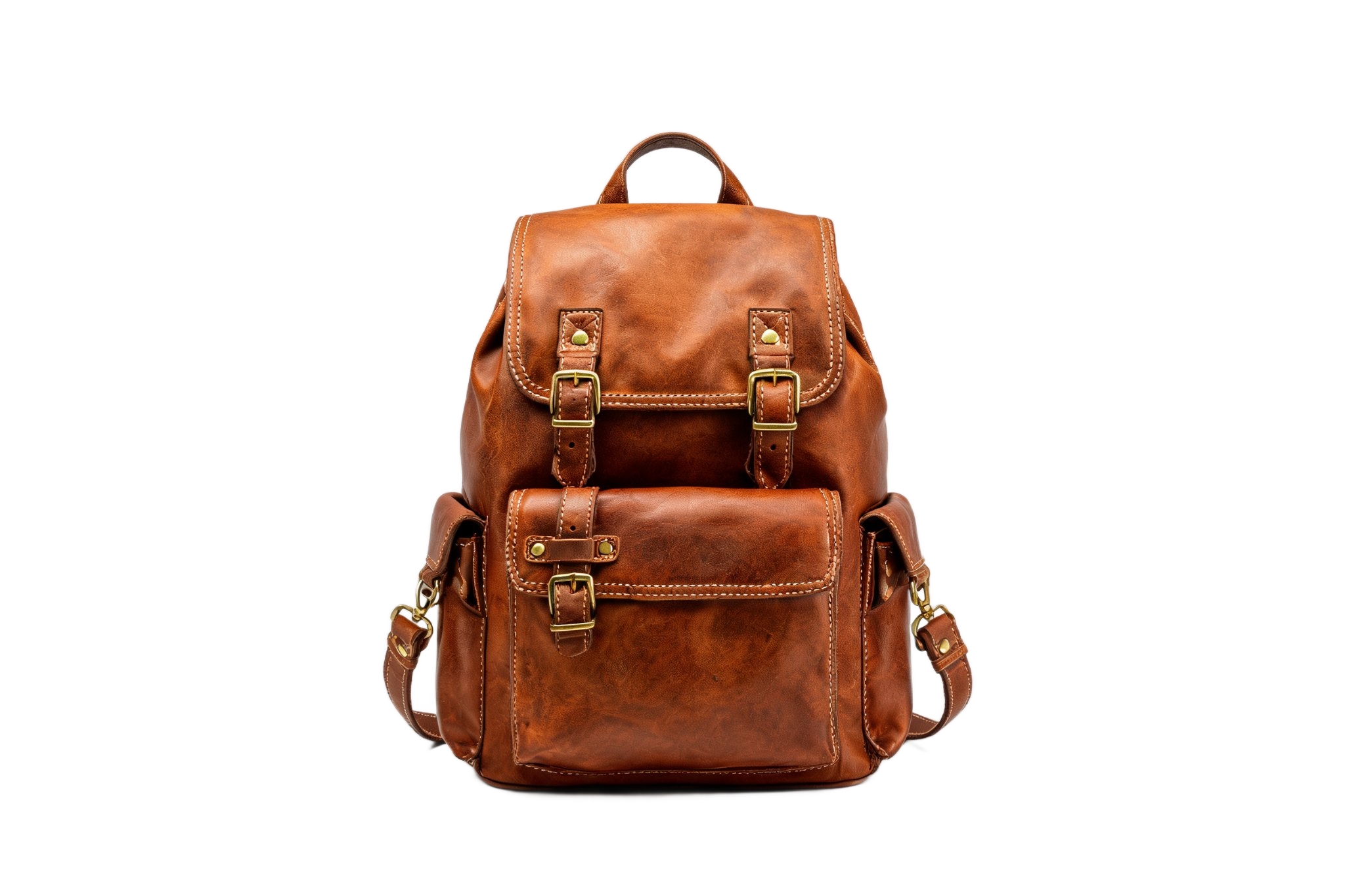
For e-commerce, a cutout can be the first step before creating a white-background listing image or a lifestyle composite. For marketing, it lets you place a product or person into a campaign layout without manually tracing the outline. For content work, it can turn an ordinary source photo into a reusable visual element for a blog cover, thumbnail, or presentation.
The tool is most helpful when the image has one recognizable subject and enough contrast between the subject and its background. Clear edges make the result easier to inspect and easier to reuse.
Transparent objects, glass, fine hair, low-contrast edges, and complicated overlaps need more attention. Check the result at the size where it will actually appear. A small thumbnail may hide a minor fringe, while a large product hero image will make it obvious.
Current free limits and input requirements
The public page currently offers up to 10 successful images per rolling 24-hour period, subject to capacity and safety limits. The free result is a transparent PNG without a watermark or sign-up gate.
The page accepts static JPG, PNG, and WebP files up to 5 MB. Each side must be between 256 and 4096 pixels, with a maximum of 16 megapixels. The original image is not automatically resized, so prepare the source file before uploading if it is outside those limits.
These limits are useful to know before starting a batch. They also make the tool easy to position: use it for occasional cutouts and quick design work; move to an API workflow when the same operation needs to run repeatedly inside a product or catalog pipeline.
Check the downloaded file, not only the preview
A PNG filename does not prove that the file contains transparent pixels. Open the downloaded result in the target design or image editor and place it against both a light and a dark background. Check the dimensions and inspect the important edges again after resizing.
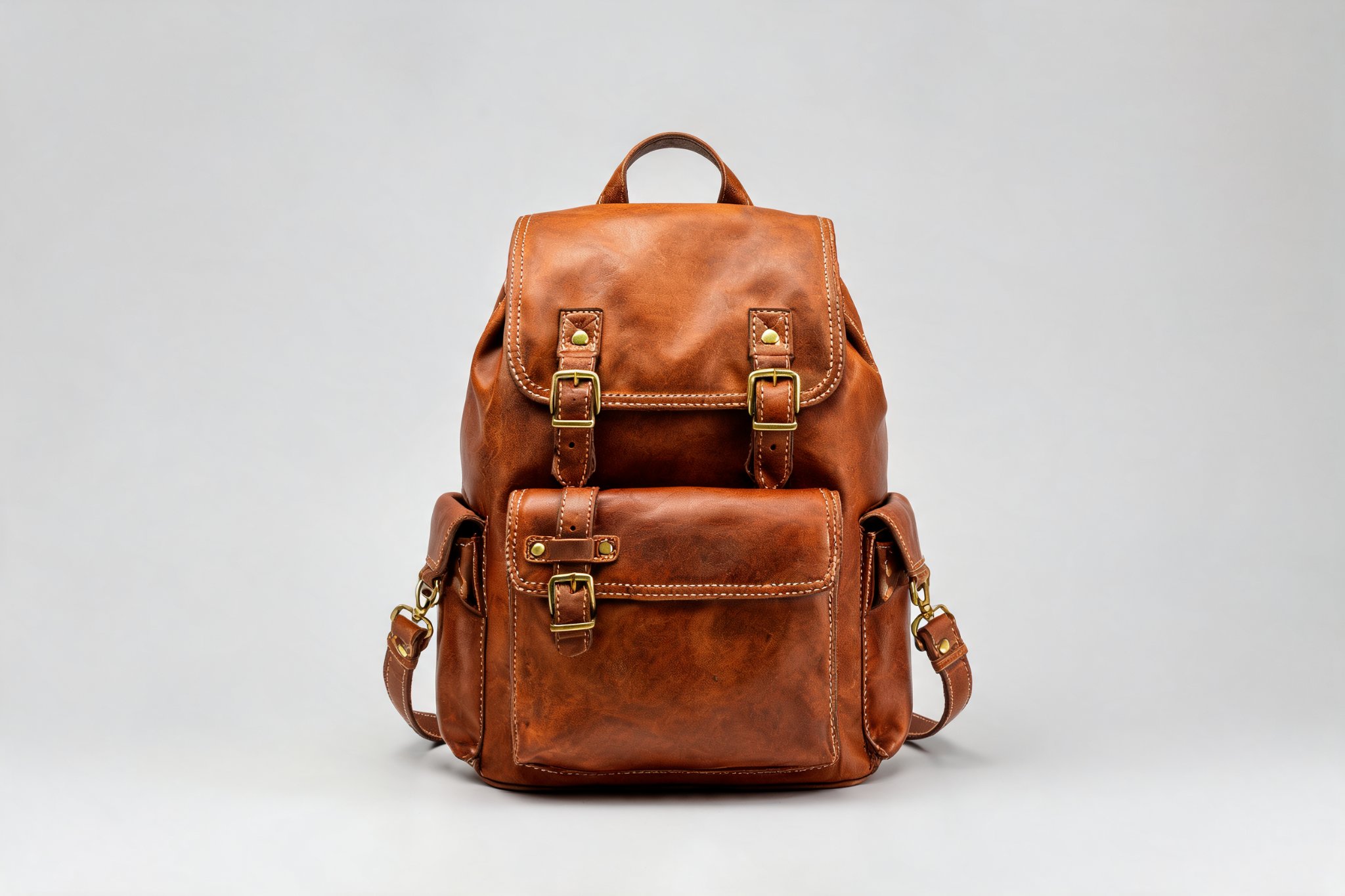
For a mug, look inside the handle. For a bag, check the space between the strap and the body. For hair or fur, look for a hard clipped edge or a halo from the old background. For glass, inspect the rim, highlights, and the area through which the original background was visible.
The free tool is a quick way to get a first cutout. The finishing decision still belongs in the actual layout: are the important parts intact, does the edge work against the destination background, and is the downloaded PNG suitable for delivery?
If you need to create a new image instead, try the free GPT Image 2 generator or the free Nano Banana image generator.
Remove a background for free: Open the background remover
<!-- Editorial metadata Meta title: Free AI Background Remover, Transparent PNG | hiAPI Meta description: Remove an image background online and download a transparent PNG without a watermark or sign-up. See the current limits and edge checks. Tags: background-removal, transparent-png, image-editing, ecommerce, ai-tools -->