If you want to try GPT Image 2 without creating an account, setting up an API key, or starting with a paid API workflow, the free browser generator is the shortest path. Open the free GPT Image 2 generator, describe an image, and submit it from the page.
The tool is useful for a quick visual draft: a product poster, a blog illustration, a social post, or a prompt experiment that you want to see before building a larger workflow.

What you can try in the browser
The free generator is designed around one simple loop. You write an image description, submit it to the free queue, and download the result when it is ready. You can also start from one of the example styles on the page and edit the prompt to fit your own idea.
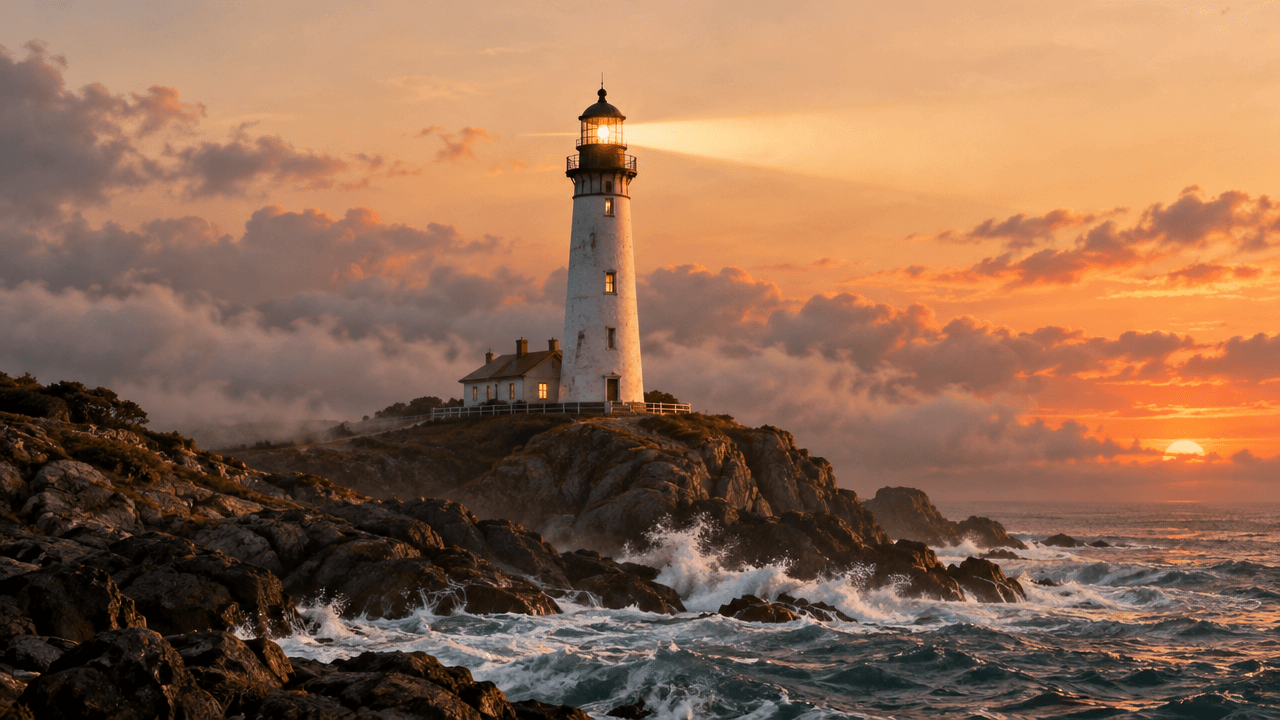
This makes it a practical place to test image direction. You can compare a cinematic scene with a product-photo description, test whether a headline is placed correctly, or explore a few visual directions before opening a full creator workflow.
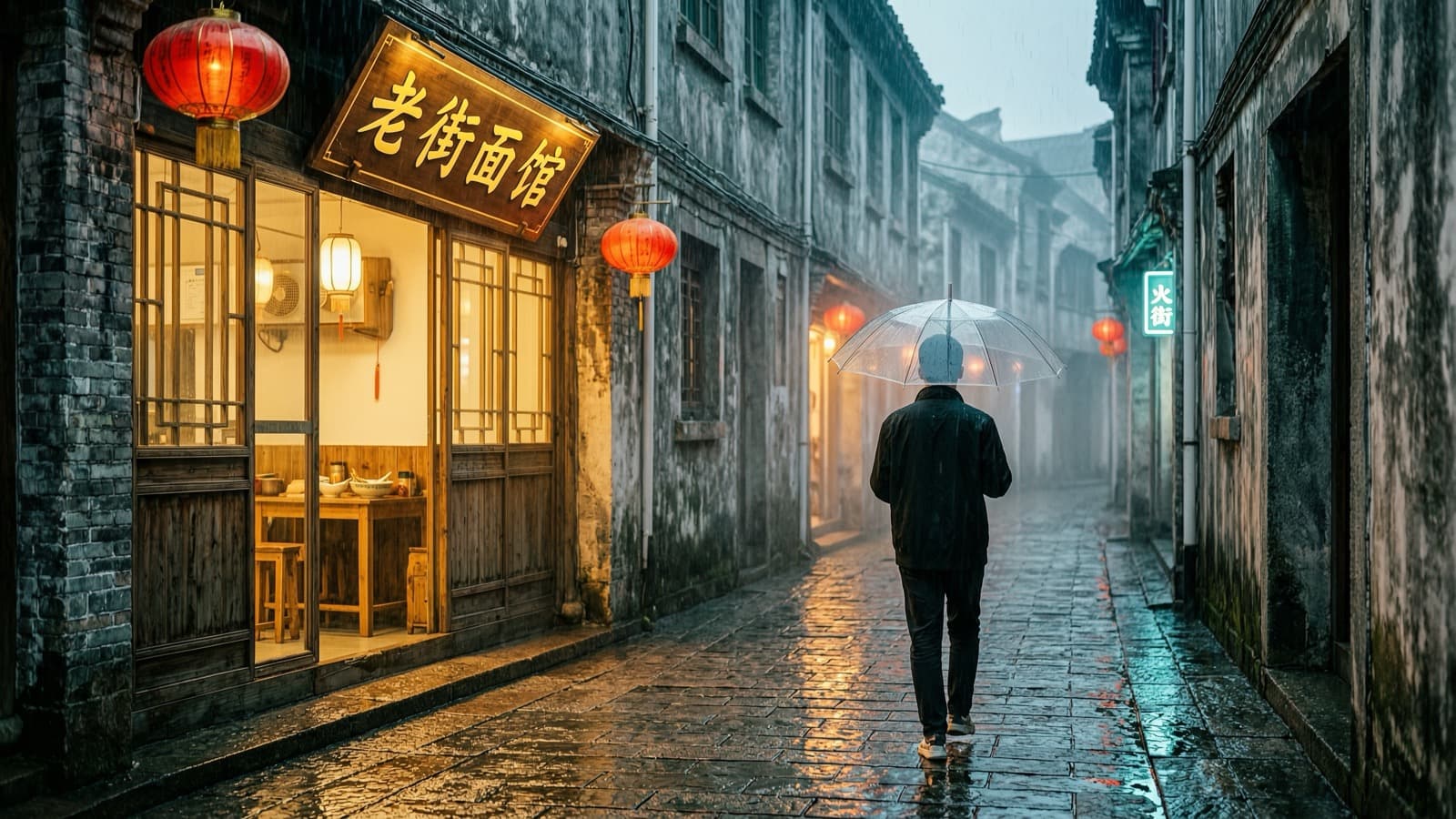
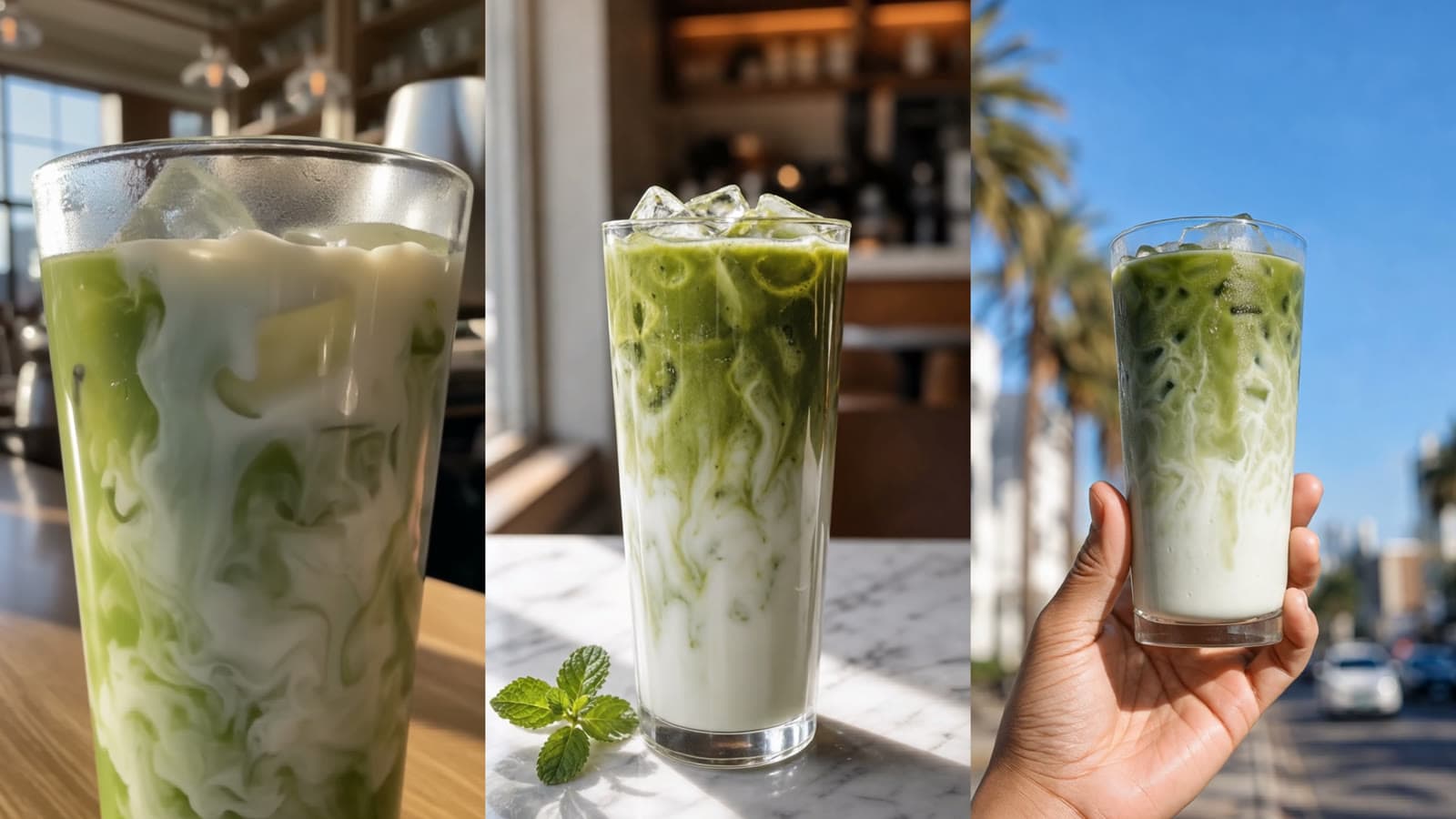
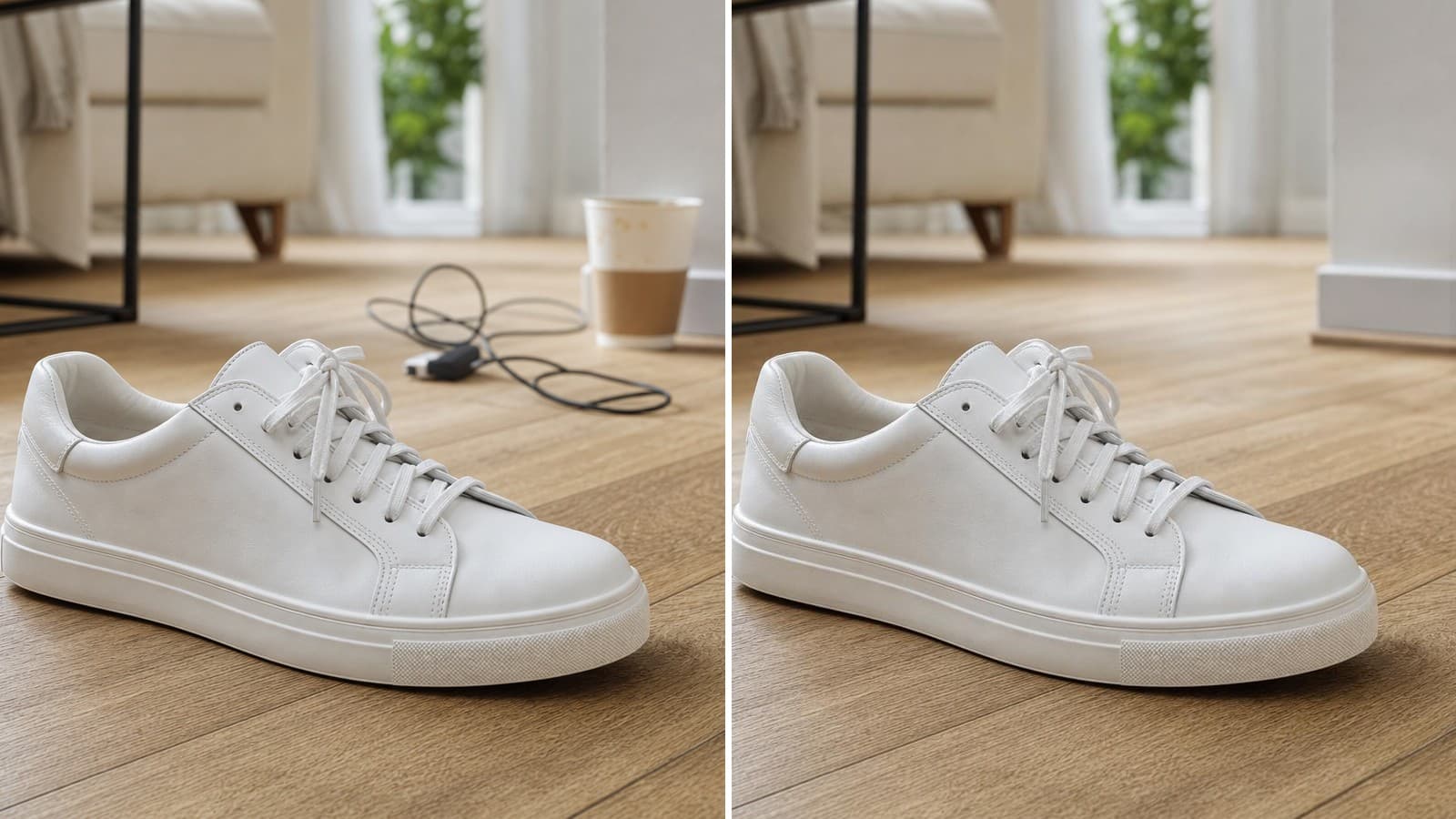
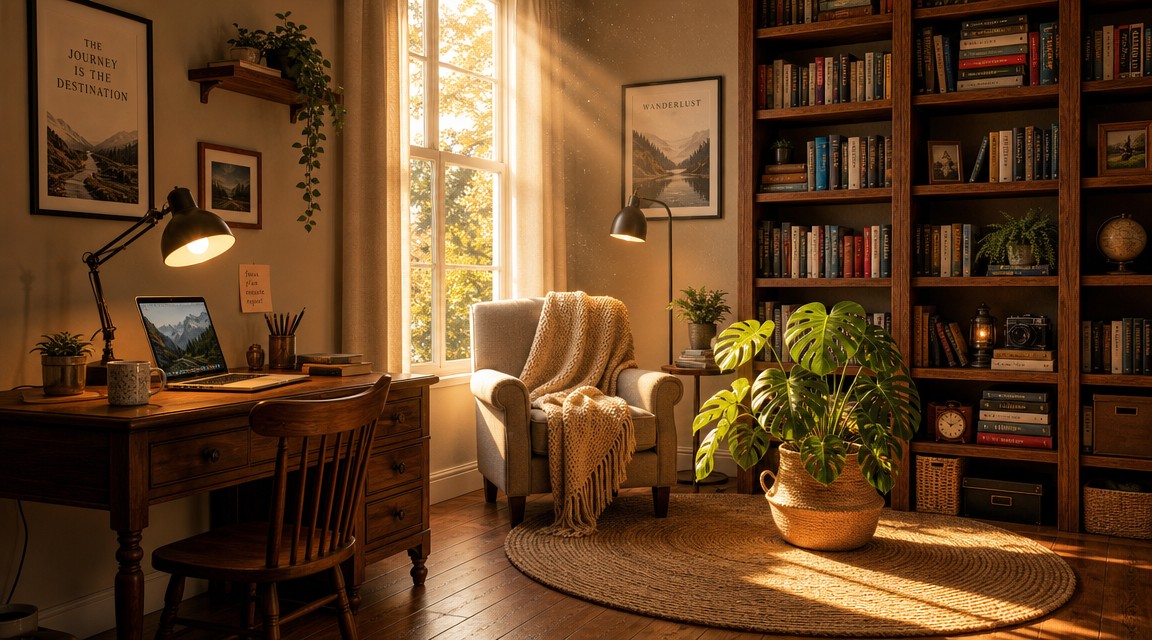
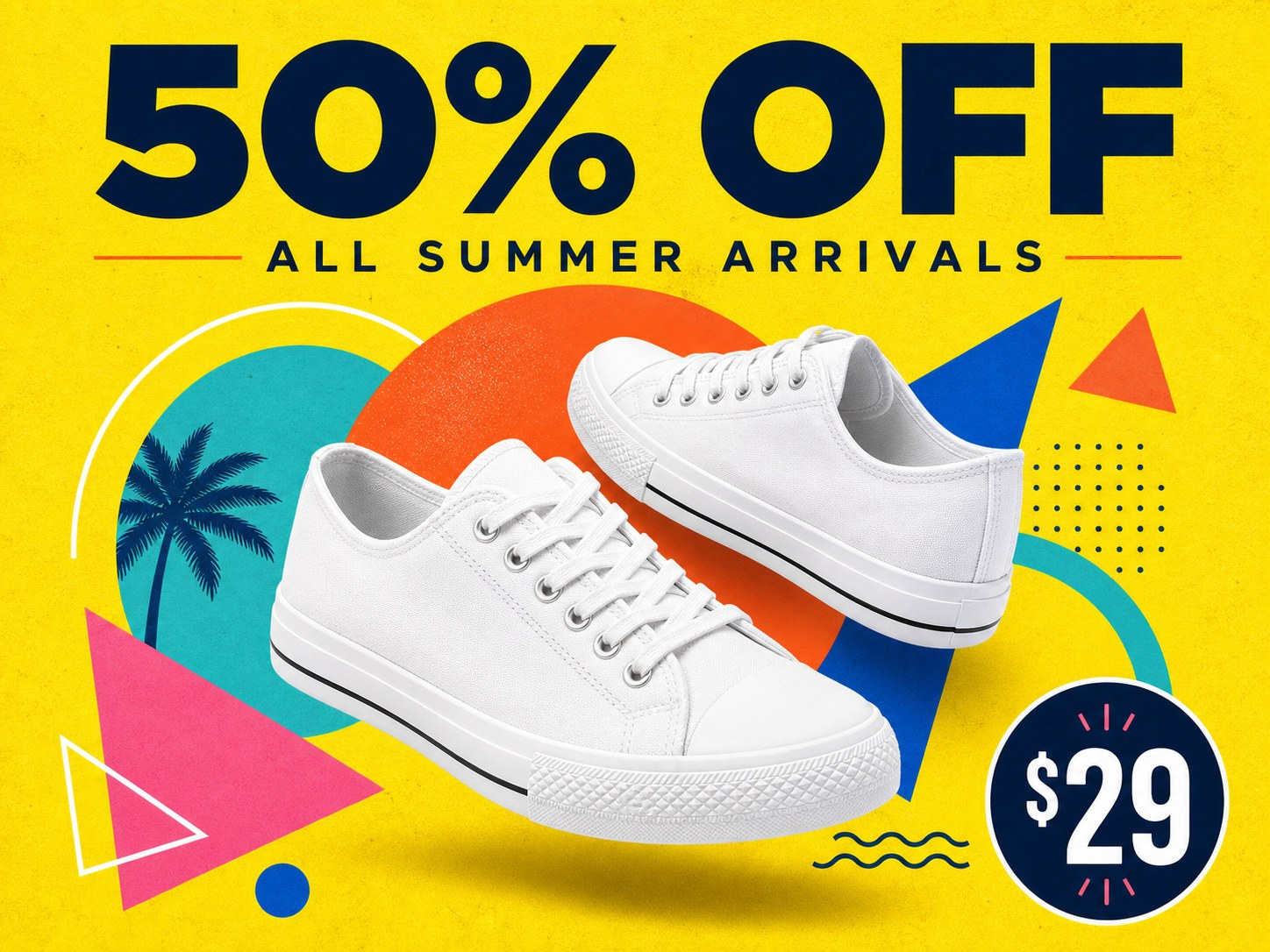
The examples on the page cover different use cases. A handcrafted poster tests typography and composition. A home-studio scene tests object placement and lighting. A retail poster tests hierarchy, color, and promotional copy.
A prompt that gives the model something to work with
Short prompts can be useful for a first test, but a little structure usually produces a more intentional result. Include the subject, the composition, the lighting, the visual style, and the output format you have in mind.
For example, instead of writing:
a product poster for a leather workshop
you could describe the layout and the objects that should appear:
A clean premium product poster for a small leather workshop. Show a pair of handmade leather shoes beside leather scraps, waxed thread, an awl, an edge beveler, and a wooden mallet. Warm directional workshop light, earthy tan and cognac palette, generous negative space, elegant semi-serif headline near the top, square composition.
The second prompt gives the image model more decisions to follow. It also gives you clearer handles for the next iteration. If the layout is right but the color feels flat, revise the palette. If the objects are right but the text is weak, revise the headline instruction instead of rewriting everything.
What the free version includes
The page currently offers up to 10 free images in each rolling 24-hour period, subject to service capacity. Anonymous free results are watermarked and are intended for prompt tests and quick drafts. After you register and sign in, you can continue using this free tool to generate and download unwatermarked images.
The free path has a separate role from the signed-in Playground and the API. The Playground adds account-based generation and more controls. The API is for programmatic requests, polling or callbacks, and application workflows. Starting with the free generator lets you decide whether the model and prompt direction are useful before moving to either of those paths.
The limits are worth keeping visible when sharing the tool. It is better to say “up to 10 free images in a rolling 24-hour period” than to describe it as unlimited free generation. Availability can also change with capacity.
Try it first, then decide whether you need the API
Use the free browser tool when you want to test an idea, compare prompts, or make a quick watermarked draft. Move to the GPT Image 2 model page when you need more output controls, history, or API documentation.
If you are exploring a different visual direction, you can also try the free Nano Banana image generator. If the task is removing a background from an existing image, use the free background remover instead.
Try GPT Image 2 for free: Open the generator
<!-- Editorial metadata Meta title: Free GPT Image 2 Generator Online | No API Key Meta description: Try GPT Image 2 in a browser without an API key. Explore prompts, create quick drafts, and understand the free tool limits before using the Playground or API. Tags: gpt-image-2, free-ai-image-generator, ai-image-tools, image-generation -->