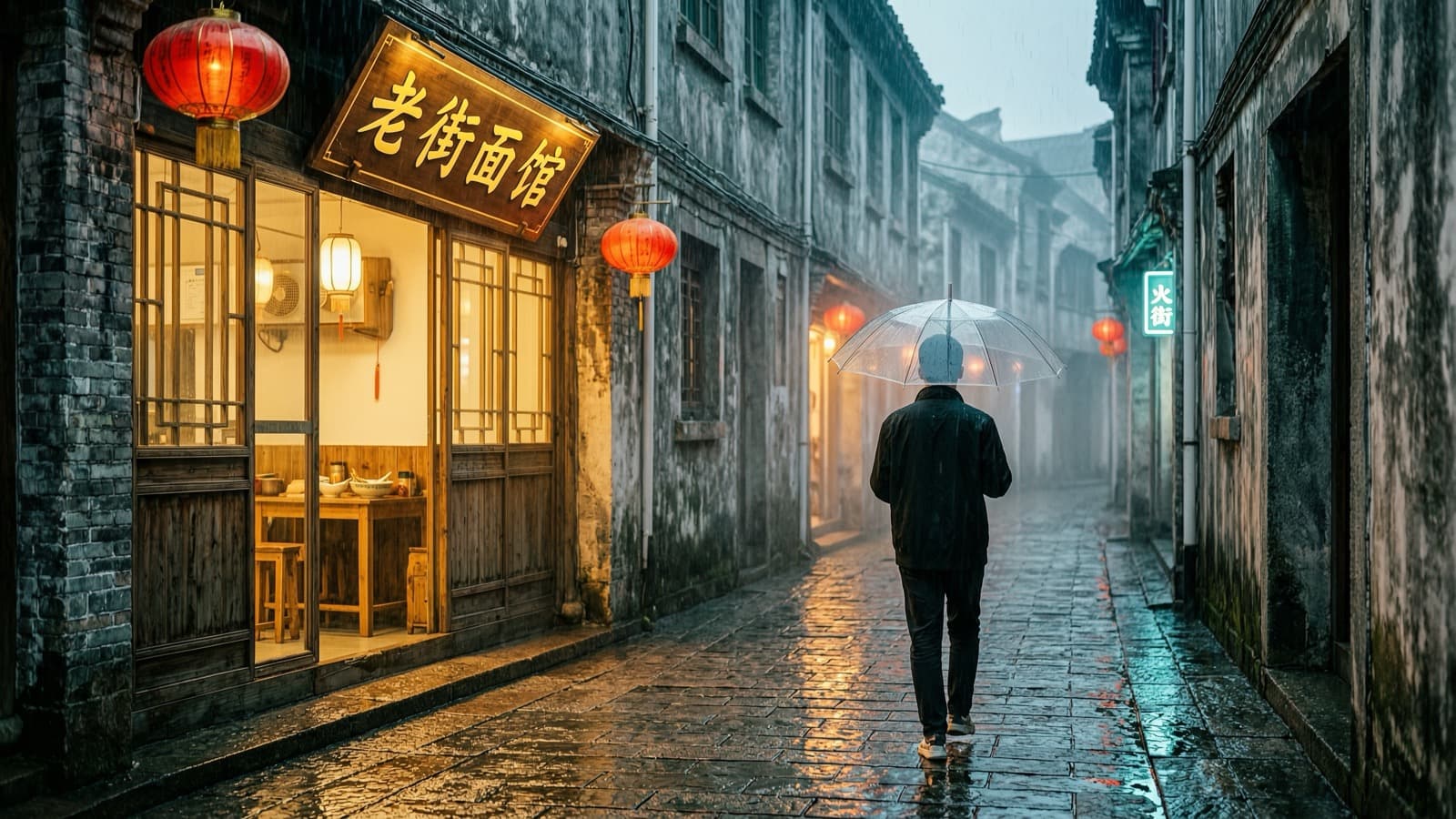
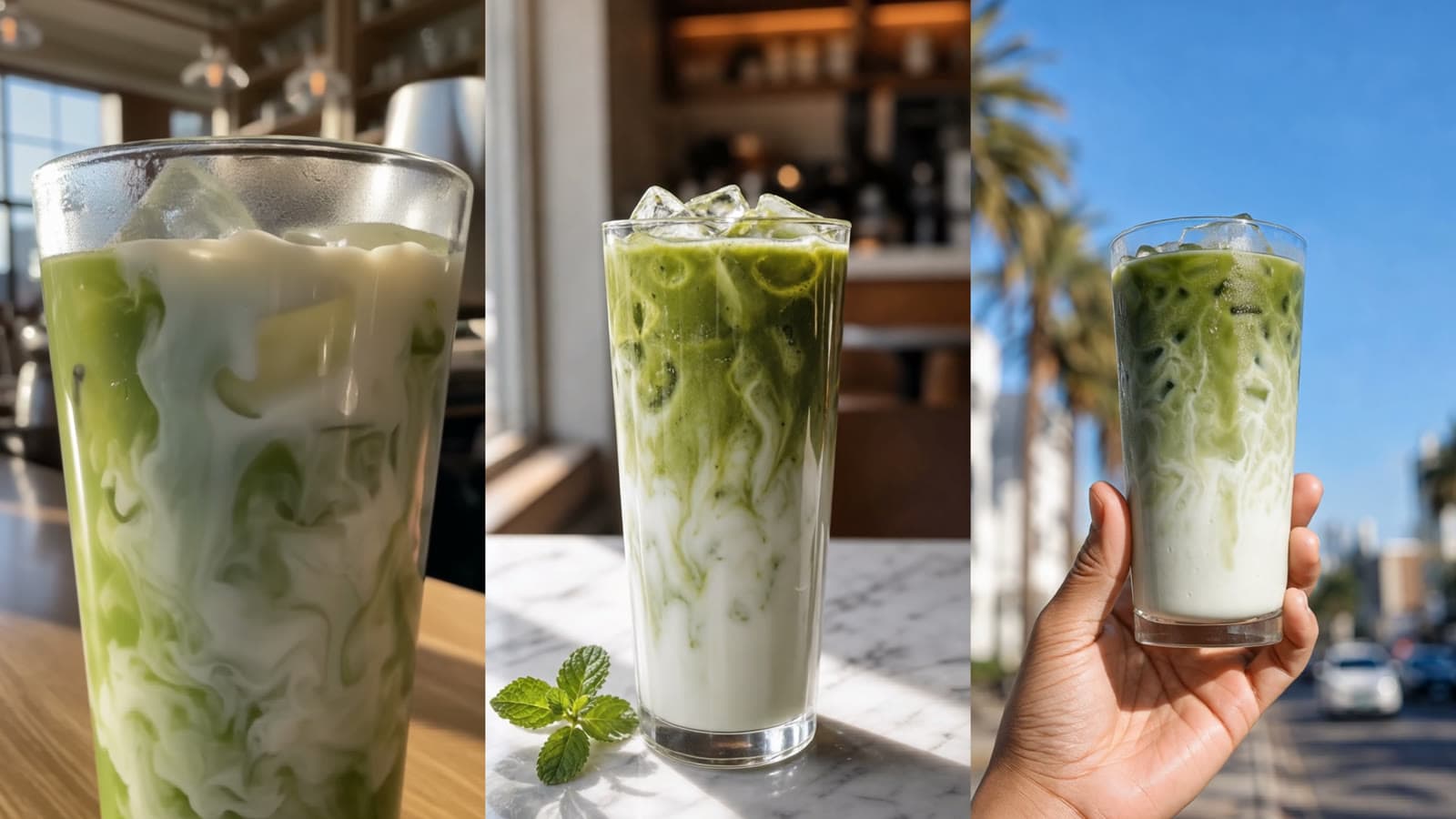
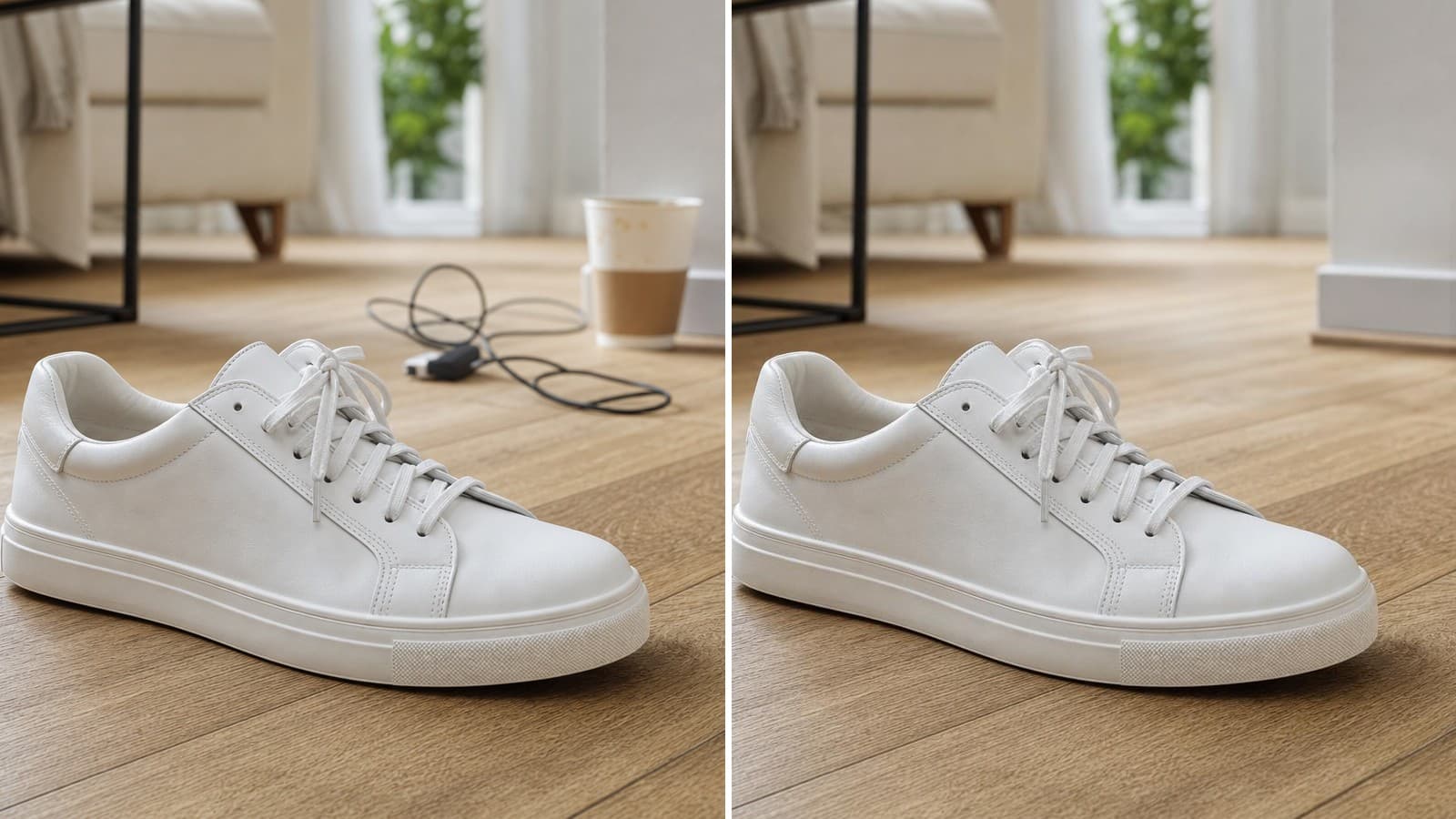
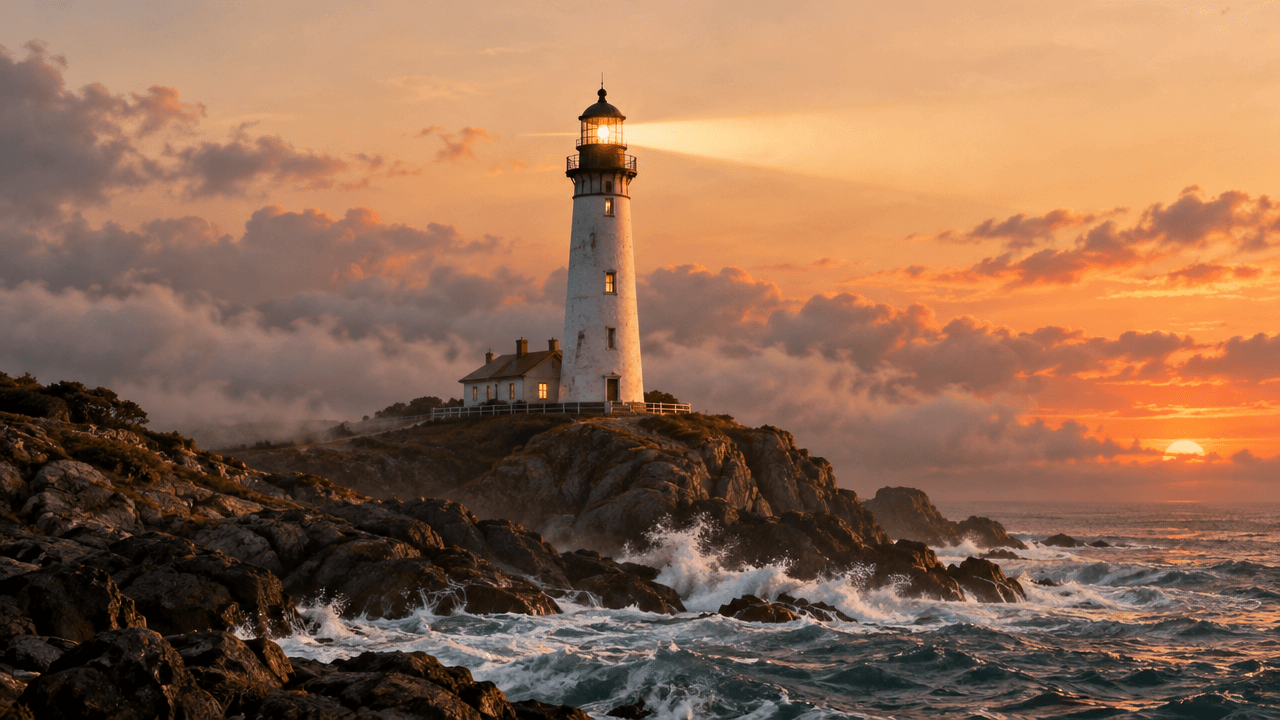
Nano Banana 2 is useful when you want to explore a visual idea quickly. The free Nano Banana image generator takes a text prompt and returns a square image without requiring a complicated setup.
This is a good fit for early visual work: testing a product concept, exploring a poster direction, or preparing a square image for a social post. You can try the idea in the browser first, then move to a signed-in workflow when you need reference images, more ratios, or automation.
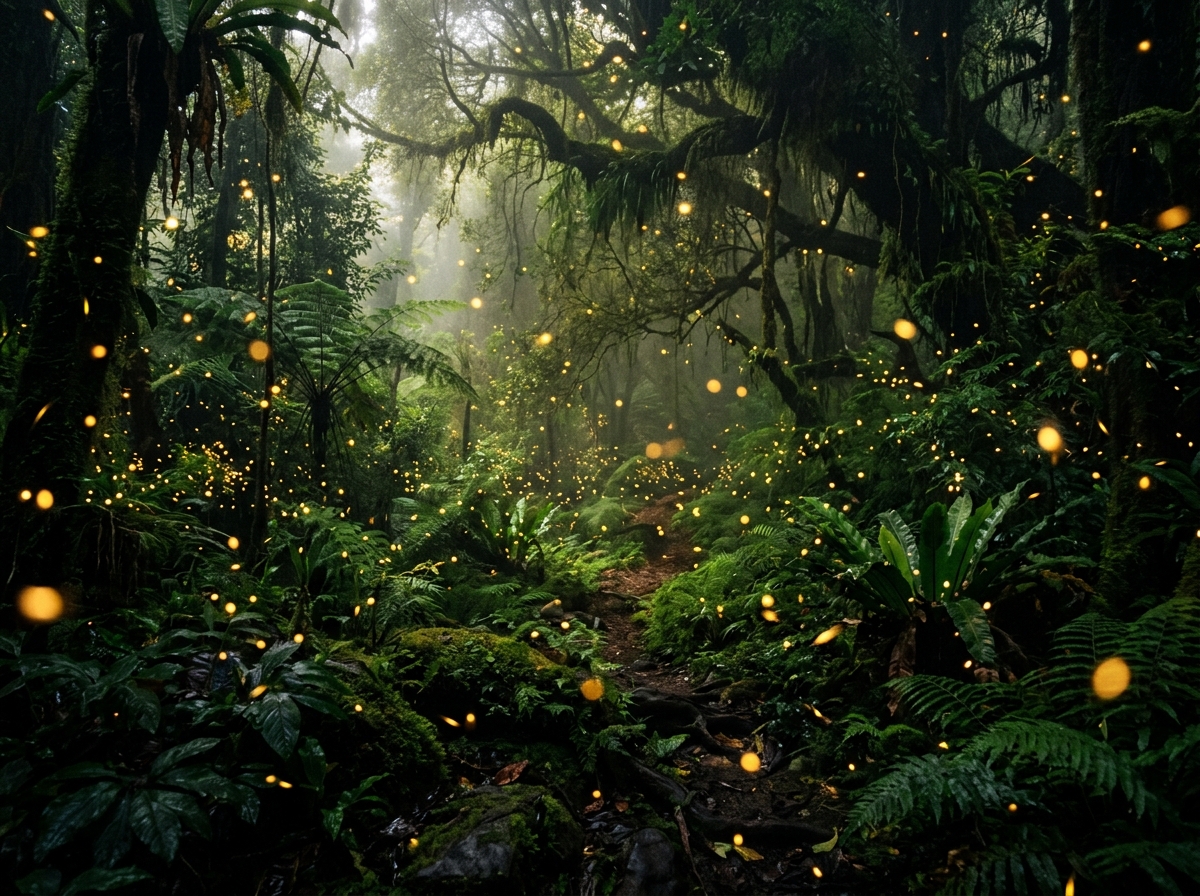
Start with a visual brief, not just a noun
The free page is prompt-only, so the quality of the description matters. A useful prompt gives the model a subject, a setting, a composition, and a visual treatment.
For a first test, you might write:
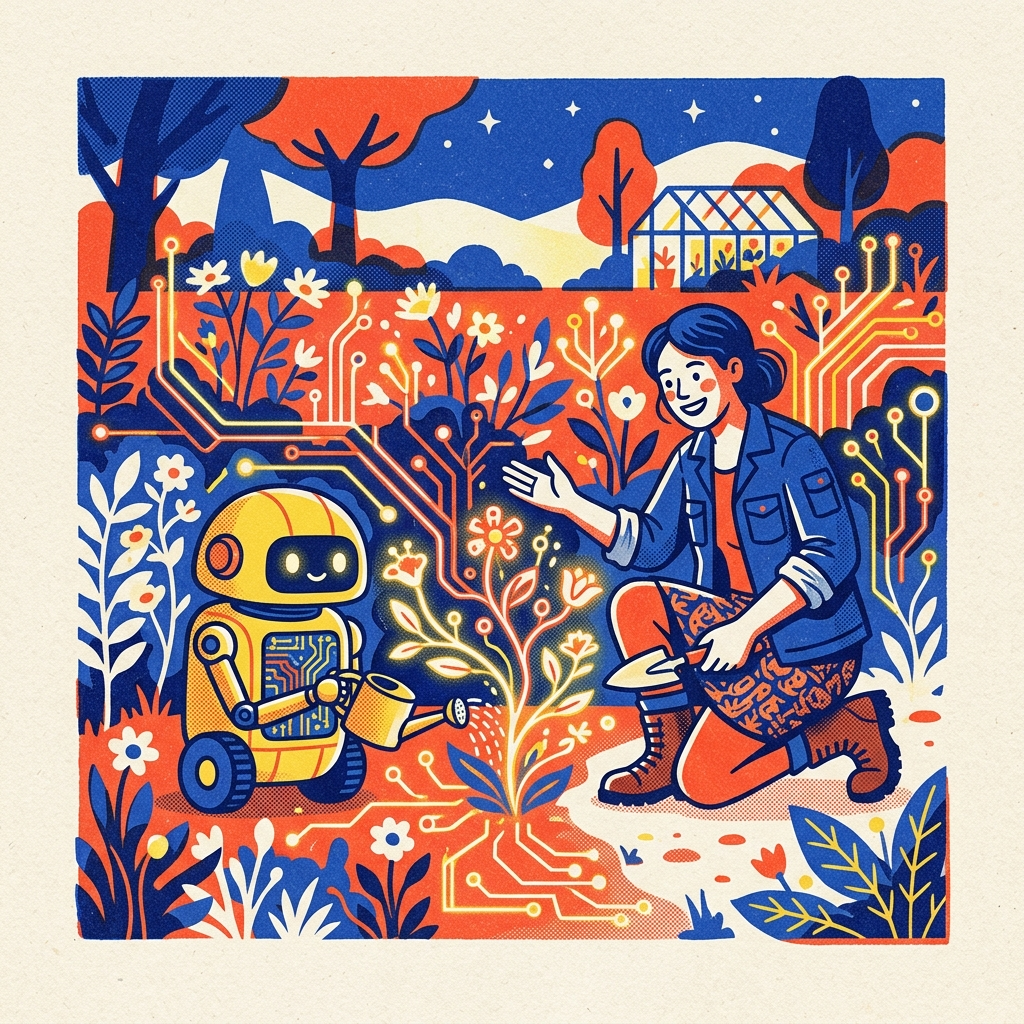
Editorial illustration about humans collaborating with AI: a gardener and a small friendly robot cultivate a luminous garden made of circuit traces and wildflowers, layered risograph print texture, limited cobalt blue, vermilion, sunflower yellow, and cream palette, bold simplified shapes, subtle paper grain, sophisticated magazine-cover composition, square image, no text.
The prompt does several jobs at once. It establishes the main subjects, tells the model how they relate to each other, sets the color range, and defines the intended visual language. If you want a different result, change one layer at a time: keep the scene but swap risograph for a clean 3D render, or keep the style but change the subject to a product concept.
Three practical uses for the free generator
Product teams can use the page to explore packaging, materials, lighting, and campaign directions before producing a final asset. A few prompt variations can reveal whether a concept is worth turning into a detailed product brief.
Creators can use it for posters, editorial artwork, and square social visuals. The fixed square format is convenient for early composition work because it keeps the first experiment simple. Once the direction is clear, you can rebuild it in a workflow with more control.
Writers and marketers can use it to test a visual metaphor for an article or a campaign. The goal at this stage is not to finish every detail. It is to see whether the idea reads at a glance and whether the composition leaves room for the surrounding copy.
What the free tool does and does not do
The public page currently exposes a capacity-limited free workflow with up to 10 images per 24 hours. It generates a fixed 1K square image from a text prompt. The free version does not accept a reference image.
The Nano Banana 2 Playground is the next step when you need additional aspect ratios, resolutions, optional reference images, and generation history. The API is for repeatable application workflows and automated requests.
Keeping these paths separate makes the product easier to understand. The free tool is for prompt trials and quick drafts. The Playground is for a creator working in the browser. The API is for a product or automation that needs a stable request flow.
A simple way to iterate
After the first result, avoid replacing the entire prompt immediately. Look at the image and identify one issue. Is the subject too small? Move it closer in the composition. Is the palette too muted? State the dominant colors more directly. Is the scene too busy? Ask for fewer objects and more negative space.
This kind of iteration makes the free allowance more useful. Each generation answers a specific question about the visual direction instead of producing another unrelated draft.
When you are ready, try the free GPT Image 2 generator for another image model, or use the free background remover when you already have an image and need a clean cutout.
Try Nano Banana 2 for free: Open the generator
<!-- Editorial metadata Meta title: Free Nano Banana 2 Image Generator Online Meta description: Try Nano Banana 2 online with a text prompt. Create quick square visual drafts, learn the free limits, and move to Playground or API when you need more control. Tags: nano-banana-2, free-ai-image-generator, prompt-writing, ai-image-tools -->