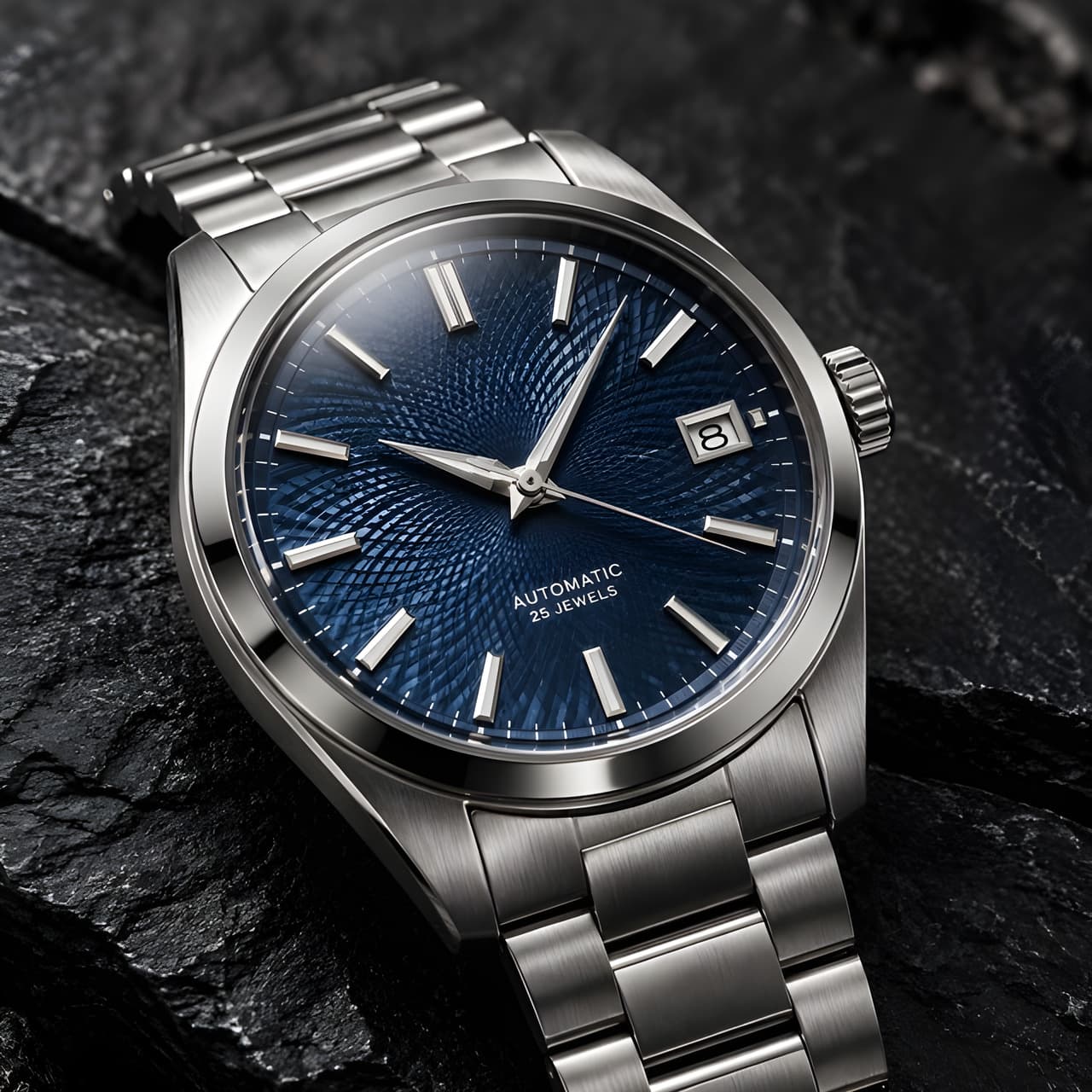
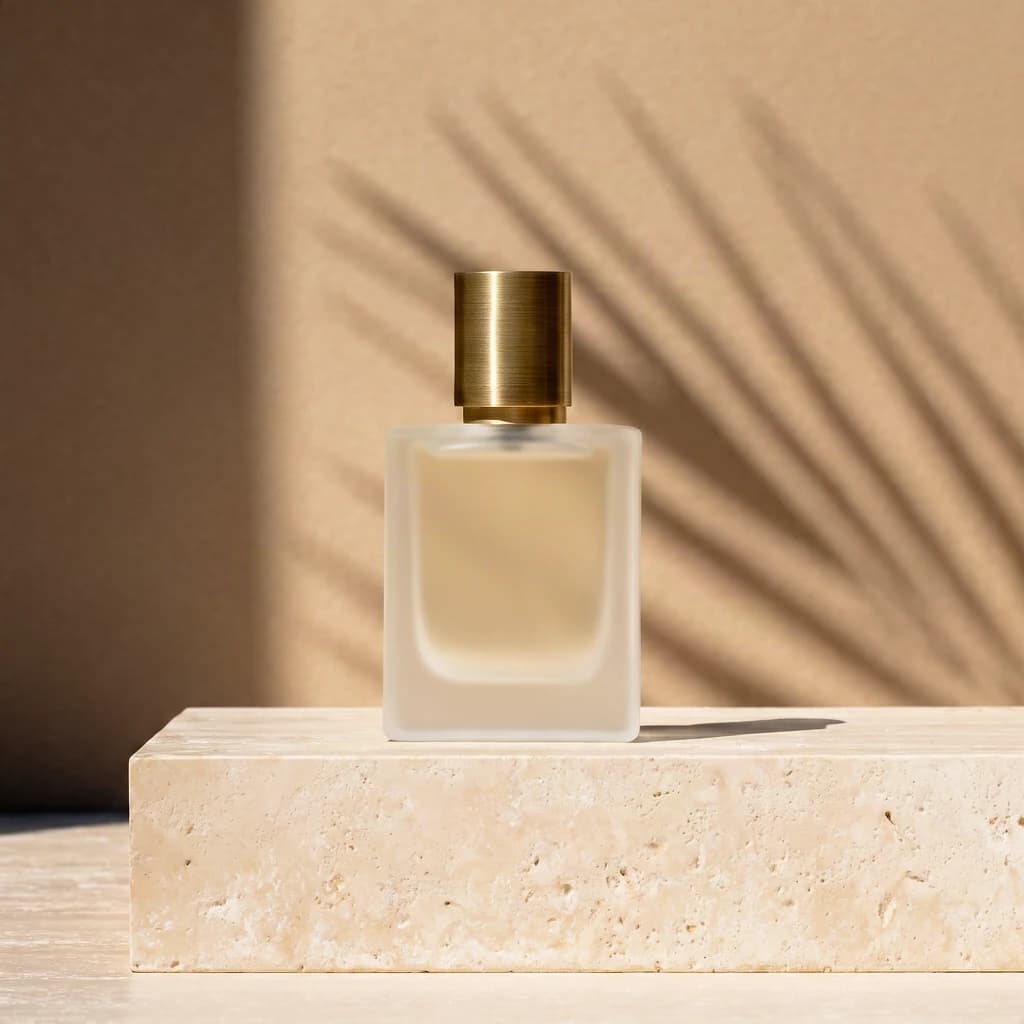
bria-product-shot takes one product photo and returns one new image with the product placed in a different scene. You describe the scene in English, or you hand it a reference image whose background style it should follow. This guide shows a request that was run end to end on hiapi, plus the parameter rules that decide whether a request is accepted.
You need a hiapi API key from the API Keys page of your dashboard, and a publicly reachable URL for the product photo (JPEG, PNG or WEBP, up to 12 MB).
Minimal working example (curl)
curl -X POST https://api.hiapi.ai/v1/tasks \
  -H "Authorization: Bearer $HIAPI_API_KEY" \
  -H "Content-Type: application/json" \
  -d '{
    "model": "bria-product-shot",
    "input": {
      "image_url": "https://your-cdn.example.com/serum-bottle.png",
      "prompt": "On a white marble countertop beside a window, soft morning light, a few green leaves in the background",
      "placement_type": "manual_placement",
      "manual_placement_selection": "bottom_center"
    }
  }'
The create call returns a task id immediately:
{"code":200,"data":{"taskId":"tk-hiapi-01M5K7TWWMM68ZDTERJN4QV8MW"},"message":"success"}
Poll GET /v1/tasks/<taskId> until data.status is success or fail. The finished response looks like this (output host shortened):
{
  "code": 200,
  "data": {
    "model": "bria-product-shot",
    "status": "success",
    "storage": "temp",
    "taskId": "tk-hiapi-01M5K7TWWMM68ZDTERJN4QV8MW",
    "output": [{"artifactId": "287064", "type": "image", "expireAt": 1793325686,
                "url": "https://temp.hiapi.ai/.../...-0.png"}]
  },
  "message": "success"
}
Python version
import os, time, requests

API = "https://api.hiapi.ai/v1/tasks"
HEADERS = {"Authorization": f"Bearer {os.environ['HIAPI_API_KEY']}"}

def product_shot(image_url: str, scene: str, position: str = "bottom_center") -> bytes:
    r = requests.post(API, headers=HEADERS, json={
        "model": "bria-product-shot",
        "input": {
            "image_url": image_url,
            "prompt": scene,
            "placement_type": "manual_placement",
            "manual_placement_selection": position,
        },
    }, timeout=30)
    r.raise_for_status()
    task_id = r.json()["data"]["taskId"]

    for _ in range(60):
        d = requests.get(f"{API}/{task_id}", headers=HEADERS, timeout=30).json()["data"]
        if d["status"] == "success":
            # output URLs expire (about 7 days): download immediately
            return requests.get(d["output"][0]["url"], timeout=60).content
        if d["status"] == "fail":
            raise RuntimeError(d)
        time.sleep(4)
    raise TimeoutError(task_id)

open("shot.png", "wb").write(product_shot(
    "https://your-cdn.example.com/serum-bottle.png",
    "On a white marble countertop beside a window, soft morning light, a few green leaves in the background",
))
Parameters that matter
| Field | Notes |
|---|---|
image_url | Required. Public http(s) URL of the product photo. |
prompt | English scene description, 1–1000 characters. |
reference_image_url | Scene reference image. Use either this or prompt, never both. |
placement_type | manual_placement (default) puts the product at a preset spot; original keeps its position from the photo. |
manual_placement_selection | bottom_center (default), upper_left, upper_right, bottom_left, bottom_right, right_center, left_center, upper_center, center_vertical, center_horizontal. Only valid with manual_placement. |
original_quality | Only valid with original: keep the input size instead of scaling to about 1 MP. |
fast | Default true. Turn off for the standard model; the price is the same. |
optimize_description | Default true. Expands the scene text; valid with prompt only, not with a reference image. |
The schema is closed (additionalProperties: false) and has cross-field rules, so combinations such as prompt plus reference_image_url, or original plus a preset position, are not valid requests.
Test record and what to watch for
What was run against the live API:
- One real generation with the request above,
fastleft at its default. The task went throughhandlingandarchivingand reachedsuccessin about 26 seconds from creation to completion. - The output was a PNG of 1024×1024 (about 1 MB) for a square input, which matches the model page's note that preset placement is measured at 1024×1024 for square input.
- A deliberately bad value,
"manual_placement_selection": "middle", was rejected at create time with HTTP 400 anderror_code: INVALID_REQUEST. The message lists all ten allowed positions, so you can surface it directly to users instead of waiting for a task to fail.
Practical notes:
- Download outputs right away. Each output carries an
expireAttimestamp (a Unix time about seven days after completion); store the image in your own storage. - Pricing is flat per image. Per the model page, scene text vs. reference image, placement and fast mode do not change the price. Check current figures on the pricing page rather than hard-coding them.
- Only one generation was run for this guide, so the page makes no claims about quality across different product categories. Test your own catalog images before batch use.
Production tips
- Create the task, store the
taskId, and poll with a few retries on transient network errors. Re-poll the saved id rather than creating a new task, which would bill again. - For queues, validate
manual_placement_selectionclient-side against the ten values above so bad input never reaches the API.
Related pages
- Bria Product Shot model page: live pricing, input form and playground.
- Bria Eraser model page: removes objects with a mask, a different job from placing a product in a new scene.
- Browse all image models
- 851-labs background remover API guide: cut out the product first if your source photo has a messy background.
- How to use the FLUX.2 image-to-image API
FAQ
Can I use a reference image instead of a text prompt?
Yes. Send reference_image_url and omit prompt. Do not send both, and do not send optimize_description with a reference image.
How many images does one call return? One. The model page states one output image per run.
Does the product stay where it is in my photo?
Only with placement_type: "original". The default manual_placement repositions it to the chosen preset spot.