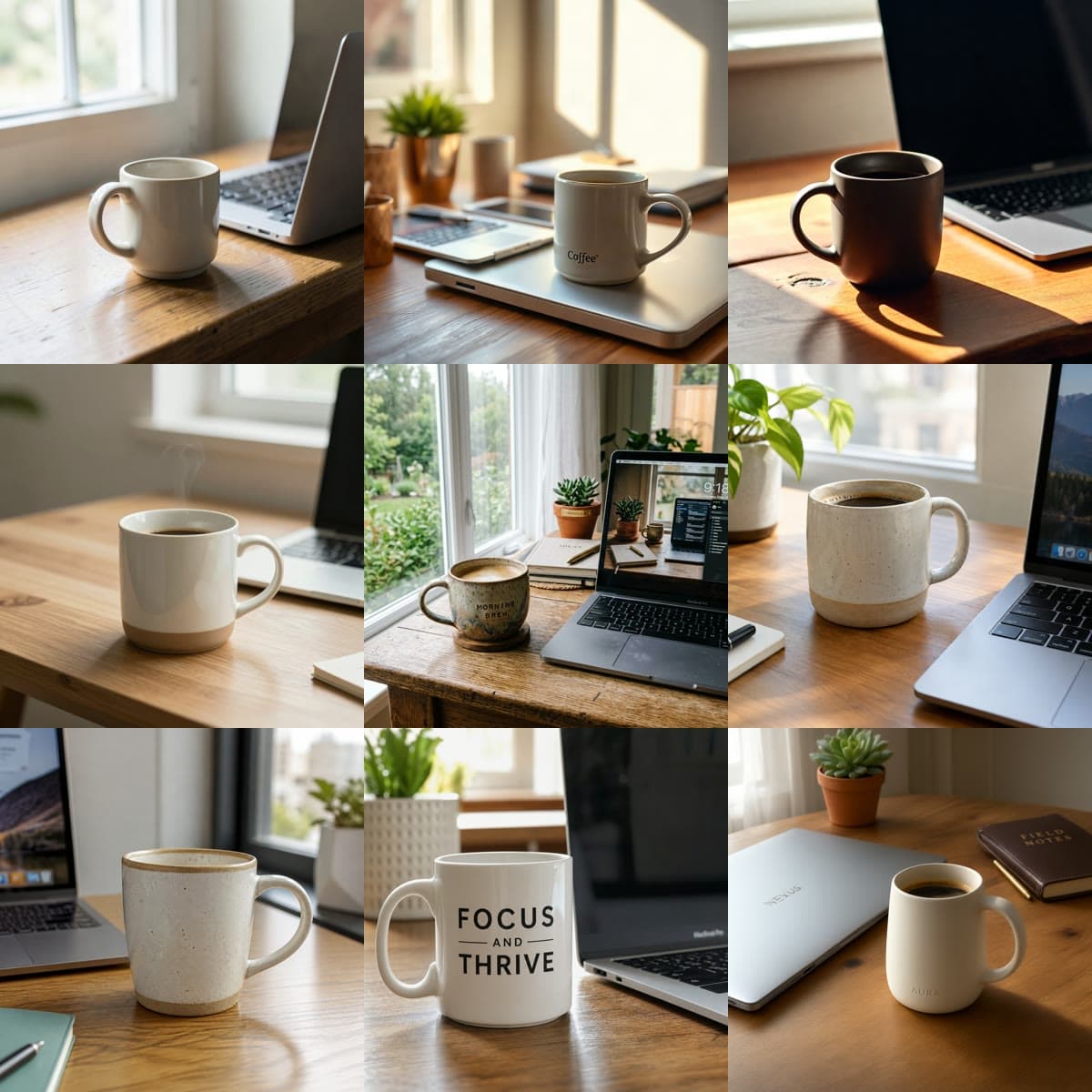
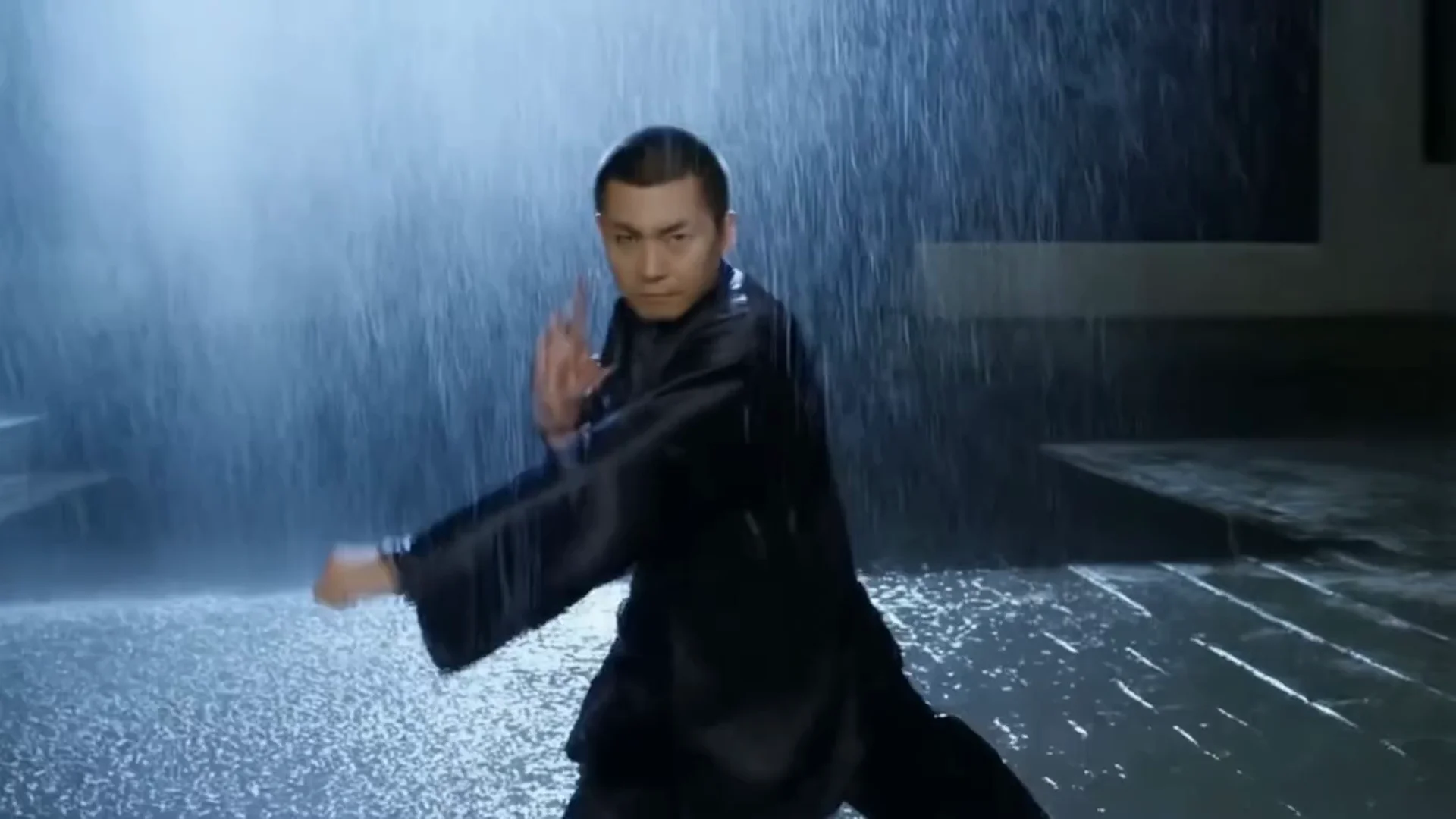
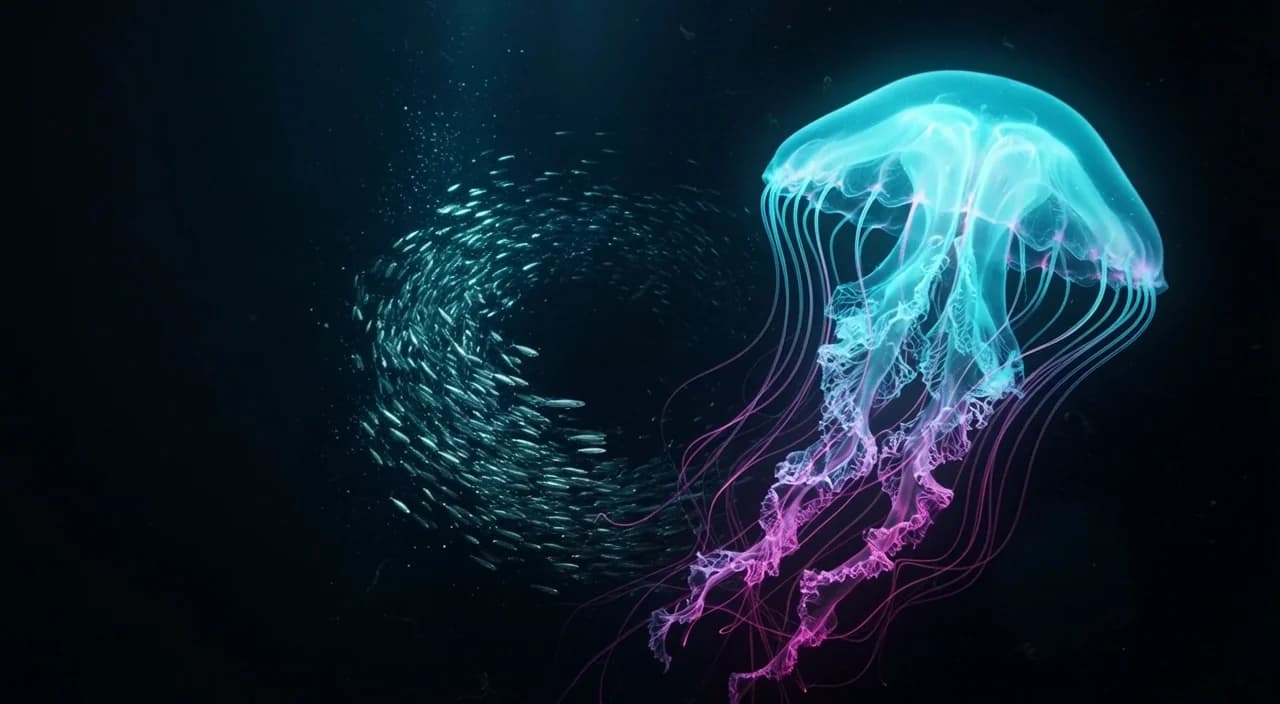
Six Kling 3.0 videos, each from a single generation: four text-to-video and two image-to-video. Every clip comes with the full prompt, the settings, and the price, and each "Generate with this prompt" link opens the model page with the prompt filled in. The rules that made them work are at the end. Kling 3.0 is live on HiAPI; a 5-second 720p clip is $0.50 on the model page.
1. Three shots from one prompt
Shot 1: wide shot of a small street noodle stall on a rainy night, neon signs reflecting on the wet pavement, steam rising from a big pot. Shot 2: close-up of the cook's hands lifting noodles high out of the boiling water. Shot 3: medium shot of a customer taking the first bite and smiling. Cinematic, warm lights against cool blue rain. Sound: rain on the canvas awning, boiling water, a sizzling wok, quiet street chatter.
Generate with this prompt → (5 seconds, 720p, 16:9, sound on)
kling-3.0/text-to-video, 5 seconds, 720p, with sound, $0.715.
Five seconds, three cuts, in the order the prompt lists them: wide stall, close-up of the noodles, the first bite. The structure is simple. Label each segment Shot 1 / Shot 2 / Shot 3, give it a shot size (wide, close-up, medium), and put one action in it. Keep the sound description in its own sentence at the end.
2. A character who talks: vertical, with lip sync
竖屏画面,一家明亮的奶茶店柜台后,一位扎马尾、穿浅绿色围裙的年轻女店员双手捧着一杯奶茶,看着镜头微笑着说:"今天第二杯半价,欢迎来尝尝!"口型与说话同步,背景有封口机的声音和轻柔的店内音乐,镜头固定,自然光,写实。
Generate with this prompt → (5 seconds, 720p, 9:16, sound on)
kling-3.0/text-to-video, 5 seconds, 720p, 9:16, with sound, $0.715.
This prompt is in Chinese: a milk tea shop worker holding a drink tells the camera "second cup half price today, come and try it." Kling handles Chinese and English prompts alike. To make a character speak, set sound to true, put the line in quotes, and add "lips synced to the speech." Keep it to one sentence that fits in five seconds, and lock the camera so the model spends its effort on the face and mouth.
3. Product mood: only the flame moves
Start frame:

The candle flame flickers gently and a thin wisp of smoke curls upward, the eucalyptus leaves tremble slightly in a soft breeze, morning light slowly brightens across the windowsill. Camera stays locked off, subject motion only.
Generate with this prompt → (upload your product photo, 5 seconds, 720p, sound off)
kling-3.0/image-to-video, 5 seconds, 720p, no sound, $0.50.
Almost nothing moves: the flame flickers and a wisp of smoke rises. That "alive but calm" feel is what product mood shots need. Give each moving element one small verb (flicker, curl, tremble) and pin the camera with "Camera stays locked off, subject motion only."
4. Interior push-in: change one thing at a time
Start frame:
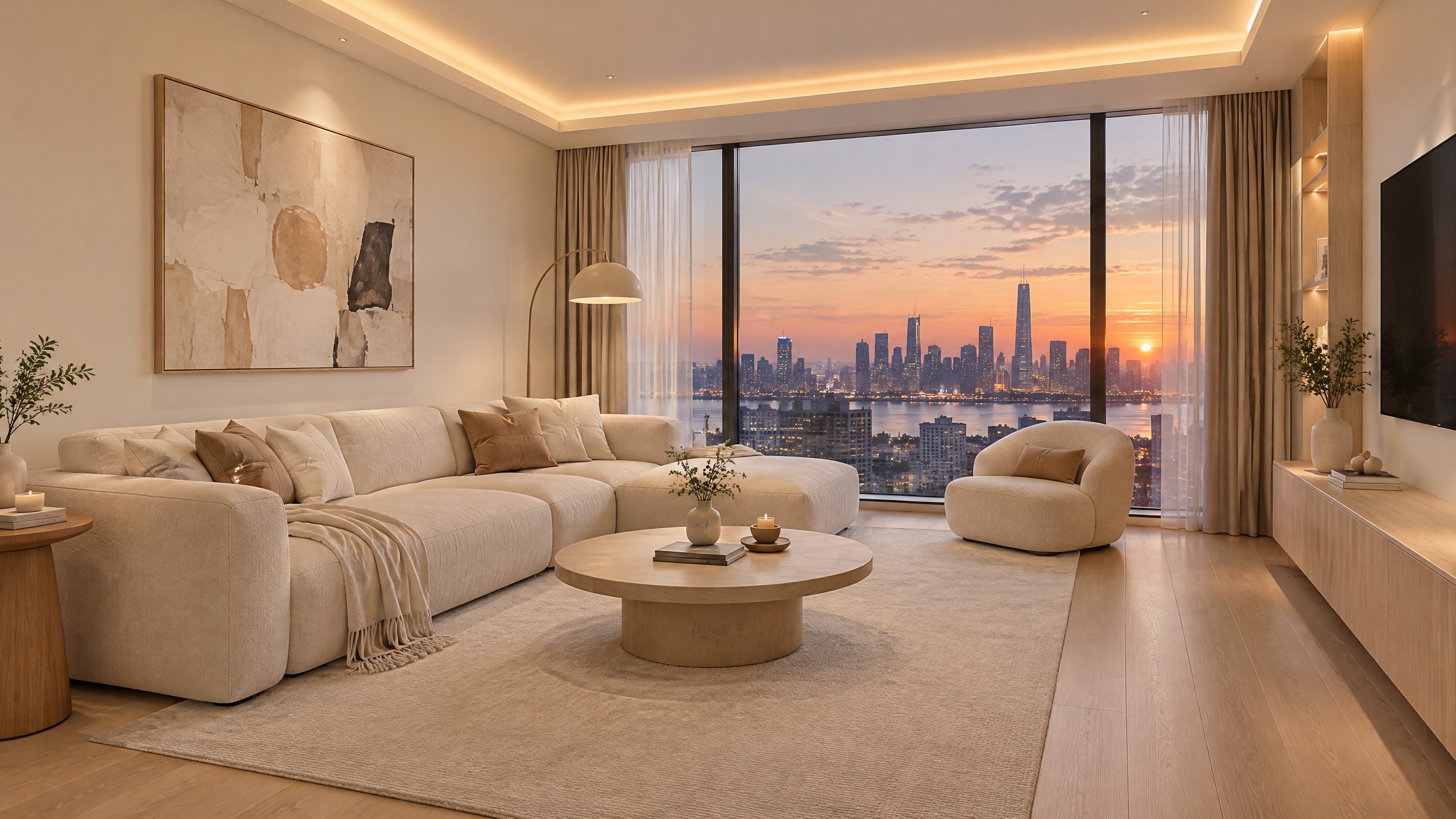
The camera slowly dollies forward into the living room. Outside the window the dusk sky fades into night and the city lights switch on one by one, while the hidden ceiling light strip gradually glows warmer. Smooth, steady motion, realistic.
Generate with this prompt → (upload your interior image, 5 seconds, 720p, sound off)
kling-3.0/image-to-video, 5 seconds, 720p, no sound, $0.50.
This one only half worked. The push-in is smooth, but the sky never turns to night and the city lights never come on. Asked for camera motion and a big lighting change in five seconds, the model kept the camera move and dropped the rest. If you want the day-to-night change, remove the camera move ("camera stays locked off") and let only the light change, or generate the two as separate clips and cut them together.
5. Model page example: an animal in motion
A lone red fox sprints across a windswept snowy ridge at golden hour, powder snow kicking up behind each stride, then leaps over a frozen creek in a graceful arc. Cinematic, dramatic side lighting, ultra-detailed fur, shallow depth of field, smooth motion.
Generate with this prompt → (5 seconds, 16:9)
kling-3.0/text-to-video model page example, 5 seconds. At 720p without sound this costs $0.50.
The action is written as two beats: the fox sprints, then leaps over the creek. Chaining actions with "then" gives smoother, more continuous motion than piling up adjectives.
6. Model page example: a still photo becomes a storm
Start frame:
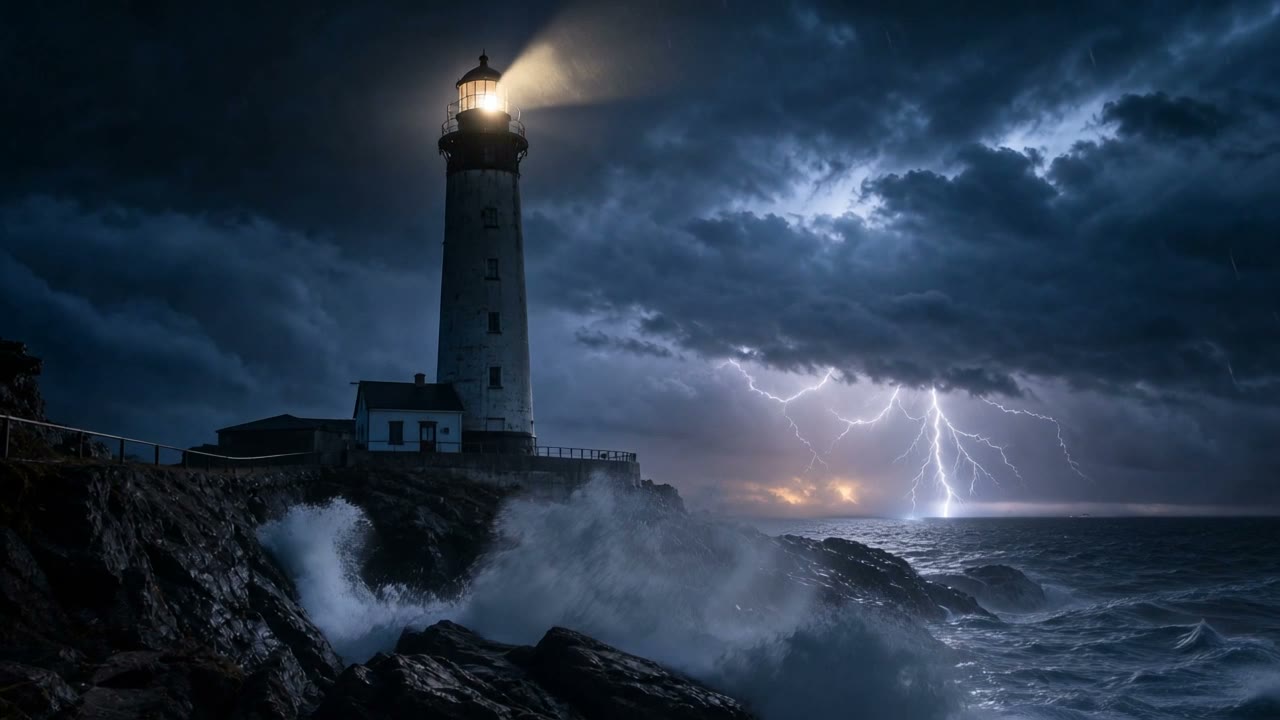
The waves surge and crash against the rocks, the lighthouse beam sweeps slowly across the stormy night sky, rain streaks through the wind. Smooth cinematic motion, synchronized ambient sound of waves and storm.
Generate with this prompt → (upload your landscape image, 5 seconds)
kling-3.0/image-to-video model page example, 5 seconds. At 720p with sound this costs $0.715.
A landscape comes alive when several elements each get their own motion: waves hit the rocks, the beam sweeps, rain blows sideways. One verb per element gives the frame depth.
5 rules for Kling 3.0 prompts
- Split multi-shot prompts with Shot 1 / Shot 2. One shot size and one action per shot, and no more than three shots in five seconds.
- For dialogue, turn on
soundand quote the line. Add "lips synced to the speech" and keep it to one sentence. - Say what must not move. For products and portraits, add "camera stays locked off."
- Change one thing per clip. Don't ask for camera motion and a big lighting change in the same five seconds.
- Iterate at 720p, then upscale.
resolutiondefaults to 1080p; set720pwhile you test and a 5-second clip drops from $0.645 to $0.50.
FAQ
Should Kling 3.0 prompts be in English?
Either works. Example 2 is a Chinese prompt with a Chinese line of dialogue.
What did these six clips cost?
We generated four: two with sound at $0.715 each and two without at $0.50 each, $2.43 in total. The other two are the model page examples.
Can I choose the aspect ratio on image-to-video?
No. The output follows the start frame, so upload a vertical image for a vertical video.
For the Python integration and how Kling 3.0 compares with Omni and Turbo, see the Kling 3.0 API guide. Or pick the prompt closest to what you need and generate your first clip.