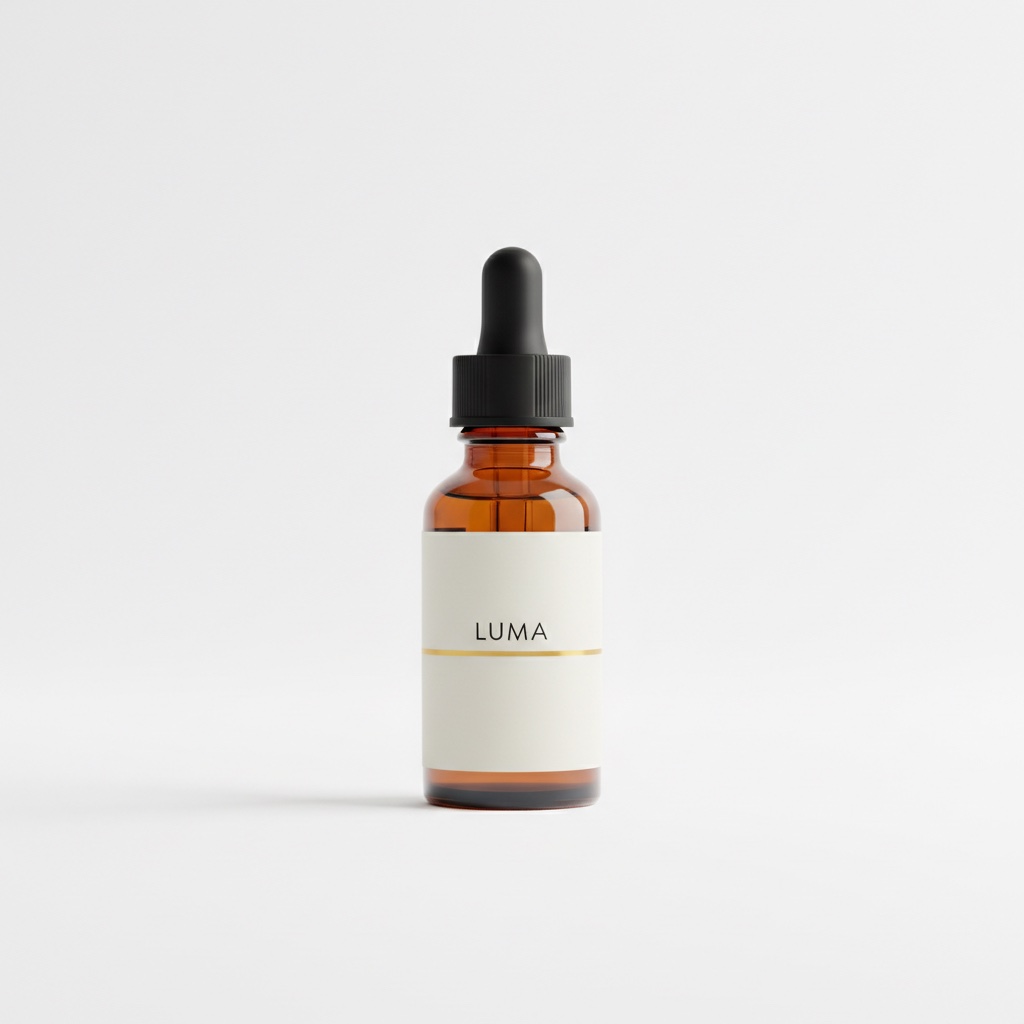
Every image below is a real Nano Banana 2 output, shown with the full prompt that produced it. Copy the prompt, or click "Generate with this prompt" to open the model page with it already filled in. Nano Banana 2 is live on HiAPI: open the model page and generate right away, with 200 free credits for new accounts.
1. Product Lifestyle Shot: Same Bottle, New Scene
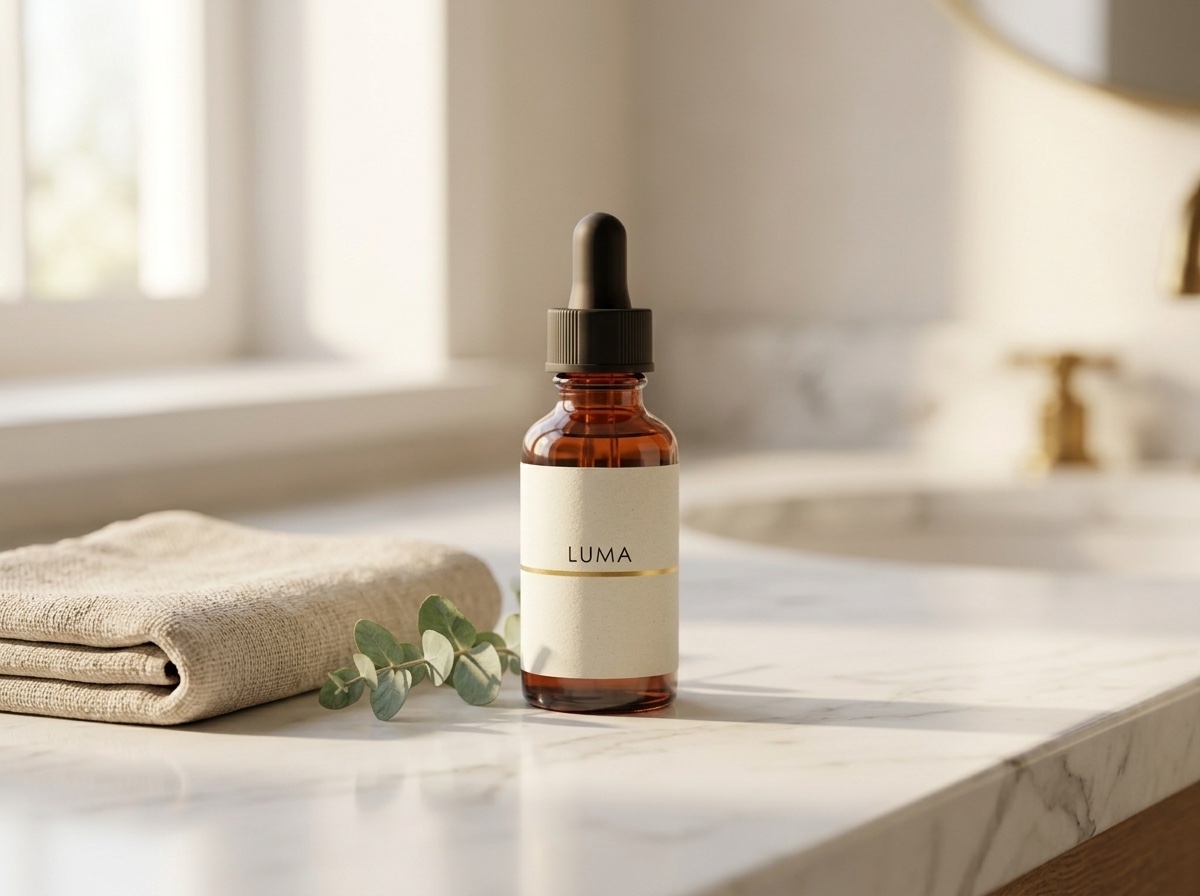
Settings: 1 reference image · 4:3 · 1K · 1200×896
Upload this white-background product shot as the reference image (in the API, put it in image_input), then run:
Place this exact serum bottle, unchanged — same amber glass, same black
dropper cap, same off-white LUMA label with the thin gold line — on a
white marble bathroom counter next to a folded beige linen towel and a
small eucalyptus sprig, soft warm morning window light from the left,
shallow depth of field, premium skincare lifestyle photography
The opening clause, this exact serum bottle, unchanged, plus the repeated list of bottle features is what holds the product steady: the LUMA wordmark, gold rule and black dropper match the reference. To use your own product, swap in your white-background shot, rewrite the feature list between the dashes, and change the scene in the second half.
2. Model Shot: Holding the Same Product
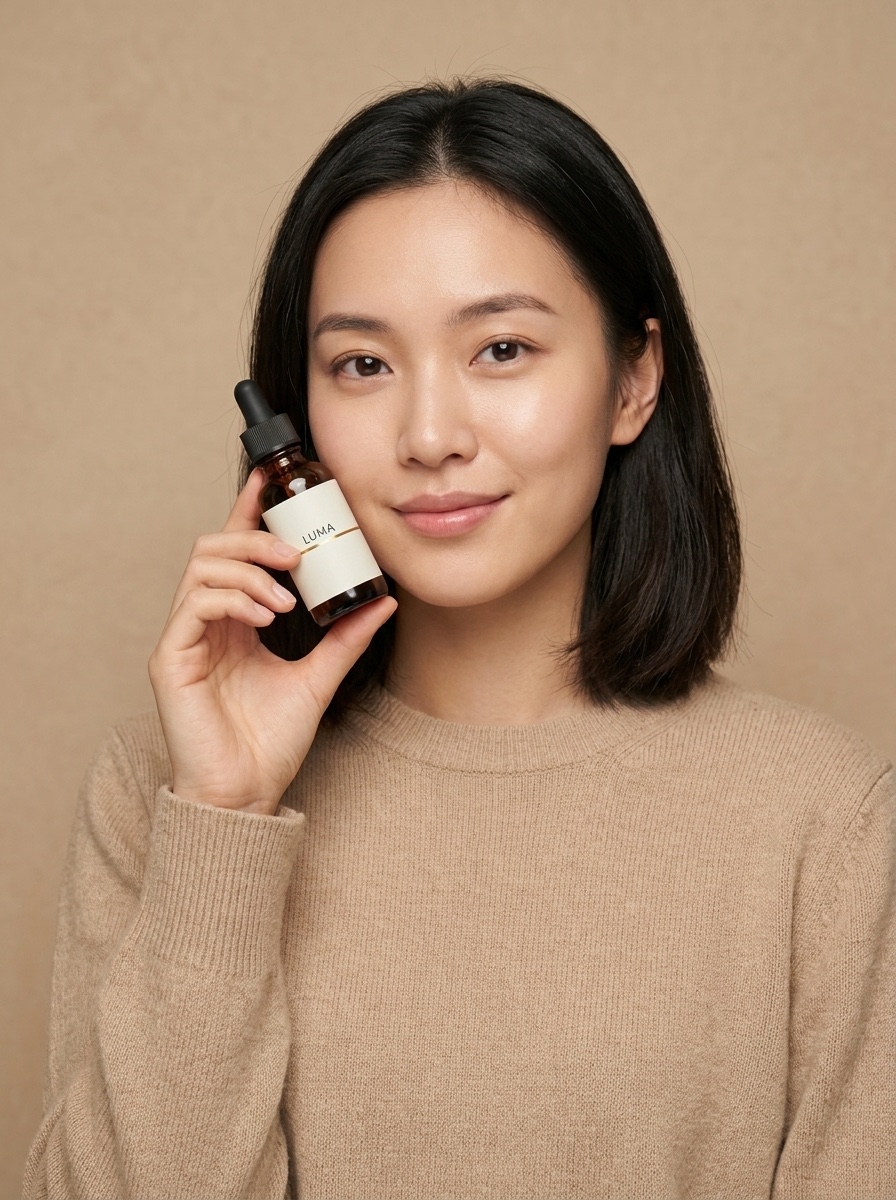
Output size: 896×1200; suggested settings: 1 reference image (the same white-background shot) · 3:4 · 1K
A young woman with shoulder-length dark hair, wearing a plain sand-colored knit
sweater, holding this exact serum bottle — same amber glass, same black dropper
cap, same off-white LUMA label with the thin gold line — up near her cheek at a
slight angle, looking at the camera with a soft natural smile, clean warm beige
studio background, soft diffused beauty lighting, e-commerce model shot for a
skincare brand
Describe the person in three parts: hair, clothing, action. Lock the product the same way as above. For the next shot with the same model, use this output as the reference and open with The same woman from the reference image, followed by her face, hair and outfit.
3. Brand Still Life: Perfume Bottle
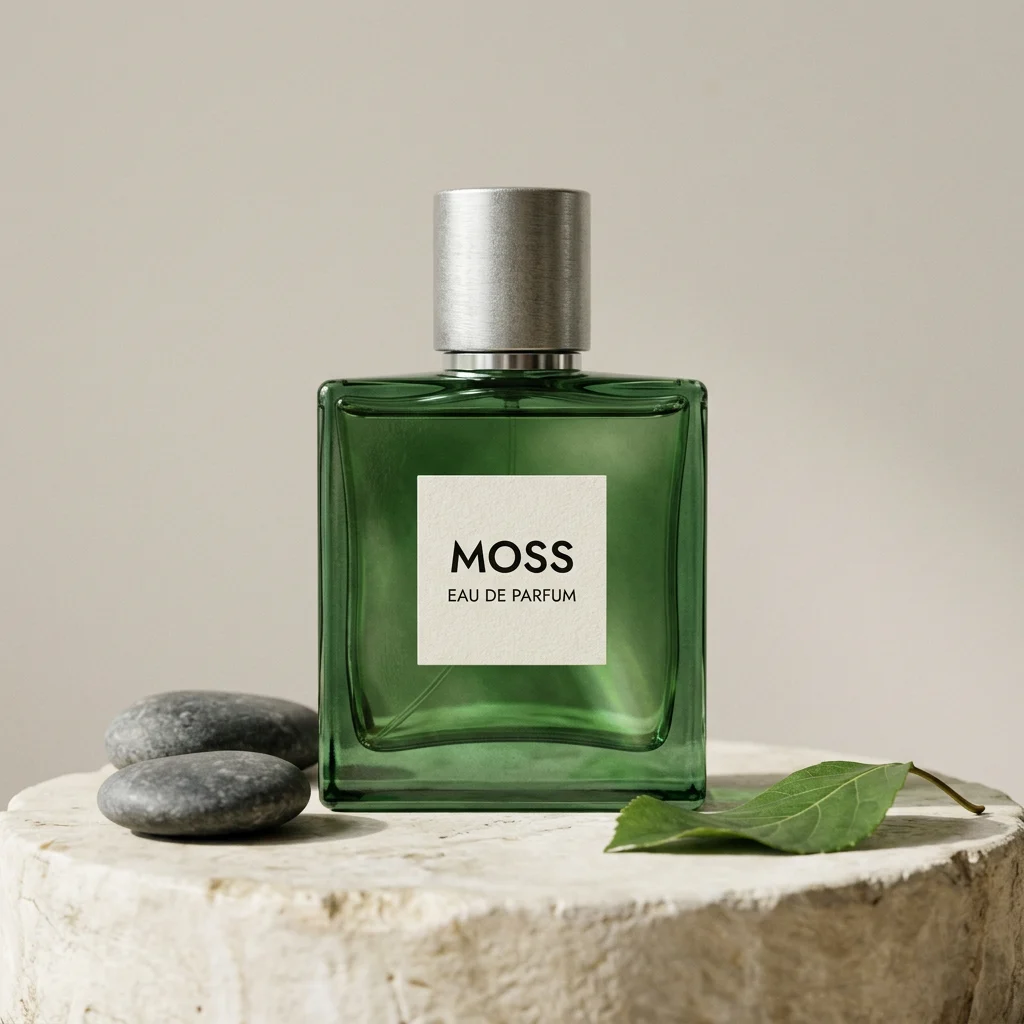
Settings: text-to-image · 1:1 · 1K · 1024×1024
Create a photorealistic square studio product photograph. Center exactly one translucent forest-green glass perfume bottle with a brushed silver cylindrical cap on a pale ivory stone pedestal. A small rectangular cream paper label on the bottle must read exactly "MOSS" in black uppercase letters and "EAU DE PARFUM" beneath it. Place exactly two smooth dark stones on the pedestal to the left of the bottle and one curved green leaf on the right. Pale warm-gray seamless background, soft daylight from the upper left, realistic glass refraction, gentle contact shadows, subtle paper fibers, clean premium editorial photography. Camera at bottle height, straight-on view. No extra bottles, no people, no watermark, no additional text.
Both label lines, the two stones on the left and the leaf on the right all match the prompt, because the count is written as exactly and each prop has a side. When a count matters, still check it and fix any miss with a follow-up edit that uses this image as the reference ("remove one stone, keep everything else"). For your own product, change the bottle material and color, the label text, and the two props.
4. Chinese-Language Event Poster
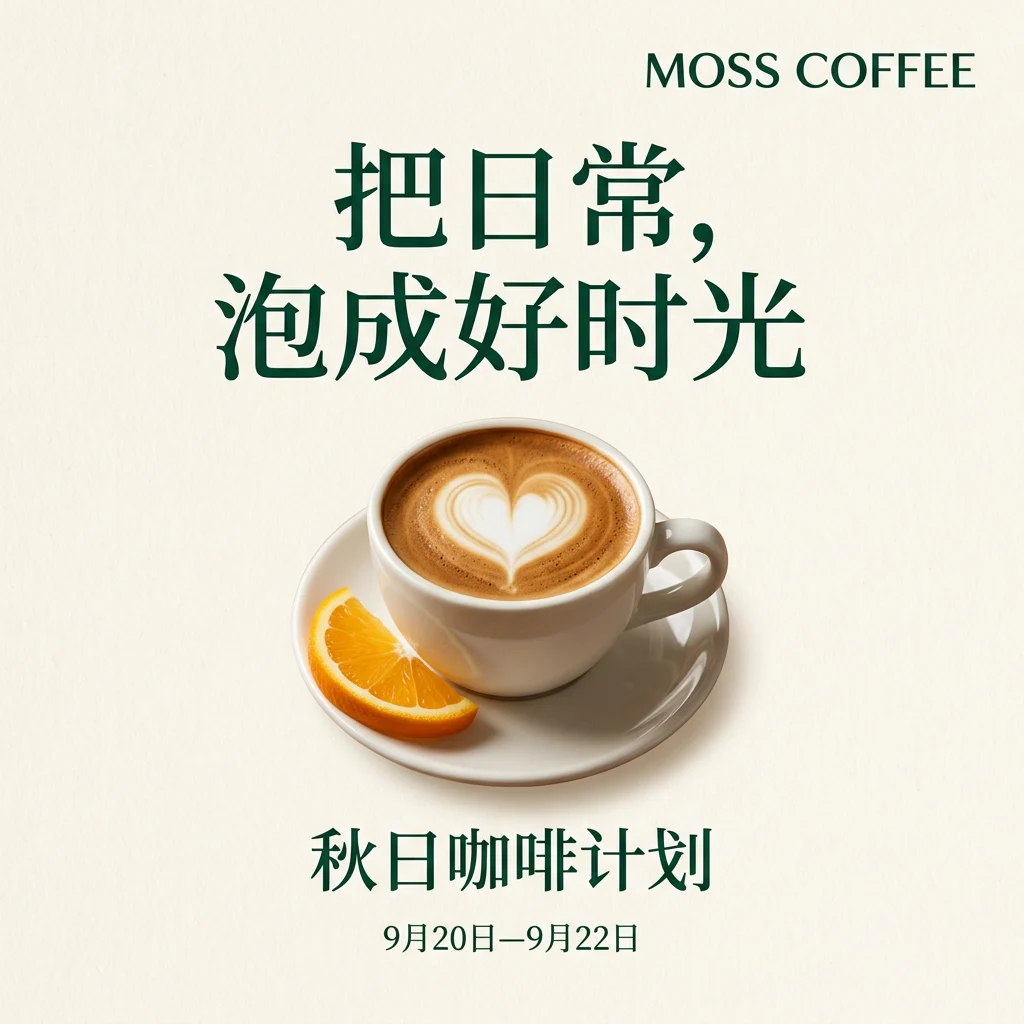
Settings: text-to-image · 1:1 · 1K · 1024×1024
This prompt is written in Chinese because the poster copy is Chinese:
设计一张1:1方形中文咖啡品牌活动海报。奶油白纸质背景,深绿色文字和少量暖橙色点缀。画面中央是一只白色陶瓷咖啡杯,咖啡形成清晰的心形拉花,杯碟旁放一片半月形橙皮。上方大标题必须逐字准确写“把日常,泡成好时光”,下方副标题必须写“秋日咖啡计划”,底部小字必须写“9月20日—9月22日”,品牌名“MOSS COFFEE”放在右上角。标题、主体、副标题、日期层级清楚,留白充足。成熟的商业平面设计,柔和真实的影棚光影。不要二维码,不要价格,不要多余文字,不要边框。
All four text elements, the headline, subtitle, date line and "MOSS COFFEE", render exactly as written. Each one is quoted, marked as must-be-exact, and given a position.
5. Editorial Illustration: People and AI
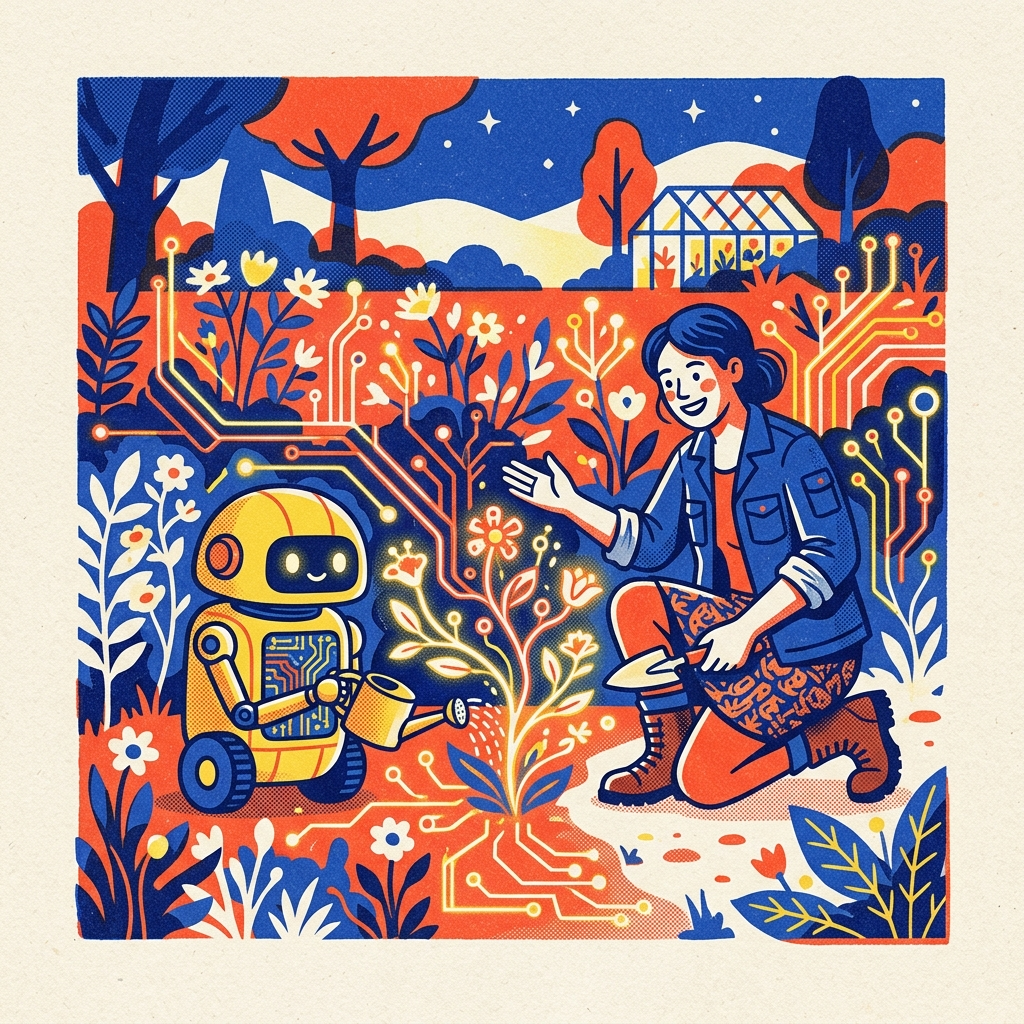
Settings: text-to-image · 1:1 · 1K · 1024×1024
Editorial illustration about humans collaborating with AI: a gardener and a small friendly robot cultivate a luminous garden made of circuit traces and wildflowers, layered risograph print texture, limited cobalt blue, vermilion, sunflower yellow, and cream palette, bold simplified shapes, subtle paper grain, sophisticated magazine-cover composition, square image, no text.
The prompt has four layers: subjects and their relationship, the visual metaphor (circuits growing into flowers), print texture, and a limited palette. Change one layer at a time, for example keep the scene and swap risograph for a clean 3D render.
How to Write Your Own
- Order the prompt as subject, setting, composition, light and texture, then end with what to exclude.
- For text in the image, quote every line and say where it goes.
- For a product set, generate one white-background shot first, then reference it in every scene with
this exact ... unchangedand a feature list. - Lock the composition at 1K, then move up to 2K or 4K. At $0.036 per 1K image, $10 covers about 277 images. Try one at 1K →
| Use case | Aspect ratio | Start at |
|---|---|---|
| Product lifestyle shot | 4:3, 1:1 | 1K |
| Model shot | 3:4, 4:5 | 1K for pose, 2K for detail |
| Brand still life | 1:1, 4:5 | 1K for layout, 2K final |
| Event poster | 1:1, 3:4, 9:16 | 1K for layout, 2K final |
| Editorial illustration | 1:1, 16:9 | 1K |
FAQ
Does "Generate with this prompt" fill in the prompt for me? Yes. The model page opens with the prompt filled in. Pick the aspect ratio and resolution shown above and run it. Upload any required reference images separately.
Can I use my own product or model photos as references? Yes. Add up to 14 reference images as public URLs or uploads (SVG is not supported). References do not change the price.
Is Nano Banana 2 discounted right now? Yes. The Programmers' Day offer takes 50% off until November 9, 2026 at 00:00 (UTC+8), applied automatically in the API and on the model page, so a 1K image costs $0.018.
Copy the lifestyle prompt above, pair it with your own white-background product shot, and generate your first scene on the model page →
More on Nano Banana 2
- Nano Banana 2 model page: generate online with 200 free credits
- Nano Banana 2 API pricing: cost per image at 1K, 2K and 4K
- How to use the Nano Banana 2 API: curl, Python and Node examples
- GPT Image 2.5 vs Nano Banana 2: nine outputs from the same prompts
- Nano Banana 2.1 API pricing: same request format, lower price
- Nano Banana Pro API pricing