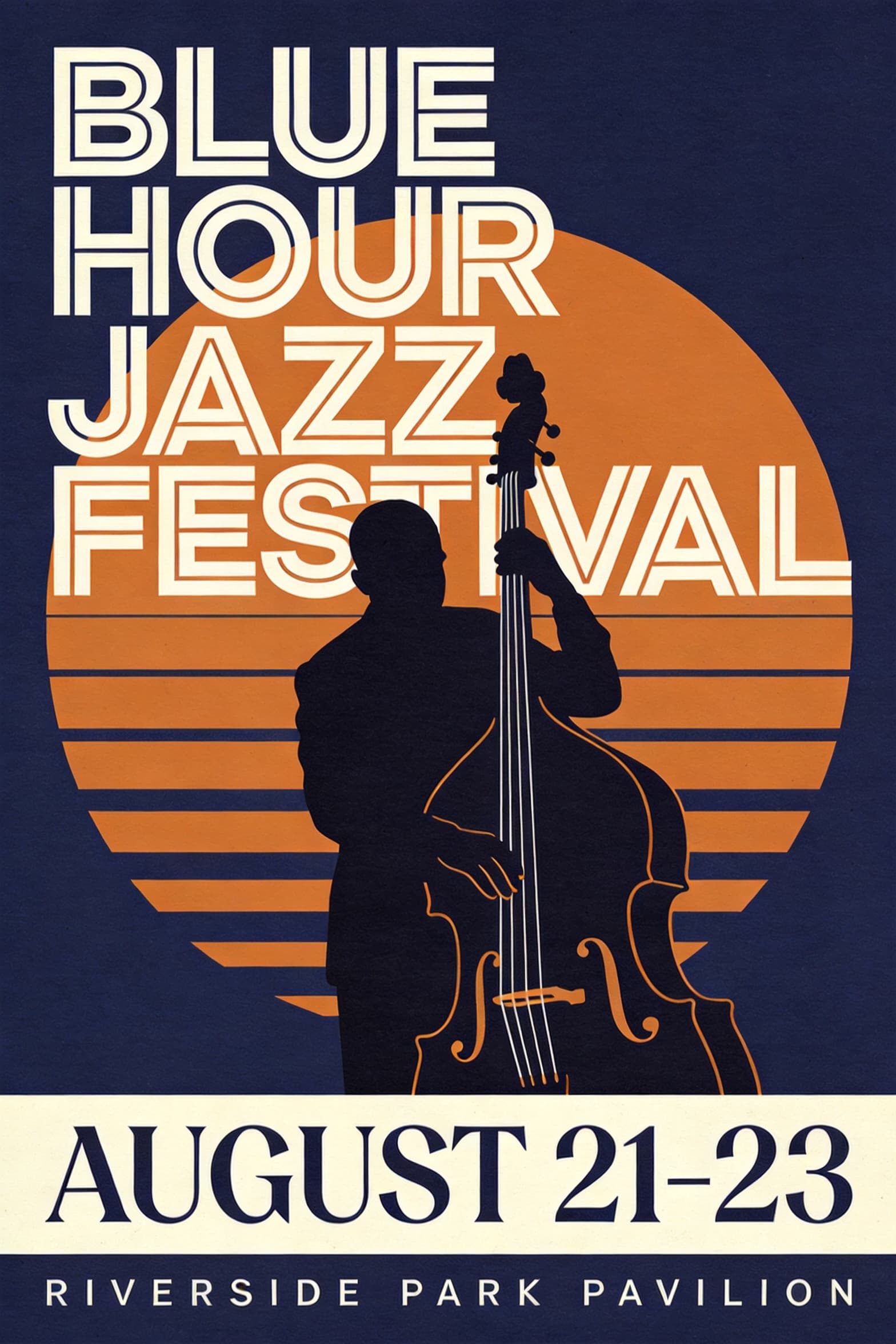
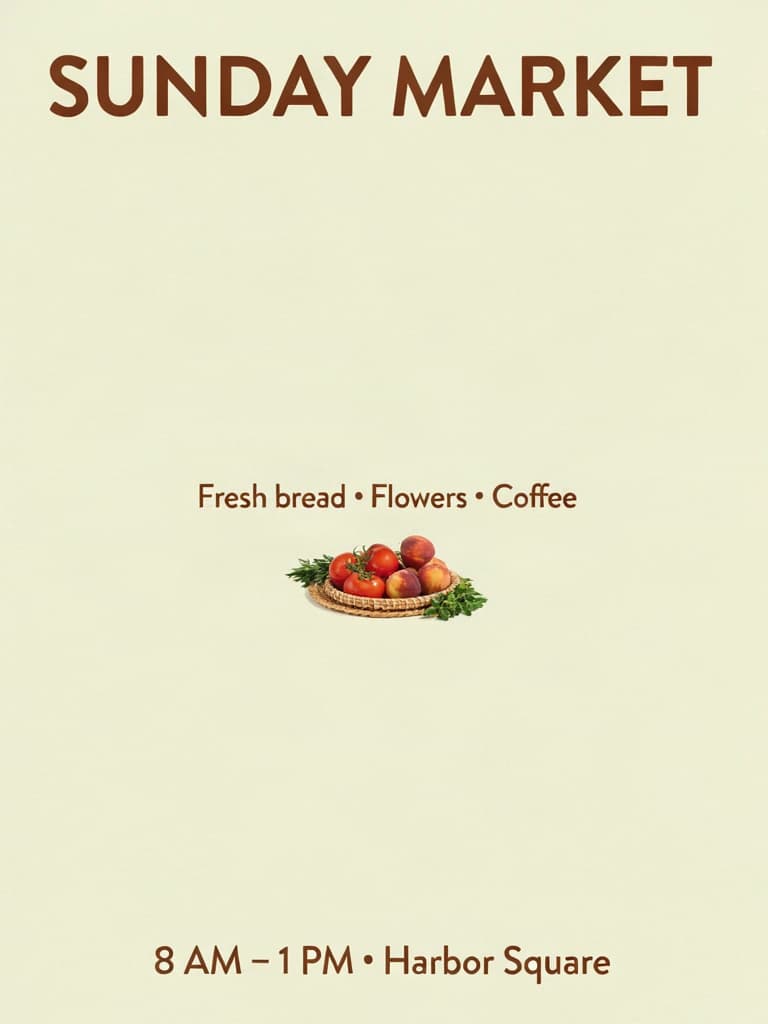
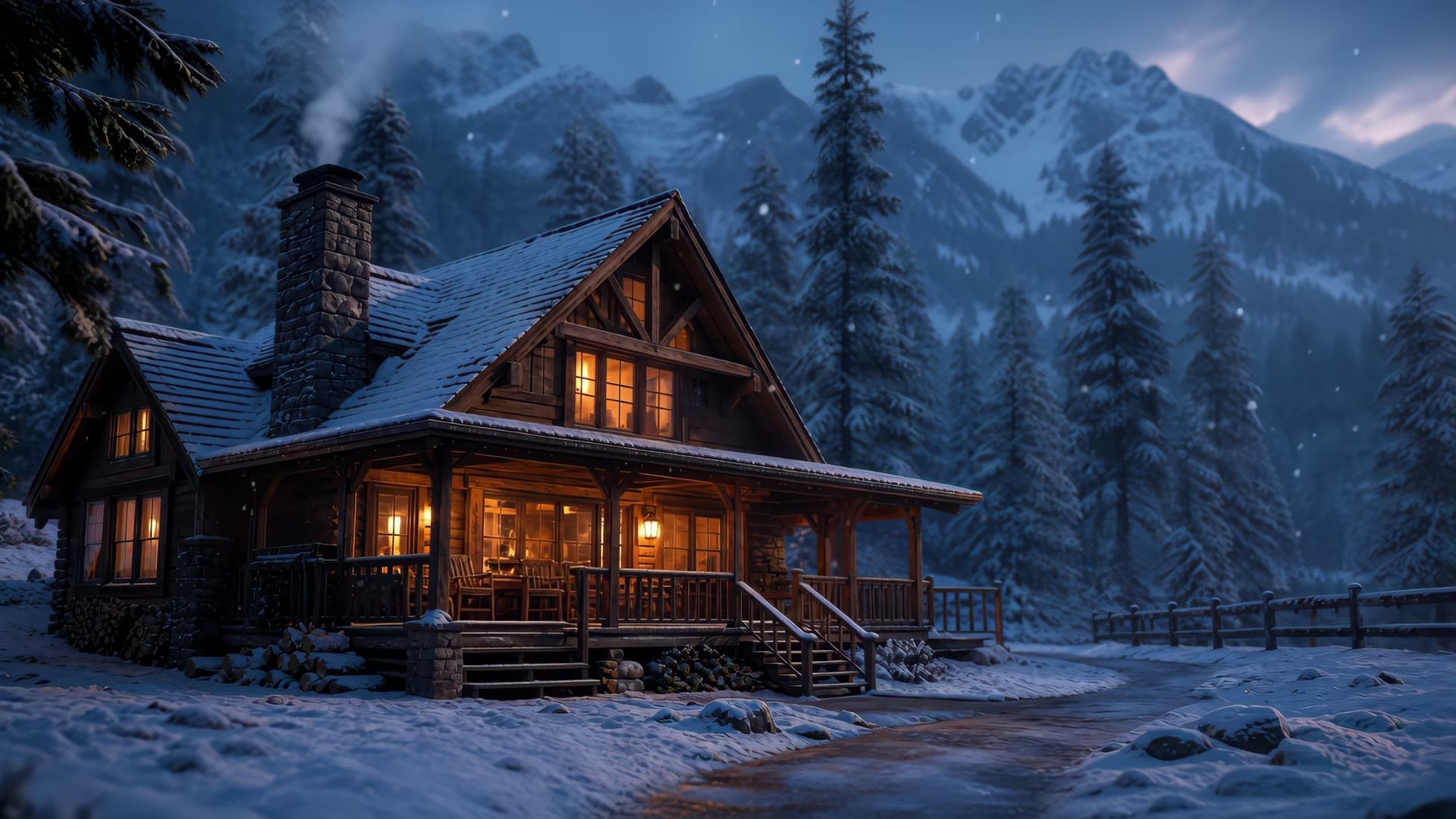
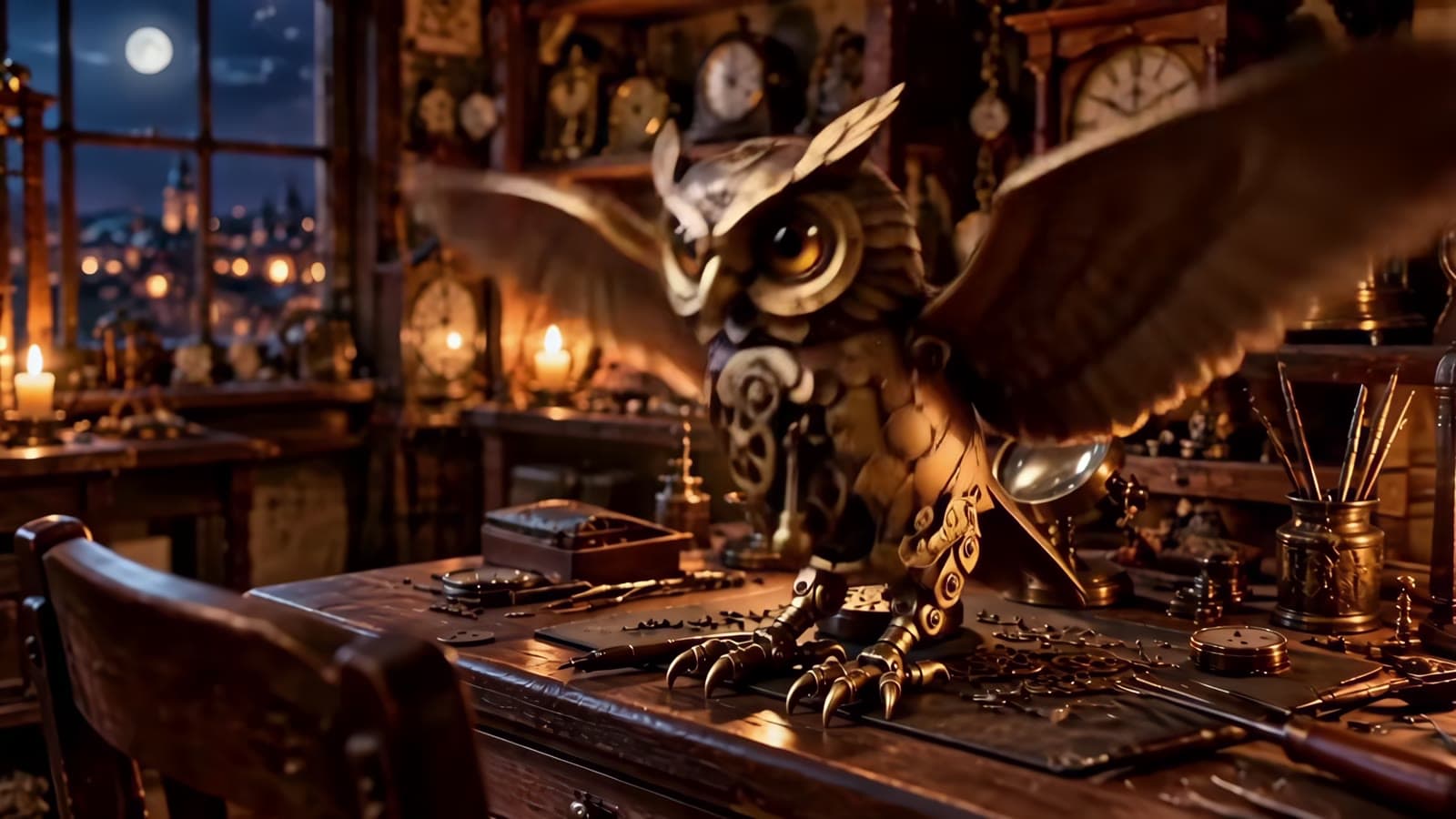
Most "prompt guide" posts show you a one-line idea and a thumbnail. This one gives you the exact prompt text we used, the exact API parameters, the real per-image cost, and the actual output image for six different use cases on qwen-image-3.0-pro/text-to-image — app icons, product photography, wide banners, phone wallpapers, landscapes, and character portraits.
- qwen-image-3.0-pro/text-to-image pricing is resolution-tiered, not flat: $0.0497 per image at 1K, $0.0993 per image at 2K.
- The API only accepts
aspect_ratio+resolutionin itsinputpayload — you can't pass raw pixel dimensions like1024x1024directly. - Requesting a 21:9 aspect ratio pins you to 1K resolution; there's currently no 2K path for that ratio.
- All six images below are real, unedited task-API outputs — no stock photography, no placeholders.
- Full working prompts are copy-paste ready; swap the subject and keep the structure for consistent results.
How the API takes size requests
qwen-image-3.0-pro/text-to-image runs on hiapi's task API (POST /v1/tasks, poll GET /v1/tasks/{id}, download from output[0].url). The input object takes two size-related fields instead of pixel dimensions:
curl -X POST https://api.hiapi.ai/v1/tasks \
  -H "Authorization: Bearer $HIAPI_API_KEY" \
  -H "Content-Type: application/json" \
  -d '{
    "model": "qwen-image-3.0-pro/text-to-image",
    "input": {
      "prompt": "your prompt here",
      "aspect_ratio": "16:9",
      "resolution": "2K"
    }
  }'
aspect_ratio accepts the standard set (1:1, 3:2, 2:3, 4:3, 3:4, 5:4, 4:5, 16:9, 9:16, 21:9, auto). resolution accepts 1K or 2K — and pricing changes depending on which one you pick, so it's worth being deliberate about it rather than defaulting to the largest option.
1. App icon — clean vector subject on a gradient
App icons need a single readable subject, tight framing, and no clutter. Keep the prompt explicit about "no text" and "centered composition" or the model will try to fill empty space.
A minimalist app icon of a single white paper crane mid-fold, sharp geometric origami creases catching soft light, perched on a small circular teal-to-indigo gradient background inside a rounded square, subtle drop shadow beneath the crane for depth, one thin gold line accent along the crane's spine, flat modern vector-illustration style with crisp clean edges, no text, centered composition with even padding on all sides, app-icon composition
Settings: aspect_ratio: 1:1, resolution: 1K — $0.0497

2. Product photography — studio lighting on a plain background
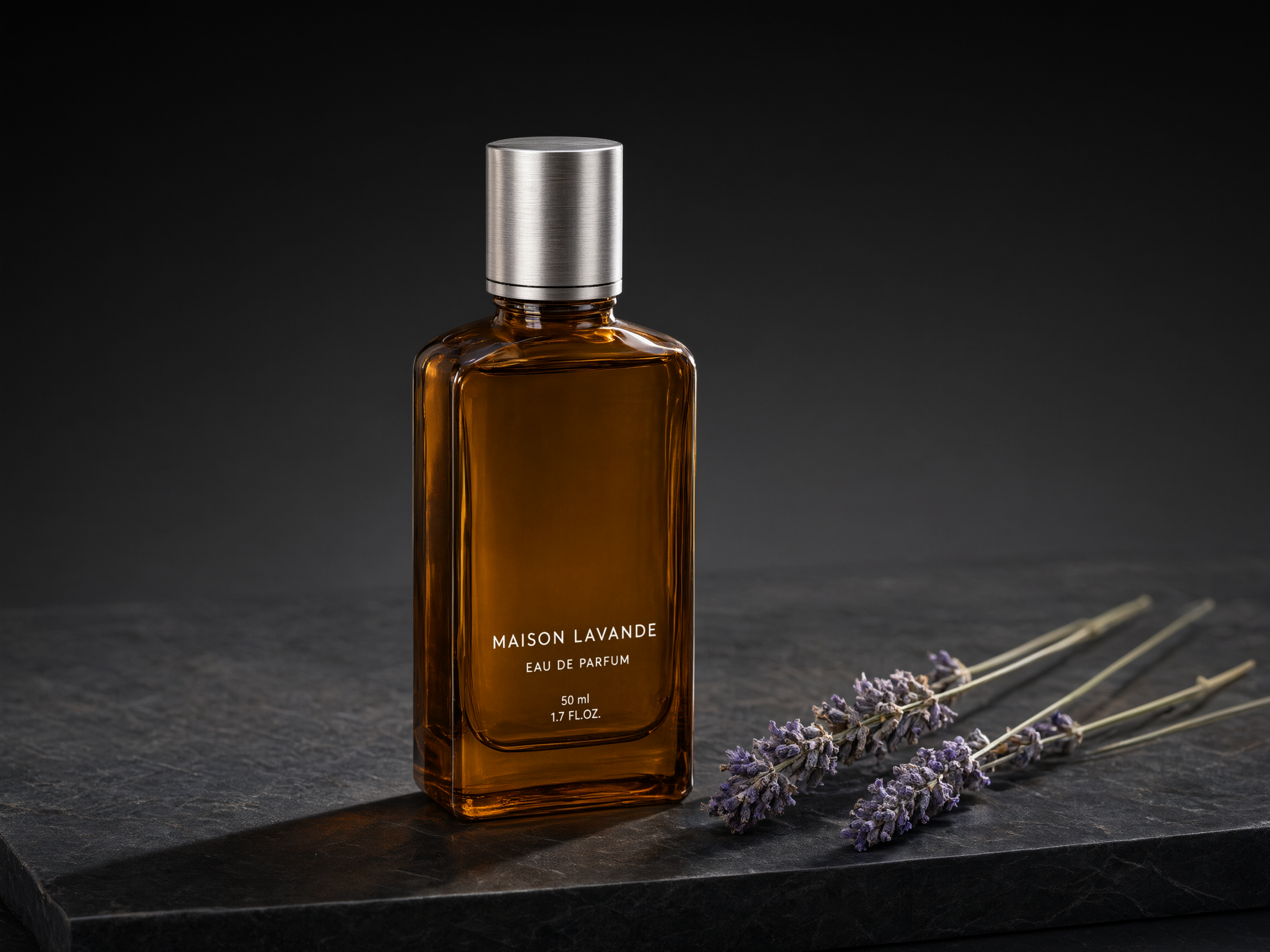
For commercial product shots, describe the surface, the light direction, and the negative space you want left for a headline — qwen-image-3.0-pro/text-to-image follows lighting direction cues well.
Product photography of a tall amber glass perfume bottle with a brushed-silver cap, standing on a slab of dark honed marble, three dried sprigs of lavender resting beside the bottle, soft directional studio light from the upper left casting a long soft shadow to the right, shallow depth of field with a smooth dark-grey gradient background fading to black, a thin rim light tracing the bottle's right edge, generous negative space above the bottle for a headline, realistic commercial product photography, 4:3 aspect ratio
Settings: aspect_ratio: 4:3, resolution: 2K — $0.0993
3. Wide hero banner — 21:9 panoramic composition
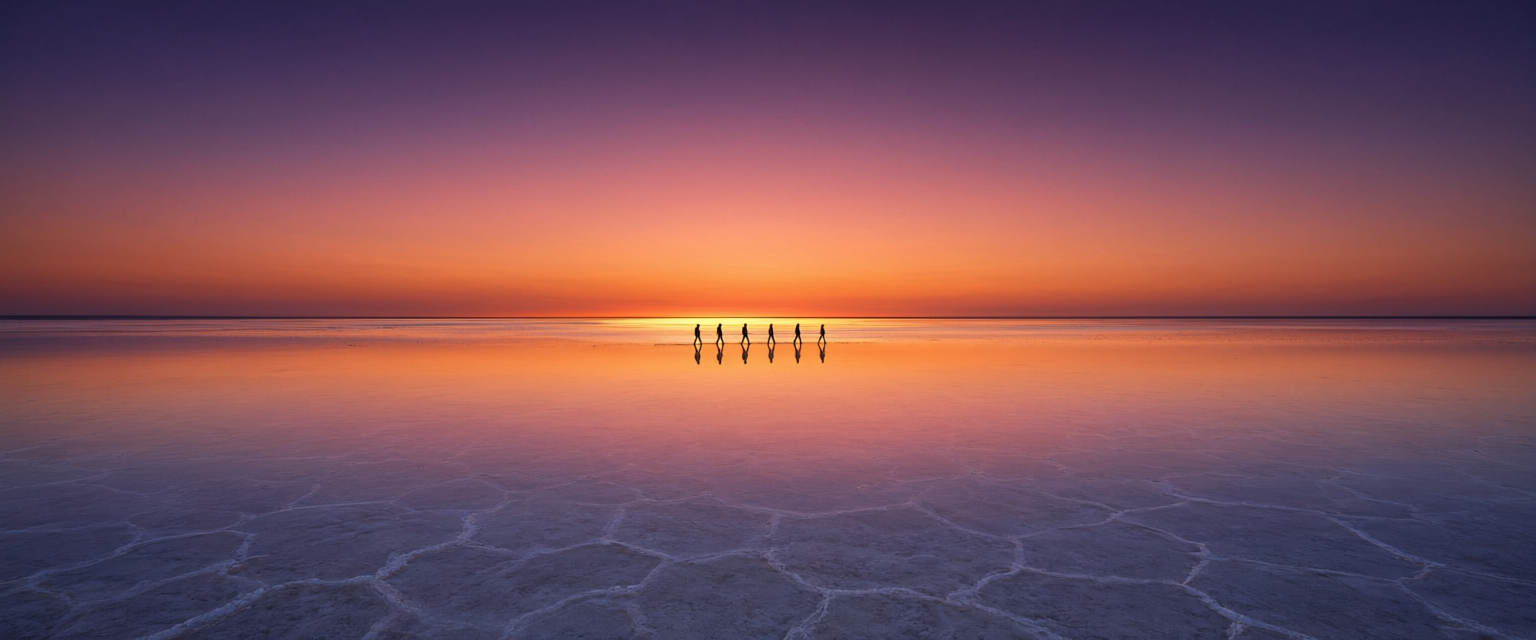
21:9 is the odd one out: request it as a direct ratio string (not pixel dimensions), and note that it's currently locked to 1K resolution regardless of how you request it.
Ultra-wide panoramic photo of a vast white salt flat stretching to the horizon at dusk, a single row of small dark human silhouettes walking in the distance for scale, the wet salt surface perfectly mirroring a sky layered in deep violet, coral pink and burnt orange, a thin band of golden light along the horizon where the sun has just set, minimalist symmetrical composition split evenly between sky and reflection, cinematic wide-format travel photography, extremely wide 21:9 aspect ratio suitable for a hero banner
Settings: aspect_ratio: 21:9, resolution: 1K — $0.0497
4. Phone wallpaper — vertical 9:16 atmosphere
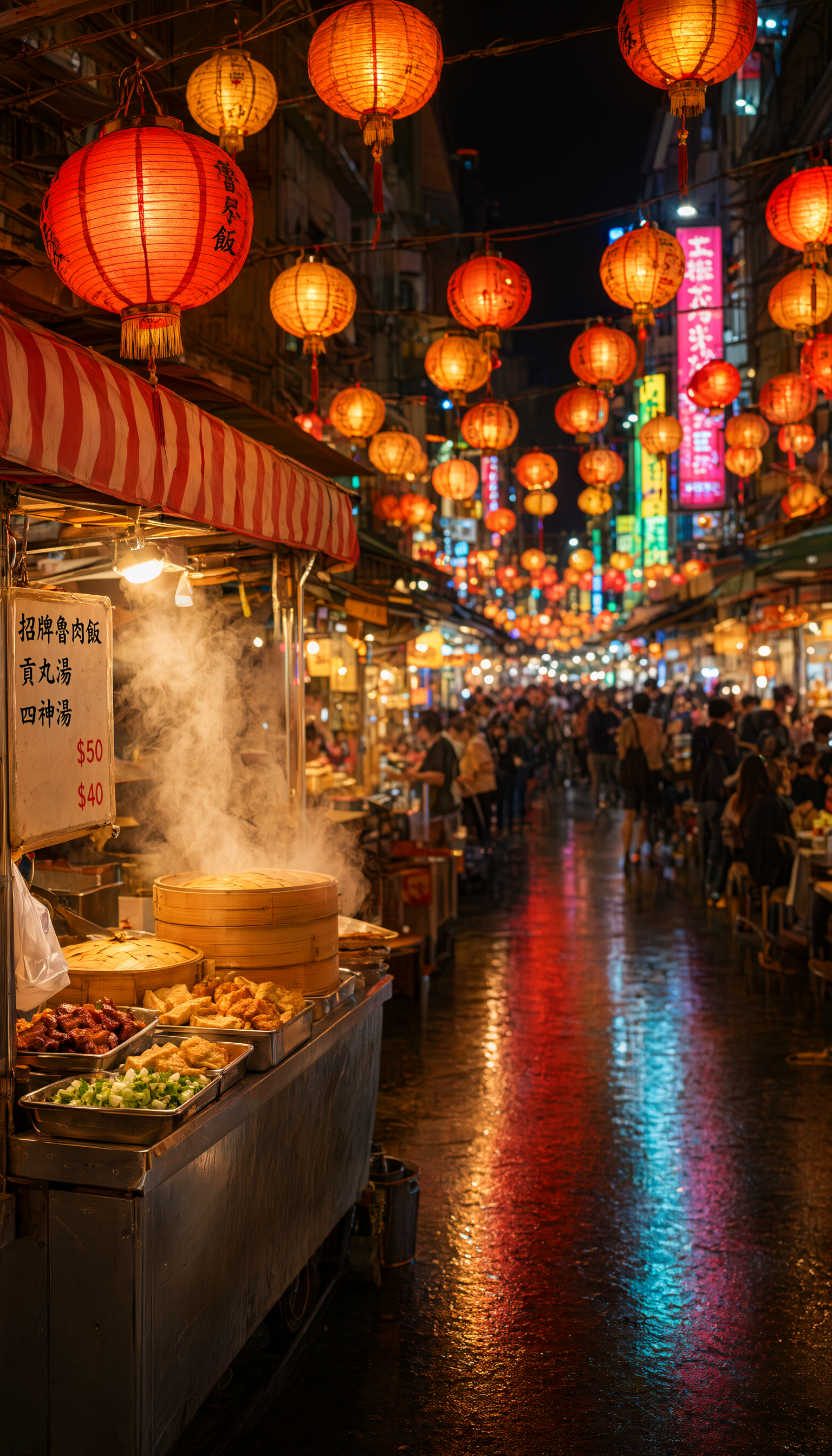
Vertical wallpapers benefit from a clear foreground/background split so the composition still reads once app icons and widgets sit on top of it.
Vertical phone wallpaper photo of a crowded night food-market alley in Taipei, strings of round paper lanterns in red and gold crisscrossing overhead and glowing warmly, a steaming food stall with a striped awning in the near foreground on the left, the alley receding into a soft blur of colorful signage and distant crowds, wet pavement reflecting the lantern light in warm streaks, lively but atmospheric night photography, shallow depth of field with the nearest lantern sharp, tall 9:16 aspect ratio framed for a phone lock screen
Settings: aspect_ratio: 9:16, resolution: 2K — $0.0993
5. Landscape photography — natural light and atmosphere
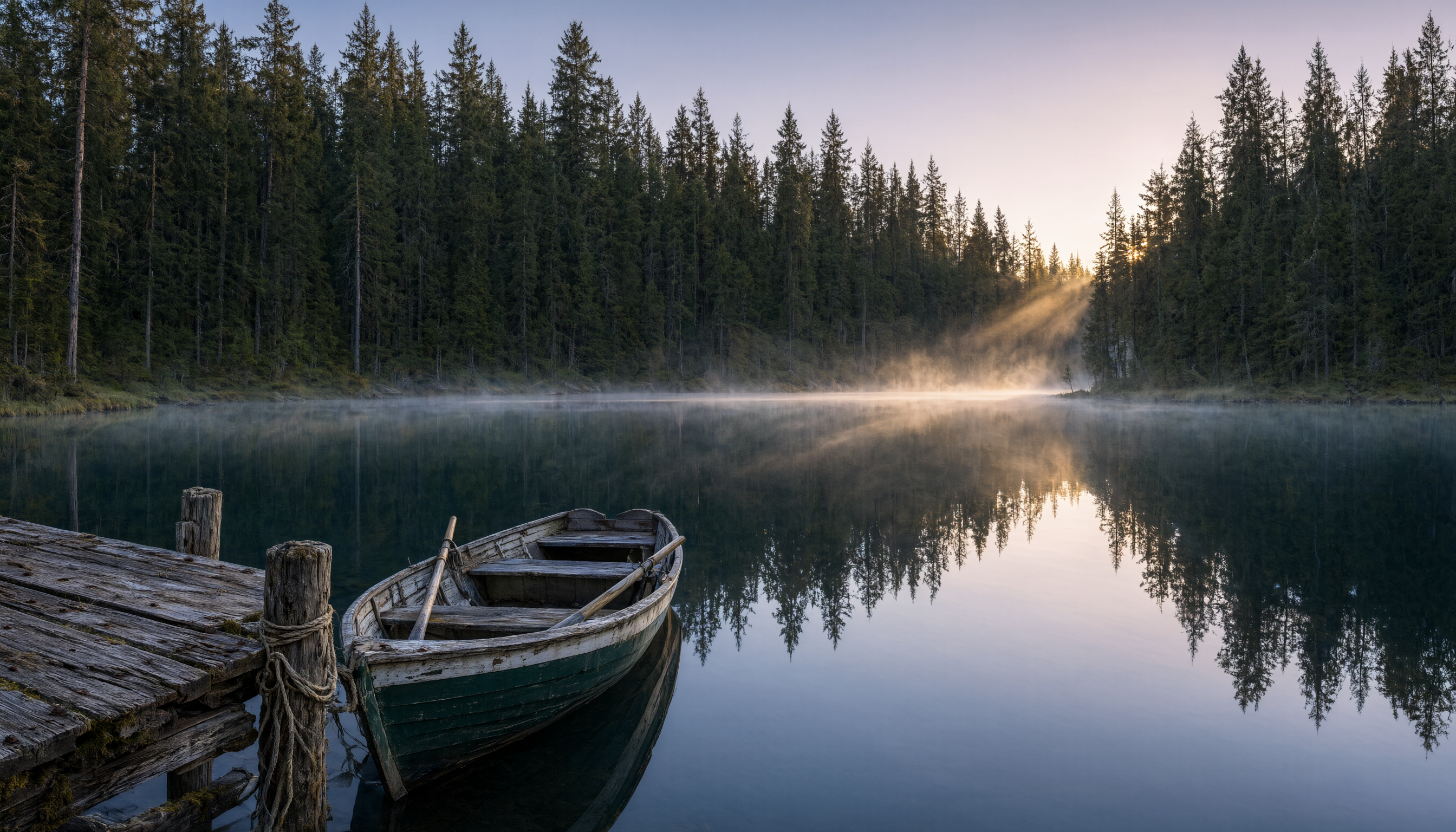
For nature scenes, naming the time of day and a single foreground anchor object (here, the rowboat) keeps the composition from feeling generic.
Wide landscape photo of a still glassy lake surrounded by dense dark-green pine forest at dawn, thin layers of mist hovering just above the water, a small empty wooden rowboat tied to a weathered dock in the lower-left foreground, low golden sunlight breaking through gaps in the pines on the far shore and catching the mist, muted cool color palette with warm highlights, tranquil nature photography with a strong sense of stillness, 16:9 aspect ratio
Settings: aspect_ratio: 16:9, resolution: 2K — $0.0993
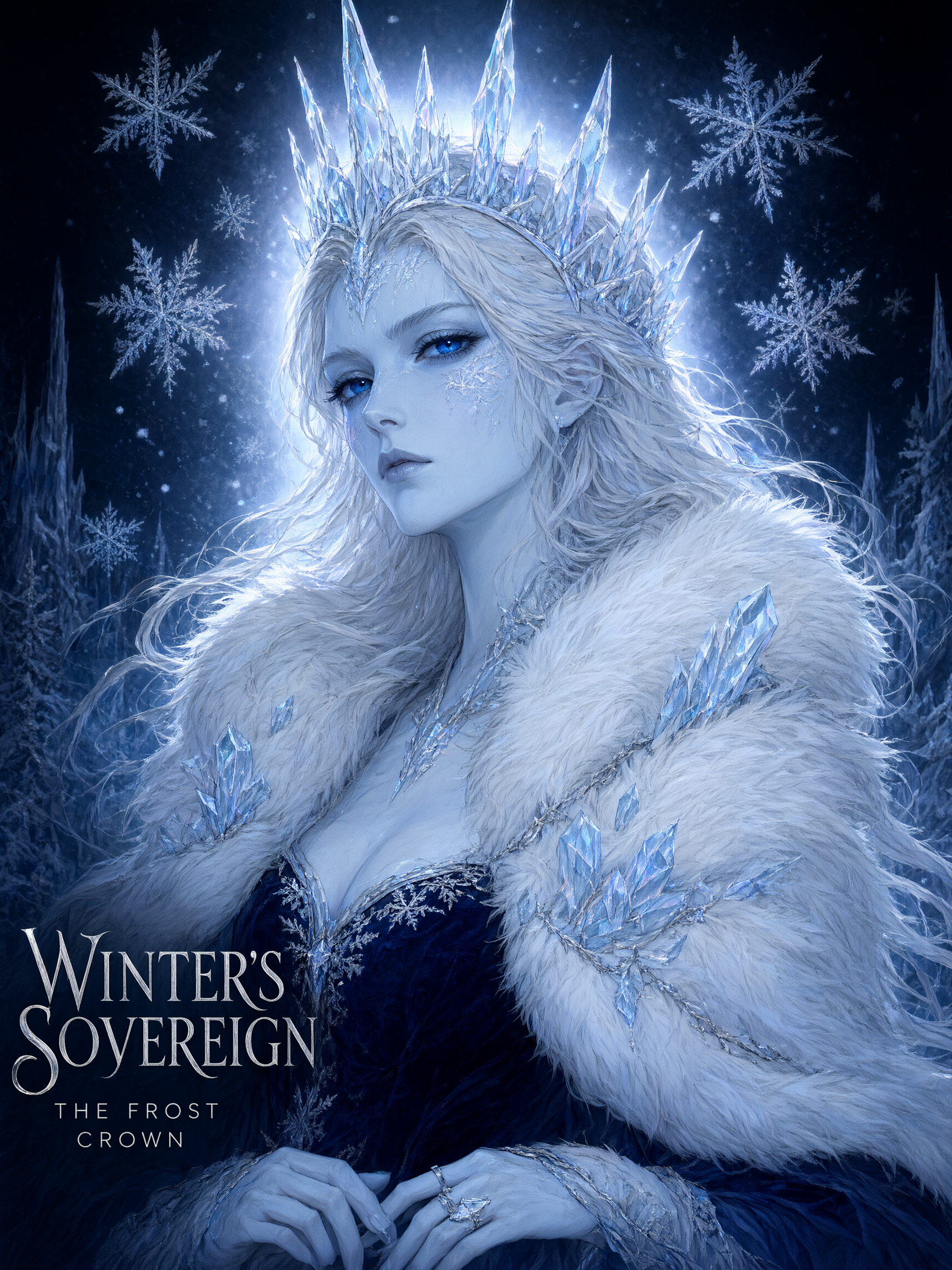
6. Character portrait — fantasy art with dramatic lighting
Character art prompts work best when you separate skin/material description, silhouette details (crown, hair, collar), and lighting into distinct clauses — it gives the model a clear checklist instead of one run-on description.
Painterly digital portrait of a regal ice queen character from the chest up, pale blue-white skin with faint frost patterns along her cheekbones, sharp angular crown made of translucent icicle shards, flowing silver-white hair with frozen strands drifting as if caught mid-motion, deep sapphire eyes catching a cold rim light, richly detailed fur-and-crystal collar, soft volumetric light from behind creating a glowing halo through falling snow, dramatic fantasy character-art style with fine linework and soft shading, dark navy background fading to black, 3:4 aspect ratio suitable for a poster
Settings: aspect_ratio: 3:4, resolution: 2K — $0.0993
What these six recipes cost in total
| Recipe | Aspect ratio | Resolution | Cost |
|---|---|---|---|
| App icon | 1:1 | 1K | $0.0497 |
| Product photography | 4:3 | 2K | $0.0993 |
| Wide hero banner | 21:9 | 1K | $0.0497 |
| Phone wallpaper | 9:16 | 2K | $0.0993 |
| Landscape | 16:9 | 2K | $0.0993 |
| Character portrait | 3:4 | 2K | $0.0993 |
| Total | $0.4966 |
Because pricing is per-resolution rather than flat, the fastest way to cut costs at scale is simply defaulting to 1K wherever the extra detail from 2K doesn't matter — icons, thumbnails, and small UI assets rarely need it, while hero banners, wallpapers, and print-facing portraits usually do.
FAQ
Does qwen-image-3.0-pro/text-to-image support raw pixel sizes like 1024x1024?
No — the input payload takes aspect_ratio (a ratio string) and resolution (1K or 2K), not width/height in pixels. If you're migrating from a pixel-based API, convert your target dimensions to the nearest supported aspect ratio first.
Why does 21:9 only support 1K resolution? 21:9 requested as a direct ratio string currently resolves to 1K only on this model — there's no 2K variant available for that ratio at this time.
Is qwen-image-3.0-pro/text-to-image pricing flat per image? No. It's resolution-tiered: $0.0497 per image at 1K, $0.0993 per image at 2K — roughly double at the higher resolution. Always check hiapi's pricing page for current rates before budgeting a batch run.
Can I edit an existing image instead of generating from scratch? Yes — qwen-image-3.0-pro also ships an image-to-image variant for edits and reference-guided generation; this guide covers the text-to-image path specifically.
Try it yourself
Full parameter reference, live pricing, and an in-browser playground are on the qwen-image-3.0-pro/text-to-image model page. If you're setting up your first API call, the qwen-image-3.0-pro API guide walks through curl and Python examples end to end. And if you want to compare prompt behavior against the previous generation, see the qwen-image-2.0 prompt recipes for six more copy-paste prompts on the earlier model.