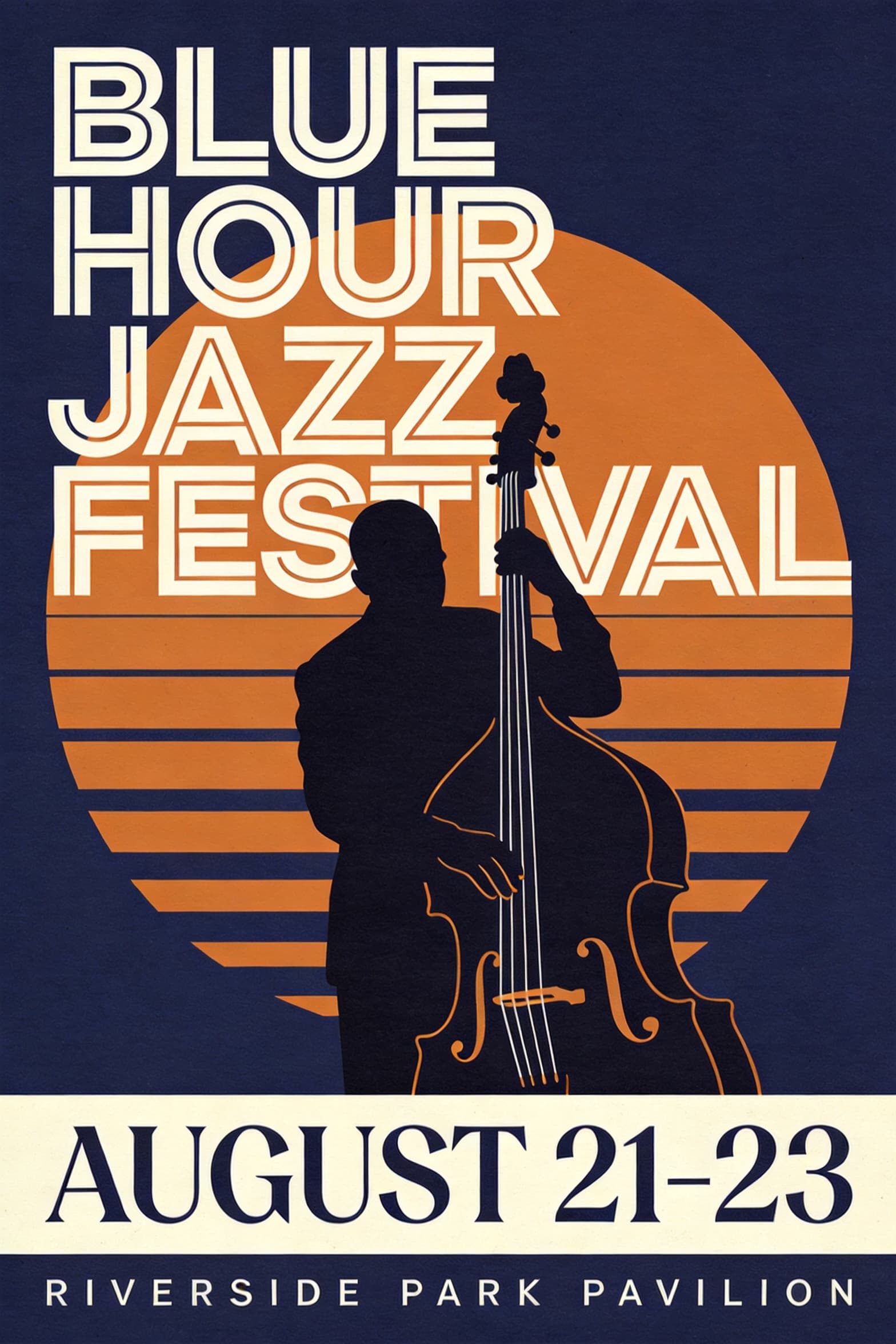
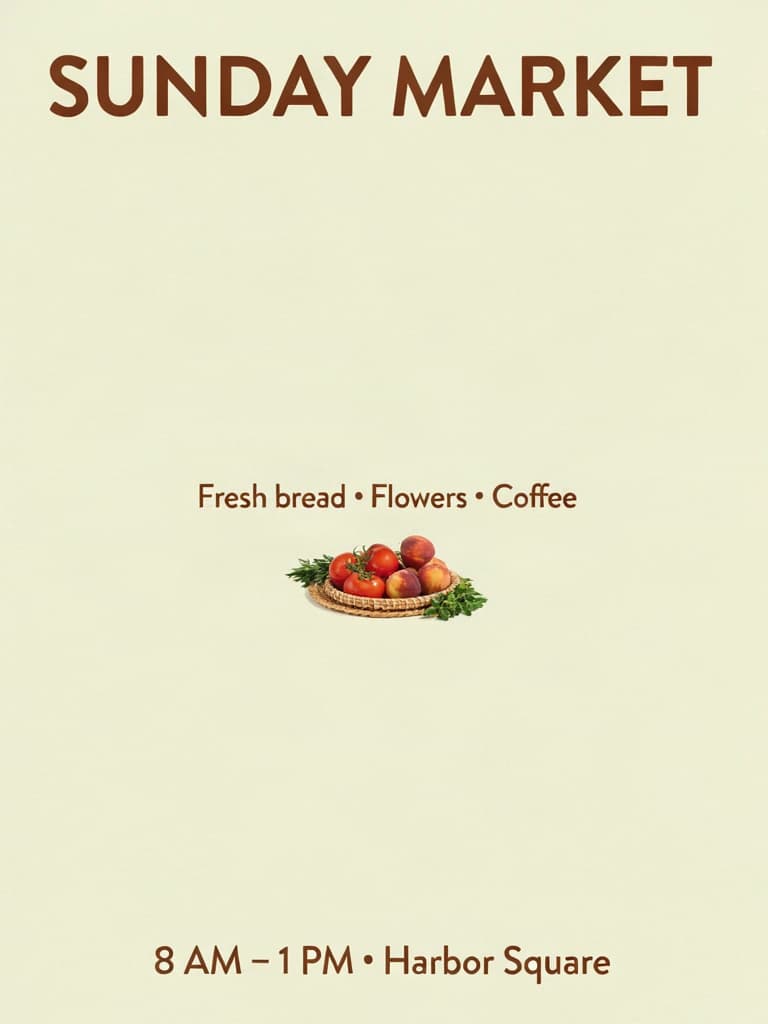
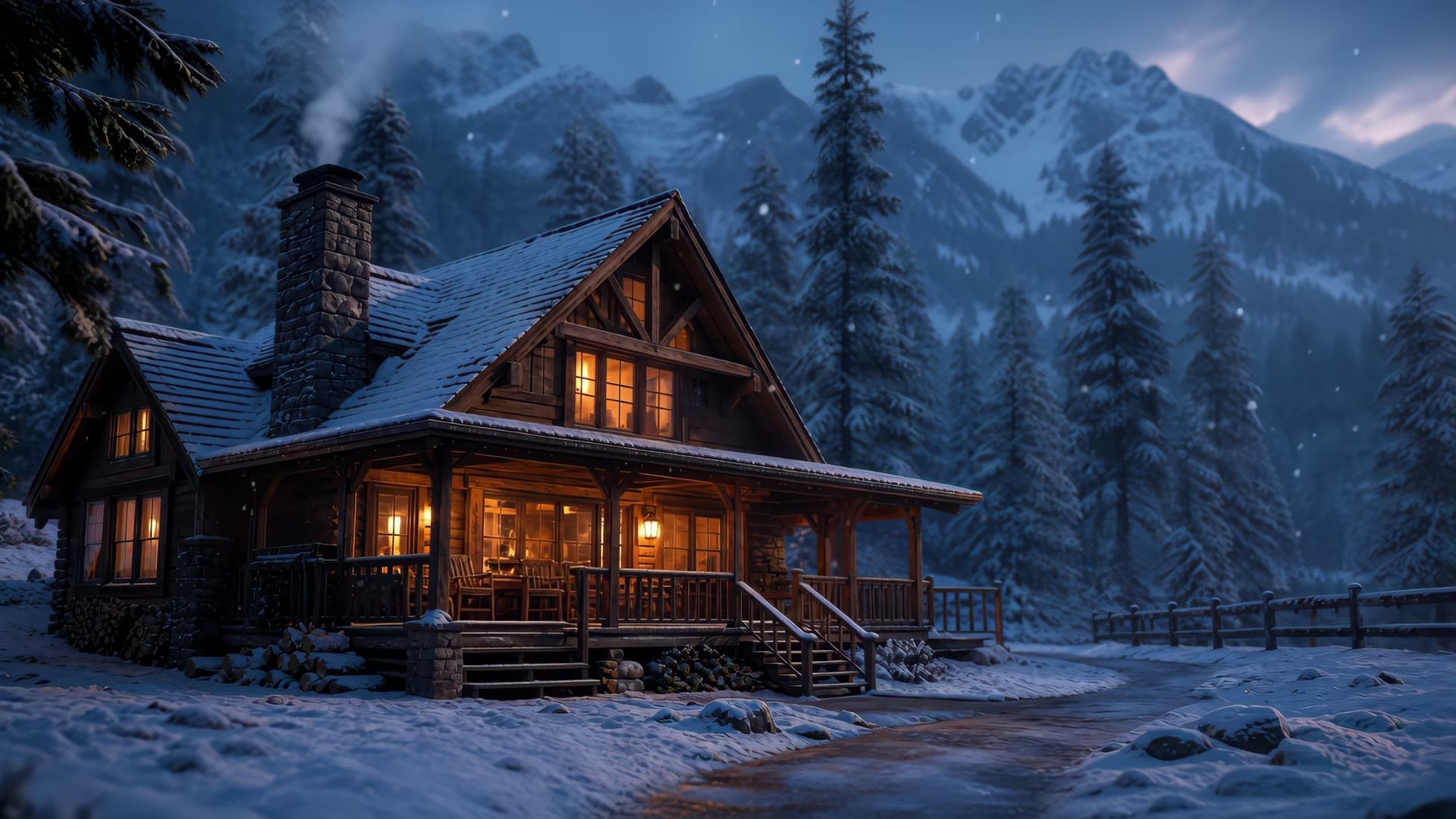
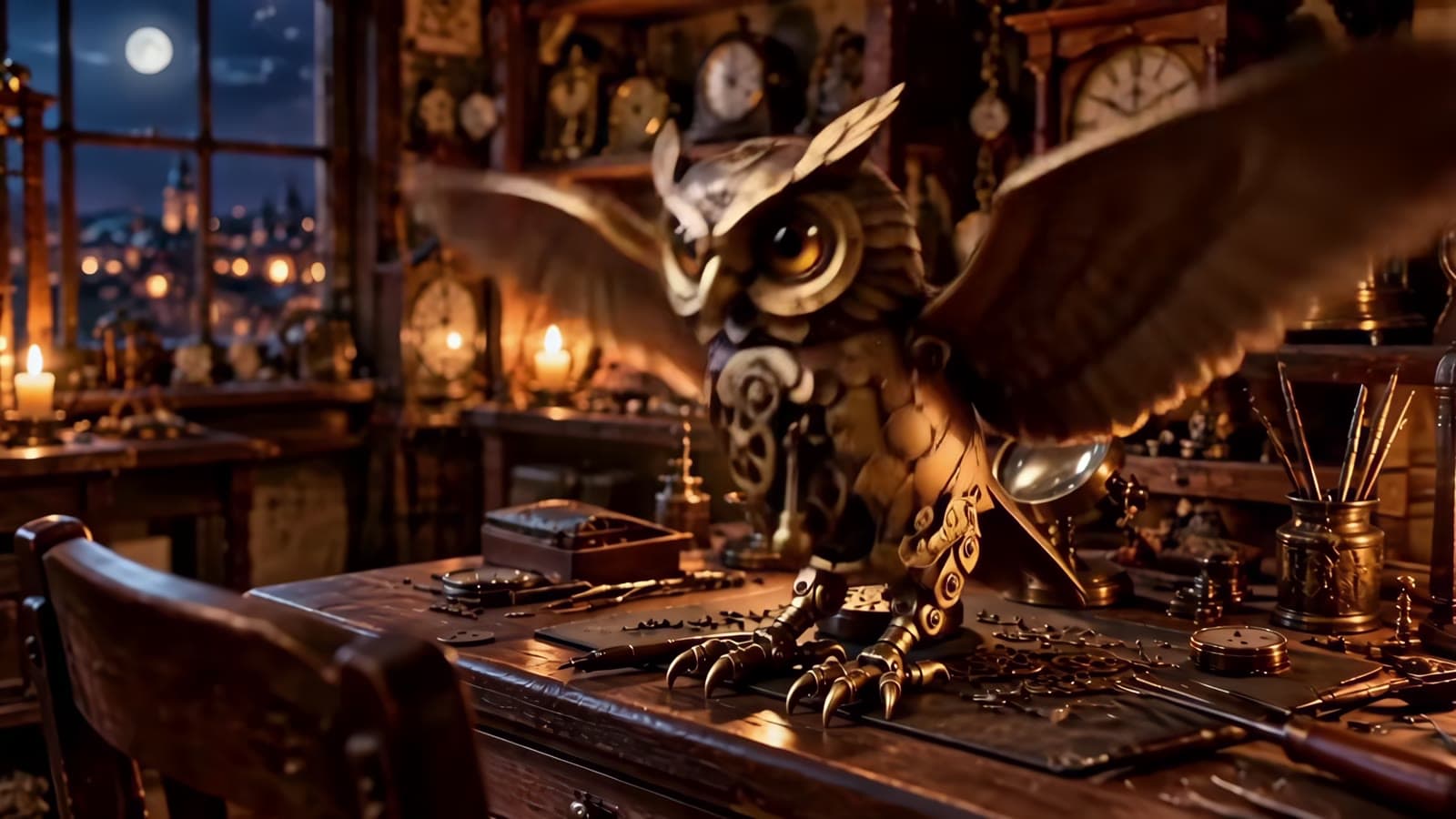
Qwen Image 3.0's text-to-image endpoint is unusually good at one thing most image models still fumble: rendering exact words — including mixed Chinese and English — cleanly enough to ship without a redo. That makes it worth a dedicated prompt playbook instead of another generic "how to write AI prompts" post.
Below are 6 complete, copy-paste prompts we wrote and ran ourselves against qwen-image-3.0/text-to-image, each paired with its real, unedited output. Every prompt sits directly under its image so you can lift it as-is or swap in your own subject.
What the model is actually good at
Before the recipes, three things worth knowing so you don't waste a generation:
- Exact text rendering. If you quote the literal characters you want — Chinese, English, or both in the same frame — the model renders them legibly most of the time. Always proofread before you ship; a wrong stroke or letter is still possible.
- A narrower aspect-ratio list than you'd expect. The API only accepts
1:1,3:2,2:3,4:3,3:4,16:9,9:16, and21:9. Common ratios like4:5or5:4return a clean400before anything is billed — more on that below. - Flat per-image pricing. As of this writing the task endpoint bills a flat $0.0358 per image, regardless of aspect ratio (verified against hiapi's live pricing).
6 prompt recipes
1. Bilingual storefront signage
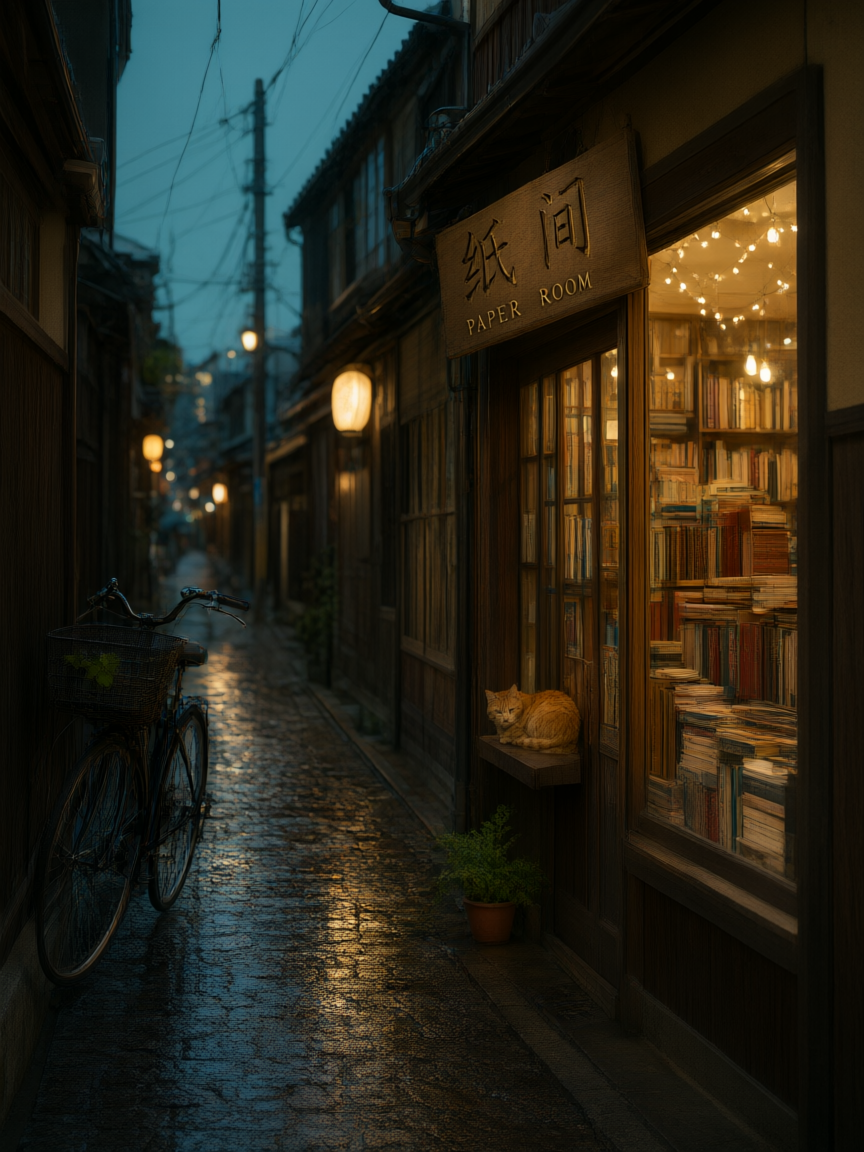
Cinematic street-level photograph of a small independent bookstore at dusk
in a narrow Kyoto alley, warm tungsten light spilling from tall glass windows
onto wet cobblestones. A hand-painted wooden sign hangs above the door with
only the exact Chinese characters "纸间" carved into it, and directly beneath,
in small brushed-brass lettering, the exact English words "PAPER ROOM". Stacks
of books are visible through the window, soft bokeh from string lights above.
A cat sits on the windowsill. Documentary street photography style, natural
asymmetric composition, muted teal and amber color grade, fine film grain,
shallow depth of field, 3:4 portrait framing.
Why this works: quoting the exact Chinese and English strings separately, in their own sentence, gives the model an unambiguous text target instead of burying it inside a long descriptive clause. The 3:4 portrait frame also matches how a real storefront sign photo is usually composed.
2. E-commerce product hero shot
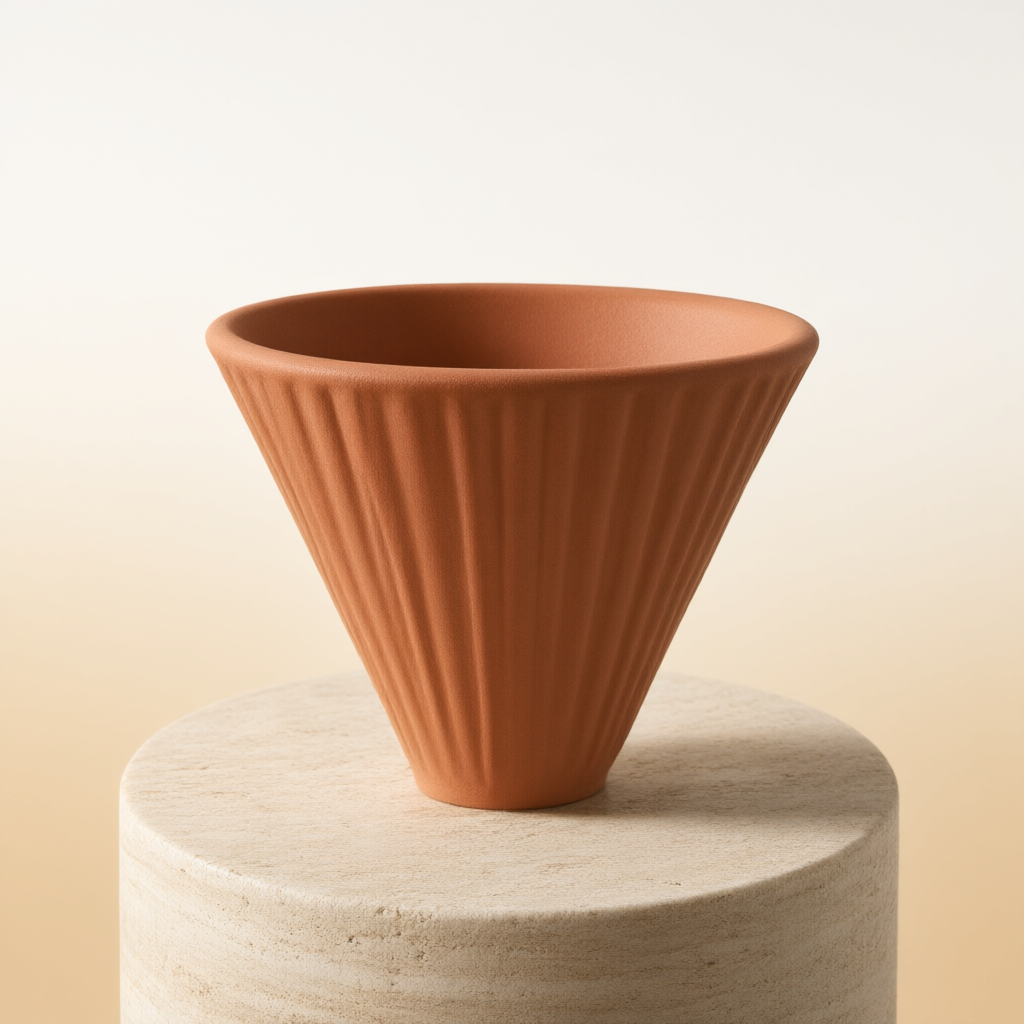
Minimalist studio product photograph of a matte ceramic pour-over coffee
dripper in warm terracotta, placed on a round travertine pedestal against a
soft gradient backdrop fading from pale sand to warm white. Single directional
softbox light from upper left creates a gentle rim highlight along the
dripper's ridges, subtle soft shadow pooling beneath. No text, no props, no
hands. Clean commercial e-commerce photography, crisp focus throughout,
neutral color balance, 1:1 square framing.
Why this works: explicitly saying "no text, no props, no hands" heads off the model's tendency to add clutter to product shots. 1:1 is the safest default for marketplace listing photos, and naming the light direction gives you a consistent, repeatable look across a whole product catalog.
3. Character concept portrait
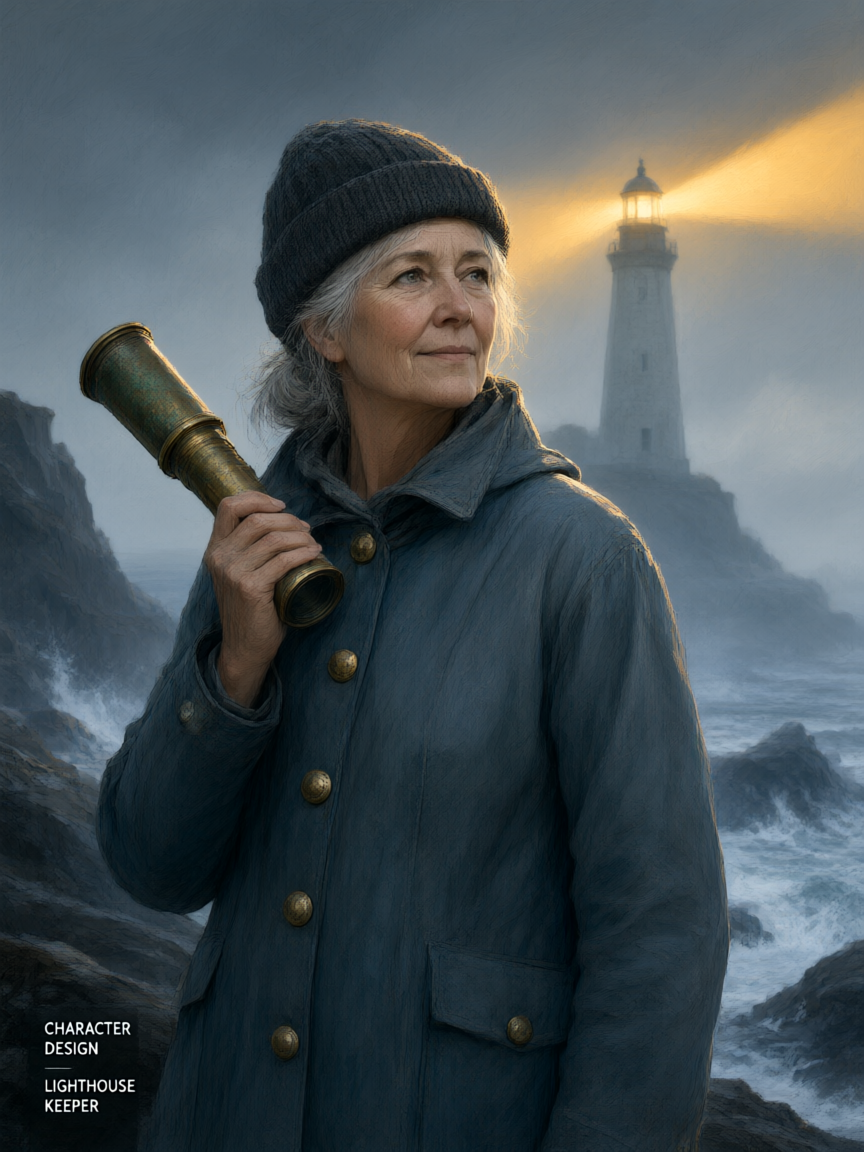
Half-body concept art portrait of a weathered lighthouse keeper in her sixties,
wearing a thick oilskin coat with brass buttons, silver hair pulled back under
a knit cap, deep laugh lines around calm gray eyes. She holds an old brass
telescope against her shoulder. Background is a soft-focus stormy coastline
with a lit lighthouse beam cutting through fog. Painterly digital illustration
style, textured brushwork, muted cold blue-gray palette with warm amber
lighthouse glow, dramatic rim lighting, 3:4 portrait framing.
Why this works: age, wardrobe, and prop details ("thick oilskin coat with brass buttons," "old brass telescope") give the model concrete objects to render instead of vague adjectives. Note the framing here — our first attempt asked for 4:5, which is not in the model's accepted aspect-ratio list and returned an unbilled 400. Switching to 3:4 (the nearest supported portrait ratio) fixed it on the next try.
4. Editorial architectural interior
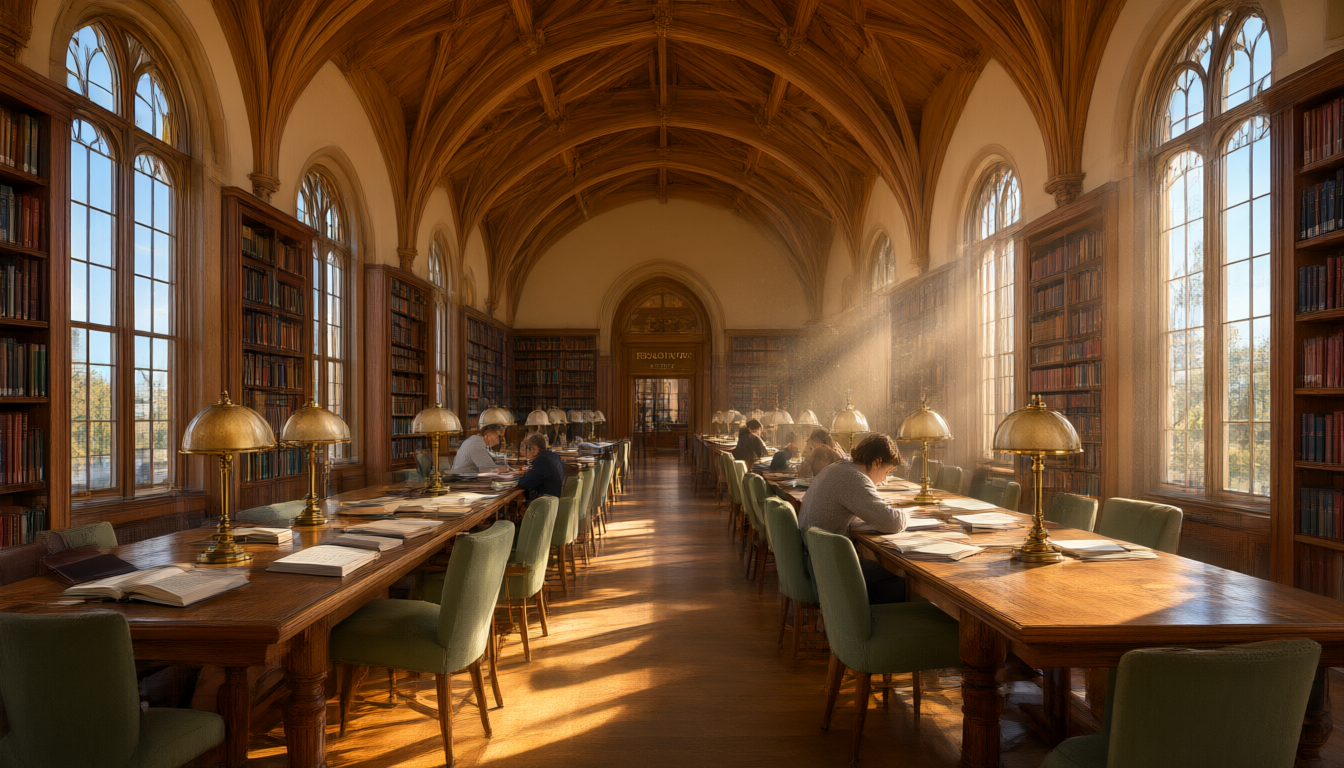
Wide architectural photograph of a sunlit university reading room with soaring
vaulted ceilings and rows of tall arched windows. Long oak tables run down the
center, each with a brass reading lamp, a few students studying quietly in
soft-focus. Dust motes float visibly in thick columns of afternoon light. Warm
honey-toned wood, muted sage green chairs, symmetrical one-point-perspective
composition, ultra-detailed textures, high dynamic range, 16:9 hero framing.
Why this works: naming the composition technique directly ("symmetrical one-point-perspective") is one of the more reliable levers for architectural and interior shots — it's a concrete instruction the model can follow, not just a mood word. 16:9 suits this as a wide editorial hero or blog header image.
5. Overhead food photography
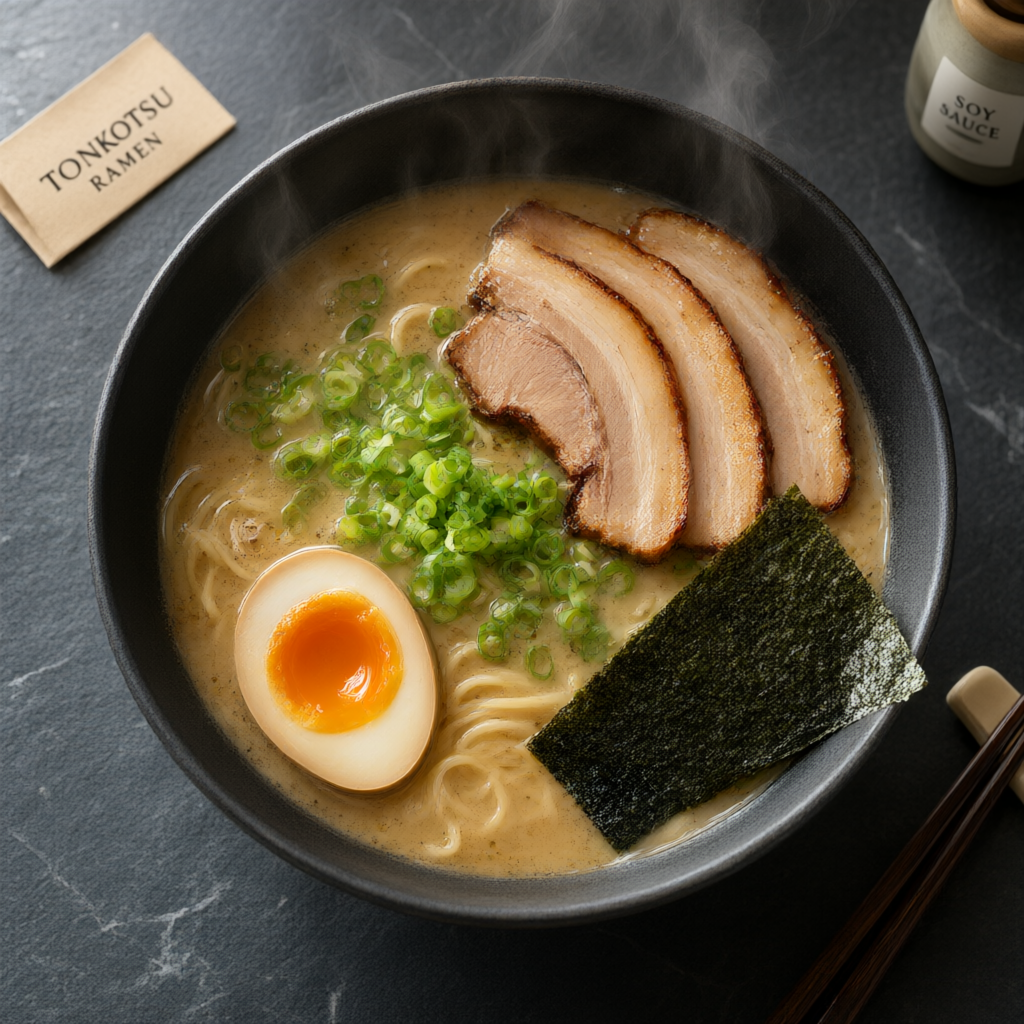
Overhead macro photograph of a steaming bowl of tonkotsu ramen on a dark slate
table, rich cloudy broth catching soft window light, glossy chashu pork slices
fanned across the top, a soft-boiled egg cut in half revealing a jammy yolk,
scattered scallions and a sheet of nori leaning against the bowl rim. Wisps of
visible steam rising. Chopsticks resting on a small ceramic rest beside the
bowl. Natural daylight, shallow depth of field at the edges, appetizing
editorial food styling, 1:1 square framing.
Why this works: food prompts benefit from layering texture words ("glossy," "jammy," "cloudy") on top of the plating details — that combination is what separates an appetizing render from a flat one. "Wisps of visible steam rising" is doing a lot of work here; steam is one of the more consistent details the model renders well.
6. Bilingual app-launch poster

Clean modern mobile app launch poster on a soft gradient background
transitioning from lavender to pale blue. A smartphone mockup floats slightly
tilted in the center-right, screen showing a simplified abstract app interface
with soft rounded cards. Large bold sans-serif headline text on the left reads
only the exact Chinese characters "轻装上阵" and directly below, in a smaller
weight, the exact English words "TRAVEL LIGHT". Minimal geometric shapes and
soft drop shadows around the phone for depth. Flat modern marketing design,
generous negative space, 9:16 vertical framing.
Why this works: same trick as recipe #1 — isolate the exact headline text in its own clause, and specify relative weight/size ("directly below, in a smaller weight") so the model gets the hierarchy right, not just the words. 9:16 matches how this would actually run as a mobile app-store or social promo asset.
Aspect ratios that actually work
qwen-image-3.0/text-to-image only accepts eight aspect ratios: 1:1, 3:2, 2:3, 4:3, 3:4, 16:9, 9:16, and 21:9. Anything outside that list — 4:5 and 5:4 are the two people most often reach for out of habit — comes back as an immediate 400 INVALID_REQUEST rather than a bad render, so you don't get billed for the mistake. If you're porting prompts from a model with a wider ratio list, map to the nearest supported value (4:5 → 3:4, 5:4 → 4:3) before you submit.
FAQ
Does qwen-image-3.0/text-to-image support image-to-image editing? This guide covers the text-to-image endpoint specifically. Check the model page for the current list of supported modes before you build a workflow around image editing.
How much does each image cost? $0.0358 per image on the task endpoint at the time of writing. Pricing can change, so confirm the current number on hiapi's pricing page before estimating costs at scale.
Why did my request return a 400 instead of an image?
The most common cause is an unsupported aspect_ratio value — see the section above for the exact accepted list. The API rejects the request before generation starts, so a 400 here doesn't cost you anything.
Can I mix Chinese and English text in one image? Yes — recipes #1 and #6 above both do this. Quote each language's exact text in its own clause rather than one combined phrase, and always proofread the render before using it in anything public-facing.
Try it yourself
All six prompts above are ready to copy into your own request. Start from the quickstart guide to make your first call, or head to the qwen-image-3.0/text-to-image model page for the full parameter reference.