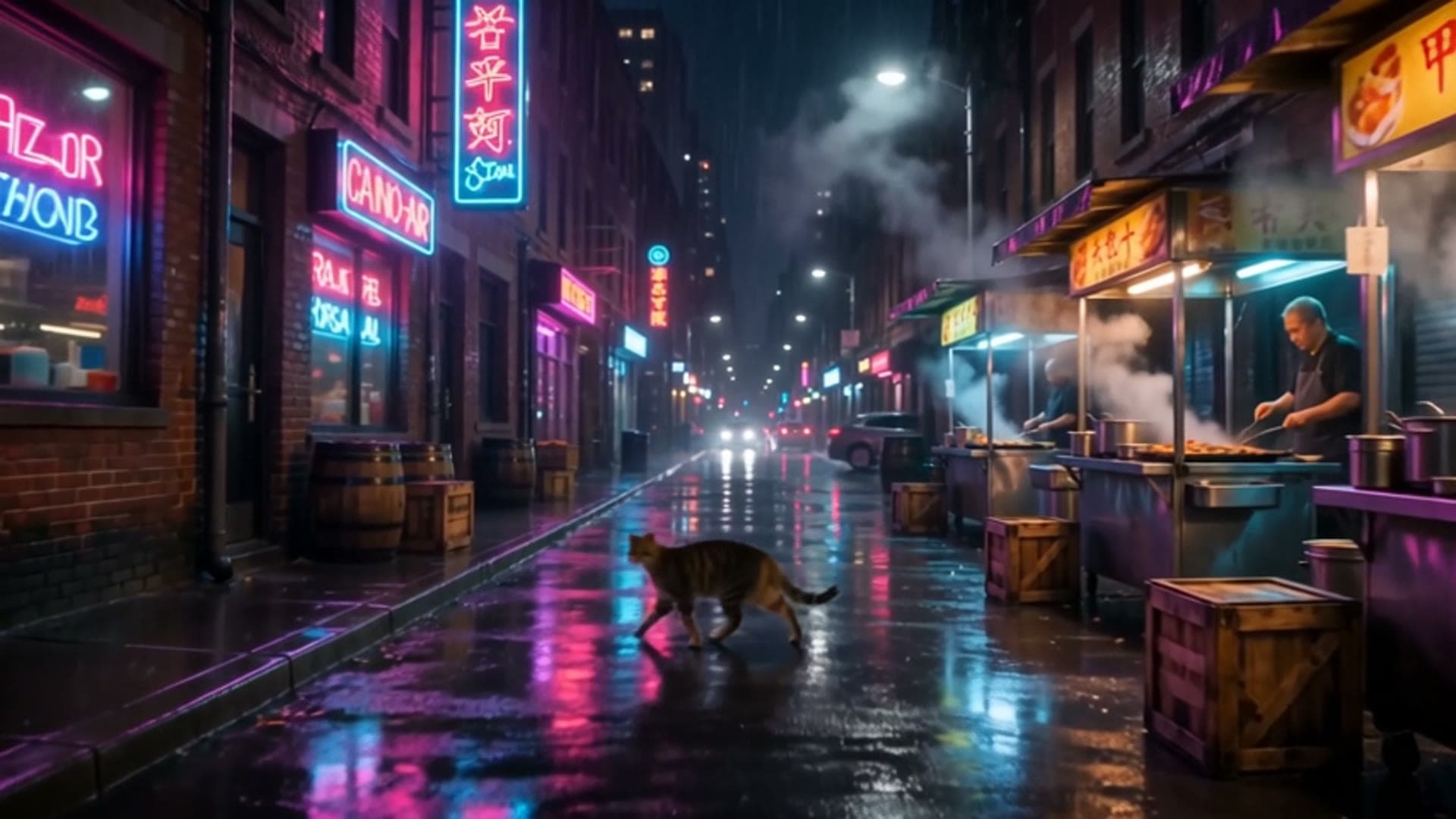
Six FLUX.3 Image prompts with real outputs, each ready to copy. FLUX.3 Image is live on HiAPI: click any "Generate" link and the model page opens with the prompt filled in. New accounts get 200 free credits.
1. E-commerce product shot
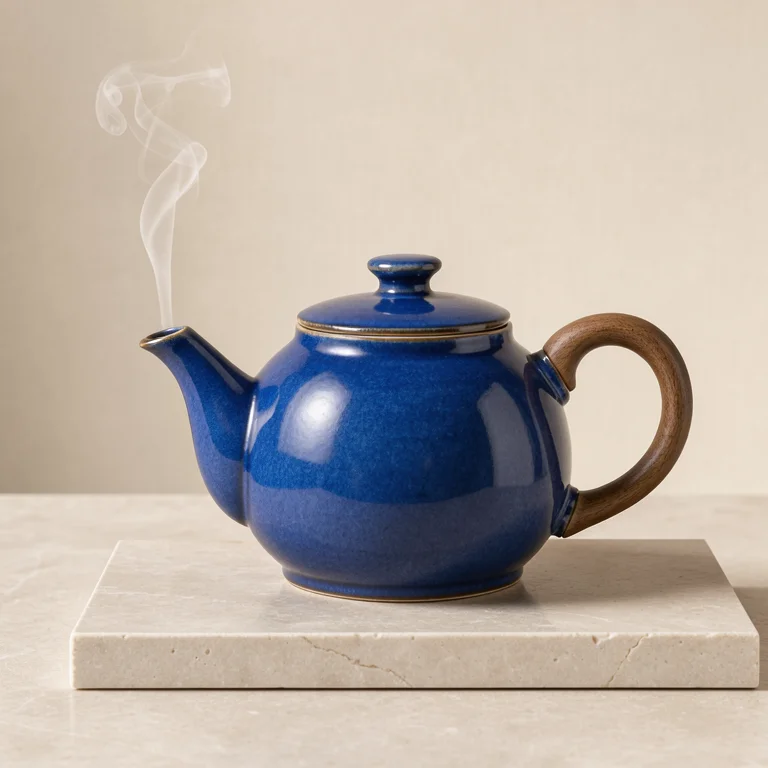
Studio product photograph of a sculptural cobalt blue ceramic teapot with a
walnut handle on pale limestone, soft side light, a single thin curl of steam,
warm ivory backdrop, precise material detail, no lettering.
Generate with this prompt → (768, 1:1)
flux-3-image, 768, 1:1, $0.041.
Name the materials (cobalt glaze, walnut, limestone) and the light direction. That gets steadier results than words like "premium".
2. Interior design proposal
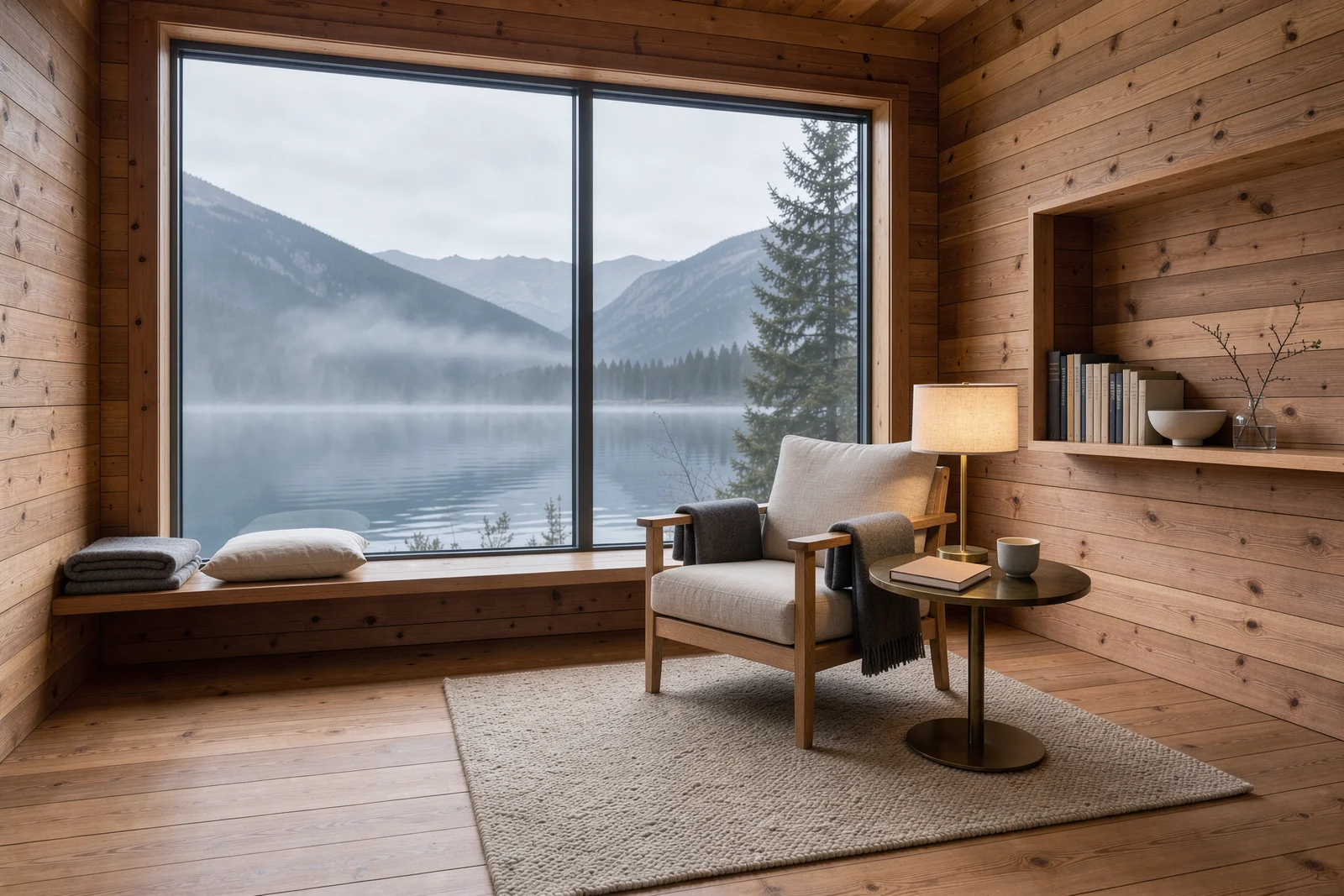
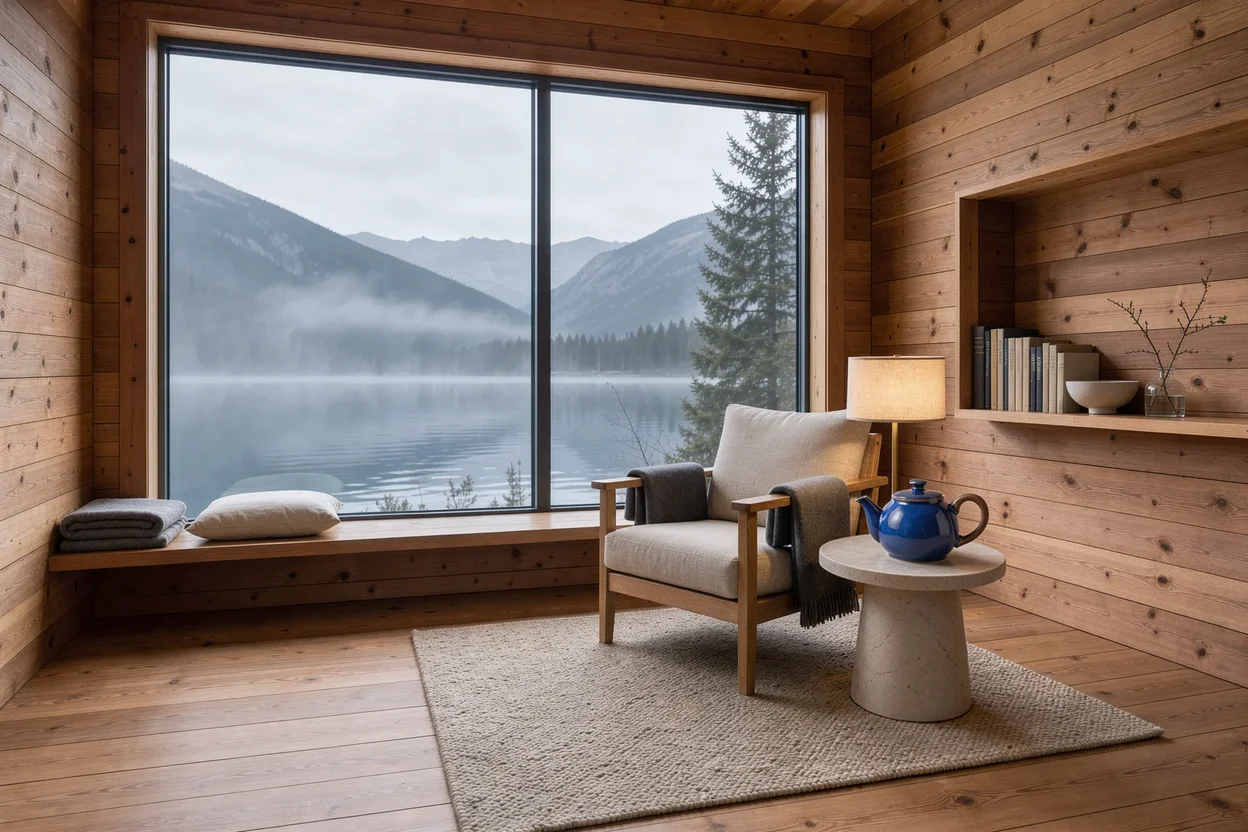
Architectural interior photograph of a cedar alpine reading cabin,
floor-to-ceiling window opening onto a misty mountain lake, linen armchair and a
small brass lamp, warm wood grain, quiet morning atmosphere, restrained
Scandinavian design, no text.
Generate with this prompt → (1.5K, 3:2)
flux-3-image, 1.5K, 3:2, $0.07.
List the furniture by name and give the time of day. 3:2 leaves room for the window and the room together.
3. City-at-night header image
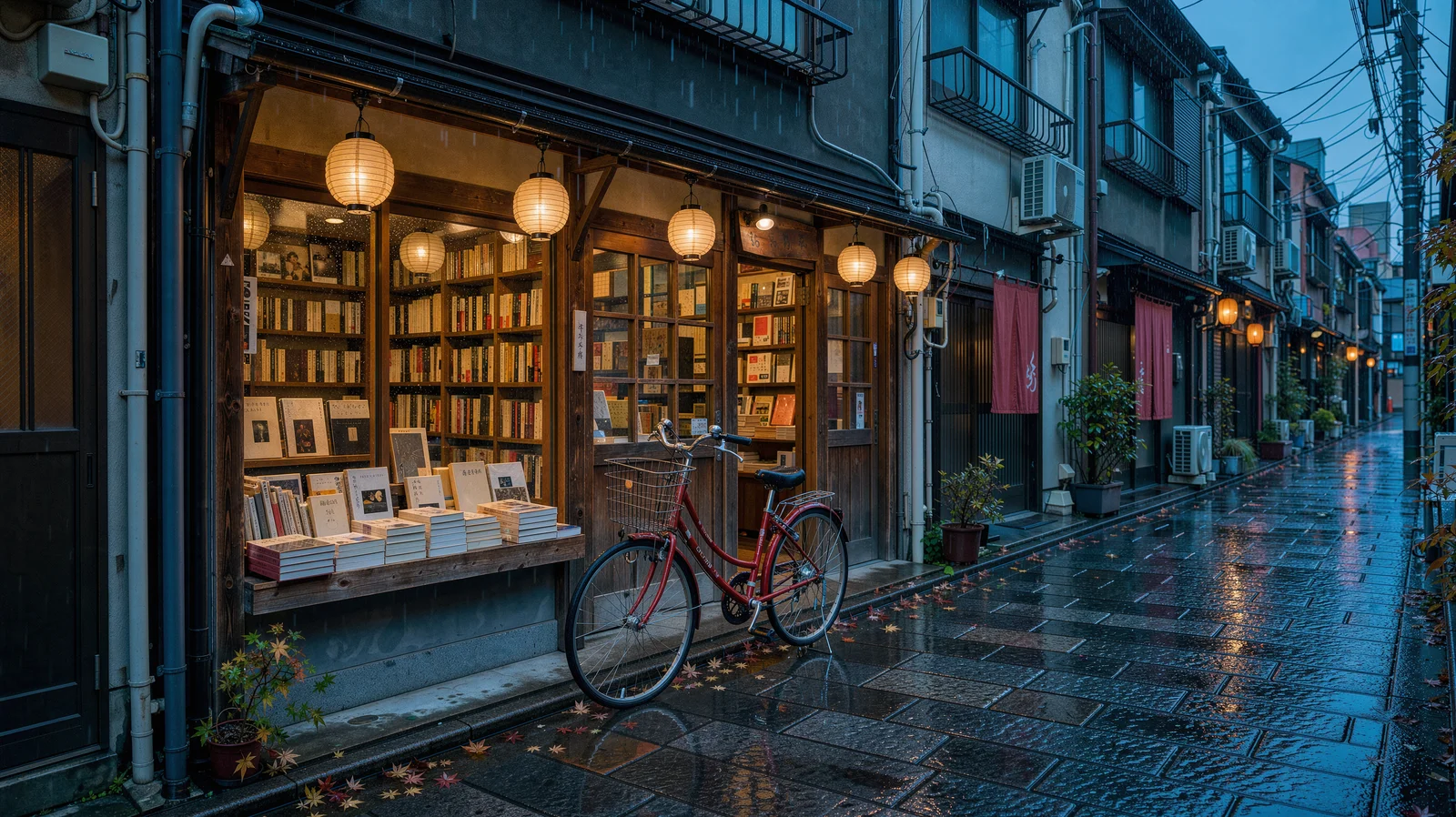
A cinematic rainy Tokyo side street at blue hour, a small independent bookstore
with warm amber windows and a red bicycle outside, glossy cobblestones
reflecting teal and vermilion light, delicate paper lanterns, no readable signs,
editorial architectural photography.
Generate with this prompt → (2K, 16:9)
flux-3-image, 2K, 16:9, $0.10.
"No readable signs" keeps the street clean of lettering, so the image works as a header under any title. A single red object (the bicycle) gives the eye a place to land.
4. Print-ready illustration at 4K
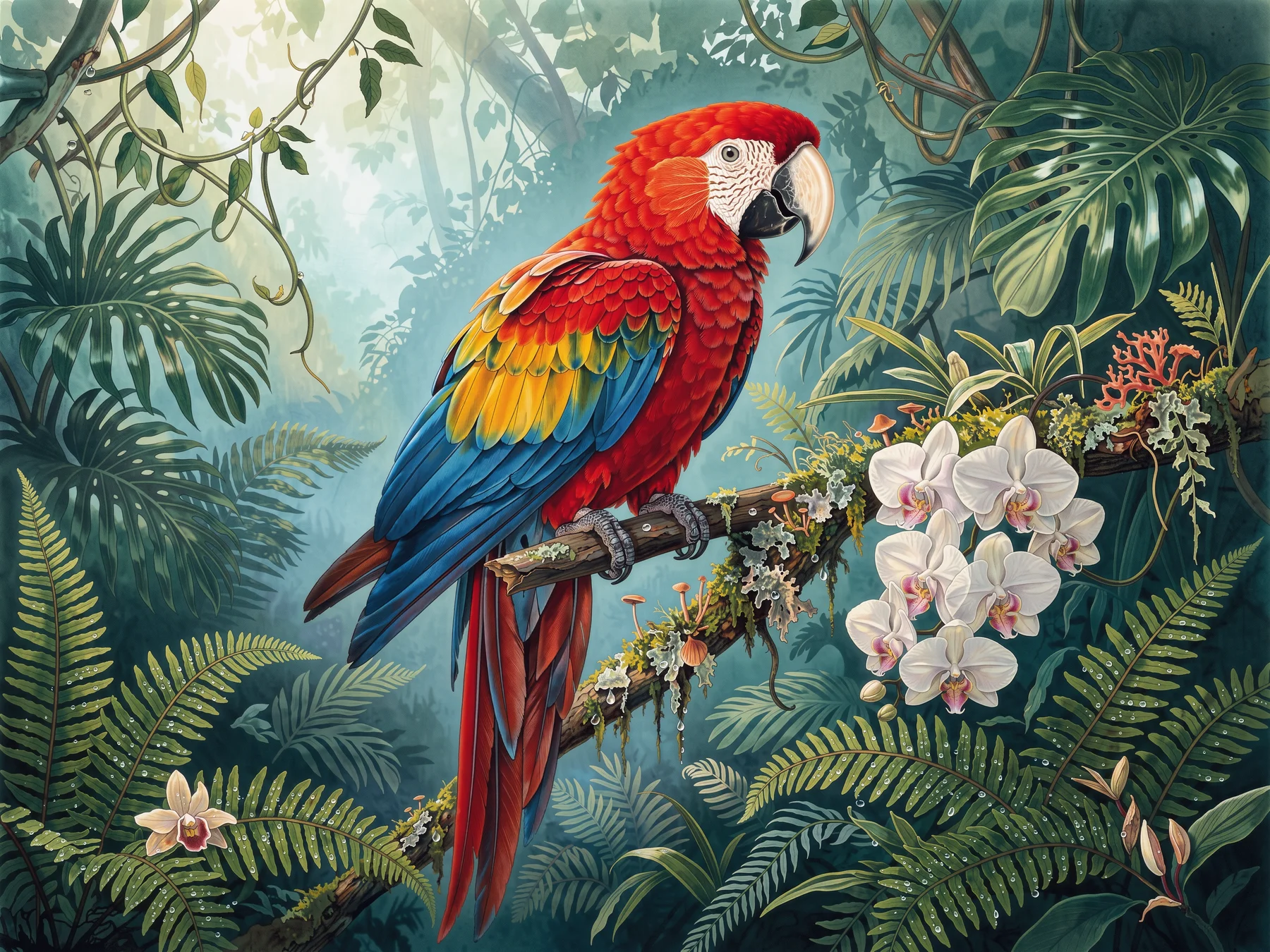
Large-format botanical editorial illustration, a jewel-toned scarlet macaw
perched on a mossy branch amid ferns and orchids in a deep emerald rainforest,
dew droplets and luminous mist, intricate feather detail, elegant spacious
composition, no typography.
Generate with this prompt → (4K, 4:3)
flux-3-image, 4K, 4:3, $0.607.
Run it at 1K first ($0.048), and switch to 4K once the composition is right. "Spacious composition" leaves room to crop for print.
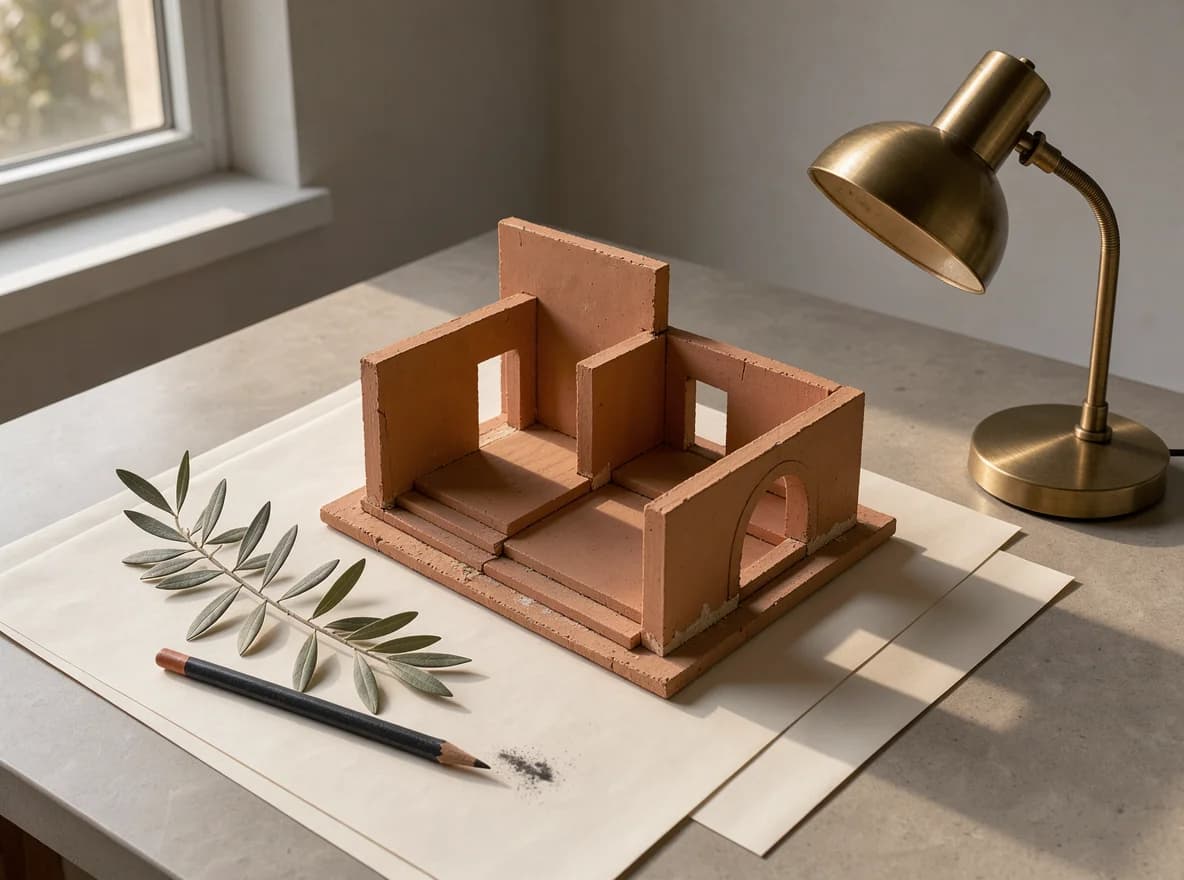
5. Design-magazine still life
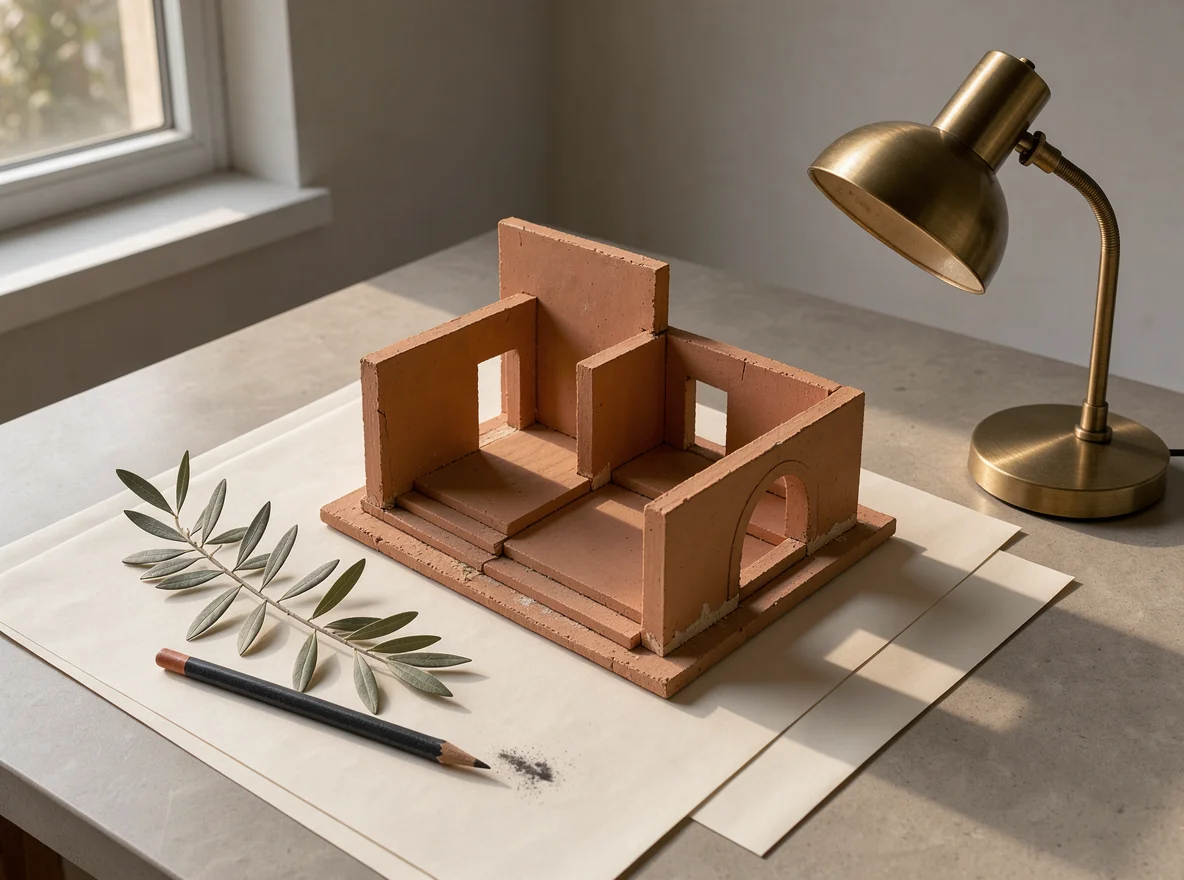
A refined still life photograph of a miniature terracotta architectural model
on ivory paper, a warm brass desk lamp, a sprig of olive leaves and a charcoal
pencil, precise shadows and soft late-afternoon sunlight, restrained
design-magazine composition, no text.
Generate with this prompt → (1K, 4:3)
flux-3-image, 1K, 4:3, $0.048.
Four named objects and one light source are enough for a magazine-style still life. "Restrained" keeps the model from adding props.
6. Three references, one product scene
Subject from Image 1, setting from Image 2, palette from Image 3:
Create a refined product photograph. Use the cobalt blue ceramic teapot and
walnut handle from Image 1 as the main subject, place it on a pale stone side
table inside the cedar reading cabin from Image 2. Borrow only the subtle teal
and amber lighting palette from Image 3. Preserve the teapot shape and glaze,
keep the lake window visible in the background, realistic scale, no lettering.
Open the model page with this prompt → (upload your three images, 3:2)
flux-3-image, three references, 3:2, $0.048.
Give each reference one job and say what not to take from it ("only the palette"). List what must stay unchanged: shape, glaze, window.
Writing tips in three lines
- Subject, materials, light, composition, exclusions, in that order. One sentence each is enough.
- Name things: "brass desk lamp" beats "a lamp". Put exclusions at the end ("no text", "no readable signs").
- Lock the prompt at 1K, then raise
resolution. The prompt stays the same; only the price changes.
Pricing for every tier is in FLUX.3 Image API pricing, and code in the FLUX.3 Image API guide. Copy the product-shot prompt above and generate your first image.