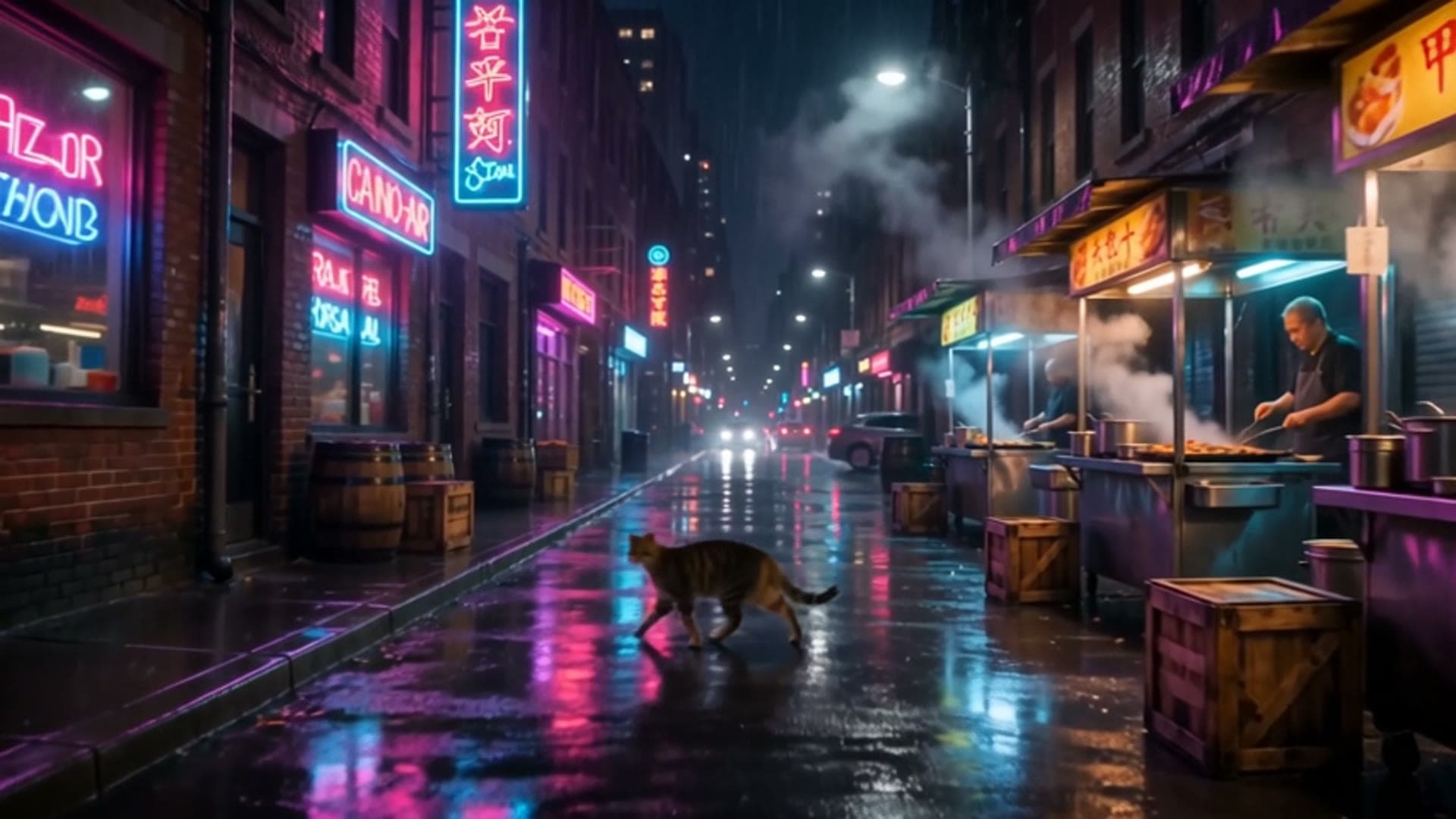
Five Muse Image prompts with real outputs: three from text, two edits. Each costs $0.015 and is ready to copy. Muse Image is live on HiAPI: click any "Generate" link and the model page opens with the prompt filled in. New accounts get 200 free credits.
1. Product ad with a brand word
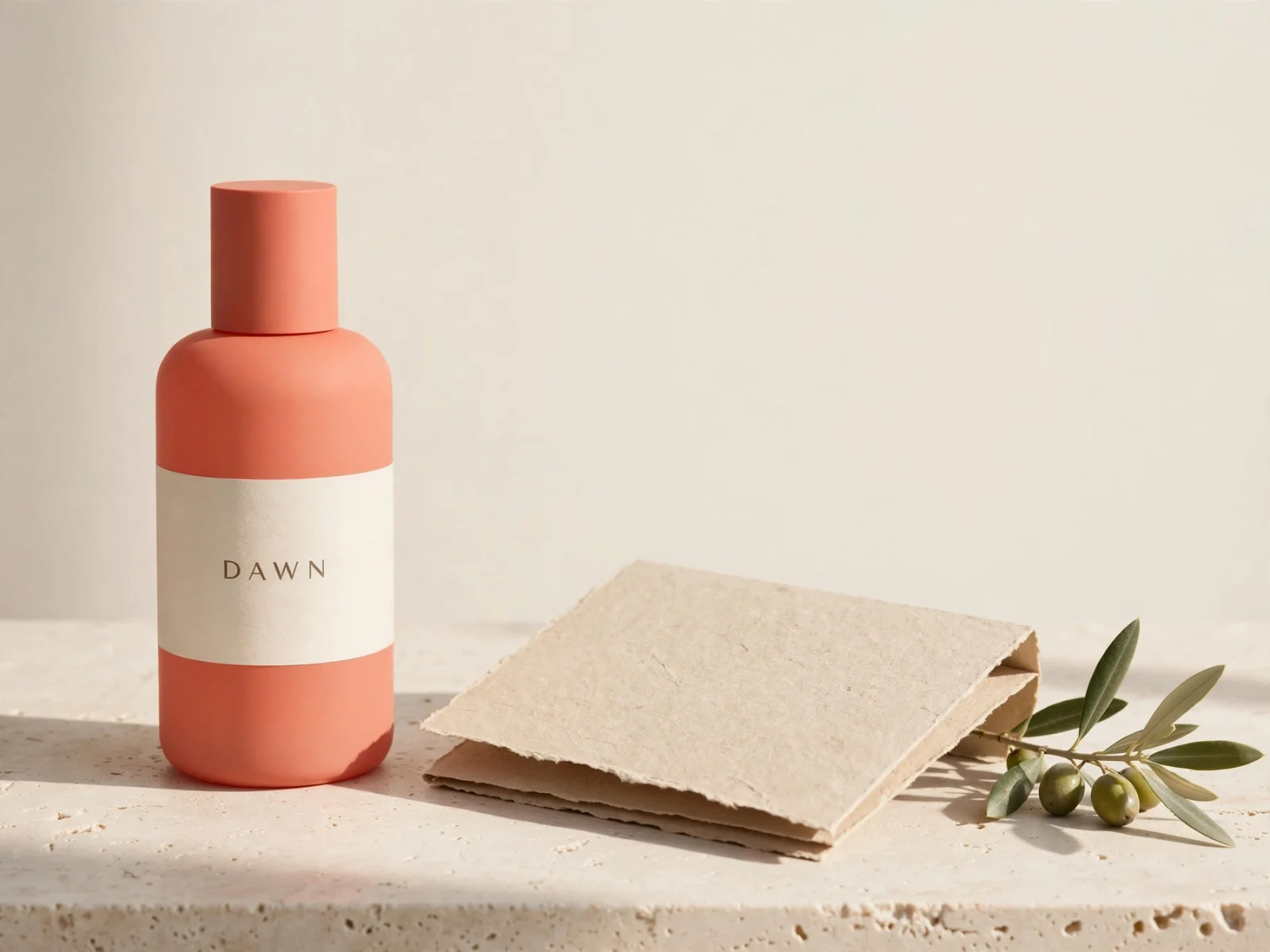
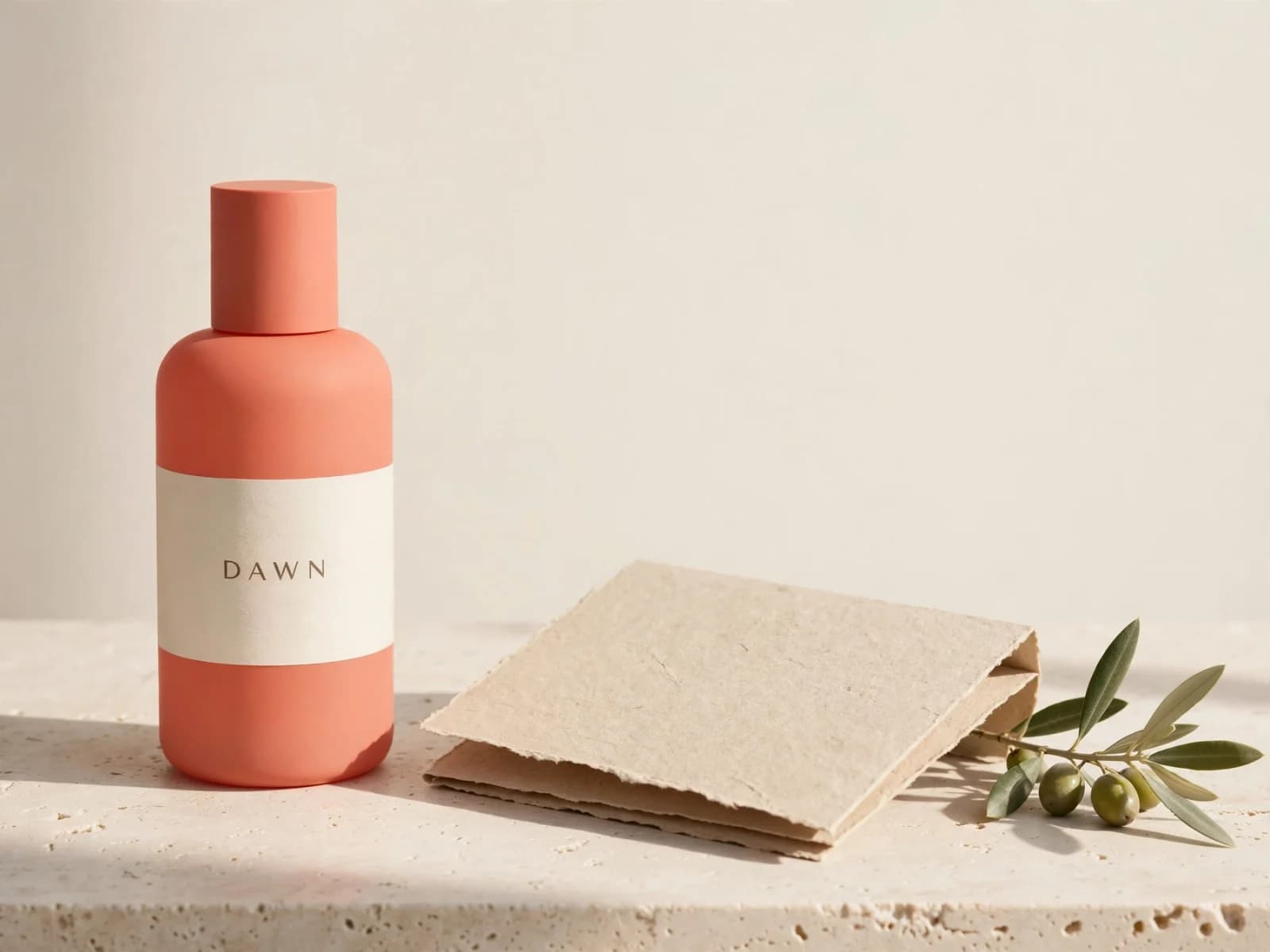
Premium skincare campaign photograph of a matte coral glass bottle with a cream
label reading DAWN, a folded sandstone paper panel and a delicate olive branch
on pale travertine, soft morning side light, restrained editorial styling, crisp
material texture, generous cream negative space, no other text.
Generate with this prompt → (4:3)
muse-image-1.0/text-to-image, 4:3, $0.015.
Put the brand word in the prompt exactly as it should appear ("reading DAWN"), then add "no other text" so nothing else shows up. "Generous negative space" leaves room for your headline.
2. Picture-book illustration
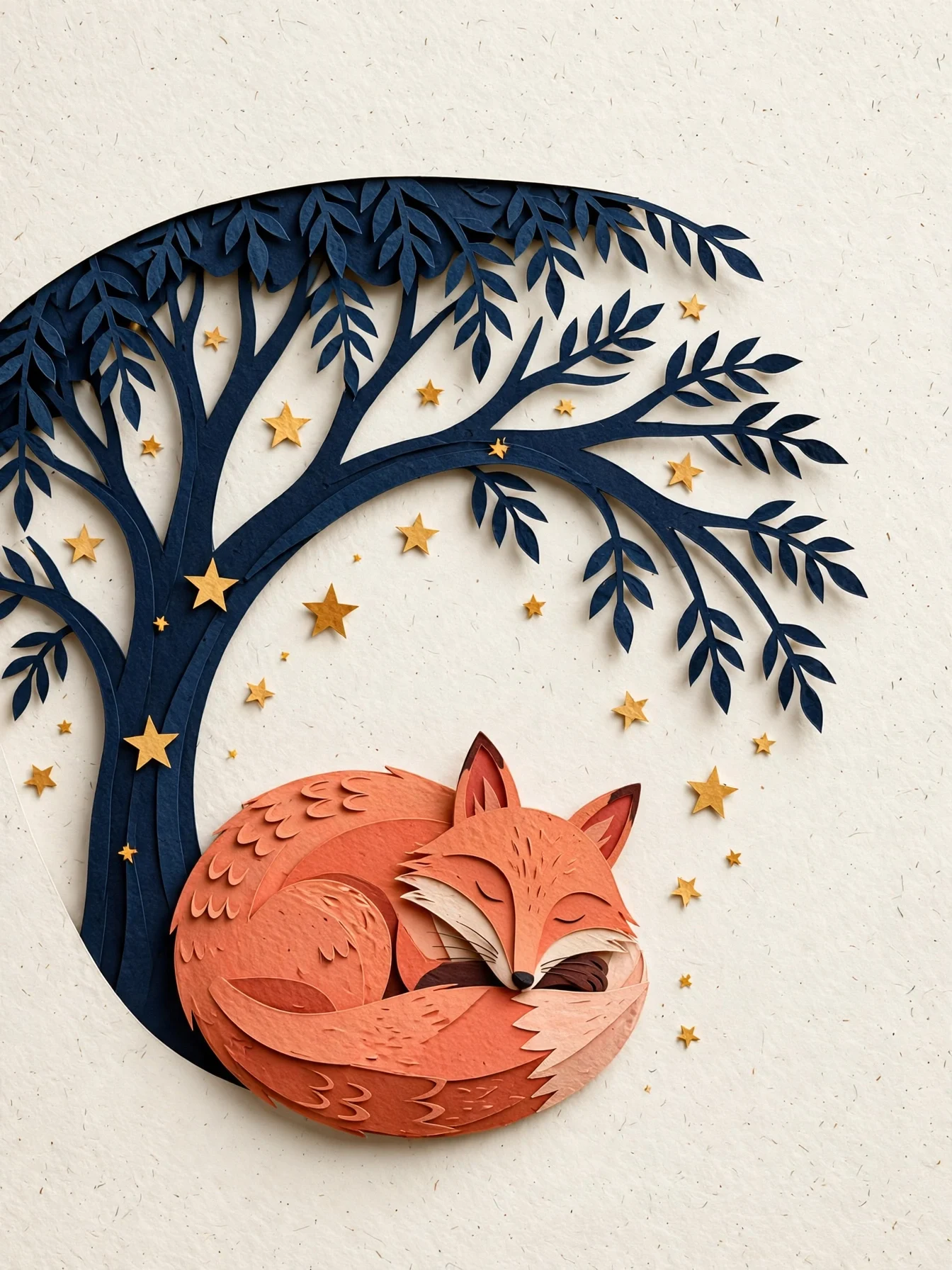
Editorial paper-cut illustration of a coral fox curled beneath a midnight-blue
tree, scattered warm stars, layered tactile paper edges, clear silhouette and
generous negative space, quiet book-cover composition, no text.
Generate with this prompt → (3:4)
muse-image-1.0/text-to-image, 3:4, $0.015.
Name the medium ("paper-cut", "layered tactile paper edges") and the use ("book-cover composition"). 3:4 fits book covers and portrait cards.
3. One prompt, two placements: article header and web banner
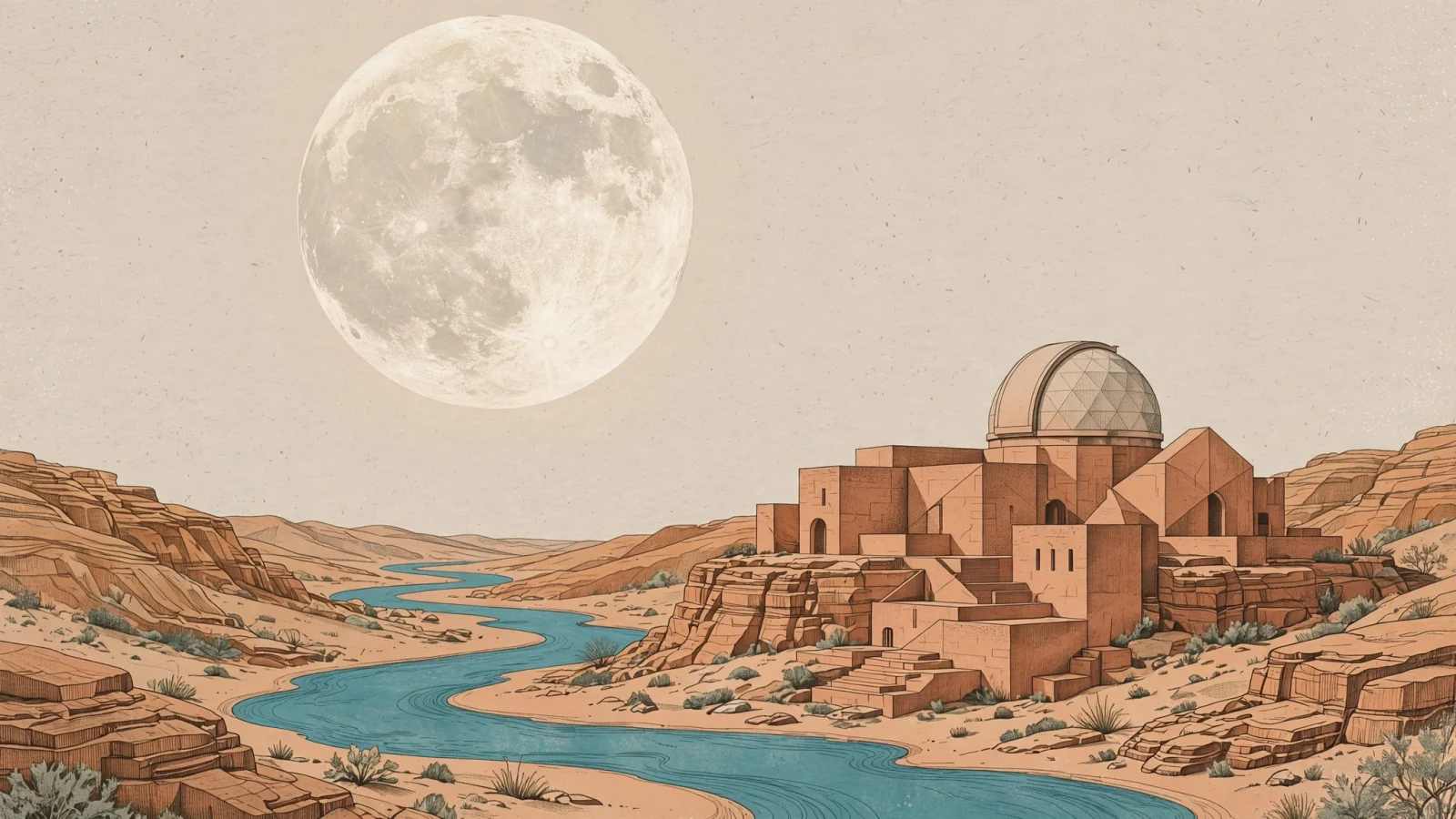
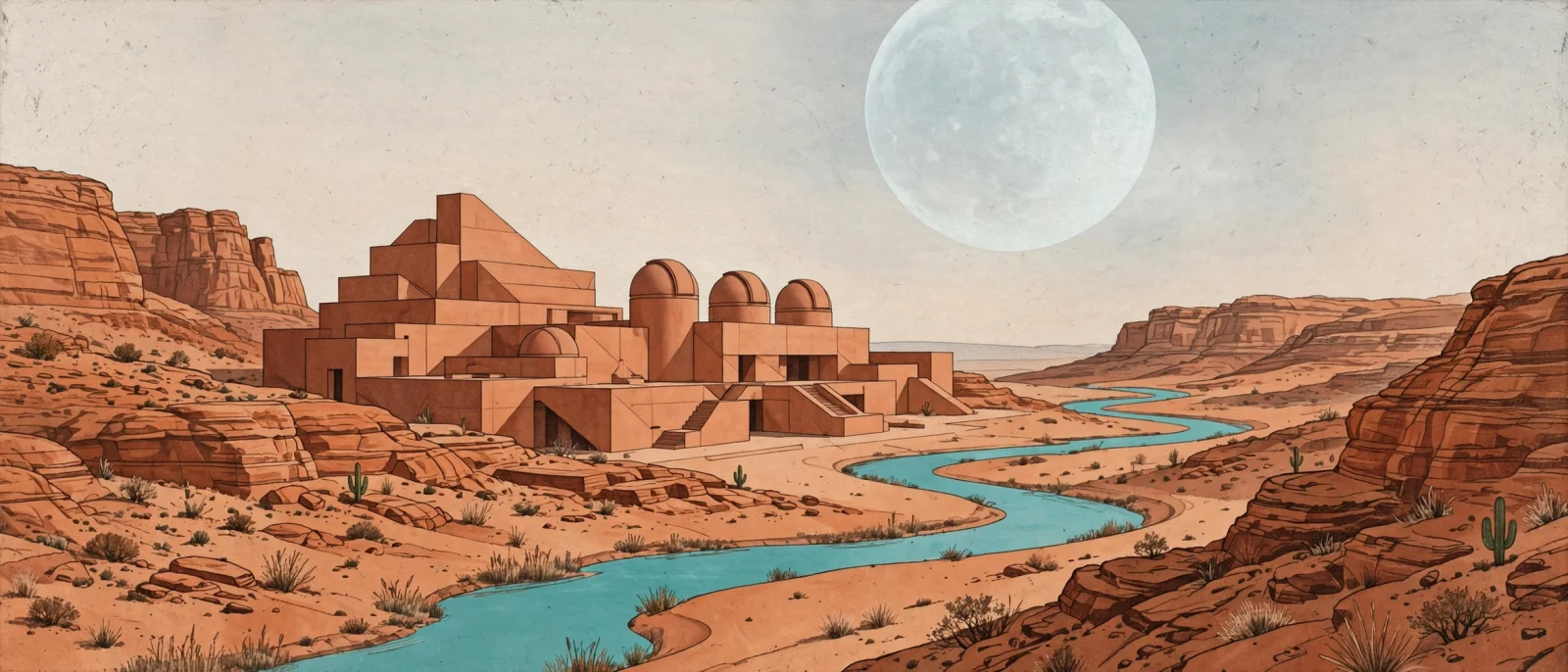
A sophisticated editorial illustration of a terracotta desert observatory with
an oversized pale moon and a winding turquoise river, warm sandstone textures,
geometric architectural forms, subtle paper grain, carefully balanced negative
space, no text.
Generate with this prompt → (16:9 or 21:9)
muse-image-1.0/text-to-image, 16:9 and 21:9, $0.015 each.
Keep the prompt and change only aspect_ratio. Each ratio is generated fresh with its own composition, not cropped from the other: 16:9 for article headers and video covers, 21:9 for web banners.
4. Turn a day illustration into a night poster
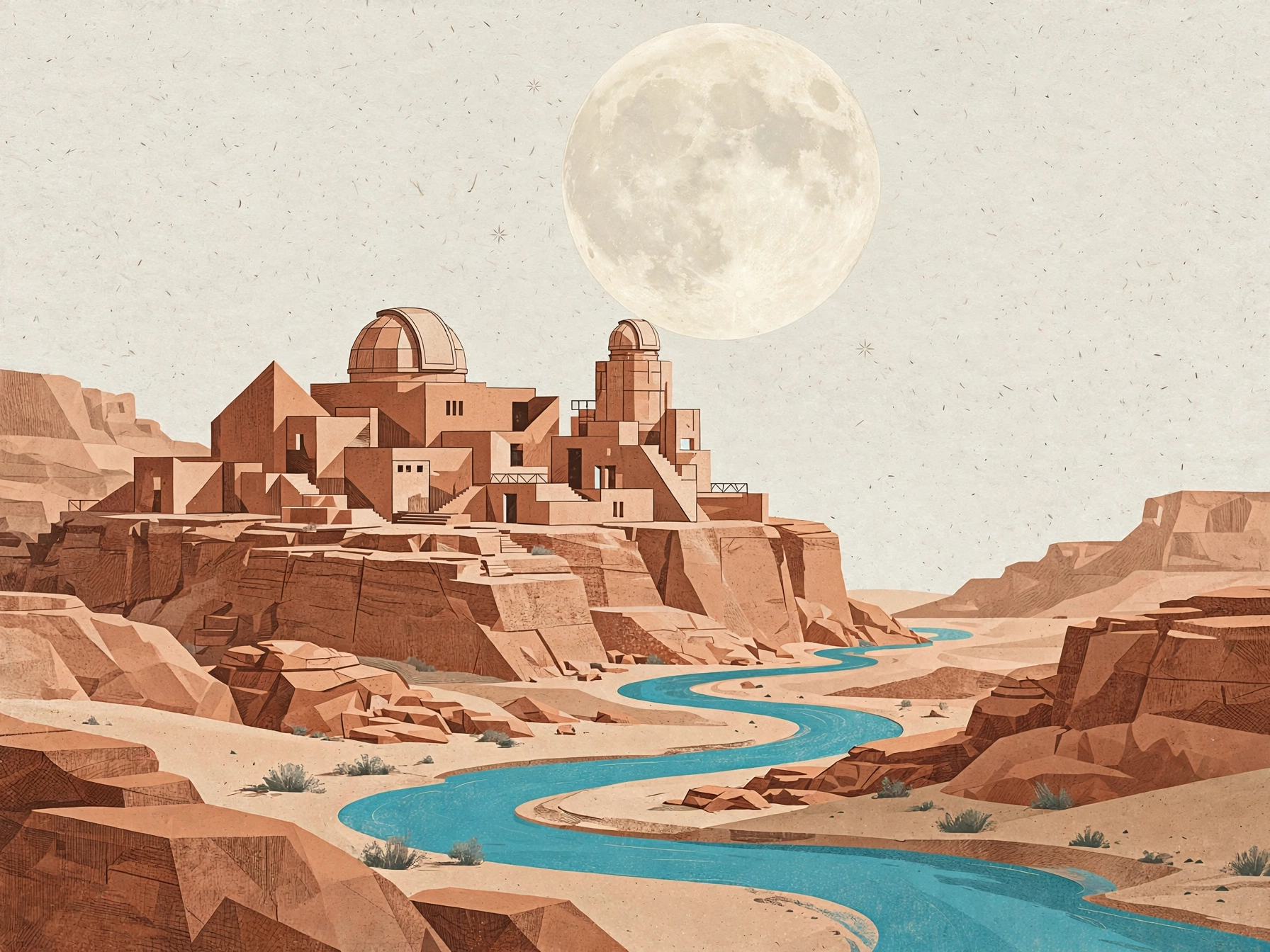
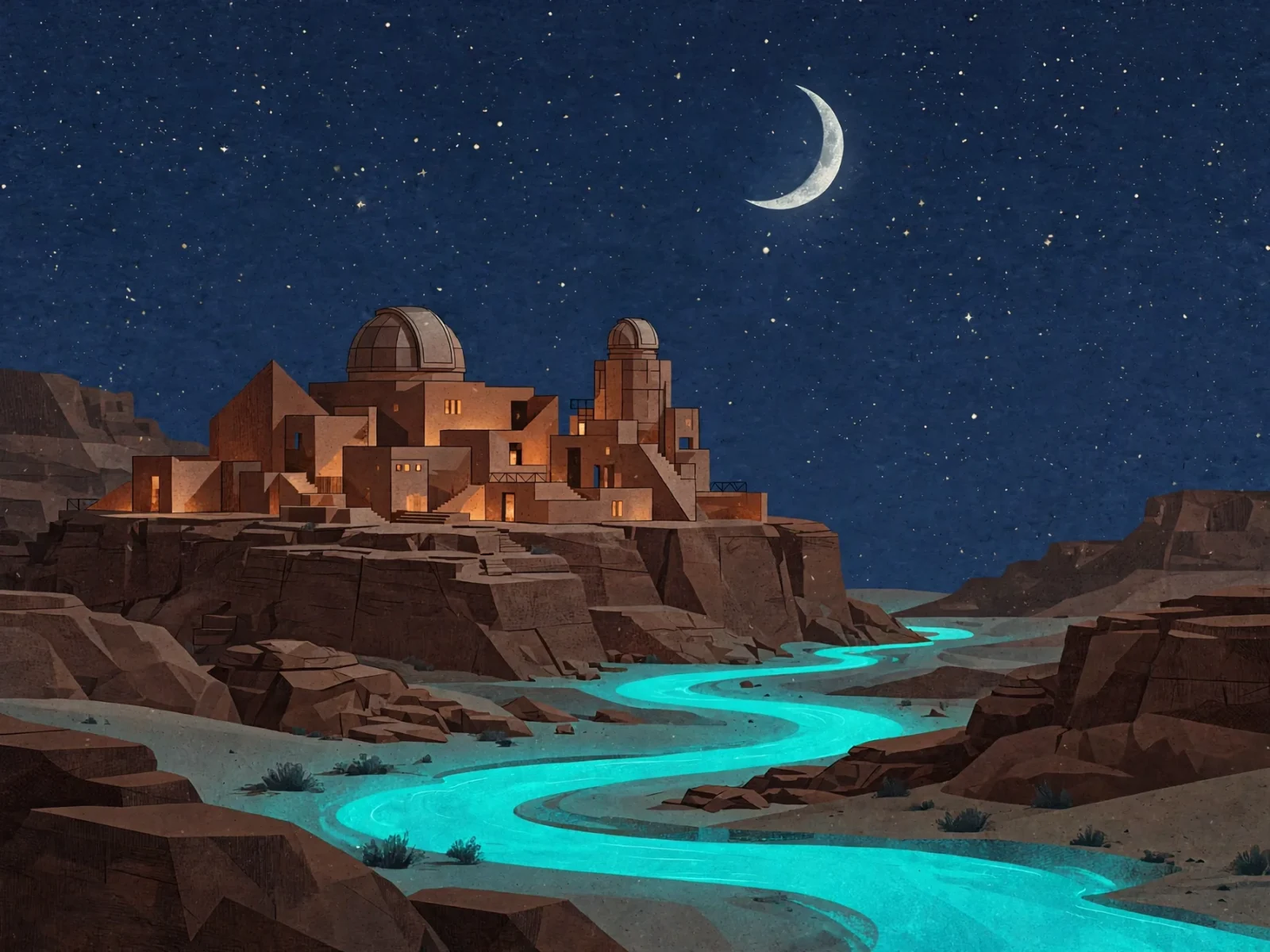
Transform the reference illustration into a nocturnal travel poster artwork.
Preserve the terracotta observatory dome, geometric building forms and winding
river. Change the sky to deep indigo with a silver crescent moon and a few tiny
stars, illuminate the windows with soft warm amber light, make the river glow
turquoise, retain the tactile paper grain and clear architectural silhouette,
no text.
Open the editing page with this prompt → (upload your image, 4:3)
muse-image-1.0/image-to-image, one reference, 4:3, $0.015.
Write it in two parts: what to keep (dome, buildings, river), then what to change (sky, moon, windows, river glow). Useful for a destination, hotel, or event that needs day and night versions of one artwork.
5. Combine two images into a travel poster
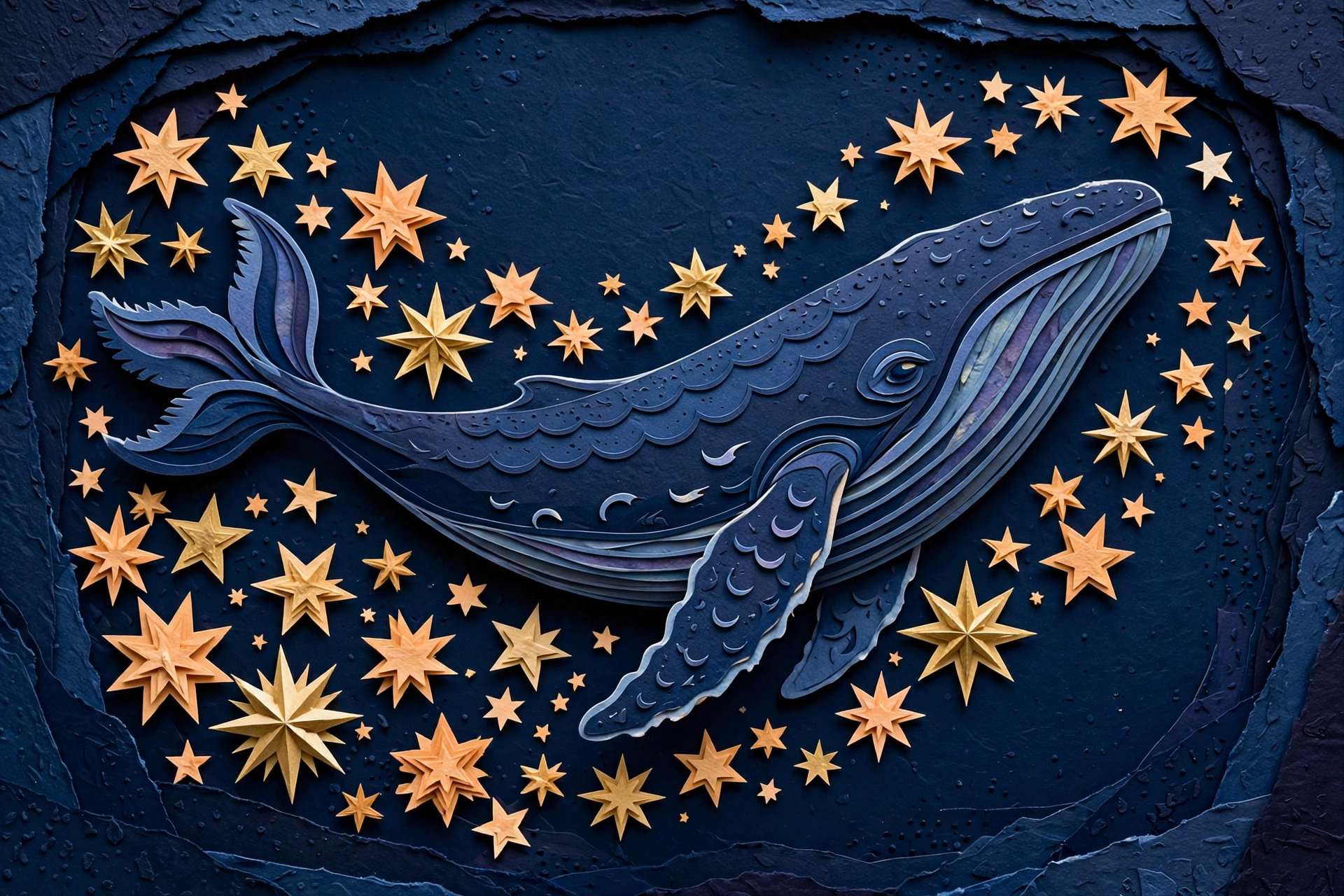
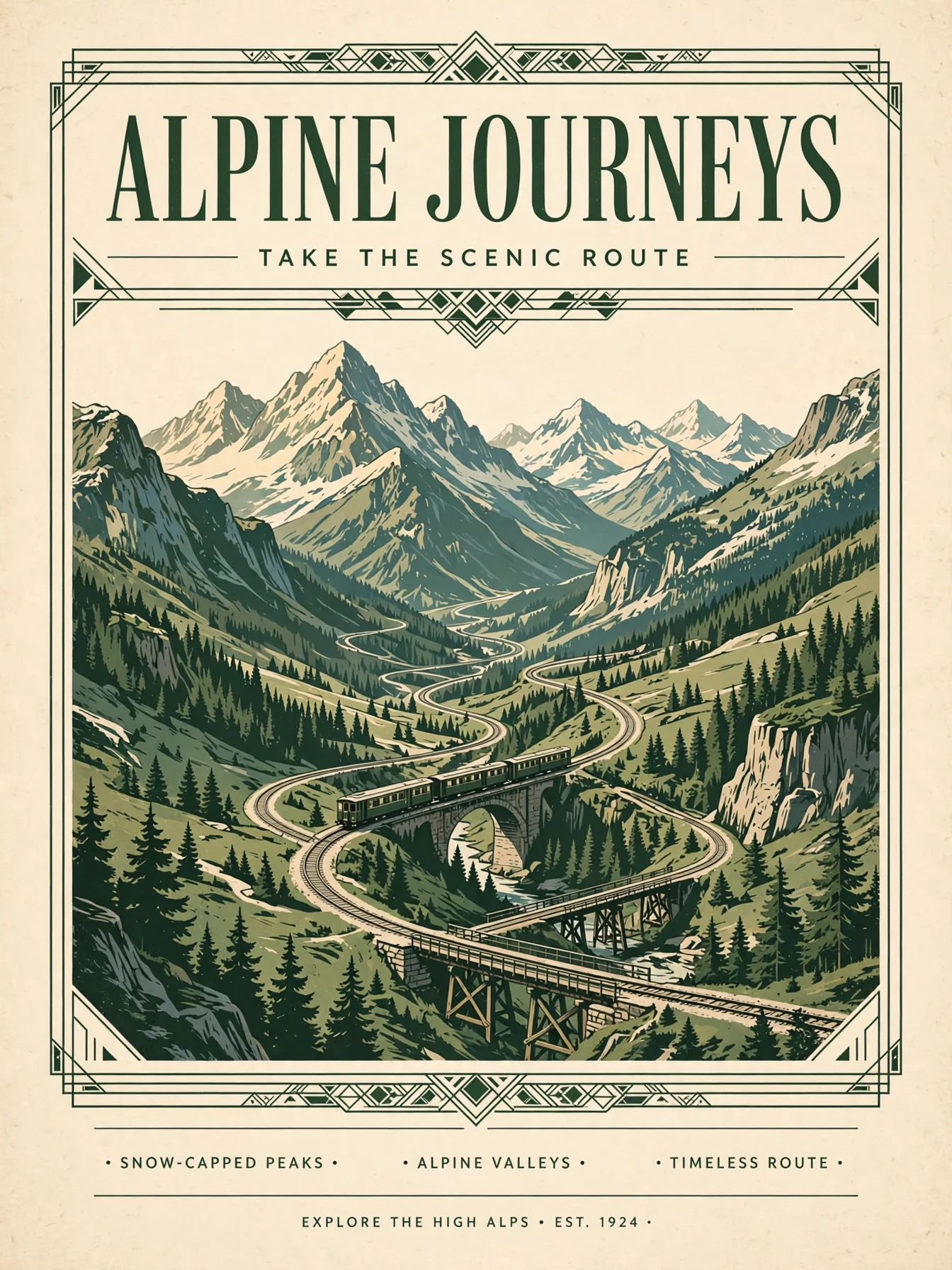
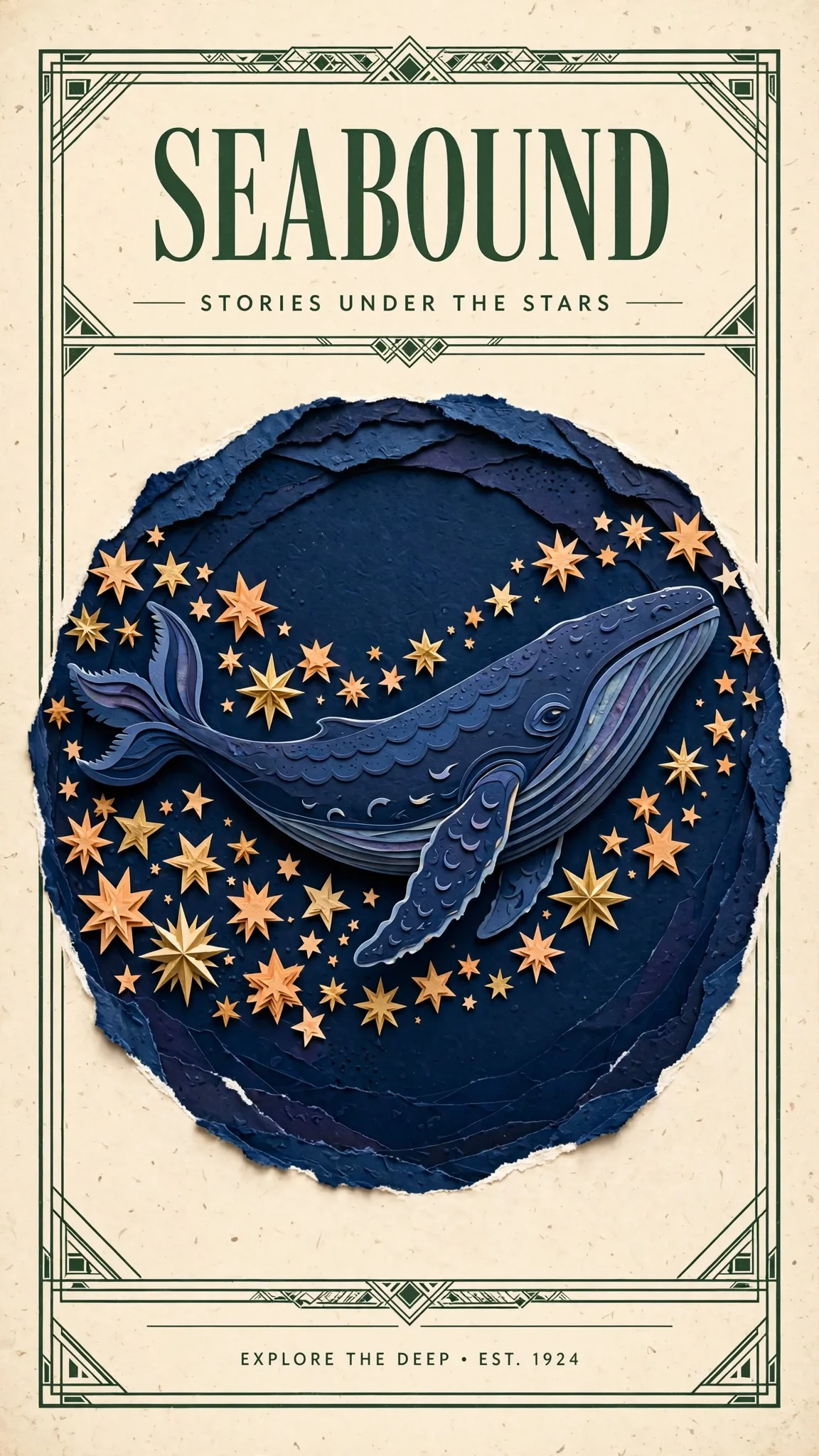
Design a polished illustrated travel poster using the indigo whale and warm
stars from Image 1 as the central artwork. Borrow the cream paper, forest-green
framing and clean heading hierarchy from Image 2. Replace all old poster text
with a single large heading SEABOUND at the top and the smaller line STORIES
UNDER THE STARS below. Keep the whale recognizable, use balanced spacing and
delicate layered paper detail.
Open the editing page with this prompt → (upload your two images)
muse-image-1.0/image-to-image, two references, $0.015.
Give each image one job, then say what happens to the old text ("replace all old poster text with…"). Spell every word of the new copy in capitals and give its position. Check the result word by word: this one added a footer line, "EXPLORE THE DEEP · EST. 1924", that the prompt didn't ask for. End with "no other text" to keep extra lines out.
Writing tips in three lines
- Subject, medium, light, layout, exclusions. Muse handles layout words well, so ask for negative space and placement directly.
- Choose
aspect_ratiofor the placement, not afterwards. Each ratio gets its own composition. - For edits, list what stays before what changes, and give every reference image a role.
Pricing is in Muse Image API pricing, and code for both entries in the Muse Image API guide. Copy the skincare prompt and generate your first image.