FLUX.3 Video (flux-3-video on hiapi) covers three things a short-form workflow needs from one model id: vertical 9:16 output, a soundtrack generated alongside the picture, and video continuation that picks up from the last frame of an existing clip. This guide uses those three features on one small job, a 10-second vertical clip for a late-night ramen shop. A cheap draft checks the concept, the final is rendered at 720p, and the shot is then extended past 5 seconds by continuation. Every clip below is real, unedited API output, and every price comes from hiapi's live pricing table.
For the full parameter reference and first-request walkthrough, see the FLUX.3 Video API guide. If you want separate endpoints for image-to-video and keyframes at a lower per-second price, the FLUX 3 Max short-form workflow covers that model. This article is about what flux-3-video adds: audio, draft previews and continuation.
The workflow in three calls
| Step | What it does | Key fields | Price (per second) | Cost for 5 s |
|---|---|---|---|---|
| 1. Draft | Checks whether the prompt reads as intended | draft: true | $0.09 | $0.45 |
| 2. Final | Renders the clip you will post | resolution: "720p" | $0.25 | $1.25 |
| 3. Extend | Continues the final clip for 5 more seconds | start_video + draft: true | $0.18 | $0.90 |
All three use the same model id and the same request shape on the async task endpoint. The total for this run was $2.60 for a 10-second vertical clip with sound. At 1080p, rates rise to $0.42/s for a normal render and $0.76/s for continuation, and a non-draft 720p continuation is $0.59/s. Current rates are on the flux-3-video model page and the pricing page.
Step 1 and 2: draft and final, submitted as one batch
The prompt describes the shot in one sentence block and the sound in a separate Audio: line. With generate_audio: true the model returns one .mp4 with an AAC track embedded, not a separate audio file.
{
  "model": "flux-3-video",
  "input": {
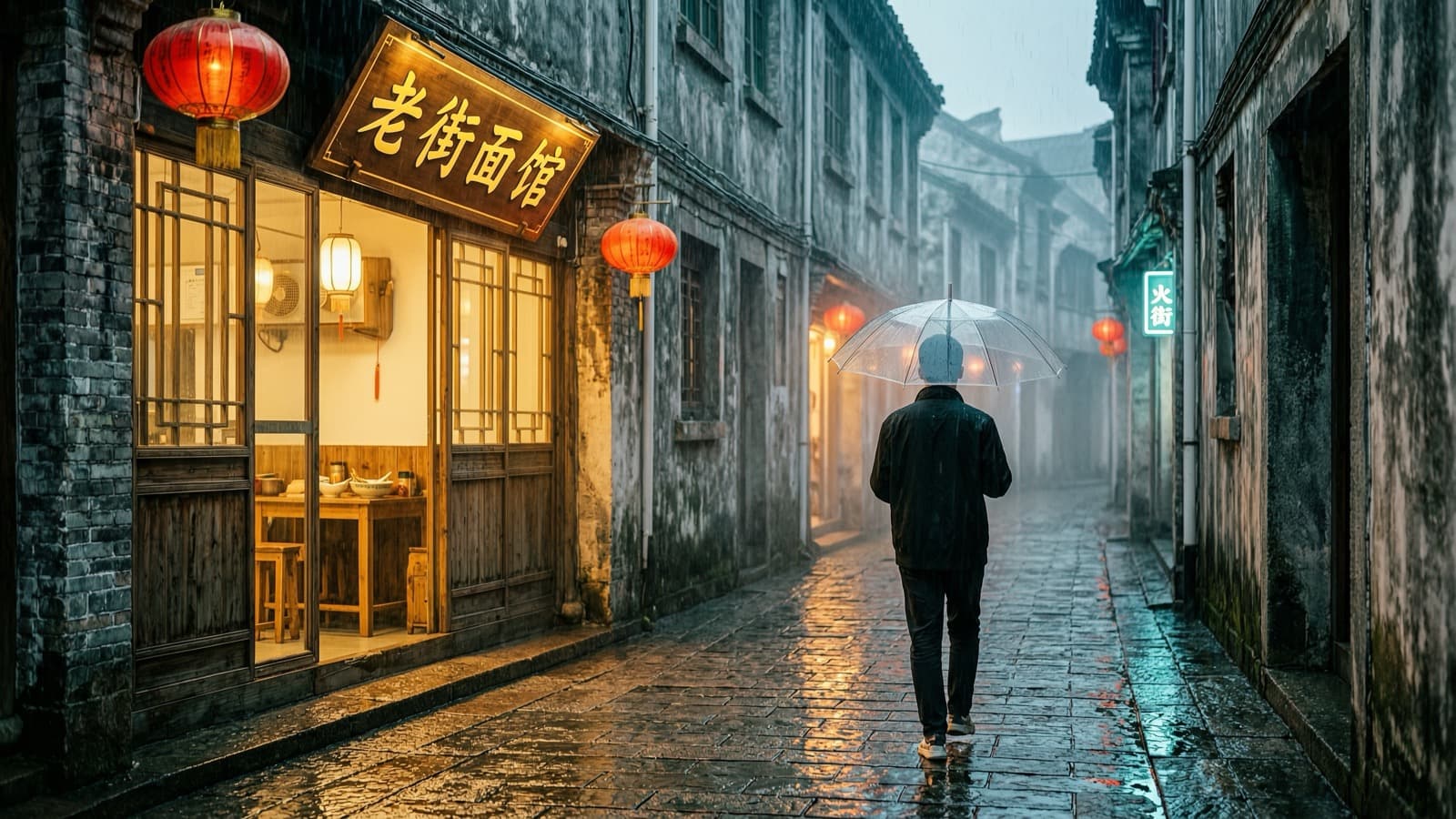
    "prompt": "Vertical handheld shot at night: steam rises from a bowl of tonkotsu ramen as chopsticks lift glossy noodles toward the camera, a tiny six-seat ramen counter behind, warm paper lanterns, rain streaking the window, shallow depth of field. Audio: broth simmering, a soft slurp, rain on glass, low chatter.",
    "duration": 5,
    "resolution": "720p",
    "aspect_ratio": "9:16",
    "draft": true,
    "generate_audio": true
  }
}
The final request is the same body without "draft": true. Both were submitted back to back. Neither request waits for the other, because each call returns a taskId immediately:
| Draft | Final 720p | |
|---|---|---|
| Created → completed (server timestamps) | 29 s | 64 s |
| Output size | 704×1280 | 704×1280 |
| Duration | 5.04 s | 5.04 s |
| Audio peak level | −23 dB | −5 dB |
| Cost | $0.45 | $1.25 |
Here is the draft:
And the final 720p render of the same prompt:
These two clips show what a draft can and cannot tell you:
- A draft is a different take, not a low-res preview of the final. The draft framed a plain white bowl with the noodles already lifted. The final chose a patterned bowl with soft-boiled eggs, scallions, diners at the counter and steam. The request schema has no seed field, so you cannot lock a draft composition and re-render it at full quality.
- Pixel size is identical. Both outputs are 704×1280. The difference is detail: the draft is noticeably softer and the background is smeared, while the final holds texture in the noodles and the lantern lettering.
- The draft's soundtrack is much quieter. Its peak was around −23 dB against −5 dB for the final. Do not judge the audio mix from a draft.
So use drafts to check the concept (does the prompt produce a ramen close-up with a lift, vertical, at night?) across several prompt variants at $0.45 each. Then render finals only for the prompts that pass, and pick from the finals.
Step 3: extend the shot with continuation
A 5-second hook is often too short for a post. Rather than generating a second, unrelated clip, pass the final's public URL as start_video and describe what happens next:
{
  "model": "flux-3-video",
  "input": {
    "prompt": "Continue the same shot: the noodles are slurped out of frame, the handheld camera drifts up and to the right past the steaming bowl toward the rain-streaked window, glowing paper lanterns reflected in the glass, a neon sign blurred outside. Audio: the slurp, then rain on the window and the counter chatter swelling softly.",
    "start_video": "https://static.hiapi.ai/blog/flux-3-video-short-form-video/hook-final.mp4",
    "duration": 5,
    "resolution": "720p",
    "aspect_ratio": "9:16",
    "draft": true,
    "generate_audio": true
  }
}
The task took 119 s from created to completed and cost $0.90 (5 s × $0.18 for draft continuation). What came back:
Two behaviours to plan for:
- The output contains only the new seconds. The returned file is 5.0 s long. It starts on the last frame of the source clip (the lifted noodles in front of the lanterns), then pans to the window as requested. It does not include the original 5 s, so you join the two files yourself.
- The join is seamless because the first frame matches. A plain concat produces one continuous 10-second shot:
ffmpeg -i hook-final.mp4 -i extend-draft.mp4 \
  -filter_complex "[0:v][0:a][1:v][1:a]concat=n=2:v=1:a=1[v][a]" \
  -map "[v]" -map "[a]" -c:v libx264 -crf 20 -c:a aac -movflags +faststart cut-10s.mp4
The continuation here was rendered in draft mode to save money, and the second half is softer than the first, the same way the standalone draft was. For a posted clip, a non-draft 720p continuation costs $0.59/s ($2.95 for 5 s). Extending in 5-second steps lets you approve each beat before paying for the next, whereas a single 20-second 720p final costs $5.00 up front.
Async batch script
The script below sends any number of jobs in parallel, polls each taskId until it finishes, and downloads the outputs right away. Result URLs on temp.hiapi.ai carry an expireAt timestamp, so copy the files to your own storage instead of linking to them. The endpoints are documented in Create Task and Get Task Detail.
import os, time, requests

API = "https://api.hiapi.ai/v1/tasks"
HEADERS = {"Authorization": f"Bearer {os.environ['HIAPI_API_KEY']}"}

BASE = {"duration": 5, "resolution": "720p", "aspect_ratio": "9:16",
        "generate_audio": True}

jobs = {
    "ramen_draft":  {**BASE, "draft": True,  "prompt": "Vertical handheld shot at night: ..."},
    "coffee_draft": {**BASE, "draft": True,  "prompt": "Vertical close-up: espresso drips ..."},
    "ramen_final":  {**BASE,                 "prompt": "Vertical handheld shot at night: ..."},
}

# 1. submit everything; each call returns a taskId immediately
task_ids = {}
for name, inp in jobs.items():
    r = requests.post(API, headers=HEADERS,
                      json={"model": "flux-3-video", "input": inp}, timeout=60)
    r.raise_for_status()
    task_ids[name] = r.json()["data"]["taskId"]

# 2. poll until every task reaches a final state
pending = dict(task_ids)
while pending:
    time.sleep(10)
    for name, tid in list(pending.items()):
        data = requests.get(f"{API}/{tid}", headers=HEADERS, timeout=30).json()["data"]
        if data["status"] == "success":
            url = data["output"][0]["url"]
            with open(f"{name}.mp4", "wb") as f:
                f.write(requests.get(url, timeout=120).content)
            print(name, "saved")
            pending.pop(name)
        elif data["status"] in ("fail", "failed"):
            print(name, "failed:", data.get("error"))
            pending.pop(name)
For the continuation step, add "start_video": "<public URL of the approved final>" to the input. The URL has to be publicly reachable, so upload the approved final to your own storage first.
Request rules worth knowing before you batch
These responses came back from the API during this run. Invalid requests are rejected at submit with 400 INVALID_REQUEST, before any task is created:
aspect_ratioacceptsauto,21:9,2:1,16:9,4:3,1:1,3:4,9:16. Anything else is rejected.durationhas a maximum of 20 (maximum: got 99, want 20).start_videomust be a string URL.- Unknown fields are rejected (
additional properties ... not allowed), so a typo fails loudly instead of being ignored.
The flip side: a request that passes validation is a real, billed job. Do not send "test" prompts without draft: true. A bare {"prompt": "test"} is valid and renders a full-price clip.
FAQ
What is the cheapest way to try a flux-3-video prompt? Draft mode at 720p: $0.09/s, so $0.45 for a 5-second clip. It shows whether the concept works, but the final render will be a different take.
Does flux-3-video generate sound?
Yes. With generate_audio: true the audio track is embedded in the returned .mp4. Describing the sound on its own Audio: line in the prompt gave matching ambience (simmering, slurp, rain, chatter) in this test.
How long can a flux-3-video clip be?
Up to 20 seconds per request. With start_video continuation you can extend in steps and approve each step before paying for the next.
Does continuation return the full joined video? No. In this test it returned only the new 5 seconds, starting on the source clip's last frame. Concatenate the files yourself.
Start building
Open the flux-3-video model page for current pricing and a playground. Then use the batch script above to draft a handful of vertical hooks, render finals for the ones that work, and extend the best one.