Pick Kandinsky 6.0 Pro when you want one flat price per clip with synchronized audio baked in; pick Kling 3.0 when you need 720p or 1080p and want to pay by the second. At five seconds, Kandinsky 6.0 Pro runs $1.9286 per clip, while Kling 3.0 lands at $0.715 for 720p with audio.
Kandinsky 6.0 Pro is live on HiAPI. Open the model page to generate a clip, and new accounts start with 200 credits. Kling 3.0 sits in the same console, so one prompt can feed both.
Kandinsky 6.0 Pro vs Kling 3.0 at a glance
| Kandinsky 6.0 Pro text-to-video | Kling 3.0 text-to-video | |
|---|---|---|
| Billing | Per clip, one flat price | Per second |
| Rate | $1.9286 per clip | $0.10/sec at 720p; $0.143/sec at 720p + audio; $0.129/sec at 1080p |
| One five-second clip | $1.9286 | $0.50 (720p), $0.715 (720p + audio), $0.645 (1080p) |
| 100 five-second clips | $192.86 | $71.50 (720p + audio) |
| Output resolution | Fixed 480p, 864×480 at 16:9 | 720p / 1080p / 4K |
| Duration | Fixed 5 seconds | 3–15 seconds, 5 by default |
| Audio | Generated with the picture, always on | Optional switch; turning it on raises the per-second rate (720p with audio is $0.143/sec) |
| Aspect ratios | 16:9, 9:16, 1:1, 4:3, 3:4 (image-to-video adds auto) | 16:9, 9:16, 1:1 |
The two bills multiply different things. Kandinsky 6.0 Pro is clips times a fixed price, so the total is known before you submit. Kling 3.0 is seconds times a rate that moves with the tier: 100 five-second 720p clips with audio cost $71.50. Flat pricing suits a calendar signed off in advance; per-second pricing suits shots whose resolution and length change.
Same prompt, two clips: what actually differs
Each pair below used one prompt, five seconds, one generation. The Kling 3.0 runs were 720p with sound=true.
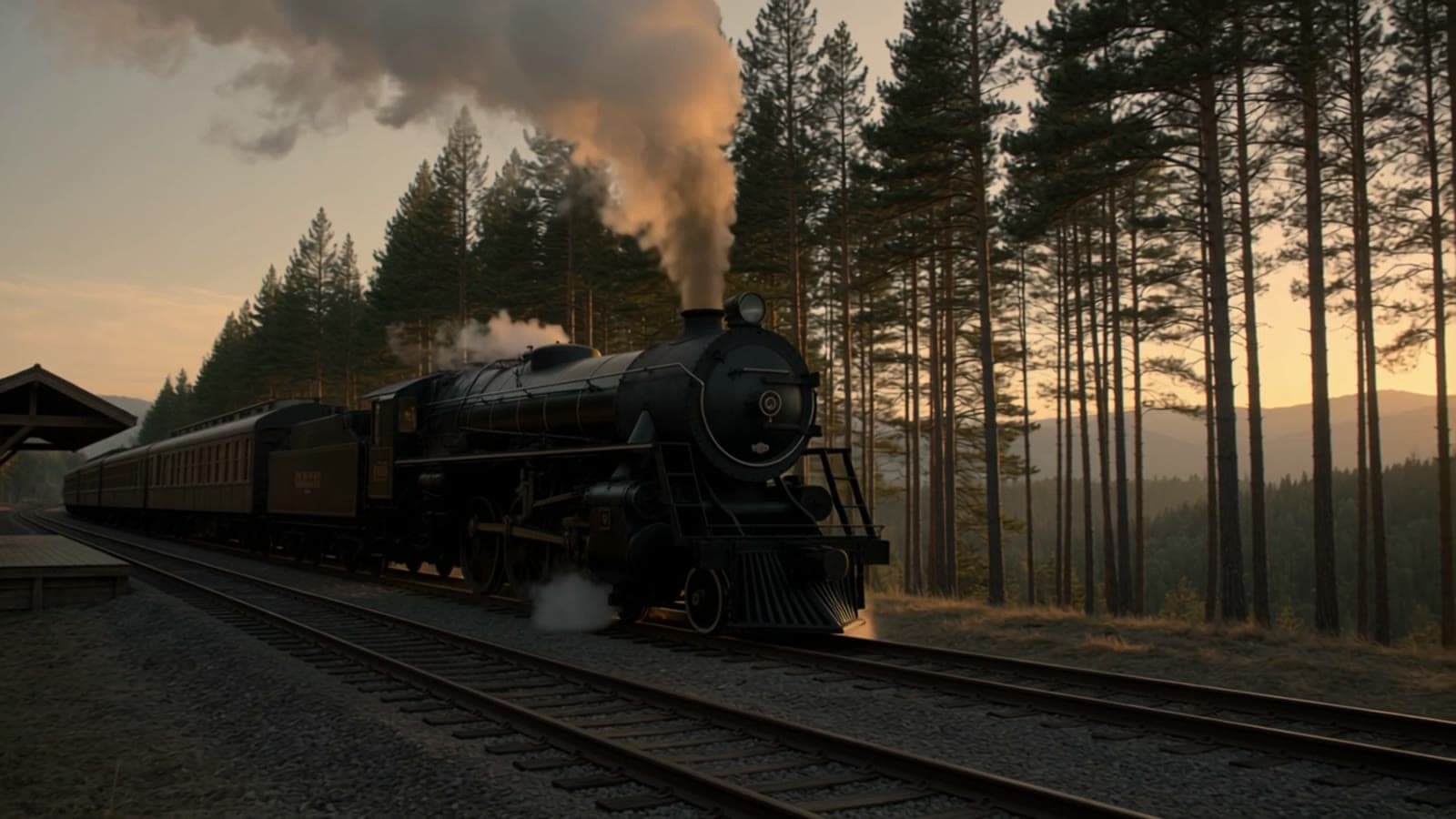
Text to video: night train on a stone viaduct (16:9)
| Kandinsky 6.0 Pro | Kling 3.0 |
|---|---|
 <br>Watch the clip → <br>Watch the clip → | 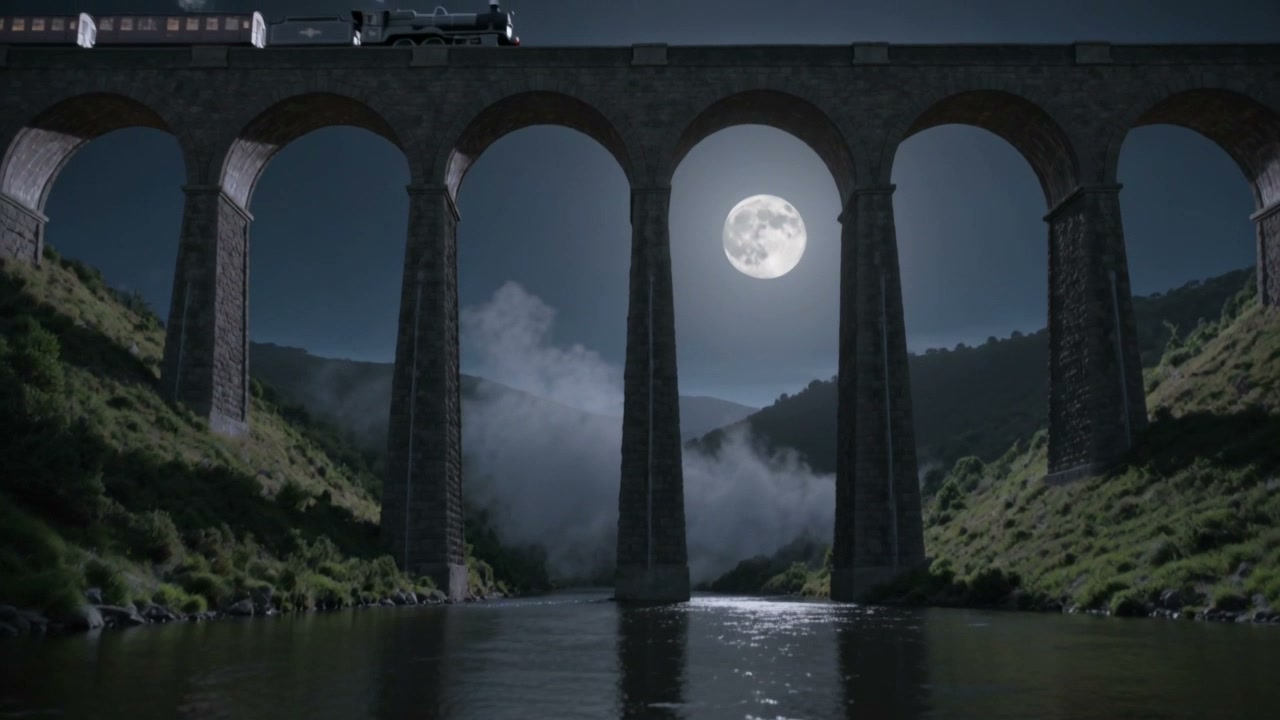 <br>Watch the clip → <br>Watch the clip → |
Kandinsky 6.0 Pro renders the frame in a stylized register: a heavy blue cast, softened edges, moon, steam and stone blending into one illustrated plate. Kling 3.0 stays photographic, with a grey-blue cast and sharper detail in masonry, grass and water, at 1280×720 against 864×480.
The camera placement diverges too. Kandinsky 6.0 Pro sets the viewpoint across the river, the viaduct banding mid-frame, the moon high, the train small on the deck. Kling 3.0 shoots from just above the water, arches filling the frame while the train crosses the top edge. Same sentence, two reads: a distant plate versus a low, close angle.
A night train crosses a tall stone viaduct under a full moon, a plume of steam trailing into the valley, the camera cranes up from the river below, rhythmic wheels on the rails and a distant whistle
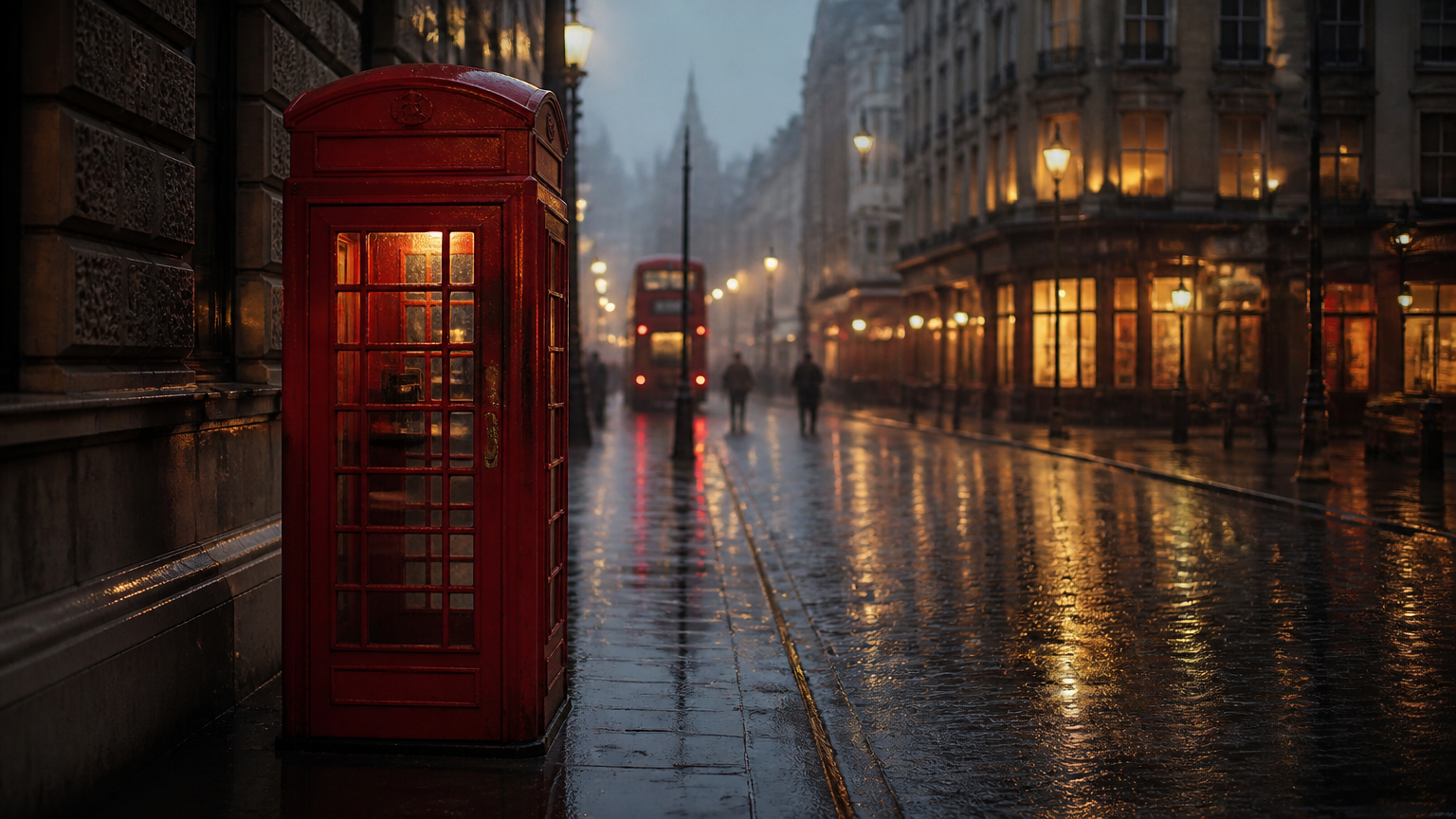
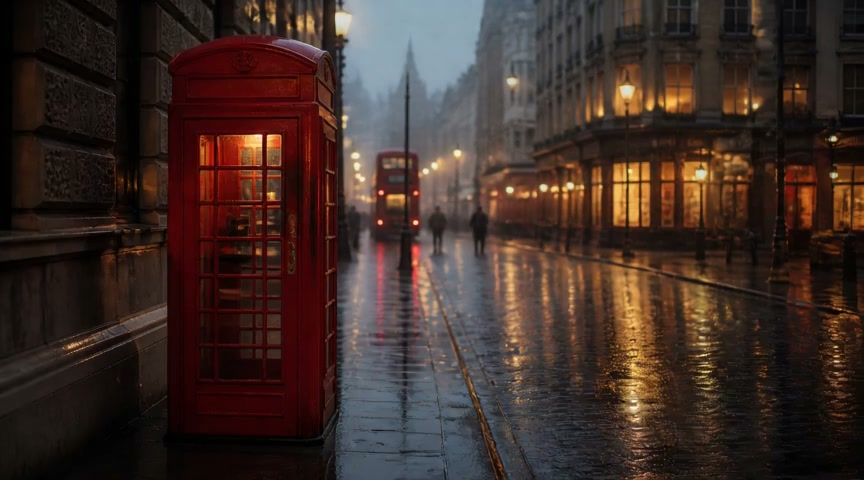
Image to video: phone booth in the rain (same first frame)
| Kandinsky 6.0 Pro | Kling 3.0 |
|---|---|
 <br>Watch the clip → <br>Watch the clip → | 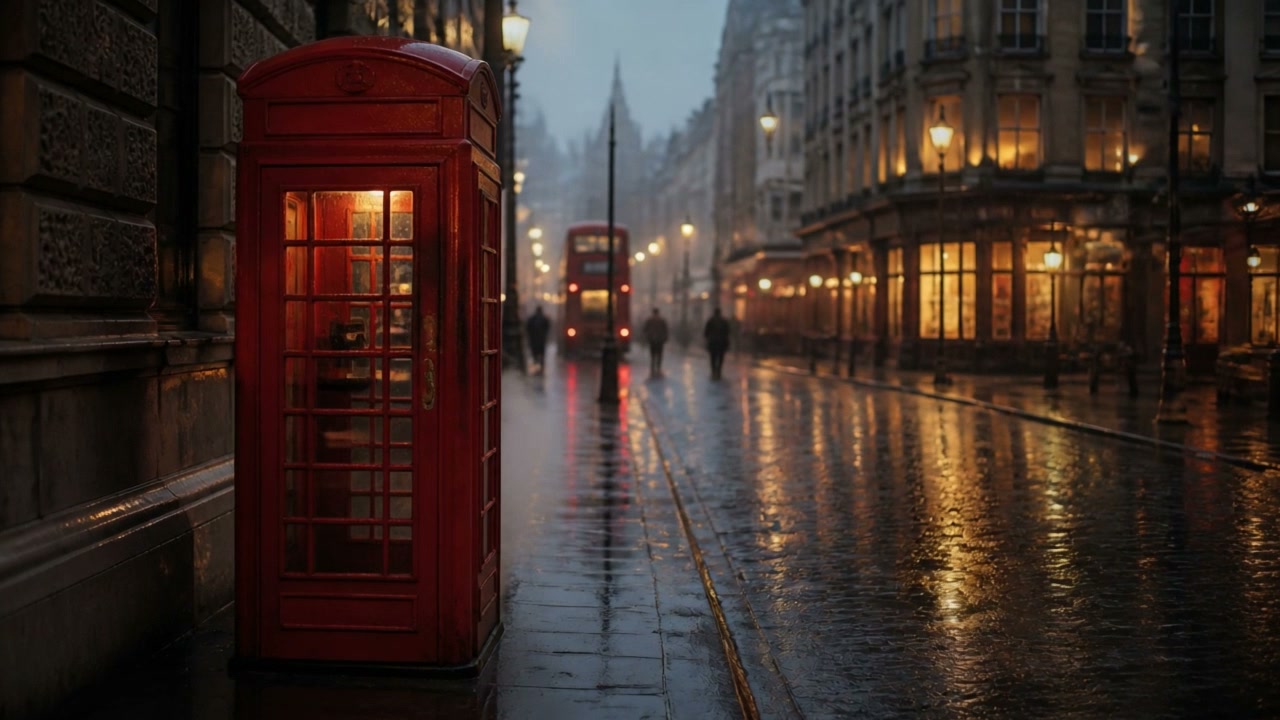 <br>Watch the clip → <br>Watch the clip → |
Same first frame, same prompt, five seconds each. The frame holds three anchors: the red booth on the left, the red bus mid-street, wet asphalt running from foreground to distance. Both models keep all three and the composition intact. Kling 3.0 returns 1280×720 and Kandinsky 6.0 Pro 864×480, so the neon and the rain read with sharper detail in the larger file.
Rain intensifies on the empty street, neon reflections ripple in the puddles, steam rises from a grate beside the booth, the camera slowly pushes in, steady rain and distant traffic
On the image-to-video entry, Kandinsky 6.0 Pro costs $2.00 per clip. Kling 3.0 uses kling-3.0/image-to-video and bills the same per-second way.
Which one fits your shot?
- Fixed five-second slot for social, audio included → Kandinsky 6.0 Pro at $1.9286 per clip
- A cut going on a 720p or larger display → Kling 3.0, $0.50 for five seconds at 720p
- A single take longer than 10 seconds → Kling 3.0, priced from 3 to 15 seconds
- 4:3 or 3:4 output, or image-to-video without picking a ratio → Kandinsky 6.0 Pro, where auto takes the closest match to the first frame
- Voiceover recorded in post → Kling 3.0 at 720p with sound off, $0.10 per second
- A 100-clip batch → compare $192.86 flat against $71.50 per-second before you commit
- Standard 16:9, 9:16 or 1:1 → both work; run one clip on each and judge the look
How much work is switching?
Little. Both models run on the same async endpoint, POST https://api.hiapi.ai/v1/tasks, with the same API key. Both return a taskId, and you collect the file from data.output[0].url by polling or through callback.url. Two things change:
model: swapkandinsky-6.0-pro/text-to-videoforkling-3.0/text-to-video, orkandinsky-6.0-pro/image-to-videoforkling-3.0/image-to-videowhen you pass a first frame.- Parameters: Kling 3.0 expects duration, resolution and
sound. Moving to Kandinsky 6.0 Pro drops those three, since length is fixed at five seconds, output at 480p and audio always on.
prompt, aspect_ratio and image_url keep the same shape on both. Kandinsky 6.0 Pro adds guidance_scale (default 5), negative_prompt and seed when you want to steer or repeat a take. Full request bodies are in the Kandinsky 6.0 Pro API guide.
FAQ
Can Kandinsky 6.0 Pro output 720p? No. Output is fixed at 480p, 864×480 at 16:9. For 720p or 1080p, use Kling 3.0.
Which is cheaper for the same five seconds? Kling 3.0 charges $0.50 at 720p, or $0.715 with audio. Kandinsky 6.0 Pro charges $1.9286 per clip with synchronized audio included. The flat clip buys a bill you can forecast; the per-second model buys flexibility in resolution and length.
Can I turn the audio off? On Kling 3.0, yes. At 720p the rate drops to $0.10 per second with sound off. Kandinsky 6.0 Pro generates picture and sound together, always on.
Can I run both from one account? Yes. Same API key, same endpoint, one field to switch. Route fixed-length social clips to Kandinsky 6.0 Pro and anything that needs 720p to Kling 3.0.
The night train prompt is above. Open the model page and run it with the ratio left at 16:9. The 200 signup credits equal $0.10, so the first $1.9286 clip needs a top-up.
Related: Kandinsky 6.0 Pro pricing per clip · API guide with curl and Python · Four prompt templates with real clips · Image-to-video model page