If you already have a recorded voice track, choose OmniHuman 1.5; if you only have a script and want the model to speak it, choose HeyGen Avatar IV.
Both are live on HiAPI. Open the OmniHuman 1.5 model page to turn a portrait plus an audio file into a talking clip, or open the HeyGen Avatar IV model page to turn a script into a presenter video.
OmniHuman 1.5 vs HeyGen Avatar IV at a glance
| OmniHuman 1.5 | HeyGen Avatar IV | |
|---|---|---|
| Required input | Portrait image + audio track | Real-person photo + script with a voice, or an audio track |
| Drive method | The audio drives lip sync, expression and body movement; the prompt only guides gestures and camera | A script plus a voice selection generates the speech; recorded audio also works |
| Max audio length | Under 60 seconds; clips of 15 seconds or less animate more reliably | Up to 600 seconds; script up to 5,000 characters |
| Resolution and default | 720p or 1080p, same price, default 1080p | 720p or 1080p, default 720p |
| Aspect ratio | Follows the portrait image | Optional aspect_ratio and background fill |
| Multi-person mask | Up to 5 masks; the speaker's area is white | No mask input |
| Non-human subjects | People, pets and anime characters | Real-person photos |
| Price per second | $0.193 | $0.15 |
The gap is not only price. OmniHuman 1.5 accepts subjects a real-person avatar model cannot, and lets you point at one speaker inside a group frame. HeyGen Avatar IV removes the recording step and keeps going for ten minutes.
What does each model actually output?
| OmniHuman 1.5 | HeyGen Avatar IV |
|---|---|
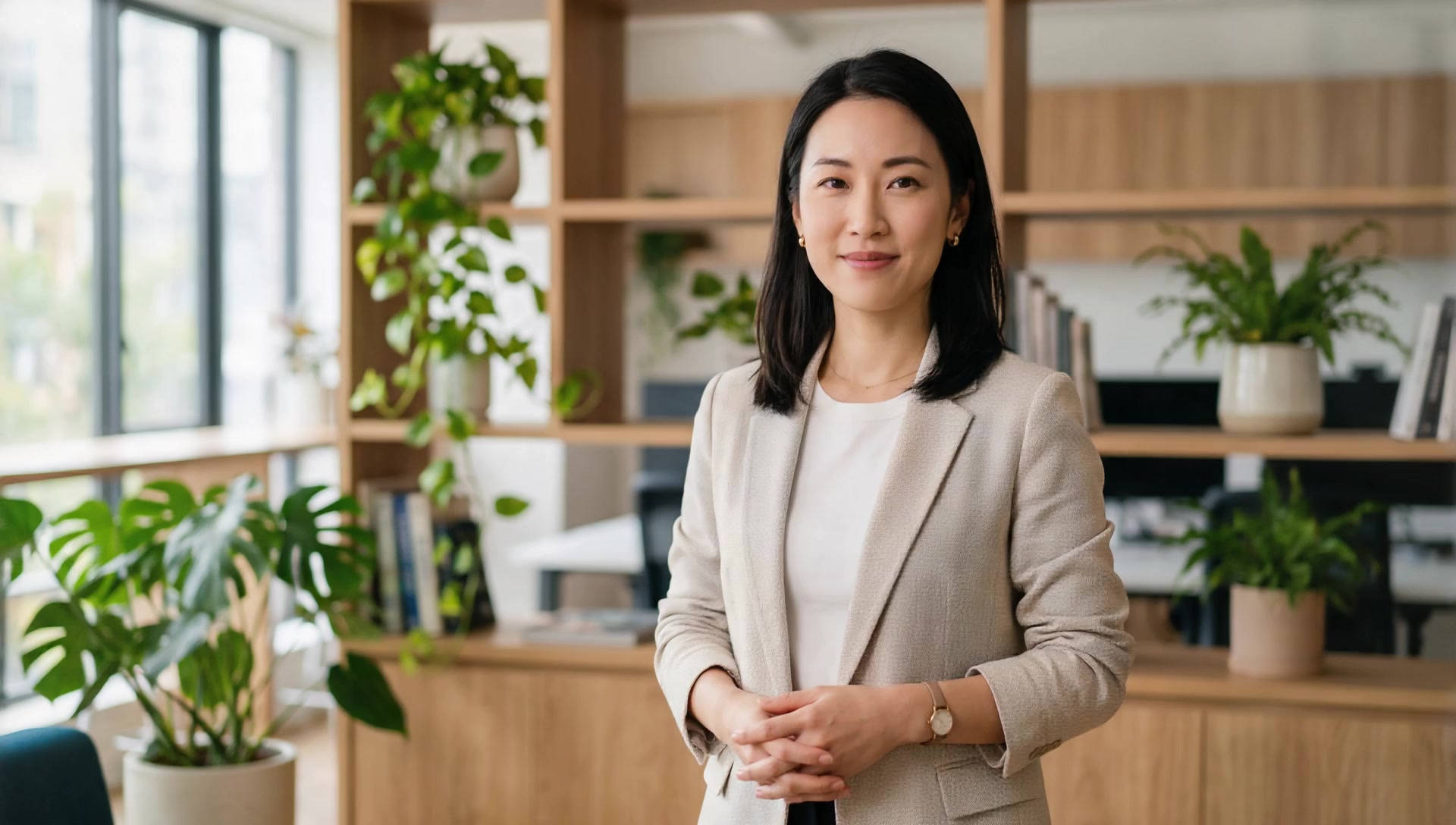 |  |
These two clips use different input photos and different audio, so they show each model's output style, not a same-input test. The OmniHuman 1.5 clip is a 16:9 half-body presenter at 1080p with about 8 seconds of Chinese narration; the HeyGen Avatar IV clip is a landscape presenter driven by a script.
Read them for the delivery style each model produces: how the body moves between phrases, how the framing sits, how the face holds the camera. Then run your own portrait through both to see which keeps your subject recognizable.
Which one fits your scene?
- No recording yet, script only: HeyGen Avatar IV turns the script into speech and video in one task.
- Pet, anime character or illustration: OmniHuman 1.5, which accepts non-human subjects.
- Group shot where one person talks: OmniHuman 1.5 with a mask per speaker, up to 5 masks.
- Narration longer than 60 seconds: HeyGen Avatar IV, up to 600 seconds per task.
- 1080p at the same price, or framing that matches your photo: OmniHuman 1.5. Fixed ratio or solid background fill: HeyGen Avatar IV, which exposes
aspect_ratioand a background option.
OmniHuman 1.5 is the more expensive of the two per second and stops at 60 seconds per task; when the subject is a real person and the clip runs long, HeyGen Avatar IV is the cheaper and simpler route.
What does a clip cost?
| Clip length | OmniHuman 1.5 | HeyGen Avatar IV |
|---|---|---|
| 8 seconds | $1.544 | $1.20 |
| 15 seconds | $2.895 | $2.25 |
| 60 seconds | $11.58 | $9.00 |
| 600 seconds | Not available in one task | $90.00 |
At $0.193 versus $0.15 per second, OmniHuman 1.5 runs about 29% higher. On an 8-second clip the difference is $0.344, and it grows with every second you add. OmniHuman 1.5 bills by the output second, rounded up; 720p, 1080p, fast_mode, masks and seeds all cost the same, so resolution is a free choice.
The practical split: short, input-heavy clips go to OmniHuman 1.5, while anything scripted or long goes to HeyGen Avatar IV.
How hard is it to switch?
Both models are async tasks on the same endpoint, POST https://api.hiapi.ai/v1/tasks, with the same API key and the same polling flow at GET https://api.hiapi.ai/v1/tasks/{taskId}. A switch changes two things:
model:omnihuman-1.5orheygen-avatar-iv.input: OmniHuman 1.5 requiresimage_urlandaudio_url, with optionalprompt,mask_urls,resolution,fast_modeandseed. HeyGen Avatar IV takes the portrait plus a prompt with a voice selection, or anaudio_url.
If your pipeline already posts a portrait and an audio file, pointing it at HeyGen Avatar IV is a model swap. Going the other way means you must supply audio for every clip, so keep your recordings or your text-to-speech step in the loop.
FAQ
Can OmniHuman 1.5 generate the voice from text?
No. It needs an audio_url. For script-to-speech in a single call, use HeyGen Avatar IV, which pairs a script with a voice.
Can HeyGen Avatar IV animate a pet or an anime character? It is built for real-person photos. For pets, anime characters or illustrations, use OmniHuman 1.5.
What happens when a clip runs past 60 seconds on OmniHuman 1.5? One task is capped at 60 seconds. Split the narration into segments, or send the full track to HeyGen Avatar IV, which accepts up to 600 seconds.
Which one gives me 1080p by default? OmniHuman 1.5 defaults to 1080p, and 720p costs the same, so there is no price reason to downshift. HeyGen Avatar IV defaults to 720p and offers 1080p as an option.
Start from the input you have. Portrait and recording ready? Upload them on the OmniHuman 1.5 model page and generate your first clip. Script only? Open HeyGen Avatar IV, pick a voice and let it speak.
Related: OmniHuman 1.5 pricing · five prompt templates · API getting-started guide