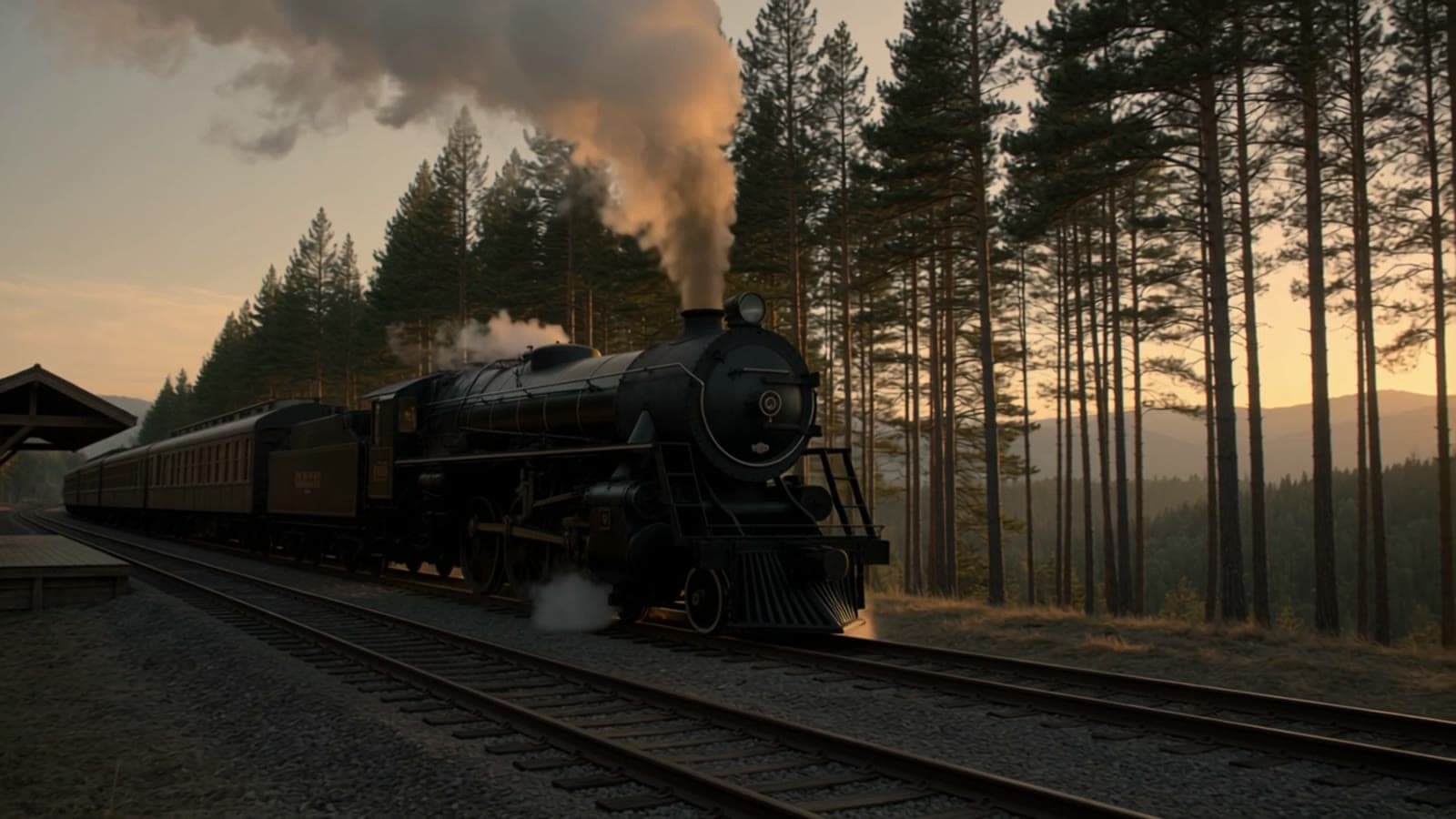
Enlarging a landscape can add texture while also changing local structure. These cabin, lake and watercolor examples show what Recraft Creative Upscale redraws and which areas deserve review.
TL;DR
The price is $0.3575 per image; see pricing and budgets. Send only image_url; there is no prompt or scale parameter. Display previews and full-result dimensions are identified separately below.
Example one: the cabin composition and stonework
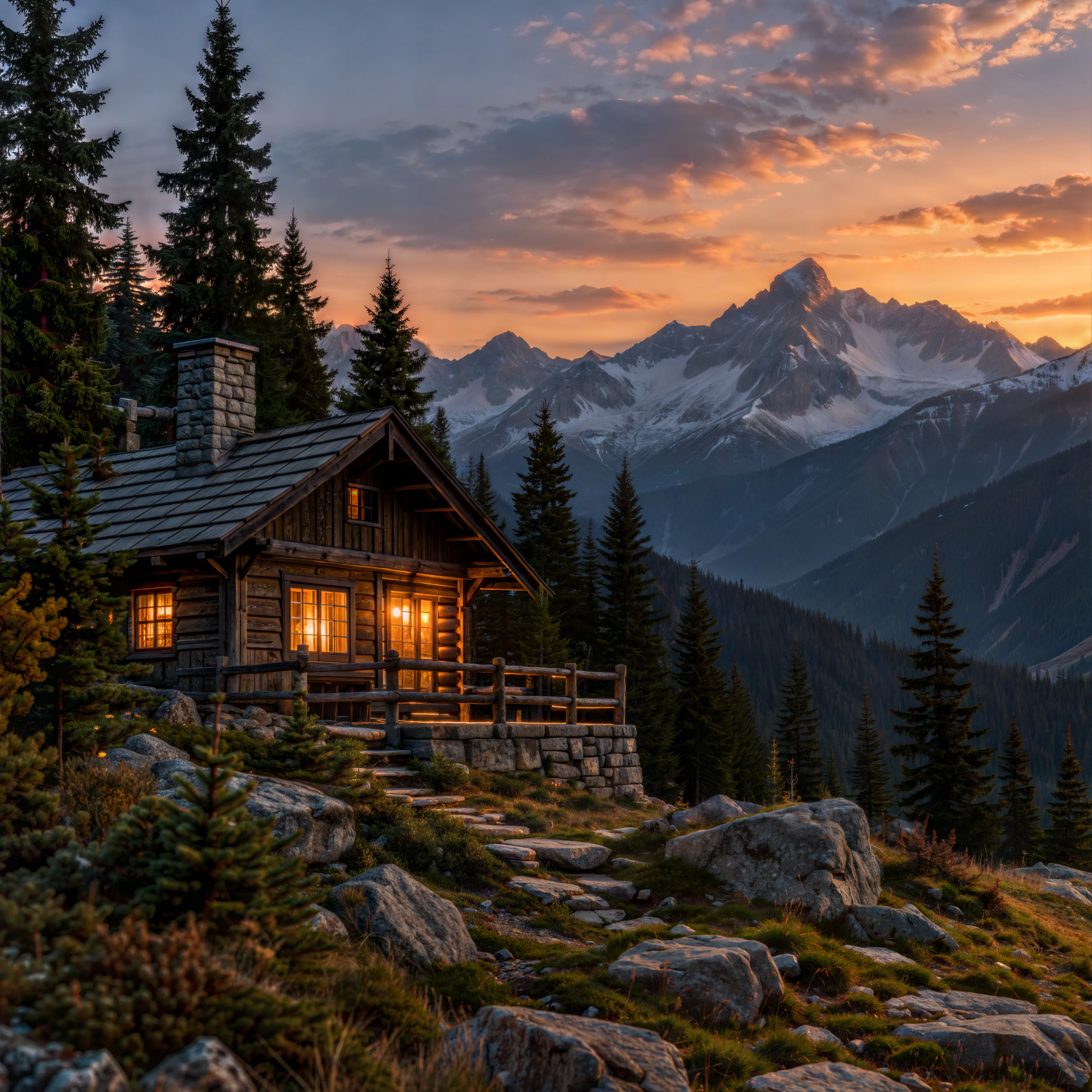
Upload images to try it →; no prompt required.
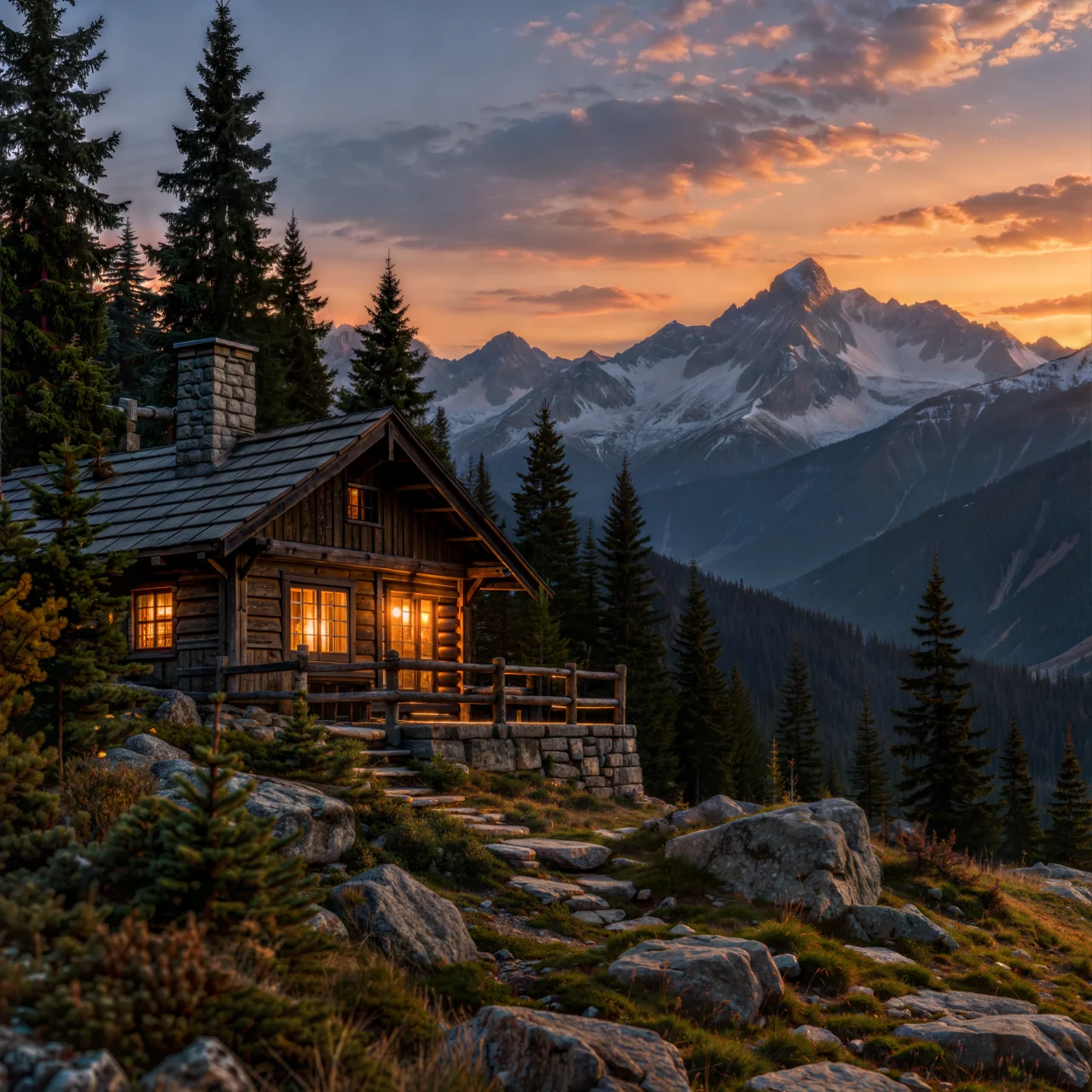
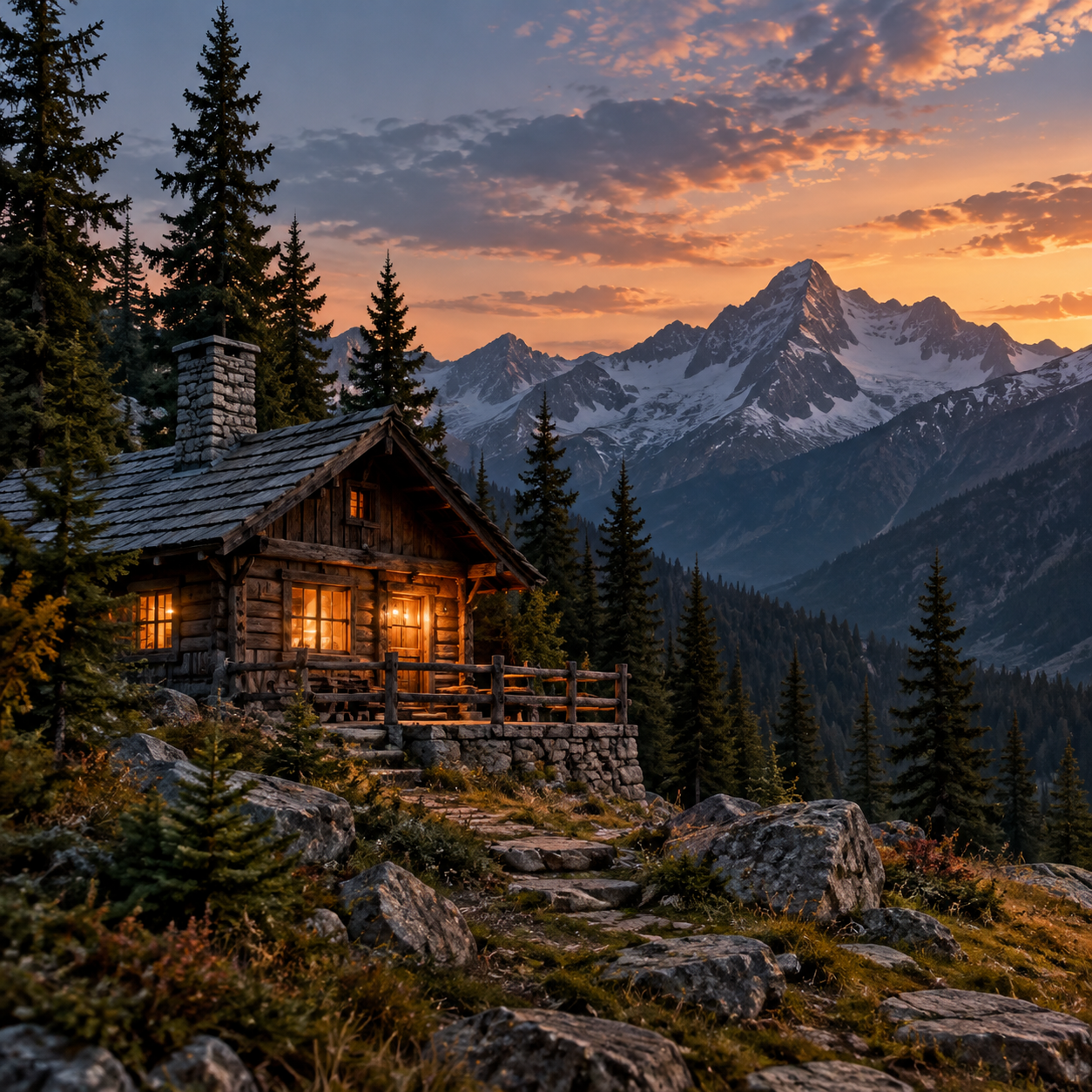
Upload images to try it →; no prompt required.
The cabin, distant peaks, pines and sunset stay in similar positions, and the warm window light carries through. The source is 1254 × 1254; the image above is a 1280 × 1280 display preview. Open the full 4096 × 4096 result.
Upload images to try it →; no prompt required.
Upload images to try it →; no prompt required.
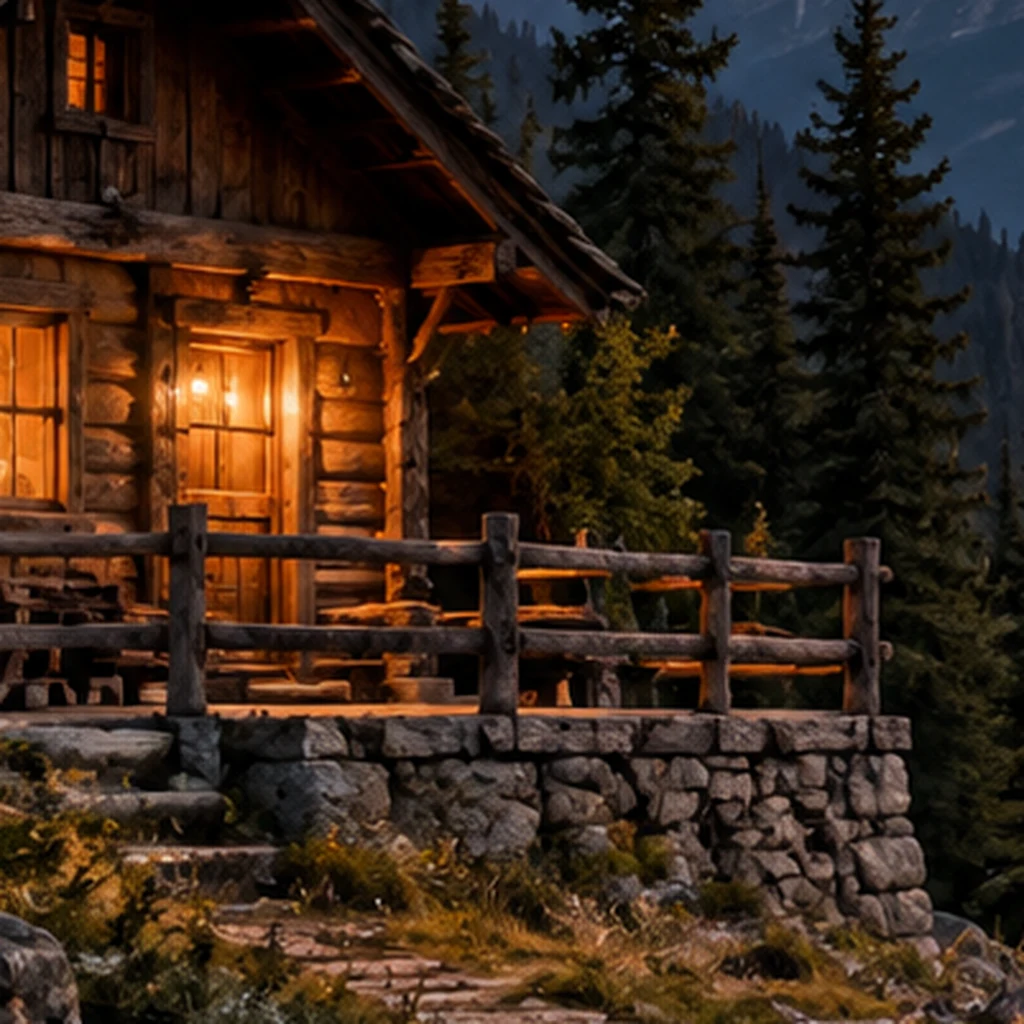
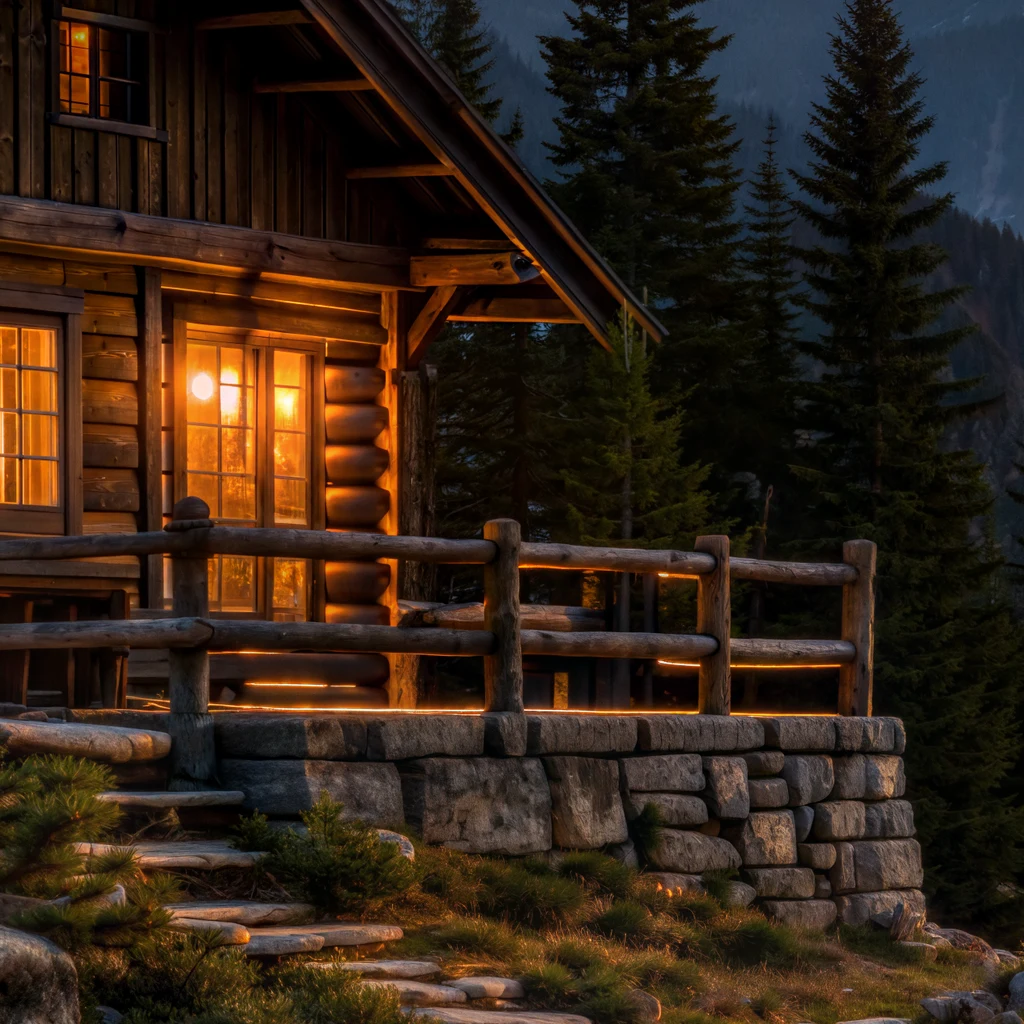
The close-ups use the same display dimensions. The output wall is more regular, with different stone sizes and placement. Railing and window-frame edges are clearer, while the small tree near the porch and the steps also change. This treatment can suit atmospheric scenes that allow redrawing. A brief that needs the original architectural detail requires closer review of those changes.
Example two: the boat and trees at a misty lake
Upload images to try it →; no prompt required.
Upload images to try it →; no prompt required.
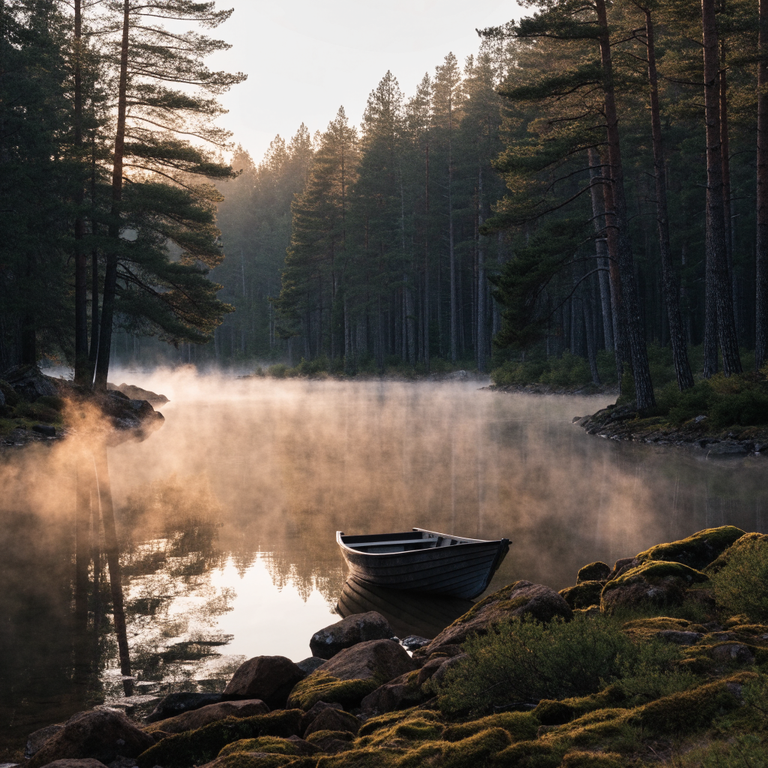
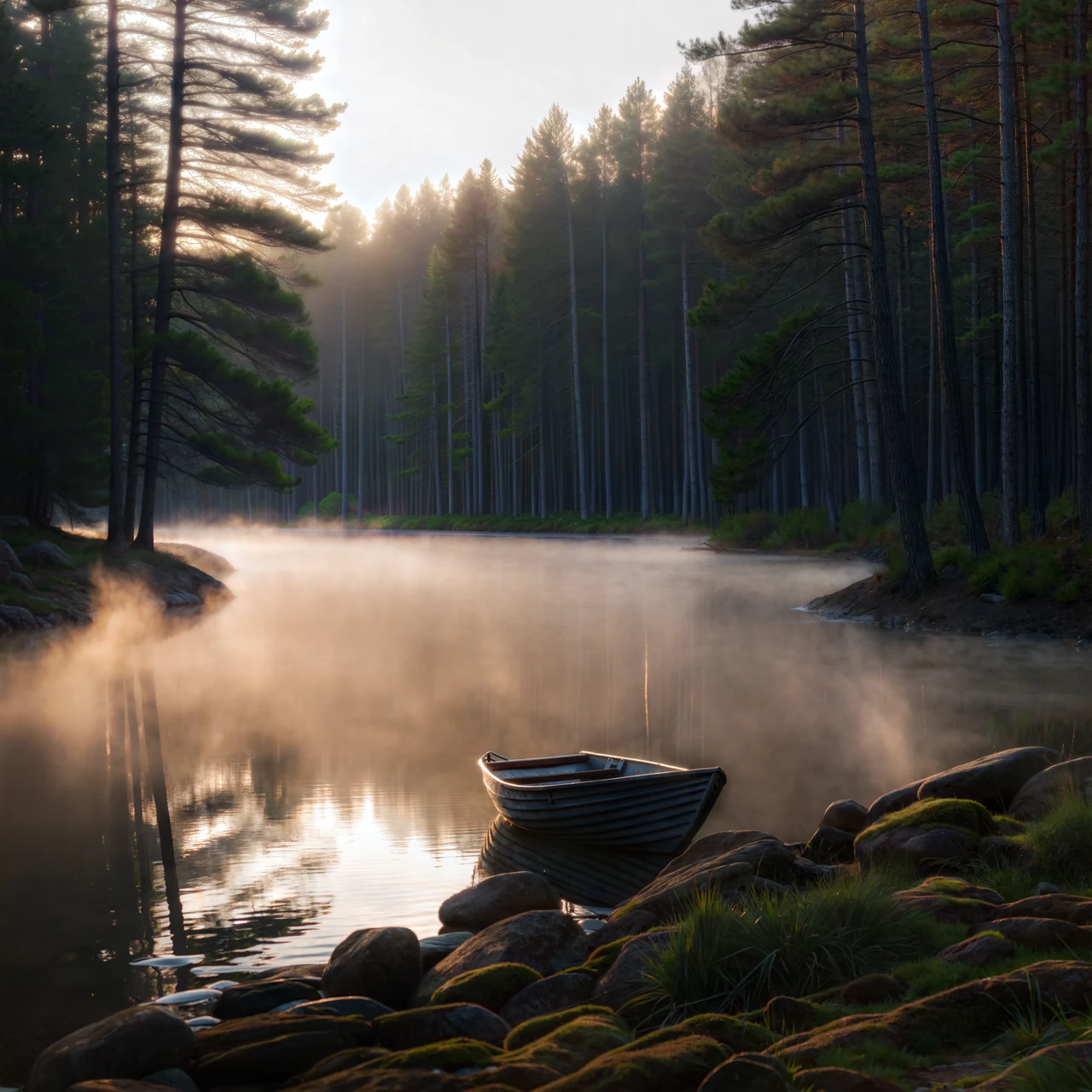
The boat remains near the shore, with mist separating the water and forest. Its rim and planks, along with the shore rocks, become more defined. Tree placement, grass and water texture also change. This is a preview with a 1280-pixel long edge, useful for seeing the overall treatment. Read the full file separately for its output dimensions; the preview cannot establish the enlargement factor.
Example three: tiles and brushwork in a watercolor town
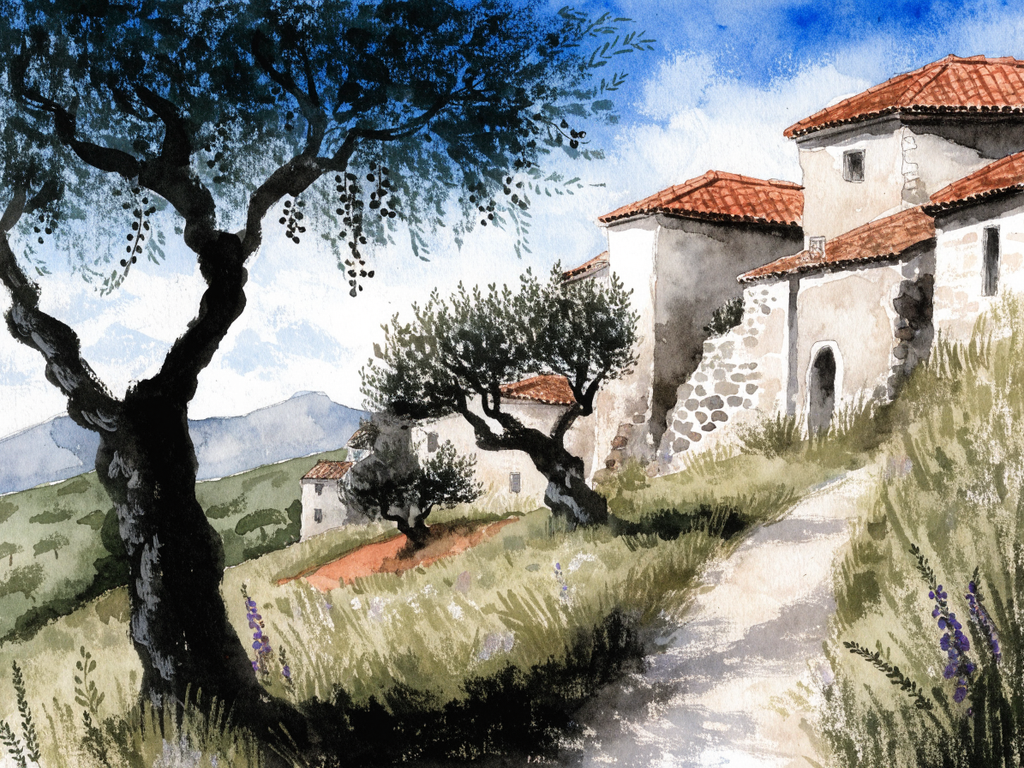
Upload images to try it →; no prompt required.
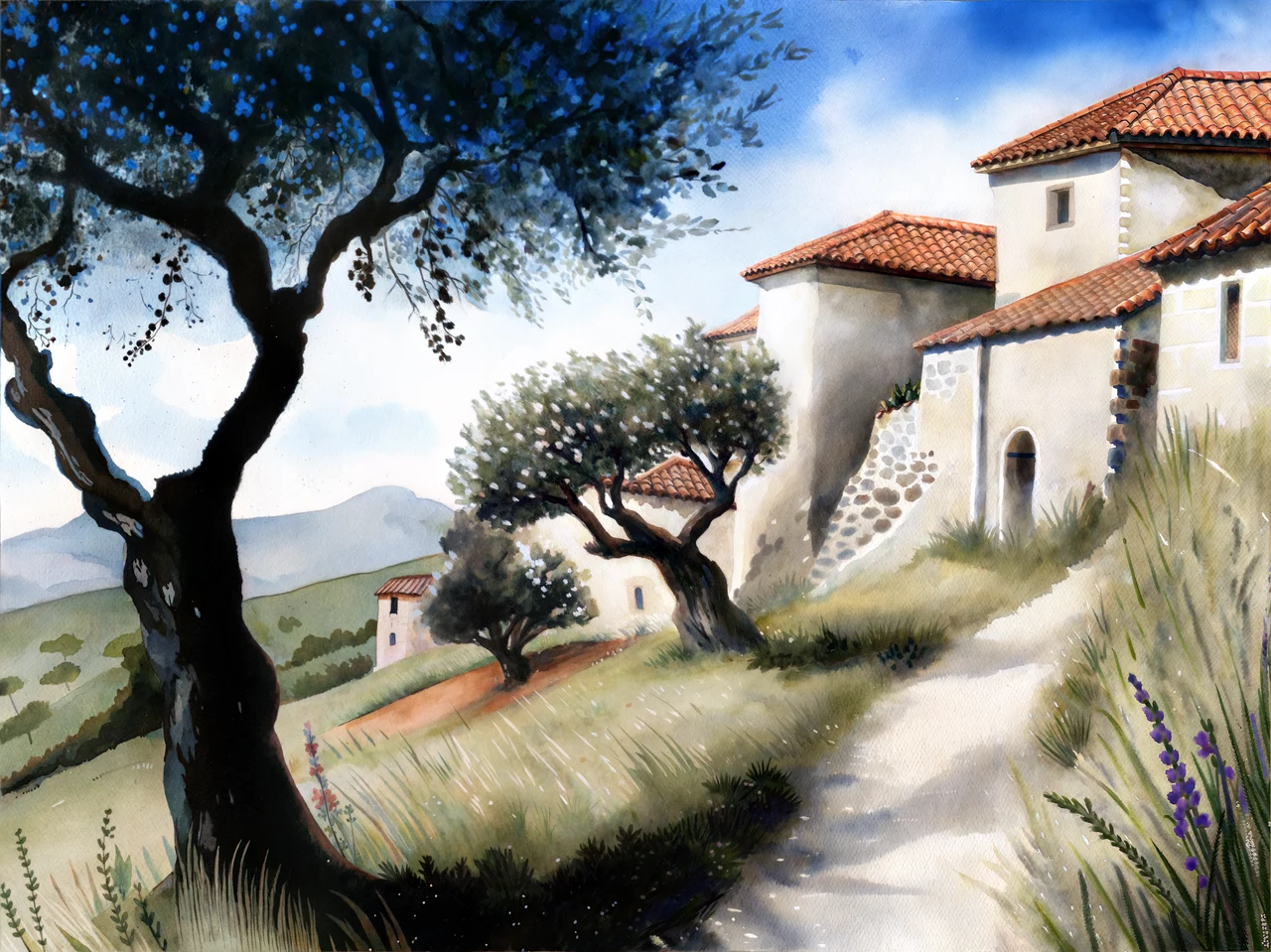
Upload images to try it →; no prompt required.
The trees, white walls, red roofs and sloping path retain the overall layout. Roof tiles form more continuous curved rows, with added detail in grass and foliage. Some loose watercolor edges become more defined. If preserving the original brushwork matters, assess that change alongside the increased definition.
Choose assets for further processing
Start with landscapes, illustrations or backgrounds that can tolerate changes in texture and small structures. Review the full-size result for shifts in the subject, local structure and brushwork. For assets with strict requirements for lettering, logos or product geometry, read about Recraft Crisp Upscale. Examples from different sources describe their own results and cannot establish a same-image winner.
The input is an image, with no prompt to write. Use the model entry to upload an asset; the integration guide provides the single-field request.
FAQ
Can a prompt protect a specific region?
No. The current input is only image_url; there is no prompt or region-control field.
Is 1280 the final output size?
No. It is the long edge of the display preview. A full 4096 × 4096 result is linked for the cabin.
Does clearer texture mean all details are preserved?
No. The cabin stonework, lake trees and watercolor roof tiles visibly change. Check whether those changes fit the intended use.
Can I set the output scale?
No. There is no scale parameter. Read the actual width and height after obtaining the result.
Further reading
Pricing and budgets · API integration · Examples and input selection · Recraft Creative Upscale