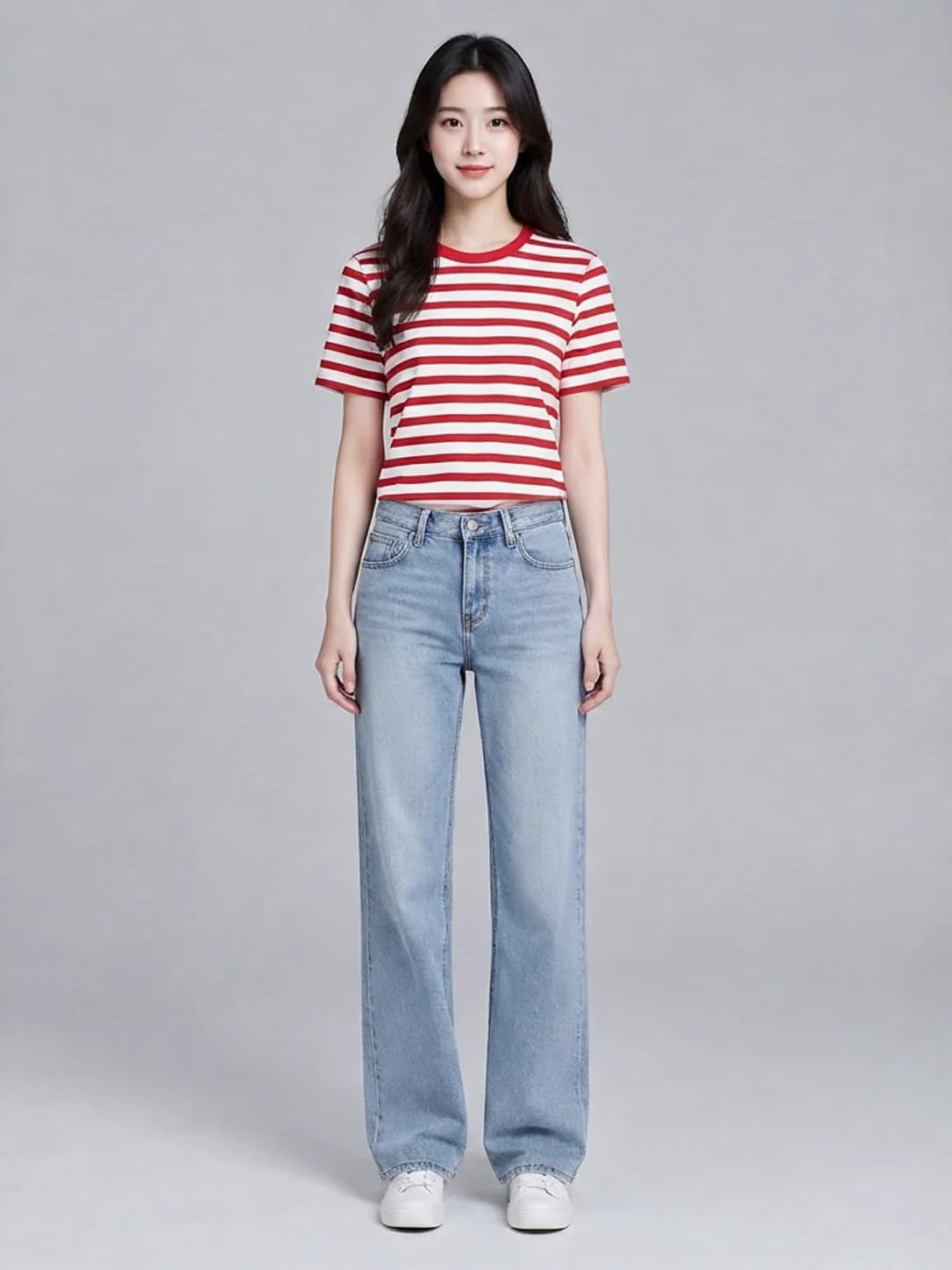
A try-on starts with two images whose roles are clear: a person photo and a garment photo. Google Virtual Try-On has no prompt input. Choose images that make the person's pose, garment outline and occlusions easy to see.
TL;DR
Each result costs $0.1075; see pricing and budgets. Send person_image_url, product_image_url and num_images: 1. The three examples below cover a striped top, a satin dress and an outdoor shirt. Each set is ordered as person, garment, then result.
Example one: a striped T-shirt with jeans
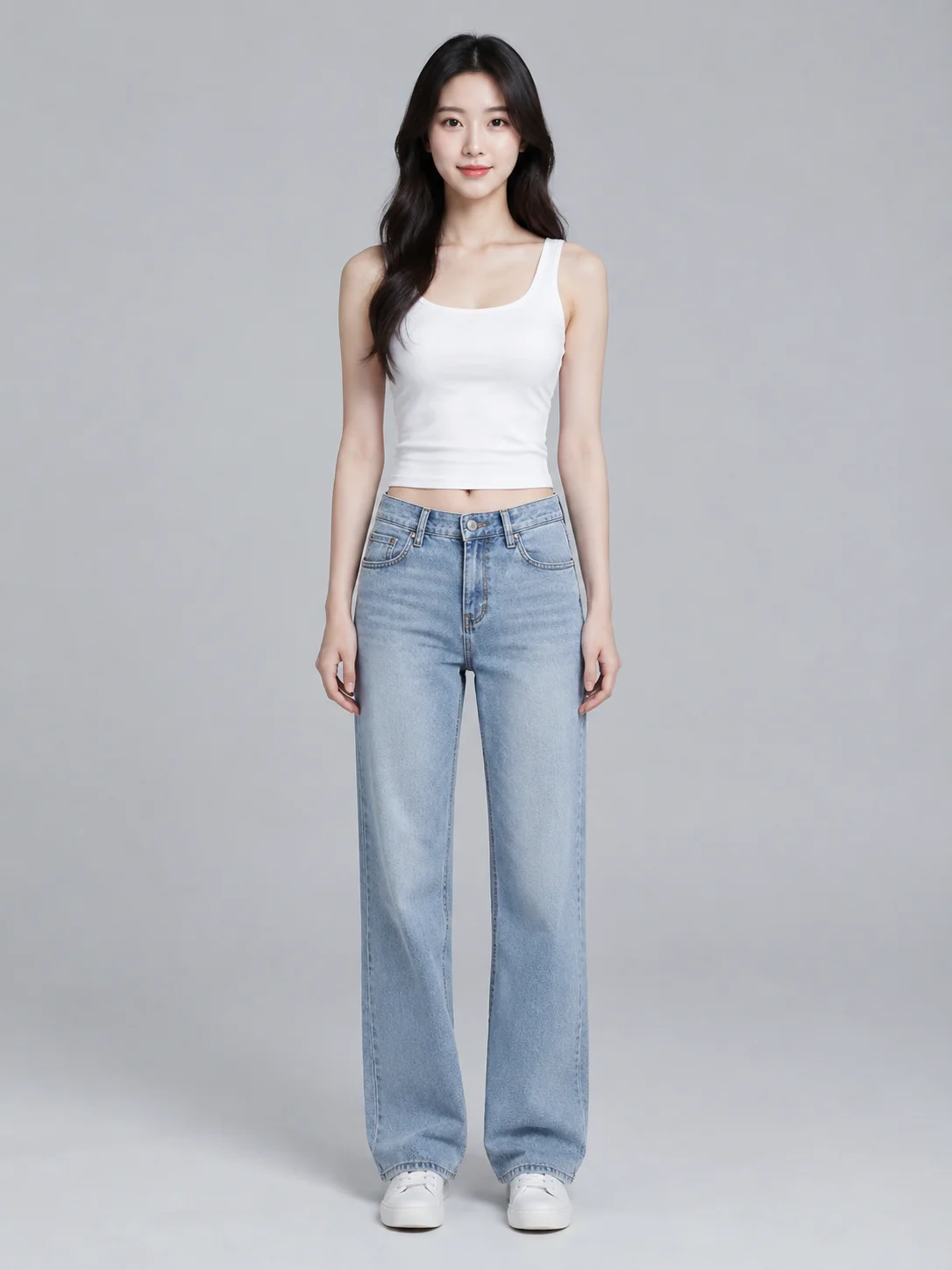
Upload images to try it →; no prompt required.
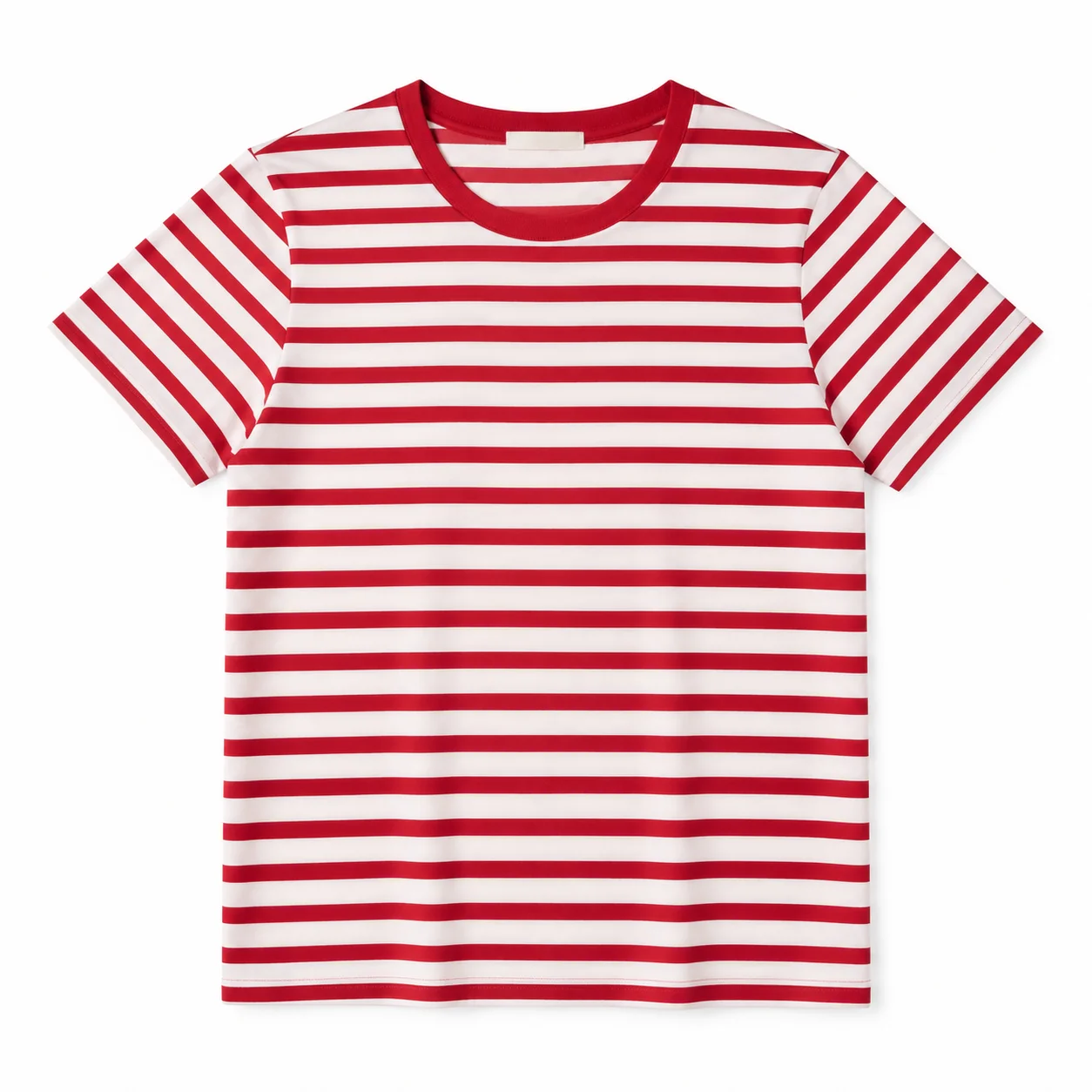
Upload images to try it →; no prompt required.
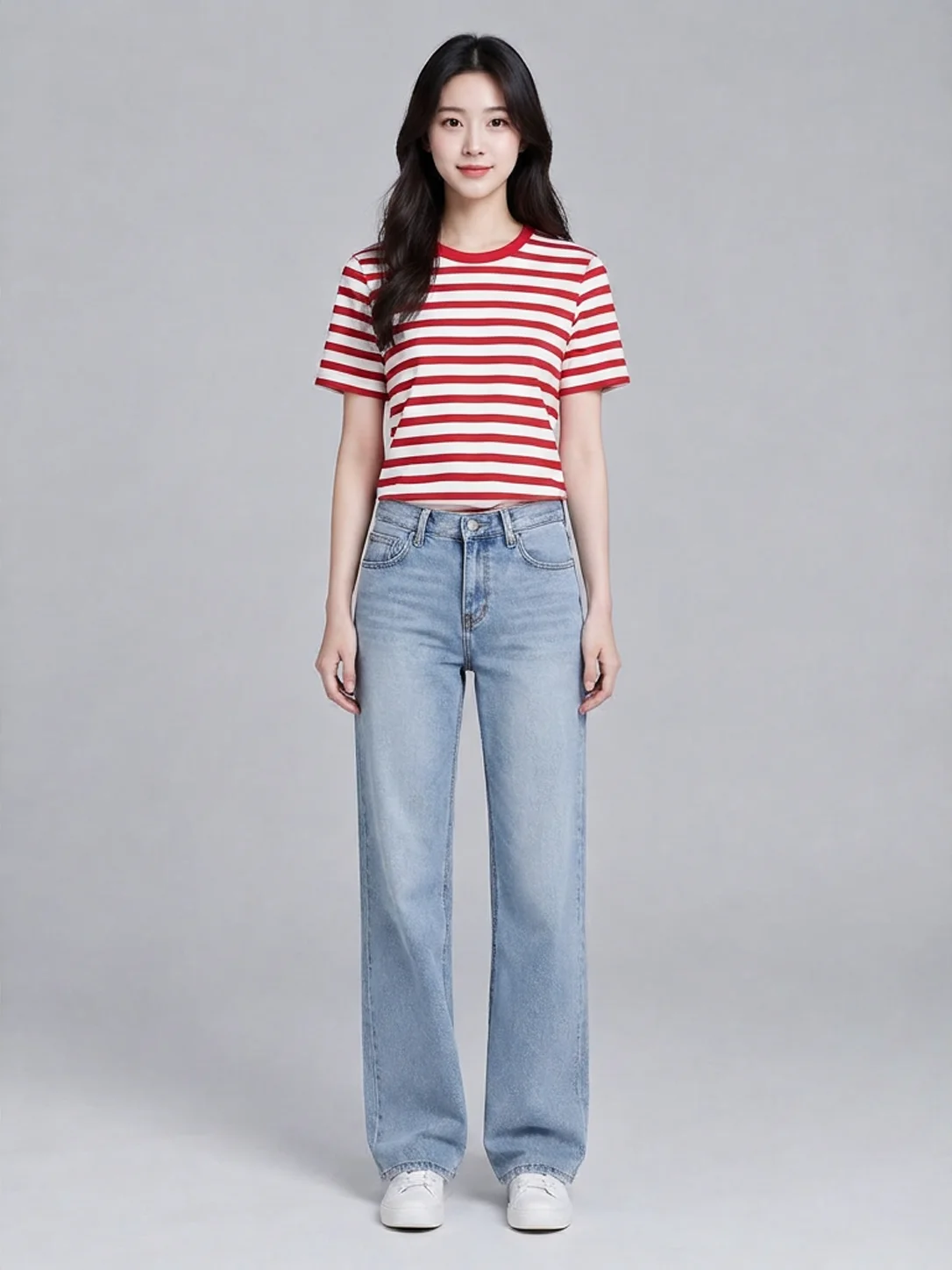
Upload images to try it →; no prompt required.
The top becomes a red-and-white striped T-shirt. The gray background, jeans and white shoes remain recognizable. Stripes curve across the torso and sleeves, and the hem position changes. For a product image, inspect the neckline, stripe direction and transition at the waist as well as the color.
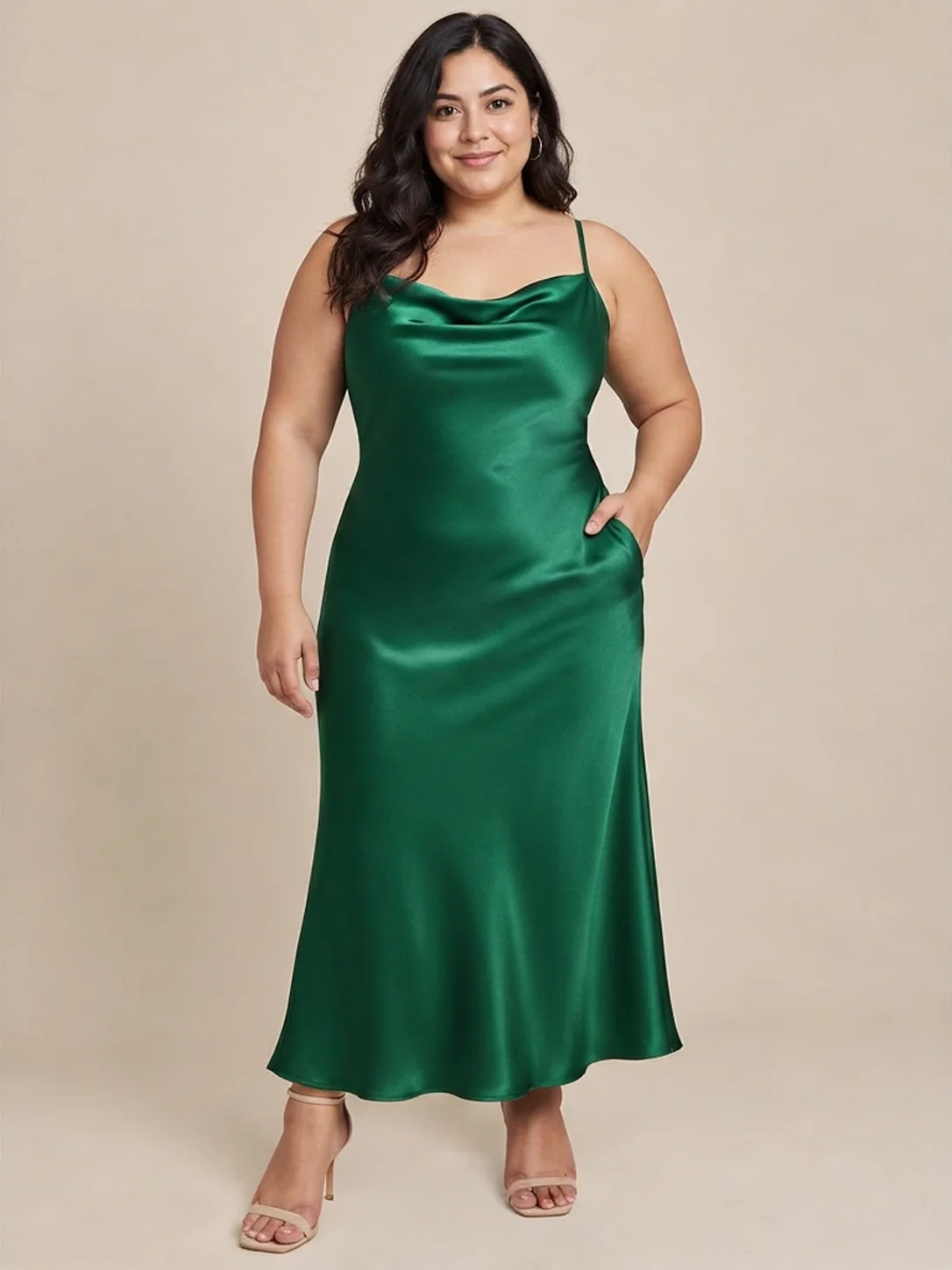
Example two: a satin dress and changed accessories
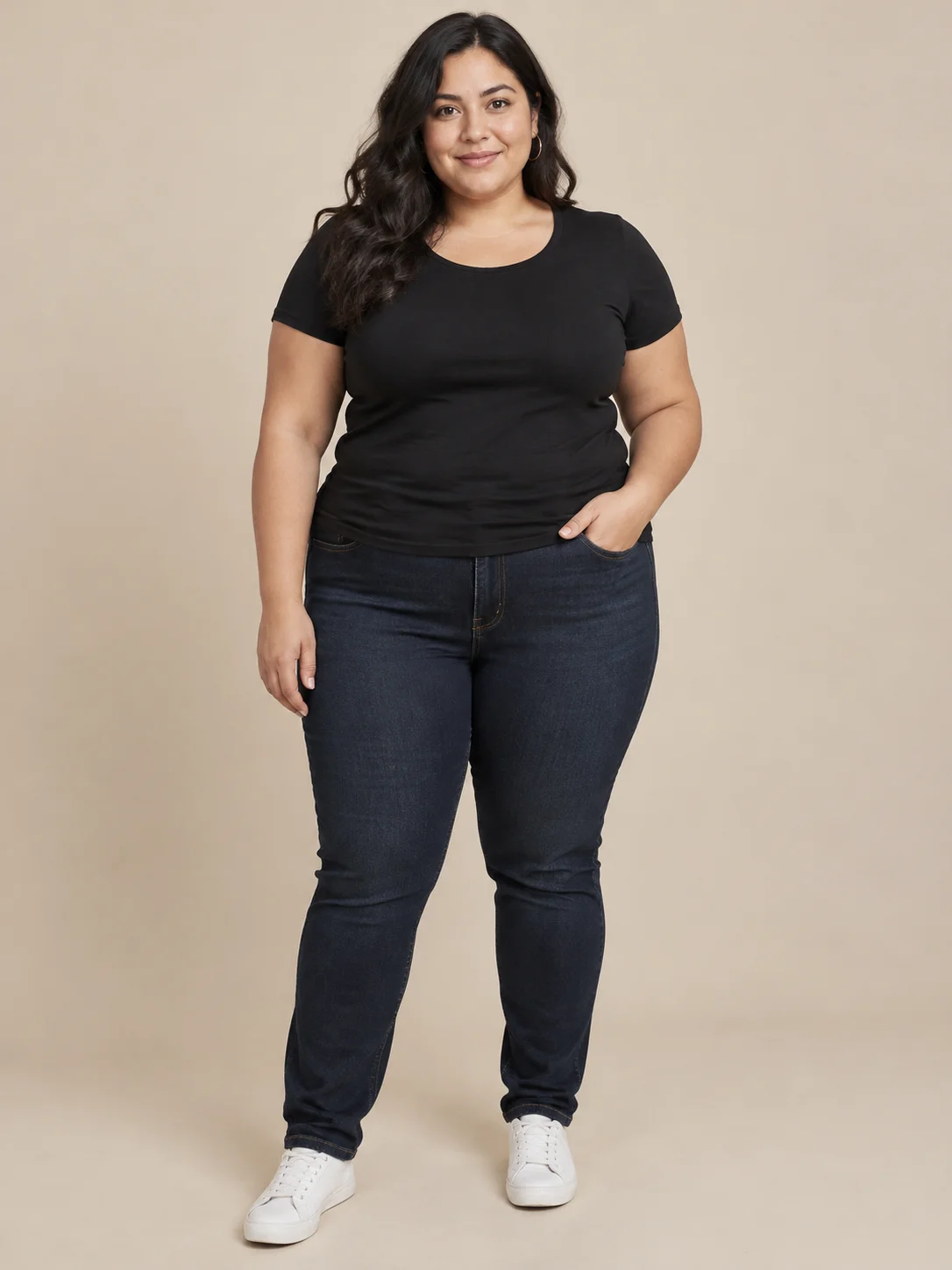
Upload images to try it →; no prompt required.
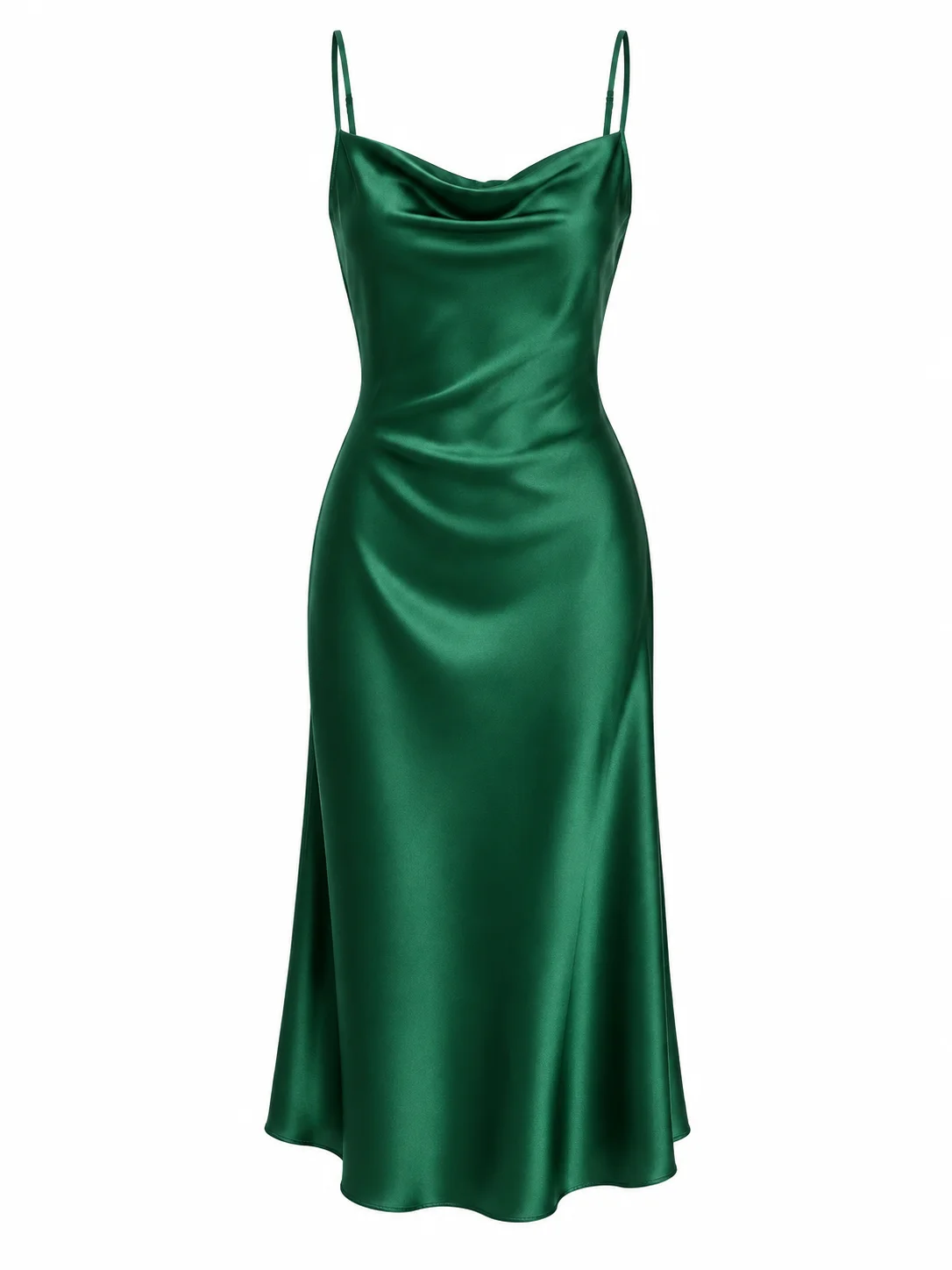
Upload images to try it →; no prompt required.
Upload images to try it →; no prompt required.
The green color, straps and draped neckline are visible in the result, replacing the original top and jeans with a long dress. The white shoes also become heeled sandals, and folds near the right hand resemble a pocket opening. This set can help assess an overall outfit, but a brief that allows only garment changes requires a separate check of the shoes and the area around the hand.
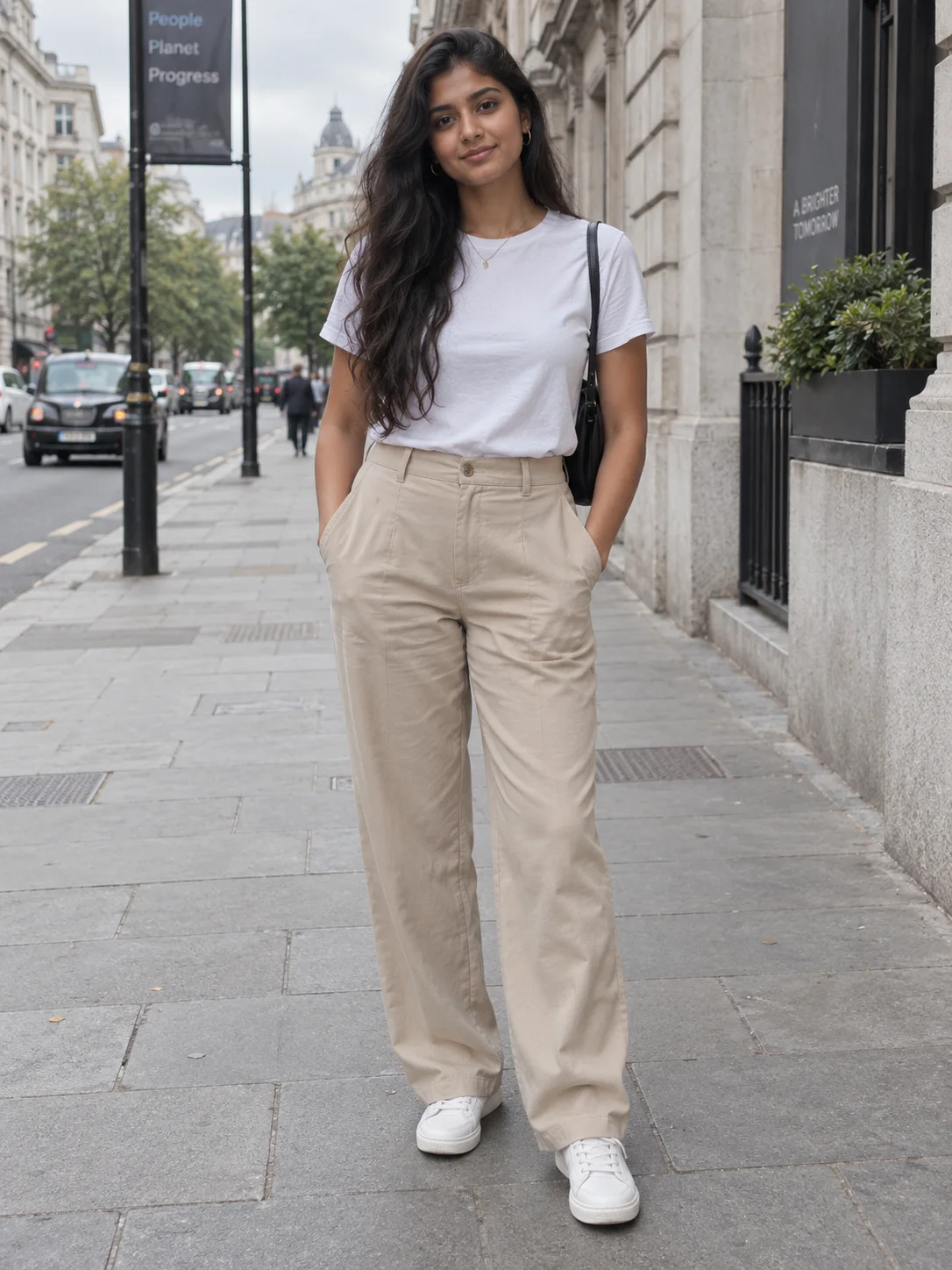
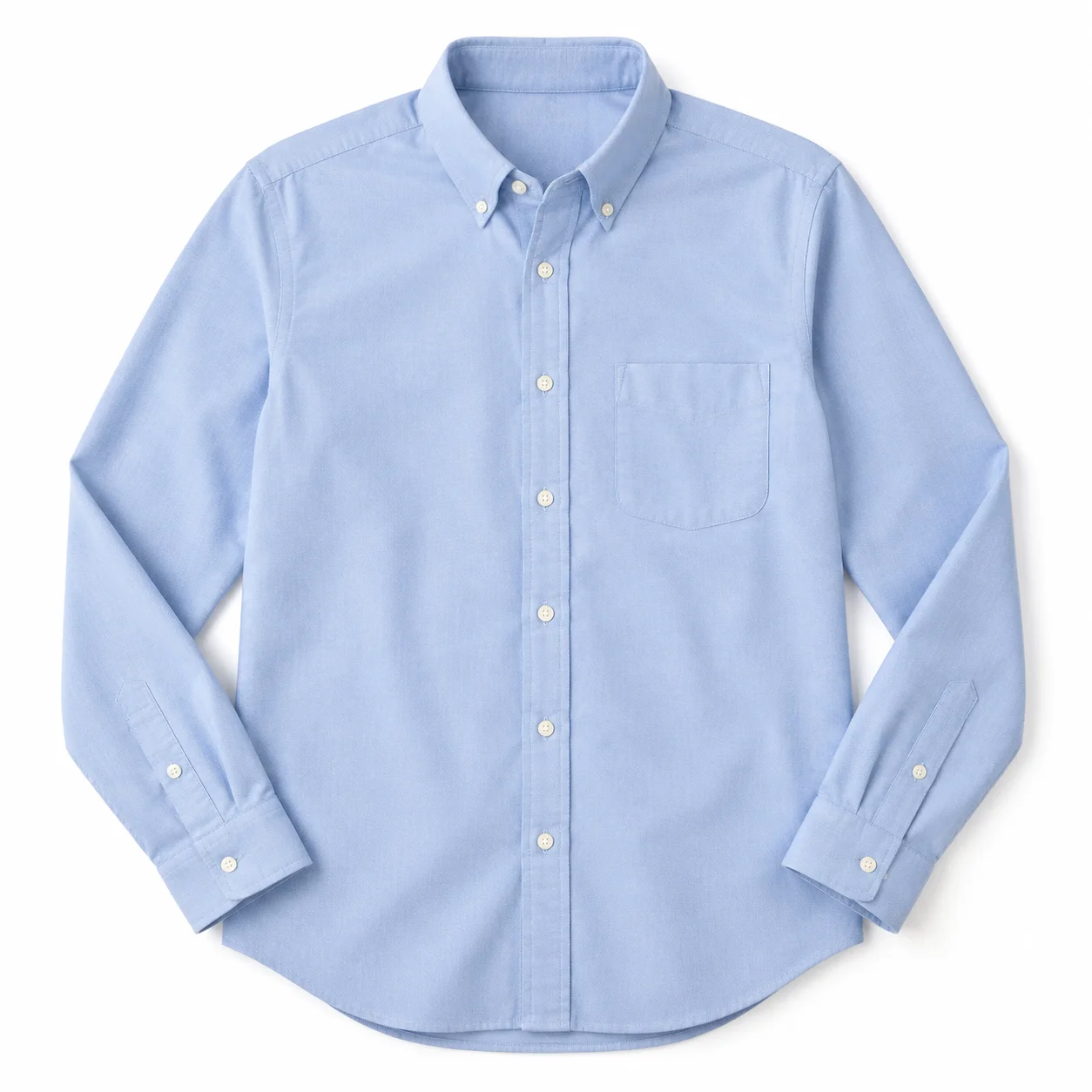
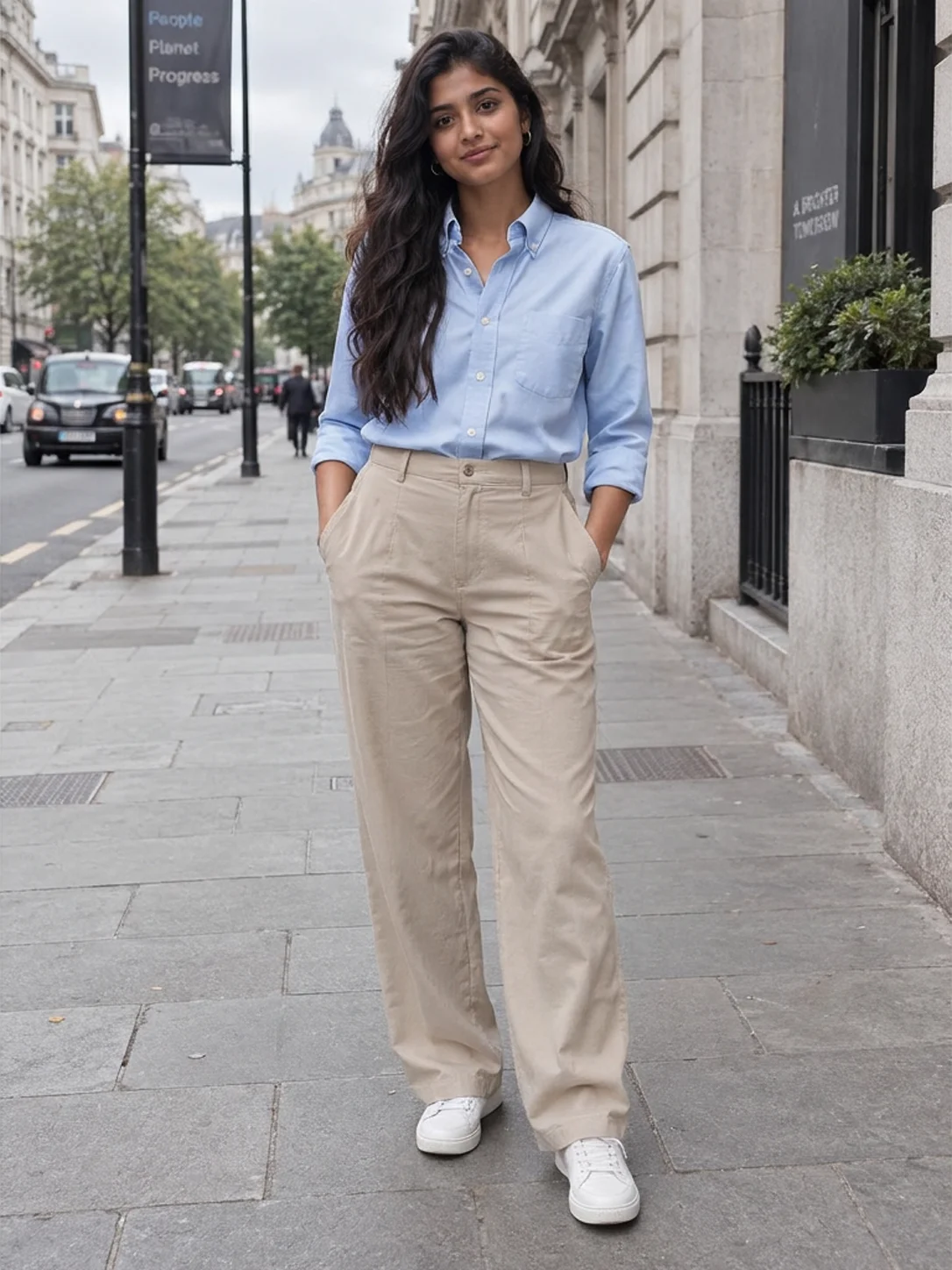
Example three: an Oxford shirt in a street scene
Upload images to try it →; no prompt required.
Upload images to try it →; no prompt required.
Upload images to try it →; no prompt required.
The street, beige trousers and standing pose largely carry through while the white T-shirt becomes a light-blue shirt. Sleeves that extend fully in the flat lay are rolled toward the forearms in the result, and the hem is tucked into the trousers. If the brief needs a particular sleeve length or an unrolled look, check the result against that requirement rather than assuming every detail carries over unchanged.
Select inputs and review the result
Use a single person, preferably facing forward with the body clearly visible. Choose a clean garment photo that includes the neckline, sleeves and hem. Generate one candidate, then inspect the garment, hand occlusions, accessories and background. Compare specific product details with the original when they matter to the brief.
None of these examples needs a prompt. Open the entry below an image and upload a person photo and garment photo; the integration page explains the API fields. These images show outfit appearance and do not replace sizing measurements.
FAQ
Why are there no prompt recipes?
The model has no prompt parameter. The person and garment images describe the task, so improving the input starts with image selection.
How do the two images differ?
The person photo shows who will wear the item. The garment photo shows the product. Their fields are person_image_url and product_image_url respectively.
Does only the clothing change?
The dress example also changes the shoes, and the shirt example changes how the sleeves are worn. Review areas outside the garment too.
How can I get several candidates for the same outfit?
Use num_images: 1 and submit separate requests with the same inputs, then compare the returned candidates.
Further reading
Pricing and budgets · API integration · Examples and input selection · Google Virtual Try-On