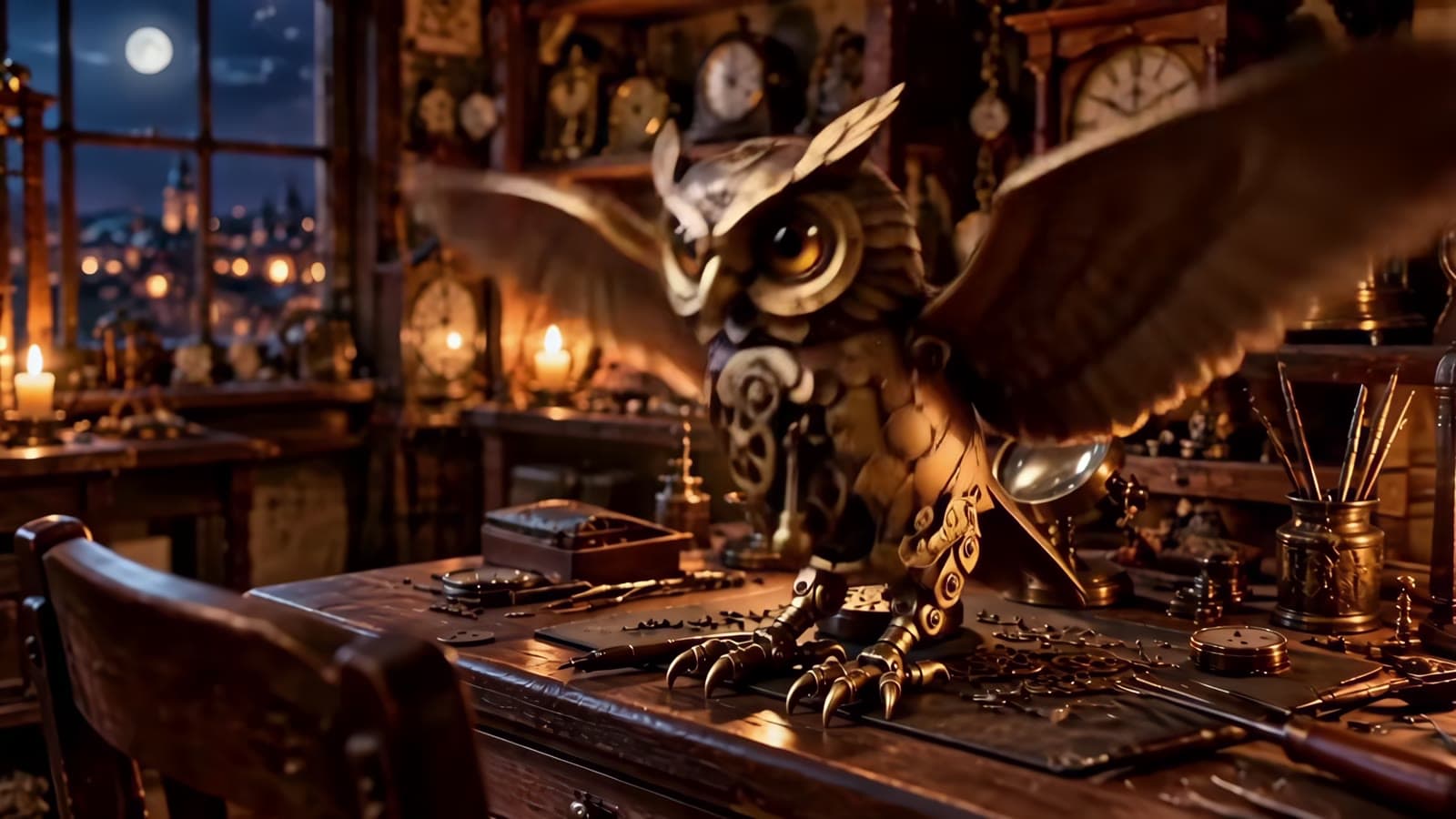
You already have the still — a packshot, a hero product frame, a portrait. For short-form, the job is to make it move: a 4–6 second vertical beat with a little camera life and a sound bed, stacked into a hook / body / CTA sequence. vidu-q4-preview/image-to-video on the hiapi API is built for exactly that. Feed it one first frame, get back a 3–16 second clip up to 4K with a native audio track.
This is the end-to-end production pipeline, not a prompt gallery: prep the frame, batch three async clips, master the 4K beat, export H.264 for the web. Every clip, number, and schema detail below comes from one real run on 2026-10-19 — three clips produced and inlined so you can watch them.
If you just want copy-paste shot prompts, read the Vidu Q4 Preview image-to-video prompt recipes. If your source is a brand kit (several reference images plus a voice sample), that's reference-to-video — a different task and a different endpoint. This page is for the single-still case.
What the image-to-video endpoint actually takes
Here is the input contract, re-probed live this run (invalid values only, so the probes never spent a cent):
| Field | Required | Values |
|---|---|---|
model | yes | vidu-q4-preview/image-to-video |
prompt | yes | the motion description |
image_url | yes | a single first-frame image URL |
resolution | no | 540p · 720p · 1080p · 2k · 4k |
duration | no | integer seconds, 3–16 |
Four behaviors decide how you build the pipeline, and all four are easy to get wrong:
- There is no
aspect_ratiofield. Sending one is rejected outright (invalid input: <root>: additional properties 'aspect_ratio' not allowed). The clip inherits its orientation from the first frame — a 9:16 still yields a 9:16 clip. Orientation is decided when you make the still, not at call time, so for short-form you commit to vertical up front. resolutionsets the short edge, not the long edge. On a vertical frame1080pcame back as 1080×1918 and720pas 720×1278.4kon a vertical still is a 2160-wide monster (2160×3836 here) — budget and encode accordingly.- Every clip carries an audio track, even with no audio reference. All three outputs shipped a stereo AAC track at 48 kHz, driven by the sound words in the prompt. Plan to keep it or mute it in post; it is never absent.
image_urlis singular. Passingreference_image_urlsis rejected (additional properties 'reference_image_urls' not allowed) — that array belongs to reference-to-video. One still in, one clip out.
That last point is the real fork in the road: if you need several product angles locked together, you want reference-to-video. If you have one good frame, image-to-video is simpler and cheaper.
The pipeline at a glance
A short-form sequence is just N independent single-frame animations, so the whole thing parallelizes cleanly:
- Prep one first frame per beat — vertical (9:16) for short-form, because orientation is locked to the frame.
- Submit every beat as its own async task — one
POST /v1/taskseach; don't block on the first before firing the rest. - Poll each
taskIdtosuccess, download the mp4 from the output URL. - Master the 4K beat, re-encode HEVC→H.264, stitch or keep split, export.
Step 1 — Prepare the first frame
Because orientation and the short edge both come from the still, your frame choices decide the clip. For this run I generated two 9:16 stills with gpt-image-2/text-to-image: a studio product packshot and a lifestyle portrait. This is the packshot we start the hook from:

And here is the same frame animated at 4K — a slow push-in with a light sweep across the glass:
The prompt that produced it (written and run for this article):
Animate the first frame into a cinematic short-form hook: a slow push-in toward
the amber serum bottle while a soft beam of light sweeps across the glass from
left to right, catching the condensation droplets so they glint. The out-of-focus
eucalyptus leaves behind drift a few millimetres. Unhurried, premium motion.
Subtle ambient whoosh and a soft chime as the light reaches the bottle.
Note the prompt describes motion and sound only — it never restates what the object is. The still already fixes the subject; image-to-video just needs to be told how it should move and what it should sound like.
Step 2 — Submit, poll, download one beat
The call is a single async task. Submit:
curl -s -X POST https://api.hiapi.ai/v1/tasks \
  -H "Authorization: Bearer $HIAPI_TOKEN" \
  -H "Content-Type: application/json" \
  -d '{
    "model": "vidu-q4-preview/image-to-video",
    "input": {
      "prompt": "Animate the first frame into a cinematic short-form hook ...",
      "image_url": "https://your-storage.example.com/still-product.jpg",
      "resolution": "4k",
      "duration": 4
    }
  }'
# -> {"data": {"taskId": "tk-hiapi-01M597ARAKTTJ9YWRPEXPBAYHJ"}}
Then poll the task until it reaches a terminal status, and download the result:
curl -s https://api.hiapi.ai/v1/tasks/$TASK_ID \
  -H "Authorization: Bearer $HIAPI_TOKEN"
# in progress -> {"data": {"status": "processing"}}
# done        -> {"data": {"status": "success",
#                          "output": [{"url": "https://.../out.mp4", "expireAt": ...}]}}
Two things worth knowing from the real responses:
- The output URL is temporary. It carries an
expireAt, so download the bytes to disk or your own storage immediately — don't hot-link it into a page. - Bad values fail at validation, before any billing. Sending
"duration": 99returnsinvalid input: duration: maximum: got 99, want 16with notaskId— which is exactly how the 3–16 bound above was confirmed for free. Catch that 400 in your client and surface it; it means the request was rejected, not that a task failed mid-render.
Step 3 — Batch the hook, body, and CTA
Because each beat is one still → one task, you fire them together and poll them together instead of running a blocking chain. On this run all three went out in one burst; the 720p and 1080p beats came back within a couple of minutes, and the 4K hook a few minutes after that — which is precisely why you submit async rather than call-and-wait in series.
The lifestyle body beat, animated from the portrait still at 1080p for six seconds:
Animate the first frame into a lifestyle short-form beat: a gentle parallax orbit
around the woman as she turns her face a few degrees toward the window light and
her soft smile widens slightly. Loose strands of hair sway in a faint breeze; the
blurred plant leaves behind shift gently. Warm, natural, editorial motion with no
jump cuts. Soft airy room tone.
The CTA end-card beat, back to the product still at 720p for four seconds — small, cheap, and enough for a closing card:
Animate the first frame into a clean end-card beat: the serum bottle rotates slowly
and settles to a confident three-quarter angle as the light steadies. Minimal,
product-forward motion that holds on the bottle. A soft sustained ambient tone that
resolves cleanly.
A minimal batch loop looks like this — submit all beats, collect the task IDs, then poll:
import requests, time

BEATS = [
    {"name": "hook", "image_url": PRODUCT_STILL,  "resolution": "4k",    "duration": 4, "prompt": HOOK},
    {"name": "body", "image_url": PORTRAIT_STILL, "resolution": "1080p", "duration": 6, "prompt": BODY},
    {"name": "cta",  "image_url": PRODUCT_STILL,  "resolution": "720p",  "duration": 4, "prompt": CTA},
]
H = {"Authorization": f"Bearer {TOKEN}", "Content-Type": "application/json"}

# submit all at once -- do not block between beats
tasks = {}
for b in BEATS:
    r = requests.post("https://api.hiapi.ai/v1/tasks",
                      headers=H, json={"model": "vidu-q4-preview/image-to-video",
                      "input": {k: b[k] for k in ("prompt", "image_url", "resolution", "duration")}})
    tasks[b["name"]] = r.json()["data"]["taskId"]

# poll each saved taskId to a terminal state; never resubmit
done = {}
while len(done) < len(tasks):
    for name, tid in tasks.items():
        if name in done:
            continue
        t = requests.get(f"https://api.hiapi.ai/v1/tasks/{tid}", headers=H).json()["data"]
        if t["status"] == "success":
            done[name] = t["output"][0]["url"]
        elif t["status"] == "fail":
            raise RuntimeError(f"{name} failed: {t.get('error')}")
    time.sleep(15)
Keep the task IDs. If the network blips mid-poll, re-poll the saved ID — never resubmit, or you pay twice for the same beat.
Step 4 — Master at 4K, export H.264 for the web
The 4K hook came back as HEVC (H.265), Main 10, 2160×3836 — a true vertical-4K master. HEVC does not inline-play reliably across browsers, so for web delivery re-encode it to H.264:
# 4K HEVC master -> H.264 web export (downscaled to a 1080-wide delivery copy)
ffmpeg -i hook_4k.mp4 -vf "scale=1080:-2" \
  -c:v libx264 -preset medium -crf 20 -pix_fmt yuv420p \
  -c:a aac -b:a 128k -movflags +faststart hook_web.mp4
The 1080p and 720p beats already came back as H.264, so they needed no re-encode — only a -movflags +faststart remux so they start playing before fully downloading. Keep the 2160-wide HEVC as your archival master and ship the downscaled H.264 to the page; that is the hook clip playing at the top of Step 1.
From here, either concat the three beats into one vertical short or keep them as separate assets if your platform wants the hook, body, and CTA uploaded individually.
What a three-beat short actually costs
Pricing is per second, billed by the duration factor, and set by resolution (checked against the live /api/pricing this run):
| Resolution | Price / second |
|---|---|
| 540p | $0.0515 |
| 720p | $0.109 |
| 1080p | $0.1375 |
| 2K | $0.2175 |
| 4K | $0.446 |
For the exact three-beat short above:
| Beat | Resolution | Duration | Cost |
|---|---|---|---|
| Hook | 4K | 4s | $1.784 |
| Body | 1080p | 6s | $0.825 |
| CTA | 720p | 4s | $0.436 |
| Total video | 14s | $3.045 |
Add the two gpt-image-2 first frames at $0.03 each and the finished short is about $3.11 of generation. The 4K hook is 59% of that bill on its own. Drop the hook to 1080p and the three beats total about $1.81; the 4K premium is a choice you make for the one beat that earns it — the hero reveal — while a 720p CTA end card is indistinguishable at thumb-stopping speed. Full tiering for every model is on the hiapi pricing page.
FAQ
Can I force 9:16 in the request? No — there is no aspect_ratio field, and sending one is rejected. Orientation is inherited from the first frame, so make or crop a vertical still before you call.
Why does my clip have sound I didn't ask for? Vidu Q4 Preview outputs a native audio track on every clip, cued by the sound words in your prompt. If you want silence, mute the track in post.
My 4K clip won't play inline — is the file broken? It's fine; 4K comes back as HEVC/H.265, which some browsers won't inline-render. Re-encode to H.264 as shown in Step 4.
Can I pass several product angles in one call? Not on this endpoint — image_url is a single frame and reference_image_urls is rejected here. Multiple references (and voice) are the reference-to-video endpoint.
How long can one beat be? Up to 16 seconds per clip (the schema caps duration at 16). For a longer piece, generate several beats and stitch them.
How do I control the camera move? Describe it in the prompt — push-in, parallax orbit, settle — exactly as in the three prompts above. For a deeper catalog of move language, see our notes on cinematic camera movements for AI video.
Start animating your stills
If you have one strong frame, you have a short-form clip. Point image_url at it, pick a resolution to match the beat's job, and let the batch run. See the full input schema and live examples on the Vidu Q4 Preview image-to-video model page, or wire the submit-and-poll loop into your own stack with the hiapi quickstart.