TL;DR
- Bria Eraser: Upload an image and a black-and-white mask to erase selected areas. No prompt is needed.
- Each image costs $0.0575, with one PNG per request. See pricing and budgets
- The four examples include source images, masks and results. Open the model page and upload the matching inputs.
Prepare inputs for your edit
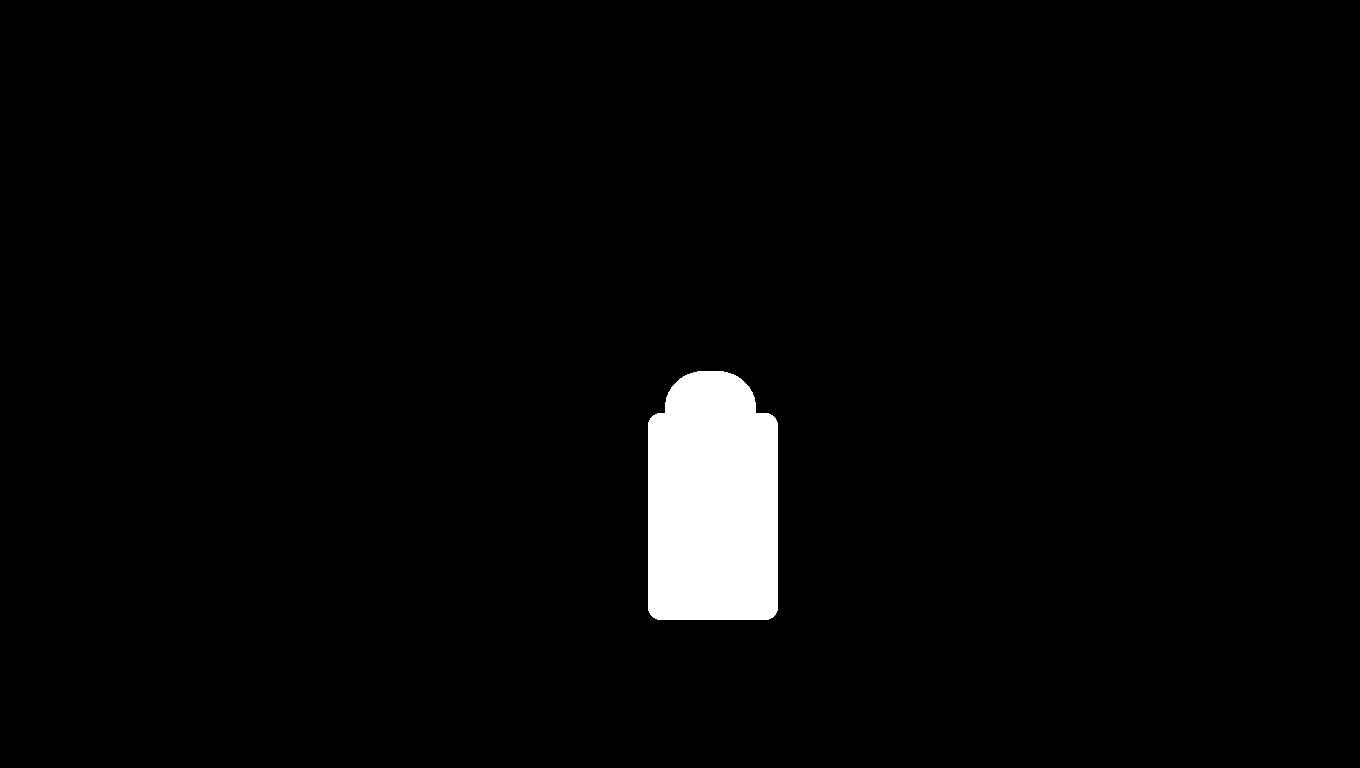
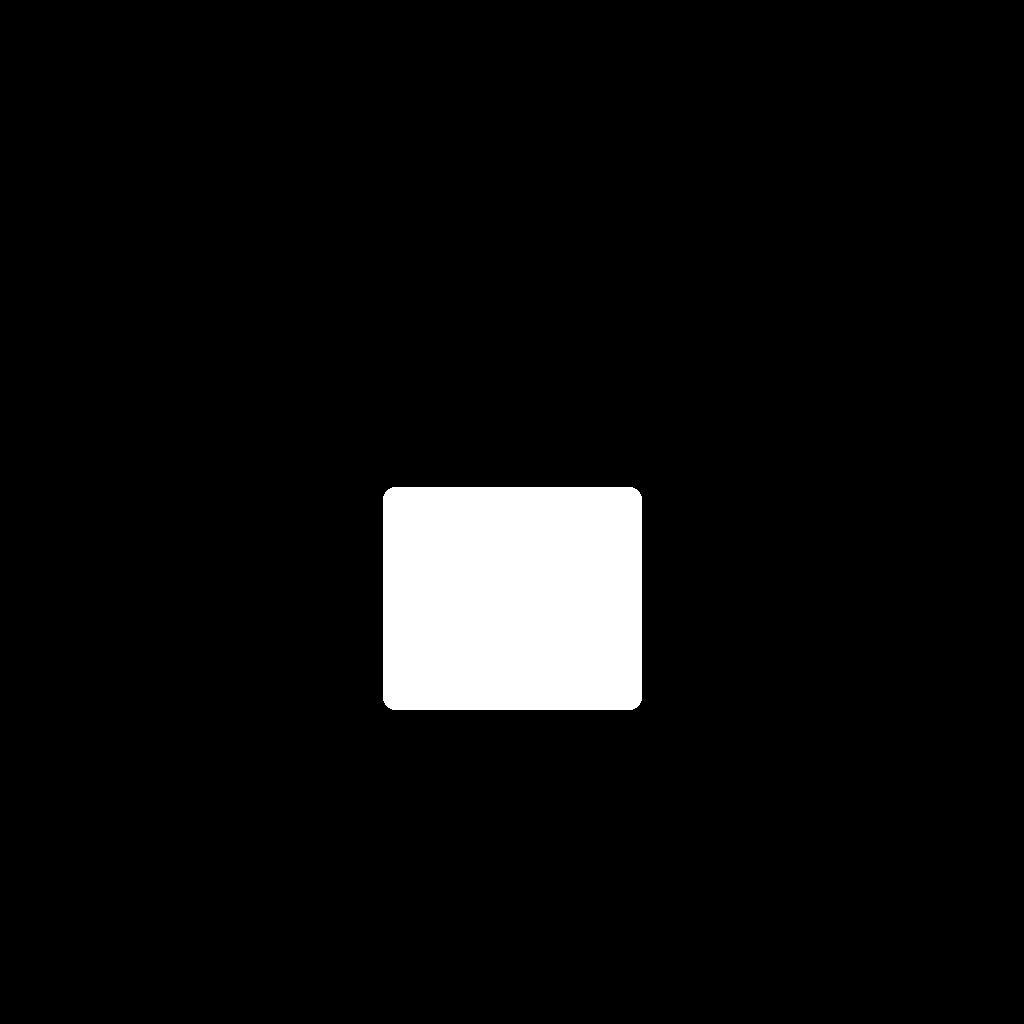
Eraser edits are controlled by the mask. White marks the area to erase and black marks what to keep. The scene descriptions explain the pictures; they are not generation prompts and must not be sent as a prompt parameter.
Street photo: remove a passer-by
Open the model page to upload inputs, then upload the matching mask; no prompt is required.
Open the model page to upload inputs, then upload the matching mask; no prompt is required.
Open the model page to upload inputs, then upload the matching mask; no prompt is required.
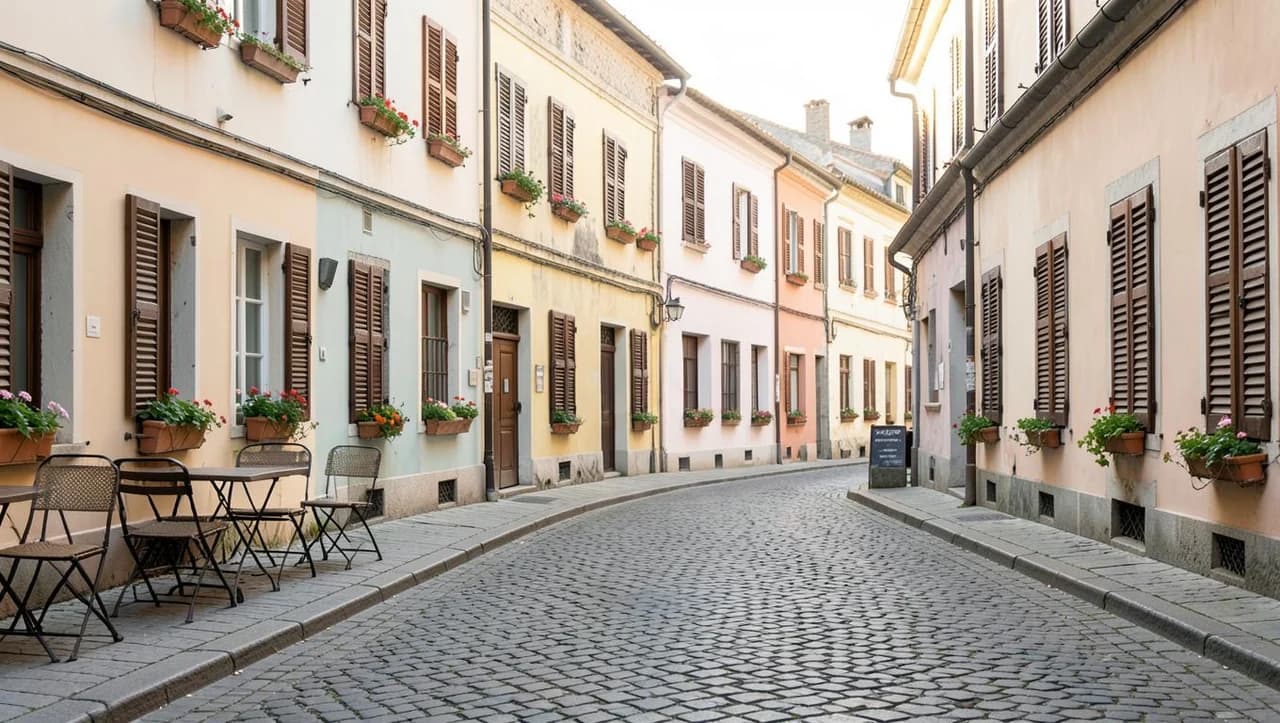
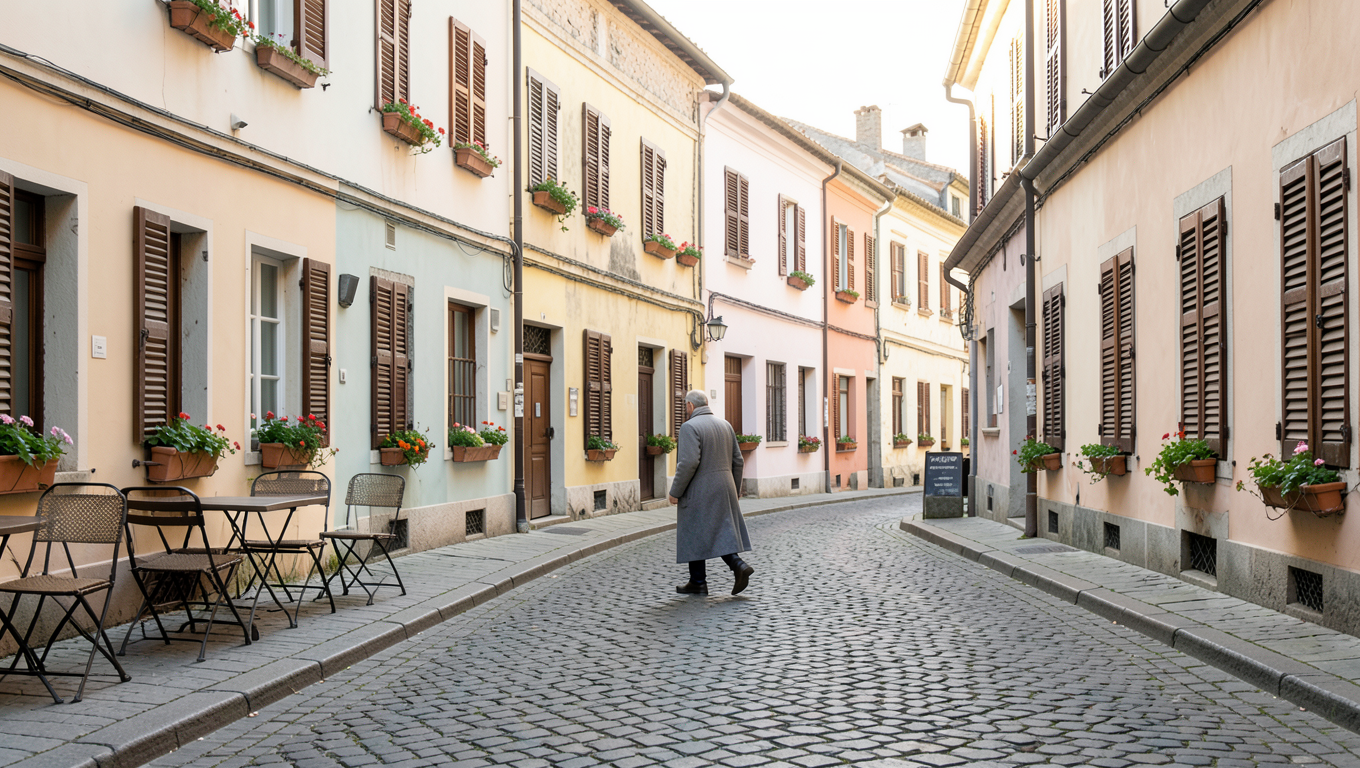
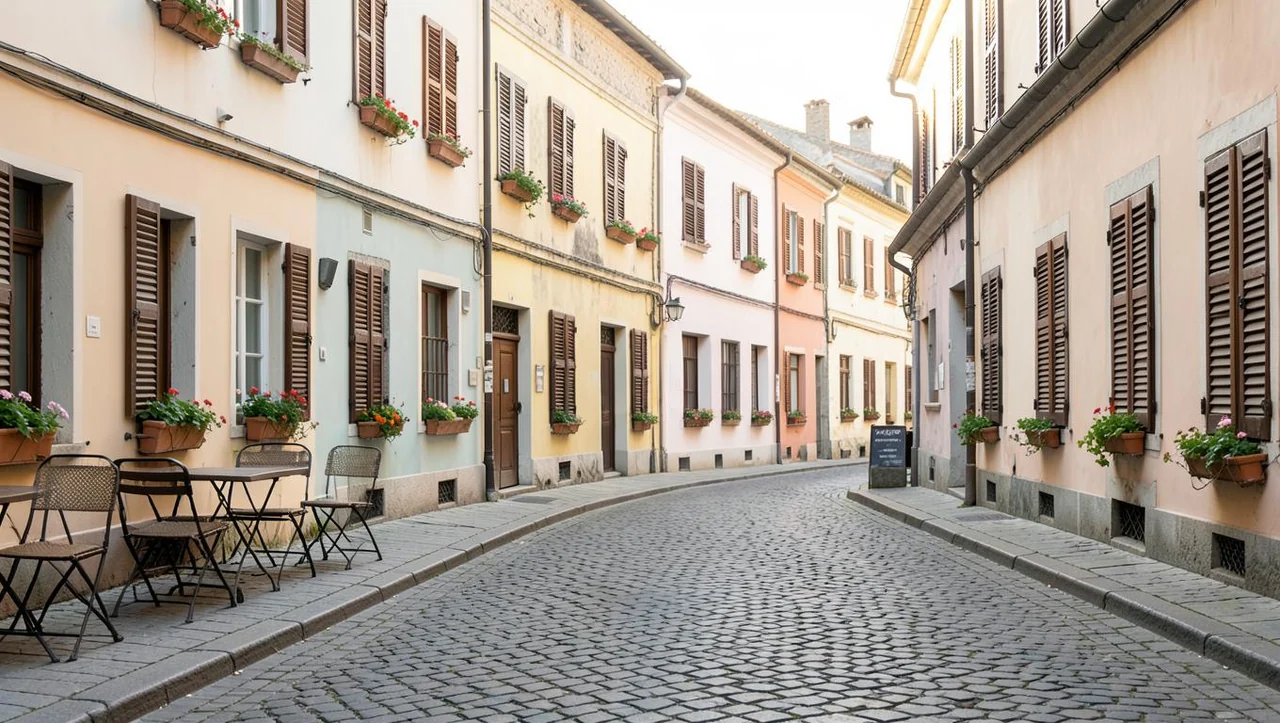
A passer-by in a long coat occupies the center of the source image, and the white mask covers the person. In the result, paving fills that area while the buildings remain visible on both sides.
Cover the entire person in white and check the shoes and outer edges. Keep the tables and chairs you want to retain in the black area.
{
  "model": "bria-eraser",
  "input": {
    "image_url": "https://static.hiapi.ai/model-covers/2026/10/22/1792651217019-46c31ddb2b52110d-1792546025379-46c31ddb2b52110d-e1-street-src.png",
    "mask_url": "https://static.hiapi.ai/model-covers/2026/10/22/1792651218718-e5d2a17ae1d12d41-1792546025861-e5d2a17ae1d12d41-e1-street-mask.png",
    "mask_type": "manual",
    "preserve_alpha": false
  }
}
bria-eraser returns one image per request at $0.0575 per image.
Tabletop: remove paper and a tea bag
Open the model page to upload inputs, then upload the matching mask; no prompt is required.

Open the model page to upload inputs, then upload the matching mask; no prompt is required.
Open the model page to upload inputs, then upload the matching mask; no prompt is required.
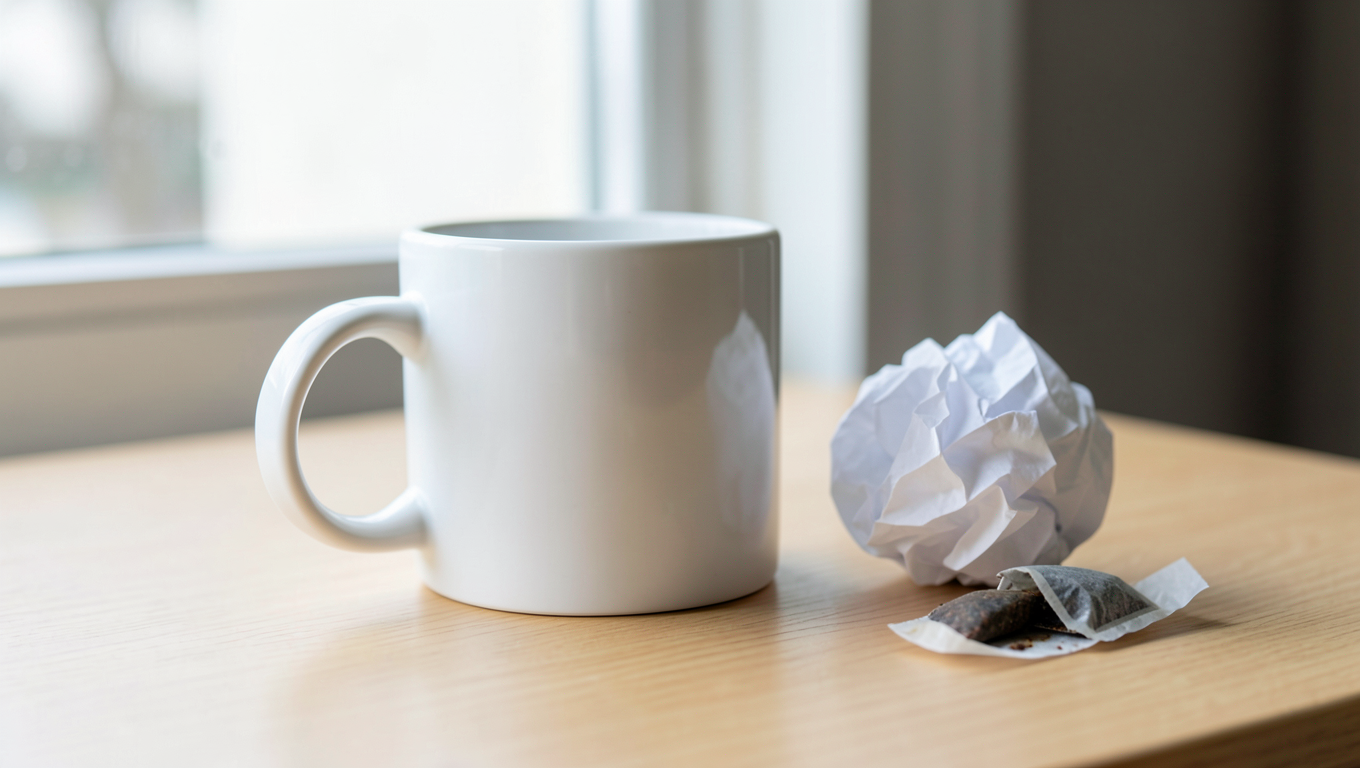
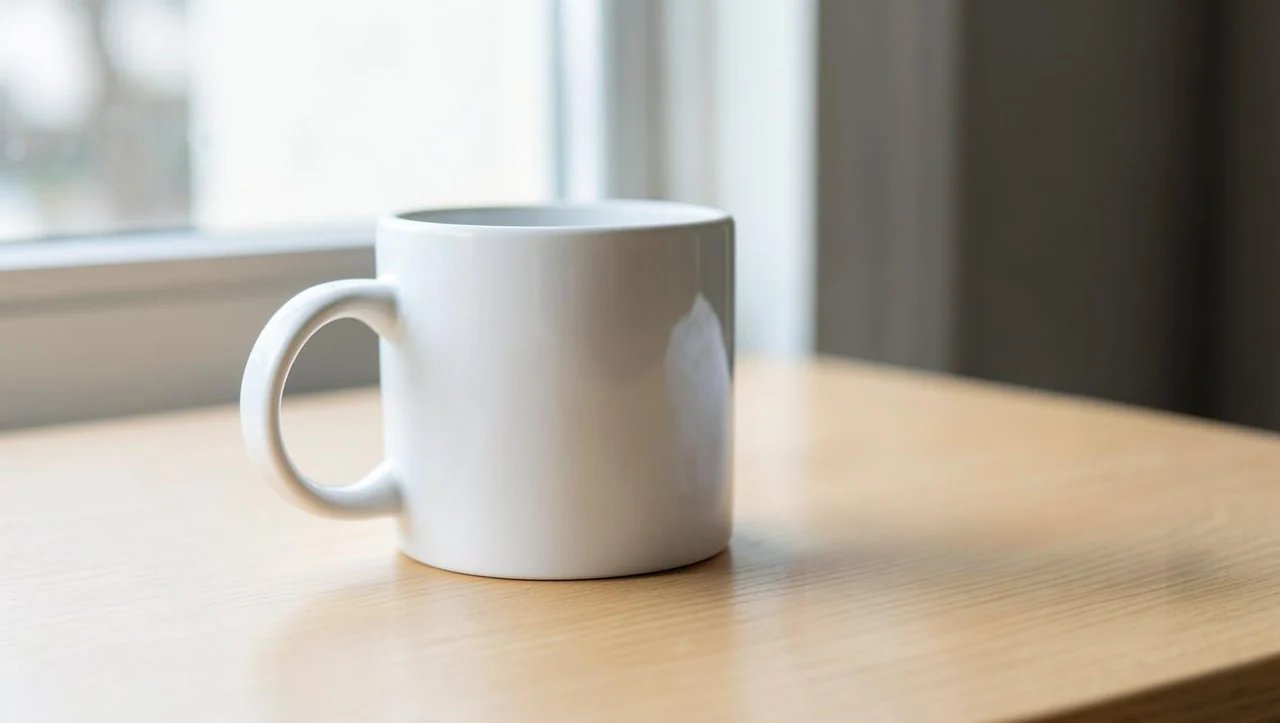
The source has a paper ball and a tea bag to the right of a white mug. The mask covers both; the result keeps the mug and shows the wooden surface on its right.
Keep the mug in the black area and check that the white selection covers the edges of both unwanted objects.
{
  "model": "bria-eraser",
  "input": {
    "image_url": "https://static.hiapi.ai/model-covers/2026/10/22/1792651221006-aa722fbf0b20a05d-1792546026337-aa722fbf0b20a05d-e2-desk-src.png",
    "mask_url": "https://static.hiapi.ai/model-covers/2026/10/22/1792651221809-62ffea31d7a220c4-1792546026769-62ffea31d7a220c4-e2-desk-mask.png",
    "mask_type": "manual",
    "preserve_alpha": false
  }
}
bria-eraser returns one image per request at $0.0575 per image.
Interior: remove a cable and socket
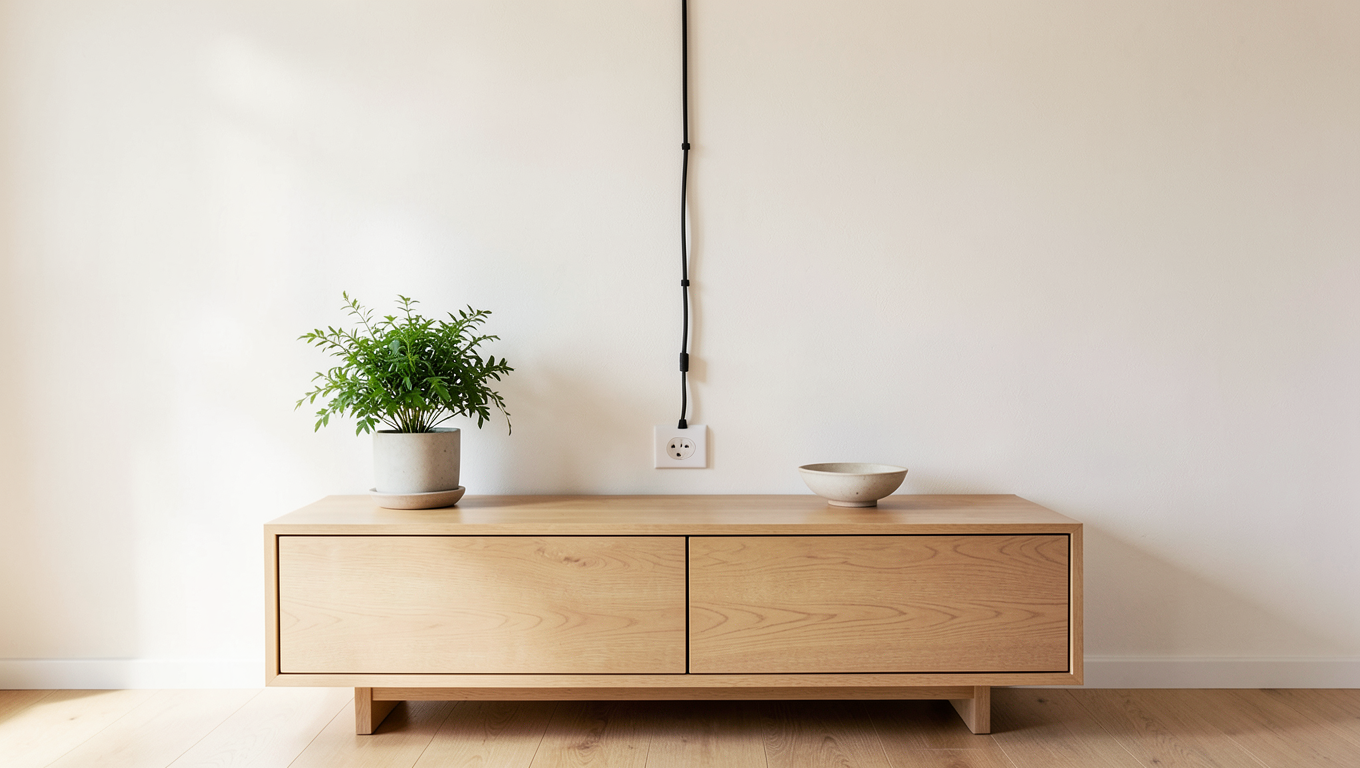
Open the model page to upload inputs, then upload the matching mask; no prompt is required.
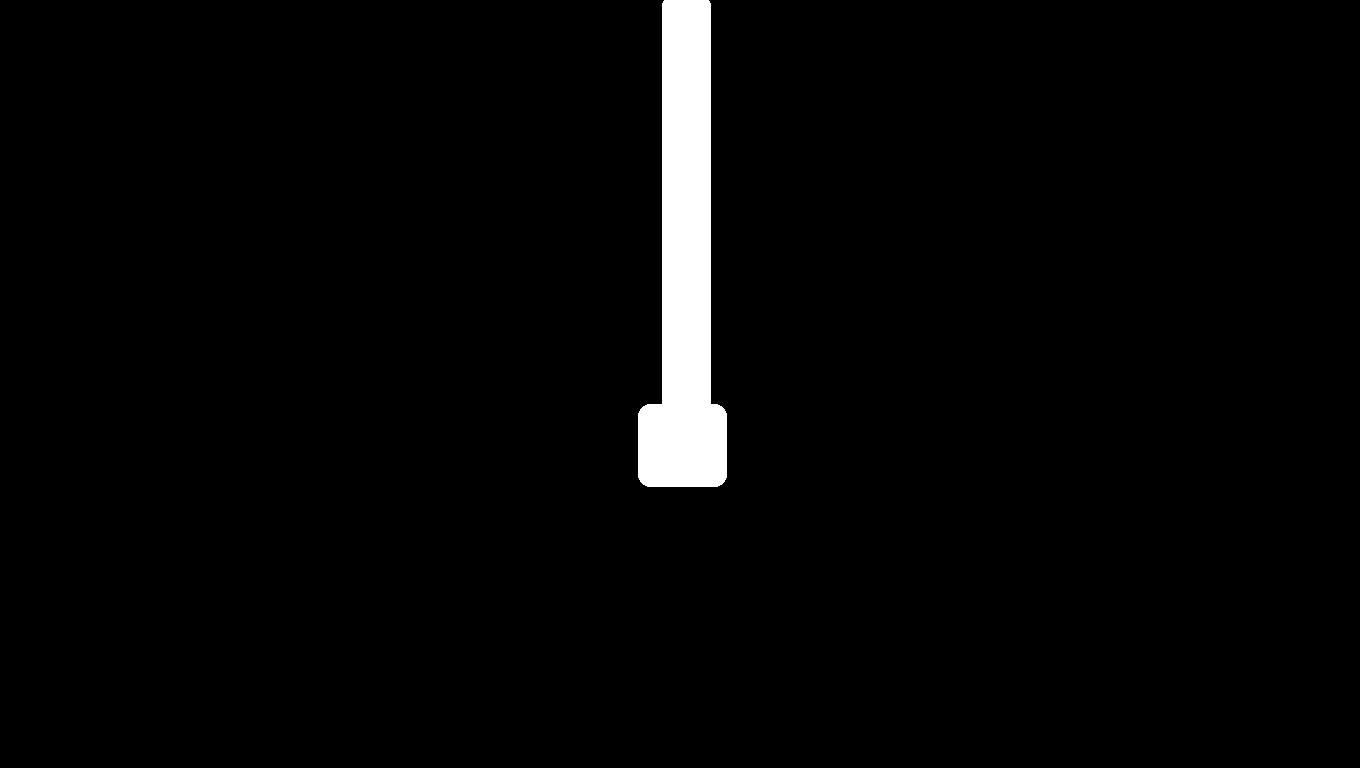
Open the model page to upload inputs, then upload the matching mask; no prompt is required.
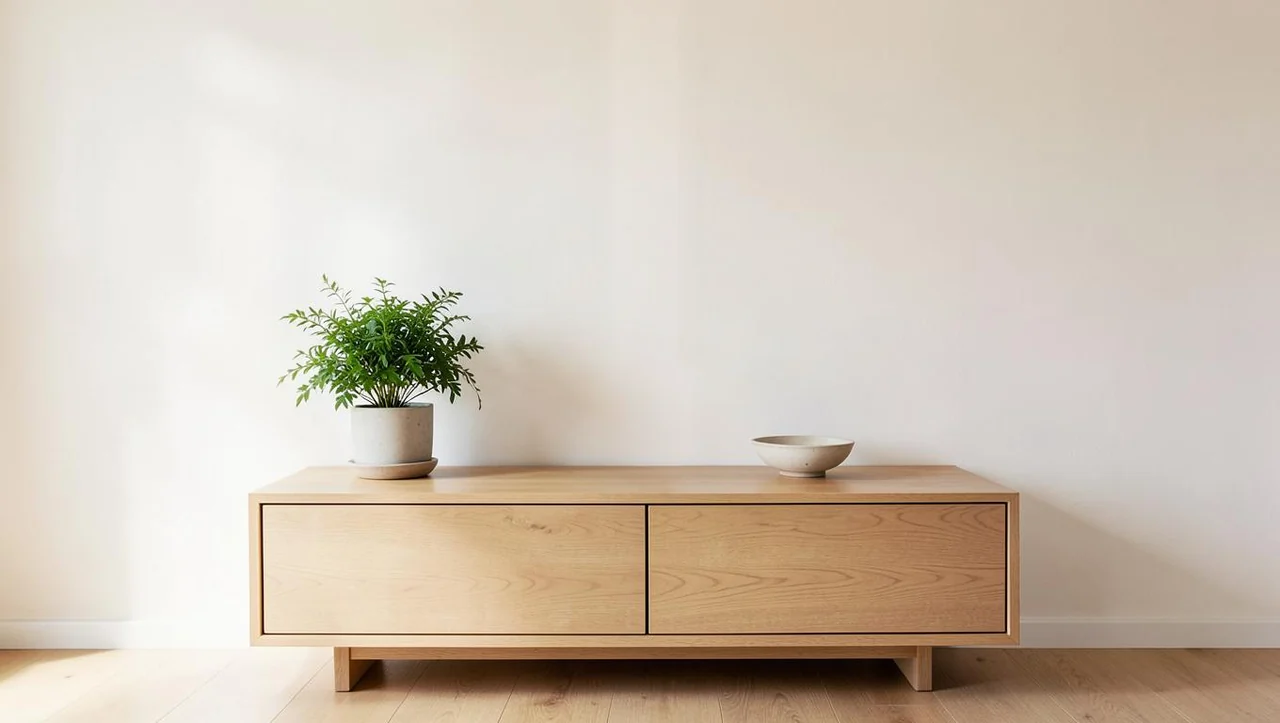
Open the model page to upload inputs, then upload the matching mask; no prompt is required.
A vertical cable and socket appear on the wall above a sideboard. A narrow white mask follows them; the result shows a pale wall in that area, with the sideboard, plant and bowl still visible.
Trace the full cable in white and widen the selection around the socket. Keep the white mask away from the sideboard and plant.
{
  "model": "bria-eraser",
  "input": {
    "image_url": "https://static.hiapi.ai/model-covers/2026/10/22/1792651224220-dc7497c3a8cb1fab-1792546027425-dc7497c3a8cb1fab-e3-room-src.png",
    "mask_url": "https://static.hiapi.ai/model-covers/2026/10/22/1792651225878-79d4af0aec50c743-1792546027894-79d4af0aec50c743-e3-room-mask.png",
    "mask_type": "manual",
    "preserve_alpha": false
  }
}
bria-eraser returns one image per request at $0.0575 per image.
Product photo: remove a sticker
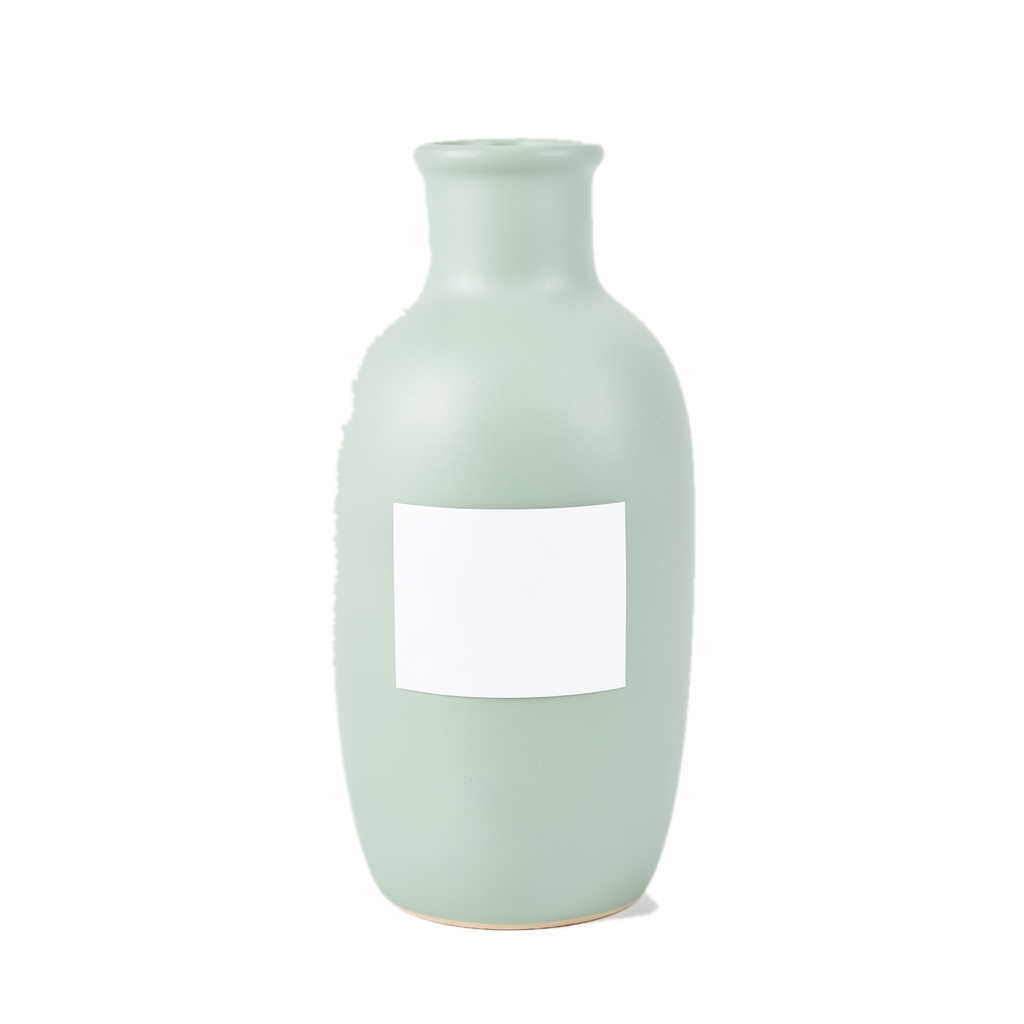
Open the model page to upload inputs, then upload the matching mask; no prompt is required.
Open the model page to upload inputs, then upload the matching mask; no prompt is required.
Open the model page to upload inputs, then upload the matching mask; no prompt is required.
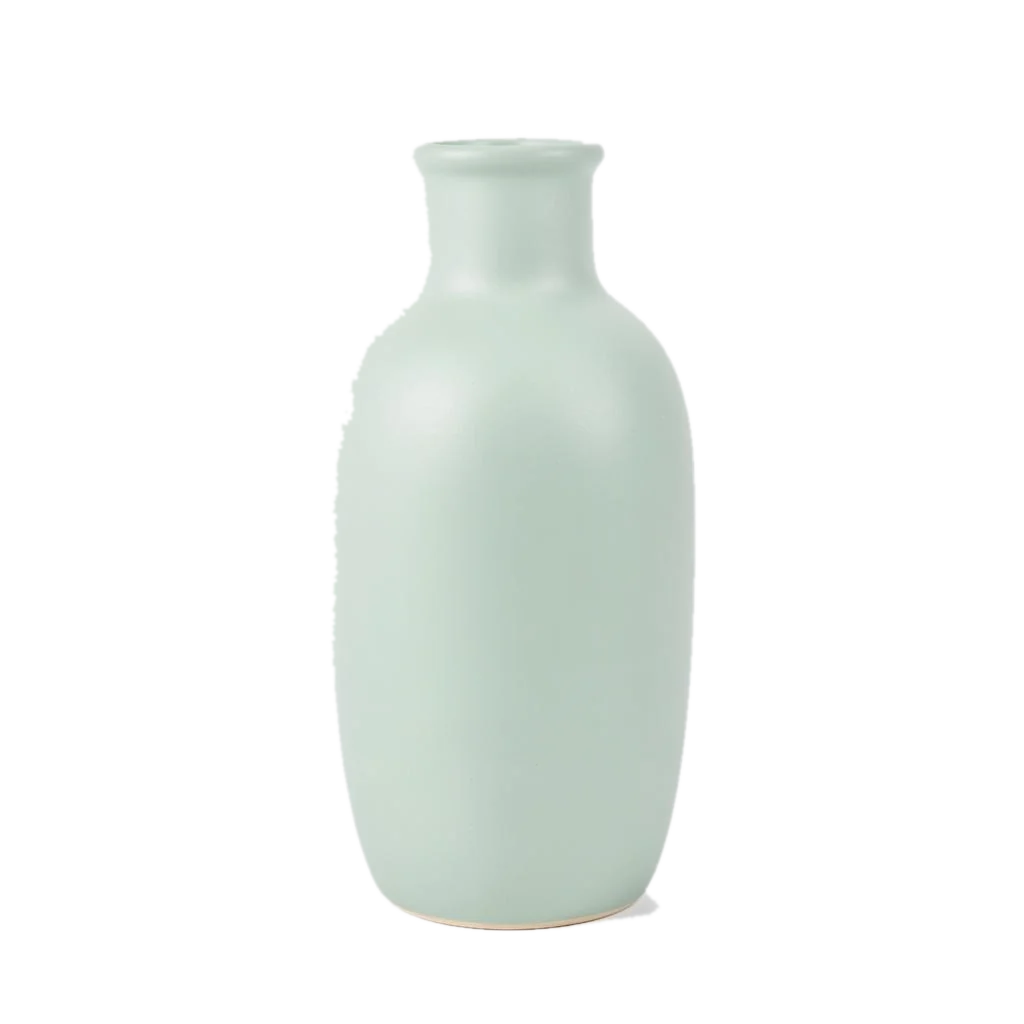
The sage-colored vase has a white sticker, covered by a rectangular mask. The sticker is no longer visible in the result. When preparing a transparent asset, check the alpha channel in the original PNG separately.
Set preserve_alpha=true when the input actually contains an alpha channel. Check the downloaded PNG for transparency; the background color on a web page does not establish it.
{
  "model": "bria-eraser",
  "input": {
    "image_url": "https://static.hiapi.ai/model-covers/2026/10/22/1792651228144-b34d7f02cfca5c3e-1792546028494-b34d7f02cfca5c3e-e4-vase-transparent.png",
    "mask_url": "https://static.hiapi.ai/model-covers/2026/10/22/1792651229207-b89006e510782ca4-1792546028862-b89006e510782ca4-e4-vase-mask.png",
    "mask_type": "manual",
    "preserve_alpha": true
  }
}
bria-eraser returns one image per request at $0.0575 per image.
How should you adapt an example?
- Identify the object to remove, then prepare a mask matching the source aspect ratio.
- Extend the white area slightly beyond the object edge while avoiding subjects you want to keep.
- Choose mask_type according to the mask source, and use preserve_alpha when the source is transparent.
FAQ
Can I use the scene description as a prompt?
No. Eraser does not accept prompt. Upload the source image and mask.
Can one mask select several objects?
Yes. The tabletop example covers both the paper ball and tea bag in white.
Can I judge transparency from the web preview?
Background color alone is insufficient. Inspect the alpha channels in the input and result PNG files.
What does each example cost?
One output costs $0.0575. Four outputs total $0.23.