TL;DR
- Bria Product Shot: Upload a product photo and choose an English scene description or a scene reference image.
- Each image costs $0.0575, with one PNG per request. See pricing and budgets
- Four examples cover text scenes, a scene reference and original placement. Text links prefill the description; upload the product image separately.
Prepare inputs for your edit
Text mode suits a product shot with a defined scene description. Reference mode uses another image to guide the setting. If the product must stay in its original position, select original separately. Each example includes its English scene description or the specific scene-reference input.
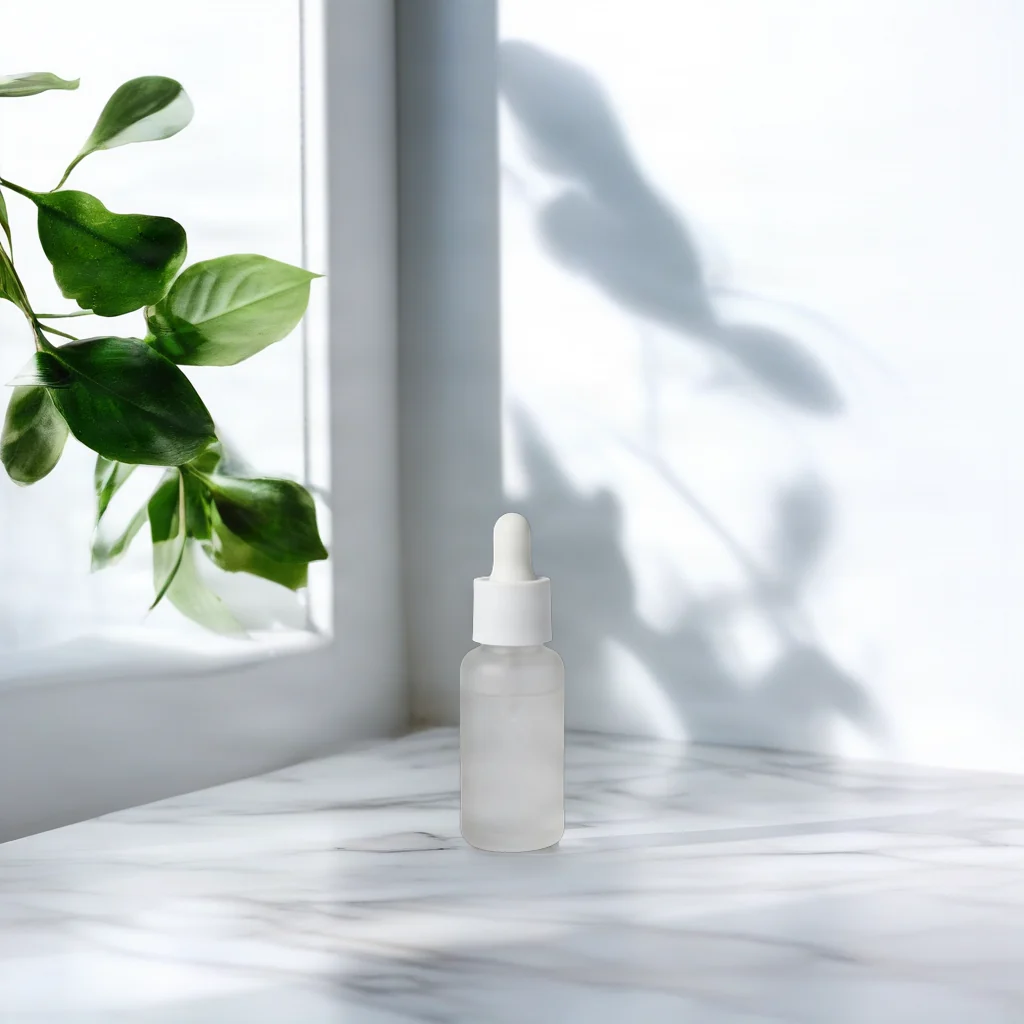
Skincare: a countertop by a window
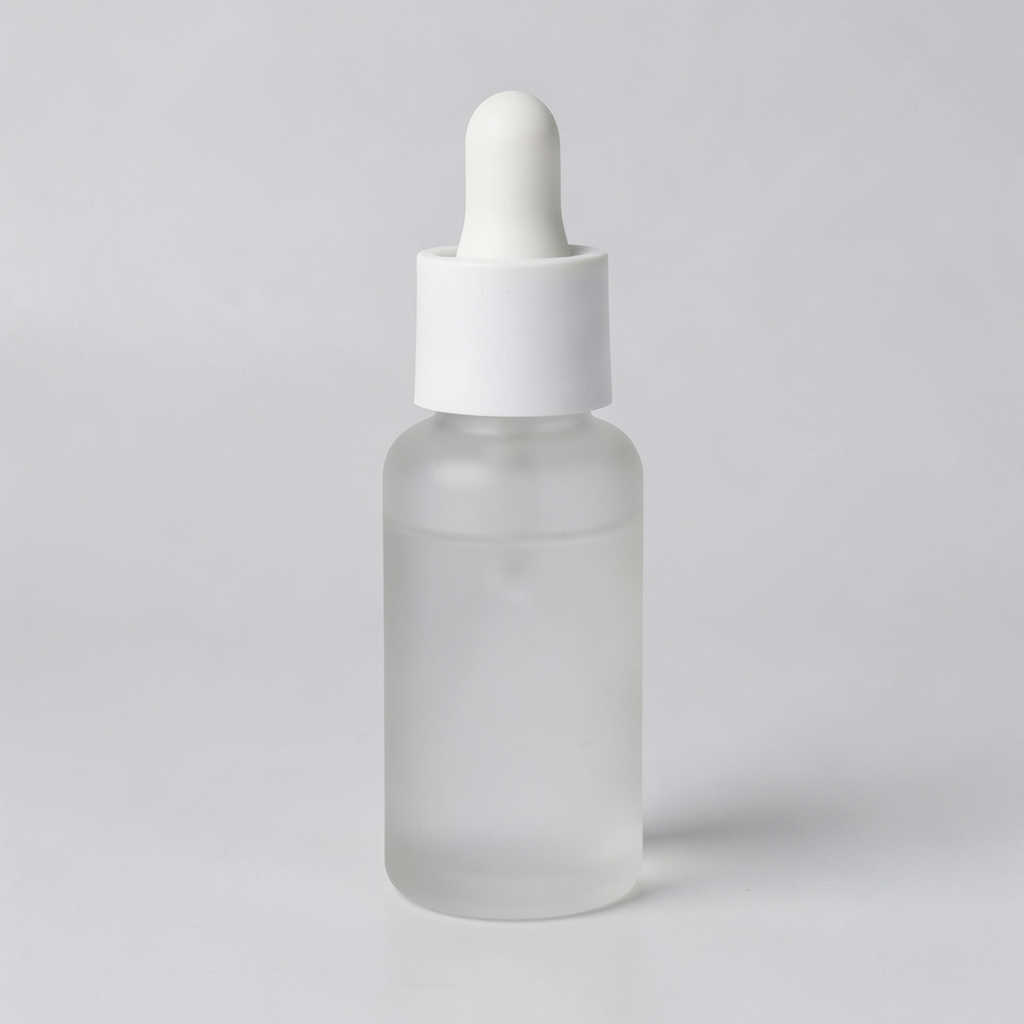
Open this scene description in the model page; also upload the product image and choose placement.
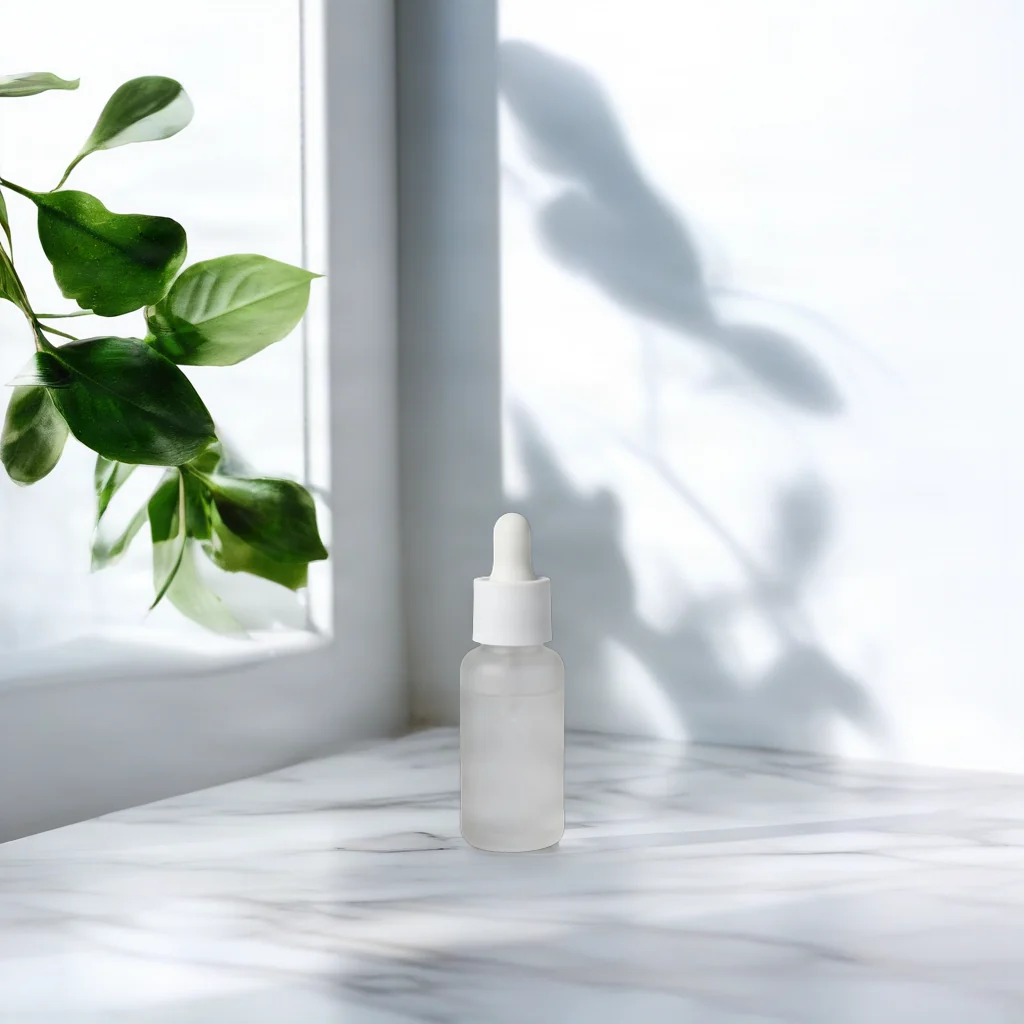
Open this scene description in the model page; also upload the product image and choose placement.
The source shows a dropper bottle against a pale background. In the result, the bottle sits low in the frame, with a window frame, green leaves and a veined pale surface around it.
On a white marble countertop beside a window, soft morning light, a few green leaves in the background
The description specifies the surface, light and background objects. bottom_center controls placement; you still need to upload the product image.
{
  "model": "bria-product-shot",
  "input": {
    "image_url": "https://static.hiapi.ai/model-covers/2026/10/22/1792653491040-98cf020f23ff79b2-1792546029235-98cf020f23ff79b2-p1-serum-src.png",
    "prompt": "On a white marble countertop beside a window, soft morning light, a few green leaves in the background",
    "optimize_description": true,
    "placement_type": "manual_placement",
    "manual_placement_selection": "bottom_center",
    "fast": true
  }
}
bria-product-shot returns one image per request at $0.0575 per image.
Homeware: a wooden shelf
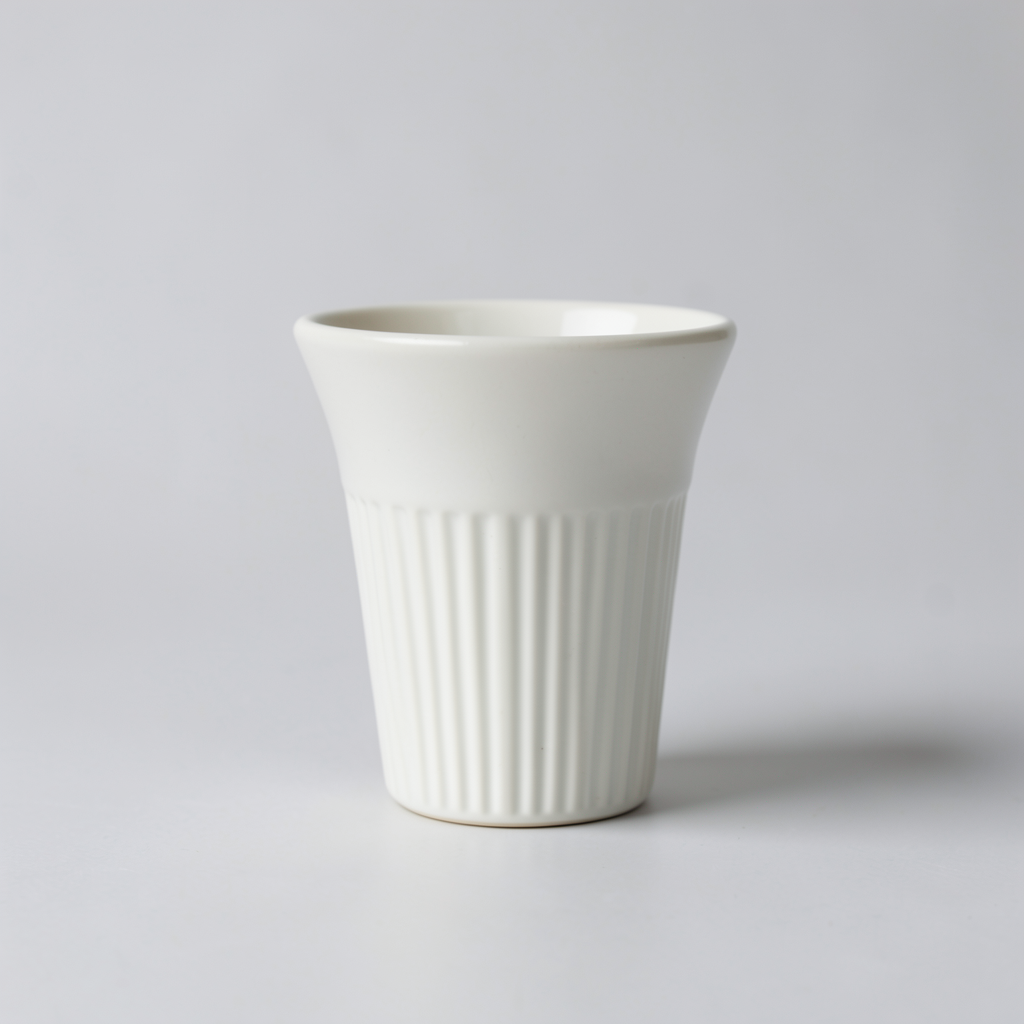
Open this scene description in the model page; also upload the product image and choose placement.
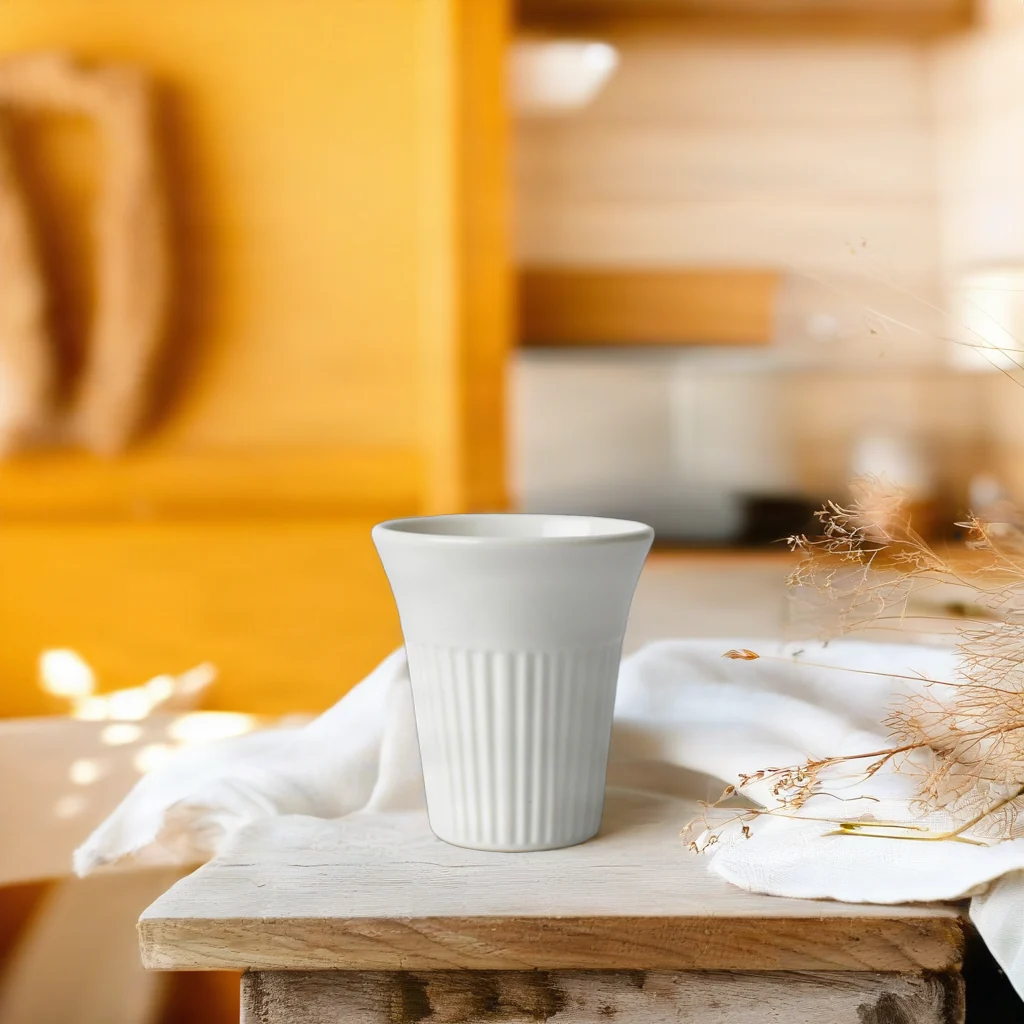
Open this scene description in the model page; also upload the product image and choose placement.
The source shows a ribbed ceramic cup on a pale background. The result places it on a wooden surface beside light fabric and dried plants.
On a rustic wooden kitchen shelf with linen cloth and dried flowers, warm afternoon sunlight, cozy Scandinavian kitchen in the background
Start with the surface supporting the product, then describe fabric, plants and light. When reusing it, replace the scene description and check the product edges.
{
  "model": "bria-product-shot",
  "input": {
    "image_url": "https://static.hiapi.ai/model-covers/2026/10/22/1792653495587-1ca0aee6e567e540-1792546029664-1ca0aee6e567e540-p2-dripper-src.png",
    "prompt": "On a rustic wooden kitchen shelf with linen cloth and dried flowers, warm afternoon sunlight, cozy Scandinavian kitchen in the background",
    "optimize_description": true,
    "placement_type": "manual_placement",
    "manual_placement_selection": "bottom_center",
    "fast": true
  }
}
bria-product-shot returns one image per request at $0.0575 per image.
Electronics: follow a scene reference
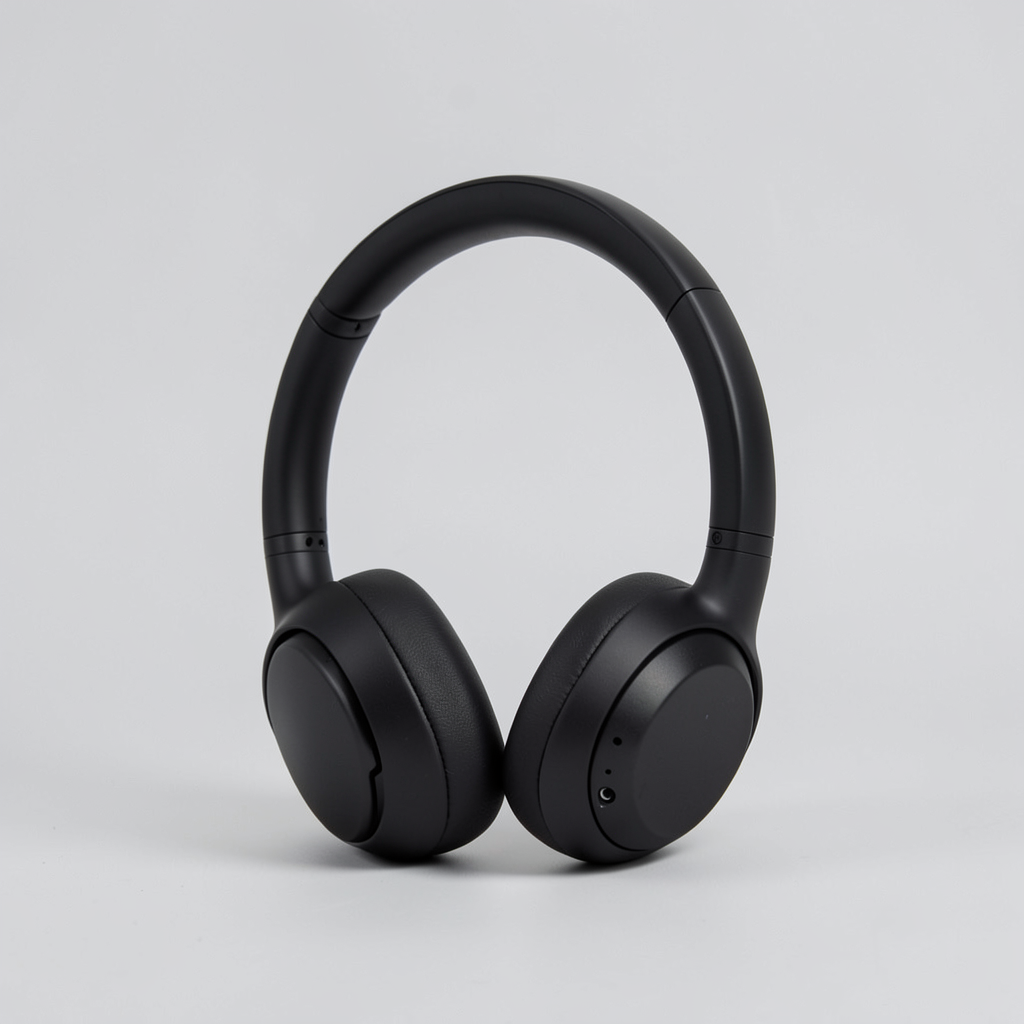
Open the model page to upload inputs, then upload the scene reference; do not enter a prompt.
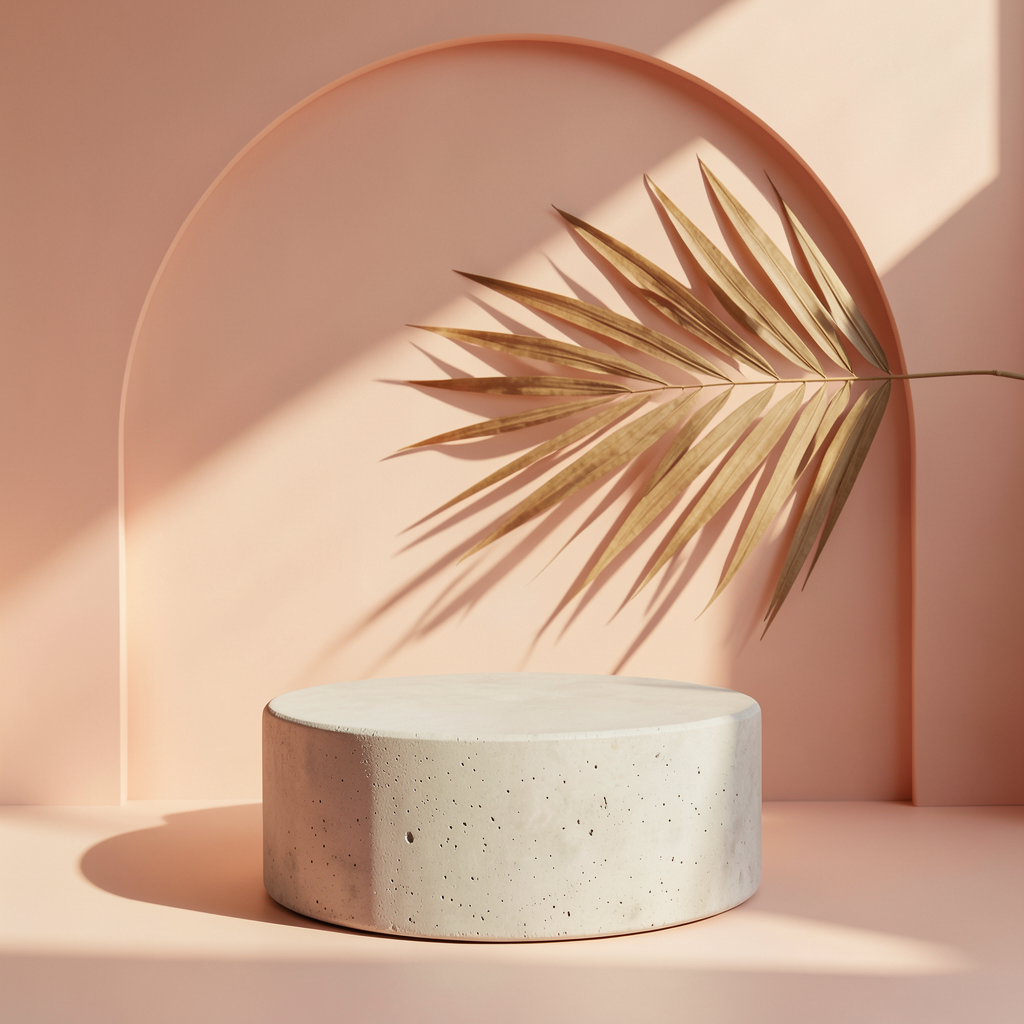
Open the model page to upload inputs, then upload the scene reference; do not enter a prompt.
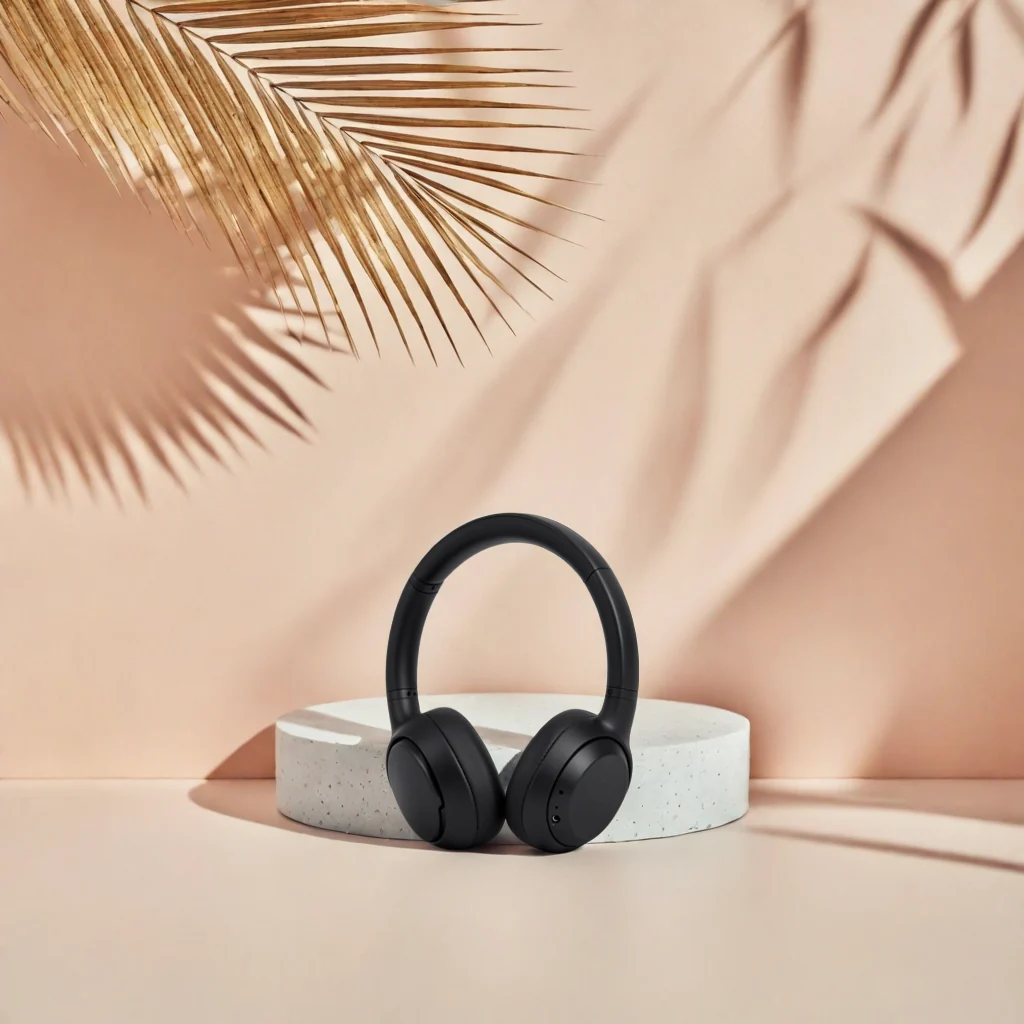
Open the model page to upload inputs, then upload the scene reference; do not enter a prompt.
The reference contains a peach wall, a round pedestal and palm-leaf elements. The result puts the headphones in front of the pedestal, with warm colors and leaf elements in the background.
Send the product and reference images, and omit prompt and optimize_description. The reference guides the scene; review the product position and scale in the result.
{
  "model": "bria-product-shot",
  "input": {
    "image_url": "https://static.hiapi.ai/model-covers/2026/10/22/1792653508912-1a0141656fd5be3e-1792546030593-1a0141656fd5be3e-p3-headphones-src.png",
    "reference_image_url": "https://static.hiapi.ai/model-covers/2026/10/22/1792653513818-51ae5323f709b007-1792546031369-51ae5323f709b007-p3-scene-ref.png",
    "placement_type": "manual_placement",
    "manual_placement_selection": "bottom_center",
    "fast": true
  }
}
bria-product-shot returns one image per request at $0.0575 per image.
Candles: keep the original composition
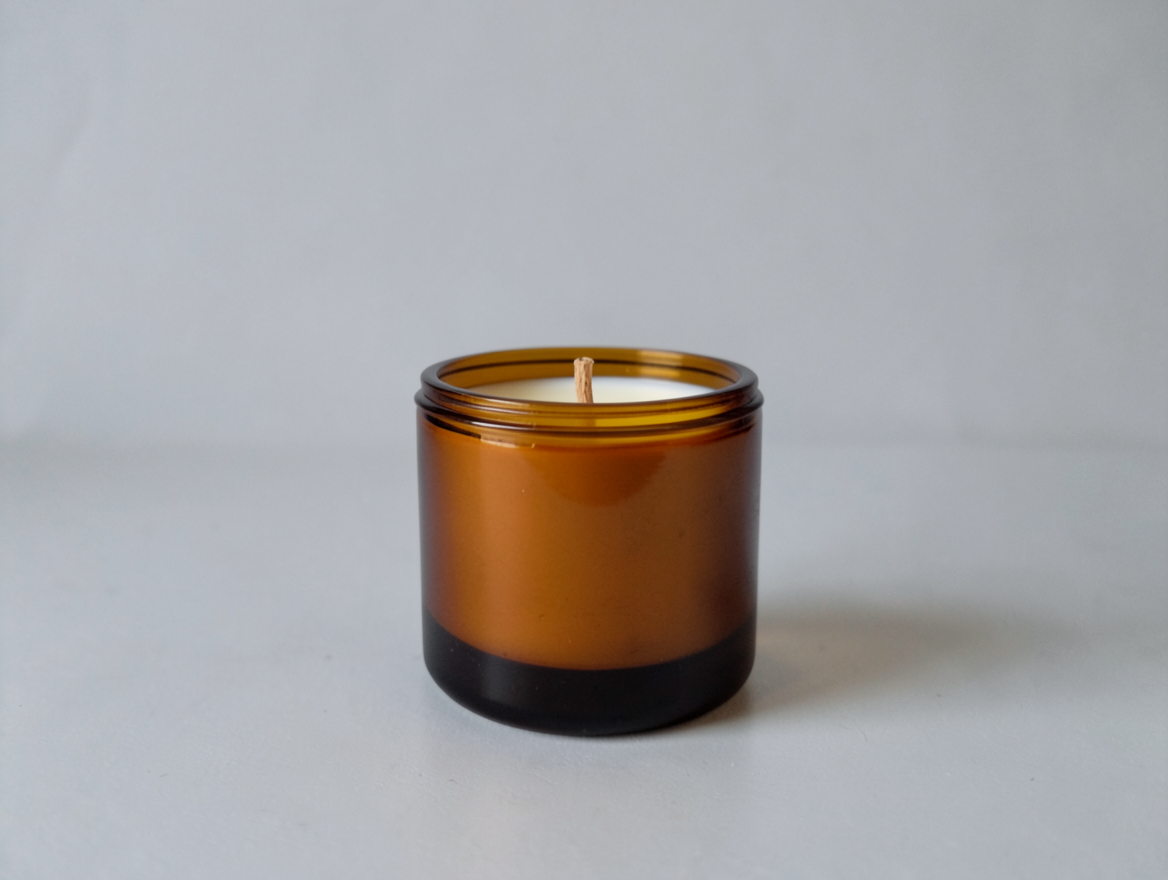
Open this scene description in the model page; also upload the product image and choose placement.
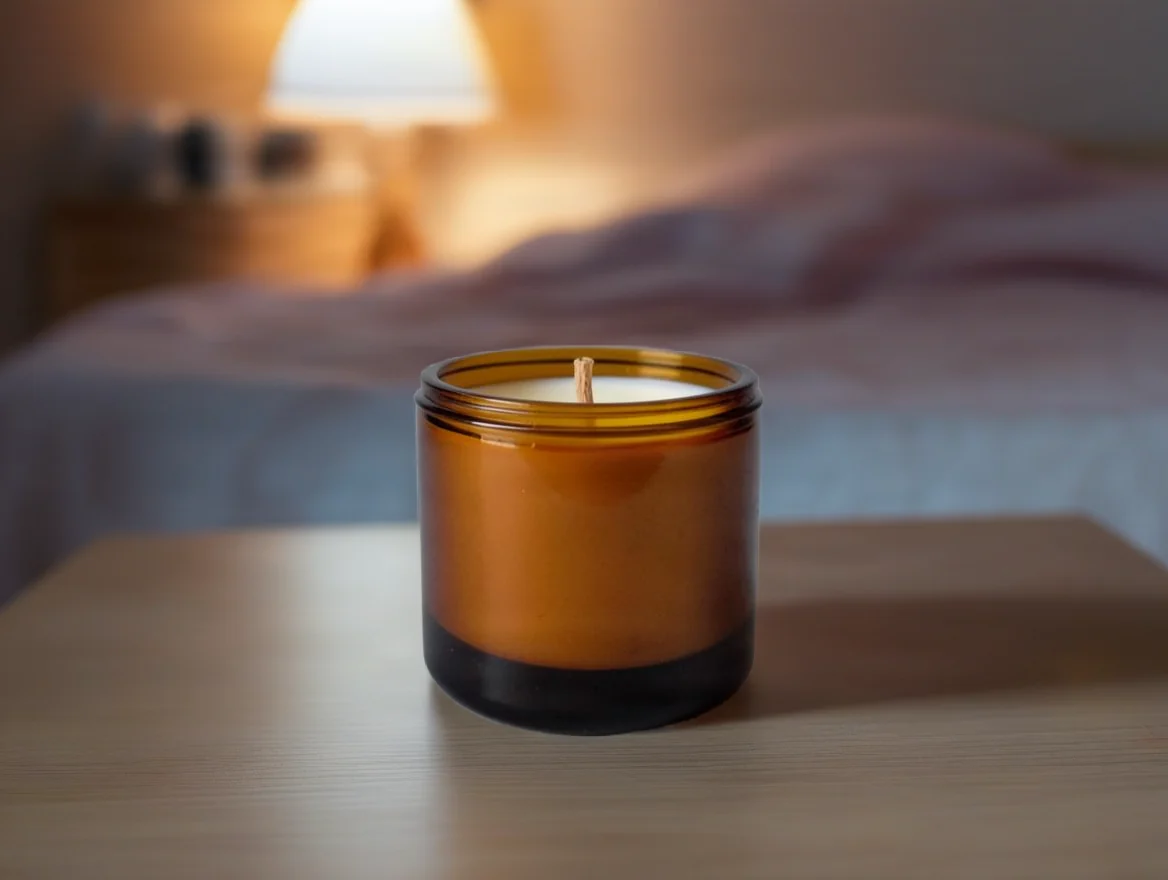
Open this scene description in the model page; also upload the product image and choose placement.
The source has an amber candle jar against gray. In the result it remains near the lower center, while bedding and a lit lamp appear behind it.
On a wooden bedside table in a calm bedroom at dusk, soft warm lamp light, linen bedding blurred in the background
Choose placement_type=original and original_quality=true to keep the original placement and input size. Omit manual_placement_selection.
{
  "model": "bria-product-shot",
  "input": {
    "image_url": "https://static.hiapi.ai/model-covers/2026/10/22/1792653518710-bd2c7181e19c3cb3-1792546031810-bd2c7181e19c3cb3-p4-candle-src.png",
    "prompt": "On a wooden bedside table in a calm bedroom at dusk, soft warm lamp light, linen bedding blurred in the background",
    "optimize_description": true,
    "placement_type": "original",
    "original_quality": true,
    "fast": true
  }
}
bria-product-shot returns one image per request at $0.0575 per image.
How should you adapt an example?
- Write the supporting surface first, then light and background objects, in English.
- Control placement through parameters: manual_placement for presets, original for the source composition.
- In reference mode, send the reference image and omit prompt and optimize_description; review the product position in the result.
FAQ
Does a prefilled link include the product image?
These links prefill only the English scene description. Upload the product image and choose placement separately.
Which prompt should I use for the headphone example?
It uses a scene reference, with no prompt. Omit prompt and optimize_description from the request.
Why does the candle example omit a position preset?
It uses placement_type=original, so manual_placement_selection must be omitted.
What does each example cost?
One output costs $0.0575. Four outputs total $0.23.