If you publish short-form video, your biggest enemy is not ideas — it is visual consistency. You shoot or generate clips at different times, in different lighting, from different sources, and your feed ends up looking like it belongs to five different creators. The usual fix is hours of manual color grading and filter-matching in an editor.
kling-3.0-omni/transformation offers a different route: give it an existing clip and a prompt, and it repaints the whole thing — scene, palette, texture, subject — while keeping the original camera motion and timing intact. That last part is the point. It is not re-generating your video; it is re-skinning it. Which means you can take a pile of unrelated clips and run them all through one prompt to force a single, cohesive look.
This piece is the short-form production companion to our how-to guide on the transformation API. The how-to covers the raw create → poll → download plumbing; here we focus on the workflow that actually matters for creators: unifying a clip series under one look, and restyling the whole batch with one script. Every video below is a real /v1/tasks output with its exact prompt and cost.
The one trick: a reusable "look preset"
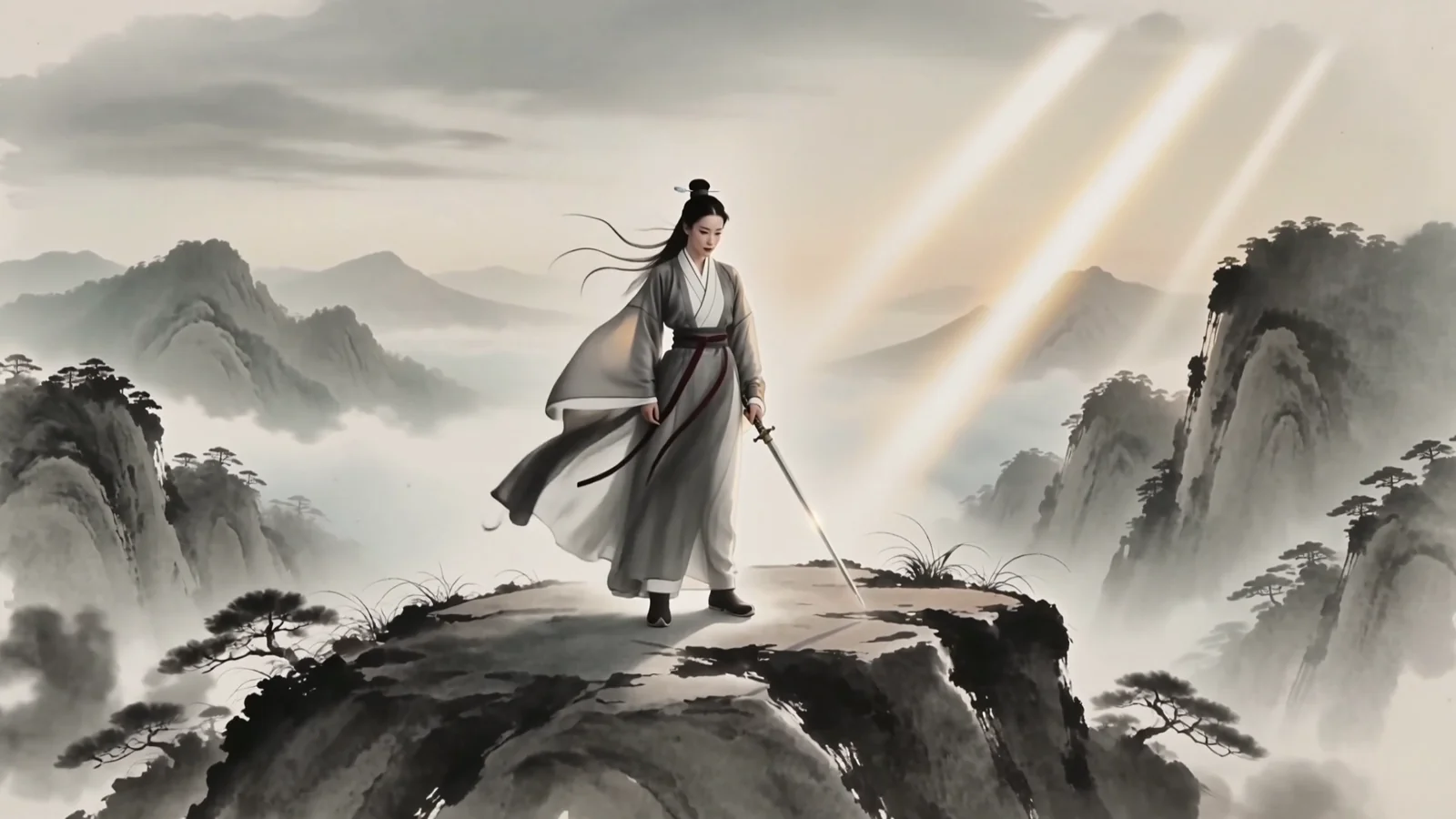
Here is a clip restyled into a hand-painted watercolor storybook look. The source was a plain, moody night shot of a paper boat in a city gutter — the version below is what the model returned:
The entire restyle is driven by the prompt — there is no strength or fidelity slider on this endpoint. How far the output departs from the source is decided by how hard your words push. That is a feature, not a limitation: it means your prompt is the preset. Write it once, save the exact string, and reuse it verbatim on every clip you want to match.
This is the prompt that produced the clip above, copy-paste ready:
Restyle this video as a hand-painted watercolor storybook illustration:
soft visible brushstroke textures, a warm golden-amber and muted teal
palette, gentle paper grain, softly glowing highlights, and a cozy
picture-book mood. Keep the exact camera motion, framing, timing, and
subject movement from the source clip completely unchanged — change only
the visual style, never the action.
Notice the two halves. The first half is the look: palette, texture, mood — the part you'd put on a brand style guide. The second half is a hard instruction to preserve motion and timing. Drop that second half and you drift toward a re-generation; keep it and you get a faithful re-skin. For a short-form series, this split is exactly what you want: the look travels from clip to clip, the motion stays native to each shot.
Proof: one preset, two unrelated clips
A style preset is only useful if it survives being applied to footage it was never designed for. So here are two completely different source clips restyled with the identical prompt string from above — nothing changed between runs except the input video.
Clip A — before: a paper boat drifting down a neon-lit city gutter at night.
Clip B — before: wooden fishing boats moored at a misty harbor at dawn. Different subject, different time of day, different palette, different camera energy.
Now the after for Clip B, with the same preset applied:
Put the two restyled outputs side by side and they read as a matched set — the same amber-and-teal wash, the same paper-grain edges, the same storybook softness — even though one started as a cold urban night and the other as a foggy seaside morning. That is style unification: unrelated footage, one recognizable look. And in both outputs the original motion is intact — the boat still drifts the same path, the harbor camera still pans the same way.
Restyling a whole library: async batch
Short-form at any real volume means dozens of clips, not two. You do not want to restyle them one blocking call at a time. The task API is asynchronous, so the right pattern is: submit every clip up front, then collect the results as they finish.
The schema is small — three fields in input: prompt, video_urls (exactly one public source URL), and resolution (720p, 1080p, or 4k). Here is a compact batch runner that applies one preset across a list of clips:
import os, time, json, requests

API = "https://api.hiapi.ai/v1/tasks"
TOKEN = os.environ["HIAPI_API_KEY"]
HEADERS = {"Authorization": f"Bearer {TOKEN}", "Content-Type": "application/json"}

PRESET = (
    "Restyle this video as a hand-painted watercolor storybook illustration: "
    "soft visible brushstroke textures, a warm golden-amber and muted teal palette, "
    "gentle paper grain, softly glowing highlights, and a cozy picture-book mood. "
    "Keep the exact camera motion, framing, timing, and subject movement from the "
    "source clip completely unchanged — change only the visual style, never the action."
)

# Your clip library — the SAME preset is applied to every one of them.
SOURCE_CLIPS = [
    "https://example.com/clips/hook-01.mp4",
    "https://example.com/clips/hook-02.mp4",
    # ...dozens more
]

def submit(video_url: str) -> str:
    body = {
        "model": "kling-3.0-omni/transformation",
        "input": {"prompt": PRESET, "video_urls": [video_url], "resolution": "720p"},
    }
    r = requests.post(API, headers=HEADERS, json=body, timeout=60)
    return r.json()["data"]["taskId"]

# 1) Fire off every task first — they run in parallel on the platform.
tasks = {submit(url): url for url in SOURCE_CLIPS}
print(f"submitted {len(tasks)} restyle tasks")

# 2) Poll until each one reaches a terminal state, then grab the output URL.
pending = set(tasks)
outputs = {}
while pending:
    for task_id in list(pending):
        r = requests.get(f"{API}/{task_id}", headers=HEADERS, timeout=40)
        data = r.json().get("data", {})
        status = data.get("status")
        if status == "success":
            outputs[task_id] = data["output"][0]["url"]
            pending.discard(task_id)
        elif status == "fail":
            print(f"{task_id} failed: {data.get('error')}")
            pending.discard(task_id)
    if pending:
        time.sleep(8)

# 3) Download immediately — output URLs are short-lived signed links.
for task_id, url in outputs.items():
    dest = f"restyled-{task_id}.mp4"
    with open(dest, "wb") as f:
        f.write(requests.get(url, timeout=120).content)
    print("saved", dest)
Two things worth calling out, both covered in depth in the how-to guide: download outputs right away (the returned URLs expire), and for large batches prefer a callback over tight polling so you are not hammering the detail endpoint. The async task docs have the request/response shapes.
Practical notes for short-form
- Keep source clips short. Cost scales per second, so a short hook is both cheaper and faster. The two 3-second clips above cost about $0.43 each at 720p (pricing below).
- Pick resolution to match the platform, not your ego. As of October 2026,
kling-3.0-omni/transformationis $0.143/sec at 720p, $0.193/sec at 1080p, and $0.479/sec at 4K. For vertical feeds that get re-compressed anyway, 720p–1080p is usually the sweet spot; 4K is for hero pieces. Always confirm current numbers on the pricing page. - Lock the preset, then don't touch it. The moment you tweak the wording per clip, you lose the consistency you were restyling for. Version your preset string like code.
- Motion is inherited, not authored. Output length and movement follow the source clip. If you need the model to create motion from a prompt or a still, that is a different tool — see text-to-video or image-to-video.
FAQ
Can I control how strong the restyle is? Not with a parameter — there is no strength or fidelity field. Control it through wording. For a subtle grade, describe a light color/texture shift and emphasize "keep the original look otherwise"; for a full repaint like the watercolor example, pile on the style vocabulary. The restyle intensity lives entirely in your prompt.
Will it keep my original motion, or re-animate the scene? It keeps the source motion and timing — that is the defining behavior of the transformation endpoint. The explicit "keep the exact camera motion and timing" clause in the prompt reinforces it. Output duration matches the input clip.
How is this different from image-to-video or reference-to-video? Image-to-video animates a still into motion; reference-to-video borrows elements from reference media into a newly generated clip. Transformation starts from a finished video and only changes its style, preserving the motion you already have. For those other modes, see the reference-to-video prompt recipes.
What source resolutions and lengths work best for short-form? Feed it clean, well-lit source footage — the model restyles what it can see, so a muddy source gives a muddy restyle. Keep clips to a few seconds for hooks and B-roll; batch many short clips rather than one long one, both for cost and for the per-clip parallelism shown above.
Can I use one preset across an entire series?
Yes — that is the whole point. Reuse the identical prompt string for every clip and they will share a look. The batch script above does exactly this: one PRESET constant, applied to every source in the list.
Give your feed one look
If your short-form clips look like they came from different accounts, kling-3.0-omni/transformation is the fastest way to pull them together: write one look preset, apply it to everything, keep every clip's native motion. Grab a sample clip, copy the watercolor preset above (or write your own), and run it on the kling-3.0-omni/transformation model page. When you are ready to script the batch, the how-to guide has the full client.