TL;DR
- Kling 4.0 text-to-video supports four aspect ratios: 16:9, 9:16, 1:1 and 21:9. For vertical video, set
aspect_ratioto9:16. You don't need the word "vertical" in the prompt. - Measured 720p output sizes: 16:9 is 1280×720, 9:16 is 720×1280, 1:1 is 940×940, 21:9 is 1460×624. Each ratio is composed for its frame, not cropped from a landscape clip.
- Aspect ratio doesn't change the price: a 5-second 720p clip is $1.10 in any ratio. Image-to-video follows the first frame's ratio, so upload a vertical image to get a vertical clip.
Output sizes for each aspect ratio
aspect_ratio | Measured 720p size | Good for |
|---|---|---|
16:9 (text-to-video default) | 1280×720 | Landscape video, web hero, YouTube |
9:16 | 720×1280 | TikTok, Reels, YouTube Shorts |
1:1 | 940×940 | Feed ads, product listing video |
21:9 | 1460×624 | Cinematic banners, website headers |
Measured on 720p, 5-second clips at $1.10 each, October 2026. We did not measure 1080p sizes.
Kling 3.0 offers 16:9, 9:16 and 1:1 only, with no 21:9.
Same prompt, 16:9 vs 9:16
These two clips use the same prompt. Only aspect_ratio changed.
Product shot of a glass perfume bottle on wet black stone, a single drop of water falls and splashes beside it, slow orbit around the bottle, soft studio rim light, crisp water drip sound
| 16:9, 1280×720 | 9:16, 720×1280 |
|---|---|
Generate with this prompt → (set the aspect ratio to 9:16 on the model page)
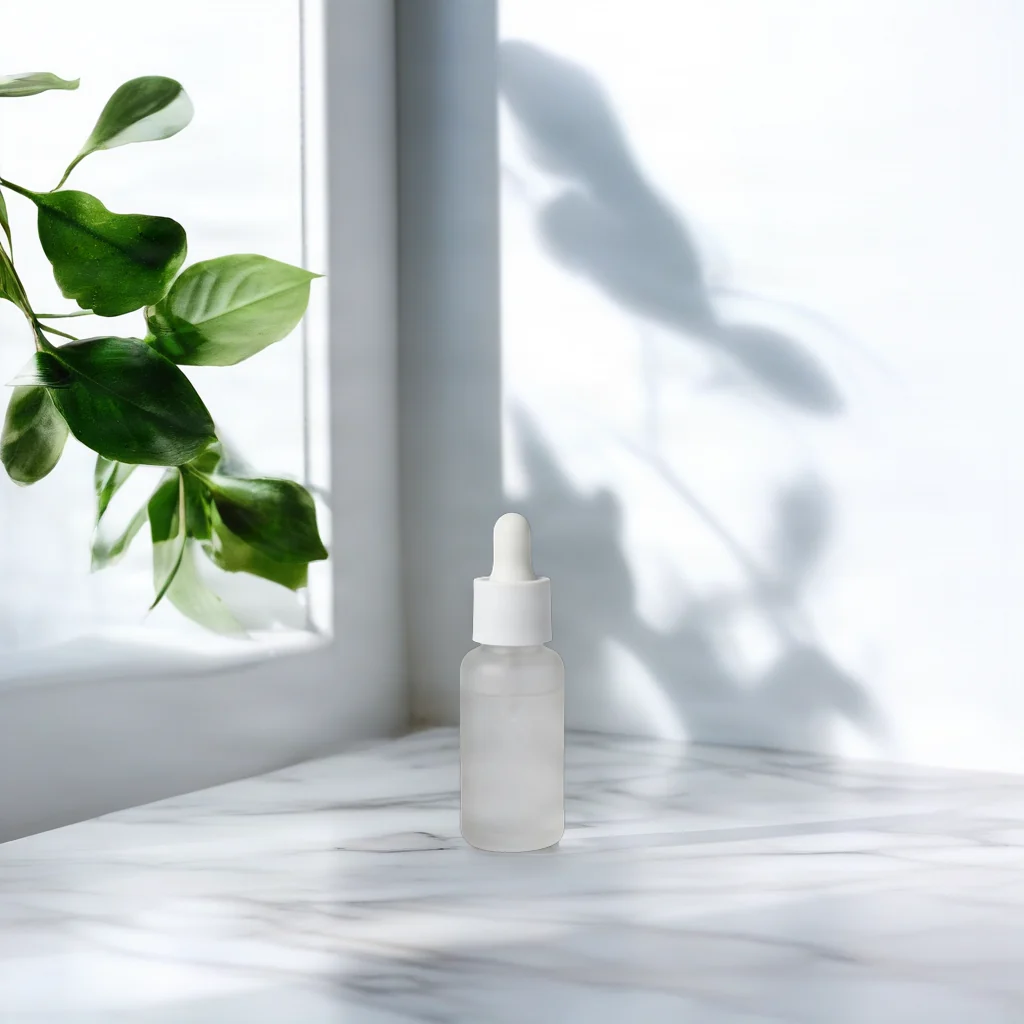
The landscape clip shows a wide, squat bottle with black space on both sides. The vertical clip switches to a tall, slim bottle, with the stone and water in the lower half. Kling 4.0 re-composes the subject for the frame, down to the bottle's proportions. If the product must look identical, use image-to-video with your product photo as the first frame. Both clips are 720p, 5 seconds, $1.10 each; the vertical one took 187 seconds from submit to done.
9:16 vertical: lake pier
A calm lake at sunrise, mist drifting over the water, a wooden pier in the foreground, soft golden light
Generate with this prompt → (choose 9:16)
kling-4.0/text-to-video, 9:16, 720×1280, 5 seconds, $1.10.
Vertical frames suit scenes with depth. The pier runs from the bottom edge toward the sun on the horizon and fills the tall frame.
1:1 square: pine canopy
A quiet forest clearing with tall pine trees, sunlight filtering through the branches, a gentle breeze
Generate with this prompt → (choose 1:1)
kling-4.0/text-to-video, 1:1, 940×940, 5 seconds, $1.10.
The prompt names no camera angle, and the model chose a low shot looking up into the canopy, with branches closing in from all four sides. At 940 pixels, the square's side is longer than the 720p short edge.
21:9 ultrawide: mountain valley
A wide mountain valley at dawn, layers of ridges fading into haze, a slow river winding through the valley floor
Generate with this prompt → (choose 21:9)
kling-4.0/text-to-video, 21:9, 1460×624, 5 seconds, $1.10.
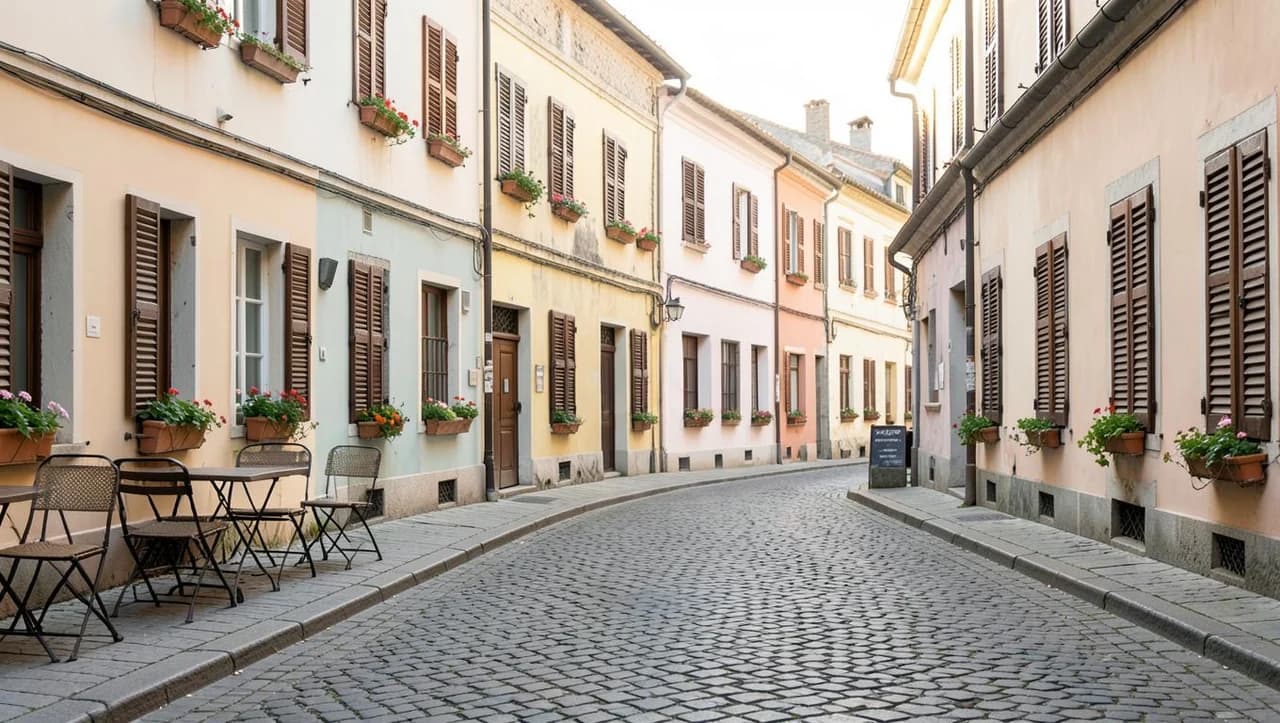
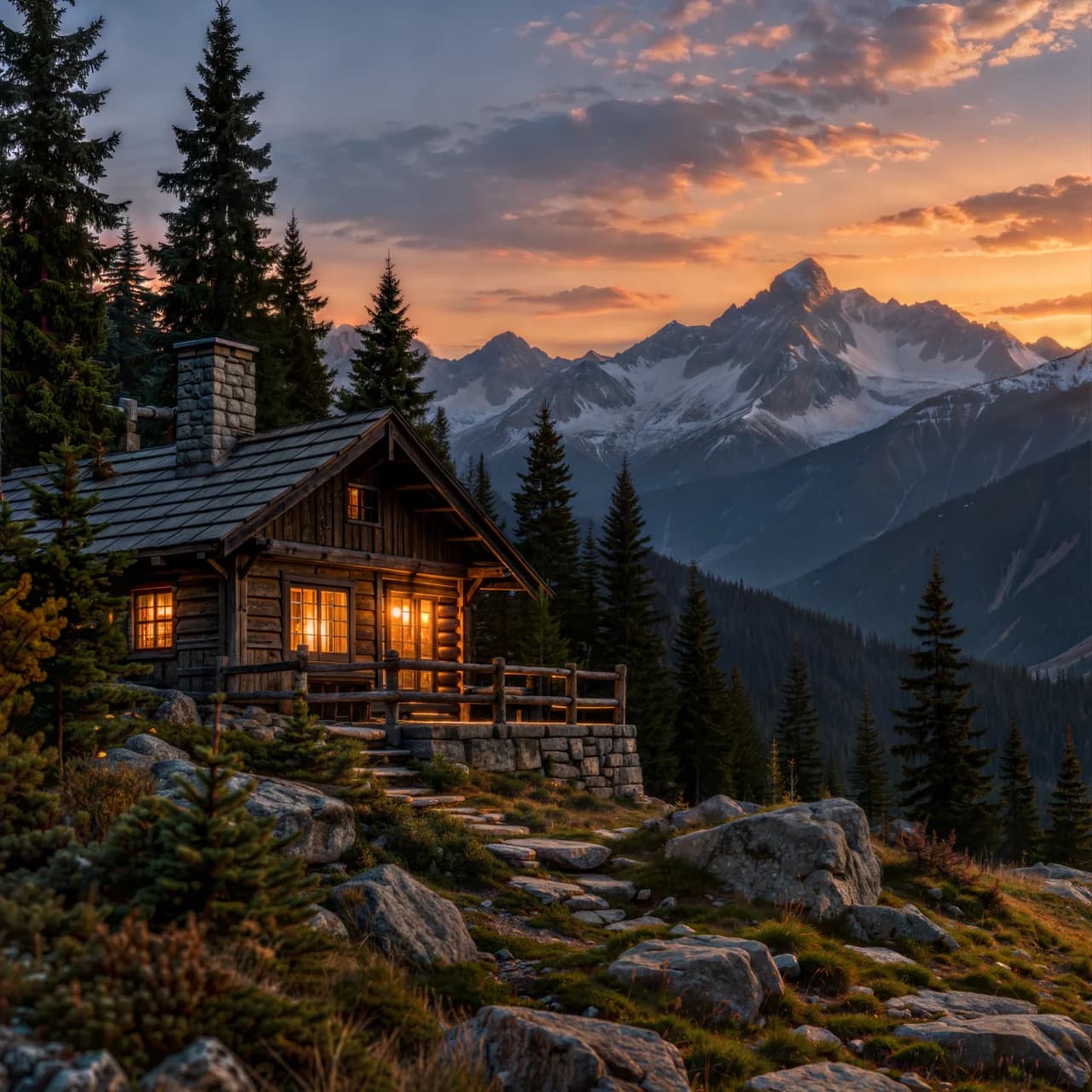
21:9 suits landscapes that spread sideways. The ridges and the river run across the frame from edge to edge.
Vertical video through the API
Set aspect_ratio to 9:16 in the request:
curl -X POST https://api.hiapi.ai/v1/tasks \
  -H "Authorization: Bearer $HIAPI_API_KEY" \
  -H "Content-Type: application/json" \
  -d '{
    "model": "kling-4.0/text-to-video",
    "input": {
      "prompt": "A calm lake at sunrise, mist drifting over the water, a wooden pier in the foreground, soft golden light",
      "resolution": "720p",
      "duration": 5,
      "aspect_ratio": "9:16"
    }
  }'
aspect_ratioaccepts16:9,9:16,1:1and21:9. Leave it out and you get 16:9.- The response returns
data.taskId; pollGET /v1/tasks/<taskId>for the result. The four 9:16, 1:1 and 21:9 clips in this article each finished in 186–194 seconds. - Full request, callback and Python examples are in the Kling 4.0 API guide.
Image-to-video follows the first frame
kling-4.0/image-to-video has no default aspect_ratio; leave it out and the clip follows the first frame's ratio. In our test, a 1280×720 first frame produced a 1280×720 clip.
For vertical output, upload a vertical first frame, such as a 720×1280 product photo. The first frame sets the composition, so the prompt only needs motion, camera and sound. See the Kling 4.0 image-to-video API guide for the request, and scene 6 of the Kling 4.0 prompt guide for prompt wording.
FAQ
Do I need "vertical" in the prompt?
No. The aspect_ratio parameter decides the frame. None of the 9:16, 1:1 or 21:9 prompts in this article mention a ratio.
Does vertical cost more?
No. Price depends only on resolution and seconds: $0.22/s at 720p and $0.33/s at 1080p, the same for all four ratios. See Kling 4.0 API pricing.
How long can a vertical clip be?
The same as landscape: any whole number from 3 to 30 seconds, with synchronized audio on every clip.
Is vertical cropped from a landscape clip?
No. With the same perfume prompt, the landscape clip has a wide bottle and the vertical clip has a tall one. The frame is generated for the ratio, not cut from the middle of a 16:9 clip.
Copy the perfume prompt above, set the ratio to 9:16 on the Kling 4.0 model page, and make your first vertical clip. New accounts get 200 free credits.