TL;DR
- What it is: a text-to-sound-effect model that turns one written description into one WAV of 1–30 seconds (PCM 16-bit / 48 kHz / mono). Mirelo SFX 2.0 is live on HiAPI: open the model page, write a sentence, and listen. New accounts get 200 credits on sign-up.
- What it costs: output seconds, at $0.0215 per second (43 credits), starting at 1 second. A 5-second effect is $0.1075; 30 seconds is $0.645.
- The fastest path: fill in the description, pick a length and submit on the model page. For your own product,
POST /v1/taskswithmodelset tomirelo-sfx-2.0andinputcarrying onlypromptandduration.
What Mirelo SFX 2.0 is
The request has two fields. prompt runs 1–2,000 characters and should name the source, the material, the action, the distance and space, then the attack and the tail. duration is an integer from 1 to 30 and defaults to 5. The output is always one WAV at PCM 16-bit, 48 kHz, mono, with no format switch.
It makes single effects and ambience, one sound event per request. It does not generate songs, speech, or dialogue. The jobs it fits are concrete: an impact a cut is missing, a UI cue a game needs, a rainy bed under a short video.
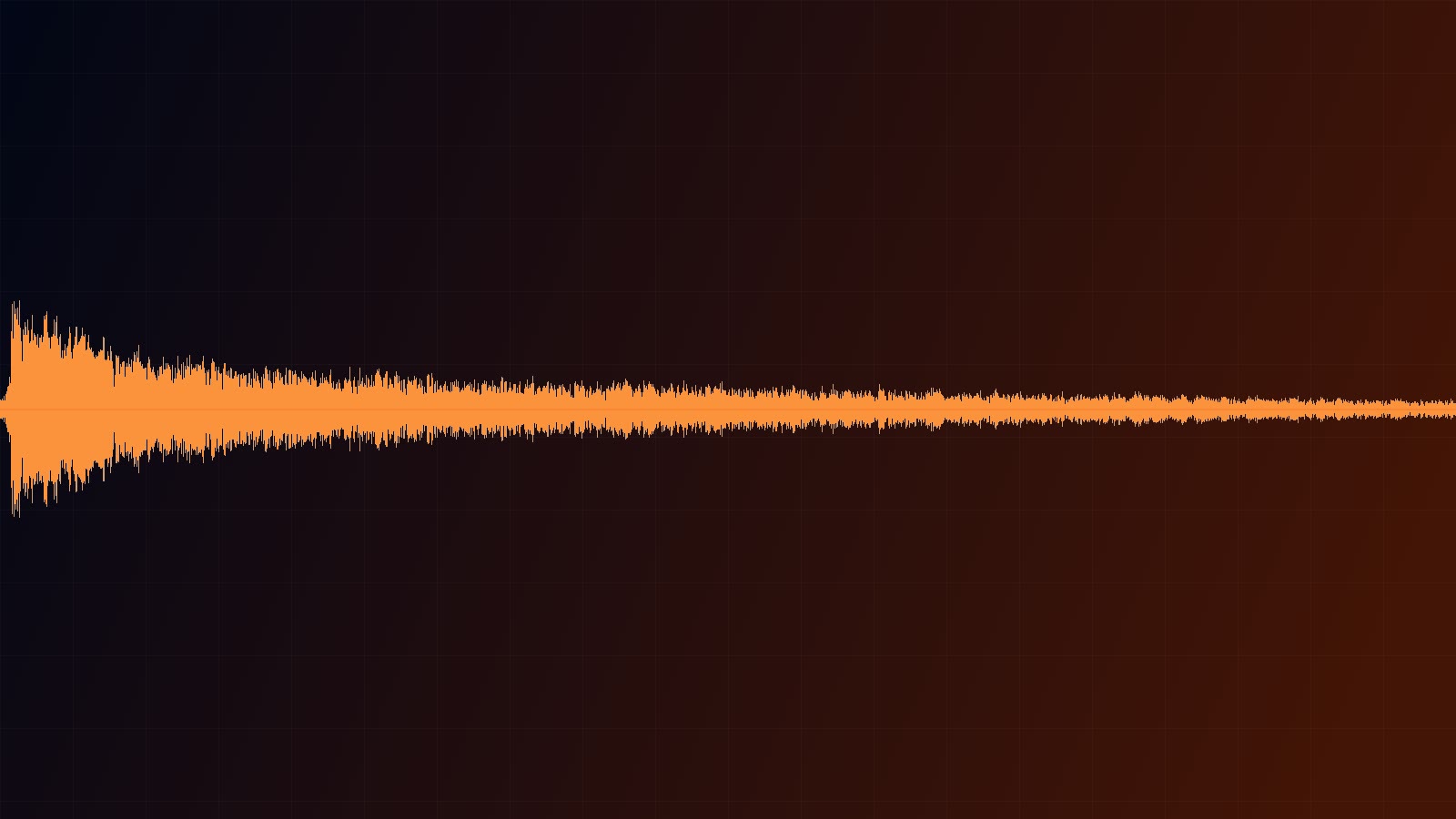
The case on the model page runs 1 second and cost $0.0215. Hear the WAV; both the transient and the metallic ring fit inside that second:
A single heavy hammer strike on a steel beam in a large empty warehouse, sharp transient, long metallic ring, close perspective.
Use this prompt → The link fills the description only; set duration to 1 second after it opens to match this case.
Try it online in 4 steps
- Open the Mirelo SFX 2.0 model page. Signing up gives you 200 credits.
- Paste the hammer description above into the prompt box, or swap in the sound you actually need.
- Set
durationto 1–3 seconds and listen for the attack and the tail. - Submit. The player returns the WAV, which you can download directly.
Do not skip step 3. The same description at 1 second and at 10 seconds produces two different pieces of audio, and auditioning short first is what keeps you from paying for reruns.
Connect through the API in 4 steps
- Create an API key in the console.
POST https://api.hiapi.ai/v1/taskswithmodelset tomirelo-sfx-2.0andpromptplusdurationinsideinput.- Take the returned
taskIdand wait for thecallback, or pollGET /v1/tasks/{taskId}. - When
statusreadssuccess, find the item inoutputwhosetypeisaudioand download the WAV from itsurl.
A curl you can run
curl -s -X POST https://api.hiapi.ai/v1/tasks \
  -H "Authorization: Bearer YOUR_API_KEY" \
  -H "Content-Type: application/json" \
  -d '{
    "model": "mirelo-sfx-2.0",
    "input": {
      "prompt": "A single heavy hammer strike on a steel beam in a large empty warehouse, sharp transient, long metallic ring, close perspective.",
      "duration": 1
    }
  }'
The task ID comes back in data.taskId:
{"code":200,"data":{"taskId":"tk-hiapi-..."},"message":"success"}
Query it with that ID:
curl -s https://api.hiapi.ai/v1/tasks/YOUR_TASK_ID \
  -H "Authorization: Bearer YOUR_API_KEY"
data.status moves through queued, handling, success or fail. On success, look in data.output for the entry whose type is audio.
Python: create, poll and download in one go
import requests
import time

BASE = "https://api.hiapi.ai/v1/tasks"
HEADERS = {"Authorization": "Bearer YOUR_API_KEY"}

payload = {
    "model": "mirelo-sfx-2.0",
    "input": {
        "prompt": "A single heavy hammer strike on a steel beam in a large empty warehouse, sharp transient, long metallic ring, close perspective.",
        "duration": 1,
    },
}

task_id = requests.post(BASE, headers=HEADERS, json=payload, timeout=30).json()["data"]["taskId"]

while True:
    data = requests.get(f"{BASE}/{task_id}", headers=HEADERS, timeout=30).json()["data"]
    if data["status"] in ("success", "fail"):
        break
    time.sleep(2)

if data["status"] == "success":
    audio_url = next(item["url"] for item in data["output"] if item["type"] == "audio")
    with open("effect.wav", "wb") as f:
        f.write(requests.get(audio_url, timeout=60).content)
    print("saved effect.wav")
else:
    print(data.get("error"))
Sound-effect tasks finish much faster than video, so a 2-second poll interval is plenty.
Write the description: five parts
There are no other parameters, so prompt is the whole control surface. These five parts cover it:
| Part | What it answers | The clause in the case above |
|---|---|---|
| Source | What is making the sound | a heavy hammer strike |
| Material | What the source is made of | on a steel beam |
| Action | How it is struck, and how hard | single, heavy |
| Distance and space | Where the listener stands and how big the room is | in a large empty warehouse, close perspective |
| Attack and tail | How fast it starts and how long it rings | sharp transient, long metallic ring |
Drop whatever you do not care about, and skip vague adjectives like "cinematic"; every concrete noun lands in the audio. One closing line such as "no music and no voices" is worth keeping, because it removes the layers you do not want in a single pass.
How to choose the duration
Audition at 1–3 seconds to confirm the timbre, the attack and the tail, then stretch duration to the target once you are happy. The same description packs events differently at 3 seconds and at 10 seconds, so the short take explores the direction and the long take is the deliverable; that is far cheaper than starting at 30.
- Impacts, UI cues, clicks → 1–3 seconds.
- Ambience, room tone, beds → 10–30 seconds.
- Cut to a shot length → enter that shot length in whole seconds and the model delivers it.
Four things to handle before launch
- Callback plus polling as a fallback. Add
"callback": {"url": "https://yourapp.com/webhook", "when": "final"}to the request body so HiAPI notifies you at a terminal state, and pair it with a scheduledGET /v1/tasks/{taskId}in case a notification is lost. - Deduplicate by taskId. Both
successandfailare terminal, and the sametaskIdmay arrive more than once; check your store before acting. - Output URLs expire. The
urlinoutputis a temporary address. Copy the file to your own storage on receipt rather than treating it as a long-lived CDN link. - One event per description. An impact plus falling debris, or rain plus thunder plus a dog bark, works better as separate requests layered later than as one crowded sentence.
FAQ
Can it generate songs or vocals? No. It makes single effects and ambience up to 30 seconds. Use a music model for scores and a speech model for narration.
What happens if I leave duration out? The clip is generated at 5 seconds and costs $0.1075. Set it explicitly whenever you need another length; values run from 1 to 30 in whole seconds.
Can I get MP3 or stereo out? No. The output is fixed at one WAV, PCM 16-bit, 48 kHz, mono. Convert downstream if you need something else.
How long can the description be? 2,000 characters, which is enough for a complete sound spec.
Run your first effect
Copy the hammer description above, open the Mirelo SFX 2.0 model page, set duration to 1 and spend $0.0215 on one finished impact. Once it sounds right, drop the same two fields into the curl above and wire it into your pipeline. The full parameter list is in the API documentation.
Related: Mirelo SFX 2.0 pricing · vs ElevenLabs Sound Effects v2 · four real sound-effect prompts