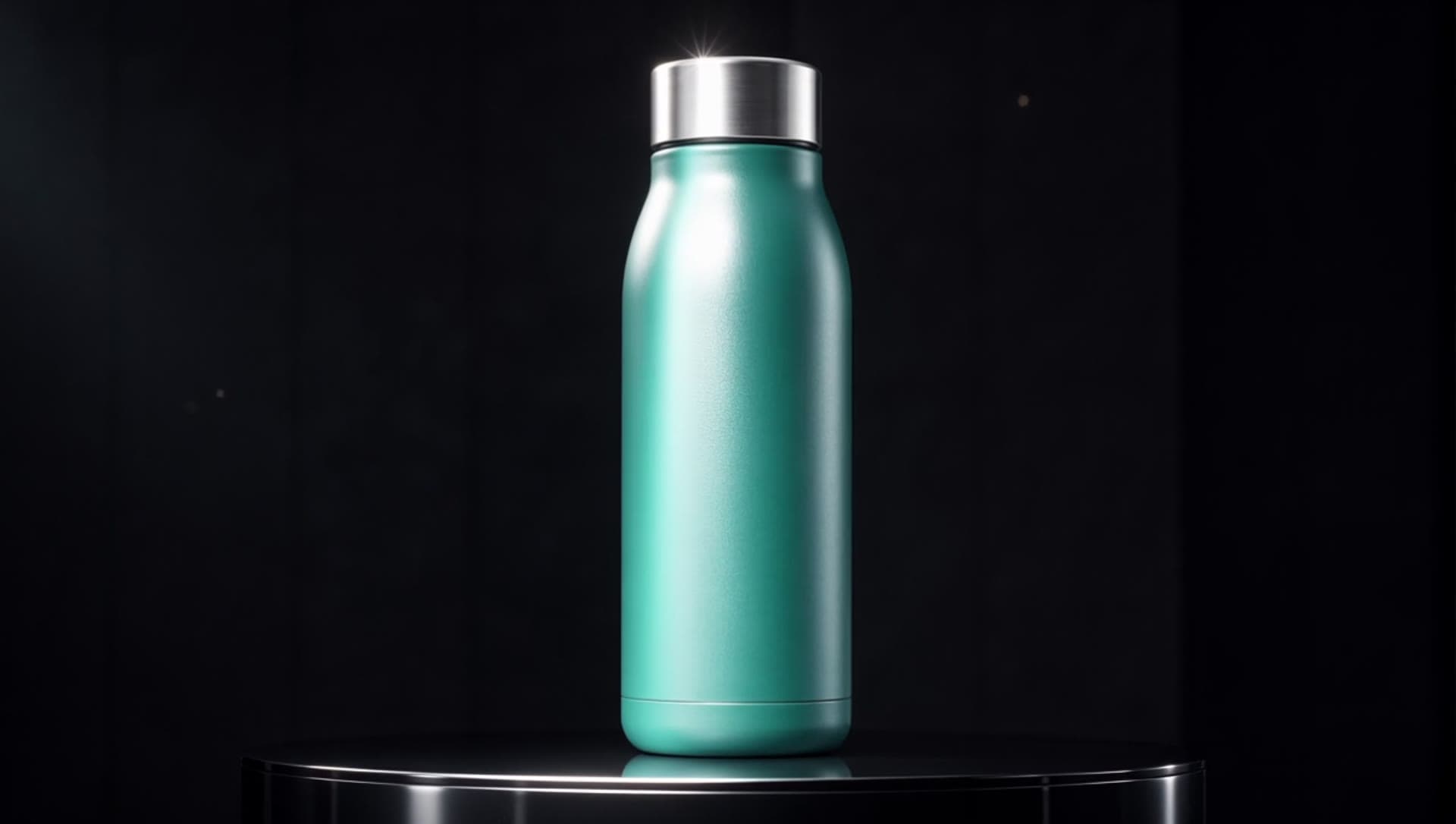
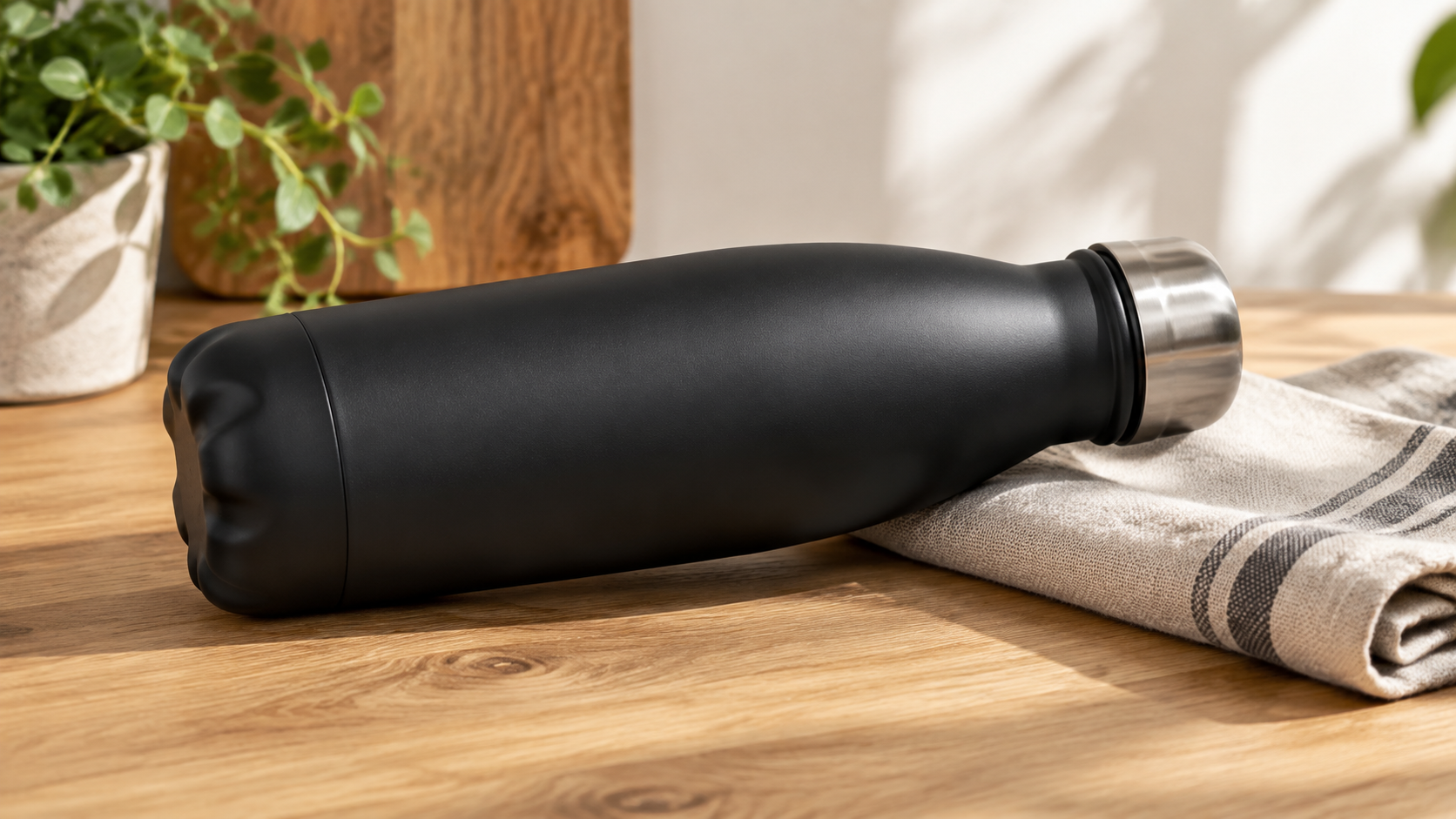
You already have the picture. A product shot on a pedestal, a hero image from last week's shoot, a frame you generated this morning. pixverse-v6/image-to-video turns that still into a vertical clip for a short-form feed — and because the clip opens on your exact frame, the thing in the video is the thing in your photo, not a model's guess at it.
That is the whole reason to reach for image-to-video instead of text-to-video when you already own the asset. But there is one behavior you have to design around, and I only found its edges by running real stills through the endpoint. This piece is that workflow: how to take stills you already have and come out the other side with on-brand 9:16 clips, in a batch, cheaply.
Why image-to-video when you already have the asset
Text-to-video builds a scene from a description. That is great when you have no footage and a script — but it re-invents your product every time, and "a frosted serum bottle with a gold dropper" will never come back as your bottle. Image-to-video pins the first frame to the pixels you hand it. The opening frame of the clip is your still, untouched.
So the task changes shape. You are not writing a scene; you are choosing a motion for a scene that already exists. Your art direction already happened in the photo. The prompt only decides how the camera and the light move over it.
If you just want the request shape — fields, polling, a working curl — the PixVerse V6 image-to-video API walkthrough covers that end to end. Here I'm after the production decisions that walkthrough doesn't: sourcing, motion choice, and batching a set.
The rule that reshapes sourcing: vertical in, vertical out
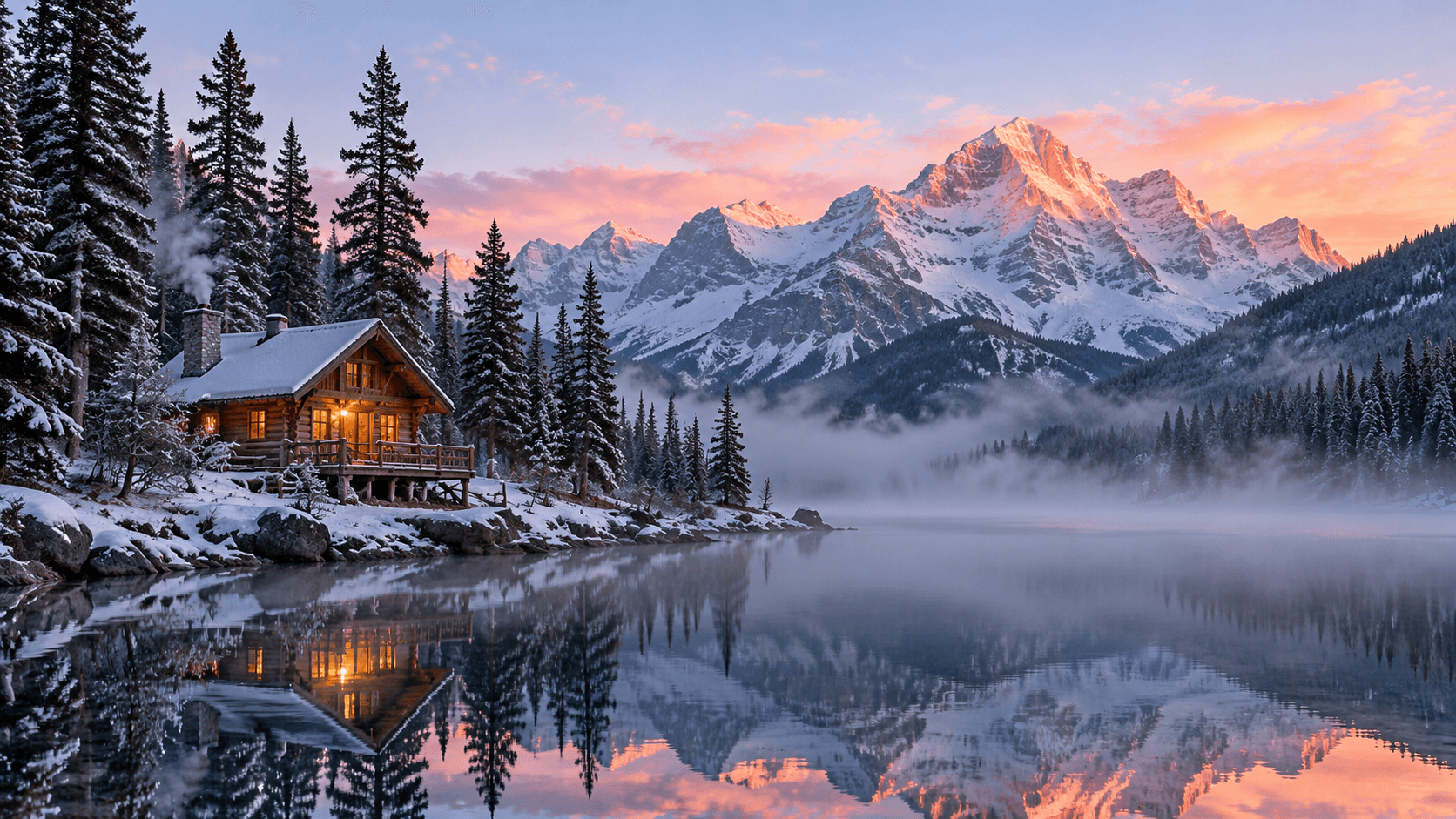
Here is the first thing that surprised me. pixverse-v6/image-to-video has no aspect-ratio control. The text-to-video endpoint lets you pick 9:16; the image-to-video one does not. The output simply follows the shape of the frame you give it.
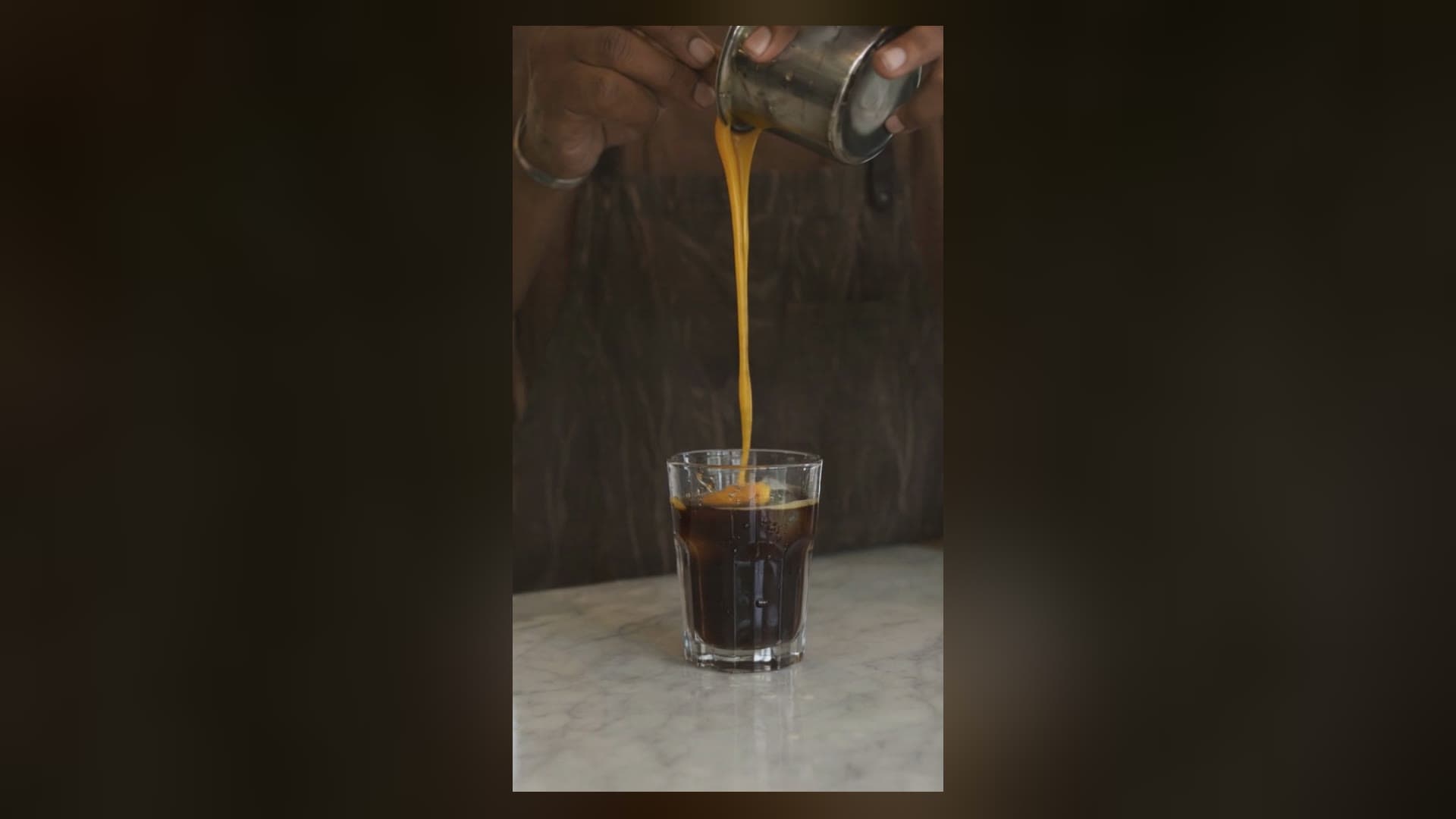
A portrait still becomes a vertical clip:

A landscape still becomes a landscape clip — no matter how much you want a vertical one:
That second clip is a perfectly good animation and completely useless in a vertical feed — it would sit letterboxed with black bars top and bottom. The lesson is a sourcing lesson, and it moves before the API call: crop or shoot your stills to 9:16 first. If your catalog is full of wide hero shots, re-frame them to portrait before you animate, or the feed will fight you on every upload. This is the opposite of the text-to-video workflow, where you request the aspect and move on.
First-frame fidelity holds — until the motion reveals new geometry
The first frame is locked. What happens after it is not guaranteed, and this is the finding that actually matters for product work.
When the motion stays on the face the still already shows, fidelity holds beautifully. The serum clip above is a slow push-in — the camera moves toward the bottle but never past it, so the model never has to invent a side it can't see. The bottle, the gold cap, the travertine pedestal all stay exactly on-model through the full five seconds. Here's the exact prompt that produced it:
Slow cinematic push-in on the serum bottle, a soft moving glint travels
across the gold dropper cap, faint dust motes drift slowly through the warm
side light, the stone pedestal and background stay perfectly still, calm
premium beauty mood
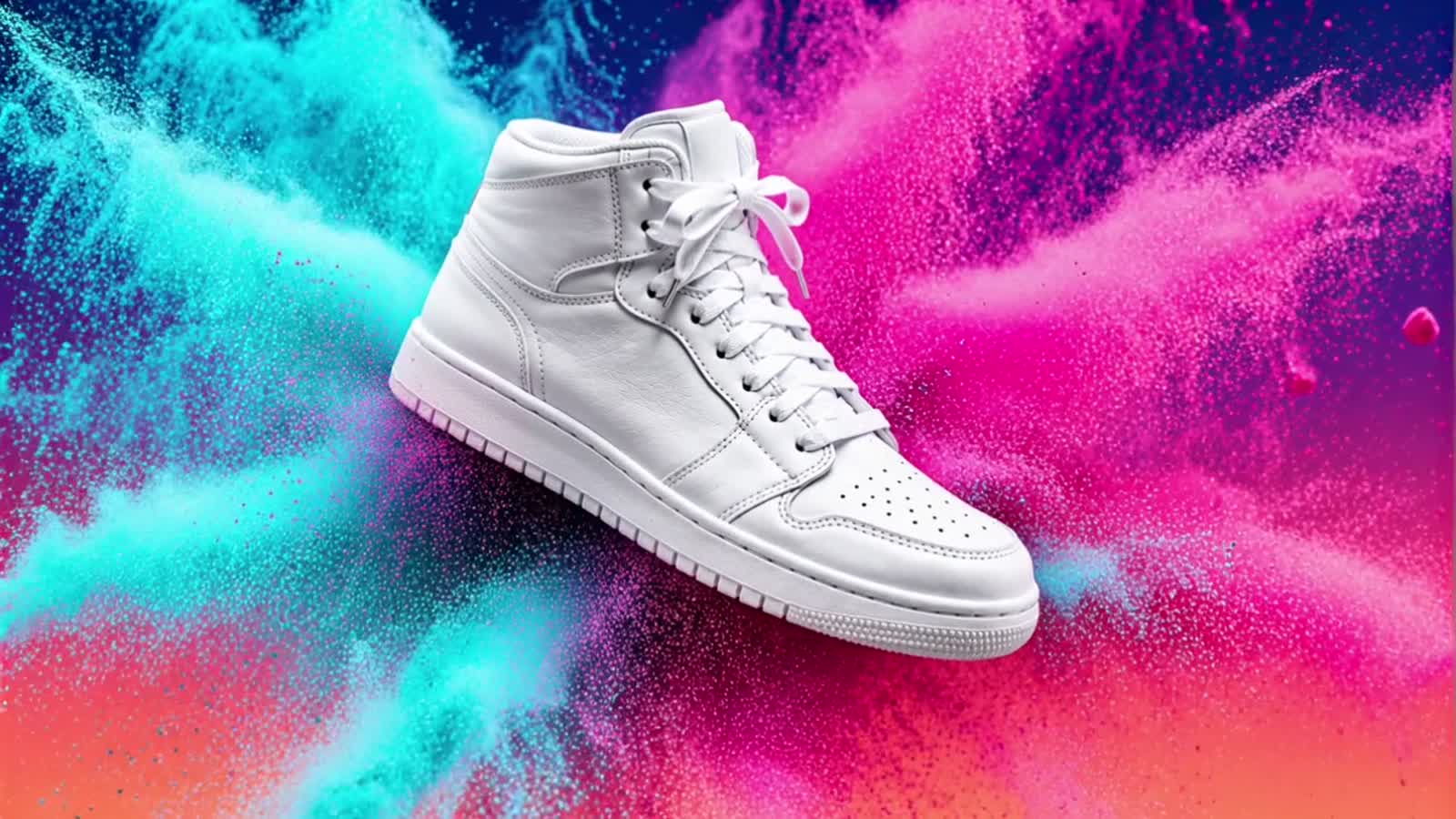
Now watch what happens when the motion asks to see around the object:
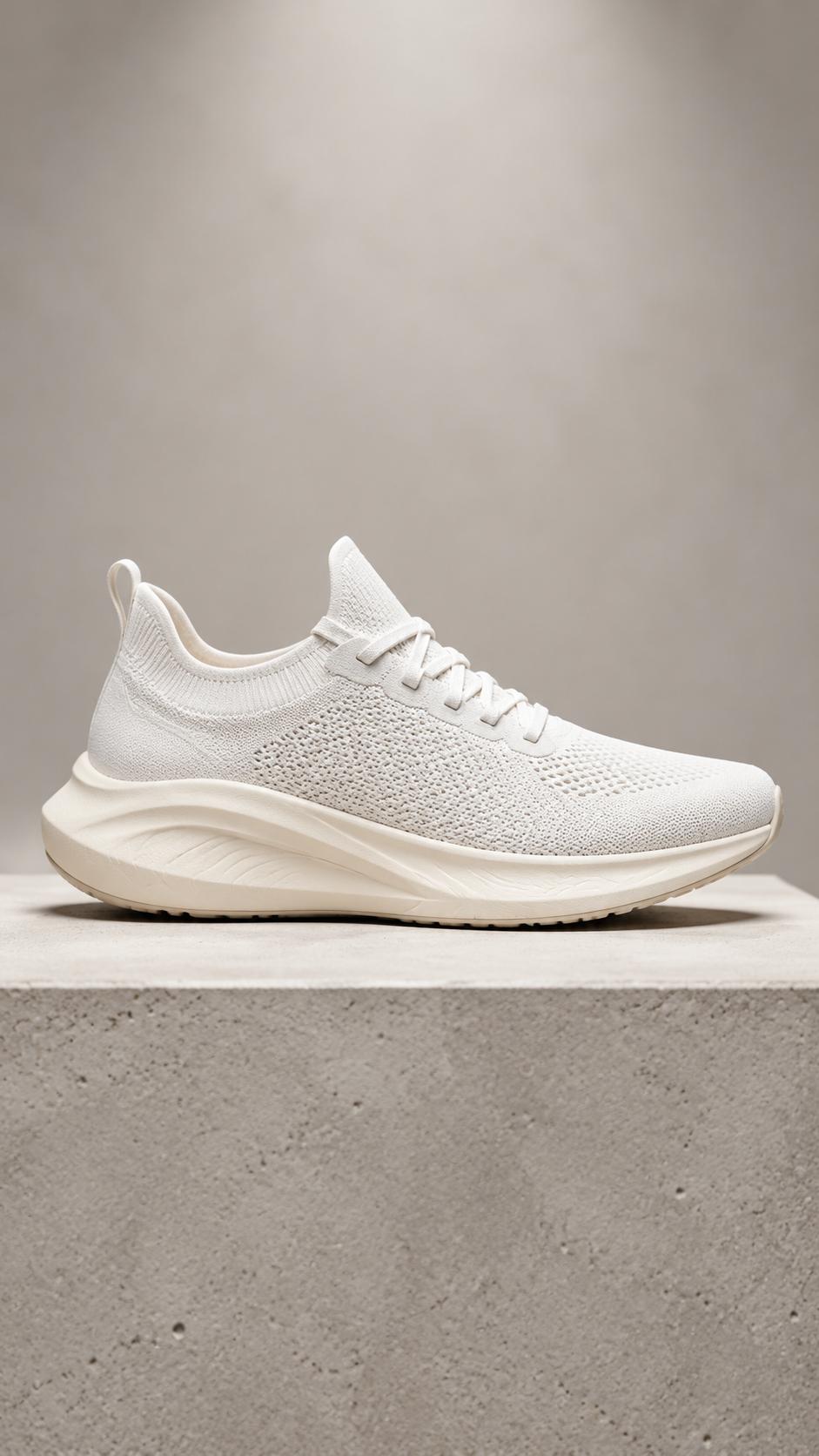
Subtle slow parallax drift around the sneaker as a soft specular highlight
sweeps across the knit upper and foam sole, the concrete plinth stays locked
in place, clean energetic product reveal
The source was a plain white, logo-free shoe in pure side profile. The word around did the damage: the camera rotates toward a three-quarter view, and to fill the angle it never saw, the model invents — it tints the midsole green and paints a small mark onto the tongue that was never in the original. Nothing melts; it looks like a confident product video. It is just no longer your product.
That gives you a clean rule for asset-faithful short-form:
- Motion that preserves the asset: push-in and pull-back, glints and specular sweeps, drifting particles, shallow parallax, ambient motion in the background. The camera stays on the shown face.
- Motion that risks drift: orbits, "turntable" spins, big reveals, anything with around or behind in it. The model has to manufacture unseen geometry, and for a specific product that manufacturing is a liability.
If you need a true 360° turntable, i2v is the wrong tool — shoot it or model it. For a short-form hook, you rarely do. A push-in on a hero still carries a five-second clip on its own.
Batch the catalog instead of hand-cranking clips
Once you've picked safe motions, short-form production is a throughput problem, not a creative one — you have twenty stills, you want twenty clips. The task endpoint is async, so you submit the whole set, then collect, instead of babysitting one render at a time.
Each call is one still plus one motion prompt:
{
  "model": "pixverse-v6/image-to-video",
  "input": {
    "prompt": "Slow cinematic push-in, a soft glint travels across the cap, faint dust motes drift, pedestal and background stay perfectly still",
    "image_url": "https://static.hiapi.ai/blog/pixverse-v6-image-to-video-short-form-video/01-serum-source.jpg",
    "duration": 5,
    "resolution": "540p",
    "generate_audio": false
  }
}
The batch pattern is: fire every POST /v1/tasks, keep the returned taskId for each, then poll GET /v1/tasks/{taskId} for all of them until each reports status: "success" and hand back an output[0].url. Download each result immediately — the output URL is a short-lived link, not permanent storage, so pull the bytes to your own bucket the moment a task finishes.
Resolution is your cost dial, and it's where a catalog gets affordable. Render the whole batch at a draft tier first, pick the keepers, and only re-run those at a finishing resolution. Per the hiapi pricing page (rates as of 2026-10), pixverse-v6/image-to-video bills per second with sound off: 360p at $0.036/s, 540p at $0.05/s, 720p at $0.0645/s, and 1080p at $0.129/s (turning audio on moves you to a higher tier). A five-second 540p draft is about $0.25; the same clip at 1080p is about $0.65. Drafting twenty stills at 540p and finishing the three winners at 1080p costs a fraction of finishing all twenty.
Run this yourself
Point image_url at any still your network can reach, keep the motion on the shown face, and start at 540p:
curl -s -X POST https://api.hiapi.ai/v1/tasks \
  -H "Authorization: Bearer $HIAPI_TOKEN" \
  -H "Content-Type: application/json" \
  -d '{
    "model": "pixverse-v6/image-to-video",
    "input": {
      "prompt": "Slow push-in, soft moving glint, faint drifting dust, background locked",
      "image_url": "https://static.hiapi.ai/blog/pixverse-v6-image-to-video-short-form-video/01-serum-source.jpg",
      "duration": 5,
      "resolution": "540p",
      "generate_audio": false
    }
  }'
# → {"code":200,"data":{"taskId":"tk-hiapi-..."}}
# then poll GET /v1/tasks/{taskId} until status == "success",
# and download output[0].url right away (it expires).
FAQ
Can I force a 9:16 output from a landscape photo? No. pixverse-v6/image-to-video has no aspect-ratio field — the clip matches the frame. Crop the still to portrait before you submit.
Will the product stay exactly the same as my photo? The first frame is your photo, pixel for pixel. It stays faithful as long as the motion doesn't reveal angles the still never showed. Push-ins and ambient motion keep it on-model; orbits and big reveals let the model invent the unseen sides, which can drift.
How long can a clip be? pixverse-v6/image-to-video supports 1–15 second clips. For short-form hooks, 5 seconds per shot is plenty — cut several together rather than asking for one long take.
Do I need to add audio?
Only if you want it. generate_audio defaults to off, and leaving it off keeps you on the cheaper price tier. Most short-form gets its sound added in the edit anyway.
Image-to-video or text-to-video for short-form? If the clip has to show a specific product or brand asset, use image-to-video so it opens on your exact frame. If you're inventing a scene from scratch, text-to-video gives you aspect control and full creative latitude.
Takeaways
- Choose image-to-video over text-to-video when you already own the asset: the clip opens on your exact still, so the product on screen is genuinely yours.
- There is no aspect-ratio control — output follows the frame. Crop stills to 9:16 before animating, or they'll letterbox in a vertical feed.
- First-frame fidelity holds for push-ins, glints, and ambient motion; orbits and big reveals make the model invent unseen geometry and can drift off-brand.
- Batch the catalog async, draft at 540p (~$0.25 per 5s clip), and only finish the keepers at 1080p.
Ready to animate your own stills? Grab the full field reference on the pixverse-v6/image-to-video model page and fire your first task from the hiapi quickstart.