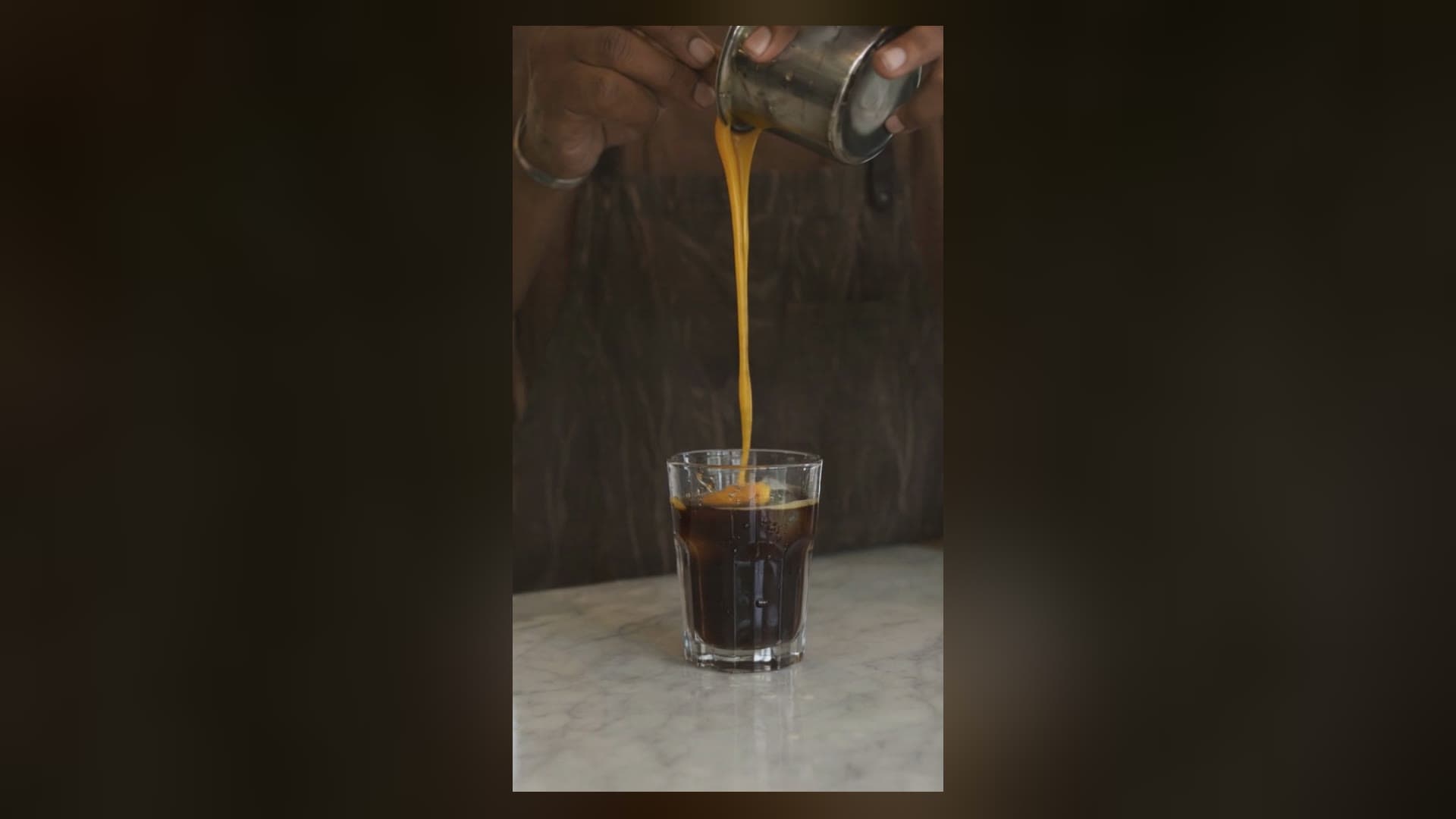
Short-form video is a volume game: you ship vertical clips constantly, and the bottleneck is rarely one hero shot — it is producing a batch of them fast and cheap. This is an end-to-end workflow for doing exactly that with pixverse-v6/text-to-video on the hiapi API: from a content idea to finished 9:16 clips for Reels, Shorts and TikTok. Every clip below is real output generated for this walkthrough — the clips play inline.
If you want the per-prompt craft (style presets, camera language, audio), that lives in the PixVerse V6 prompt recipes; if you want the raw request/response mechanics, see the PixVerse V6 text-to-video how-to. This piece is about the production pipeline around them.
The workflow at a glance
- Write the short as shots, not as one clip. Short-form needs a hook in the first second and a payoff at the end. pixverse-v6 caps a single generation at 15 seconds, so a short is almost always several coordinated clips you stitch together.
- Keep the shots consistent. Text-to-video has no input frame, so continuity between shots has to be carried by repeated anchor phrases in every prompt.
- Batch the async tasks. Fire all your shots as
POST /v1/taskscalls at once and poll them together — you wait once for the whole set, not shot-by-shot. - Draft cheap, finish sharp. Iterate at the low-cost
540ptier, then re-render only the keepers at720p/1080p. - Deliver vertical. Ask for
9:16up front, decide audio per platform, and trim to the hook.
The rest of the article walks a single short through those steps.
Step 1 — Storyboard the short as coordinated shots
The example: a ~10-second iced matcha café short — the kind of satisfying product beat that performs on food and lifestyle feeds. Two shots:
- Hook (0–5s): an extreme close-up that stops the scroll — matcha being whisked, foam and steam.
- Payoff (5–10s): the finished drink, served to camera.
The important discipline for text-to-video is continuity. Because there is no reference frame to anchor the look, the model will happily render shot two in a different kitchen, with different light, in a different style — unless you repeat the same anchors in both prompts. Here the shared anchors are: bright jade-green matcha, clean minimal Japanese café, soft morning light, shallow depth of field. Both prompts below carry all four.
And remember: pixverse-v6 has no camera or motion parameter. Every camera move is written into the prompt text — "the camera slowly pushes in", "holds steady then tilts down". That is the model's defining quirk.
Step 2 — Write the coordinated prompts
Shot 1 — Hook (copy-paste):
Vertical 9:16 macro shot of bright green matcha being whisked in a cream ceramic bowl, fine jade-green foam forming, delicate steam curling up in soft morning window light. The camera slowly pushes in toward the frothy surface while a bamboo whisk moves in quick zig-zag strokes. Clean minimal Japanese cafe aesthetic, warm sunlight, shallow depth of field, crisp and appetizing.
Shot 2 — Payoff (copy-paste):
Vertical 9:16 shot of a tall glass of iced matcha latte on a pale wooden cafe counter, layered jade green over milky white, fresh beads of condensation on the glass. A barista's hand slides the glass forward toward the camera and sets a paper straw into it. Bright airy morning light, soft bokeh of green plants behind, the camera holds steady then tilts down slightly. Clean minimal cafe look, fresh and inviting.
Notice what carries across: the jade-green matcha, the clean minimal café, the morning light. That shared vocabulary is what makes the two clips read as one short rather than two unrelated videos. The camera direction differs on purpose — a push-in to open, a steady hold-then-tilt to land the product — because a short needs movement variety to stay watchable.
Step 3 — Batch the async tasks
Both shots above were not generated one after another. They were submitted together as async tasks and polled as a set — which is the whole point of the /v1/tasks design once you are producing at volume. You pay the ~60–90s generation wait once for the batch, not per clip.
import requests, time

API = "https://api.hiapi.ai/v1/tasks"
HEADERS = {"Authorization": "Bearer YOUR_API_KEY", "Content-Type": "application/json"}

shots = {
    "hook":   "Vertical 9:16 macro shot of bright green matcha being whisked ...",
    "payoff": "Vertical 9:16 shot of a tall glass of iced matcha latte ...",
}
common = {"aspect_ratio": "9:16", "duration": 5, "resolution": "540p"}

# 1) fire every shot as its own task, keep the returned taskIds
tasks = {}
for name, prompt in shots.items():
    r = requests.post(API, headers=HEADERS, json={
        "model": "pixverse-v6/text-to-video",
        "input": {"prompt": prompt, **common},
    })
    tasks[name] = r.json()["data"]["taskId"]

# 2) poll the saved taskIds until each reports success
outputs = {}
while len(outputs) < len(tasks):
    for name, tid in tasks.items():
        if name in outputs:
            continue
        d = requests.get(f"{API}/{tid}", headers=HEADERS).json()["data"]
        if d["status"] == "success":
            outputs[name] = d["output"][0]["url"]   # a temporary .mp4 URL
        elif d["status"] == "fail":
            raise RuntimeError(f"{name} failed: {d.get('error')}")
    time.sleep(6)
Two things that actually matter in practice, both of which came up producing this short:
- The output URL is temporary. Each finished task hands back an
output[0].urlthat expires — download the.mp4and move it to your own storage immediately; do not hotlink it. - A poll can hiccup without the job failing. A single network blip while polling one task surfaced as a transient error on that one request — the task kept running on the server. The fix is to treat a failed poll as "try again", not "the job died": re-poll the saved
taskIdrather than aborting the batch. Only astatus: "fail"in the task body is a real failure.
Step 4 — Draft cheap, finish sharp
Both clips above were generated at 540p, deliberately. Billing on pixverse-v6 is per second, and the resolution tiers are far apart: 540p sound-off is the lowest-cost tier, while 1080p is the most expensive (see the pricing page for the current per-second rate at each tier — figures move, so check before you batch).
For short-form that split is a gift. The expensive part of this work is iteration — you will re-roll prompts, reword a camera move, swap a subject. Doing all of that at 540p costs a fraction per second of the same experiments at 1080p, and a 5-second 540p vertical clip comes back as a small ~1–2 MB 576×1024 .mp4 that is quick to download and review. Once a shot is locked, re-render just that prompt at 720p or 1080p for the final cut. You spend full-resolution money only on takes you are keeping.
Rule of thumb:
540pfor the drafting loop, bump the keepers to720p/1080pfor delivery. Never iterate at1080p.
Step 5 — The same pipeline, a different concept
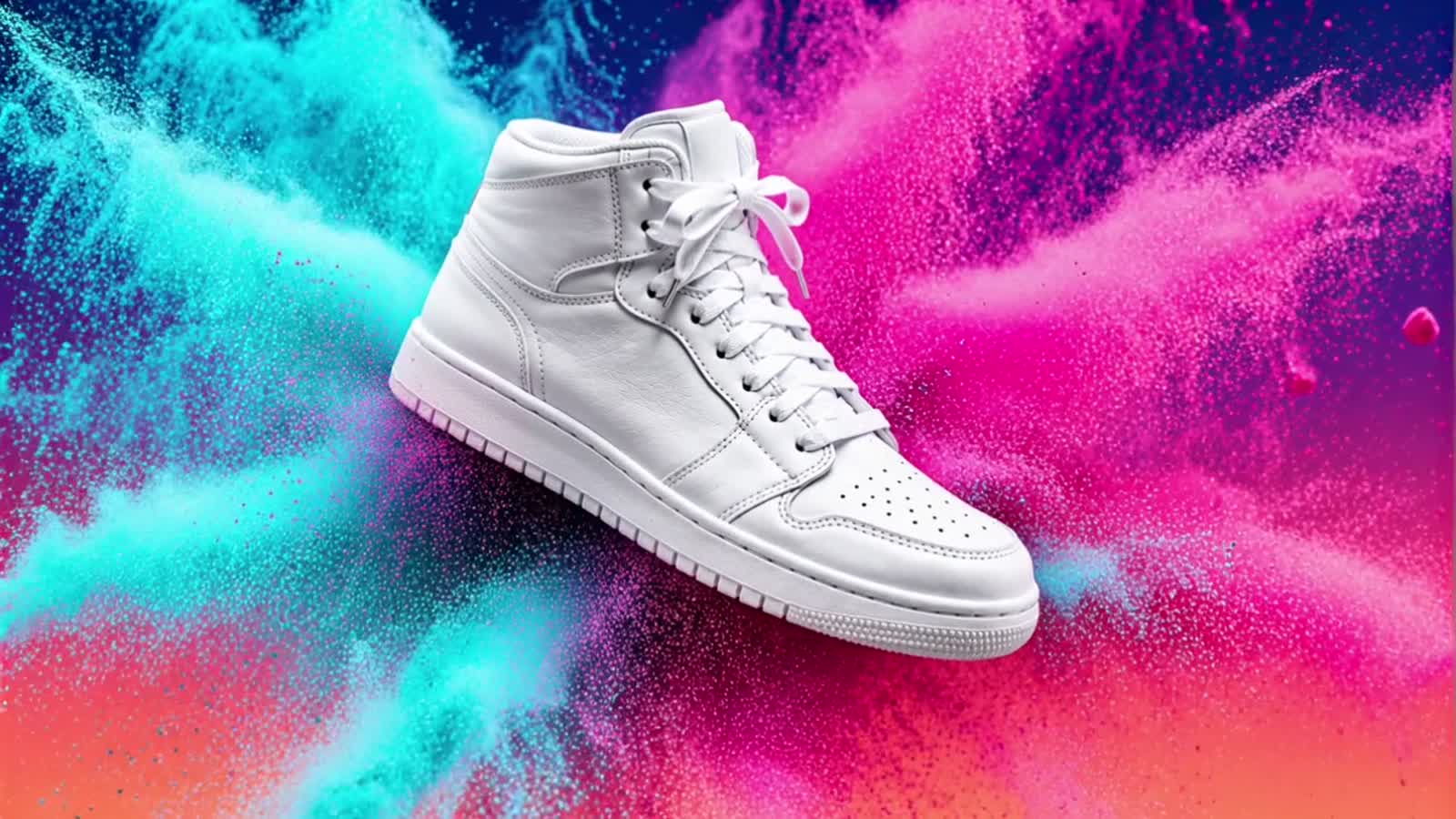
Because the workflow is prompt → batch → vertical output, it is concept-agnostic. The identical five steps produce a completely different short — here, a kinetic cyberpunk action beat — with nothing changed but the prompt and style:
That clip uses aspect_ratio: "9:16", style: "cyberpunk", and a negative_prompt to push away static output — the full prompt and request body for it are in the prompt recipes. The point here is not the prompt; it is that once the batch-and-draft pipeline exists, swapping subject matter is a one-line change, which is what makes it a production workflow instead of a one-off render.
Step 6 — Finish and deliver
- Shape before scale. Generate
9:16natively. Cropping a16:9render down to vertical throws away half the pixels; ask for the aspect you will post. - Front-load the hook. Reels/Shorts/TikTok decide retention in the first second — lead with your strongest motion (the push-in here), not a slow fade-in.
- Decide audio per platform. pixverse-v6 can render synchronized sound with
generate_audio: true(defaultfalse), which has its own sound-on pricing tier. For feeds where most viewers watch muted, a silent draft plus your own music/caption track is cheaper; turn audio on when the ambience itself is the content. - Stitch and caption in post. Concatenate the locked
720p/1080pshots end to end, add captions, and trim to the platform's sweet spot. The model gives you clean 5-second building blocks; sequencing them into a short is an editing step, not a generation one.
FAQ
How do I make a short longer than 15 seconds with pixverse-v6?
Generate it as several clips of up to 15 seconds each and stitch them in post. duration is an integer from 1 to 15 — plan your short as coordinated shots (as in Steps 1–2) rather than one long generation.
How do I keep multiple shots looking like the same video? Repeat the same anchor phrases — subject, setting, lighting, style — in every prompt. Text-to-video has no reference frame, so without shared anchors each shot drifts into a different look. The matcha short above reuses "jade-green matcha, clean minimal café, soft morning light" in both prompts.
Why generate at 540p if I need a high-resolution final?
To iterate cheaply. Billing is per second and 540p is the lowest-cost tier, so you do all your prompt re-rolls there and only re-render the keepers at 720p/1080p. See the pricing page for current rates.
Can I generate several clips in parallel?
Yes — that is what the async /v1/tasks design is for. Submit each shot as its own task, keep the returned taskIds, and poll them together (Step 3). Download each finished .mp4 promptly because the output URL is temporary.
Do I need to turn on audio for short-form?
Not usually. Many feeds autoplay muted, so a silent clip plus your own caption/music track is often both cheaper and more controllable. Turn generate_audio: true on when the rendered ambience is itself the point.
Run this yourself
Start from the PixVerse V6 Text to Video model page for the live schema and your API key, keep the Create Task and Get Task Detail docs open for the batch request/poll format, and check pricing before you render a set. Copy the two matcha prompts, draft at 540p, and you will have your first vertical short in one batch.