Blog
AI Image & Video API Guides
Hands-on model tests, production tutorials, prompt techniques, and current API pricing for generative media teams.
Crisp Upscale vs Seedream 5.0 Lite: Faithful 2× vs 2K Repaint
Pixel-faithful 2×: recraft/crisp-upscale ($0.004, content unchanged). Redrawn 2K detail: seedream-5.0-lite/image-to-image ($0.035). Two three-column pairs (original / Crisp / Seedream 2K): watch small print and poster letterforms are the deciding differences. Nearly 9× apart in price; field names differ (image_url string vs image_urls array + prompt).
Recraft Crisp Upscale Examples: 5 Original vs 2× Pairs
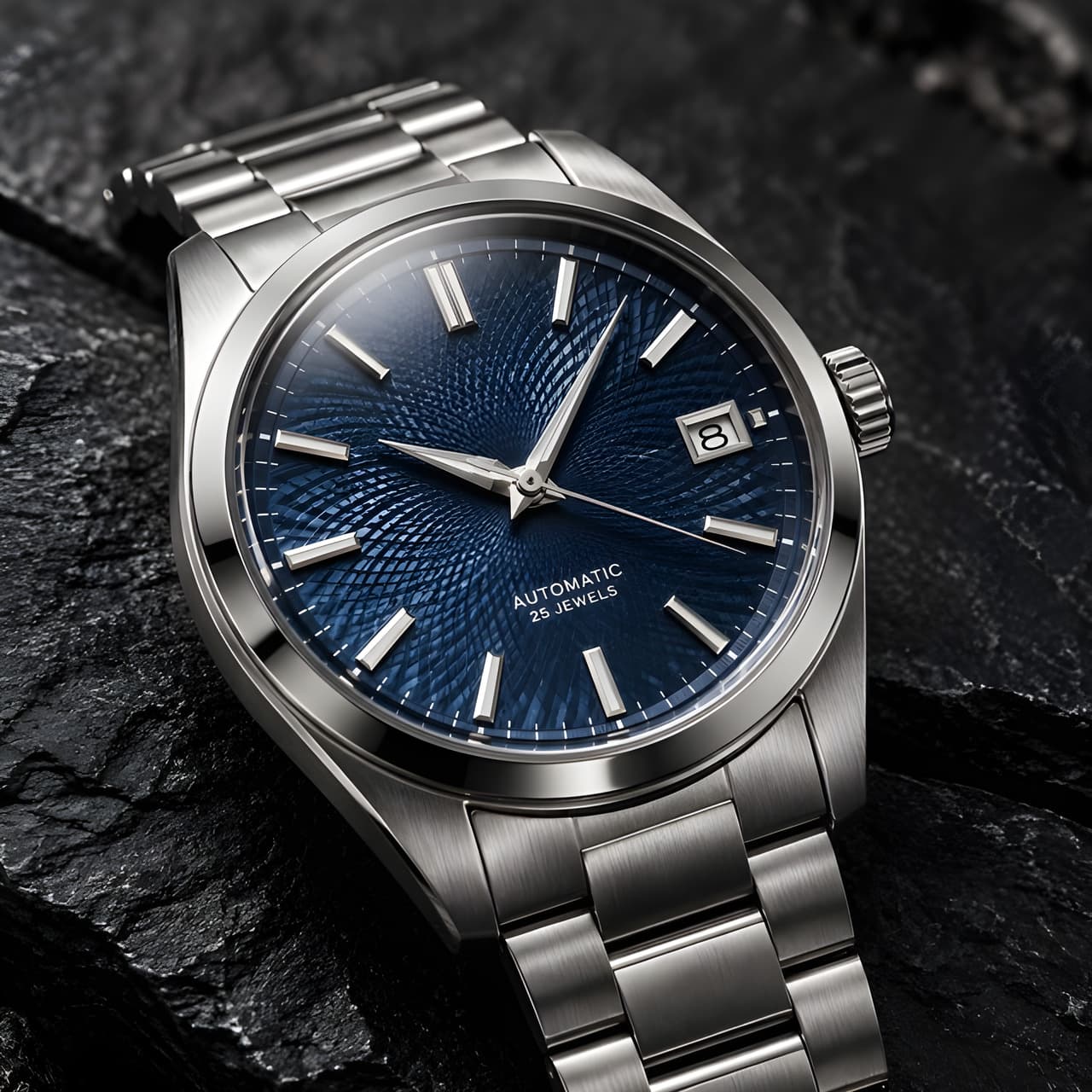
Five real original-vs-2× pairs: watch dial small print, portrait wrinkles and beard, poster letterforms, terraced fields, and a watercolor illustration. Side-by-side pairs with size changes in the captions; only the upscaled output bills. No prompt — upload and go; for images that are right but too small.
Recraft Crisp Upscale API Pricing: $0.004 per Image
recraft/crisp-upscale bills one tier at $0.004/image — a fixed 2× on both axes with content and lettering untouched. Batch math: 100 images $0.40, 1,000 images $4.00, 10,000 images $40.00; $10 buys about 2,500. Input size never changes the price; the generative alternative runs seedream-5.0-lite at $0.035/image.
How to Use Recraft Crisp Upscale API: One Field, 2× Size
recraft/crisp-upscale doubles width and height with crisper edges while keeping content and lettering intact; no prompt. The body is just image_url (public URL, JPEG/PNG/WebP ≤10 MB); output is one JPEG without transparency. $0.004 per image regardless of input size; upscale before removing backgrounds for transparent assets.
FIBO 1.5 Prompts: 6 Templates with Real Outputs
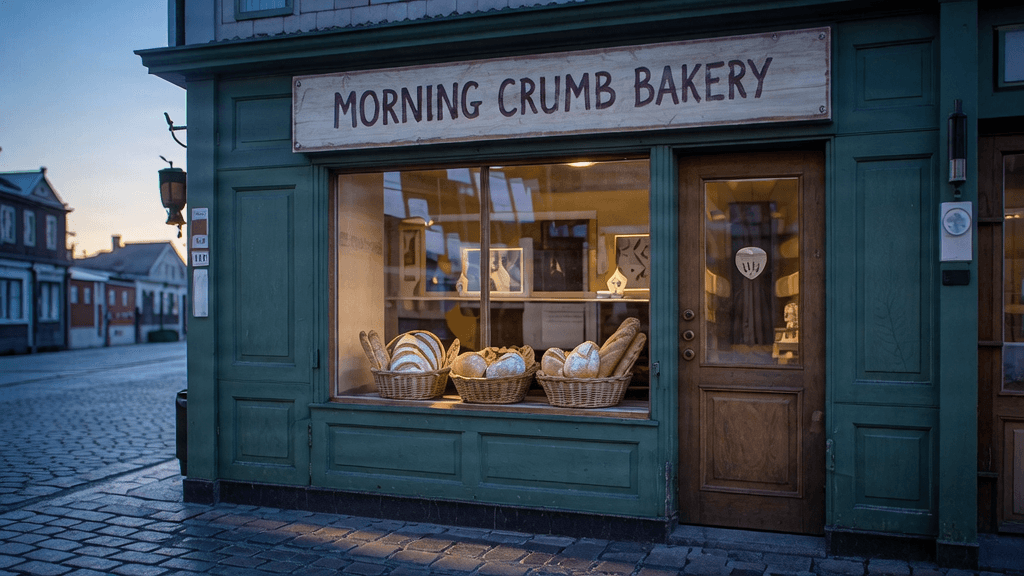
Six scenes, all real outputs: lettered products (NOIR 07), storefront signs (MORNING CRUMB BAKERY), natural-light portraits, overhead food, plus try-on composites and a masked floor swap on the edit side. Every prompt and instruction pre-fills via its link, routed to the right page. Generation and editing both run $0.0575 — one base image becomes a set.

Recraft V4.1 Prompts: 6 Templates with Real Outputs
Six scenes, all real outputs: a NORTH BEAN brand poster, flat illustration, a FOXPEAK line logo, product shots, plus Flash palette-locked art and a hummingbird collage. Every template pre-fills via its link; palette RGB values are spelled out in the captions. $0.01 drafts on Flash, $0.05 finals on V4.1 — one prompt set.

Wan 2.6 Flash API Pricing: Silent 720p at $0.029/s
wan2.6-flash/image-to-video in four combinations: silent 720p $0.029/s ($0.145 for 5 s), audio 720p $0.0575, silent 1080P $0.043, audio $0.086. Four real clips, one per combination; three share one fox input (different prompts), stated as-is. Durations 5/10/15 only; aspect follows the image; $10 buys about 68 clips (default).
Krea 3 Prompts: 6 Ready-to-Use Templates with Real Outputs
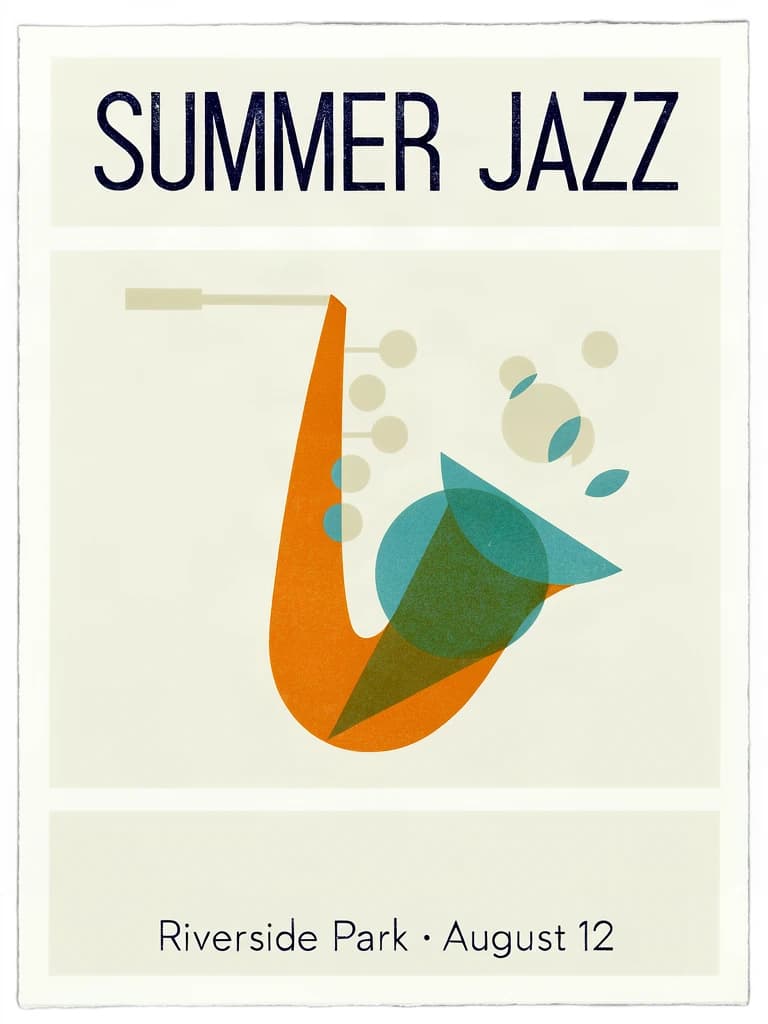
Six scenes, all real outputs: product photography, vertical fashion, lettered posters, watercolor (Krea 2), 2.35:1 cinema widescreen (Krea 2), and one-line prompts. Every template pre-fills the prompt via its link; captions name the model behind each image. Krea 3 at $0.036 and Krea 2 at $0.0215 share one /v1/tasks endpoint — change only model.

FIBO 1.5 API Pricing: $0.0575 per Image, Gen and Edit Alike
One price across FIBO 1.5: fibo-gen-1.5/text-to-image and fibo-edit-1.5/image-to-image both bill $0.0575/image. A generate-then-edit pipeline is $0.115; ratio, seed, references, and masks never add cost; failures refund. $10 yields about 173 images; a single rate means no split monthly accounting.

Krea 3 API Pricing: $0.036 per Image, Krea 2 at $0.0215
Krea 3 (krea-3/text-to-image) bills $0.036/image and Krea 2 Medium Turbo (krea-2-medium-turbo) $0.0215 — one rate per model across sizes, variants, and creativity. Two same-prompt pairs (square product shot, wide concept art) with real outputs; Krea 3's berry/jam differ even on the same seed. A 9:1 draft-to-final monthly mix runs about 36% below all-Krea 3.
Build with the models you just read about.
Compare image, video, and audio models, then use the same API workflow in production.