Blog
AI Image & Video API Guides
Hands-on model tests, production tutorials, prompt techniques, and current API pricing for generative media teams.

How to Use the wan2.7-image-standard API on hiapi: Text-to-Image and Reference Editing
wan2.7-image-standard is the standard tier of Wan 2.7 Image: one model id does both text-to-image and reference-based editing, at 1K/2K. It bills a flat $0.0345 per image at both 1K and 2K, less than half the Pro tier's $0.08 — but the standard tier caps at 2K (no 4K). Reference editing is enabled by adding an image_urls array (up to 9 references); the field is image_urls, not reference_image_urls. The schema is strict: only prompt, aspect_ratio, resolution, image_urls, and seed are accepted; negative_prompt, n, size, and prompt_optimizer are rejected.

PixVerse V6 Image to Video for Short-Form: Turn Stills Into Vertical Clips
Reach for pixverse-v6/image-to-video when you already own the asset: the clip opens on your exact still, so the product on screen is genuinely yours — not a text-to-video approximation of it. The endpoint has no aspect-ratio control; the output follows the frame you give it. Crop stills to 9:16 before animating, or they letterbox in a vertical feed. First-frame fidelity holds for push-ins, glints and ambient motion; orbits and big reveals force the model to invent unseen geometry and can drift off-brand (verified here on a plain, logo-free sneaker still). Short-form with i2v is a throughput problem: batch the catalog async, draft at 540p (~$0.25 per 5s clip), and finish only the keepers at 1080p.

imagen-4.0-fast API: A Working Text-to-Image Request
A verified, runnable guide to the imagen-4.0-fast text-to-image API on hiapi: one working curl request, a Python poll loop, the exact closed input schema, and real 400 error cases — including why aspect_ratio is required on the Fast tier.
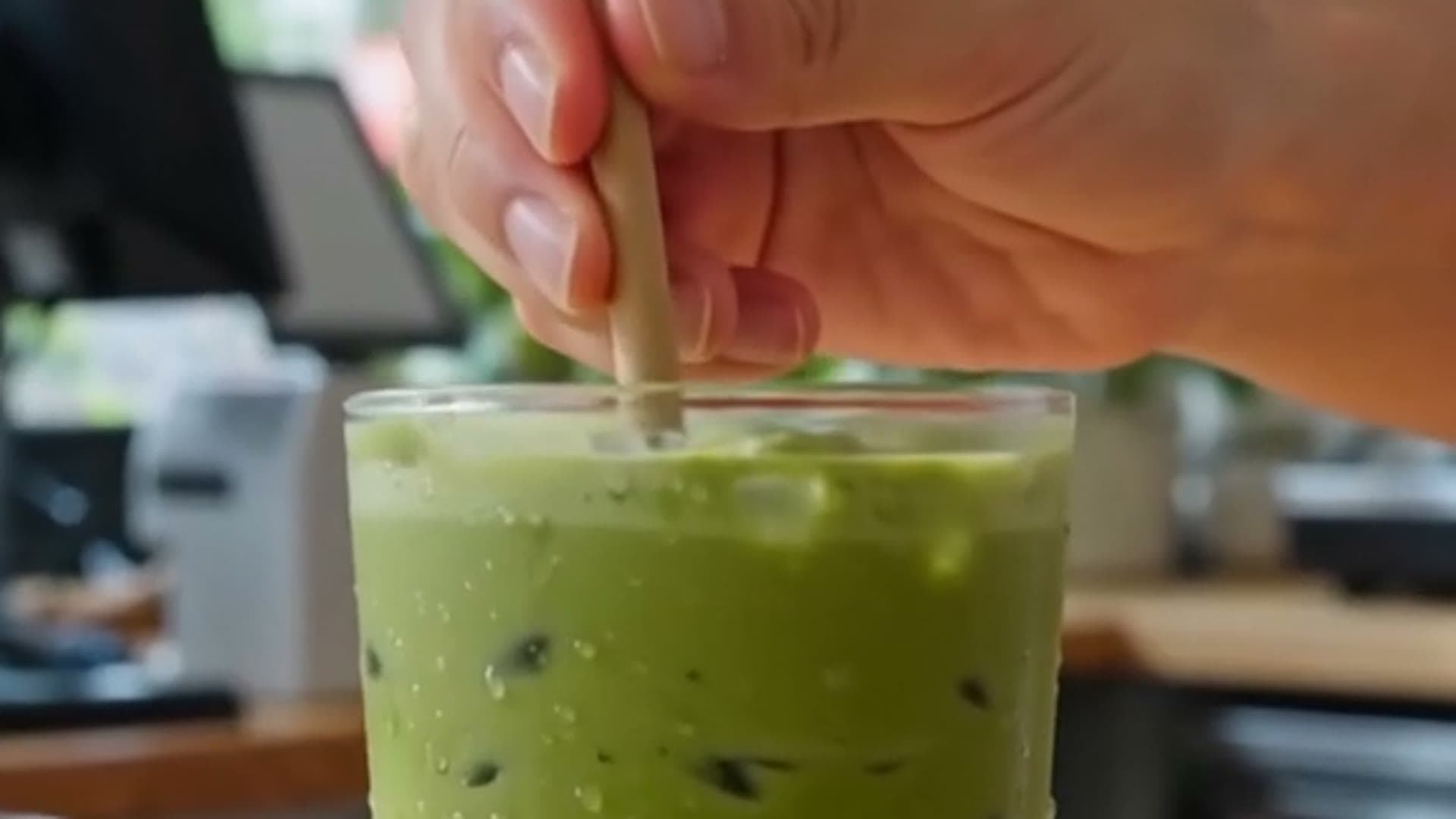
PixVerse V6 Short-Form Video: A Text-to-Video Workflow for Vertical Clips
An end-to-end workflow for producing vertical short-form clips with pixverse-v6/text-to-video on the hiapi API — plan, batch, draft, deliver — demonstrated with real generated clips, not mockups. A short is several coordinated clips of up to 15 seconds each that you stitch; the matcha example runs as a hook (whisk close-up) plus a payoff (the served drink), both 9:16 vertical. Text-to-video has no reference frame, so continuity between shots is carried entirely by repeating the same anchor phrases (subject, setting, lighting, style) in every prompt. Batch the shots as concurrent async /v1/tasks calls and poll the saved taskIds together; the output URLs are temporary, so download immediately, and re-poll rather than abort on a transient poll error. Draft at the low-cost 540p tier to iterate, then re-render only the keepers at 720p or 1080p — billing is per second and the resolution tiers are far apart.

FASHN Try-On v1.6 API: A Working curl & Python Request
fashn-tryon-v1.6 is a virtual try-on (image-to-image) model: give it a person photo and a garment photo, get one on-body result. Only model_image and garment_image are required; the schema is closed, so unknown fields and num_samples are rejected. A real /v1/tasks run finished in ~13s and returned a 768x1152 PNG whose size followed the person photo.

How to Use the Kling 2.5 Turbo Image-to-Video API (curl + Python)
A runnable walkthrough of the kling-2.5-turbo/image-to-video endpoint on HiAPI's async task API: create, poll, download. The input schema is strict and closed — image_urls (1–2 items), prompt, and a duration of exactly 5 or 10 seconds. Output costs $0.06 per second ($0.30 for 5 s, $0.60 for 10 s); failed tasks produce no output and aren't billed.

imagen-4.0-ultra API: A Working Text-to-Image Request
A verified, runnable guide to the imagen-4.0-ultra text-to-image API on hiapi: one working curl request, a Python poll loop, and the exact closed input schema. Includes live error responses (bad enum, number-vs-string seed, unknown fields, empty prompt) and tier guidance versus Imagen 4 and Imagen 4 Fast.

Notion AI Auto Mode: What Model Routing Means for Builders
Notion rebuilt its AI agent system in mid-October 2026, extending agent runtimes past 24 hours and shipping Auto mode, which routes each task to the most cost-effective model automatically. Notion's own numbers claim Auto mode costs about 90% less than Opus 5.5 and Astra across 20+ use cases, which shows how much money model choice alone can save. Notion's bring-your-own-key option is an Enterprise alpha with no custom base URL, so you cannot point Notion's built-in AI at a HiAPI key today. Builders can replicate the same routing pattern with a single HiAPI key: routine tasks on deepseek-v4.1-flash, complex ones on claude-opus-4-8, one OpenAI-compatible endpoint for everything. If you want a working version of this pattern without writing orchestration code, we built exactly such a workflow with n8n in a separate guide.

n8n Order Automation: Classify Orders and Draft Replies With HiAPI
One HiAPI key plus one n8n OpenAI Chat Model node is enough to wire an LLM into an order-handling workflow; the only custom setting is the Base URL. In the OpenAI Chat Model node credential, set Base URL to https://api.hiapi.ai, paste your HiAPI key, and enter deepseek-v4.1-flash as the model name. The workflow runs webhook in, AI classify and draft reply, an IF branch for routine orders versus complaints, and a notification node out. Keep costs down by running routine orders on deepseek-v4.1-flash and reserving claude-opus-4-8 for complaints and long-context cases. Recent n8n versions expose the Base URL field on the OpenAI Chat Model node; if yours does not, upgrade n8n first.

Ray 3.2 Text-to-Video: A Batch Workflow for Vertical Short-Form Clips
Ray-3.2/text-to-video turns a single line of text into a native 9:16 vertical clip on hiapi's async task API — no input frame needed, which makes it ideal for batching fresh short-form concepts. Pricing depends only on duration and resolution (aspect ratio is free), so the workflow is: explore a batch at 540p for $0.2145 a clip, then regenerate only the winner at 720p or 1080p.
Build with the models you just read about.
Compare image, video, and audio models, then use the same API workflow in production.