Blog
AI Image & Video API Guides
Hands-on model tests, production tutorials, prompt techniques, and current API pricing for generative media teams.
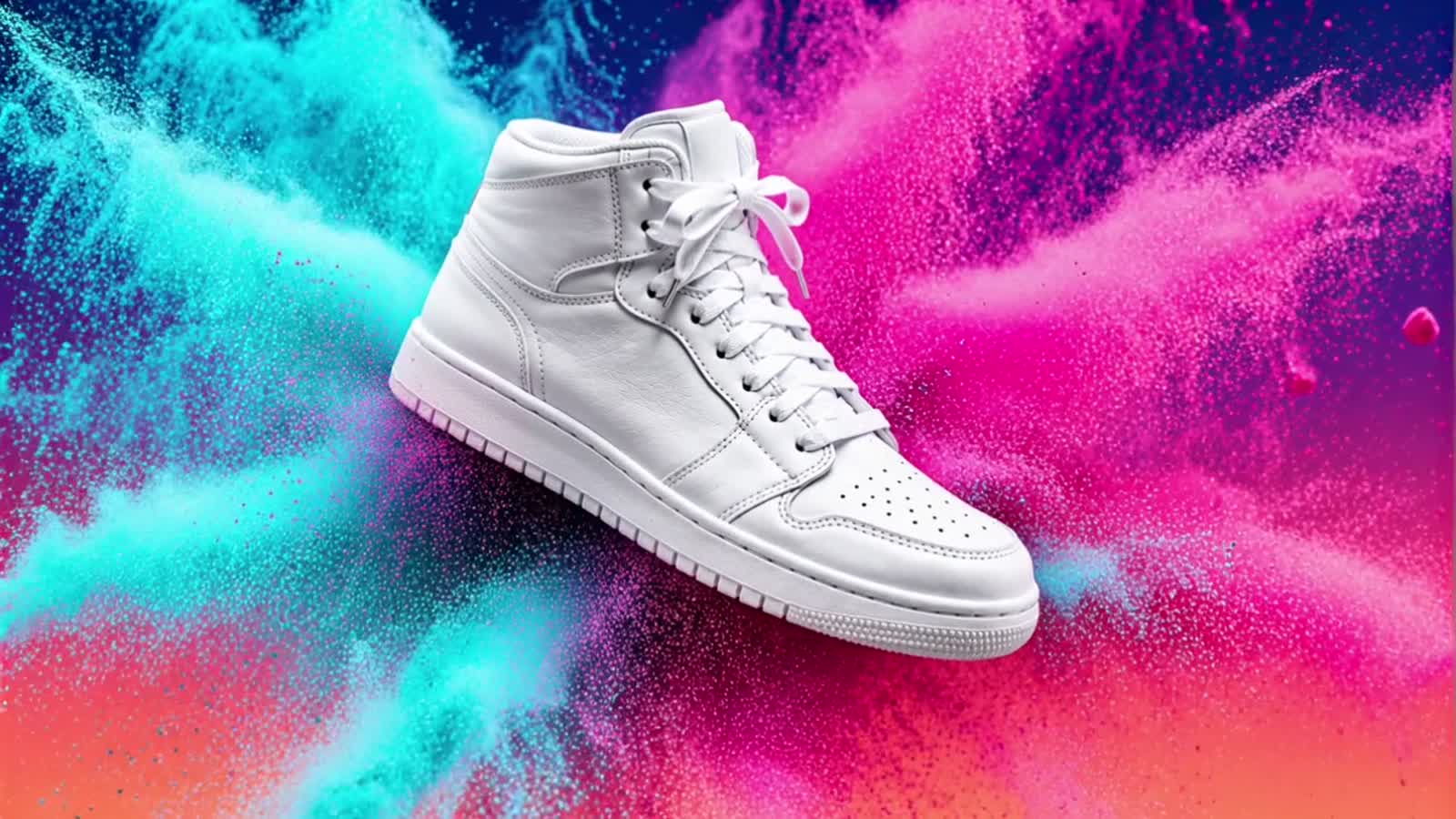
Vidu Q3 Mix Reference-to-Video Prompt Recipes: Blend Multiple Images Into One Shot
Four copy-paste vidu-q3-mix reference-to-video prompts, each paired with the real clip it generated on hiapi — a two-product hero, a subject-into-scene, a three-image mix, and a vertical mascot ad. Q3 Mix blends 1–7 reference images into one shot; the rule that makes blends hold is to number each reference and give it a job ("the dripper from reference image 1 on the carafe from reference image 2"). A three-image blend (subject + effect + backdrop) composes cleanly when each reference owns a non-overlapping role; past four, the model starts dropping the weakest one. Shape comes from the size enum (no aspect_ratio field), and there is no audio-reference input — that is the Q4 Preview tier. Verified live this run: output is H.264 and inline-ready, delivered pixels land just under the nominal size, and — despite the "Native Audio" tag — every clip came back silent.
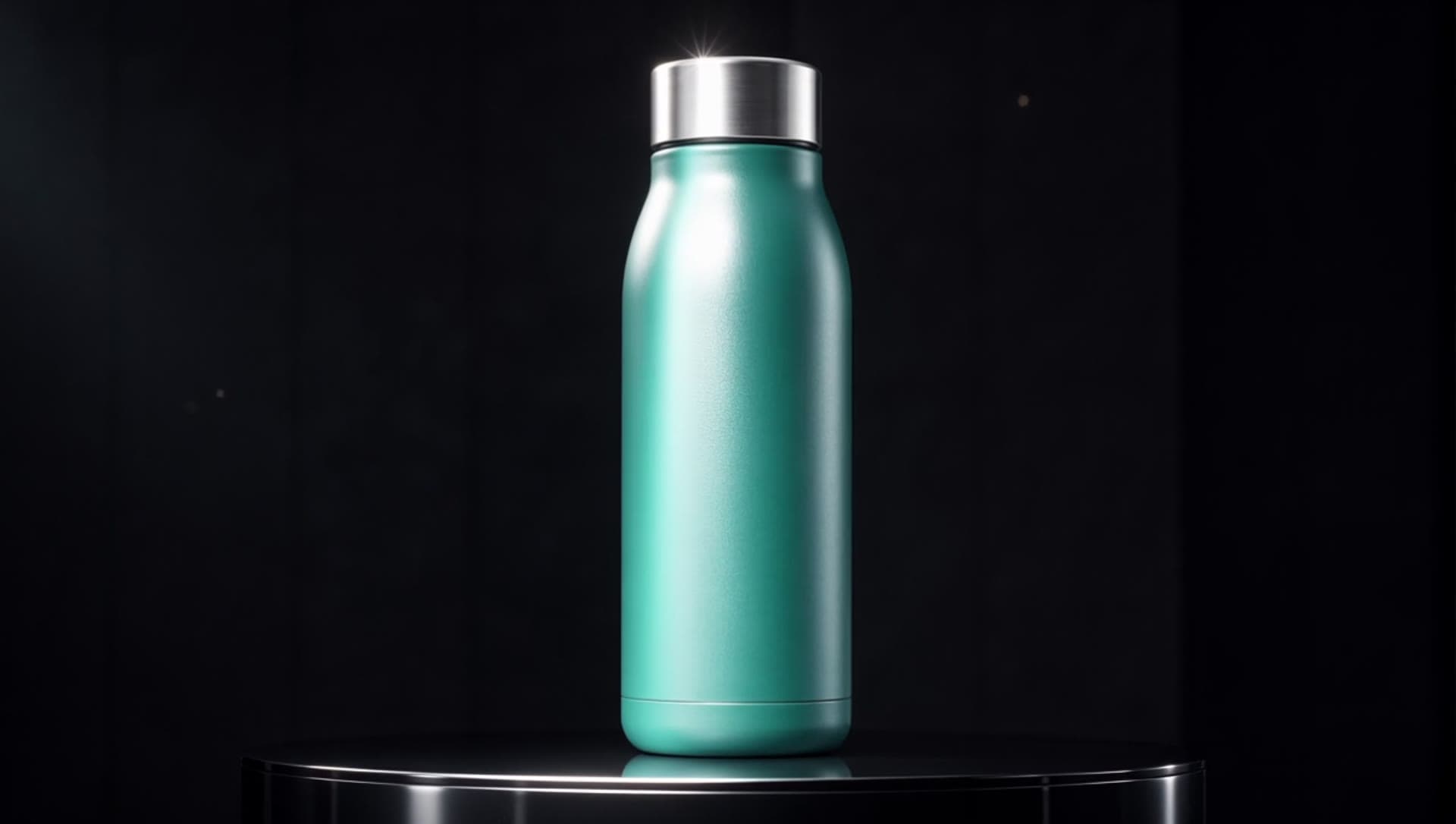
Vidu Q3 Ad Reference-to-Video Prompt Recipes: Copy-Paste Ad Prompts With Real Clips
Four copy-paste vidu-q3-ad reference-to-video prompts, each paired with the real clip it generated on hiapi — a product hero spin, an on-model brand mascot, a two-reference UGC shot and a three-reference retail scene. Q3 Ad is Vidu's ad-tuned reference tier: 1–7 reference images, 3–15 second clips at 720p or 1080p, cheaper and faster than Q4 Preview. Verified live: the model is tagged 'Native Audio' but every /v1/tasks output is a silent, video-only mp4 (the platform's own sample is silent too) — add music or voiceover in post. q3-ad takes a `size` enum (not aspect_ratio + resolution) and rejects reference_audio_urls — the main pitfall when porting a Q4 request. Includes the live-probed input schema, per-tier pricing, and a prompt cheat-sheet for reference-driven ad clips.

PixVerse V6 Image to Video Prompts: 4 Recipes With Real Clips
Four copy-paste pixverse-v6/image-to-video prompts, each paired with the real first frame, the exact request body, and the actual clip it produced on the live hiapi API — no stock footage, no mockups. Image-to-video prompting is about motion, not scenery: your still is the first frame, so the prompt only describes what moves and how the camera behaves. There is no aspect_ratio field — the clip inherits your input image's shape, so a 9:16 frame yields a 9:16 clip (confirmed: a 720×1280 vertical output). generate_audio and resolution set the price; a 5-second 720p clip runs about $0.43 with sound and about $0.32 without. Tested finding: on image-to-video the style preset did not restyle a photoreal frame — the input image anchors the look, so set your style in the first frame.

PixVerse V6 Image to Video API: a Working curl & Python Example
A copy-paste guide to the pixverse-v6/image-to-video API on hiapi: one POST /v1/tasks call that animates a first-frame image, in both curl and Python, with the exact input fields the endpoint validates — including why there is no aspect_ratio.

How to Use the Ray 3.2 Image-to-Video API: curl, Python, and a Working Request
Call the ray-3.2/image-to-video model through hiapi's unified async /v1/tasks endpoint: the strict input schema (prompt + image_url required, optional resolution, and no duration or aspect_ratio), copy-paste curl and a full Python submit/poll/download script, callbacks, idempotent retries, a documented real 540p run, and the live 400/401/404 error shapes — including why an unreachable image_url passes create but fails the task.
PixVerse V6 Prompts: 4 Text-to-Video Recipes With Real Clips
Four copy-paste pixverse-v6/text-to-video prompts, each paired with the exact request body and the real clip it produced on the live hiapi API — no stock footage, no mockups. The biggest text-to-video lever is your prompt text: pixverse-v6 has no camera or motion parameter, so every push-in, orbit and sprint has to be written in words. The `style` preset (anime, 3d_animation, clay, comic, cyberpunk) reskins the whole render — picking it changes far more than color. `generate_audio` is a real boolean toggle that defaults to off; flip it on to get synchronized ambient sound in the same call. Use `aspect_ratio` for format (9:16 for short-form), `negative_prompt` to kill static or mushy output, and `seed` to lock a look you like.
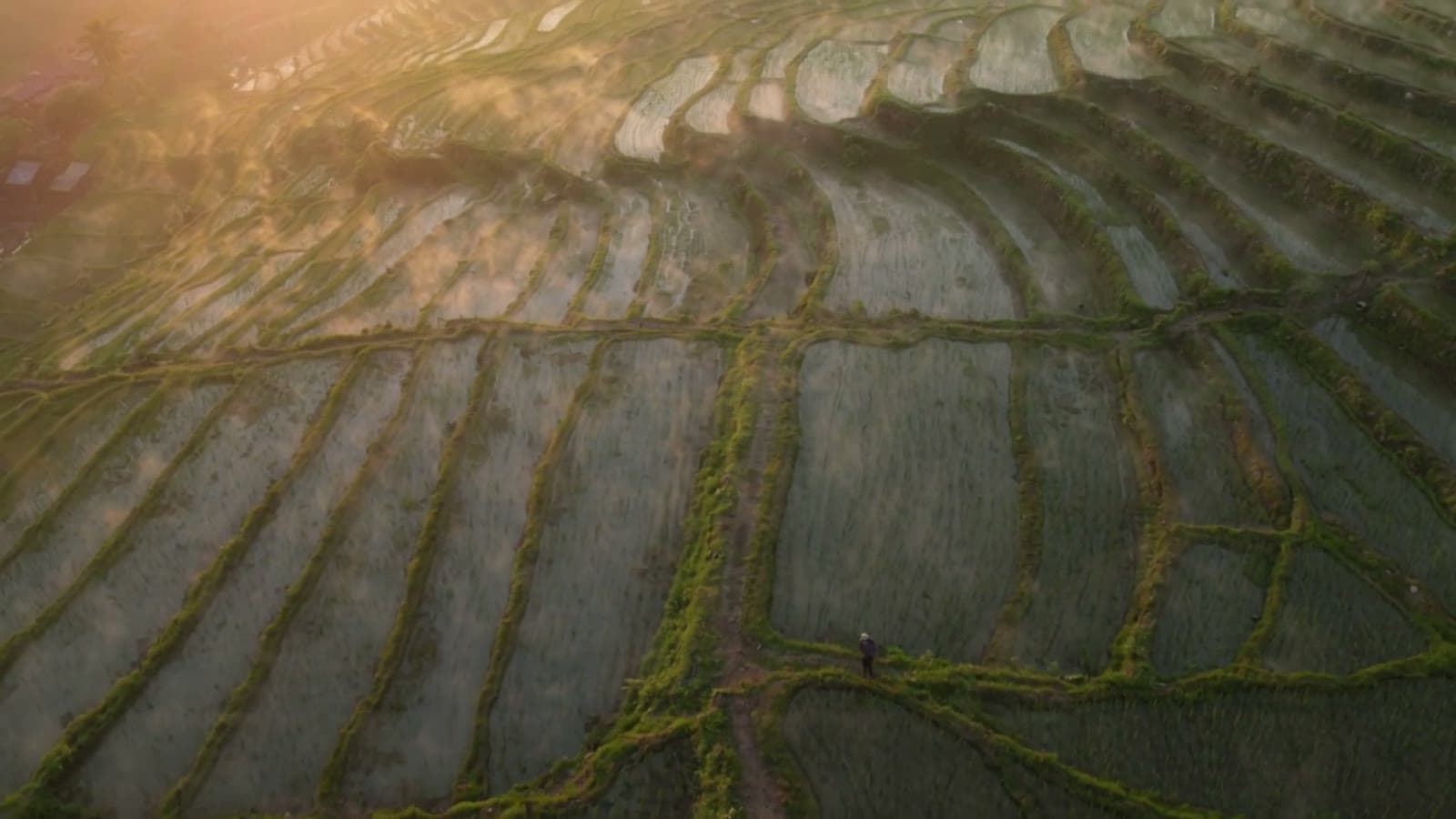
Ray 3.2 Text-to-Video Prompts: 5 Recipes With Real Clips
Text-to-video has no input frame, so the prompt must build the whole shot: subject, first frame, camera move, pacing and lighting. Five copy-paste prompts we wrote and ran on ray-3.2/text-to-video, each with its real clip embedded inline. A reliable Ray 3.2 prompt follows one order: camera move -> subject -> environment -> light & color -> negatives. Verified live: duration 5/10, resolution 540p/720p/1080p, six aspect ratios (16:9, 9:16, 1:1, 4:3, 3:4, 21:9). Priced per clip, not per second: a 5s/540p clip is $0.2145 (as of 2026-10).
PixVerse V6 Text to Video API: a Working curl & Python Example
A copy-paste guide to the pixverse-v6/text-to-video API on hiapi: one POST /v1/tasks call plus a poll, in both curl and Python, with the exact input fields the endpoint validates.

How to Use the Ray 3.2 Text-to-Video API: curl, Python, and a Working Request
Call the ray-3.2/text-to-video model through hiapi's unified async /v1/tasks endpoint with a schema-correct request: a prompt plus duration (integer 5/10), resolution (540p/720p/1080p), and aspect_ratio — with working curl and Python submit/poll/download examples, callback setup, idempotent retries, and the real 400/401/404 error responses.

vidu-q3-ad reference-to-video API: curl, Python, and a working request
A copy-paste integration guide for vidu-q3-ad/reference-to-video on hiapi's async /v1/tasks API: submit one POST that turns 1-7 product stills into a 3-15 second ad clip with native audio, then poll or take a callback and download the MP4. The schema is live-probed with free invalid-value 400s: required prompt, reference_image_urls (1-7), and an integer duration (3-15), plus an optional size enum that sets both the aspect ratio and the 720/1080 price tier. The traps that bite: q3-ad uses size, not aspect_ratio or resolution (both rejected), and unlike the Vidu Q4 tier it rejects reference_audio_urls - its audio is generated natively, not supplied.
Build with the models you just read about.
Compare image, video, and audio models, then use the same API workflow in production.