Blog
AI Image & Video API Guides
Hands-on model tests, production tutorials, prompt techniques, and current API pricing for generative media teams.
Using HappyHorse 1.1 Image-to-Video to Make Short-Form Video via the hiapi API
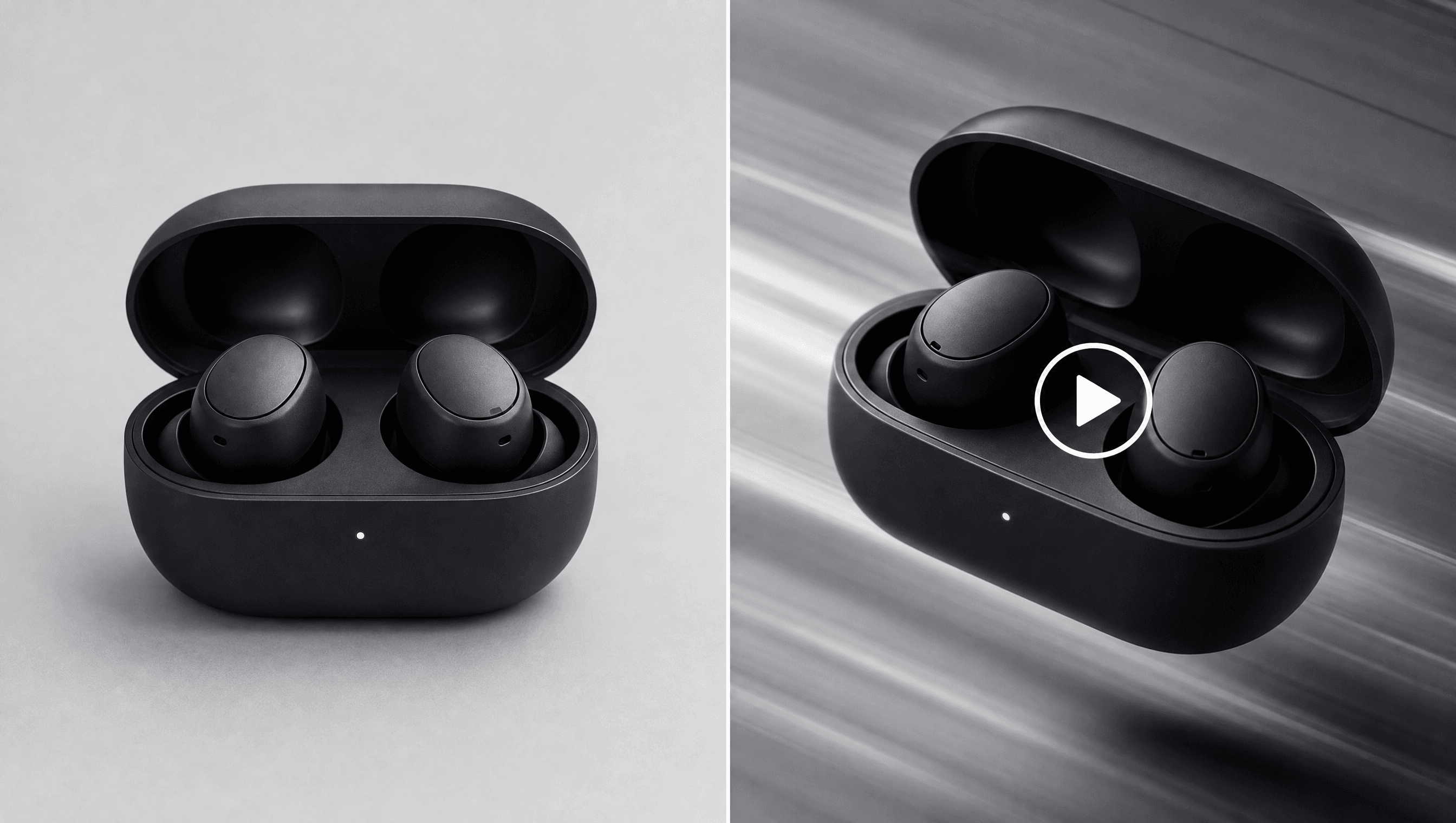
happyhorse-1.1/image-to-video animates a single first-frame photo into a native-audio short clip — ideal when you already know the exact shot you want, like a product photo or a portrait. The task schema is small: one image_urls entry, an optional prompt, resolution (720p/1080p), and duration (3-15s) — no motion-strength or camera-path parameters to tune. Two real clips generated for this article show both patterns: a product-shot reveal and a natural portrait head-turn, each inlined as an actual playable video. As of 2026-09, pricing is $0.16/s at 720p and $0.21/s at 1080p, billed by duration — a 4s 720p clip costs $0.64. Duration matters more than resolution for cost: keep clips as short as the motion idea allows before reaching for a longer duration.

Using happyhorse-1.1/reference-to-video to Make Short-Form Video via the hiapi API
happyhorse-1.1/reference-to-video turns 2-9 still images into one continuous video while keeping the same character, outfit, and art style in every shot. A full working demo — 2 reference images plus an 8-second 720p clip — cost $1.34 end-to-end on the hiapi API. The model only needs three fields beyond the prompt: reference_image (array of URLs), duration (3-15s), and resolution (720p or 1080p). It beats generating separate clips per shot and stitching them in an editor, because the model carries identity across cuts for you. Native audio is baked into the output, so there's no separate audio-generation step to run.

kimi-k3 for E-commerce: Product Copy and Support Replies via the hiapi API
kimi-k3 is a text-only reasoning model on hiapi with no image or video output — this guide covers copywriting and support use cases instead of product photography. Two real API calls (product listing copy, customer support reply) show actual token usage and per-request cost under $0.004 each. Three reasoning_effort levels (low/high/max) let you tune cost against how much policy logic a task actually needs.

How to Use kimi-k3 via the hiapi API: curl, Python, and a Working Request
A working curl and Python example for calling kimi-k3 through hiapi's OpenAI-compatible chat completions endpoint, plus the reasoning-token gotcha that causes empty responses.

How to use gpt-image-2-beta via the hiapi API: parameters, code, and a working example
gpt-image-2-beta runs on the unified async /v1/tasks endpoint — POST to create, then poll GET /v1/tasks/{id} for the result. input takes only two fields: prompt (required) and size (optional pixel dimensions like "1024x1024") — no aspect_ratio, resolution, or quality knobs like the default gpt-image-2/text-to-image route. Pricing is a flat $0.02 per image regardless of size, versus $0.03-$0.06 for the default route's 1K/2K/4K tiers. The schema is strict (additionalProperties: false) — sending aspect_ratio, resolution, quality, or other OpenAI Images API fields returns an HTTP 400, not a silent ignore.

Free Nano Banana 2 Image Generator: Turn a Prompt into a Visual Draft
Turn a written visual brief into a square image draft with Nano Banana 2. A practical entry point for trying the free browser tool. Clear limits and the next path when you need more control.
Free GPT Image 2 Generator: Create AI Images Without an API Key
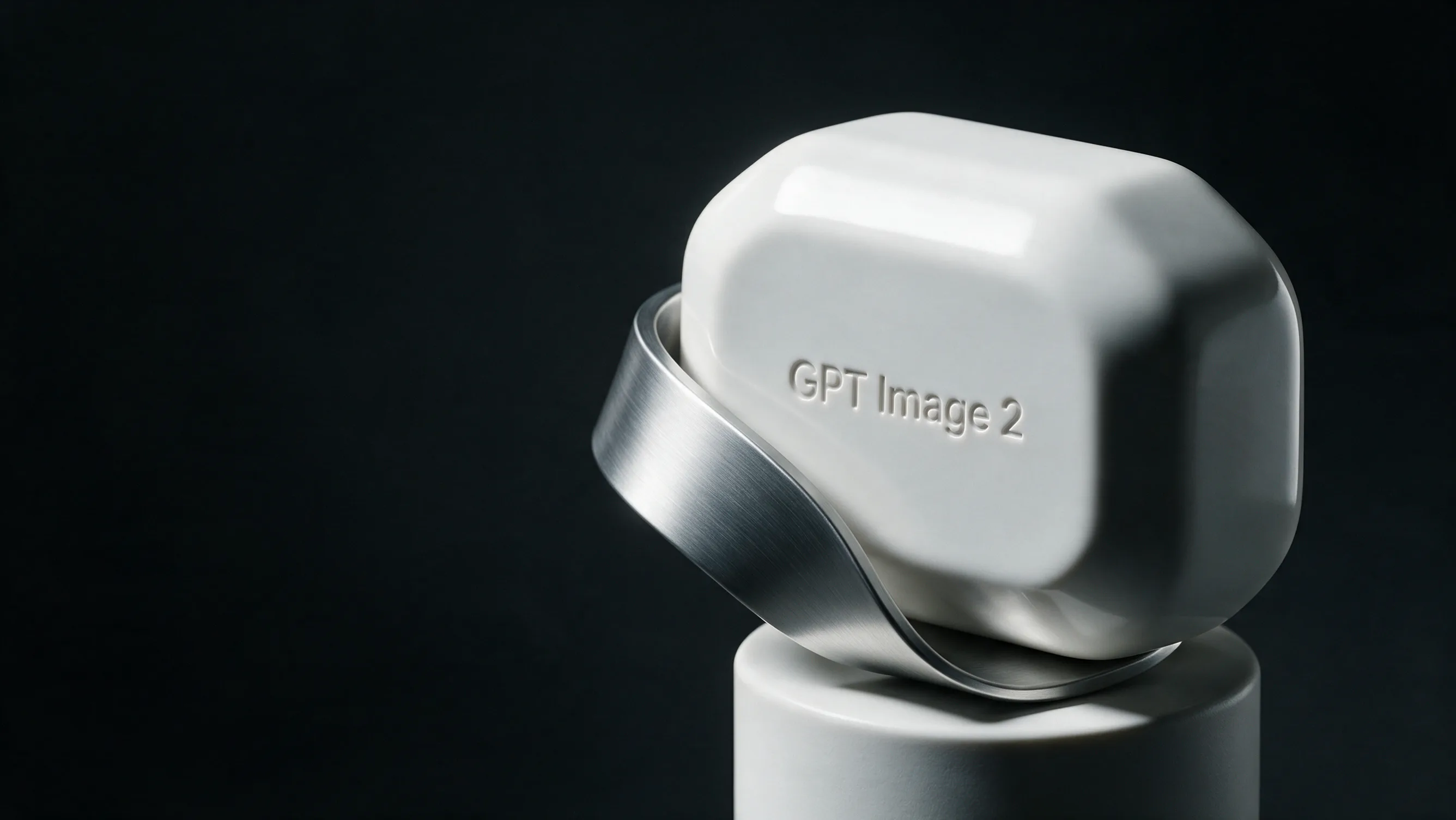
Create quick GPT Image 2 drafts in the browser, then move to a signed-in workflow when you need more control. A practical entry point for trying the free browser tool. Clear limits and the next path when you need more control.
Free AI Background Remover: Download a Transparent PNG Online
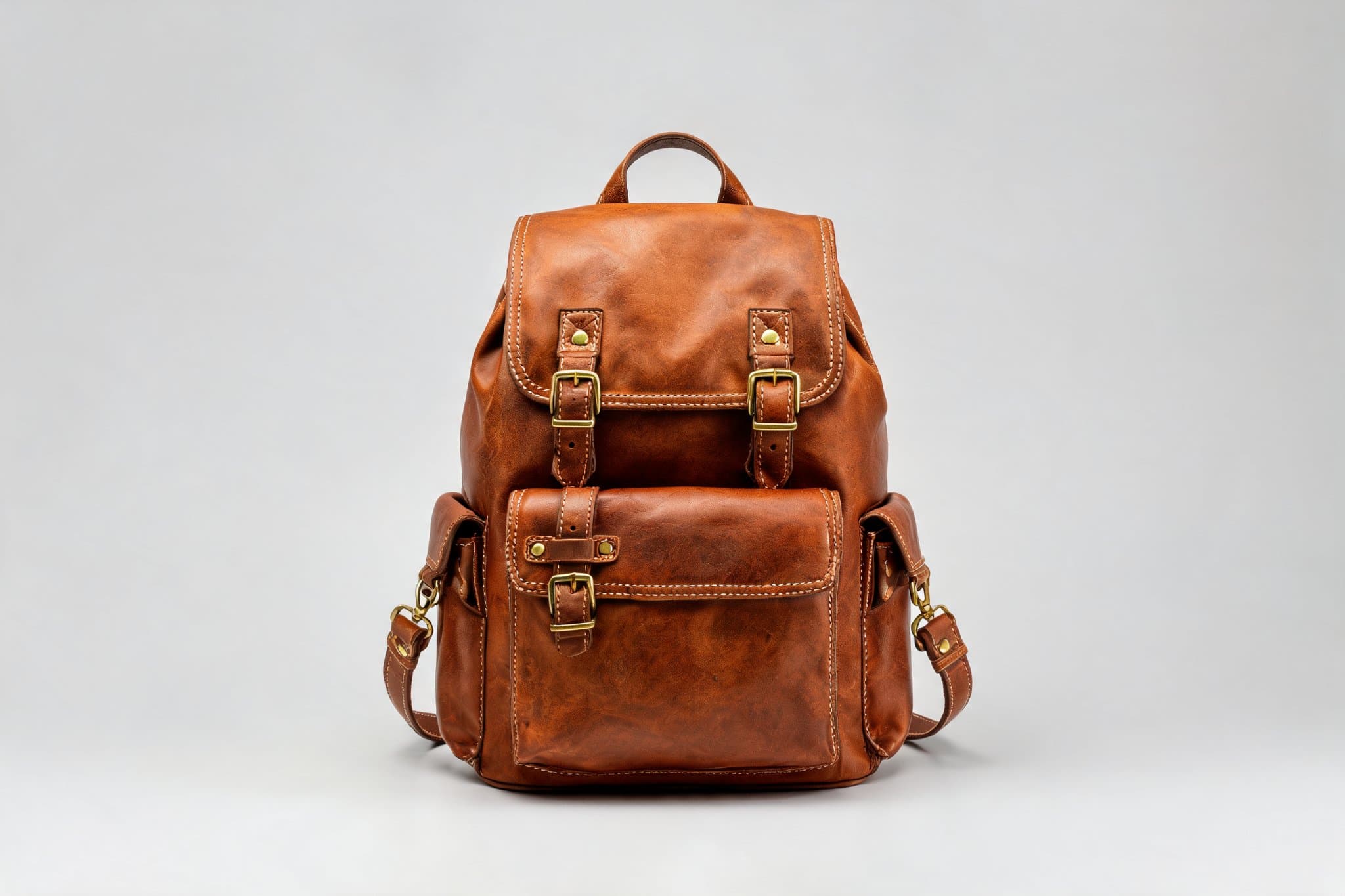
Remove a photo background online, download a transparent PNG, and check the edges before delivery. A practical entry point for trying the free browser tool. Clear limits and the next path when you need more control.

Ideogram V4 for E-Commerce Product Images: A Practical Workflow
Ideogram V4 is hiapi's typography-focused model — best suited to e-commerce graphics where headline, label, or sale-tag text has to render correctly, not to editing existing product photos. All three test assets (promo banner, product label, flash-sale graphic) rendered their text correctly on the first generation at the BALANCED tier ($0.10/image). It's text-to-image only with three input fields: prompt, rendering_speed (TURBO $0.05 / BALANCED $0.10 / QUALITY $0.17), and optional aspect_ratio. Quoting exact copy, separating headline/subheadline instructions, and specifying high-contrast palettes measurably improved text legibility across tests. Always proofread rendered text before publishing — accuracy is high but not guaranteed, especially on curved-surface label mockups.
Using Seedance-2.0-Fast to Make Short-Form Video via the hiapi API
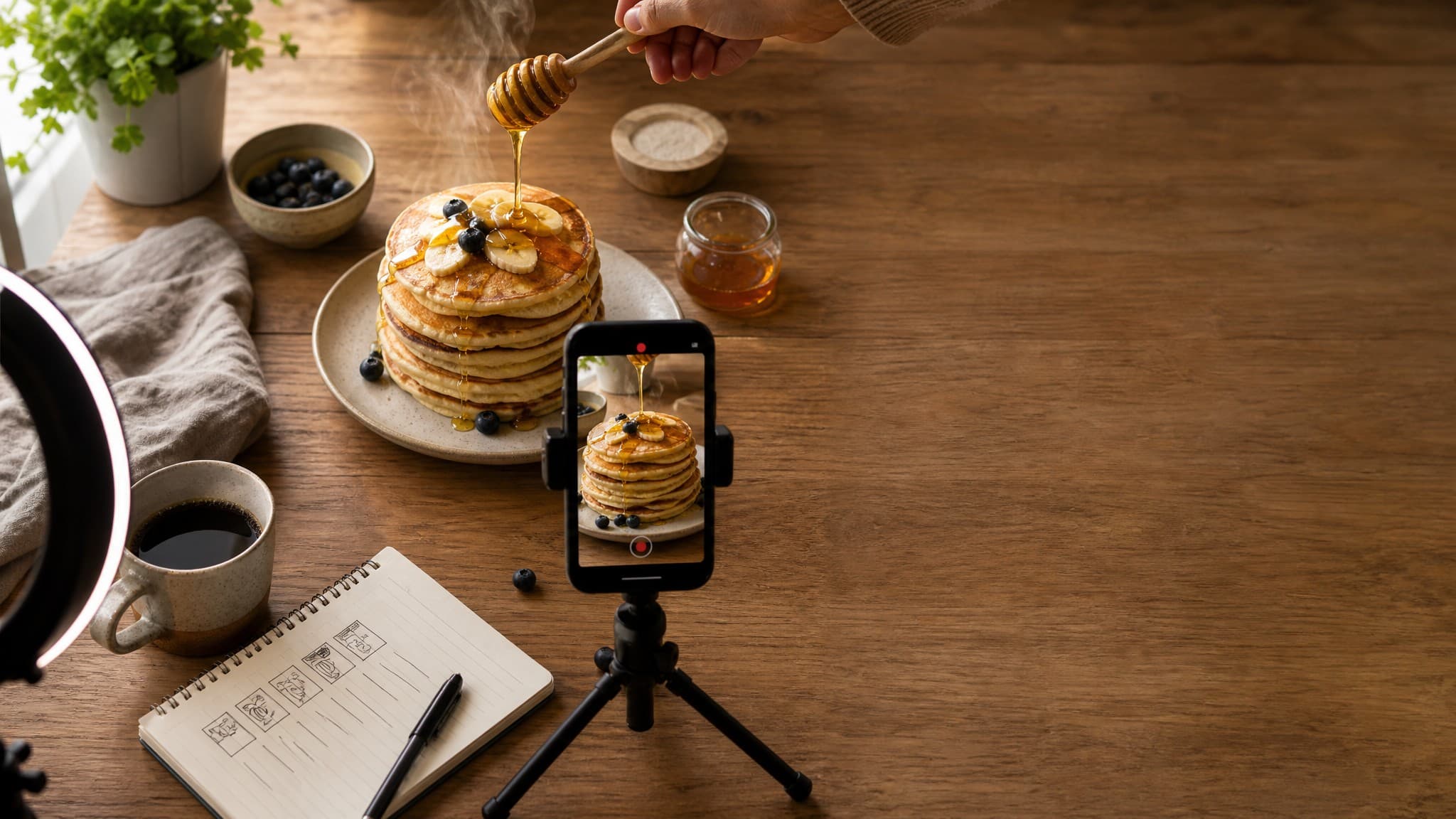
seedance-2.0-fast renders native 9:16 vertical clips through hiapi's unified async /v1/tasks endpoint, at $0.1772/s for 720p and $0.0843/s for 480p. Only three fields are required — prompt, resolution, duration (4-15s) — with aspect_ratio and image_urls (for image-to-video) as the key optional levers. A 5-second 720p clip costs about $0.89; the real demo clip embedded in this guide was generated with the exact request shown and billed exactly that. The efficient workflow is draft at 480p to lock a concept, then re-render the keeper at 720p, or lock composition with image_urls when a specific subject needs to appear exactly as shot. Because task submission is non-blocking, batching a day's worth of short-form clips is just fan-out-then-collect against the same endpoint.
Build with the models you just read about.
Compare image, video, and audio models, then use the same API workflow in production.