Zero-gravity motion6s480p16:9
Rotate an astronaut inside a neon space station
Tests body rotation, floating motion, reflective light, and a readable science-fiction environment.
Prompt shown with this public preview
宇航员在霓虹空间站内失重旋转
Try Grok Imagine text-to-video online, watch public API results, compare 480p and 720p pricing, and integrate POST /v1/tasks.
Provider: xAI
Category: video generation
Endpoint: /v1/tasks
Status: Available
Cost: See live page pricing
xAI Grok Imagine text-to-video: generate short cinematic clips from a text prompt with selectable motion mode, aspect ratio, duration (6-30s), and 480p/720p resolution.
Pricing
Standard Usage
Choose 6-30 seconds in 1-second steps
Ready for generation
Configure your parameters and click "Run" to see the output here.
Public model preview
Three public API results cover science fiction, organic motion, and urban action. Play each clip and copy the prompt to test a variation.
Tests body rotation, floating motion, reflective light, and a readable science-fiction environment.
Prompt shown with this public preview
宇航员在霓虹空间站内失重旋转
Uses drifting jellyfish and soft light to test fluid, low-gravity movement.
Prompt shown with this public preview
深海水母在生物荧光中优雅游动
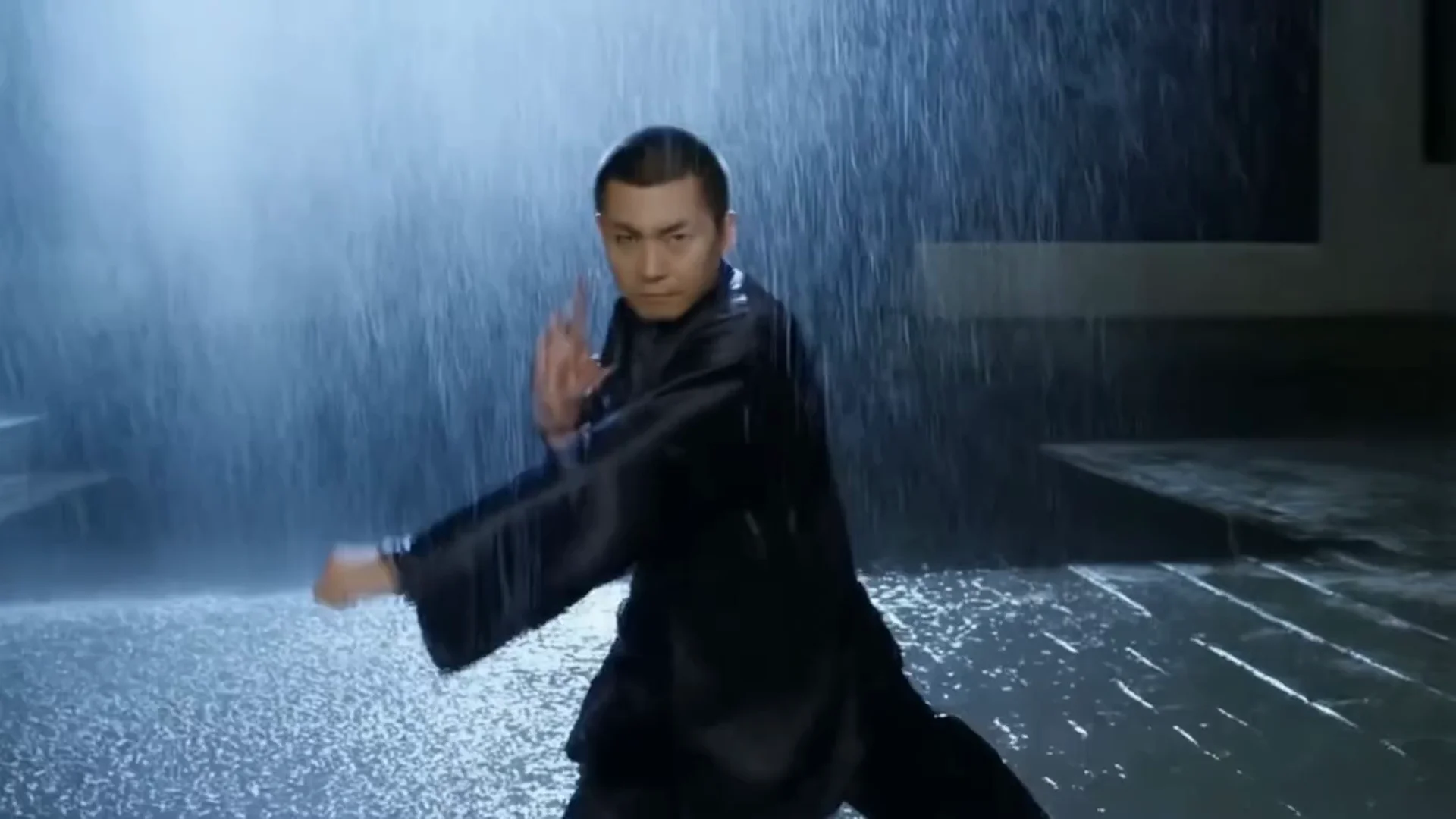
Combines vehicle speed, rain, reflections, and dense city lighting in one short clip.
Prompt shown with this public preview
复古赛车雨夜疾驰穿过城市街道
Choose by input method, output specifications, control surface, and budget.

Animate a source image
Use an image when the opening composition must stay recognizable.
Grok Imagine turns text into 6–30 second short videos at 480p or 720p. It offers normal and fun motion modes for general scenes, social clips, and fast ideation.
This is a pure text-to-video route with no source-image field. Choose the separate image-to-video model when an exact opening frame is required. grok-imagine/text-to-video
These specifications reflect the current HiAPI Grok Imagine Text to Video request contract.
Start at 480p with the normal mode, then test fun mode or 720p after motion and framing are stable.
This is the minimum request for an asynchronous text-to-video task. Use the API docs for task retrieval, callbacks, errors, and the complete parameter contract.
curl -X POST "https://api.hiapi.ai/v1/tasks" \
  -H "Authorization: Bearer YOUR_API_KEY" \
  -H "Content-Type: application/json" \
  -d '{
  "model": "grok-imagine/text-to-video",
  "input": {
    "prompt": "A cyberpunk street under neon lights, rain reflecting the signs, slow push-in",
    "duration": 6,
    "resolution": "480p",
    "aspect_ratio": "16:9",
    "mode": "normal"
  }
}'No. grok-imagine/text-to-video accepts text only; use its image-to-video route for a source frame.
It supports 6–30 seconds at 480p or 720p in 2:3, 3:2, 1:1, 16:9, or 9:16.
normal targets general motion and steadier shots, while fun is for more energetic creative motion. Start with normal to validate subject and composition.
Billing is per output second, with separate 480p and 720p rates.
POST to /v1/tasks with model set to grok-imagine/text-to-video and place the generation fields inside input.
Lead with subject and setting, then describe action, camera direction, and speed in time order. State no cuts for a continuous take.
Draft
6s · 480p
Final
6–30s · 720p
Validate subject motion and camera continuity with 6s · 480p, then move to 6–30s · 720p.
Check motion stability and subject consistency online, then create an asynchronous task with the same model ID: grok-imagine/text-to-video.